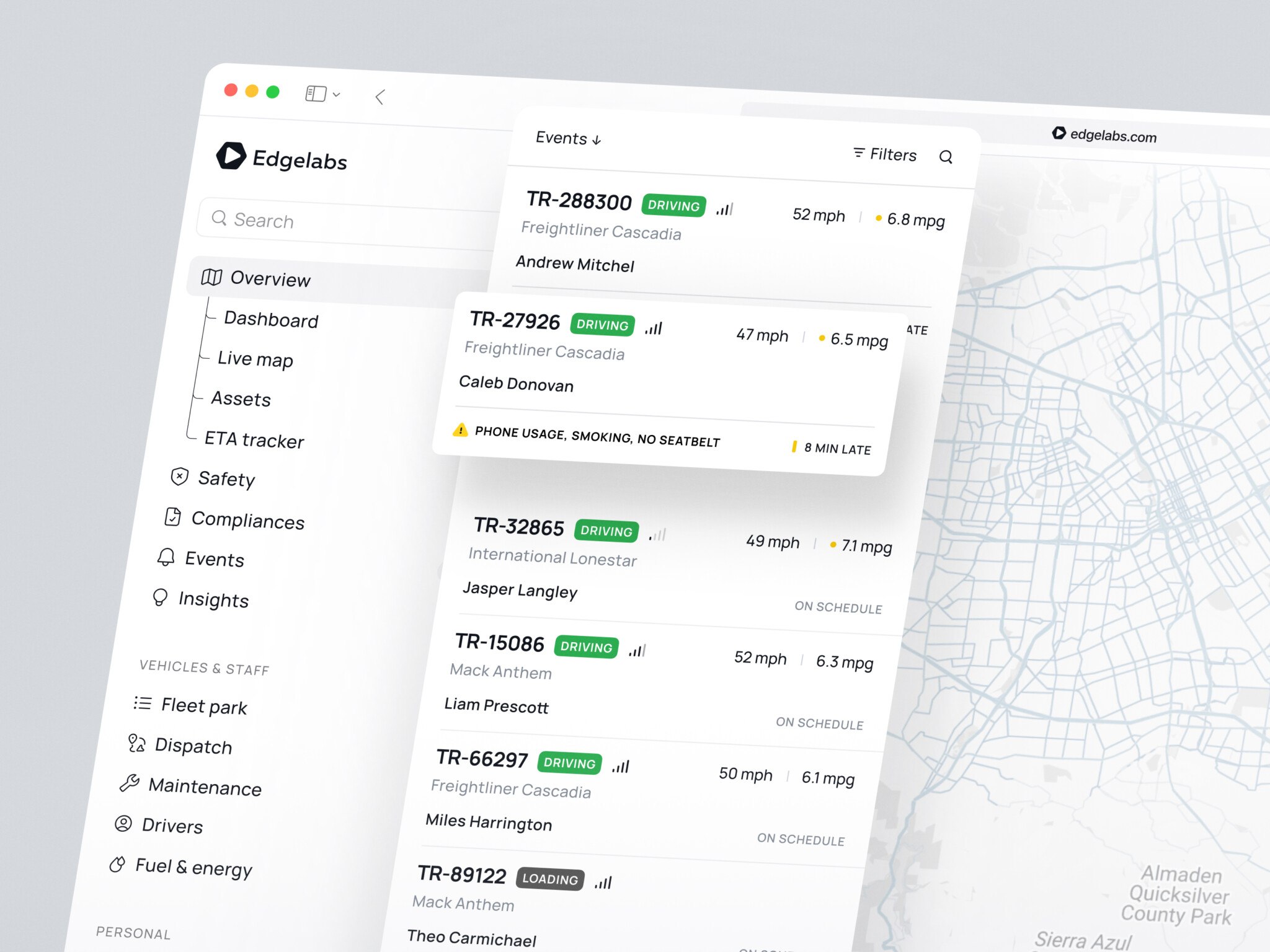
SaaS automation tools usually start with a boring problem.
Someone copies customer data from one app to another. Someone else updates a spreadsheet every Friday. A customer success manager gets a reminder too late. A finance person checks invoices by hand because the billing setup is, well, “temporary.” Temporary things have a funny habit of staying around for years.
At first, this does not look dramatic. A few manual steps here, a couple of workarounds there. But as a SaaS product grows, these little tasks turn into a hidden tax on the team. People spend time watching systems instead of improving them. Customers wait. Reports lag behind reality. And everyone quietly agrees that the process is annoying, but “that’s how it works.”
This is where SaaS automation tools become useful. Not a cure for every messy workflow. But genuinely useful when they are built around real operations, clear product logic, and the way people actually work.
In this guide, we will look at what these tools do, where they fit, which features matter, and what it takes to build one without making the product feel like a control panel from an old server room.
What Are SaaS Automation Tools?
They are cloud-based products that automate recurring tasks, workflows, data updates, alerts, approvals, reports, or customer lifecycle actions. In plain English, they help software do the routine parts of work so people can focus on decisions, exceptions, and the stuff that still needs human judgment.
That can mean many things. A tool might send onboarding emails when a customer reaches a setup milestone. It might route a support request to the right team, update a CRM field, generate a renewal alert, sync billing data, or shut down access when someone leaves a company.
The main idea is simple: if a task follows a repeatable rule, a SaaS product can probably help automate it.
Still, there is a difference between workflow automation in SaaS and random scripts glued together. A real SaaS automation platform needs permissions, dashboards, logs, integration logic, error handling, and a user interface that normal people can understand. Otherwise, every small change becomes a small panic. I have seen that happen in internal systems, and it is not fun. One field changes in a CRM, then half the “automatic” workflow quietly stops working.
Good automation gives teams confidence. Bad automation gives them suspense.
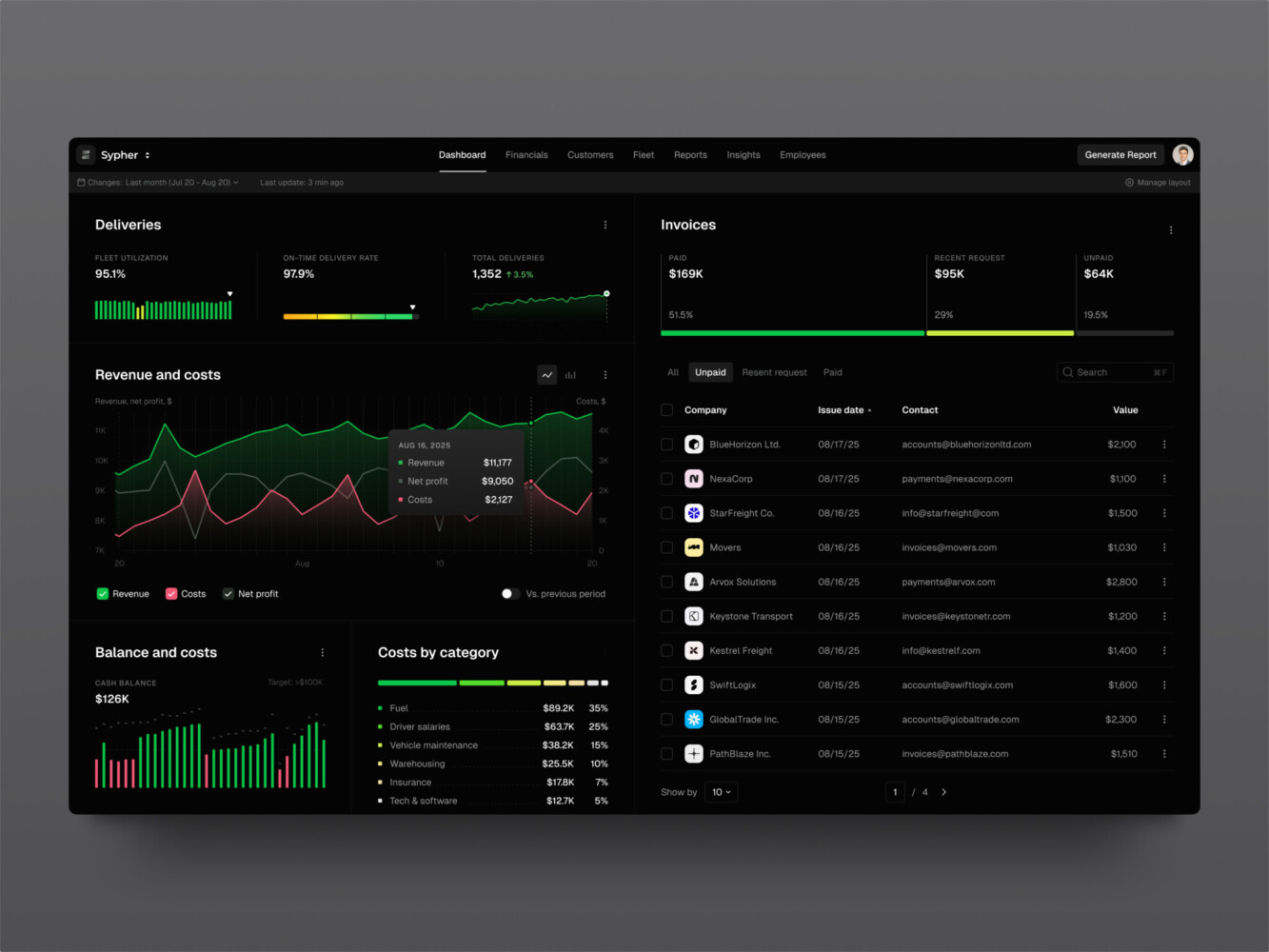
SaaS analytics platform by Shakuro
Common Types of SaaS Automation Tools
Automation is a broad word, so it helps to break it into practical categories. Most products sit in one main group, then spread into nearby use cases over time.
Marketing Automation for SaaS Companies
Marketing automation SaaS tools help teams manage leads, campaigns, user segments, and lifecycle messaging. This is probably the most familiar category because SaaS companies often rely on long sales cycles, product trials, onboarding emails, and usage-based nudges.
A typical setup might track when a user signs up, which features they try, whether they invite teammates, and when they go quiet. Based on that behavior, the system can trigger email sequences, in-app messages, sales alerts, or lead scores.
SaaS marketing automation software is especially helpful when growth teams need more than a newsletter tool. They need product data, customer data, and campaign data to talk to each other. That sounds obvious, you agree, doesn’t it? But in practice, these systems often live in separate corners.
For example, a marketing team may know that a trial user opened three emails. The product team may know that the same user never finished setup. Sales may only see that the account looks “active.” When those signals connect, the team can respond in a much smarter way.
That is why automation doesn’t mean sending more messages. It is about sending better ones, at better moments, without making users feel chased around the internet.
Workflow Automation SaaS Platforms
Workflow automation for SaaS products focuses on internal processes. Think approvals, task routing, data checks, document flows, ticket escalation, access requests, or handoffs between departments.
These tools are useful when work moves through predictable stages. A request comes in, someone reviews it, a condition is checked, a notification goes out, and a record is updated. Easy enough on paper. Less easy when five tools and three teams are involved.
SaaS automation tools can make those steps visible and repeatable, as well as help teams spot bottlenecks. If approvals always stall at the same point, the dashboard should show that. If a workflow fails because an integration timed out, the system should say so clearly instead of leaving people to guess.
One small thing I like in workflow products is a plain activity log. Not flashy. Not the kind of feature that gets a big launch post. But when something goes wrong, a readable log can save an hour of “who touched this?” detective work.
Customer Onboarding Automation
Customer onboarding is full of tiny moments that matter. A welcome email. A setup checklist. A prompt to connect data. A reminder for the admin. A message to customer success when a high-value account gets stuck.
SaaS workflow automation can really help here because timing matters. If a user has not finished setup after two days, the product should react. If a team invites five members in the first hour, that is also a signal. Maybe they need help with permissions or templates, not another generic email.
The trick is to avoid over-automating the human part. A good onboarding flow feels supportive. A bad one feels like a vending machine with too many buttons.
Billing and Finance Automation
Billing automation covers invoicing, subscription changes, payment retries, usage-based charges, taxes, discounts, renewals, and revenue reports. Not glamorous, usually. Very important, always.
For SaaS products, billing is tied to trust. If invoices are wrong or plan changes are confusing, customers notice fast. Finance teams also need clean data for forecasting and reporting, which means the automation has to be precise.
This is where the product needs clear rules. What happens when a customer upgrades mid-cycle? What if usage crosses a limit? Who gets notified when payment fails? Which events should be written to the audit log? These questions are boring until they are not.
Security, Compliance, and Offboarding Automation
Security automation often shows up around permissions, access reviews, audit trails, policy checks, incident alerts, and offboarding. SaaS offboarding automation tools are a good example because the use case is easy to understand: when a user or employee leaves, access should be removed from the right systems at the right time.
Manual offboarding creates risk. Someone forgets one app. A shared login stays active. A customer admin assumes the vendor handled it. This is the kind of thing nobody enjoys thinking about, but every serious SaaS product has to handle it eventually.
Compliance workflows also benefit from automation. Evidence collection, recurring checks, approvals, and status reports are easier when the system keeps a trail. And yes, the trail needs to be readable by people who are not engineers.
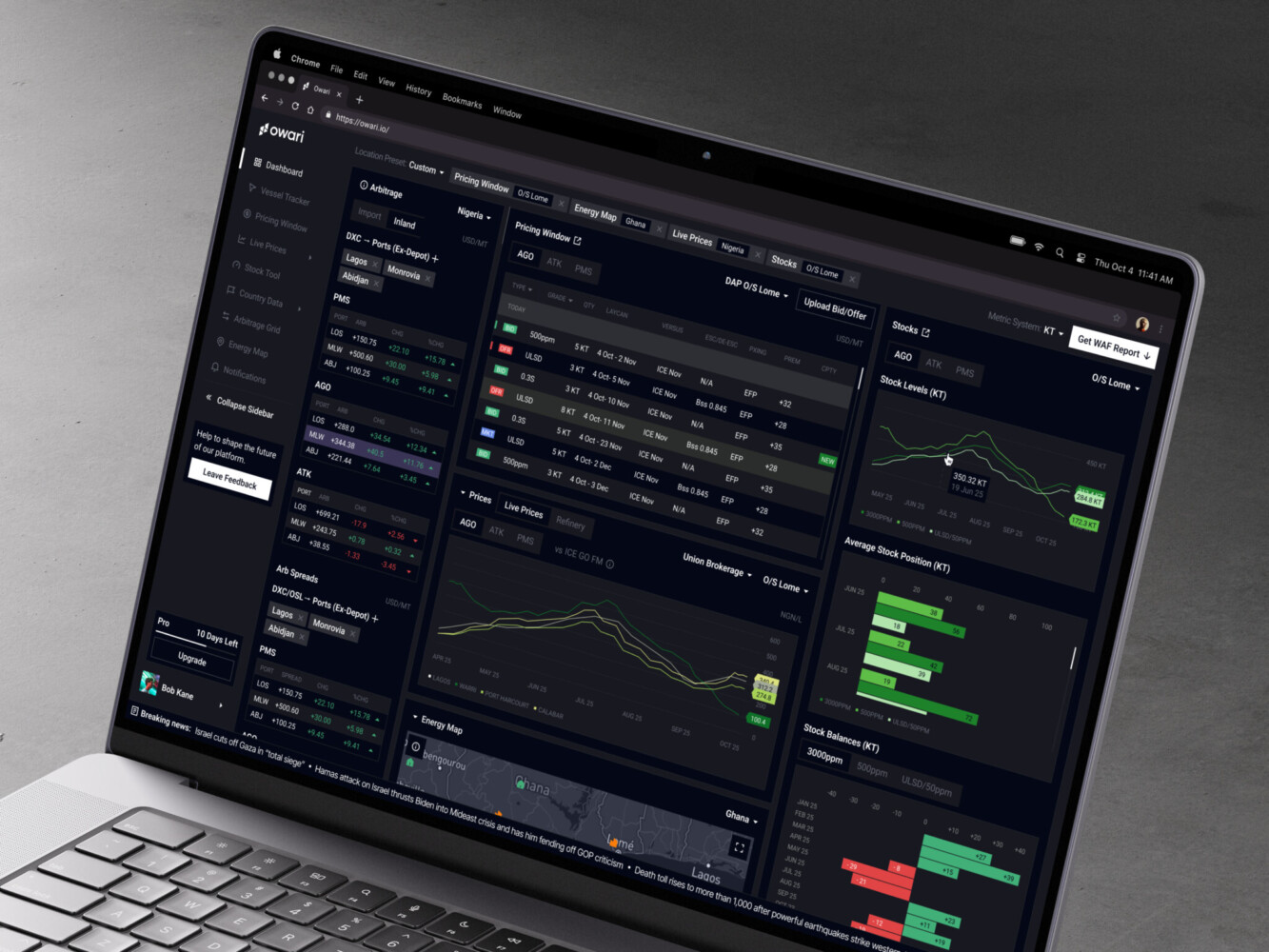
Owari dashboard by Shakuro
Core Features Every SaaS Automation Platform Needs
A SaaS automation platform does not need every feature on day one. Actually, trying to build everything at once is one of the easiest ways to slow the project down. But there are core pieces that usually matter.
First, there should be a workflow builder or at least a workflow configuration system. Some products need a visual drag-and-drop builder. Others can start with templates and structured forms. The right choice depends on the audience. A developer tool can expose more logic. A customer success product should probably keep it simple.
Second, the platform needs triggers and actions. A trigger starts the workflow: a signup, payment failure, form submission, status change, API event, or scheduled time. An action does something: sends a message, updates a field, creates a task, calls an API, or changes access.
Third, integrations matter a lot. Most SaaS automation tools do not live alone. They connect to CRMs, billing tools, analytics platforms, email systems, support desks, data warehouses, and communication apps. Building integrations is not just about API calls. It is about rate limits, authentication, retries, field mapping, and weird little edge cases that always appear after launch.
Then come dashboards, permissions, alerts, reporting, templates, error handling, and audit logs. This is where many MVPs get a bit thin. It is tempting to build the happy path and leave the messy parts for later. Fair enough, budgets are real. But even an MVP should explain what happened when an automation runs, fails, or gets changed.
Without that, users lose trust. And once people stop trusting automation, they go back to spreadsheets faster than you might expect.
Architecture of a Scalable SaaS Automation Tool
Behind a simple automation screen, there is usually a fairly serious system.
A scalable product needs multi-tenancy, which means each customer has separate data, settings, roles, and limits. It needs authentication and permissions, because not every user should be able to edit workflows or view billing data. It needs a workflow engine that can process rules in a predictable way.
Most tools for SaaS workflow automation also need queues or background jobs. Some actions happen instantly, but many should run in the background so the app does not freeze while waiting for another service. If an email provider is slow or a CRM API returns an error, the system should retry safely and record what happened.
Data storage also deserves thought. Automation logs can grow quickly. Analytics need clean event data. Customer-specific settings need to be flexible without turning the database into a junk drawer.
And then there is the API layer. If the product connects to external tools, the API design has to be stable, documented, and secure. Webhooks are common. So are OAuth flows, custom API keys, encrypted credentials, and rate-limit handling.
On the frontend side, clarity matters more than decoration. Users need to see which workflow is active, what it does, when it last ran, and whether it caused any problems. For dashboards, boring and clear often wins. Nobody wants a beautiful chart that hides the one failure they needed to fix.
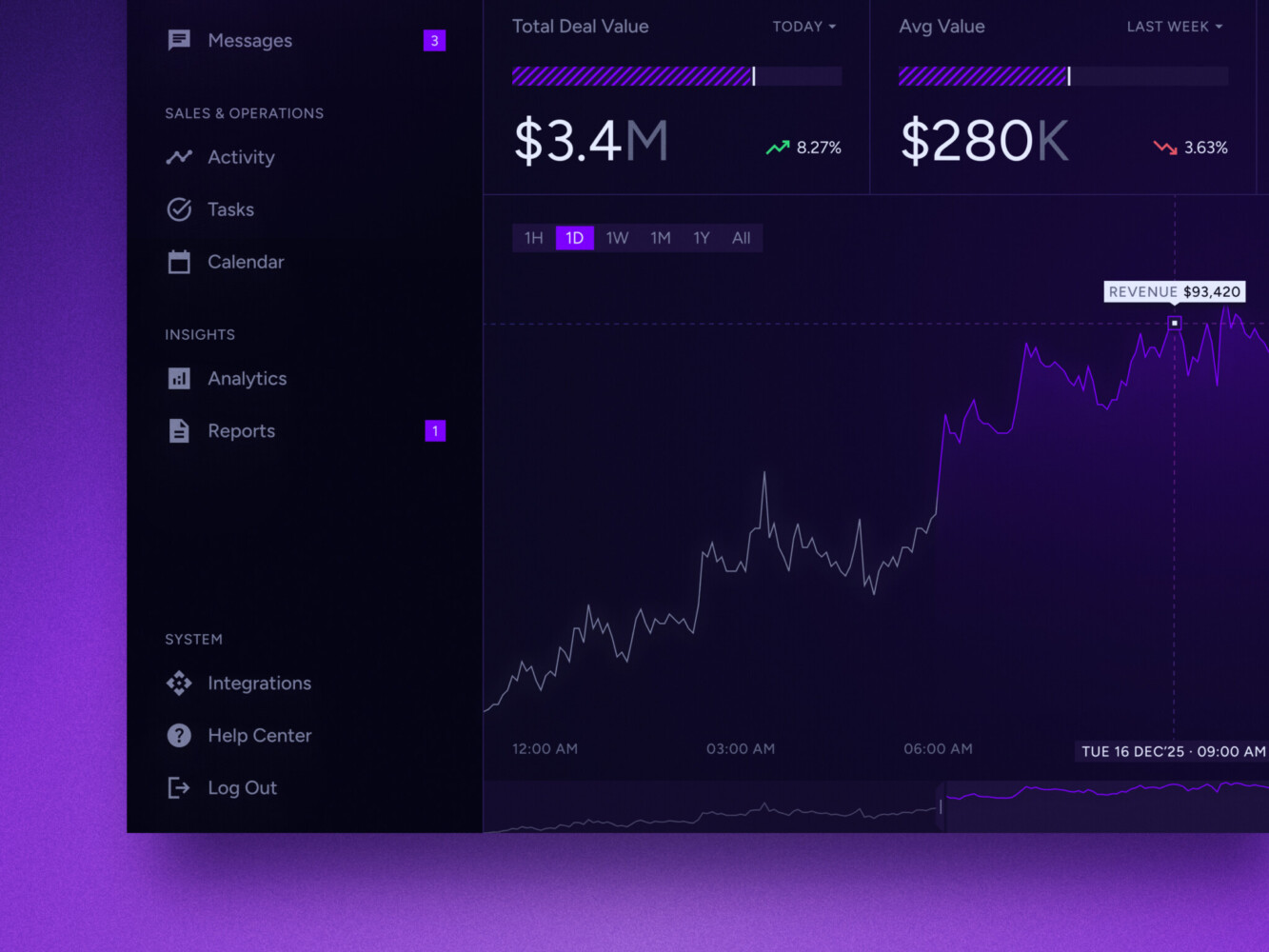
Real-time data dashboard by Shakuro
How to Build SaaS Automation Tools
Building this kind of product works best when the team starts with the workflow, not the interface. The UI matters, of course. But if the underlying process is unclear, the prettiest screen will not save it.
1. Discovery and Strategy
Start by mapping the real process. Who begins the workflow? What data is needed? What decisions happen? What exceptions come up? Which steps are manual only because nobody has had time to fix them?
This is where teams should talk to the people doing the work now. Not only managers. The person maintaining the spreadsheet often knows more about the workflow than anyone else. A little humbling, but true.
Discovery should also define the business model. Is this an internal automation product, a SaaS platform sold to many customers, or a feature inside a larger product? The answer changes architecture, pricing, support, and permissions.
2. UX and UI Design
Automation tools can get confusing quickly. Users need to understand cause and effect: if this happens, then that happens. The design should make that logic visible.
For an MVP, templates may work better than a fully visual builder. For example, “send onboarding reminder when setup is incomplete after three days” is easier to configure with a form than a blank canvas. Later, advanced users may want more control.
The interface also needs good empty states, warnings, previews, and test modes. A small preview that says “this workflow would affect 142 users” can prevent a very bad afternoon.
3. Architecture Planning
Architecture planning should cover tenants, roles, workflow execution, data storage, integrations, billing, monitoring, and security. This is not the moment to wave vaguely at “the backend.” The backend is where most automation products either become stable or become a permanent source of anxiety.
Choose which events matter. Decide how logs are stored. Define retry rules. Plan how customer credentials are encrypted. Work out what happens when an integration changes its API. It feels like extra work early on, but it saves pain later.
4. Core Development
Core development usually includes account management, tenant setup, authentication, workflow rules, triggers, actions, dashboards, logs, and admin settings.
At this stage of workflow automation for SaaS, the team should keep the first version narrow. One strong workflow is better than ten half-finished ones. I know that sounds almost too sensible, but it is hard to follow when everyone has a favorite feature.
5. Integrations
Integrations are often the longest part of the project. Stripe, HubSpot, Salesforce, Slack, Teams, Intercom, Zendesk, Google Workspace, custom APIs, internal databases. Each one has its own rules and surprises.
The product needs clean field mapping, permission checks, retry logic, and clear error messages. “Something went wrong” is not enough. Users need to know whether they should reconnect an account, fix a missing field, wait, or contact support.
6. Testing and Validation
Testing automation means testing normal flows, edge cases, permissions, failed integrations, duplicate events, delayed jobs, and security boundaries. It is not just clicking through the interface.
One useful habit is to test with messy data. In SaaS automation, real customer data is rarely tidy. Names are missing, fields are inconsistent, statuses are outdated, and someone always has a custom setup from 2021 that nobody remembers approving.
7. Deployment and Scaling
After launch, automation products need monitoring, documentation, support, and iteration. Teams should watch failure rates, workflow completion times, integration errors, and user behavior.
Scaling is not only about servers. It is also about support. If customers create hundreds of workflows, can they organize them? If admins change roles, do permissions still make sense? If usage grows, does pricing still feel fair?
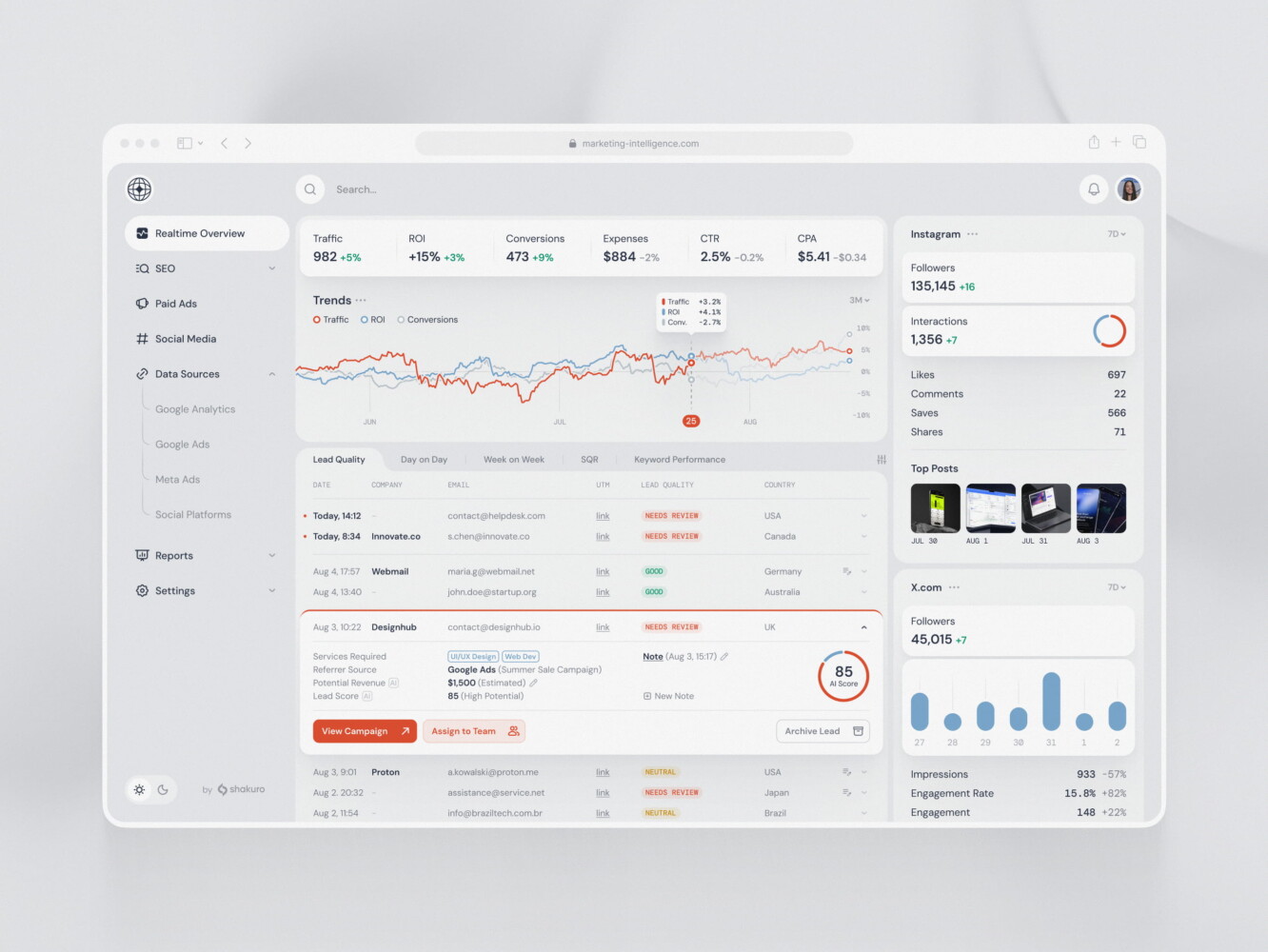
SaaS marketing dashboard by Conceptzilla
How Much Does It Cost to Build a SaaS Automation Tool?
Costs depend on scope, complexity, integrations, design, security, and support needs. There is no neat number that fits every product, and anyone who gives one too quickly is probably skipping half the story.
Still, rough ranges help.
An MVP automation tool may cost around $30,000 to $70,000. This usually covers a focused workflow, basic roles, a dashboard, a few integrations, and enough admin functionality to test the idea with real users.
A custom SaaS automation platform may land around $60,000 to $150,000 or more. At this level, expect multi-tenancy, deeper integrations, stronger permissions, analytics, better UX, and a more polished product structure.
Enterprise-grade SaaS automation tools can reach $120,000 to $250,000 and beyond, especially when they include complex workflows, compliance requirements, high data volume, advanced reporting, custom integrations, or strict uptime expectations.
The biggest cost drivers are usually integrations, workflow complexity, user roles, data volume, security, and the interface for managing rules. The workflow builder can be especially expensive if it needs to feel flexible but still safe.
Common Challenges in SaaS Automation Development
The first challenge is messy logic. Teams often say a workflow is simple, then remember twelve exceptions halfway through discovery. Some customers follow one path. Enterprise customers follow another. Trial users need different messaging. Admins can override a setting, unless billing is locked, except when support approves it. You get the idea.
The second challenge is integration reliability. External tools fail, change, slow down, or return strange data. A good automation product expects that. It retries carefully, shows readable errors, and avoids creating duplicate actions.
Security is another big one. Tools for workflow automation in SaaS often touch sensitive customer data, billing details, user permissions, or internal operations. That means role-based access, audit trails, encrypted credentials, and careful API design are not “nice extras.”
UX can be tricky too. Automation products ask users to think in conditions, rules, timing, and consequences. Some people enjoy that. Many do not. The interface should help them build confidence one step at a time.
And one more point: maintenance never disappears. Every integration adds a relationship with another product’s roadmap. APIs change. Compliance expectations shift. Customers ask for edge cases. It is a little annoying, but you get used to it over time if the product is built with maintenance in mind.
Our Experience in Creating SaaS Automation Tools
Owari is a digital SaaS platform for West African oil and gas trading markets. The project involved complex table-based data, dashboards, real-time algorithms, data visualization, and different user needs.
That is relevant because many automation tools have a similar problem hiding under the surface: complex data must become clear enough for fast decisions. Users do not want to admire the data model. They want to know what changed, what needs action, and what risk is in front of them.
The Owari case also shows how important dashboards and navigation are when a product handles dense information. For SaaS automation, this matters a lot. A workflow tool can have powerful logic, but if users cannot understand what is running and why, they will not trust it.
Productivity platforms often include workflow systems, collaboration dashboards, automation dashboards, and analytics. The overlap is natural: automation is usually about helping people get work done with less friction.
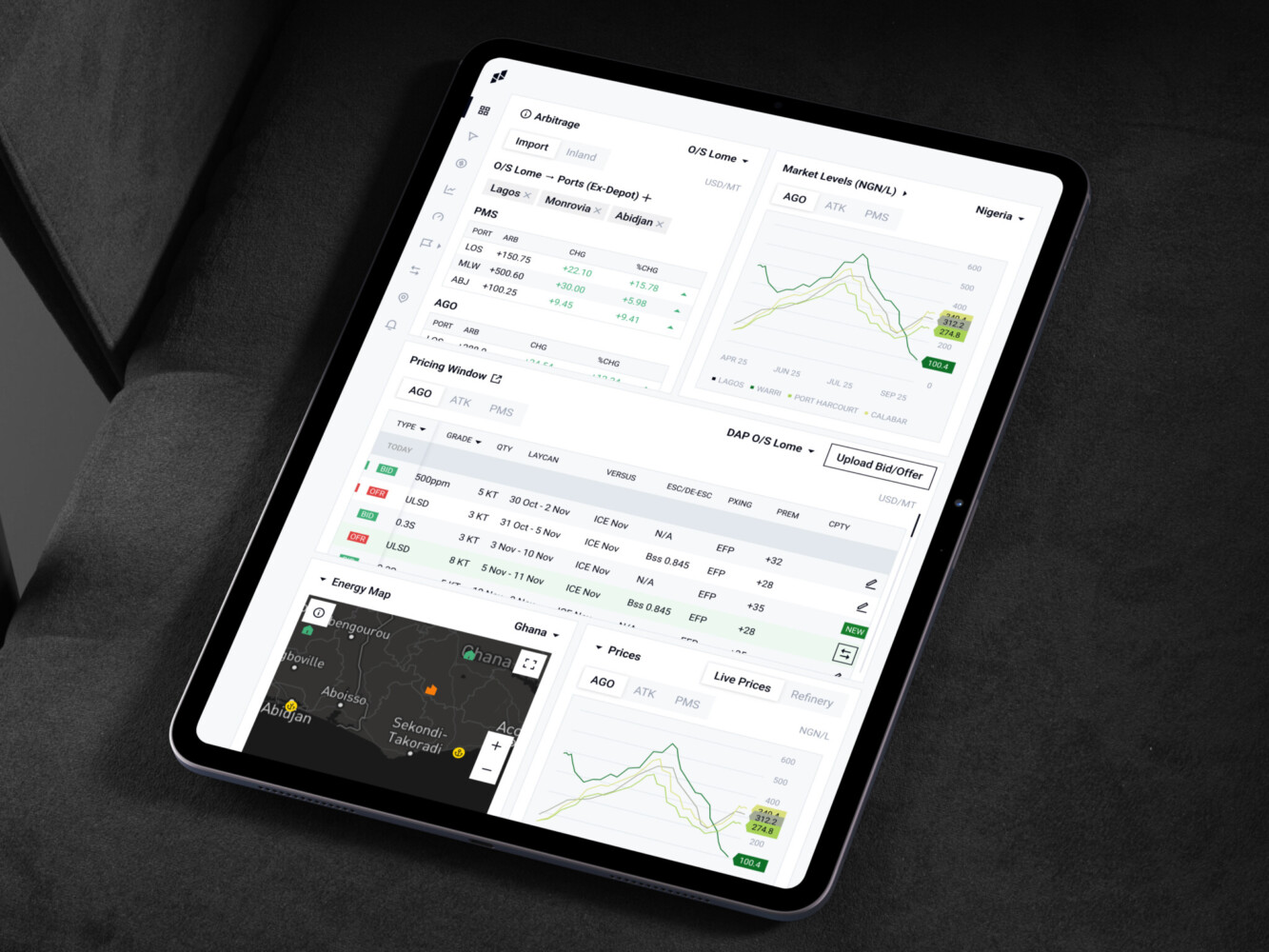
Owari platform by Shakuro
Why Work With a SaaS Development Company Instead of Just Building Automation?
Automation is tempting. A script here, a Zap there, a few custom fields, maybe a spreadsheet with formulas that only one person understands. Honestly, that can be fine for early experiments.
But when automation becomes part of the product, the bar changes.
Users need reliability. Admins need control. Finance needs accurate billing data. Support needs logs. Leadership needs reporting. Engineers need a system they can maintain without fear. This is where a SaaS development company can help by turning a loose workflow idea into a product with structure.
The value is not only writing code. It is asking the awkward questions early. What happens when the workflow fails? Who can edit it? What data is stored? How do we test it? How do we explain it to users? What should be configurable, and what should stay fixed?
Those questions do not sound glamorous, but they are the difference between useful automation and a product that feels fragile.
Final Thoughts
The best SaaS automation tools do not try to automate everything at once. They start with a painful workflow, make it visible, reduce manual effort, and give users enough control to trust the system.
If you are planning one, start small but think seriously. Pick a workflow that matters. Map the exceptions. Design the interface around real users, not just ideal diagrams. And plan integrations, permissions, logs, and security earlier than feels comfortable.
Three takeaways are worth keeping close:
First, automation is only helpful when the underlying workflow is clear.
Second, users need to understand what the system is doing. A good dashboard and a readable activity log can matter as much as the automation itself.
Third, scalability is not only a backend topic. It includes support, pricing, permissions, templates, onboarding, and maintenance.
If you are considering a SaaS automation platform, Shakuro can help shape the idea, design the user experience, and build the product with the kind of architecture that will not make the next version painful.
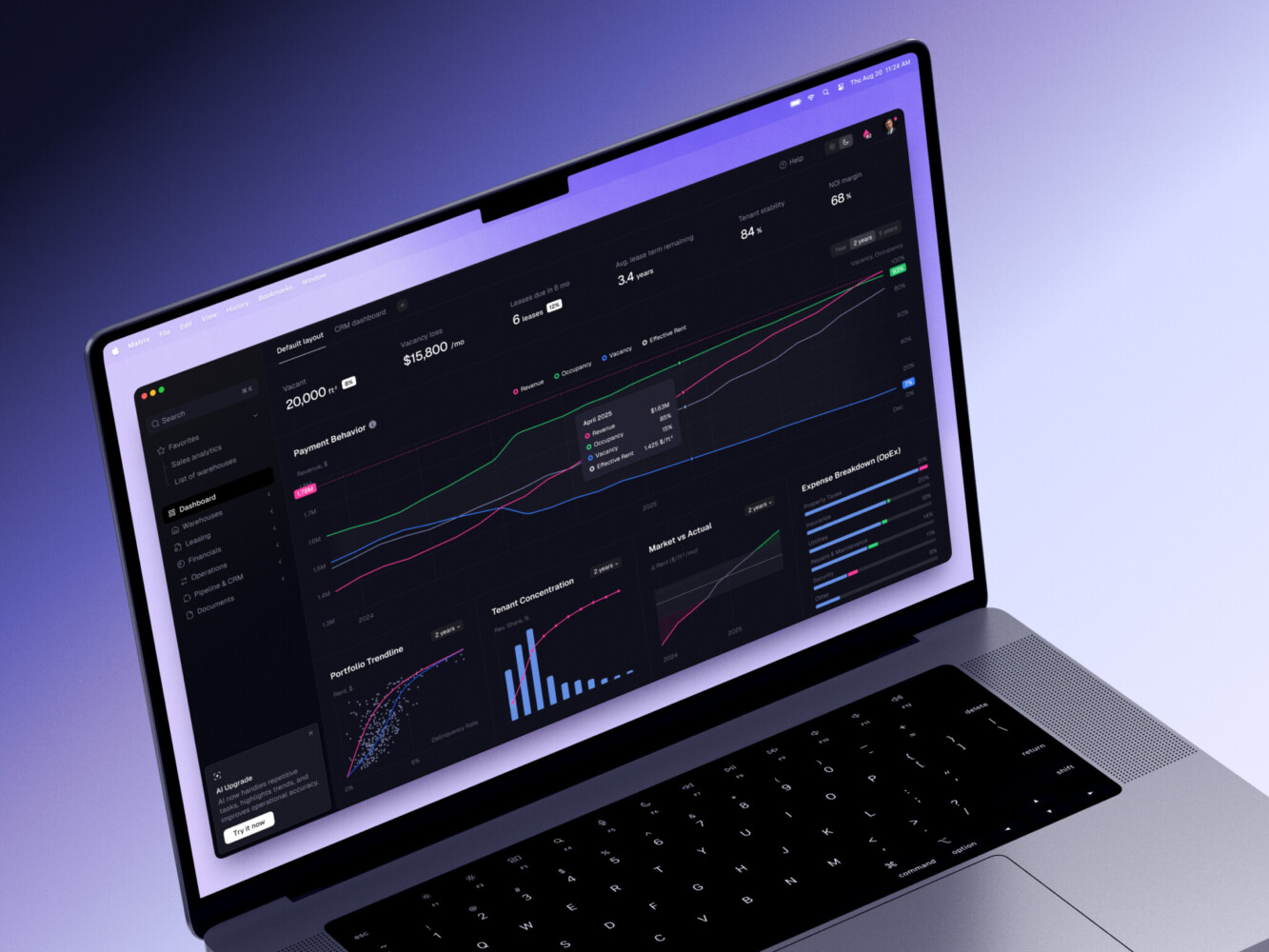
ERP dashboard by Shakuro
FAQ
What are SaaS automation tools?
SaaS automation tools are cloud-based products that automate recurring workflows, data updates, alerts, approvals, customer lifecycle actions, billing tasks, or internal processes. They help teams reduce manual work and keep operations more consistent.
What workflows can SaaS automation tools handle?
They can handle marketing campaigns, onboarding steps, billing events, support routing, access management, compliance checks, reporting, notifications, internal approvals, and many other repeatable processes.
How are SaaS automation tools different from marketing automation SaaS?
Marketing automation SaaS focuses mainly on campaigns, leads, segmentation, emails, and customer lifecycle communication. Broader automation platforms may cover workflows across product, finance, operations, security, support, and customer success.
How long does it take to build a SaaS automation platform?
A focused MVP may take a few months. A larger platform with multiple integrations, advanced permissions, dashboards, billing, and compliance features can take six months or more. The timeline depends on scope, product complexity, and how many edge cases need to be handled.
What integrations should a SaaS automation tool support?
It depends on the audience, but common integrations include CRMs, billing tools, email platforms, support desks, analytics products, communication apps, identity providers, and custom APIs. The important thing is to choose integrations that support the user’s real workflow, not just logos that look good on a landing page.
Related reading
- AI SaaS Development: How to Build Smarter SaaS Products With AI
- AI Automation Software Development: What to Build, What to Automate, and Where to Start
- Educational SaaS Platform Development: How to Build Scalable EdTech Products
- Vertical SaaS Development: How to Build Software for a Specific Industry