AI automation software development is building internal tools that combine AI models, rules, and integrations to take repetitive work off a development team: ticket triage, test generation, release notes, PR summaries, internal approvals, data checks, and workflow reminders. A simple MVP that handles one or two tasks with Jira and GitHub integrations costs about $30,000 to $60,000. A mid-level product with multi-step workflows, several integrations, user roles, and analytics costs $80,000 to $150,000, and an enterprise platform with custom agents, advanced RAG, and compliance features $200,000 to $500,000+.
Token usage, hosting, and maintenance continue after launch, because models drift and APIs change. The harder question is what to automate at all. Start with high-friction, low-risk workflows and keep humans in the loop. If your codebase was largely generated with AI tools, an AI-built product audit shows what is safe to automate on top of it, and AI development services can cover the model and integration work.
Below, we cover use cases, key features, architecture, the build process, cost, challenges, and our experience with AI-assisted development.
What Is AI Automation Software?
Think of it less like a magic wand and more like a really smart assistant who knows your entire office layout. Technically speaking, it’s a system that blends AI models with hard-coded rules, integrations, and workflow logic. Its job is to automate or assist with tasks across the whole software development lifecycle. Not just writing code, but managing the chaos around it.
You’ve probably heard of AI coding tools. You know, the ones that suggest the next line as you type. They’re great. Really helpful for speeding up the actual typing part. But that’s just one piece of the puzzle. There’s workflow automation, which might move a ticket from “In Progress” to “Review” when you push code. Test automation runs your checks. And then you have these full-blown AI-powered internal platforms that try to do everything.
It gets confusing fast. Because they all sound similar, right?
AI Automation Software vs. AI Software Development Tools
Here’s where people usually get tripped up. Most “AI software development tools” are focused on the code itself. They help you write it faster, review it for bugs, or generate test cases. They’re like a super-charged autocomplete for your brain. Useful? Absolutely. Essential? Maybe not always.
AI automation software is different. Apart from the code, it’s about connecting the dots. It takes those individual actions—writing code, reviewing it, testing it, deploying it—and strings them together into repeatable workflows.
For example, an AI coding tool might suggest a fix for a bug. An AI automation system would notice the bug report, assign it to the right dev, suggest the fix, run the tests once the fix is pushed, and then update the project manager—all without anyone having to click a button. See the difference? One helps you work; the other makes the work flow.
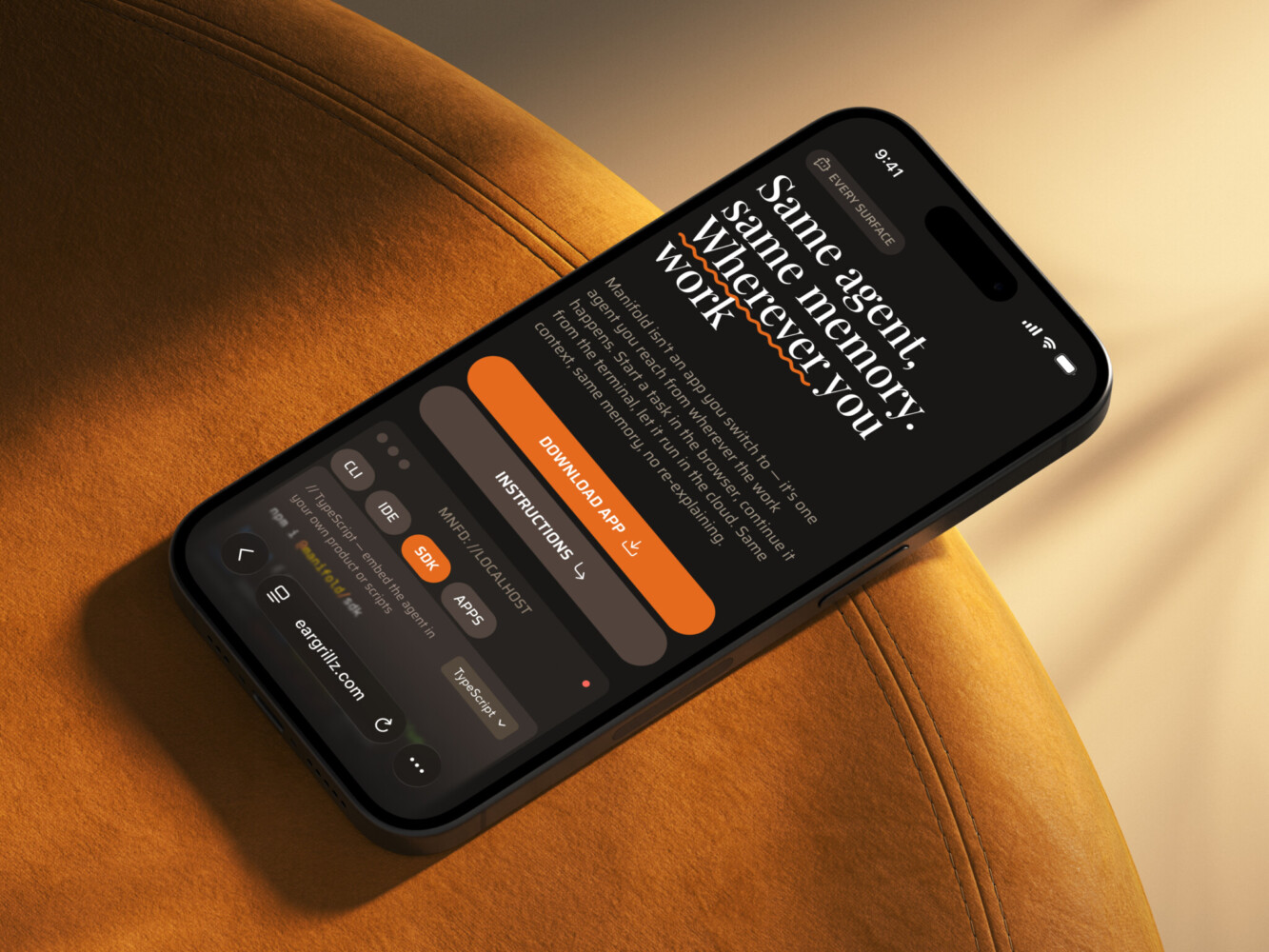
AI Agent Design for WLS by Shakuro
Why Development Teams Use AI Workflow Automation Software
Nobody wakes up excited to copy-paste ticket details or chase down missing specs. It’s draining. And that’s exactly why teams are turning to AI automation software. Not because it’s trendy, but because it solves the stuff that actually slows you down.
Take bug fixing. With AI-assisted workflows, E2E bugs don’t just sit in a queue waiting for someone to reproduce them manually. The system can pull logs, suggest root causes, and even draft fixes based on past patterns.
You know how design-to-dev transitions always lose something in translation? Figma-to-code automation helps bridge that gap. It doesn’t replace designers or devs, but it reduces those “wait, what did you mean here?” moments. Fewer manual handoffs mean less context switching, which means your team stays in flow longer. And let’s be real—context switching is a productivity killer disguised as multitasking.
Documentation is another one. Nobody loves writing it, but everyone hates outdated docs. AI can auto-generate and update technical docs as code changes, so your wiki isn’t a graveyard of stale info. QA coverage improves too, since AI can generate test cases from user stories or past failures, catching edge cases humans might miss after a long sprint.
Release prep used to be this nerve-wracking ritual of checklists and last-minute panic. Now? AI workflow automation software handles routine checks, changelogs, and deployment validations. Makes releases feel normal. Predictable, even. Which is huge when stakeholders keep asking “when’s it shipping?”
At Shakuro, we’ve been testing this in our own kitchen, so to speak. We use AI-assisted workflows for Jira tickets (auto-triaging, linking related issues), E2E bug fixing, Figma-to-code pipelines, subagents for specialized tasks, and release routines. Based on what we shared in our recent article on AI-assisted development, it’s about removing the friction that makes good work feel hard.
Common Use Cases for AI Automation in Software Development
So, where do you actually start? It’s easy to get lost in the “what ifs,” but let’s look at where this stuff actually lands in day-to-day work.
Code Generation and Refactoring
This is probably the most obvious one. AI isn’t going to architect your entire backend overnight , but it’s fantastic for the grunt work. Think components, repetitive boilerplate, or those small fixes that take ten minutes to write but two hours to context-switch for. It can be used for migration support too—moving from an old framework to a new one can be tedious, and AI helps spot patterns and suggest updates faster than manual scanning. It’s not perfect, sure. You still need to review it. But it cuts the drudgery down significantly.
Test Automation and QA
Writing tests is important, but let’s be honest—it’s often the first thing to get skipped when deadlines loom. AI-assisted test generation changes that. It can look at your code and suggest unit tests or even create E2E scenarios based on user stories.
Bug reproduction is another big win. Instead of spending hours trying to recreate a weird edge case, AI can analyze logs and suggest steps to reproduce it. Regression checks become less of a manual chore and more of an automated safety net. It doesn’t replace QA engineers, but it gives them superpowers.
Documentation and Release Notes
The thing everyone agrees is vital and no one wants to write. AI document automation software helps here by summarizing commits, tickets, and product updates into readable release notes. It can also draft technical decision records based on pull request discussions. Is it always 100% accurate? No. But it gives you a solid first draft, which is usually 80% of the battle. Keeping docs updated becomes less of a burden and more of a background process.
Design-to-Code Workflows
If your team uses Figma, you’ve probably felt the pain of translating designs into code. Not just copying CSS but matching your component system. When your design tokens and review rules are clear, AI can speed up UI implementation massively. It won’t replace your frontend devs, but it handles the basic structure so they can focus on interactions and polish. Just make sure your design system is tidy, or the AI will happily generate messy code. Garbage in, garbage out, right?
Internal Workflow Automation
Finally, there’s the glue that holds everything together. Ticket triage, for instance. AI can read incoming Jira tickets, tag them, and assign them to the right person based on past data. Pull request summaries? Done automatically. Deployment checklists and alerts? Automated. Even support routines can be streamlined by routing common queries to AI assistants before they hit human agents. It’s about removing the friction between tasks so your team spends less time managing work and more time doing it.
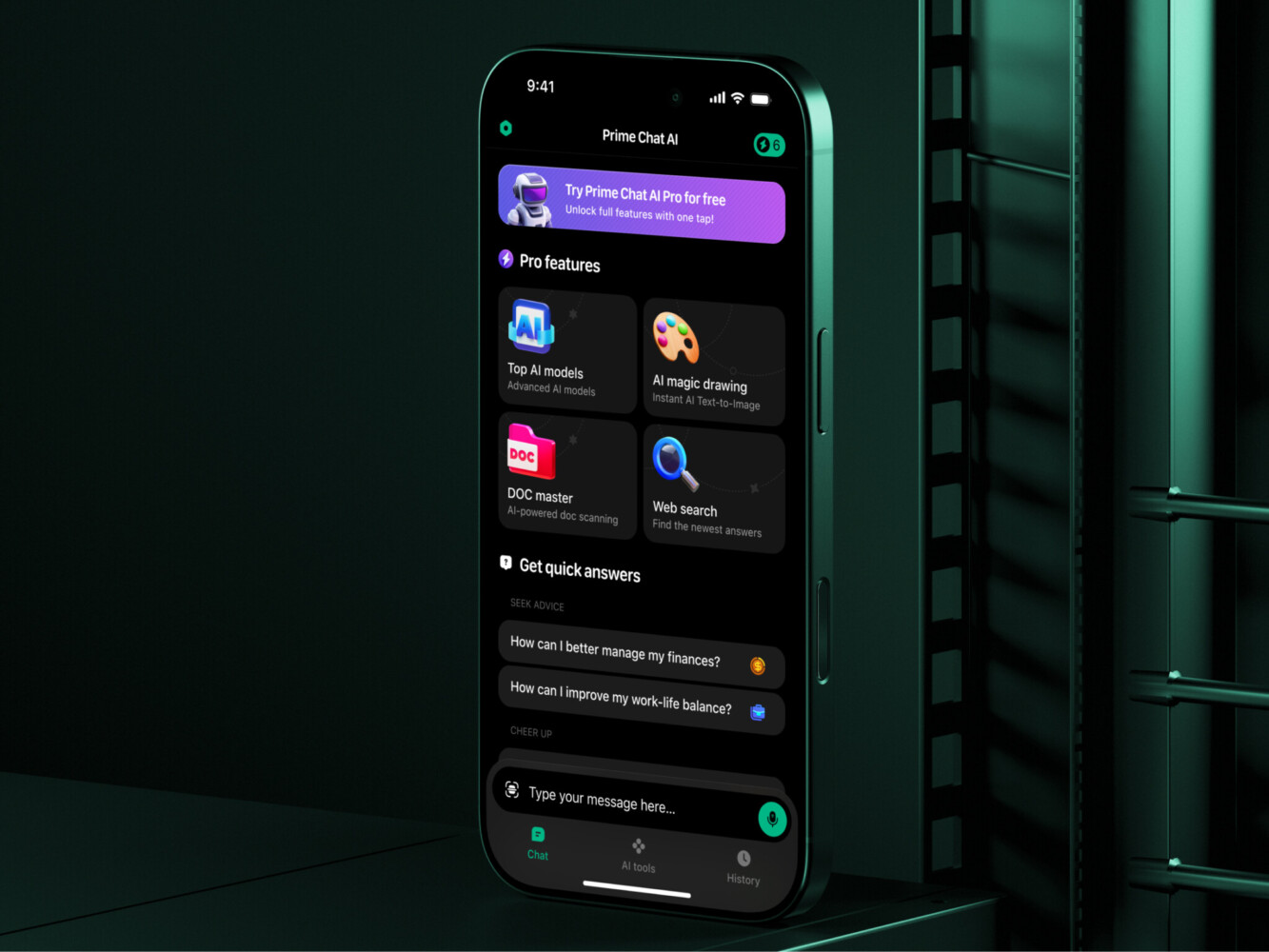
Prime Chat AI Mobile Assistant by Shakuro
Key Features of AI Automation Software
If you’re looking at AI automation platforms, the feature list can feel endless. But not all features are created equal. Some are nice-to-haves; others are absolute musts if you want this thing to actually work in a real team.
At its core, you need a workflow builder that doesn’t require a PhD in computer science to use. Drag-and-drop is great, but flexibility is key. You’ll also want solid AI agent or task orchestration. This is the brain that decides which model does what and when. Without it, you’re just running isolated scripts, not building a system.
Then there’s the boring but critical stuff: role-based permissions. You don’t want an intern accidentally triggering a production deployment. Human approval gates are tied to this. They ensure that while AI does the heavy lifting, humans still sign off on the big moves. It’s about trust but also accountability.
You’ll need integrations, obviously. If it doesn’t talk to your existing stack, it’s a paperweight. Prompt and rule management are crucial as well. You need a place to store, version, and tweak the instructions you give your AI. Otherwise, you’re flying blind. And don’t forget audit logs. When something goes wrong—and it will—you need to know why. Dashboards, alerts, and reporting keep you informed without forcing you to dig through logs manually.
Knowledge base or RAG support lets the AI pull from your internal docs, so it’s not just guessing based on general training data. Finally, robust testing tools and error handling. Because AI makes mistakes. Your system needs to catch them before they reach your users.
Human-in-the-Loop Controls
Let’s be clear: AI workflow automation software should support your engineers, product managers, and QA specialists, not bypass them. Accountability matters. If an AI pushes bad code or mislabels a critical bug, someone needs to own that. Human-in-the-loop controls ensure that decisions—especially risky ones—get a human eye. It doesn’t slow things down but keeps things safe. Think of it as a co-pilot, not an autopilot. You’re still flying the plane.
Integrations with Development Tools
Your AI business automation software needs to play nice with the tools you already live in. We’re talking Jira for ticket management, GitHub or GitLab for code repos, and your CI/CD pipelines for deployments. It should ping you on Slack (or Teams) when something needs attention. If you’re using Figma, it should understand your designs. It needs to read your documentation tools, query your databases, interact with cloud services like AWS or Azure, and check your monitoring systems for errors.
If it doesn’t integrate seamlessly, you’re just adding another tab to your browser. And nobody has time for that.
Architecture of AI Automation Software
Let’s peek under the hood for a second. I know, architecture diagrams can be dry, but understanding how this thing is built helps you figure out if it’ll actually hold up when your team is in crunch mode.
At the top, you’ve got the frontend dashboard. This is where your PMs and devs interact with the system. It needs to be clean, intuitive, and not look like it was designed in 2010. Behind that sits the workflow engine. Think of this as the traffic cop. It decides what happens next based on the rules you’ve set. If a ticket comes in, does it go to AI? Does it wait for approval? The engine handles that logic.
The AI model layer isn’t just one big brain; it’s often a mix of different models—some for coding, some for summarizing, and some for classification. They don’t work in a vacuum, though. They need data. That’s where data connectors come in, pulling info from your repos, tickets, and docs. To make that data useful, you usually have a vector database or knowledge base. This lets the AI “remember” your specific context, so it’s not just giving you generic Stack Overflow answers.
All of this talks to each other through an API layer. And because things happen fast, you need an event queue to handle tasks asynchronously. You don’t want your dashboard freezing while the AI is thinking. Underpinning all of it is a robust permission system, plus monitoring and logging so you can see what’s happening in real-time. Finally, there’s the deployment infrastructure—whether that’s cloud-based or on-prem, it needs to be stable.
Security and Scalability Requirements
First off, access control is non-negotiable when you develop AI business automation software. Who can see what? Who can trigger a deployment? You need granular controls here. Secret management is another big one. Your API keys and database credentials shouldn’t be lying around in plain text. Use a vault.
Audit trails are your best friend when things go sideways. You need to know exactly who—or what—made a change. And since AI can be unpredictable, sandboxed execution is crucial. Let the AI run its code in a safe, isolated environment before it touches anything real.
Scalability-wise, you need rate limits. You don’t want one runaway process eating up all your API credits. Data retention policies help keep things tidy and compliant. And don’t forget the model evaluation. How do you know the AI is getting better? You need metrics.
Finally, always have a fallback behavior. If the AI service goes down or gives a low-confidence answer, what happens? Does it fail gracefully? Does it alert a human? Having a plan B is what separates a toy from a tool.
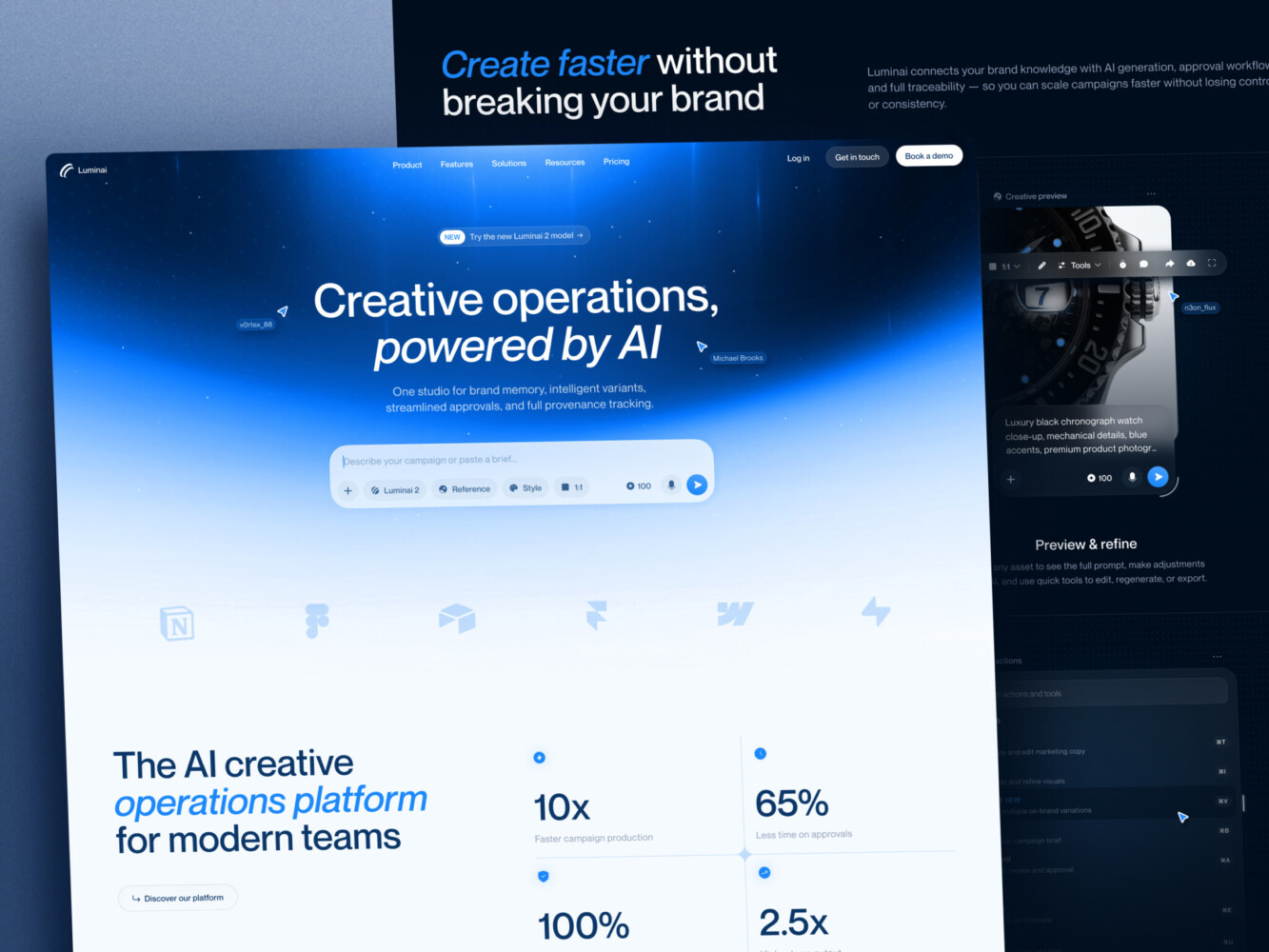
AI Creative Ops Studio Design Concept by Shakuro
How to Build AI Automation Software for a Development Team
Building this stuff isn’t exactly like building a standard web app. But if you break it down, it becomes manageable.
1. Discovery and Workflow Mapping
Before you write a single line of code, look at your team. Where are they stuck? What tasks make them groan? Is it manually copying bug reports? Chasing down design specs? Identify the repetitive work, the bottlenecks, and those annoying gaps in your toolchain. Also, gauge the risk level. Automating a typo fix is low-risk; automating a database migration is not. Start with the high-friction, low-risk stuff. It’s easier to sell to stakeholders too.
2. UX/UI Design
Don’t skip design. Even if it’s an internal tool, bad UX kills adoption. Design dashboards that show what’s happening without overwhelming users. Build a workflow builder that makes sense—drag-and-drop is nice, but clarity is better. Think about review states. How does a dev know an AI suggestion is ready for them? Design approval screens that are quick to use, not hurdles. It’s also important to design for error recovery. When the AI messes up (and it will), how does the user fix it without starting from scratch?
3. Architecture Planning
Now for the tech choices. Which model providers fit your needs? Do you need OpenAI’s general smarts or a specialized coding model? Figure out your integrations early. Where does the data live? How are you storing it? Permissions are huge here—who gets to see what? And hosting: cloud vs. on-prem depends on your security needs. Don’t just pick the shiniest new tool; pick the one that fits your existing infrastructure.
4. MVP Development
When you work on AI workflow automation software, resist the urge to build everything. Pick one high-value workflow. Maybe it’s auto-generating release notes. Or perhaps it’s triaging Jira tickets. Or even just helping QA spot regressions. Build that one thing well. Get it working end-to-end. It’s better to have one feature that people actually use than ten half-baked ones that sit idle.
5. Integrations
This is where the magic happens. Connect your repositories (GitHub/GitLab). Link up your project management tools (Jira, Linear). Pull in design files from Figma. Talk to your QA tools and ping your communication channels like Slack. The more connected it is, the less your team has to switch contexts. But be careful—each integration adds complexity. Test them thoroughly.
6. Testing and Validation
AI isn’t deterministic. You can’t just run unit tests and call it a day. You need to validate outputs with real product scenarios. Set up QA loops where humans review AI suggestions. Did it summarize the ticket correctly? Did it suggest a safe code fix? Gather feedback. Tweak the prompts. Adjust the rules. It’s an iterative process, not a one-and-done deal.
7. Deployment and Scaling
Once it’s stable, roll it out. But don’t just flip the switch. Add observability so you can see how it’s performing. Set clear access policies. Write documentation—even if it’s just a simple README—to help new users get started. And keep improving. Monitor usage, listen to complaints, and refine the workflows. Automation isn’t a project you finish; it’s a system you nurture.

How Much Does AI Automation Software Development Cost?
How much does it cost to build AI automation software? Well, it depends. The range is huge because “AI automation” can mean anything from a simple script that summarizes Slack messages to a complex enterprise platform that manages your entire SDLC.
Here’s a rough breakdown based on scope. Take these with a grain of salt, but they’re realistic starting points.
MVP: Simple Workflow Automation
If you’re just starting out, you might build an MVP that handles one or two specific tasks. Think basic dashboard, limited integrations (maybe just Jira and GitHub), and a simple workflow engine. You’re not building custom models here; you’re likely wrapping existing APIs.
Cost range? Probably $30,000 to $60,000. It’s enough to get something functional that solves a real pain point without boiling the ocean. You’re paying for core development, basic UI, and setting up the initial integrations. It’s lean, but it works.
Mid-Level Product: Multi-Step Workflows
Now you’re getting serious. This version has multi-step workflows, several integrations (Slack, Figma, CI/CD), user roles, analytics, and admin controls. You’re adding complexity here. Maybe you’re using RAG to pull from internal docs. The UI needs to be more polished, and the backend needs to handle more concurrent users.
This jumps the price tag to roughly $80,000 to $150,000. You’re paying for more sophisticated architecture, better security, and a smoother user experience. It’s no longer just a tool; it’s becoming a platform.
Enterprise Product: Full-Scale Automation
This is the big leagues. Custom AI agents, advanced RAG, deep CI/CD integration, granular permissions, audit logs, compliance features (GDPR, SOC2, etc.), robust monitoring, and scalable infrastructure. You’re building for hundreds of users, maybe thousands. Security is paramount. Reliability is non-negotiable.
Here, we’re talking $200,000 to $500,000+. And that’s just for development. Maintenance, model costs, and infrastructure will add to the ongoing bill. You’re paying for a team of experts, rigorous testing, and a system that won’t crash when your biggest client needs it most.
Keep in mind, these are development costs. Running AI business automation software isn’t cheap either. Token usage, hosting, and maintenance add up. But if it saves your team 20 hours a week, the ROI usually makes sense. Just don’t underestimate the initial investment. It’s not a weekend project.
Cost Drivers
First off, the number of workflows. It seems obvious, but each new workflow isn’t just a copy-paste job. Every process has its own quirks, edge cases, and logic. Building five simple automations is way cheaper than building two complex ones that interact with each other. Complexity compounds.
Connecting to a well-documented API like GitHub is straightforward. But trying to pull data from a legacy internal system with no docs? That’s a time sink. Each integration requires testing, error handling, and maintenance. The more systems you touch, the higher the cost.
AI model usage is another big one. Are you using cheap, fast models for simple tasks? Or are you relying on expensive, high-performance models for critical decisions? Token costs add up fast, especially if you’re processing large documents or running frequent checks. Optimizing prompt efficiency can save you a lot of money here.
Data security can’t be an afterthought. If you’re handling sensitive code or customer data, you need encryption, secure storage, and strict access controls. It takes time, and time costs money.
Custom UI is often underestimated. A basic dashboard is fine for an MVP, but if you want a polished, intuitive interface that your team actually enjoys using, you’re looking at significant design and frontend development hours. Good UX doesn’t happen by accident.
Testing requirements for AI are different. You can’t just write unit tests. You need human-in-the-loop validation, scenario testing, and continuous monitoring to catch drift or weird outputs. This adds a layer of QA effort that traditional software doesn’t always have.
If you’re in a regulated industry, compliance becomes a major driver. GDPR, HIPAA, SOC2—each requires specific features, audit trails, and documentation. It’s not just technical work; it’s legal and procedural overhead too.
AI isn’t “set and forget.” Models change, APIs break, and workflows need tweaking. You need a budget for updates, monitoring, and improvements. Ignoring this leads to technical debt faster than you’d think.
It’s a lot to consider. But knowing these drivers helps you prioritize. Maybe you start with fewer workflows but better security. Or maybe you use simpler models until you prove the value. It’s all about balancing cost with impact.

AI Wealth Copilot Mobile App Design by Shakuro

Challenges in AI Automation Software Development
Building AI workflow automation software isn’t all smooth sailing and magical efficiency gains. There are potholes. And if you ignore them, you’ll end up with a system that creates more work than it saves.
For starters, unreliable AI outputs. Hallucinations aren’t just a fun party trick; they’re a real risk when the AI is suggesting code changes or triaging bugs. If it’s wrong, who catches it? The same goes for weak prompts. You might think your instructions are clear, but the AI interprets them differently. Tweaking prompts is an art, not a science, and it takes time to get right.
Poor project documentation is another silent killer. If your internal docs are messy or outdated, your RAG system will feed garbage to the AI. Garbage in, garbage out. It’s that simple. And speaking of data, data privacy issues are huge. Are you sending sensitive customer info to a third-party model? Do you have consent? These questions need answers before you write any code.
Integrating with legacy systems is often a nightmare. Old APIs, undocumented features, and fragile dependencies can break your automation flow. It’s not just technical; it’s about unclear ownership. Who is responsible when the AI messes up? The dev team? The product owner? The AI vendor? If no one owns it, it falls through the cracks.
There’s also the risk of over-automation. Just because you can automate something doesn’t mean you should. Some tasks need human nuance. And let’s not forget security concerns. Giving an AI agent access to your production environment is scary. One bad prompt could lead to a major breach.
QA gaps are tricky too. Traditional testing doesn’t always catch AI-specific errors. You need new strategies. And finally, hidden maintenance costs. Models drift. APIs change. Prompts need updating. It’s not a one-time build; it’s a living system that needs care.
Why Human Review Still Matters
This is the most important part. AI business automation software can speed up work, sure. It can draft code, summarize tickets, and run tests. But humans still own the big stuff. Architecture decisions? That’s on you. Product direction? Still human. Security protocols? Definitely human. And final release quality? You wouldn’t let an AI sign off on a major deployment without a human eye, would you?
Think of AI as a powerful intern. It’s eager, fast, and sometimes brilliant. But it lacks judgment. It doesn’t understand the “why” behind your product. It doesn’t feel the weight of responsibility. Human review is a safety net. It ensures that while the machine handles the volume, the people handle the value. Never forget that.
Our Experience With AI-Assisted Development and AI Products
We’ve been in the trenches with this stuff for a while now. It’s not just theory for us; it’s how we actually build.
Our experience covers a lot of ground. We’ve built RAG (Retrieval-Augmented Generation) systems that actually work—meaning they pull from specific client data without making things up. We’ve designed AI interfaces that feel natural, not clunky. And we’ve deployed chatbots that handle complex queries, not just simple FAQs.
But the real win has been in automation-heavy workflows. Take Proko, for example. It’s an EdTech platform where we used AI to streamline content creation and user engagement. It was about integrating AI into the core product logic to make it smarter and more responsive. For example, a smart spam bot that recognizes and blocks adult content in images.
In our own internal processes, we’ve adopted AI-assisted product delivery. We use it for code reviews, generating test cases, and even drafting documentation. It’s helped us move faster, but more importantly, it’s helped us maintain quality. We’ve learned that the key isn’t just using AI; it’s knowing where to use it.
So, when we talk about AI automation software, we’re speaking from experience. We’ve made the mistakes. We’ve fixed the bugs. And we’ve seen the results.
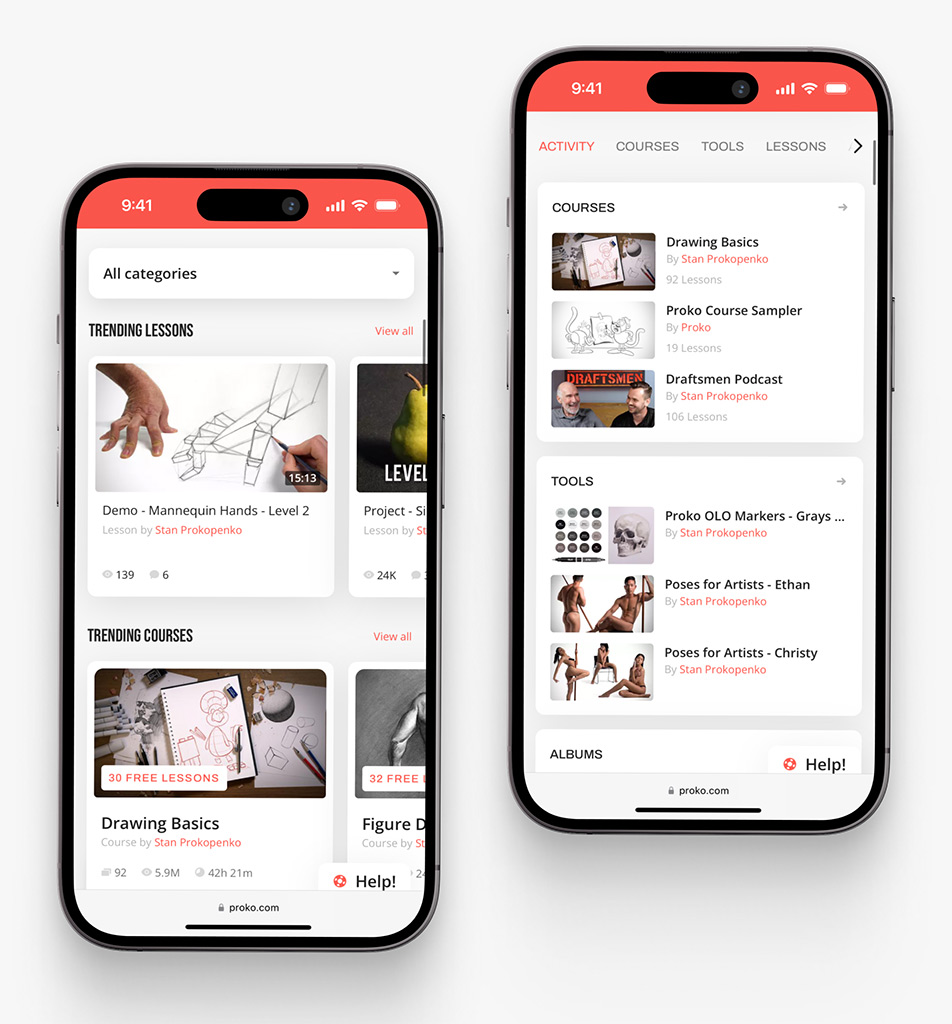
Proko app on mobile by Shakuro
Why Work With a Software Development Company?
So, why bring in an outside team? Why not just have your devs hack something together over a weekend?
Well, you could. But here’s the thing: building robust AI automation isn’t just about writing code. It’s about strategy, design, security, and long-term maintenance. And that’s where things get tricky.
A custom build makes sense when off-the-shelf tools just don’t cut it. Maybe you have complex workflows that span five different departments. Or maybe you’re dealing with sensitive data that can’t leave your secure environment. If you need deep integrations with legacy systems, or if your product logic is unique to your business, generic tools will frustrate you. Add in compliance needs like GDPR or HIPAA, and suddenly you need more than just a script—you need a system.
And let’s be honest: most internal tools look terrible. If you want a polished internal dashboard that your team actually enjoys using, you need design expertise. Not just functionality, but usability.
This is where working with a software development company like Shakuro helps. We don’t just throw code at the wall. We combine product strategy to figure out what actually matters. We bring UX/UI design to make it intuitive. Our backend developers build the sturdy architecture.
We handle the tricky AI integrations and ensure they’re secure. Our QA team tests for those weird edge cases AI loves to create. And we stick around for long-term support, because these systems need care.
It’s about having a partner who sees the whole picture. You get a solution that fits your specific needs, not a square peg forced into a round hole.
Final Thoughts
At the end of the day, AI automation software is only useful if it actually makes your life easier. It doesn’t replace your engineers. It takes those repetitive, soul-sucking tasks and turns them into controlled, reviewable workflows. It’s about giving your team their brainpower back so they can focus on the stuff that actually moves the needle.
If you’re thinking about diving in, keep these three things in mind:
- Start small. Don’t try to automate everything at once. Pick one workflow—just one—that drives you crazy. Fix that. Prove the value. Then move on.
- Keep humans in charge. AI is great, but it lacks judgment. Make sure there are clear approval gates for key decisions. You want a co-pilot, not an autopilot.
- Think architecture and security first. It’s tempting to skip the boring stuff to get to the cool AI features. Don’t. Build with security, permissions, and scalability in mind from day one. It saves so much pain later.
Ready to see how this could work for your team? Whether you’re looking to streamline internal processes or build AI-powered features into your product, we’ve been there. Let’s chat about your AI automation software project. Reach out to Shakuro, and let’s figure out the best way to make your workflows smarter, not just faster.
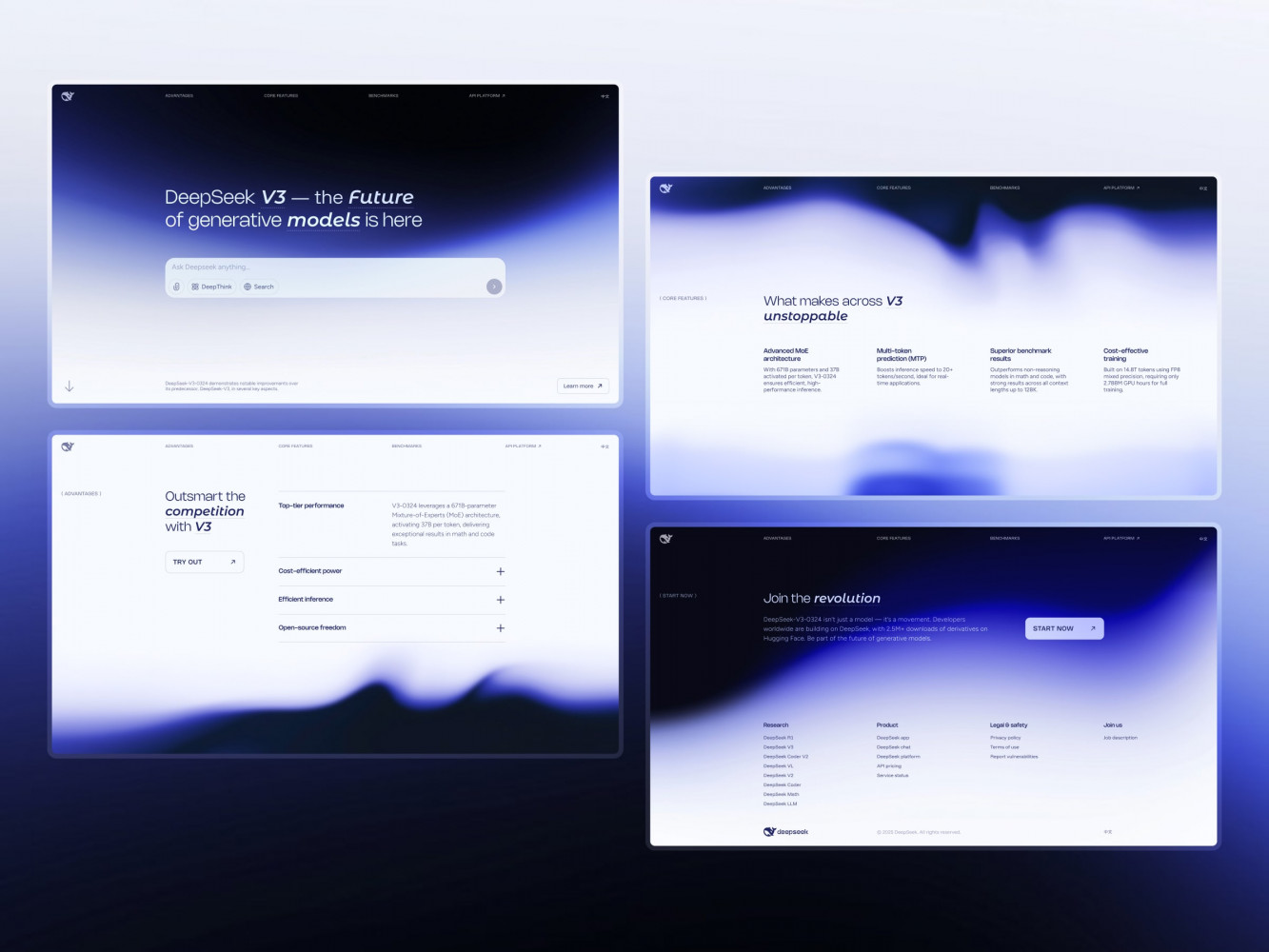
Landing Page Design for DeepSeek AI Company by Shakuro
FAQ
What is AI automation software?
AI automation software is a system that combines AI models, hard-coded rules, integrations, and workflow logic to automate or assist with tasks across the software development lifecycle. Unlike AI coding tools that suggest the next line of code, it connects individual actions into repeatable workflows: moving tickets, running checks, preparing releases, and routing approvals across Jira, GitHub, CI/CD, and Slack.
How is AI automation used in software development?
Development teams use AI automation to speed up bug fixing, reduce manual handoffs, improve QA coverage, and streamline release preparation. It takes over repetitive work such as triaging tickets, summarizing pull requests, generating test cases and documentation, and running deployment checks, so engineers can focus on complex problems. Humans still own architecture, product direction, security, and final release quality.
Which tasks should you automate first with AI?
Start with high-friction, low-risk tasks. Map where the team gets stuck: manually copying bug reports, chasing design specs, updating test cases, or writing release notes. Automating a typo fix is low-risk; automating a database migration is not. Build one high-value workflow end-to-end, such as release notes or Jira triage, before adding more.
How much does it cost to build AI automation software?
A simple MVP with one or two workflows, a basic dashboard, and limited integrations costs about $30,000 to $60,000. A mid-level product with multi-step workflows, several integrations, user roles, and analytics costs $80,000 to $150,000. Enterprise solutions with custom agents, advanced RAG, audit logs, and compliance features cost $200,000 to $500,000+. Token usage, hosting, and maintenance are ongoing costs on top.
What tasks can AI automation software handle?
AI automation software handles repetitive, pattern-based work: code generation and refactoring, test automation, documentation updates and release notes, design-to-code conversion, ticket triage, pull request summaries, and deployment checks. It also connects internal workflows, such as approvals and reminders, that otherwise depend on someone remembering to send a message. Tasks that need judgment should stay with people.
Is AI automation software safe for development teams?
AI automation software is safe when it is built with safeguards. Key features are human-in-the-loop approval gates, sandboxed execution, strict access controls, and audit logs. Risks come from hallucinated outputs, weak prompts, outdated documentation feeding the model, sensitive data sent to third-party models, and agents with production access. Humans should always own the final decisions.
Related reading
- SaaS Automation Tools: Features, Use Cases, Costs, and How to Build One
- NLP Application Development: Process, Use Cases, Cost, and Key Challenges
- AI Chatbot Development: A Practical Guide for Building Business-Ready Chatbots
- AI Recommendation System Development: How to Build Smart, Scalable Recommendation Engines