NLP application development is building software that reads, sorts, searches, or generates human language: chatbots, classifiers, semantic search, document processing, and support assistants. A simple NLP MVP costs $20,000–50,000 and takes 6–10 weeks. A mid-level product, such as a customer support assistant with CRM integration, costs $50,000–150,000. An enterprise NLP platform starts at $150,000, and a complex product with integrations and security requirements takes 3–6 months or more.
The algorithm is rarely what breaks. Teams stumble on data pipelines, evaluation metrics, and the other unglamorous work that turns a demo into a reliable product. If a prototype was assembled quickly with AI tools and now behaves unpredictably, an AI-built product audit shows what to fix before scaling it.
Below, we cover common NLP use cases for business, core features, architecture, the development process step by step, cost, key challenges, and when to hire an outside team.
What Is NLP Application Development?
It is the process of building software that can work with human language. That can mean written text, spoken words, chat messages, search queries, documents, subtitles, product feedback, or even messy data copied from a spreadsheet at 11 p.m. We have all seen that spreadsheet.
In practical terms, an NLP app may do one or several things:
- Understand what a user means.
- Classify text into useful categories.
- Extract names, dates, prices, symptoms, risks, or other entities.
- Summarize long content.
- Search by meaning instead of exact keywords.
- Generate replies, reports, subtitles, or recommendations.
- Power a chatbot or assistant.
NLP is related to AI and machine learning, but it is not exactly the same thing. AI is the broad field. Machine learning is one way to build intelligent systems. NLP focuses specifically on language. Large language models, or LLMs, made NLP much more visible, but a good NLP product is not just a model sitting behind a chat box. It needs product logic, security, UX, evaluation, integrations, and boring but important things like logging.
That last part is not glamorous. It is also where many real projects either become useful or become a demo nobody opens again.
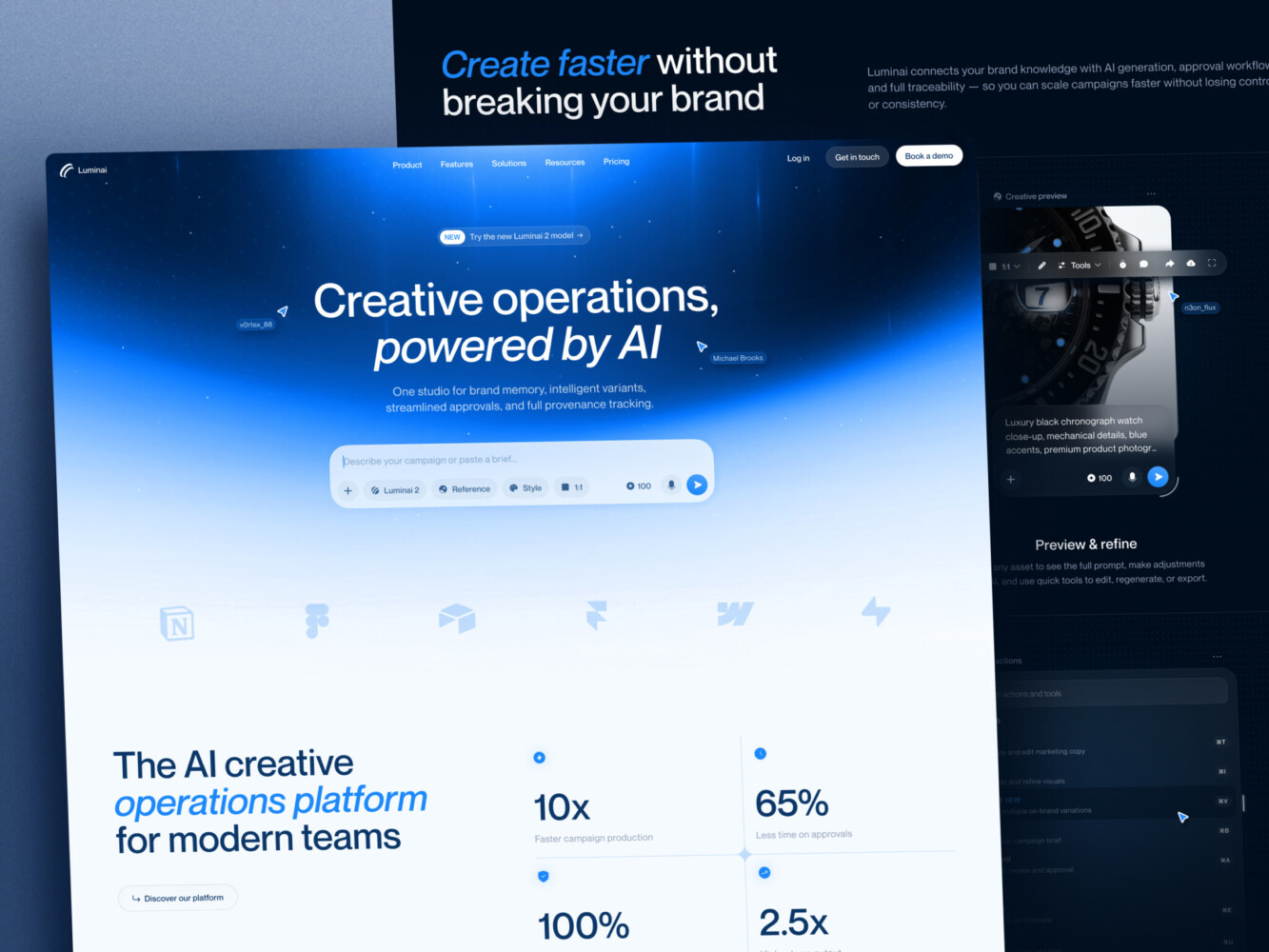
AI Creative Ops Studio Design Concept by Shakuro
Common NLP App Use Cases for Businesses
NLP is one of those technologies that can be used almost anywhere text or speech appears. That sounds broad, maybe too broad. So let’s make it concrete.
AI Chatbots and Virtual Assistants
NLP chatbot development is probably the use case most people recognize first. A chatbot can answer customer questions, qualify leads, guide users through onboarding, help employees search internal policies, or support students inside an e-learning platform.
The tricky part is that a chatbot is not automatically useful just because it talks. A bad bot gives confident but irrelevant answers, repeats itself, or sends users in circles. We have all met one of those. A good one understands the workflow around it: when to answer, when to ask a follow-up question, when to hand off to a person, and when to simply say, “I don’t know.”
For business use, chatbots often need:
- A knowledge base or vector database.
- CRM, help desk, ecommerce, or product integrations.
- Role-based permissions.
- Escalation to human support.
- Conversation analytics.
- Safety rules for sensitive topics.
So yes, the chat window is the visible part. The real work is behind it.
Semantic Search and Recommendation Systems
Traditional search looks for matching words. Semantic search looks for meaning. That difference sounds small until you use it inside a large content platform, documentation library, marketplace, or learning product.
For example, a student might search “how to shade a face” even though the lesson title says “portrait values and light structure.” A simple keyword search might miss it. Semantic search has a better chance of connecting the two.
This is one reason natural language processing development services often include embeddings, vector search, and retrieval-augmented generation, also called RAG. The app finds relevant content first, then uses a model to shape the answer. It is still not magic, but it can feel surprisingly close when the data is prepared well.
Sentiment Analysis and Text Classification
Sentiment analysis can help teams understand whether feedback is positive, negative, urgent, angry, confused, or neutral. Classification can route support tickets, tag product reviews, detect spam, sort legal documents, or group customer requests by theme.
Speech-To-Text, Subtitles, and Voice Recognition
Speech processing is another strong use case. Apps can transcribe calls, generate subtitles, index videos, identify speakers, and make audio content searchable.
For e-learning platforms, this is huge. Students do not always remember the lesson name, but they remember a phrase, a teacher, or a topic. The same language understanding powers AI tutoring platforms that answer student questions in plain words. Being able to search inside video content really helps. It sounds like a small convenience until you have thousands of hours of material.
For instance, in Proko, we used Whisper LLM to extract subtitles from videos and add them to the knowledge base. Together with ChatGPT, it recognizes the voices of instructors and can find exactly what they’ve said.
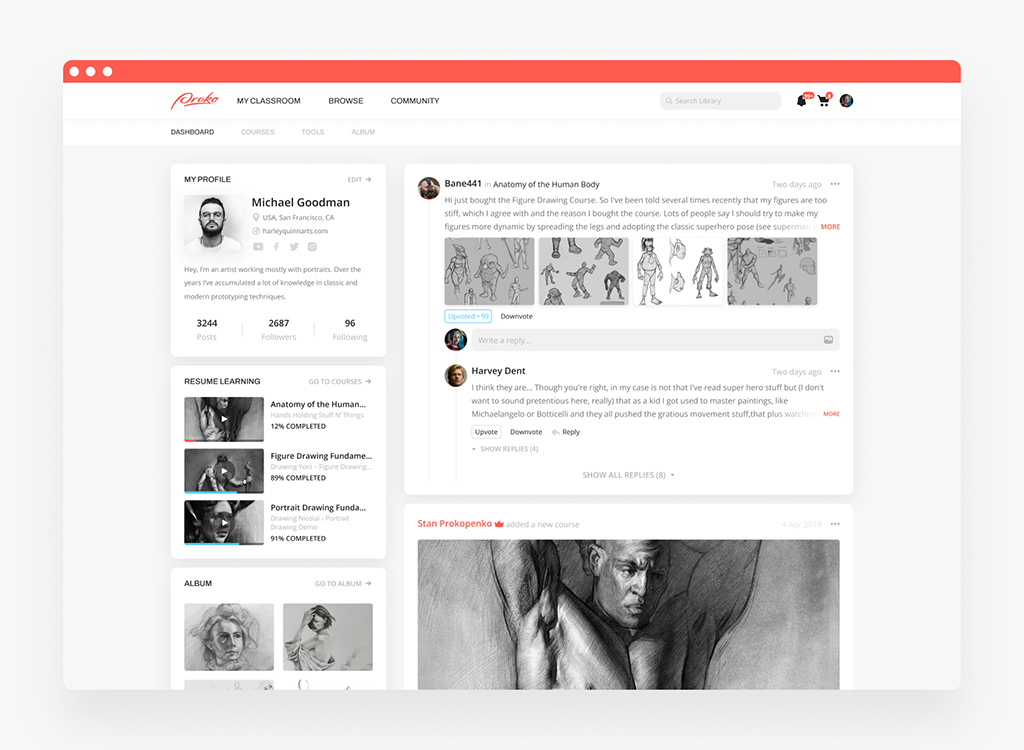
Proko platform by Shakuro
Document Processing and Extraction
Many companies still move information manually from documents into systems. Invoices, medical notes, contracts, claims, onboarding forms, research PDFs, logistics papers. In pharmaceutical software, similar extraction is applied to clinical trial documents and adverse event reports. It adds up.
NLP can extract fields, flag missing information, summarize documents, detect unusual wording, and route files to the right team. Human review is still important, especially in regulated industries. But even partial automation can remove a lot of dull work.
Core Features of a Strong NLP Application
A useful NLP product is more than a model call. It usually needs a mix of product features, backend logic, and admin controls.
Here are the features I would look for first when opting for NLP software development services:
- Data ingestion from documents, websites, databases, APIs, chats, or uploaded files.
- Preprocessing to clean, split, tag, and normalize content.
- Search or conversation interface that feels natural to users.
- User roles and permissions, especially for internal tools.
- Human review for low-confidence or sensitive results.
- Feedback controls so users can mark answers as useful or wrong.
- Analytics for usage, accuracy, failure points, and cost.
- Integration with CRMs, support tools, CMSs, learning systems, payment systems, or internal platforms.
- Security controls for private data.
- Monitoring for latency, errors, and strange model behavior.
The feedback loop is worth calling out. Without it, teams often launch an NLP feature and then guess whether it works. That gets uncomfortable fast. A simple “Was this helpful?” button, review queue, or admin dashboard can make the whole system easier to improve.
NLP Application Architecture: What Happens Under the Hood
The architecture depends on the product, but many NLP apps follow a similar shape.
First, data comes in. It might be support tickets, course videos, user messages, documents, product descriptions, or internal policies. Then the system cleans and structures that data. For search-heavy products, the app may create embeddings and store them in a vector database. For classification, it may use a trained model, an LLM, rules, or a mix of all three.
Then comes the application layer: backend APIs, authentication, business rules, prompts, permissions, logs, and integrations. Finally, users interact through a web app, mobile app, admin panel, chat interface, browser extension, or embedded widget.
A simple architecture might look like this:
- Data source
- Cleaning and preprocessing
- Model or LLM layer
- Business logic and API
- User interface
- Monitoring and feedback
For a more advanced product, you may also add a vector database, data warehouse, evaluation pipeline, human moderation queue, audit logs, and separate environments for testing prompts or model changes.
Choosing the model is only one decision. Sometimes a pretrained model is enough. Sometimes you need fine-tuning. Sometimes RAG is the best option because the app needs to answer from your own content. And sometimes the best choice is not an LLM at all. A smaller classifier can be cheaper, faster, and easier to control.
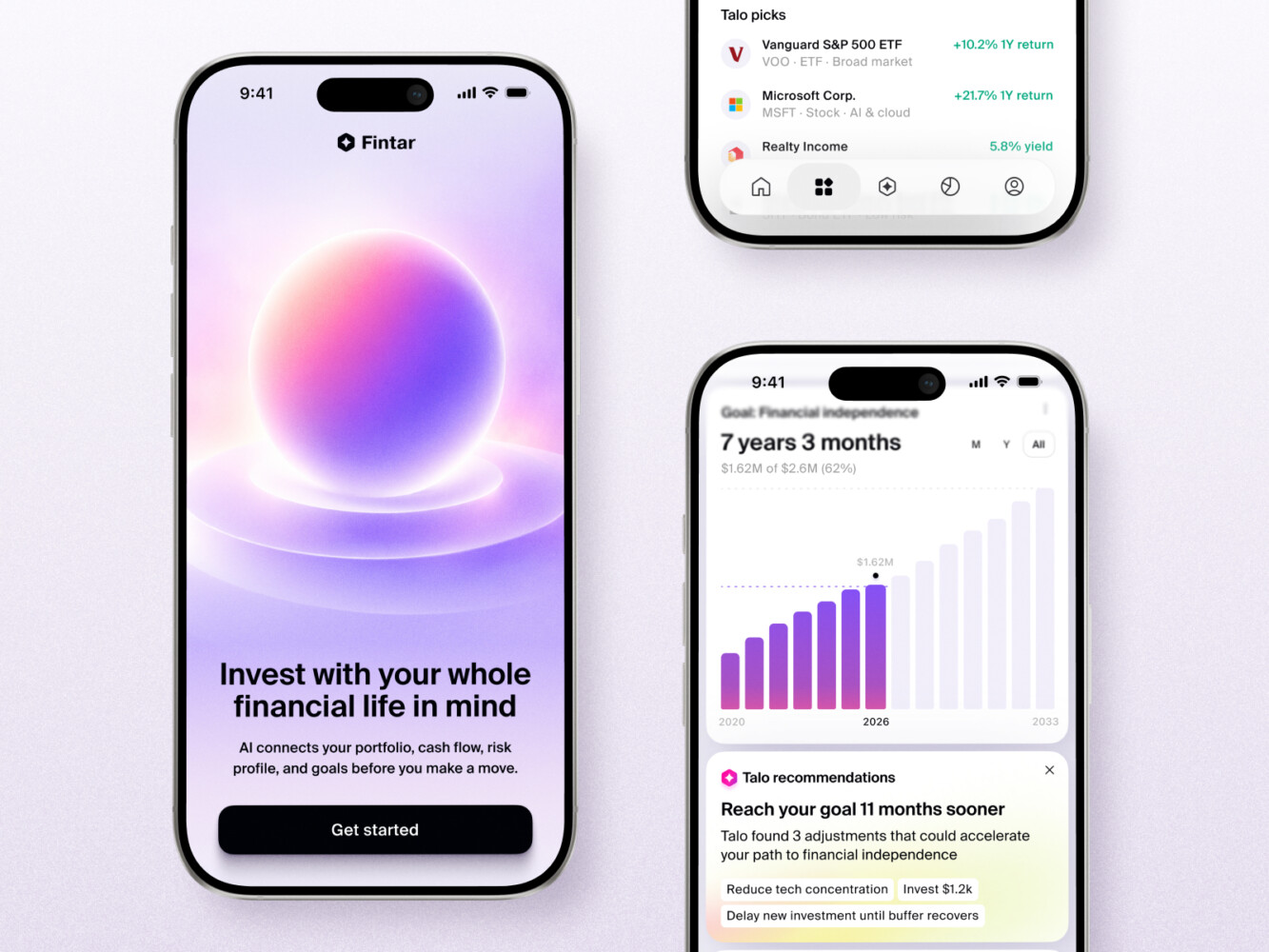
AI Wealth Copilot Mobile App Design by Shakuro
NLP Application Development Process Step by Step
Good NLP software development services are not just “connect API, add interface, launch.” Most production projects need a more careful path.
1. Discovery and AI Feasibility Check
Start with the business problem. What do users need to do faster, better, or with less frustration? What language data already exists? Is it clean enough? Is it legally safe to use? What would count as success?
This stage should also include a reality check. If the data is weak, the workflow is unclear, or the cost of mistakes is high, the team needs to know early. Better to hear that in week one than after a shiny prototype has charmed everyone in the room.
2. UX and Conversation Design
NLP features still need design. Maybe even more than regular features, because users do not always understand what the system can and cannot do.
For chatbots, conversation design matters a lot. What should the bot ask first? How should it handle vague requests? What happens when the user is angry? Should it show sources? Can users edit the answer? Where does human support enter the flow?
For search, the questions are different. How are results ranked? Should the app show summaries? Filters? Confidence levels? Related content?
Tiny UX details can change whether people trust the feature.
3. Architecture and Technology Planning
This is where the team decides how the system will actually work. Model provider, backend stack, vector database, frontend framework, integrations, hosting, monitoring, security, and deployment approach all come into play.
For teams looking at NLP development services, this stage is especially important. A prototype can run on a laptop. A production app has to deal with users, permissions, costs, outages, logs, and edge cases. Less romantic, more useful.
4. MVP Development
The MVP should focus on one valuable workflow. Not ten. One.
For example:
- A support assistant that answers from approved help center content.
- A semantic search tool for a course library.
- A document classifier for incoming claims.
- A moderation tool that flags risky user content.
The point is to test the core assumption with real inputs. If the first version helps, you can expand. If it does not, you still learned without spending a year building the wrong thing.
5. Model Evaluation and Testing
Testing an NLP app is different from testing a normal form or checkout page. You need to test correctness, usefulness, tone, safety, latency, cost, and behavior under odd inputs.
And users will absolutely send odd inputs. They paste half an email thread, misspell product names, ask two questions at once, or write “help” and expect the system to understand the entire universe behind it.
Evaluation can include:
- Golden test sets with expected answers.
- Human review of outputs.
- Accuracy checks for classification.
- Source matching for RAG systems.
- Red-team prompts for safety.
- Latency and load testing.
- Cost monitoring per request.
It is a little annoying, but you get used to it over time. Also, it saves trouble later.
6. Deployment, Monitoring, and Iteration
After launch, the product needs monitoring. Which questions fail? Which answers get downvoted? Where does the model hallucinate? Which user group gets the most value? Are API costs creeping up?
NLP products are rarely “done” at launch. Language changes, business rules change, users find new ways to ask old questions. The app needs maintenance, tuning, and sometimes a full rethink of a workflow that looked obvious at first.
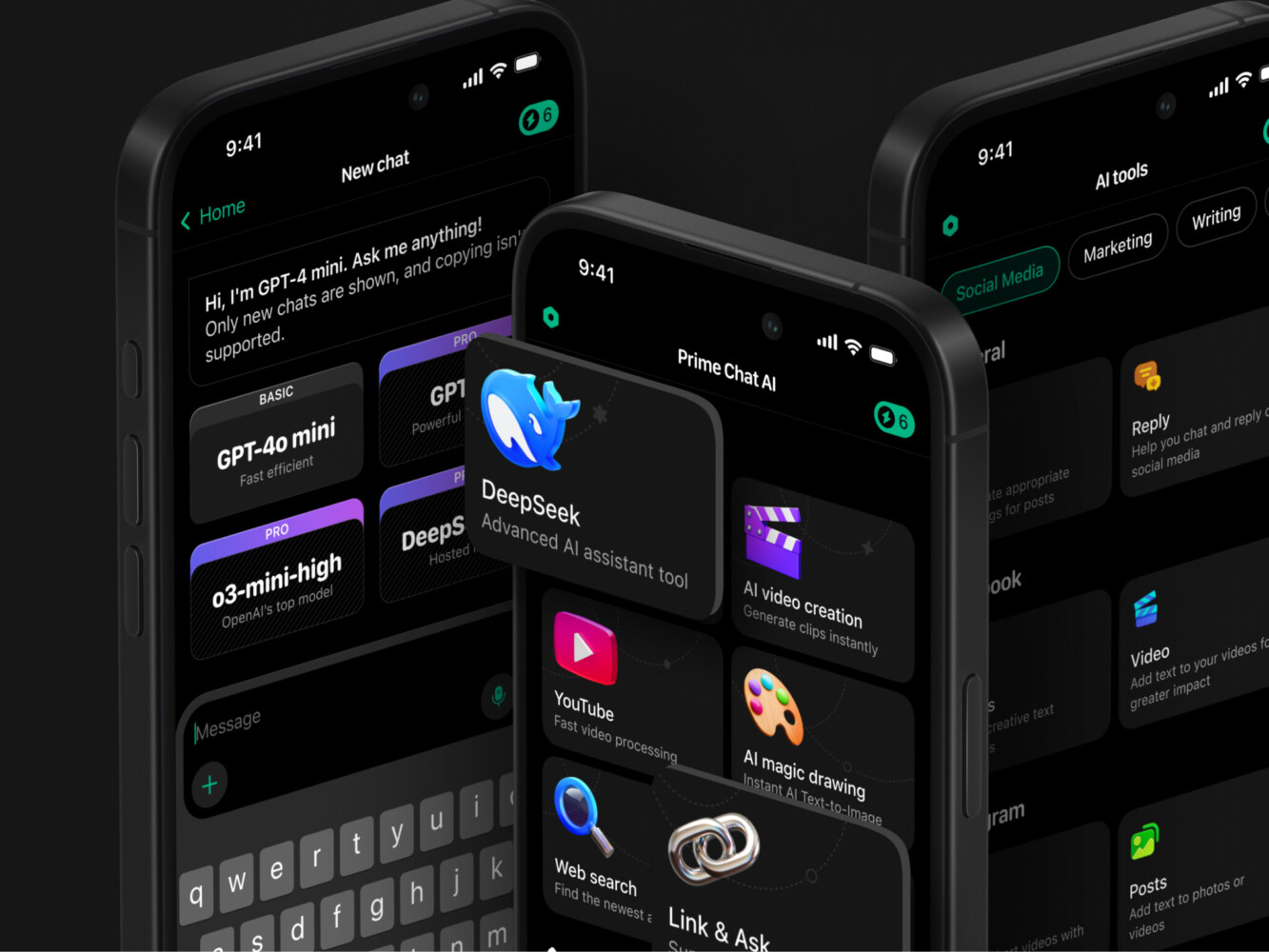
Prime Chat AI Mobile Assistant by Shakuro

How Much Does NLP Application Development Cost?
Costs vary a lot, because NLP apps can be tiny or very complex. Still, rough ranges help with planning.
A simple NLP MVP costs between $20,000 and $50,000. It could be a simple chatbot, classifier, or semantic search with limited integrations and a narrow knowledge base.
A middle-of-the-road product can be in the range of $50,000 to $150,000. Think of a customer support assistant with CRM integration, an internal knowledge tool, a document processing workflow, or a production-ready chatbot with admin controls & analytics.
A complete enterprise NLP platform can easily run $150,000 or more, and often much more than that. That often means custom workflows, stringent security, multiple data sources, sophisticated permissions, compliance requirements, large-scale testing, and ongoing model assessment.
NLP application development cost by product level:
| NLP product level | Typical scope | Cost |
| Simple NLP MVP | Simple chatbot, classifier, or semantic search with limited integrations and a narrow knowledge base | Between $20,000 and $50,000 |
| Mid-level product | Support assistant with CRM integration, internal knowledge tool, document processing workflow, production chatbot with admin controls & analytics | $50,000 to $150,000 |
| Enterprise NLP platform | Custom workflows, stringent security, multiple data sources, sophisticated permissions, compliance, large-scale testing, ongoing model assessment | $150,000 or more |
The main cost drivers are:
- Data quality and preparation.
- Number of integrations.
- Model complexity.
- UX and interface depth.
- Security and compliance.
- Testing requirements.
- Hosting and model usage costs.
- Ongoing optimization.
One more point you should consider before going for NLP development services: the cheapest version is not always the least expensive in the long run. A poorly designed NLP feature can create support load, confuse users, leak data, or quietly produce bad recommendations. That gets expensive in a different way.

Key Challenges in NLP Software Development
NLP projects have a special flavor of difficulty because language does not behave like clean structured data.
People use slang, abbreviations, typos, sarcasm, mixed languages, and half-finished thoughts. Business documents contain weird formatting. Support messages often include emotion, missing context, and screenshots; the model cannot read unless you planned for that. Medical, legal, finance, and education products add another layer of responsibility.
The biggest challenges usually include:
- Poor or inconsistent data.
- Domain-specific terminology.
- Multilingual content.
- Hallucinations and unsupported answers.
- Privacy and compliance.
- Prompt injection and misuse.
- Slow response times.
- High model usage costs.
- Lack of evaluation data.
- Users trusting the system too much, or not at all.
This is why natural language processing development services should include more than implementation. Strategy, UX, security, QA, and post-launch improvement matter just as much as the model choice.
Mobile app for Inspired by Shakuro
When to Hire an NLP App Development Company
You do not always need an outside team. If you want a small internal experiment, a no-code tool or a simple API integration may be enough. Honestly, that can be a smart place to start.
But hiring an experienced agency starts to make sense when the feature becomes part of a real product or important business workflow.
Consider bringing in a team when:
- The app must connect to several systems.
- You handle sensitive or regulated data.
- The UX needs to be polished, not just functional.
- The system must support many users.
- Mistakes could cost money or trust.
- You need model evaluation and safety testing.
- Your team lacks AI, backend, or product design capacity.
Professional NLP development services can also help you avoid building the wrong thing. That sounds a little blunt, but it matters. Sometimes the best technical advice is, “Do not use a chatbot here. Use search, filters, or a guided workflow instead.”
Our Experience With AI and NLP Products
Shakuro’s AI work is not only about adding a chatbot and calling it a day. The projects show how language tools can sit inside larger products.
In the Proko platform, we worked on a full-scale e-learning and community product for artists. We added features such as Whisper-based subtitle extraction, voice recognition for teacher search, a support bot powered by ChatGPT and a vector base, and automated moderation for adult content. That is a good example of NLP being used where it actually fits: search, support, accessibility, content management, and safety.
By the way, this is often where AI projects become real software projects. The model might be the exciting part, but users still need navigation, permissions, speed, trust, and a pleasant interface.
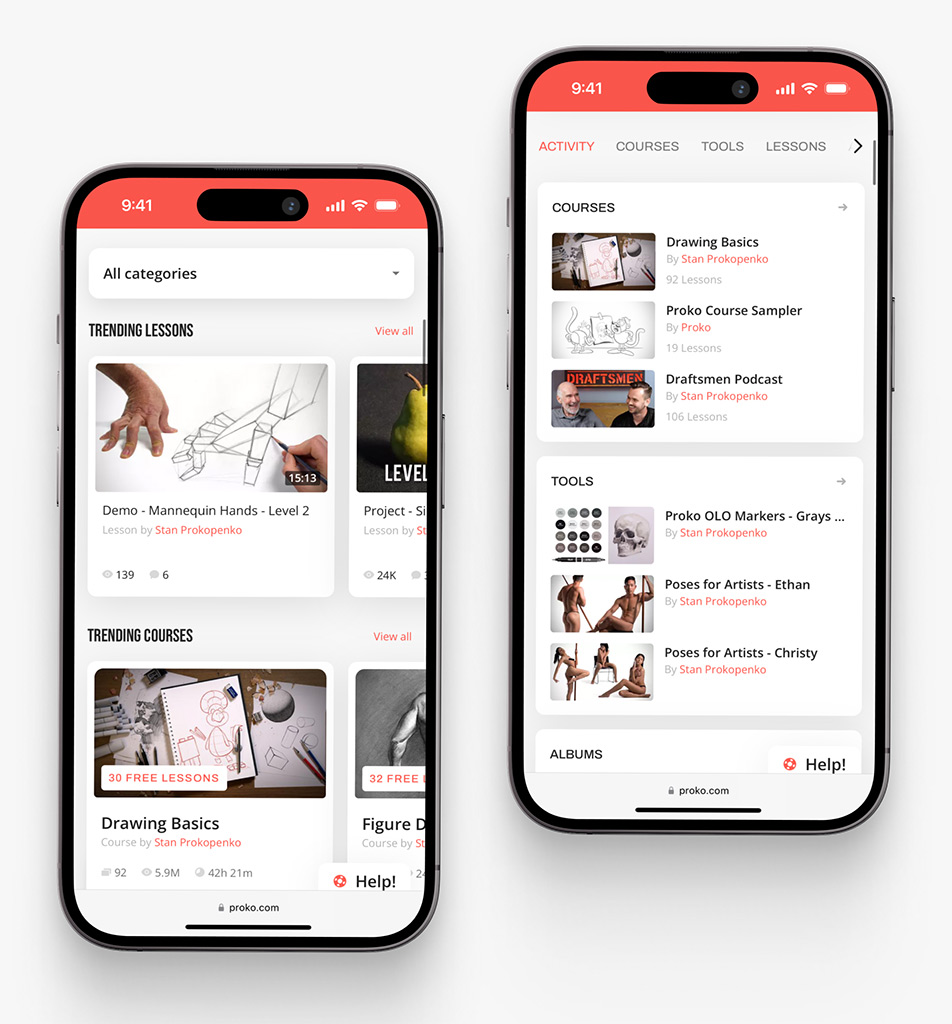
Proko app on mobile by Shakuro
Final Thoughts
NLP application development works best when it starts with a real workflow, not with a vague wish to “add AI.” The technology is powerful, yes. But the product thinking around it is what makes it useful.
If you are planning an NLP app, start with three questions:
- What language-heavy task causes the most friction right now?
- What data do we already have, and is it good enough?
- What would a successful first version actually do?
That is not a dramatic strategy, I know. But it is a good one.
Build small, test with real users, measure quality, and keep humans in the loop where the stakes are high. If the feature proves useful, then scale it with better architecture, deeper integrations, and stronger evaluation.
And if your team needs help turning an NLP idea into a product, we can help with AI strategy, UX, architecture, development, testing, and long-term support.
FAQ
What is NLP application development?
NLP application development is the process of building software that can understand, process, search, classify, summarize or generate human language, whether written text, speech, chat messages or documents. Typical products include chatbots, semantic search, speech-to-text, document processing and sentiment analysis. A production app also needs product logic, security, UX, evaluation, integrations and logging around the model.
How much does NLP app development cost?
A simple NLP MVP costs between $20,000 and $50,000, a mid-level product falls in the range of $50,000 to $150,000, and a complete enterprise NLP platform can easily run $150,000 or more. The main cost drivers are data quality and preparation, the number of integrations, model complexity, interface depth, security and compliance, testing, hosting and model usage costs, and ongoing optimization.
How long does NLP app development take?
The timeline depends on data readiness, scope and how many systems the app has to connect to. A focused MVP that covers one workflow, such as a support assistant answering from approved help center content, moves much faster than a product with custom workflows, strict security requirements, several data sources and large-scale evaluation. A feasibility check at the start shows early whether the data can support the plan.
What is the difference between NLP and an AI chatbot?
NLP is the broader technology area of understanding and processing language, and an AI chatbot is one product built on it. NLP also powers search engines, transcription systems, classifiers, document processors and recommendation engines. Sometimes a chatbot is not the right answer at all, and search, filters or a guided workflow will serve users better.
Do I need custom NLP development or an off-the-shelf tool?
For simple use cases or an internal experiment, a ready-made tool, a no-code option or a simple API integration may be enough. Custom development makes more sense when you need specific workflows, private data handling, several integrations, brand-specific UX, domain knowledge, or strong control over accuracy and security, and when mistakes could cost money or trust.
What data is needed for an NLP application?
The data follows the use case. A chatbot may need help center articles, product docs and conversation examples; a classifier needs labeled text; a speech tool needs audio or video files; a document processor needs sample documents. Good data does not have to be perfect, but it must be relevant and legally usable, and weak data is a risk worth spotting during discovery.
How do you measure whether an NLP app works well?
Track answer quality, classification accuracy, search relevance, user ratings, task completion rate, escalation rate, response time and cost per request. Before launch, use golden test sets with expected answers, source matching for RAG systems and red-team prompts for safety. After launch, feedback buttons and review queues show which answers fail. High-risk workflows need human review and regular evaluation.
Related reading