AI SaaS development means building a cloud-based subscription product with artificial intelligence in its core experience: generative AI, machine learning, smart search, recommendations, or automation. A small MVP with a single AI feature on pre-built APIs such as OpenAI or Azure takes 2–4 months with 2–4 people and costs $30,000 – $80,000. A market-ready product with multiple AI features, RAG, and integrations costs $100,000 – $300,000 over 6–12 months, and an enterprise platform with custom models costs $500,000 – $2M+.
Infrastructure is a separate monthly line, from $500 – $2,000 for an MVP to $20,000 – $100,000+ for an enterprise product. The basics of SaaS software development still apply, from multi-tenancy and billing to roles and permissions, and AI adds data preparation, validation, and monitoring on top. Vibe coding tools help with prototypes but are not enough for production.
Below, we cover what AI SaaS development is, where generative AI fits, common product types and core features, the architecture and development process, cost, the main challenges, our experience, and how to choose a SaaS AI development partner.
What Is AI SaaS Development?
It is the process of building a cloud-based subscription product that uses artificial intelligence as part of its core experience. It can mean machine learning, generative AI, AI agents, recommendation systems, predictive analytics, smart search, or automation.
The SaaS part still matters a lot. You still need multi-tenancy, billing, user roles, permissions, dashboards, integrations, notifications, support tools, analytics, and a product that does not fall apart when usage grows.
AI just adds another layer.
That layer can be simple, like an AI summary inside a CRM. Or it can be central to the whole product, like an automated portfolio advisor, an AI support platform, or a SaaS tool that generates reports from messy business data. The hard part is rarely “Can we connect an AI model?” The hard part is making the feature dependable enough that real users trust it on a Tuesday morning when they are busy and slightly annoyed.
For instance, we incorporated an AI-powered assistant into Solio, a stock trading app. It offers insights and suggestions, helping people manage their resources.
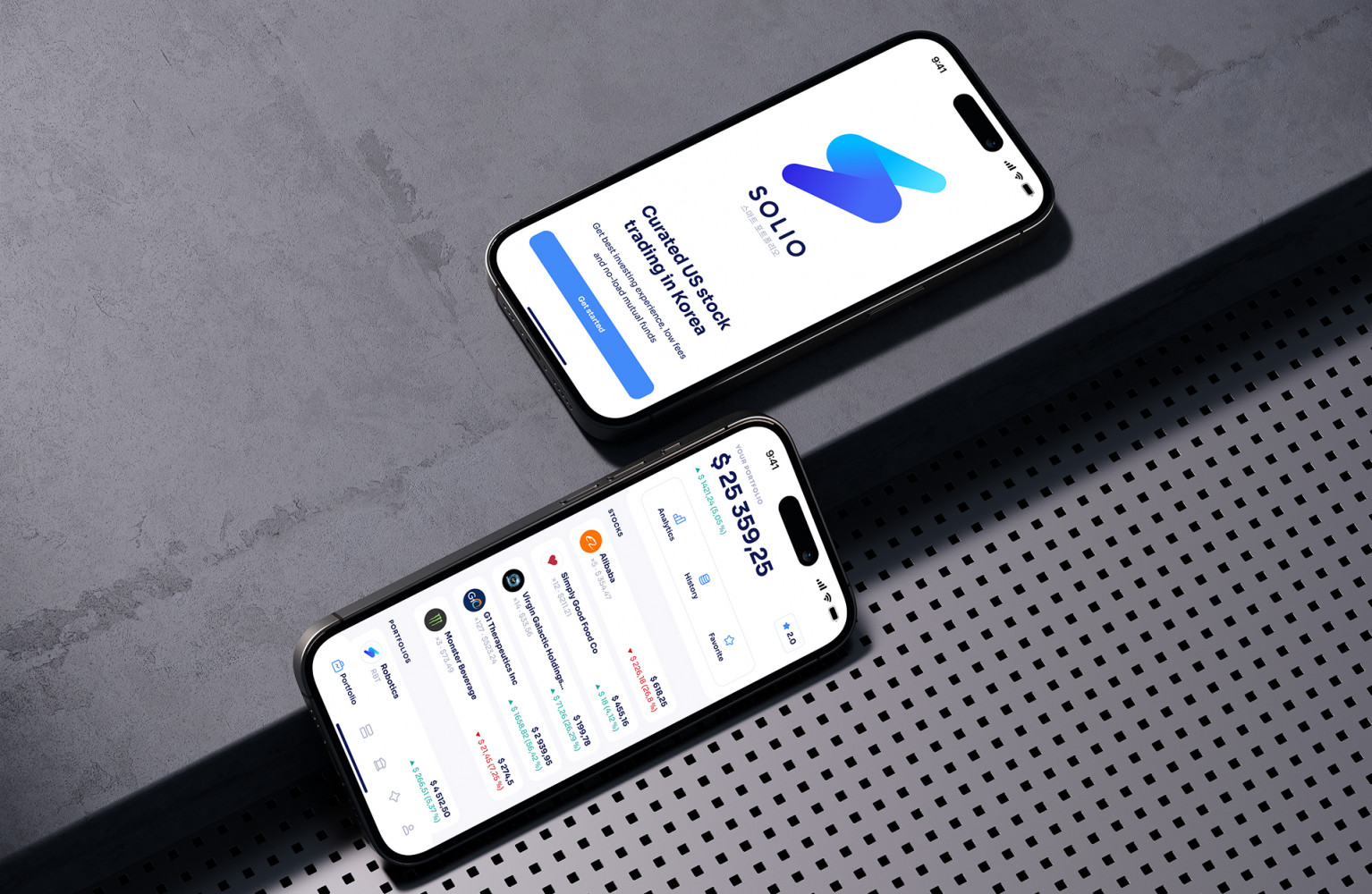
Solio App by Shakuro
Where Generative AI Fits in SaaS Development
Generative AI in SaaS development is useful when the product deals with language, knowledge, decisions, or repetitive content. That is a huge area.
A few examples:
- A customer support platform can draft replies and summarize ticket history.
- A legal SaaS tool can help review long documents and flag risky clauses.
- An HR platform can write job descriptions or summarize candidate feedback.
- A fintech dashboard can explain portfolio changes in plain English.
- A project management app can turn a chaotic meeting transcript into tasks.
Sounds good, right? It is. But generative AI should not be treated as a magic answer machine. It needs context, guardrails, testing, and a clear user flow. If the AI gives a confident but wrong answer, users do not think, “Ah, such an interesting model behavior.” They think, “Great, now I have another problem.”
For serious products, teams often use retrieval-augmented generation, prompt workflows, model monitoring, human review, and usage analytics. This is where proper SaaS AI development services start to matter, because production AI is more than a nice prompt.
Common AI SaaS Product Types and Use Cases
AI works best when it supports an actual business workflow. Not a vague promise. A workflow.
Some common AI SaaS ideas include AI-powered dashboards, support automation tools, learning platforms, CRM assistants, sales enablement software, financial analysis platforms, healthcare admin tools, internal operations systems, and knowledge management products. In education, a popular variant is the AI tutor that explains material and checks answers in real time.
For example, a SaaS dashboard can use AI to explain why a metric changed instead of only showing a red number. A learning management system can suggest content based on student progress. A customer support product can group similar tickets, detect urgent cases, and help agents respond faster.
And one more point: AI is often most valuable in the boring middle of the product. Not the landing page. Not the shiny demo. The admin panel, reporting flow, permissions logic, data cleanup, notifications, imports, exports. That is where users spend a lot of real working time.
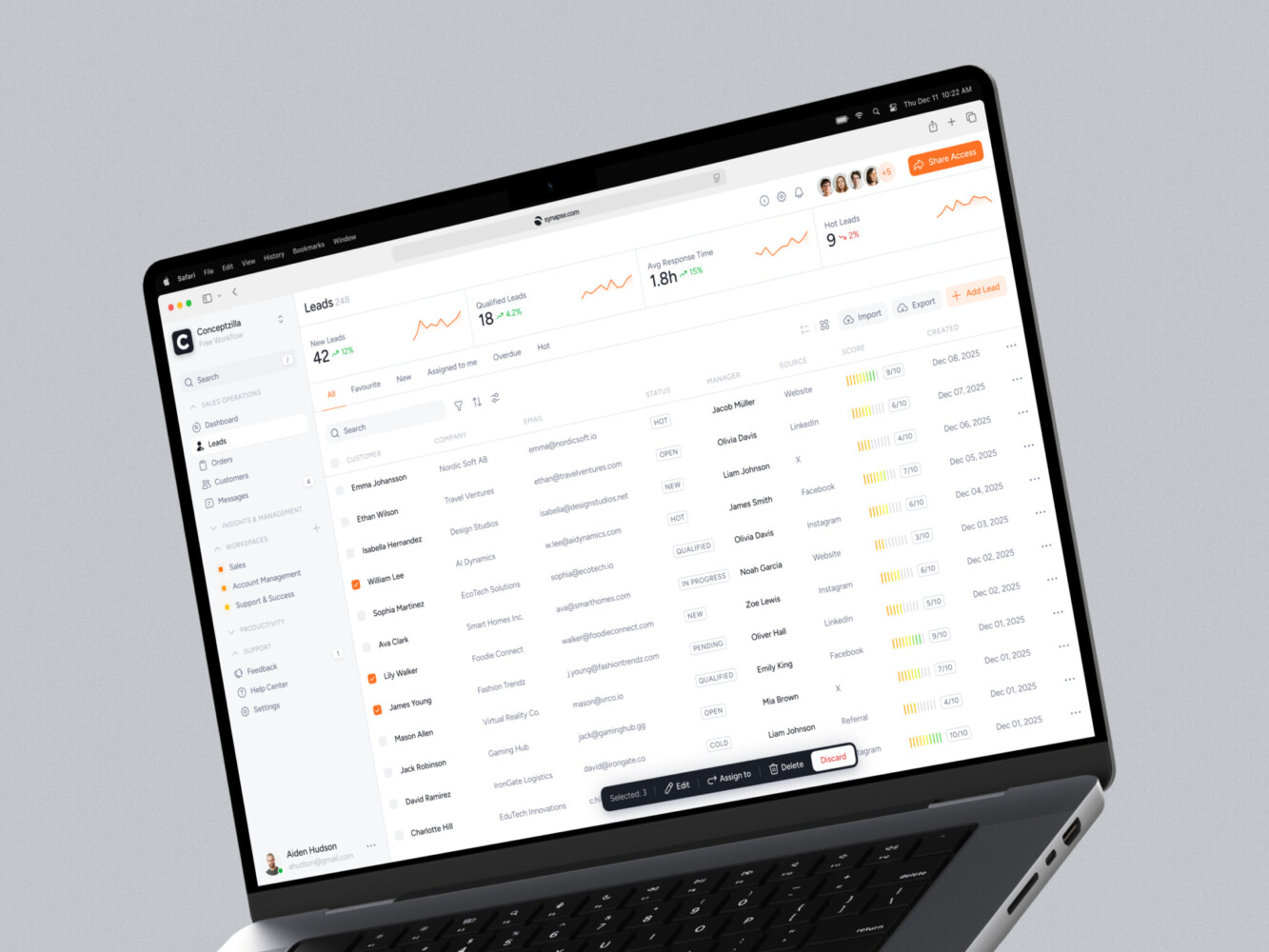
CRM dashboard design by Conceptzilla
Core Features of an AI SaaS Product
A strong AI SaaS product needs two sets of features: the SaaS foundation and the AI layer.
The SaaS foundation usually includes:
- User accounts and authentication
- Organization or workspace management
- Multi-tenant architecture
- Roles and permissions
- Subscription and billing logic
- Admin panels
- Dashboards and analytics
- Notifications
- Integrations with third-party tools
- Audit logs
- Support and account management workflows
Then comes the AI layer:
- AI assistant or chat interface
- Prompt templates
- Smart search
- Data extraction and summarization
- Recommendation logic
- RAG or knowledge-base connection
- Human review tools
- Feedback buttons
- Model monitoring
- Cost and usage tracking
- Safety filters and access control
This is where AI-driven SaaS product development gets interesting. The AI feature cannot float separately from the rest of the product. It has to respect user roles, data permissions, customer plans, security rules, and business logic. Otherwise, you may build something impressive in a demo and painful in production.
AI SaaS Architecture: What Happens Under the Hood
The architecture depends on the product, but most AI SaaS systems have a similar shape.
You have the frontend or client-side parts: dashboards, chat screens, settings, admin panels, and product workflows. Then the backend or server-side parts: APIs, databases, user management, billing, integrations, background jobs, and logging.
The AI layer may include an LLM provider, custom machine learning models, vector databases, embeddings, document parsing, prompt orchestration, and evaluation tools. If the product uses company documents or private data, you also need strong access control. A user from Company A should never receive information from Company B. Obvious, yes. Still worth saying.
Security and monitoring are not optional extras here. You need encryption, audit trails, rate limits, logging, error handling, and ways to track model cost and latency. AI features can get expensive quietly. One day everything is fine, and then someone runs a large batch process over thousands of documents. Lovely surprise on the invoice.
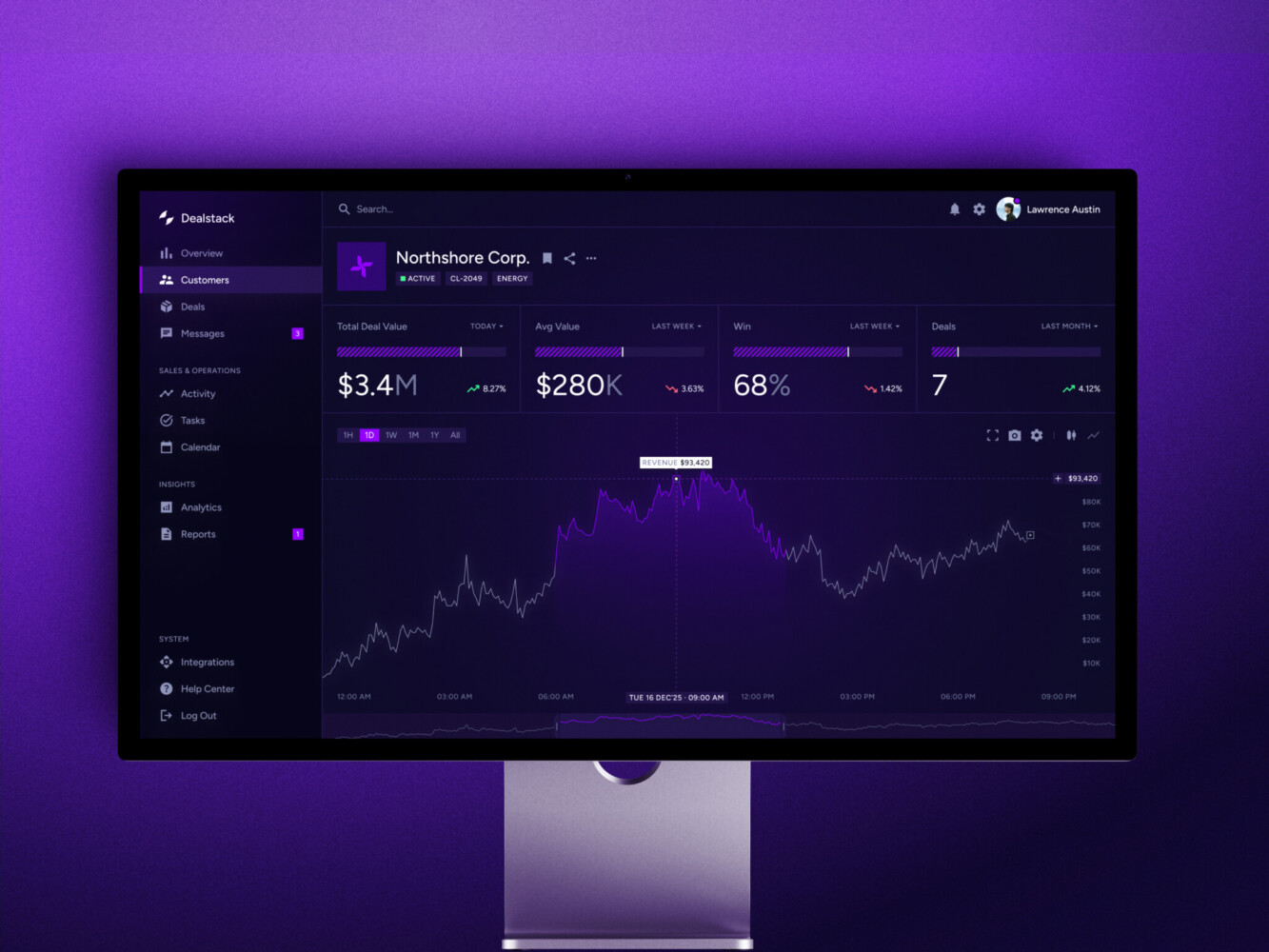
Sales Analytics Dashboard by Shakuro
The AI SaaS Development Process
A good process usually starts with discovery. What are users trying to do? Where do they waste time? What data exists already? Is that data clean enough? Should AI generate something, predict something, classify something, or just explain something?
After that, the team can move into product strategy and UX design. AI UX deserves special attention. Users need to know what the AI can do, what it cannot do, and when they should double-check the output. A tiny “AI generated” label is not enough.
Then comes architecture planning. This includes the SaaS structure, AI model approach, data storage, integrations, security, and scalability. After that, teams usually build an MVP or proof of concept, test the riskiest AI workflow, and only then expand into full platform development.
The rough flow of AI SaaS development looks like this:
- Discovery and AI opportunity mapping
- Product strategy and feature prioritization
- UX/UI design for AI interactions
- Architecture and data planning
- MVP or proof-of-concept development
- AI model integration or training
- SaaS platform development
- QA, security testing, and AI validation
- Launch, monitoring, and ongoing improvement
It is not always neat. Real projects have weird edge cases, half-ready datasets, API limits, stakeholders changing their minds, and that one integration nobody documented properly. Still, a clear process keeps the whole thing from turning into a guessing game.

Should You Use Vibe Coding Tools for AI SaaS Development?
They can be genuinely helpful. They are great for quick prototypes, internal tools, early UI drafts, small scripts, and testing an idea before spending serious money.
I like vibe coding tools for AI SaaS development for exploration. You can sketch a workflow fast and see whether the concept has legs. That feels good, honestly. It removes some friction from the early stage.
But production SaaS is a different story. Once you need tenant isolation, secure payments, GDPR-aware data handling, proper permissions, model monitoring, integrations, logging, and reliable deployment, vibe coding alone is not enough. It may help you start. It should not be the only thing holding the product together.
Think of it as a shortcut for learning, not a replacement for engineering judgment.
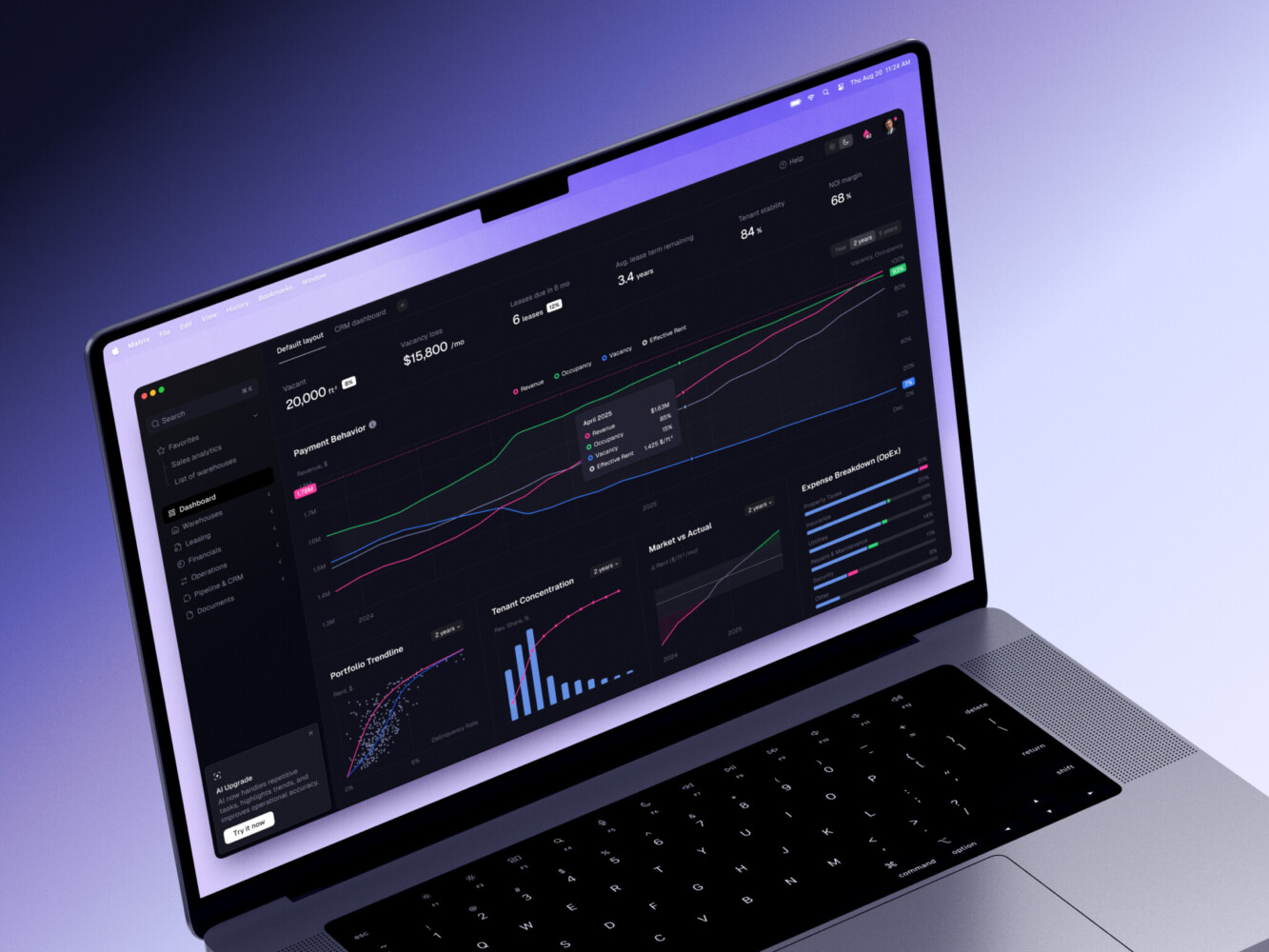
ERP dashboard by Shakuro
How Much Does AI SaaS Development Cost?
The cost depends on scope, data complexity, AI features, UX depth, integrations, compliance, and how polished the first version needs to be.
A small MVP might include login, one or two core workflows, a basic dashboard, one AI feature, and simple admin tools.
A mid-level product may add billing, multiple roles, integrations, analytics, RAG, support tools, and a more thoughtful AI interface.
An enterprise-grade platform may need custom ML, strict security, advanced permissions, audit logs, monitoring, compliance work, and large-scale infrastructure.
| Feature / Component | Small MVP (Proof of Concept) | Mid-Level Product (Market Ready) | Enterprise Product (Scale & Security) |
| Core Idea | Single AI feature, basic UI, limited users | Multiple AI features, polished UI, integrations | Full AI suite, custom models, high security |
| Development Time | 2–4 months | 6–12 months | 12–24+ months |
| Team Size | 2–4 people (FT or PT) | 5–10 people | 15+ people (dedicated teams) |
| AI Complexity | Pre-built APIs (e.g., OpenAI, Azure) | Fine-tuned models, RAG, vector DBs | Custom-trained models, MLOps pipeline |
| Dev Cost (Approx.) | $30,000 – $80,000 | $100,000 – $300,000 | $500,000 – $2M+ |
| Infrastructure/Month | $500 – $2,000 | $3,000 – $10,000 | $20,000 – $100,000+ |
| Data Prep | Minimal (manual or small datasets) | Moderate (cleaning, labeling, pipelines) | Heavy (big data, continuous labeling) |
| Compliance/Security | Basic (GDPR basics) | Standard (SOC 2 type I, encryption) | Advanced (SOC 2 Type II, HIPAA, etc.) |
| Best For | Testing an idea, early seed stage | Series A/B, growing user base | Large corps, regulated industries |
The main cost drivers are usually:
- Data quality and preparation
- Number of user roles and permissions
- AI model complexity
- Third-party integrations
- Compliance requirements
- Dashboard and reporting complexity
- AI testing and validation
- Post-launch support

Main Challenges in AI SaaS Development
The first challenge is data. AI is only as useful as the data and context it gets. If the data is messy, outdated, duplicated, or locked inside strange formats, the AI feature will struggle.
The second challenge is trust. Users need to understand why an AI result appeared and what they should do with it. In some products, a wrong suggestion is just annoying. In finance, healthcare, legal, or security tools, it can be a serious problem.
Then there is cost. AI calls, embeddings, storage, background processing, and monitoring all add up. Latency matters too. Nobody wants to wait 25 seconds for a dashboard insight unless the result is really worth it.
Security is another big one. AI features often touch sensitive documents, customer data, internal notes, or financial information. That means tenant separation, access control, encryption, audit logs, and careful prompt handling.
And yes, maintenance. AI is not “done” after launch. Models change, user behavior changes, edge cases appear, and the product needs tuning. It is a little annoying, but you get used to it over time.
Our Experience in AI SaaS Development
For more than 19 years, we have been developing SaaS products for different industries. Our team implements AI features like voice & image recognition, smart search, and personalized recommendations. At the same time, we follow international security standards to keep sensitive information safe: GDPR, KYC, HIPAA, SOC 2, etc.
There are a couple of cases from our portfolio worth mentioning.
The CGMA case is a good example of SaaS platform thinking. The team worked on a virtual classroom platform with student, instructor, and admin portals, plus integrations with Discord, Zoom, PayPal, automated PDF generation, and analytics. That kind of work is very relevant to AI SaaS because AI features often sit inside an already complex product environment.
For instance, we integrated voice recognition so AI recognizes instructors and what they’ve said. It also adds subtitles from videos to the knowledge base.
Symbolik Social is another useful reference. It is a financial community and analytics platform with real-time collaboration, charting, watchlists, notifications, authentication, monitoring, and a modern frontend/backend stack. For AI SaaS, especially in fintech or analytics, this kind of data-heavy product design matters a lot.
Here we added AI-powered, predictive analytics that helps users make timely decisions and manage their assets wisely. Easy-to-use charts allow professional traders to create a ceratin strategy, adapting to the ever-changing markets.
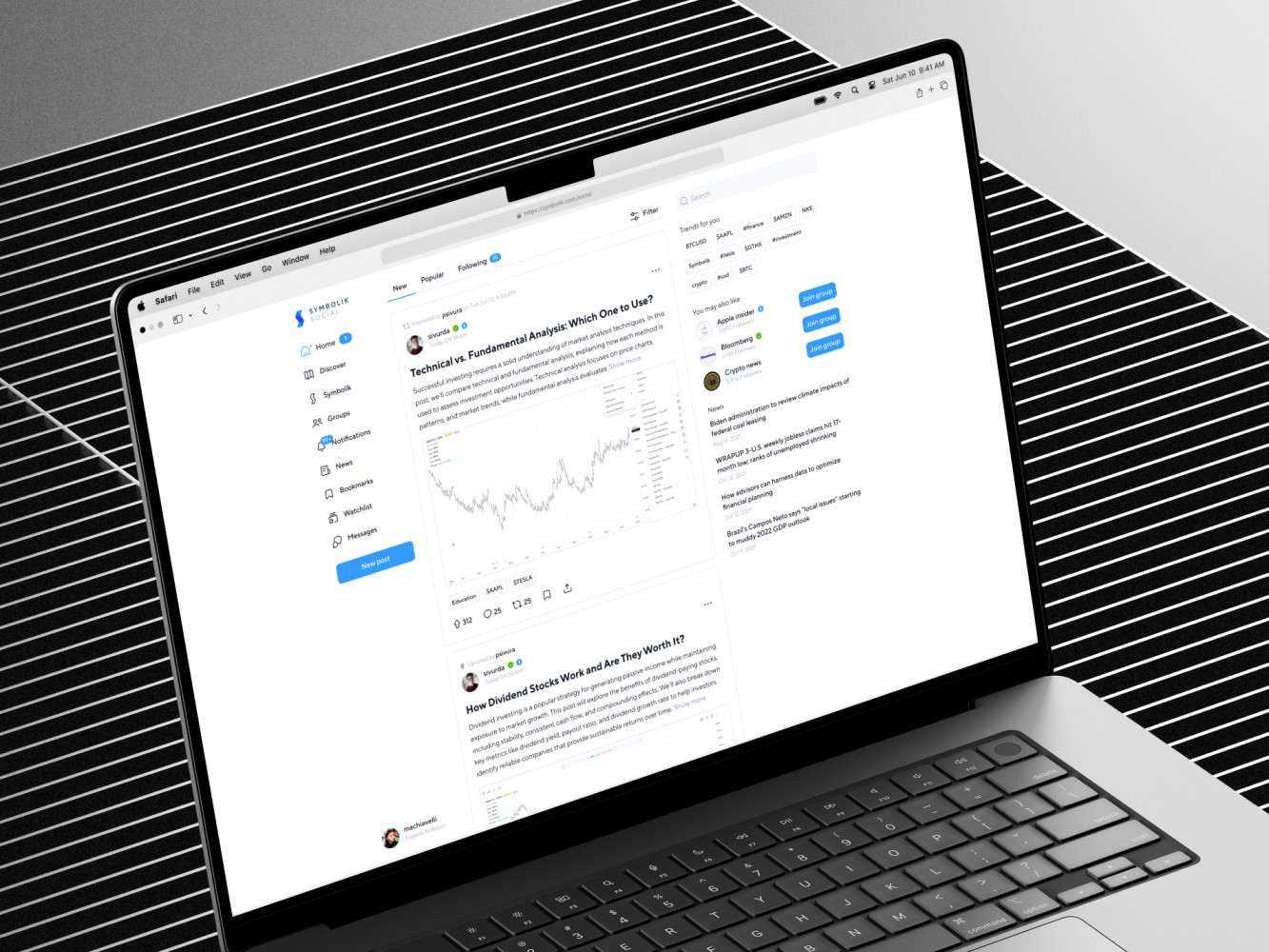
Symbolik case by Shakuro
How to Choose a SaaS AI Development Company
A good company should understand both sides of the product: SaaS architecture and AI behavior.
Look for experience with product strategy, UX design, web development, backend systems, cloud infrastructure, data security, integrations, QA, and post-launch support. AI skill matters, of course, but SaaS discipline matters just as much. Maybe more, depending on the product.
When looking for SaaS AI development services, ask practical questions:
- How will you protect tenant data?
- What happens when the AI is wrong?
- How will we measure AI quality?
- How will model cost be tracked?
- Can we start with an MVP and scale later?
- What parts should be automated, and what parts need human review?
If the answers sound too smooth, dig deeper. Real teams know the tradeoffs. They will not pretend every AI feature is easy.
Final Thoughts
AI SaaS development is exciting, but not because AI is trendy. It is exciting because SaaS products can finally become more helpful in the places where users usually get stuck: understanding data, writing routine content, finding answers, making decisions, and managing repetitive work.
The best option is not always the biggest AI feature. Sometimes it is a small assistant that saves users ten minutes every day. Sometimes it is a smarter dashboard. Sometimes it is an internal automation nobody outside the admin team even sees.
That sounds less dramatic, sure. But in real products, that is often where the value lives.
If you are planning an AI SaaS product, start with the workflow, not the model. Then build the SaaS foundation properly. The AI part will have a much better chance of being useful, trusted, and worth paying for.
Want to integrate AI into your SaaS product? Drop us a message and let’s build a reliable solution.
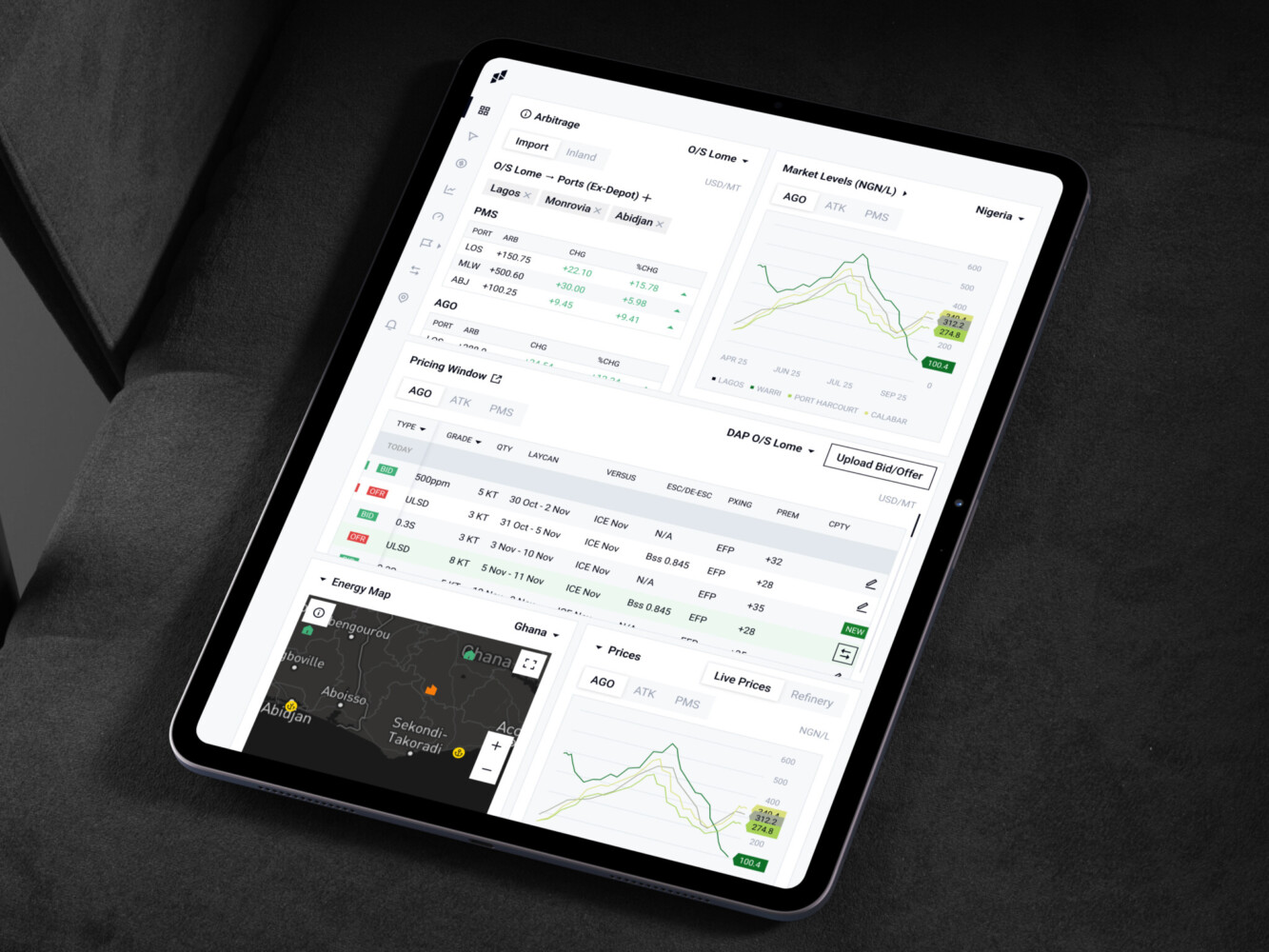
Owari platform by Shakuro
FAQ
What is AI SaaS Development?
AI SaaS development means building a subscription-based cloud product that uses AI features such as generative AI, machine learning, smart search, automation, recommendations, or predictive analytics. The SaaS layer still matters: multi-tenancy, billing, user roles, permissions, dashboards, and integrations. AI can be a single feature, like a summary inside a CRM, or the center of the product.
How Much Does AI SaaS Development Cost?
AI SaaS development costs approximately $30,000 – $80,000 for a small MVP with one AI feature, $100,000 – $300,000 for a market-ready product with multiple AI features and integrations, and $500,000 – $2M+ for an enterprise platform with custom models. Monthly infrastructure adds $500 – $2,000 for an MVP and up to $20,000 – $100,000+ at enterprise scale.
How Long Does It Take to Build an AI SaaS Product?
An AI SaaS MVP takes 2–4 months with a team of 2–4 people. A market-ready product with polished UI, fine-tuned models or RAG, and integrations takes 6–12 months with 5–10 people, and an enterprise product 12–24+ months with dedicated teams of 15+ people. Data preparation and AI validation often decide the timeline more than the interface.
How is Generative AI Used in SaaS Development?
Generative AI in SaaS products helps with support replies, summaries, document generation, onboarding, reporting, search, content creation, and internal assistants. It works best when it has strong context and clear limits. Users also need to know what the AI can and cannot do and when to double-check its output.
Can AI be Added to an Existing SaaS Product?
Yes. In many cases, adding AI to an existing SaaS product is more practical than rebuilding everything. The key is reviewing the current architecture, data quality, permissions, and user workflows first. Messy, duplicated, or outdated data is the most common reason an AI feature struggles, so data work often comes before the feature itself.
Are Vibe Coding Tools Enough to Build an AI SaaS Product?
Vibe coding tools are not enough to build a production AI SaaS product. They help with prototypes, internal tools, early UI drafts, and testing an idea before spending serious money. Production needs tenant isolation, secure payments, GDPR-aware data handling, permissions, model monitoring, logging, testing, reliable deployment, and long-term maintenance.
How Do I Choose a SaaS AI Development Company?
Choose a team that understands SaaS platforms, AI development, UX design, cloud infrastructure, data security, integrations, and post-launch support. Ask how they will protect tenant data, what happens when the AI is wrong, how they measure AI quality and track model cost, and whether you can start with an MVP. The best partner helps you decide what not to build, too.
Related reading
- B2B SaaS Platform Development: Features, Architecture, Process, and Cost
- SaaS Analytics Platform Development: How to Build Scalable Data-Driven SaaS Products
- SaaS MVP Development: How to Build, Launch, and Scale a Product Users Actually Need
- SaaS Automation Tools: Features, Use Cases, Costs, and How to Build One