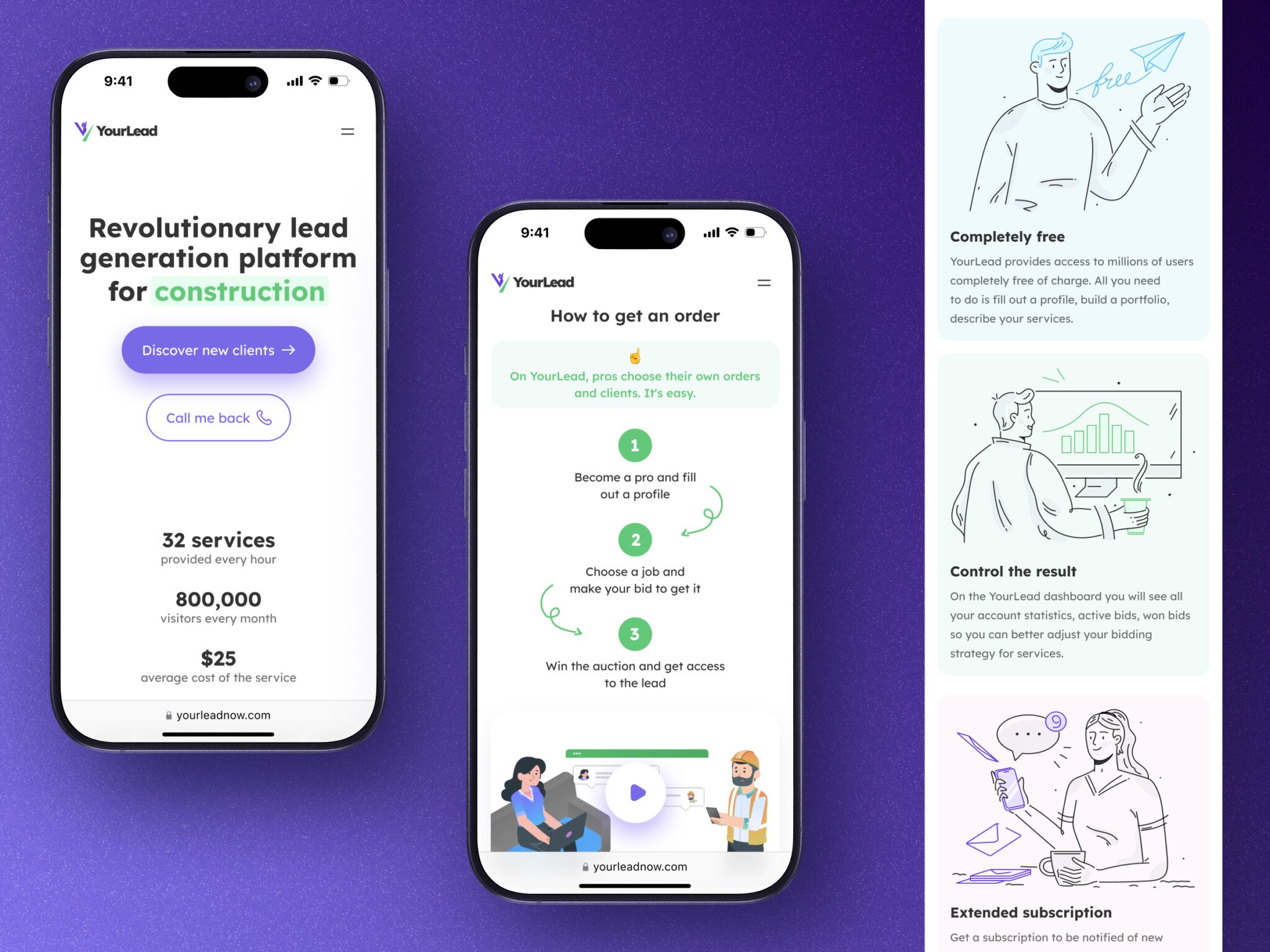
You know that feeling when you’re staring at a prototype that works beautifully in your head, but the moment you try to hand it off to engineers, everything starts to crack?
We all love the speed of vibe coding. You type a prompt, hit enter, and boom—there’s your dashboard, your landing page, maybe even a working backend. It feels like cheating because it’s so fast. But then reality hits. The code is messy. There are no tests. Security? What security? And suddenly you’re stuck with something that looks great but falls apart under the slightest pressure.
Well, vibe coding isn’t the problem. The issue is knowing when to stop treating it like a toy and start treating it like real software. Because there’s a line. On one side, you have quick experiments and proof-of-concepts. On the other, you have production-ready systems that need to scale, stay secure, and not crash when users actually start using them.
Most vibe coding best practices talk about how to write better prompts or pick the right AI tool. That’s useful. But nobody really talks about the transition. How do you take that shiny prototype and turn it into something reliable? When do you bring in proper engineering practices? What parts can you keep loose, and what needs to be tight?
That’s what I want to explore here. If you’re tired of rebuilding the same thing over and over, or if you’re worried your “fast” approach is actually slowing you down in the long run, stick around. I think you’ll find some answers that actually help.
What Is Vibe Coding in Software Development?
So, what is vibe coding in software development?
In plain English, vibe coding is a way of building software with AI tools by describing what you want, generating code, tweaking it, and moving quickly through ideas. Instead of writing every line by hand, you work with an AI coding assistant, AI app builder, or AI IDE to create screens, logic, integrations, and sometimes a full working product shell.
It is a bit like sketching with code. You are not starting from a blank canvas in the old way. You prompt, review, adjust, and keep going.
For early product work, this can be great. You can test a dashboard idea, build an onboarding flow, or make a scrappy internal tool without waiting for a full engineering cycle. In my experience, that speed changes the mood in a team. People stop arguing about abstractions and start reacting to something real on the screen. That is valuable.
But vibe-coded software often grows in a messy way. One prompt adds a feature. Another fixes it. A third adds a workaround. After a few days, the product may look surprisingly complete, while the inside is, let’s say, less calm.
That is not a moral failure. It is just what happens when speed is the main constraint.
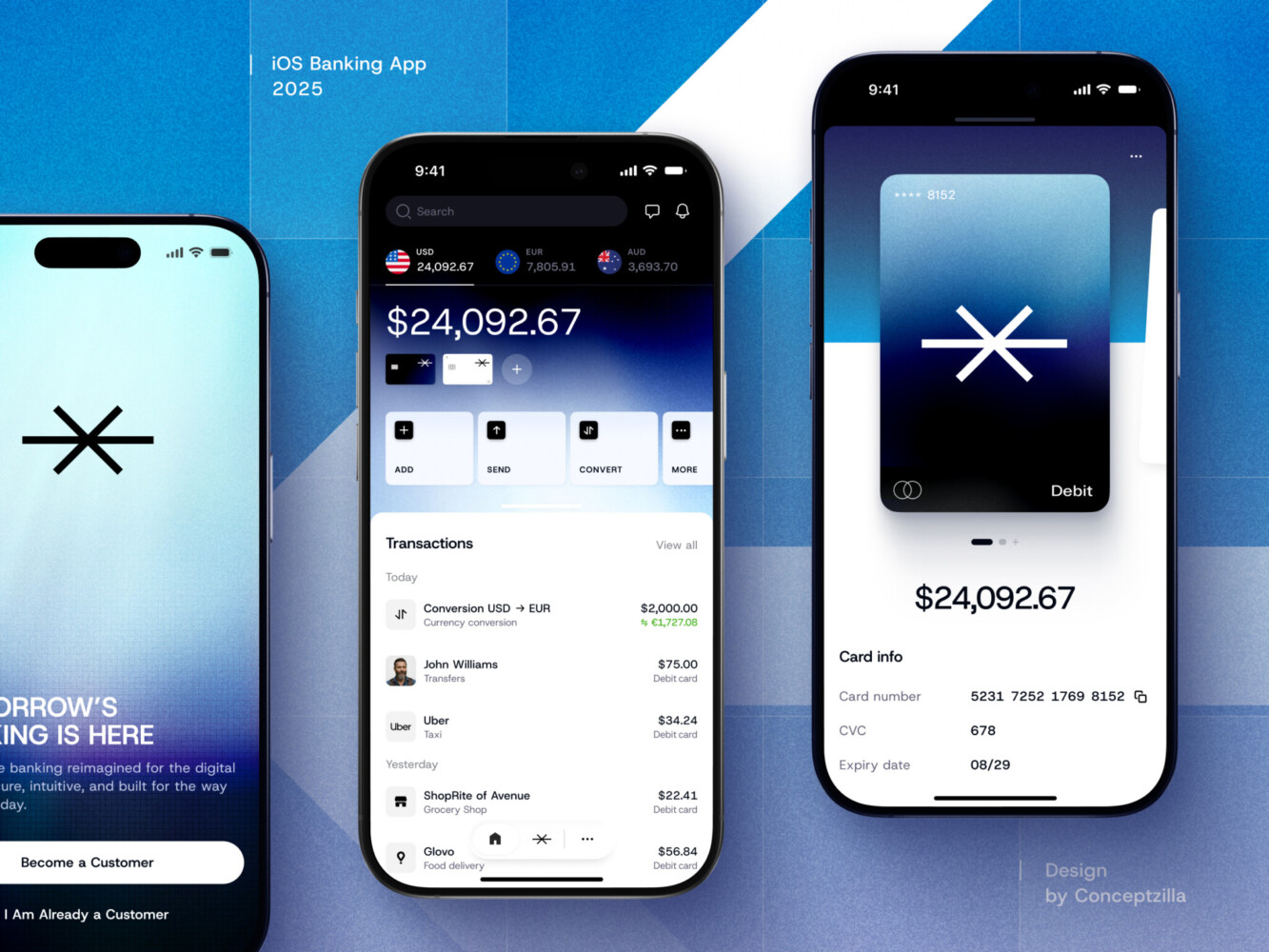
Mobile banking app by Conceptzilla
Vibe Coding vs Traditional Coding: The Difference Is Not Just Speed
The usual comparison is simple: vibe coding is fast, traditional coding is slow.
Vibe coding vs traditional coding is really about what each approach optimizes for. Vibe coding is strong when you need exploration, quick iteration, and a working demo. Traditional software engineering is better when the product needs clear architecture, maintainability, security, test coverage, and long-term ownership.
A good engineer does not just write code. They make decisions about tradeoffs. Where should business logic live? What happens if this API fails? Can we safely change the data model later? Should this permission check happen on the frontend, backend, or both? How will another developer understand this in three months?
AI can help with many of those questions. But it does not carry responsibility for the product. Your team does.
That is the real shift.
Demo-Ready vs Production-Ready
A demo is allowed to be optimistic.
You click the right buttons, enter clean data, follow the happy path, and everything looks good. For a pitch, that may be enough. For early validation, also enough sometimes.
Production is different. It assumes people will do odd things. They will paste strange characters into fields. They will refresh during payment. They will invite teammates with the wrong email address. They will lose internet connection halfway through onboarding. Someone will try to access data they should not see. Someone else will hit the same button three times because nothing seemed to happen.
Annoying? Yes. Normal? Also yes.
Production-ready software needs to handle those moments without collapsing. It needs error states, edge cases, logs, permission checks, backups, alerts, and a way for support or operations people to understand what happened.
This is where many AI-built prototypes start to show their limits. The main workflow works, but the surrounding product does not exist yet.
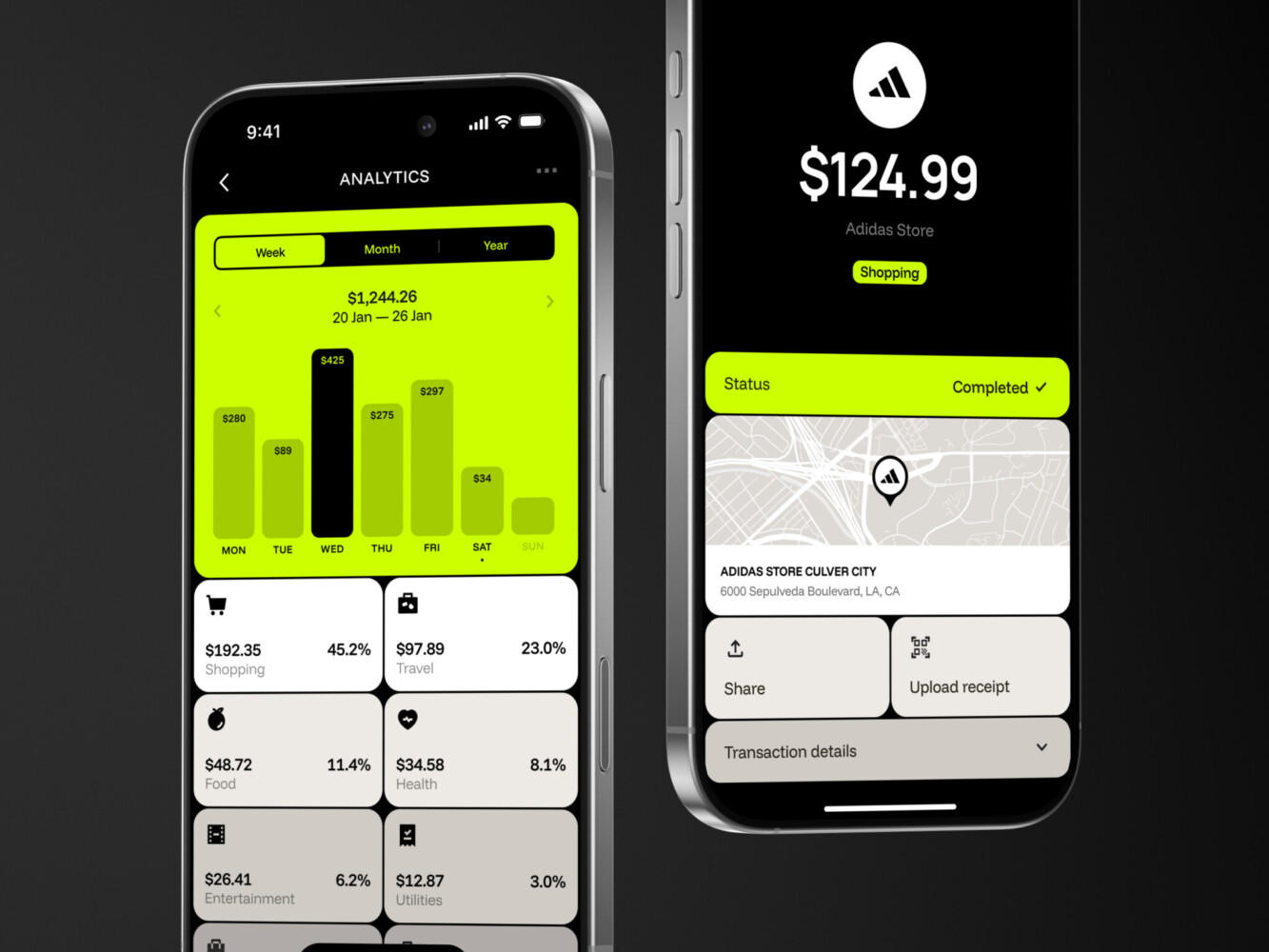
Banking application by Shakuro
How to Go From Prototype to Production
People often ask how to go from prototype to production as if it were a single cleanup task.
Usually, it is more like an audit followed by a set of hard choices.
Start by asking what the prototype is supposed to become. A fundraising demo? A paid pilot? A SaaS product with customer accounts? An internal workflow tool? Each answer changes the standard.
Then review the prototype in layers.
First, look at the core user journeys. What absolutely must work? Sign-up, payment, permissions, data import, reporting, notifications, admin access. Whatever matters to the business.
Next, check the architecture. Is the frontend talking directly to services it should not expose? Is business logic scattered across components? Are API calls consistent? Does the database model reflect the real product, or only the demo?
Then move to testing and deployment. Can the team ship without breaking existing flows? Can you roll back? Do you know when something fails? Is there a staging environment, or is everyone poking the live app and hoping for the best?
That last one sounds silly, but it happens.
The move from prototype to production is not always a full rebuild. Sometimes you can keep a lot. Sometimes you should keep only the product learning and rebuild the foundation. The trick is knowing which is which.
Where the Gap Usually Starts
The gap between prototype and production usually starts in boring places. That is why it is easy to miss.
The first place is error handling. A prototype might show a success message when everything goes right, but what about failed payments, expired sessions, duplicate submissions, invalid file uploads, or third-party downtime? Real products need these states because real users will find them within the first week.
The second place is support. If a customer says, “My data disappeared,” who can check it? Is there an admin panel? Are there logs? Can support safely reset something without asking a developer to open the database? In early prototypes, support workflows are often invisible because nobody has needed them yet.
The third place is the data model. A prototype might have a simple users table and a few records. Then the product needs teams, roles, billing accounts, audit history, permissions, saved states, integrations, and reporting. Suddenly the simple structure becomes a problem.
And one more point: integrations. AI tools can connect APIs quickly, but production integrations need retries, rate-limit handling, token refresh, webhook validation, and clear failure states. Otherwise, everything works until the first outside system has a bad day.
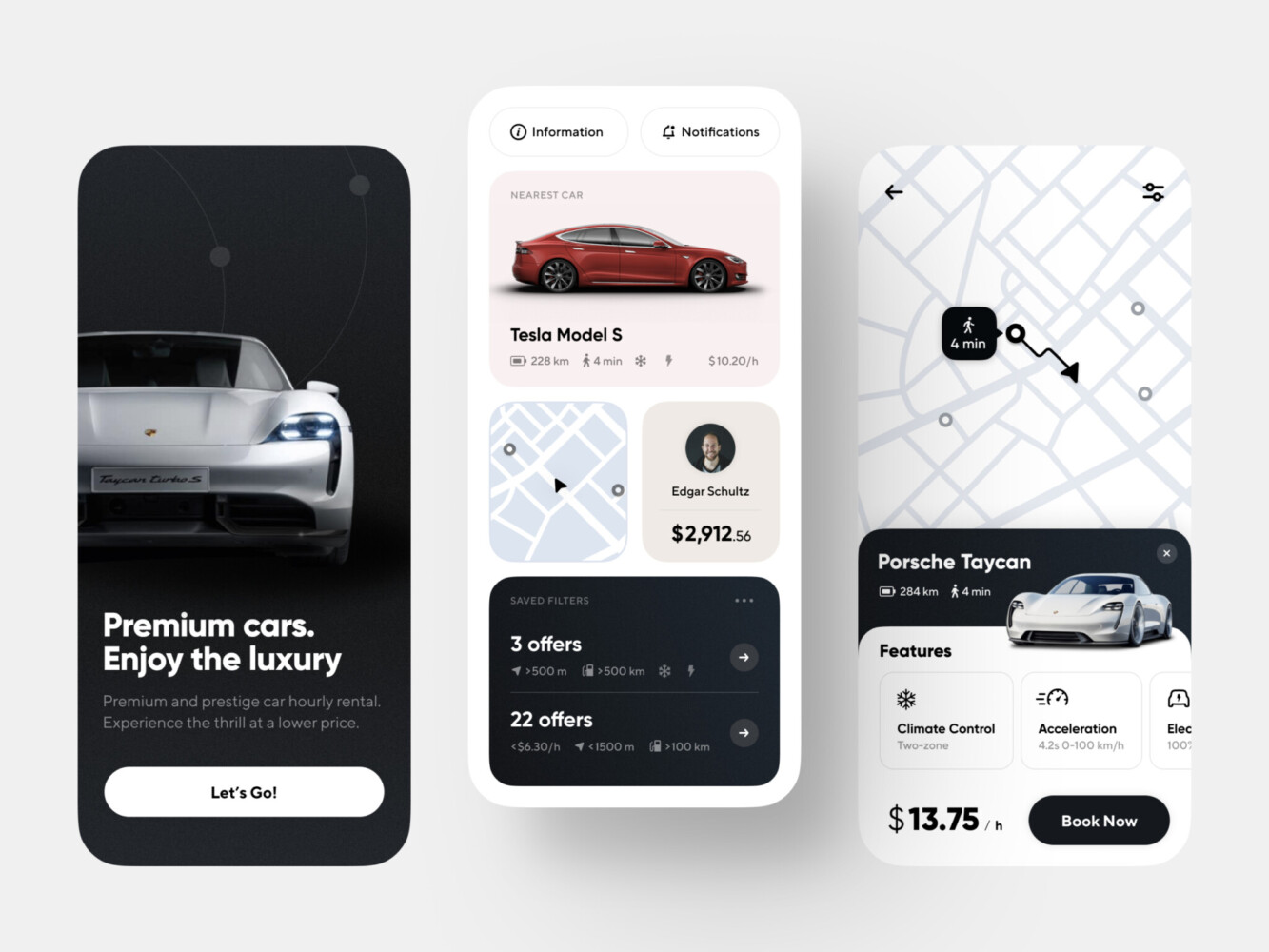
Car rental app by Shakuro
AI-Generated Code Security: Check It Early
AI-generated code security deserves its own serious look.
Not because AI-generated code is automatically unsafe. Human-written code can be a mess too, believe me. But AI tools often generate code that looks plausible while skipping important security details.
Common issues include exposed secrets, weak authentication, missing authorization checks, unsafe database access, poor input validation, outdated dependencies, and logging that reveals too much information. The code may run perfectly in the demo and still be risky in production.
A simple example: the UI hides an admin button, so it feels like only admins can use it. But if the backend does not check the user’s role, someone could call the endpoint directly. That is the kind of gap a demo will not reveal.
Before real users depend on the product, check authentication, permissions, data access, secrets, file uploads, dependency vulnerabilities, and privacy rules. It is not glamorous work. It is the work that keeps you out of trouble.
AI Code Review Is Not Optional
AI code review can really help. It can spot suspicious patterns, suggest tests, explain unfamiliar files, and catch obvious mistakes. I like it for getting a second pass on messy areas, especially when the codebase has grown quickly.
But an AI review is not the same as an engineering review.
A proper review asks questions about product behavior, security, maintainability, and business risk. Does this feature match the workflow? Can this be tested? Will the next developer understand it? What happens when the customer has 10,000 records instead of 10?
Use AI code review as part of the process, not the whole process. Pair it with automated tests, static analysis, dependency checks, QA, and a human who understands the product context. That mix is not fancy. It just works better.
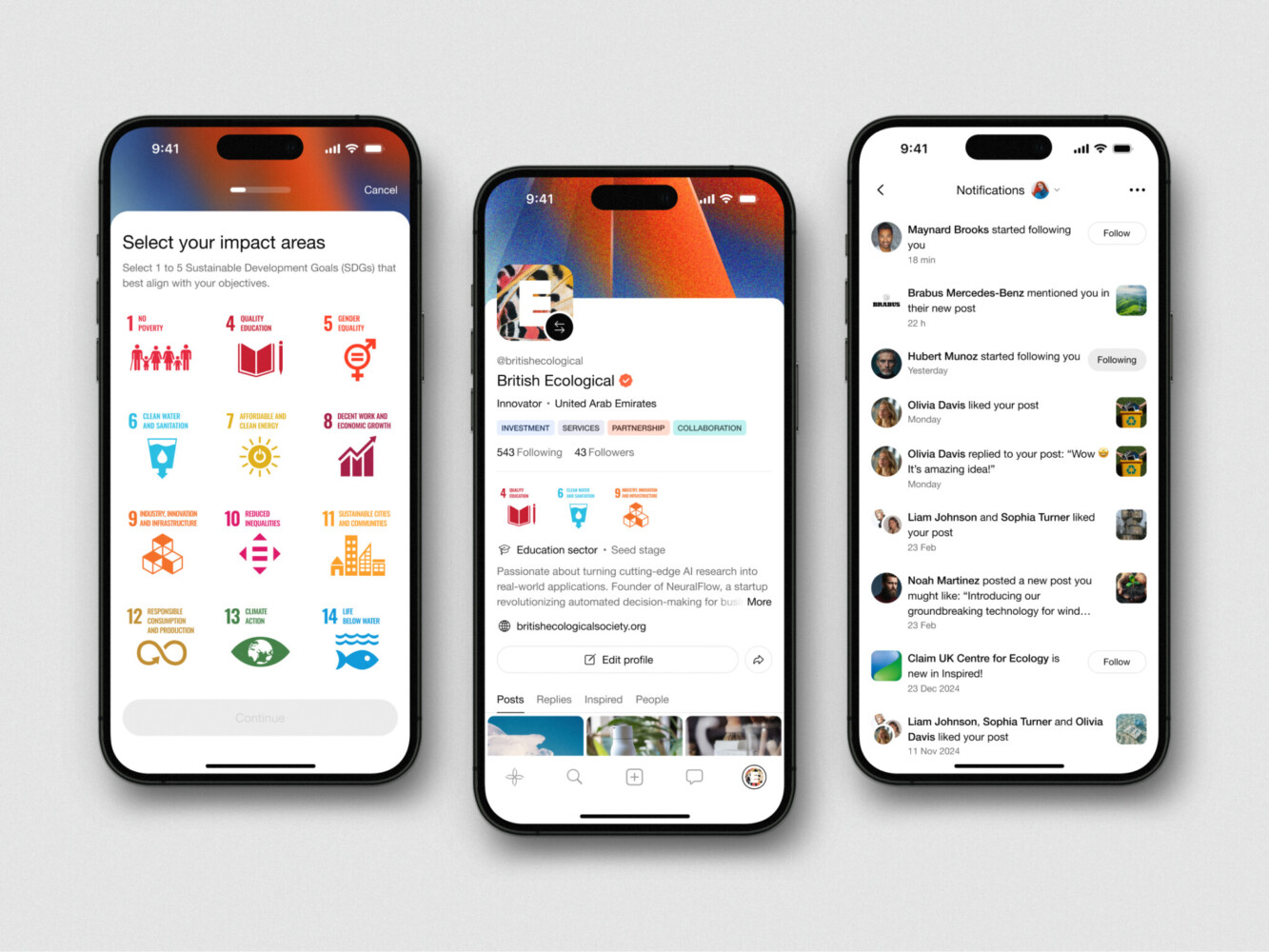
Mobile App Design for Inspired by Shakuro
AI-Generated Code Technical Debt
It tends to show up quietly.
At first, everything feels fine. Then a small change breaks three unrelated screens. A new developer asks where a certain rule lives, and nobody knows. The same validation logic appears in five places. Components are huge. API calls follow different patterns. There are no tests, or the tests only cover the easiest parts.
This debt is especially painful when you start hiring developers. New engineers can work with imperfect code, of course. That is normal. But if the prototype has no documentation, unclear architecture, and a pile of prompt-generated fixes, onboarding becomes slow and frustrating.
AI-generated code technical debt is not just “ugly code.” It is future friction. It makes every next decision harder.
Good vibe coding best practices should include light documentation from the start: why the product is structured this way, what the main workflows are, how data moves, which integrations matter, and what should not be changed casually. Nothing dramatic. Even a few clear notes can save hours later.
Vibe Coding Tools Are Useful, But They Are Not the Whole Product Team
Vibe coding tools are getting better fast. AI app builders, code assistants, AI IDEs, no-code tools, and review bots can help with scaffolding, UI drafts, database queries, refactoring, test ideas, and documentation.
Used well, they make a small team feel less stuck.
But tools do not decide product priorities. They do not understand your customers unless you bring that context. They do not know which risks are acceptable for your business. They will happily generate a feature that looks done, even when the underlying workflow is shaky.
So use the tools. Absolutely. Just do not confuse output with readiness.
A generated settings page is not the same as a permissions model. A working Stripe checkout is not the same as billing operations. A nice dashboard is not the same as reliable analytics.
You agree, that sounds obvious. But in the rush of building, it is easy to forget.
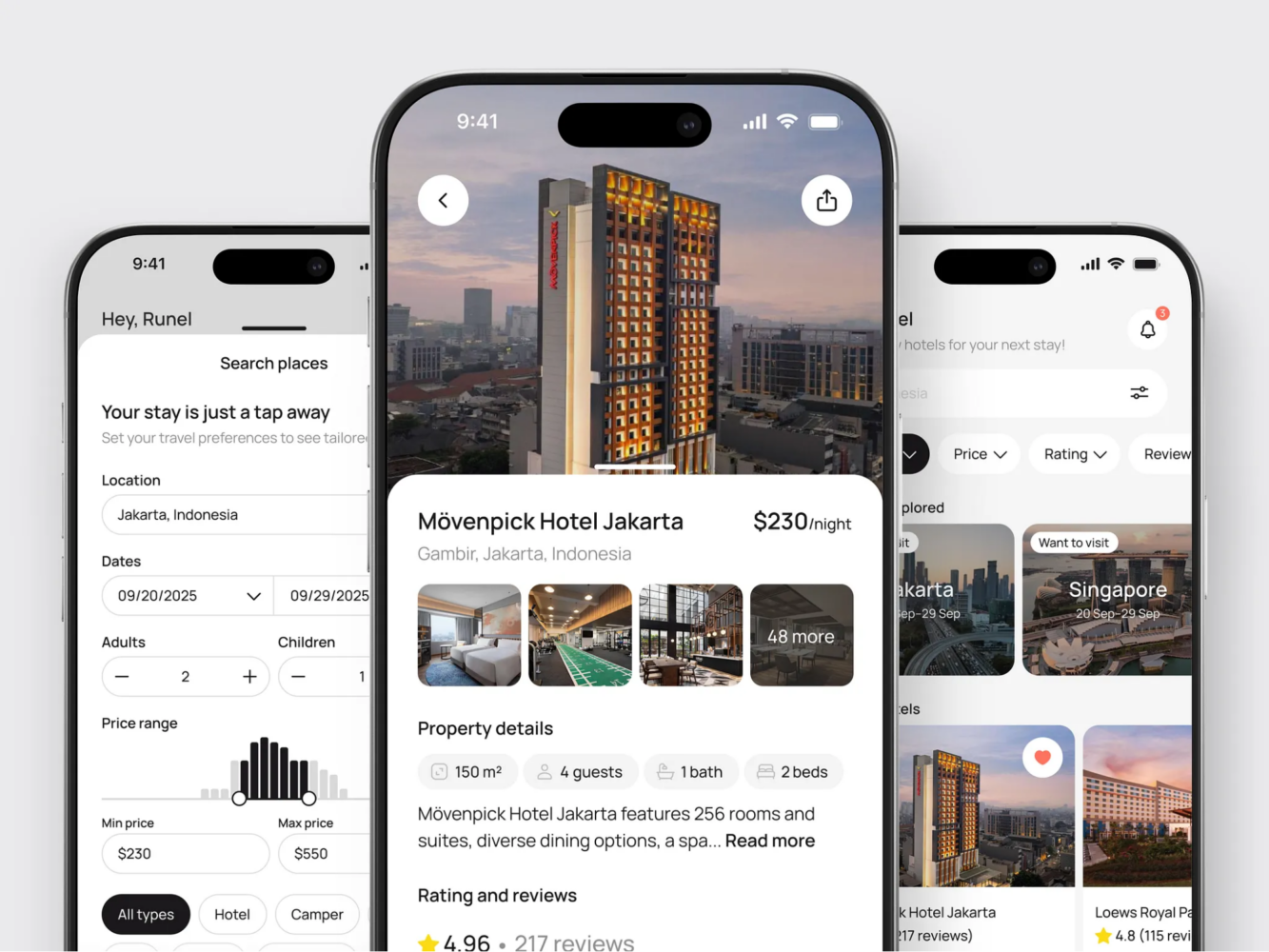
Hotel Booking Mobile App Concept by Shakuro
Assess Production Readiness Before Scaling
Before you put paid acquisition, enterprise users, or investor promises behind an AI-built prototype, take a breath and assess production readiness.
Look at code quality, architecture, UX, security, QA, data reliability, integrations, deployment, monitoring, and support workflows. If that sounds like a lot, well, it is. Production has more moving parts than a demo.
This is also the point where outside help can be useful. Our audit services help you understand what parts of your vibe-coded app work well and what should be improved in terms of mobile and web development. These are exactly the things teams often need when moving an AI-built prototype toward real users and scale.
Not every prototype needs a full rebuild. But every serious product needs someone to ask the uncomfortable questions before customers do.
Production-Readiness Checklist
Here is a practical checklist to start with.
- Product and UX readiness: Can users complete key flows without hand-holding? Are empty states, loading states, error messages, and account states handled clearly?
- Technical architecture readiness: Is the code organized in a way another developer can understand? Are business rules centralized or scattered everywhere?
- Security and permissions readiness: Are roles enforced on the backend? Are secrets protected? Is sensitive data handled carefully?
- Data and integration readiness: Is the data model ready for real accounts, teams, billing, history, and reporting? Do integrations handle retries, failures, and expired credentials?
- QA readiness: Are the most important flows covered by tests? Is there a staging environment? Can the team deploy without fear every single time?
- Support readiness: Can someone investigate user issues without digging blindly through the database? Are logs and admin tools good enough for day-to-day operations?
- Team handoff readiness: Is there documentation for setup, deployment, architecture, integrations, and known risks?
If too many answers are “not really,” the product is probably still prototype-grade. That is fine. Better to know now than after a launch campaign.
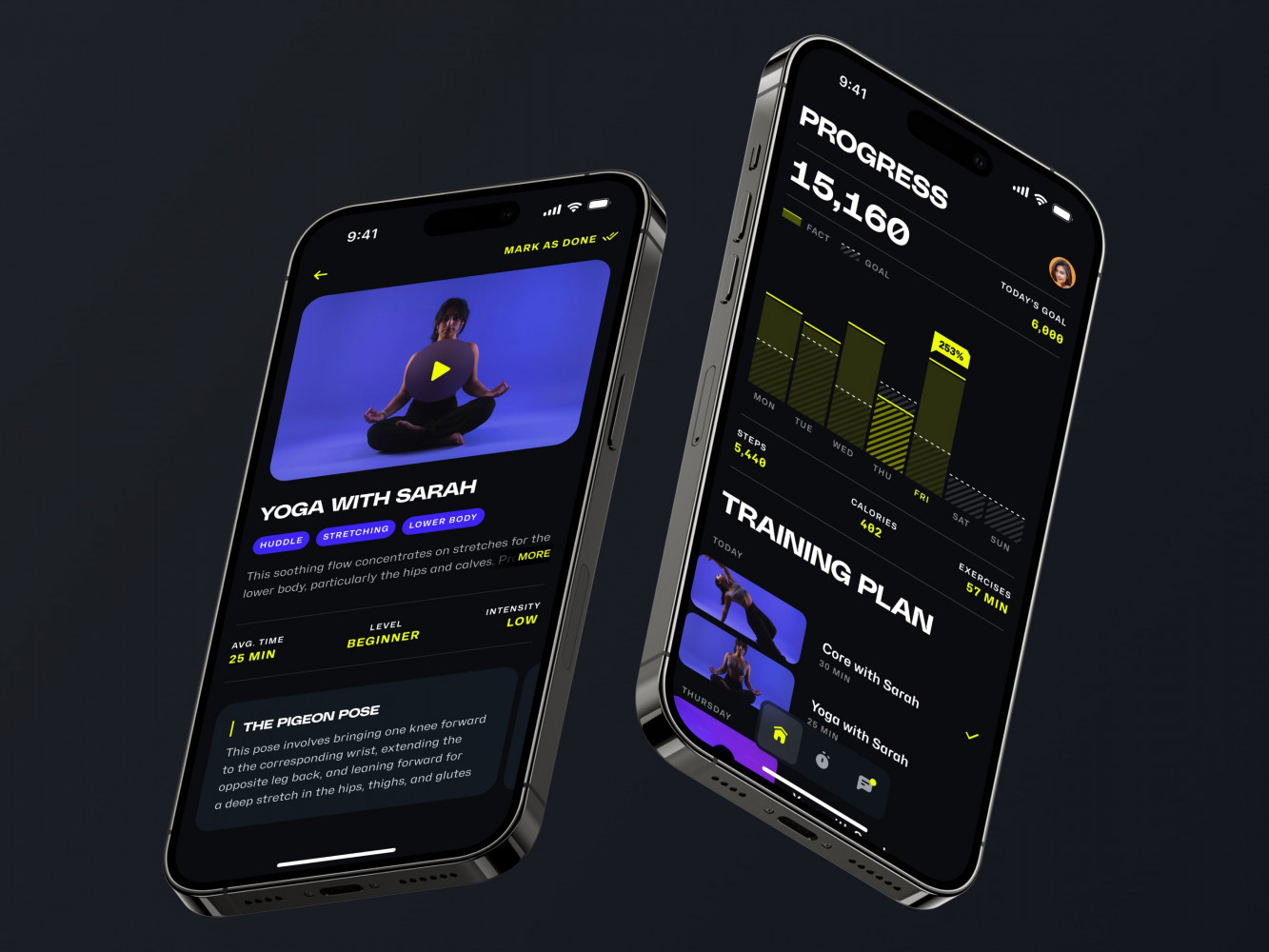
Mobile App for an Adaptive Fitness Guide by Shakuro
Final Thoughts: Keep the Speed, Add the Responsibility
Vibe coding is not a shortcut around product engineering. It is a faster way to get to the point where product engineering matters.
That distinction is important.
Use AI to explore. Use it to validate, sketch, build, test, and learn. Keep the speed. It is genuinely useful. But when real users start depending on the product, the work changes. You need stronger architecture, better security, clearer documentation, reliable integrations, thoughtful UX, and a review process that catches more than syntax errors.
Ready to take a step forward and go into production but don’t know if it will work? Reach out to us and let’s build a responsive application.
FAQ
Is Vibe Coding Good for Building MVPs?
Yes, particularly for early validation, demos, and rapid internal tools. It enables teams to iterate faster and visualize concepts in practice. The trade-off is that an MVP still requires a certain level of framework, security, and stability for its use case.
Can AI-Generated Code be Production-Ready?
It can be part of production-ready software, but it needs review, testing, security checks, and often refactoring. The source of the code matters less than whether the team has verified it properly.
What Should I Check Before Launching a Vibe-Coded Prototype?
Check core user flows, permissions, security, data handling, integrations, error states, tests, deployment, logging and support flows. Also check if the code is understandable and maintainable by another developer.
When Should I Rebuild an AI-Built Prototype?
Consider rebuilding when the architecture blocks important features, the data model is wrong, security is weak, or every small change creates new bugs. Sometimes refactoring is enough. Sometimes the prototype did its job by proving the idea, and now the product needs a sturdier foundation.
Do I Need Developers If My AI-Built Prototype Already Works?
If it’s just for learning or demos, then maybe not right away. But if it’s real users, payments, private data, business operations, then yes, you’d definitely want engineering review, at least. Production software needs ownership, not just output.
Related reading