
Subscription businesses look clean from the outside. A customer signs up, payment goes through, and revenue repeats. Sounds good, right?
But anyone who has actually tried to build one knows the messy part starts pretty quickly. Plans change. Discounts stack in weird ways. Failed payments quietly eat into revenue. A customer wants to pause for two months, not cancel. Finance needs clean reports. Support needs to know why someone was charged twice. And suddenly “just add subscriptions” turns into a whole product inside your product.
Subscription billing software can be a very strong growth model for SaaS, marketplaces, media products, fitness apps, food delivery, e-commerce, and plenty of other businesses. But the platform behind them has to be thought through properly. Billing logic, user roles, payment gateways, taxes, analytics, renewal flows, dunning, integrations, admin tools. None of it is glamorous, but all of it matters.
So in this article, we’ll walk through what subscription platform development really involves: the features you’ll likely need, the architecture behind it, the development process, and the cost factors that tend to move the budget up or down. If you’re deciding whether to build from scratch, customize an existing system, or just figure out what your future platform should look like, this should make the picture clearer.
Key takeways
- It’s more than just payments. A subscription platform manages the entire customer lifecycle—access, entitlements, and relationships—not just the invoice.
- Billing software isn’t enough. Tools like Stripe handle money, but a full platform handles user accounts, dashboards, analytics, and complex access logic.
- Custom builds solve specific pains. If you’re in SaaS, e-commerce, or memberships with unique pricing or workflow needs, off-the-shelf tools often fall short.
- Architecture matters. You need a solid state machine, secure APIs, and a clear plan for multi-tenancy and integrations from day one.
- Don’t ignore the edge cases. Failed payments, proration, tax compliance, and churn prevention are where most platforms break. Plan for them early.
- Security is non-negotiable. PCI compliance, encryption, and MFA aren’t optional. They’re the foundation of trust.
- Experience reduces risk. Working with a team that’s built these before saves you from costly mistakes in strategy, UX, and scaling.
What Is Subscription Platform Development?
It is really the process of designing and building software that manages the entire lifecycle of a recurring relationship. We’re talking about recurring products, sure, but also complex pricing plans (think tiered, usage-based, or hybrid models), billing cycles that actually make sense for your users, and robust account management.
It’s about entitlements too. Who gets access to what? When does that access start or stop? And payments—handling retries, failed cards, dunning management without annoying your customers. Plus, you need solid admin workflows so your team isn’t drowning in manual tasks.
Subscription Platform vs. Subscription Billing Software
Honestly, it’s a distinction I see people mix up all the time. You’ve got subscription billing software, and then you’ve got a full subscription platform. They sound similar, right? But they’re really not.
Billing software—think tools like Chargebee or Recurly—is great at what it does. It handles payments, generates invoices, manages tax calculations, and deals with the nitty-gritty of getting money from point A to point B. Larger subscription businesses often route charges through several providers, and a payment orchestration platform decides which one handles each renewal. It’s essential. But it’s kind of like having a really good accountant who doesn’t actually know your customers.
A full subscription platform? That’s the whole shebang. It includes the billing engine, sure, but it also wraps in user accounts, product access control (who can see what?), customer dashboards, deep analytics, and those critical lifecycle flows. You know, the stuff that happens when someone wants to upgrade, pause, or cancel. It also handles integrations with your CRM, your support ticketing system, maybe even your warehouse if you’re shipping physical goods.
Relying solely on billing software leaves gaps. You end up stitching together three different tools just to figure out if a user should still have access to your premium features. It’s messy. A platform brings it all under one roof, making life way easier for both your team and your customers. It’s the difference between having a tool that sends bills and a system that manages relationships.
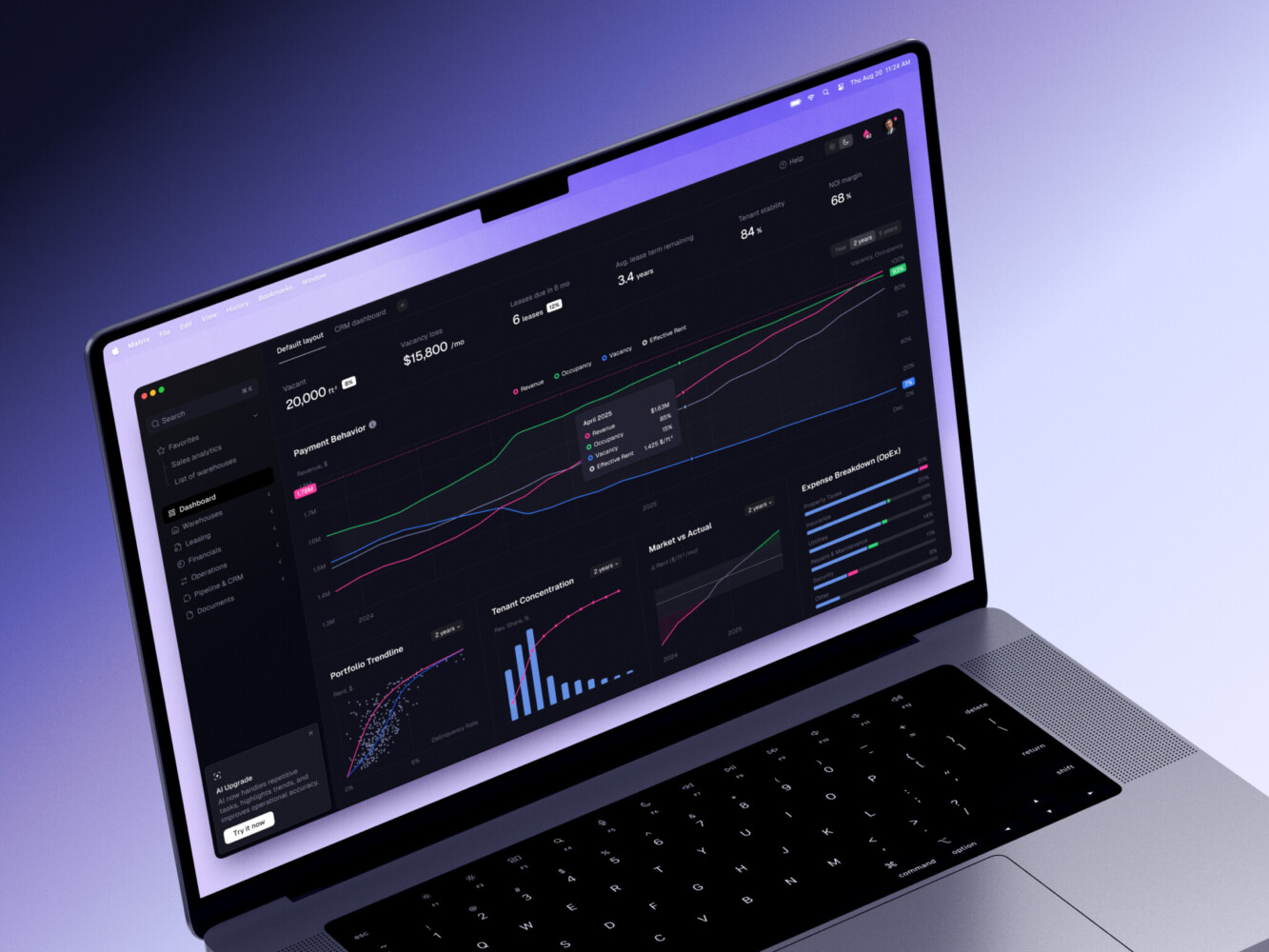
ERP dashboard by Shakuro
When Does a Business Need a Custom Subscription Management Platform?
So, when do you actually need to go custom? It’s not for everyone. If you’re just starting out with a simple monthly box, maybe off-the-shelf is fine. But things get complicated fast.
Take SaaS, for instance. You’ve got different tiers, feature flags, maybe even usage-based pricing. Off-the-shelf tools often struggle with the nuance of granting access based on complex rules. Or look at e-commerce subscriptions. It’s not just billing; it’s inventory, shipping schedules, and handling swaps. A generic tool might not cut it.
There are memberships, media platforms, or e-learning sites. Here, content access is key. You need to know exactly who watched what, when their trial ends, and how to nudge them to renew without being annoying. Creator platforms and marketplaces have their own headaches, like splitting payments between multiple parties or handling varying commission structures. And in B2B services, the contracts are complex, invoicing needs to be customized, and approval workflows are a must.
In these cases, a custom platform is a competitive advantage. It lets you build exactly the experience your users expect.
This is where Shakuro’s SaaS services come in handy. We’re talking about building custom, multi-tenant platforms that scale, robust billing systems that don’t break, intuitive dashboards for both admins and users, and integration hubs that connect everything seamlessly. It’s about creating a system that works for your specific business model, not against it.
Core Features of a Subscription Platform
Plans, Pricing Tiers, and Trials
Let’s be honest, pricing is where the magic happens. Or the headache, depending on how you look at it. You can’t just have one price anymore. People want options. So your platform needs to handle free trials smoothly—no awkward manual handovers when the trial ends. Freemium models? Sure, but you need a clear path to upgrade.
Metered pricing is huge for SaaS. You pay for what you use. It feels fairer to customers, but it’s a beast to calculate correctly in real-time. Discounts, add-ons—it adds up. Literally. The key to building online subscription billing software is flexibility. Can a user upgrade instantly? Downgrade at the end of the cycle? Pause their subscription because they’re going on vacation? If your system says “no” or requires an email to support, you’re losing people. Renewals should be invisible, boring even. That’s the goal.
Recurring Billing and Payment Flows
This is the engine room. If this part fails, everything stops. We’re talking about generating accurate invoices, handling taxes (which change depending on where your customer lives), and supporting multiple payment methods. Not everyone uses Visa.
You need a solid recurring billing software backbone. Why? Because cards expire. Payments fail. Dunning management is crucial here—it’s the process of gently nudging customers to update their info without sounding like a debt collector. Failed payment recovery should be automated. Refunds and chargebacks? They happen. Your system needs to handle them without breaking a sweat. And integrating with payment gateways shouldn’t require a PhD in API documentation. A good subscription payment platform makes this feel seamless, even though there’s a lot of complex logic happening behind the scenes.
Customer Self-Service Portal
Here’s a thought: why make your support team answer basic questions? Don’t. Give your customers a self-service portal. It’s a win-win. They want to see their billing history, right? Let them. Want to change their plan? Let them do it. Update their card? Easy.
Even cancellations. I know, it hurts to see that button clicked. But if you make it hard to leave, people just get angry. Better to let them cancel easily; maybe offer a pause option instead. Renewal reminders are also key. A simple email saying “hey, your card is expiring” saves so much hassle later. Account settings should be intuitive. If users have to guess how to do something, you’ve already lost a bit of trust.
Admin Dashboard and Analytics
You can’t improve what you don’t measure. Your admin dashboard needs to tell the story of your business at a glance. MRR (Monthly Recurring Revenue) and ARR (Annual Recurring Revenue) are your north stars. Churn rate? Critical. If it’s creeping up, you need to know why. LTV (Lifetime Value) tells you how much each customer is really worth. ARPU (Average Revenue Per User) helps with pricing strategy.
But go deeper. Look at trial conversion rates. Are people signing up but not sticking? Check cohort behavior. Do users who join in January behave differently than those who join in July? And keep an eye on failed payments. Sometimes a spike there isn’t about bad cards but a glitch in your gateway. Data is your friend here. Use it.
Roles, Permissions, and Multi-Tenancy
If you’re selling to businesses, this part is non-negotiable. Multi-tenancy means keeping data separate. Company A should never see Company B’s info. Ever. It’s a security nightmare if you get this wrong.
Workspace management lets teams organize themselves. Team billing? Essential. One person pays, but ten people use the tool. Seat-based pricing is common here—you pay per user. RBAC (Role-Based Access Control) is the fancy term for deciding who can do what. The CEO might have full access, but the intern? Maybe just view-only. Enterprise clients will ask for detailed access control. If your platform can’t handle complex permission structures, you’ll lose those bigger deals.
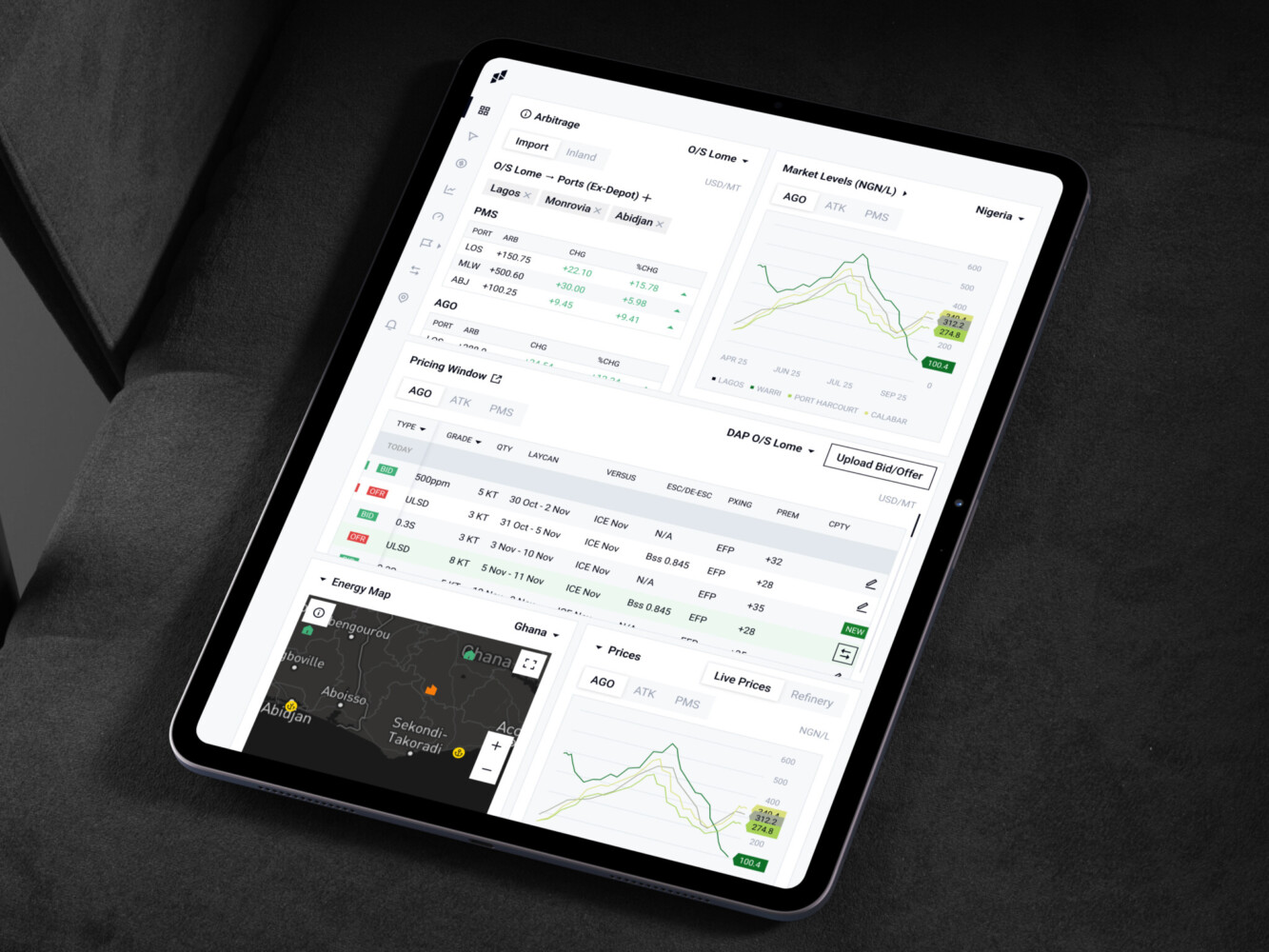
Owari platform by Shakuro
Architecture of Subscription Billing Software
Think of architecture like the skeleton of your subscription billing management software. If it’s weak, the whole thing collapses under pressure. You’ve got the frontend—what users see and click. Then the backend, doing the heavy lifting. The database holds all that precious customer data. But it’s not just those three. You need a payment processor (the actual money mover), a billing engine (the brain calculating who owes what), and a subscription state machine. That last one is key—it tracks if a user is active, paused, trialing, or cancelled. Without it, you’re guessing.
Then there’s the notification service (emails, SMS), an analytics layer to make sense of the data, an admin panel for your team, and an integration API so everything talks to each other. It’s a lot of moving parts, right? But they all need to dance together perfectly.
Build vs. Integrate Billing Systems
This is probably the biggest decision you’ll face. Do you build your own billing logic or plug in a subscription billing platform like Stripe Billing, Chargebee, Recurly, or Paddle?
Honestly, for most startups, integrating is the smart move. These tools are essentially specialized online subscription billing software that handle the nightmares for you: international payments, complex tax compliance (VAT, GST, sales tax), and dunning management. Building this from scratch is expensive and risky. One mistake in tax calculation can lead to huge fines.
But if your product is super unique—like weird hybrid pricing models or complex enterprise contracts—off-the-shelf might feel restrictive. In those cases, a custom billing layer gives you flexibility. Just know that you’re taking on the maintenance burden. It’s a trade-off between speed/compliance and total control. Choose wisely.
Subscription Platform Development Process
1. Discovery and Product Strategy
You need to get clear before writing a single line of code. What’s the business model? Who’s the audience? How does pricing actually work? Is it simple monthly, or do you have usage-based tiers? Map out the operational workflows. What happens when someone cancels? Define the MVP scope carefully. Don’t try to build everything at once. Focus on the core value.
2. UX/UI Design
Now, map the customer journey. Sign-up should be frictionless. Onboarding needs to show value fast. The pricing page has to be clear—no hidden fees. Checkout? One click if possible. Account management should be intuitive. Even cancellation flows matter; you need to make them honest but maybe offer a pause. Renewal reminders should feel helpful, not spammy. Design isn’t just pretty pictures; it’s how the product feels to use.
3. Architecture Planning
Time to pick the tech stack. Hosting? Cloud providers like AWS or Azure are standard. Database model matters—relational usually works best for structured billing data. Plan your integrations early. How will you monitor performance? What are the security requirements? GDPR? PCI compliance? Get this wrong, and you’re in trouble.
4. Core Development
This is where the rubber meets the road. Build authentication first—secure logins are non-negotiable. Then the subscription logic. This is the heart of it. Admin tools for your team, a customer portal for users, billing workflows that run automatically, and basic reporting. Keep it clean. Messy code now means pain later.
5. Integrations
Billing subscription software doesn’t live in isolation. Connect payment gateways. Link to your CRM so sales knows who’s paying. Accounting tools for finance. Email/SMS services for notifications. Tax tools if you’re going global. Analytics platforms to track behavior. Customer support tickets. Marketing automation. The more these talk to each other, the smoother your operations become.
6. Testing and Validation
Don’t skip this. Test the edge cases. What happens when a payment fails twice? Then succeeds? Refunds—do they prorate correctly? Tax calculations for different regions. Plan transitions—upgrading mid-cycle can be tricky. Permission checks—can a junior admin delete the whole database? Load testing too. Can your system handle Black Friday traffic? Better find out before it happens.
7. Launch and Scaling
You’re live! Now what? Monitor everything. Watch the analytics like a hawk. Iterate based on real user data. Run retention experiments—maybe a new discount works better than expected. Support will be busy, so be ready. Scaling isn’t just about servers; it’s about learning and adapting quickly.
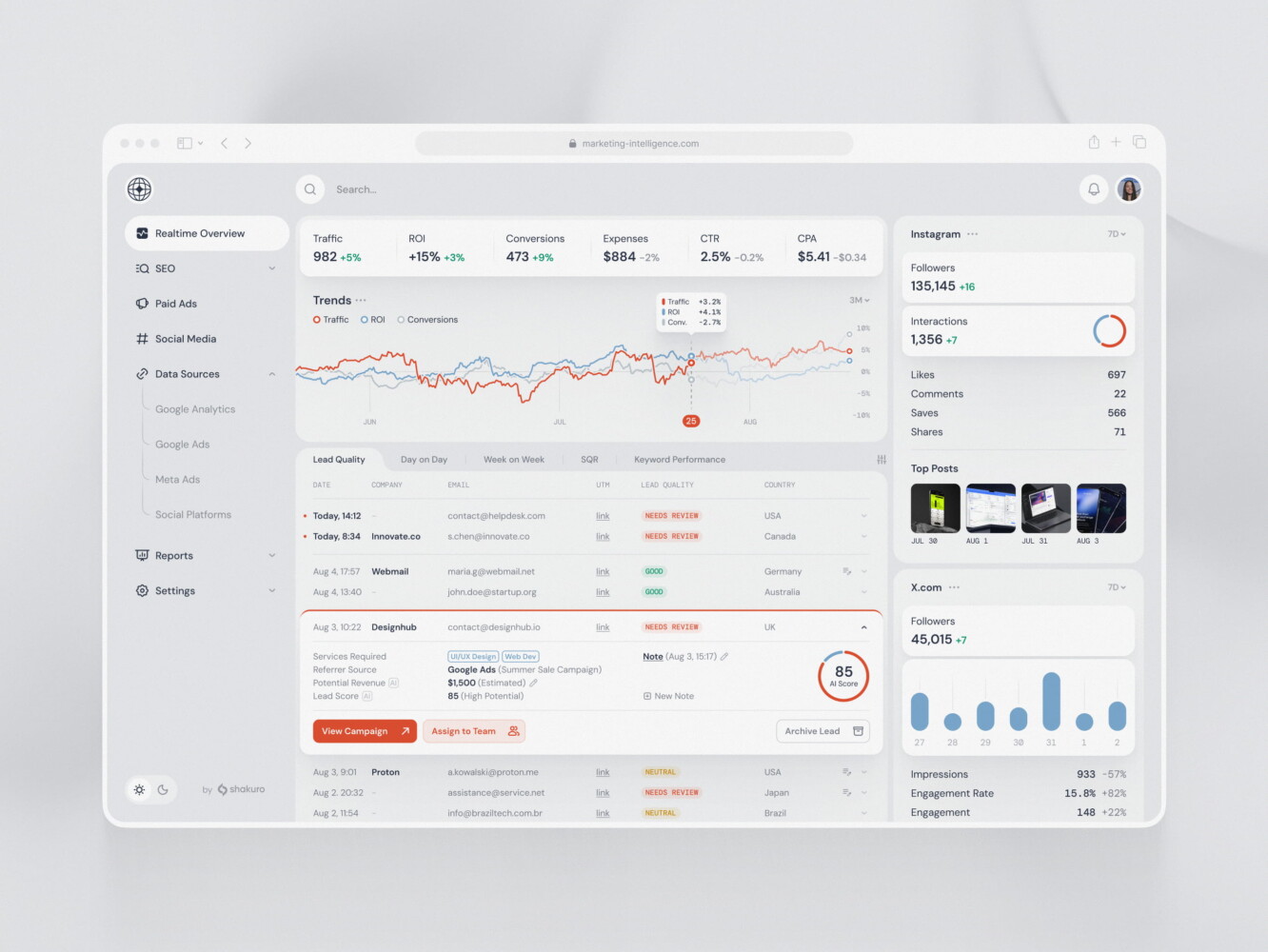
SaaS marketing dashboard by Conceptzilla
Security and Compliance in Subscription Platforms
Look, security isn’t just a checkbox when you create recurring subscription billing software. It’s the foundation. If you’re handling recurring payments, you’re holding people’s financial trust. Mess that up, and you’re done.
First off, PCI compliance. This is non-negotiable if you’re touching card data. But here’s the pro tip: don’t touch card data. Use tokenization through your payment provider. Let them handle the heavy lifting. Your system just sees a secure token. It’s safer and way less stressful. Encrypted payment data should be the standard, everywhere. At rest, in transit. No exceptions.
MFA (Multi-Factor Authentication) is another must-have, especially for admin accounts. I’ve seen too many breaches happen because someone reused a password. MFA stops that cold. And your APIs? They need to be secure. Rate limiting, proper authentication, no exposed endpoints. Hackers love lazy API designs.
Then there’s the legal side. GDPR if you have European users. HIPAA if you’re in health tech. These aren’t suggestions; they’re laws. You need clear consent mechanisms, data deletion workflows, and privacy policies that actually make sense. Audit logs are crucial here. Who changed what, and when? If something goes wrong, you need a trail to follow.
Fraud prevention is also part of the game. Subscription fraud is real—people using stolen cards to sign up for free trials. You need tools to detect suspicious patterns. Velocity checks, IP analysis, maybe even some machine learning if you’re at scale.
Finally, access controls. Not everyone on your team needs to see every customer’s billing info. Role-based access keeps things tight. Least privilege principle. Give people only what they need to do their job. It feels like extra work setting it up, but it saves you from internal mistakes or malicious actors. It’s a little annoying, sure, but you get used to it. And honestly, sleeping well at night is worth it.
How Much Does Subscription Platform Development Cost?
Alright, let’s talk money. It’s usually the first question founders ask, and honestly, it’s the hardest to answer with a straight face because it depends.
For an MVP subscription billing software, you’re probably looking at $30k to $60k. This gets you core billing, basic user accounts, and maybe one or two integrations. It’s functional, not fancy. A mid-level SaaS product jumps to $80k–$150k. You’re adding proper analytics, self-service portals, more complex pricing logic, and better admin tools. Enterprise platforms can easily run $200k to $500k+, especially if you need deep multi-tenancy, custom compliance workflows, or legacy system migrations.
Now, what actually drives those numbers up? Billing complexity is a big one. Simple monthly plans are cheap. Usage-based tiers with proration and grandfathering? That adds weeks of dev time. Integrations pile up fast too—each CRM, accounting tool, or email service needs its own connector and testing. Compliance (GDPR, HIPAA, PCI) isn’t free; it requires audits, encryption, and legal reviews.
Admin dashboards sound simple until you realize executives want real-time cohort analysis and exportable reports. Custom analytics beyond basic MRR/churn metrics can double your backend effort. Multi-tenancy demands rigorous data isolation and testing. Mobile apps? Separate codebases, push notifications, offline sync—all costly. Migration from an old system is often underestimated; data mapping and validation eat budgets. For ongoing support/maintenance, budget 15–20% of dev costs annually.
The truth is, cutting corners here bites you later. So yeah, it’s expensive. But think of it as insurance against revenue leaks.
Common Challenges in Subscription Platform Development
Building recurring billing software is rarely a smooth ride. There are always hiccups.
First up, billing edge cases. You think you’ve covered everything, then someone tries to upgrade on the last day of their trial while using a discount code that expired yesterday. The logic gets tangled fast.
Proration is another beast. Calculating exactly how much someone owes when they switch plans mid-cycle? It’s math, sure, but it’s tricky math. Get it wrong, and customers get angry invoices.
Churn is the silent killer. You need to understand why. If your platform doesn’t make it easy to pause or downgrade, people just cancel. And confusing pricing UX? That’s a self-inflicted wound. If users can’t figure out what they’re paying for in ten seconds, they’re gone. Keep it simple.
Failed payment recovery is where many platforms drop the ball. Cards expire. Banks decline transactions for no reason. If your system doesn’t have a smart dunning strategy—gentle emails, retry logic—you’re losing revenue you technically earned. It’s frustrating because it’s so preventable.
Then there’s scaling recurring jobs. When you have ten subscribers, running a nightly billing script is fine. When you have ten thousand? That script needs to be robust. If it fails halfway through, you’ve got half your users billed and half not. Chaos. Messy integration logic is similar. Every tool talks a slightly different language. Keeping data synced between your billing engine, CRM, and support desk without duplicates or errors is a constant battle.
Revenue reporting accuracy is huge for founders. If your dashboard says MRR is $50k but your bank account shows $48k, you’ve got a problem. Discrepancies kill trust. As for long-term maintenance, you can’t just build a subscription management platform and forget it. It needs care. It’s a little annoying, but that’s the job. You get used to it, though.
Our Experience in Subscription Platform Development
Let’s look at some real examples, shall we? It helps to see how this plays out in the wild.
Take CGMA, for instance. It’s an e-learning web platform. On the surface, it looks like a standard course site. But dig deeper, and you’ll see the subscription complexity. They needed robust user roles—students, instructors, admins—all with different views. Content access had to be tightly controlled; you pay for Module A, you get Module A. Not B. And they relied heavily on third-party integrations for things like video hosting and certification tools. Automated workflows were key here too. When a student finishes a course, what happens? Certificate generation? Email notifications? It all needs to run without human intervention. It’s a classic example of how subscription-style education platforms need more than just a video player.
Then there’s SELECT, a VIP membership app. This one was all about the experience. Membership products live or die by how good they feel to use. So, user accounts had to be seamless. The mobile experience? Critical. People want to access their perks on the go. Access logic was tricky because VIP status isn’t always binary. Maybe you have different tiers of VIP, each with unique benefits. And retention-focused UX was the name of the game. Every screen, every notification, was designed to remind users why they paid. It wasn’t just about letting them in; it was about keeping them engaged.
These projects show that whether you’re selling knowledge or exclusive access, the underlying platform needs to be flexible. It’s about enabling the business model. Shakuro’s work here highlights how important it is to get the details right—from role permissions to mobile responsiveness. Because if the UX feels clunky, the subscription feels like a burden.

CGMA platform by Shakuro
Why Work With a Subscription Platform Development Company?
So, why bother with a specialized team? Why not just grab a few freelancers or try to develop a online subscription billing software in-house? Well, you could. But here’s the thing: subscription models are unforgiving. One small mistake in billing logic can cost you thousands in lost revenue or, worse, angry customers.
An experienced team reduces risk. Plain and simple. They’ve seen the pitfalls before. In product strategy, they’ll ask questions you haven’t thought of yet. Like, “What happens if a user upgrades during a promotional period?” Or, “How do we handle tax exemptions for non-profits?” These aren’t just technical details; they’re business-critical.
UX is another area where pros make a huge difference. They know how to design flows that reduce friction. Sign-up, checkout, account management—it all needs to feel effortless. A bad UX here directly impacts churn.
Payment integrations are tricky. It’s not just plugging in Stripe. It’s handling webhooks, retries, and security tokens correctly. Mess this up, and you’re vulnerable. Security is non-negotiable, as we talked about. Pros know the compliance landscape—PCI, GDPR, whatever applies. They don’t cut corners.
Launch is stressful enough without worrying if your billing engine will crash. A good SaaS mobile app development company manages this smoothly. They plan for long-term scaling. They build monitoring, analytics, and maintenance into the process. It’s not just about getting live; it’s about staying live and growing.
Honestly, it’s like hiring a guide for a mountain climb. You could go alone, but why risk falling when someone who knows the path is available? It saves time, money, and a lot of headaches.

Final Thoughts
At the end of the day, subscription billing software is three things wrapped into one. It’s your revenue system, keeping the cash flowing predictably. It’s your product experience, defining how users feel about your brand every time they log in or get billed. And it’s your operational tool, freeing your team from manual chaos so they can focus on growth.
If any of those legs wobble, the whole thing feels unstable. You don’t want that. You want a system that works quietly in the background, making your business look good and run smooth.
So, if you’re ready to build something that actually scales—without the usual headaches—let’s talk. Shakuro has the experience to help you design and develop a subscription platform that fits your specific needs. No cookie-cutter solutions, just solid engineering and smart design. Reach out, and let’s see what we can build together.
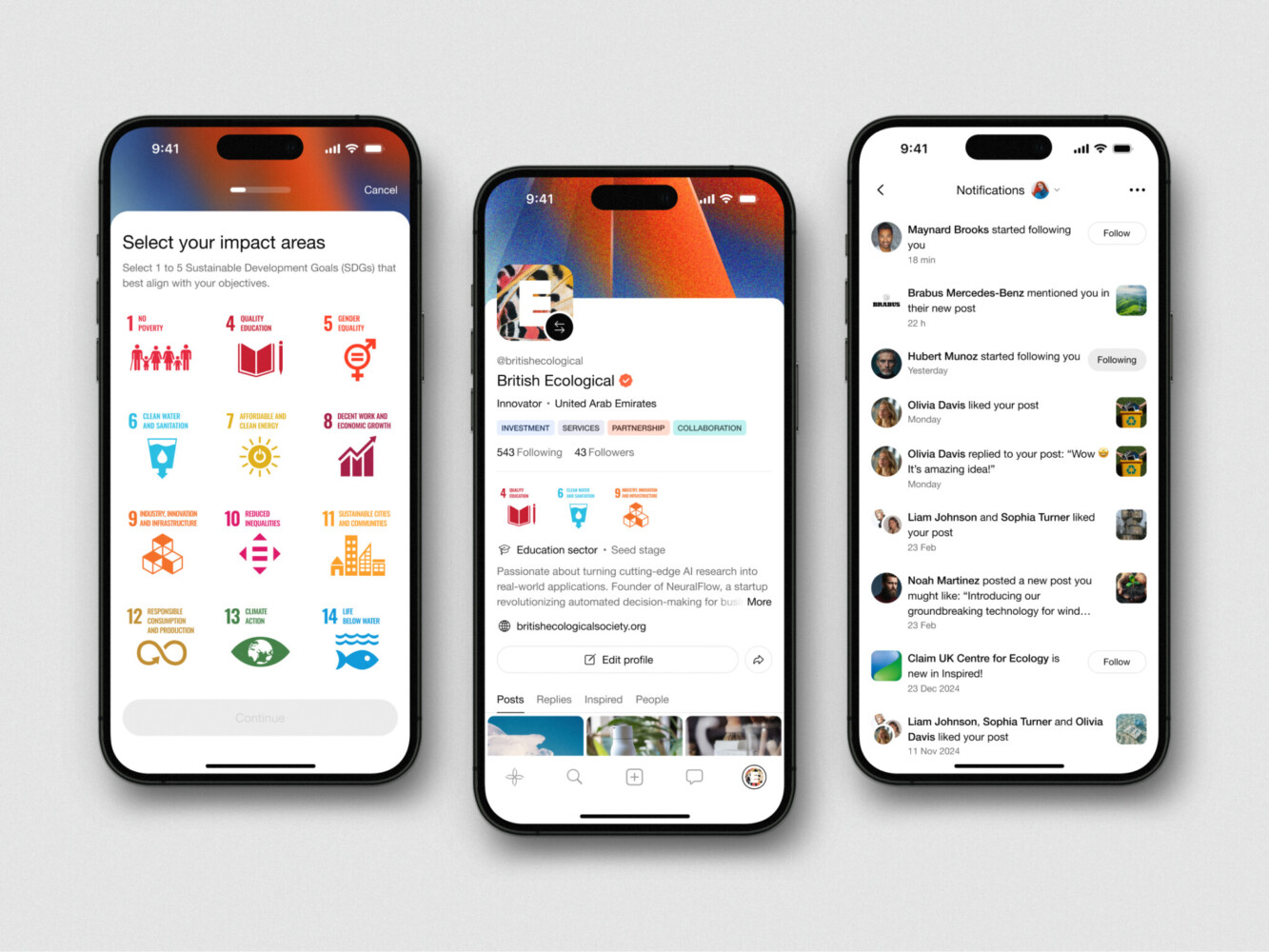
Mobile App Design for Inspired by Shakuro
FAQ
How long does it take to build a subscription platform?
It varies, but honestly? An MVP usually takes 3–4 months. A full-featured mid-level product? Think 6–9 months. Enterprise stuff with complex compliance can push past a year. It depends on how many integrations you need and how tricky your pricing logic is. Don’t rush it. Better to launch solid than fast and broken.
What is the difference between a subscription platform and billing software?
Billing software just handles the money—invoices, payments, taxes. A subscription platform does all that plus user accounts, access control, dashboards, analytics, and lifecycle management. One sends bills; the other manages the whole customer relationship. Big difference.
Should I build custom billing or integrate an existing provider?
For most people, integrate. Use Stripe Billing, Chargebee, or Paddle. They handle tax compliance and dunning so you don’t have to. Only build custom if your pricing model is super unique and off-the-shelf tools literally can’t handle it. Building your own billing engine is expensive and risky.
What features should a subscription MVP include?
Keep it simple. You need user auth, basic plan management (create/cancel), a secure checkout, a simple customer portal to update cards, and an admin view to see who’s paying. Maybe basic email notifications. Skip the fancy analytics and complex tiers for now. Just get the core loop working.
How much does subscription platform development cost?
Roughly $30k–$60k for an MVP. Mid-level SaaS products run $80k–$150k. Enterprise platforms? $200k+. It depends on complexity, integrations, and whether you need mobile apps or heavy compliance work. It’s an investment, but cheap compared to losing revenue from a buggy system.
Related reading