A customer data platform (CDP) is software that collects customer data from many sources, cleans it, merges records that belong to the same person or account, and sends the resulting profiles to the tools that act on them: email, CRM, support, ad platforms, and internal apps.
Customer data spreads across a company fast. Sales has the CRM, marketing has campaign analytics, product has events, support has tickets, and finance has payment records. Then a customer gets the wrong onboarding email, or a dashboard shows an account as active while support says it churned last month. A CDP gives marketing, sales, support, analytics, and product teams one profile to work from. In a more advanced setup, it updates a segment right after a pricing-page visit.
Below, we cover how a CDP differs from a CRM and a DMP, practical use cases, core features, real-time architecture, enterprise requirements, build versus buy, how to choose a CDP, the development process, and common implementation challenges.
Quick Facts
| Question | Answer |
| Best for | Unifying scattered customer data and using it for personalization, lifecycle marketing, churn prevention, product analytics, support context, and reporting. |
| Typical timeline | A focused pilot can take a few weeks to a few months. A full enterprise CDP rollout often takes several months, especially with legacy data, compliance, and custom integrations. |
| Core components | Data ingestion, identity resolution, unified profiles, segmentation, activation connectors, dashboards, consent management, permissions, audit logs, and monitoring. |
| Common tools | CRM systems, email and marketing automation platforms, analytics tools, data warehouses or lakehouses, ETL/ELT pipelines, APIs, message queues, and customer support platforms. |
| Main risk | Building or buying a CDP before defining real use cases, which can lead to messy data, weak adoption, unreliable integrations, and an expensive platform nobody fully trusts. |
Key takeaways
- A customer data platform only matters if it connects scattered customer data to real decisions and actions.
- CDPs are different from CRMs and DMPs: CRMs manage relationships and sales workflows, while CDPs unify first-party behavioral, transactional, support, and marketing data. DMPs are more ad-audience focused.
- The best CDP use cases are practical: personalization, lifecycle marketing, churn prevention, product analytics, support context, attribution, and consent management.
- Off-the-shelf CDP tools work well for standard marketing and segmentation needs, while custom or composable CDP solutions fit better when data models, integrations, compliance, or product workflows are more complex.
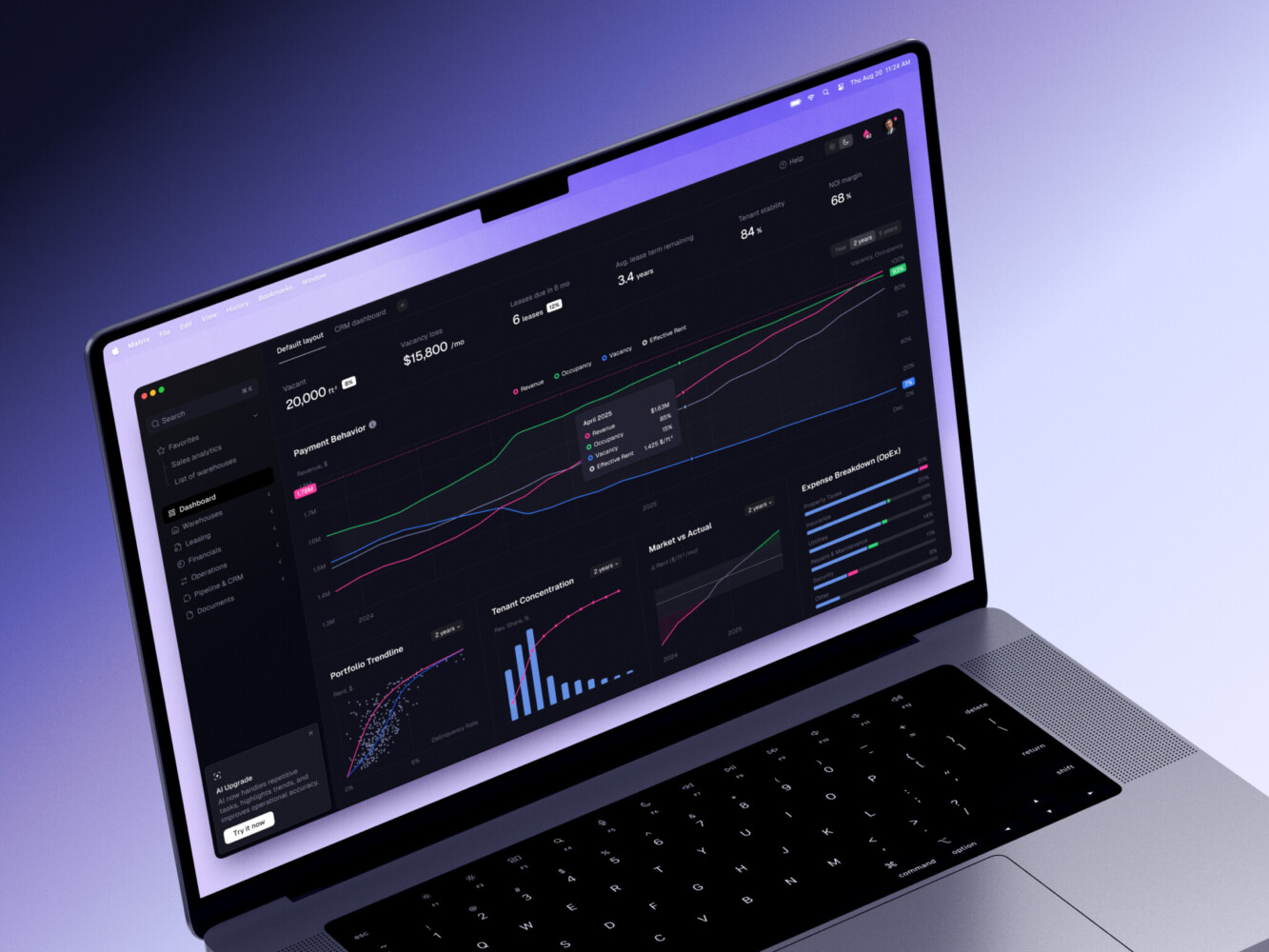
ERP dashboard by Shakuro
What is a Customer Data Platform?
In plain English, it is the place where scattered customer signals become usable profiles.
A customer data platform, or CDP, is software that collects, cleans, unifies, stores, and activates customer data from many sources. It pulls together the signals that describe what a customer did, what they bought, what they asked for, what they consented to, which channels they use, and how they move through the product or service.
The useful part is not only storage. A spreadsheet can store customer data too, at least until it breaks your day. A CDP is valuable because it turns scattered records into customer profiles that other systems can use.
There are four ideas that matter here:
- Identity resolution connects records that belong to the same person, account, household, or organization.
- Profile building creates a unified view with traits, events, history, preferences, and consent status.
- Segmentation groups customers based on behavior, attributes, lifecycle stage, risk, value, or any other useful logic.
- Activation sends data or triggers actions in tools like email platforms, CRM systems, support tools, dashboards, ad platforms, and internal apps.
In my experience, this is where many teams get surprised. They think they are buying or building a data tool, but the hard discussions are often about definitions. What is an active user? Is an account “qualified” after a sales call or after product usage crosses a threshold? Should a canceled customer remain in a win-back segment for 30 days or 90? These sound like tiny details. They are not tiny when they drive automation.
What Data Does a CDP Collect?
A CDP can collect several data types, including behavioral data like page views, app events, button clicks, feature usage, search activity, and session history:
- Purchases, subscriptions, renewals, refunds, invoices and payment status (transaction data)
- Demographic or firmographic information like role, company size, industry, location, or account tier.
- Support data: Tickets, chat transcripts, satisfaction scores, issue categories.
- Marketing engagement data such as email opens, campaign clicks, form submissions, webinar attendance, and ad interactions.
- Product and subscription data such as plan changes, trial activity, limits, seats, add-ons and frequency of usage.
- Consent and privacy data, which can be easy to miss until legal or compliance teams get involved.
Not every company needs all of this at once. A small SaaS product may start with CRM, billing, email, and product events. An e-commerce company may care more about browsing, cart activity, order history, loyalty status, and returns. A healthcare or fintech platform will usually need stricter access rules, audit trails, and data handling policies from day one.
Who Uses CDPs?
Customer data platform tools are usually discussed as marketing tools, and yes, marketing teams use them a lot. But the better implementations reach further.
Product teams use CDP data to understand adoption, friction, feature usage, and onboarding gaps. Customer success teams use it to spot churn risks or expansion signals.
Sales teams use it to see product engagement before a call. Support teams use it to understand what a person actually did before they asked for help. Leadership uses CDP analytics to connect customer behavior with revenue and retention.
And one more point: operations teams matter here. They are often the people who notice when the “simple sync” is quietly turning into a weekly cleanup ritual. If they are not included, the CDP may look good in a demo and still become painful in daily work.
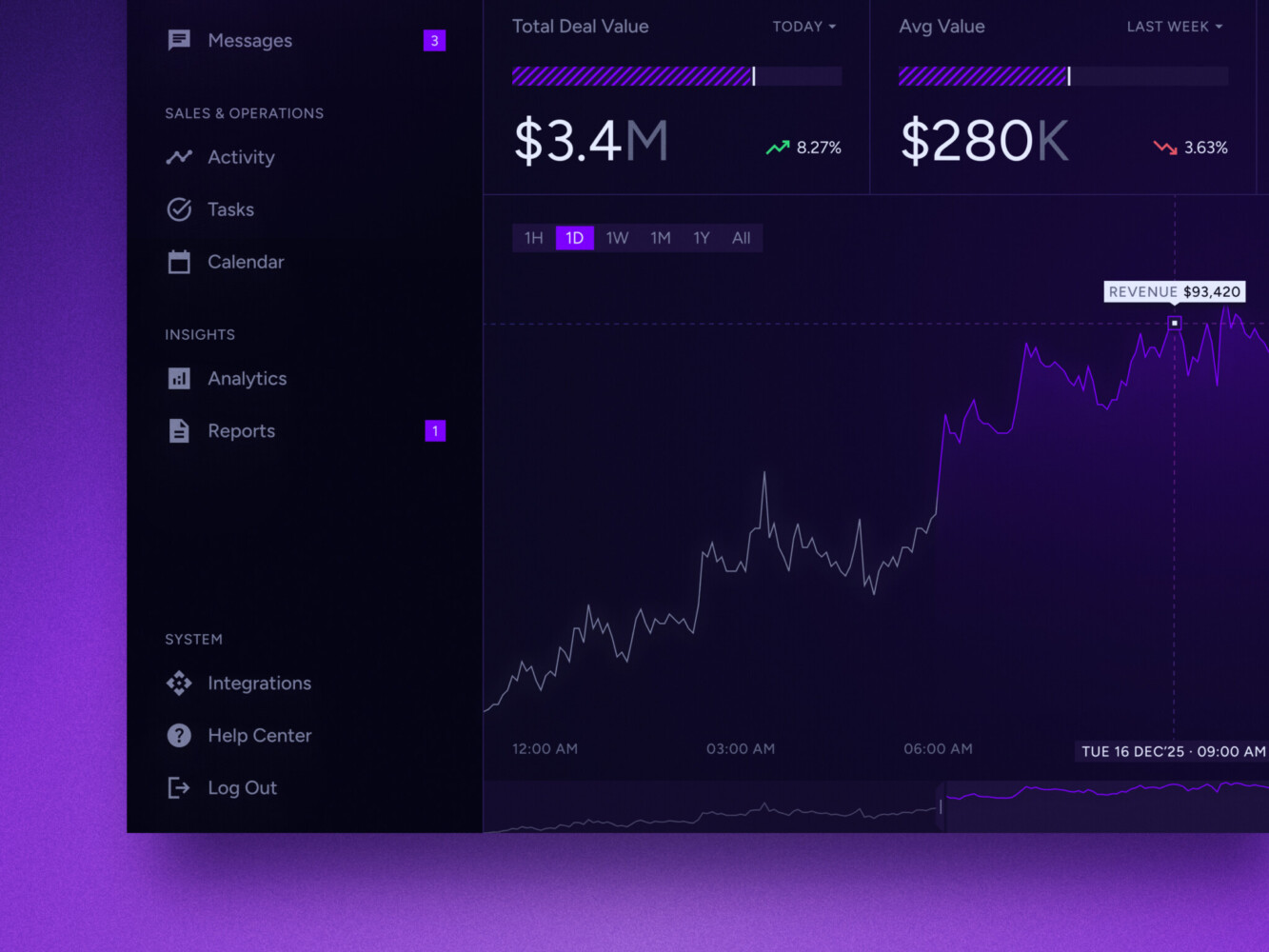
Real-time data dashboard by Shakuro
CDP vs CRM: What’s the Difference?
This comparison comes up all the time because both systems store customer information. The difference is in the scope and purpose.
A CRM is usually built around relationships, sales activities, pipeline, accounts, contacts, deals, notes, and account management. It tells you who the customer is from a sales and relationship point of view.
A CDP pulls in broader first-party data from many touchpoints, including behavior that happens before, during, and after the sales process. It tells you how the customer behaves across channels and what should happen next.
Here is a simple way to compare CDP vs CRM.
| Area | CRM | CDP |
| Main job | Manage customer relationships, sales activity, and account records | Unify customer data and activate it across systems |
| Typical users | Sales, account managers, customer success | Marketing, product, analytics, support, sales, operations |
| Data sources | Manual entries, sales calls, forms, account data, deal history | Website, app, CRM, payments, support, email, ads, offline data, warehouse |
| Update frequency | Often manual or scheduled | Often automated, sometimes real time |
| Best for | Pipeline, contacts, notes, tasks, deals, account ownership | Segments, profiles, personalization, journeys, analytics, activation |
| Personalization | Limited to CRM fields and workflows | Based on richer behavior and cross-channel data |
| Analytics | Sales and account reporting | Customer behavior, lifecycle, retention, attribution, product usage |
CRMs are still essential. Nobody wants a sales team working from a messy profile store instead of a proper pipeline tool. The CDP complements the CRM by feeding it better context and by using CRM data in wider customer journeys.
Example:
A CRM may store that a lead is in the “Negotiation” stage. The CDP may also know that the same lead viewed the enterprise security page twice, invited three teammates to a trial workspace, and opened a pricing email from a different address. That context can change the conversation.
CDP vs DMP: When Do You Need Each?
This comparison is a little different. A DMP, or data management platform, has traditionally been used for advertising audiences, often built around anonymous or pseudonymous third-party data. It helped marketers target ad campaigns, build lookalike audiences, and manage media segments.
A real-time customer data platform is more focused on first-party customer data, connecting known and sometimes unknown user behavior to customer profiles that can be activated in owned channels such as email, app experiences, support workflows, sales engagement, and internal analytics.
This distinction became more important as privacy changes made third-party cookies less reliable, consent rules more stringent, and companies began paying more attention to the data they collect directly from customers. That does not mean DMPs disappeared overnight. But for many product-led, subscription, fintech, healthcare, and e-commerce businesses, first-party data is now the stronger foundation.
If your main goal is ad audience management, a DMP may still have a role. If your goal is to understand customers across product, sales, marketing, support, and revenue journeys, a CDP is usually the better center of gravity.
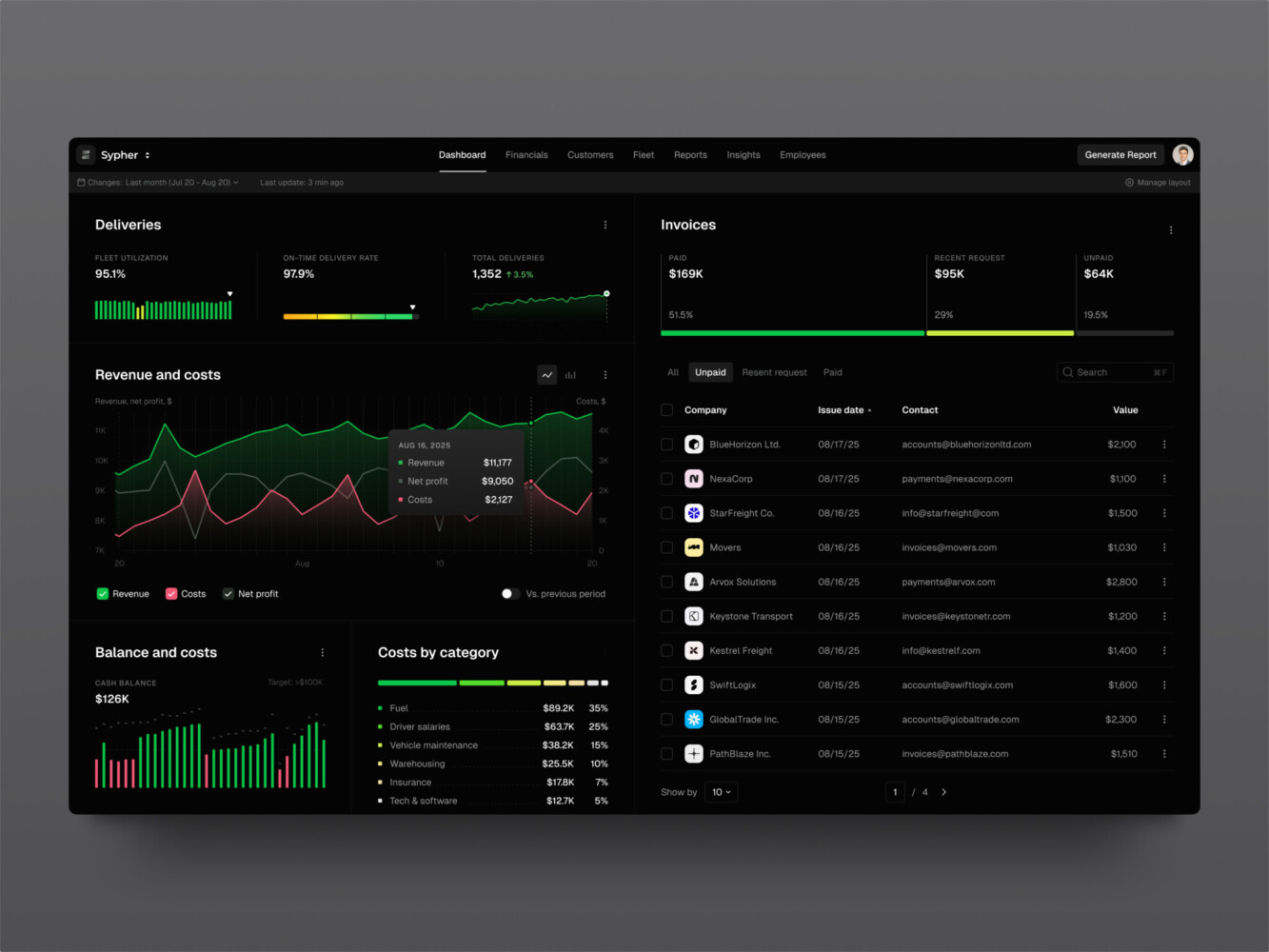
SaaS analytics platform by Shakuro
Customer Data Platform Use Cases
The best use cases are not abstract. They sound like real problems a team is tired of solving manually.
Below are the ones I see most often.
Real-Time Personalization Across Web and Mobile
Personalization can be as simple as showing returning visitors content related to their industry. Or it can be more advanced: changing onboarding steps based on role, hiding irrelevant upsells, recommending the next action inside a dashboard, or showing different offers after a customer crosses a usage threshold.
Real-time personalization is useful when timing matters. If someone just abandoned a checkout flow, opened a high-priority support ticket, or hit a product limit, waiting until tomorrow’s batch update may be too late. At the same time, not every personalization rule needs instant updates. I have seen teams spend weeks chasing real-time behavior for reports that nobody reads before Monday anyway. A bit painful, yes, but a good lesson.
Lifecycle Marketing and Behavioral Segmentation
Customer data platform solutions help marketing teams move beyond broad lists like “all trial users” or “all newsletter subscribers.” Segments can be built from actual behavior:
- Trial users who invited teammates but did not activate billing.
- Customers who used a feature three times and then stopped.
- Accounts with high usage but no admin activity.
- Leads who attended a webinar, visited pricing, and matched the ideal customer profile.
Well-built segmentation makes messages feel less random. It does not magically make every campaign brilliant, but it removes a lot of guesswork.
Churn Prevention and Retention Campaigns
Churn rarely appears out of nowhere. Usually, there are signals: fewer logins, lower feature usage, unresolved tickets, failed payments, reduced team activity, or a drop in engagement from the champion inside the account.
A CDP can combine those signals into retention workflows. Customer success can get alerts. Marketing can trigger education campaigns. Product teams can review friction points. Support can treat repeat issues with more context.
The important thing is to avoid fake precision. A churn score is not a crystal ball. It is a prompt to look closer.
Product Analytics and Feature Adoption Tracking
Product teams rely on CDP data to understand what features customers use, where they experience friction, and what behavior correlates with retention or expansion. This can power dashboards, experimentation, onboarding logic, and roadmap decisions.
Example:
If customers who use a reporting feature twice in the first week are more likely to stay, the onboarding flow can guide new users toward that feature. Simple. Not always easy, but simple enough to explain.
Customer Support Context and Service Automation
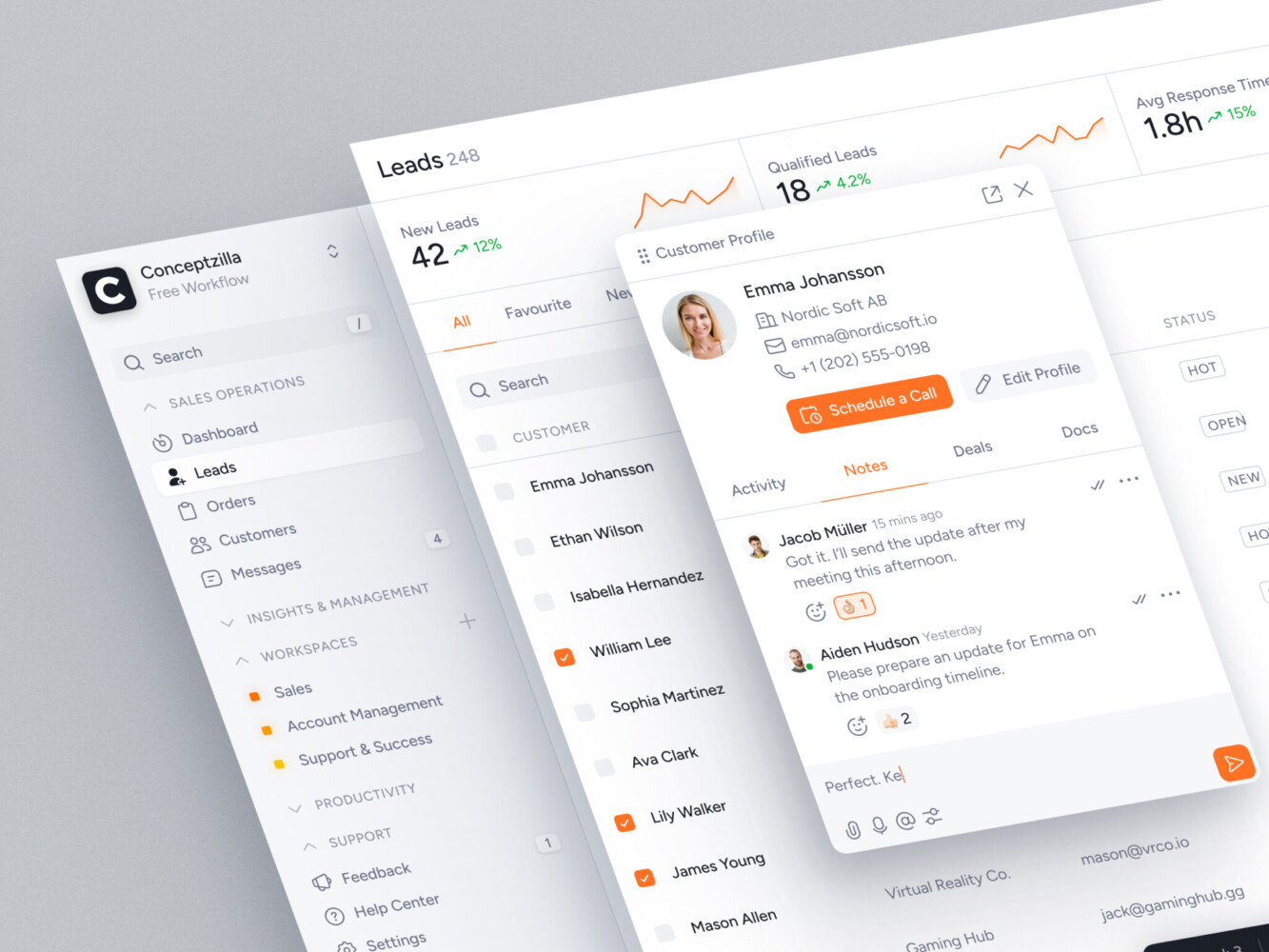
Support is better when agents can see customer context without opening five tabs. A customer data platform tools can show a plan, recent activity, errors, subscription status, support history, consent status, and product usage inside a service workflow.
Automation can help too.
Example:
A high-value account with a failed payment and a recent support complaint should not receive the same generic dunning message as a low-risk account with an expired card. That kind of nuance is where connected data starts to feel humane, not just efficient.
Omnichannel Attribution and Revenue Reporting
Attribution is messy. Anyone who says otherwise has probably not sat in a meeting where marketing, sales, and finance all bring different numbers.
A CDP can help by connecting campaigns, product behavior, sales activity, and revenue events. It will not solve every attribution argument, because attribution is partly a business decision, not only a data model. Still, a unified data layer gives teams a better starting point than exporting reports from separate tools and hoping the dates line up.
Enterprise Data Governance and Consent Management
For larger companies, governance is not a nice add-on. It is part of the product. An enterprise customer data platform may need role-based access, regional data rules, deletion workflows, consent tracking, audit logs, and data lineage.
This is especially important for fintech, healthcare, and enterprise SaaS products where customer data is sensitive, regulated, or both. The more teams use the same data, the more clearly ownership and permissions need to be designed.
SaaS marketing dashboard by Conceptzilla
Core Features of Customer Data Platform Tools
There are many platforms on the market, and their feature lists can start to blur together. “360-degree view” appears so often it almost becomes wallpaper. The practical question is: what does your team actually need the tool to do?
Here are the core features worth evaluating.
Data Ingestion and Event Tracking
The CDP should be able to consume data from the sources that matter: app events, website behavior, CRM records, payment tools, support systems, marketing platforms, data warehouses, offline imports, and internal databases.
Learn how ingestion works in detail. Does the tool have webhooks, APIs, SDKs, batch imports, streaming, warehouse sync, and custom connectors? How does it handle schema changes? Can you validate events before they pollute profiles?
Event tracking deserves special care. A clean tracking plan is boring in the best possible way. Names are consistent. Properties are documented. Required fields are known. When someone renames plan_type to subscription_plan without telling anyone, dashboards should not quietly fall apart.
Identity Resolution
Identity resolution is the logic that decides whether records belong together. It may use email, user ID, account ID, device ID, phone number, anonymous ID, CRM ID, or custom rules.
This is powerful, but it can go wrong. Merge two people by mistake, and you may send personal information to the wrong profile. Keep duplicates separate; your campaigns become clumsy. The rules should be explicit, testable, and reversible where possible.
Unified Customer Profiles
A customer profile should show useful context, not every field anyone has ever collected. There is a difference.
Good profiles usually include identity, key traits, lifecycle stage, events, transactions, support history, consent, segments, and calculated attributes. For B2B products, account-level profiles matter too because one company may have many users with different roles.
Segmentation and Journey Orchestration
Segmentation lets teams group customers by traits and behavior. Journey orchestration turns those segments into workflows: send a message, notify sales, update CRM, change an in-app experience, create a support task, or trigger a webhook.
In customer data platform solutions, the interface matters. If only one data engineer can build segments, marketing and customer success will keep asking for help. If everyone can build anything with no governance, well, that can become chaos quickly. The best option sits somewhere in the middle.
Integrations and Activation Connectors
Connector count is not the same as connector quality. A tool may claim hundreds of integrations, but the one you need might only sync three fields every six hours. Check the depth:
- Which objects and fields sync?
- Is sync one-way or two-way?
- Can it handle custom fields and custom events?
- How are errors surfaced?
- Does it support real-time activation or only scheduled syncs?
- Can data be sent to internal APIs?
For custom platforms, this is where Python, FastAPI, frontend development, and thoughtful web development choices become practical, not decorative.
Dashboards, Permissions, Consent, and Audit Logs
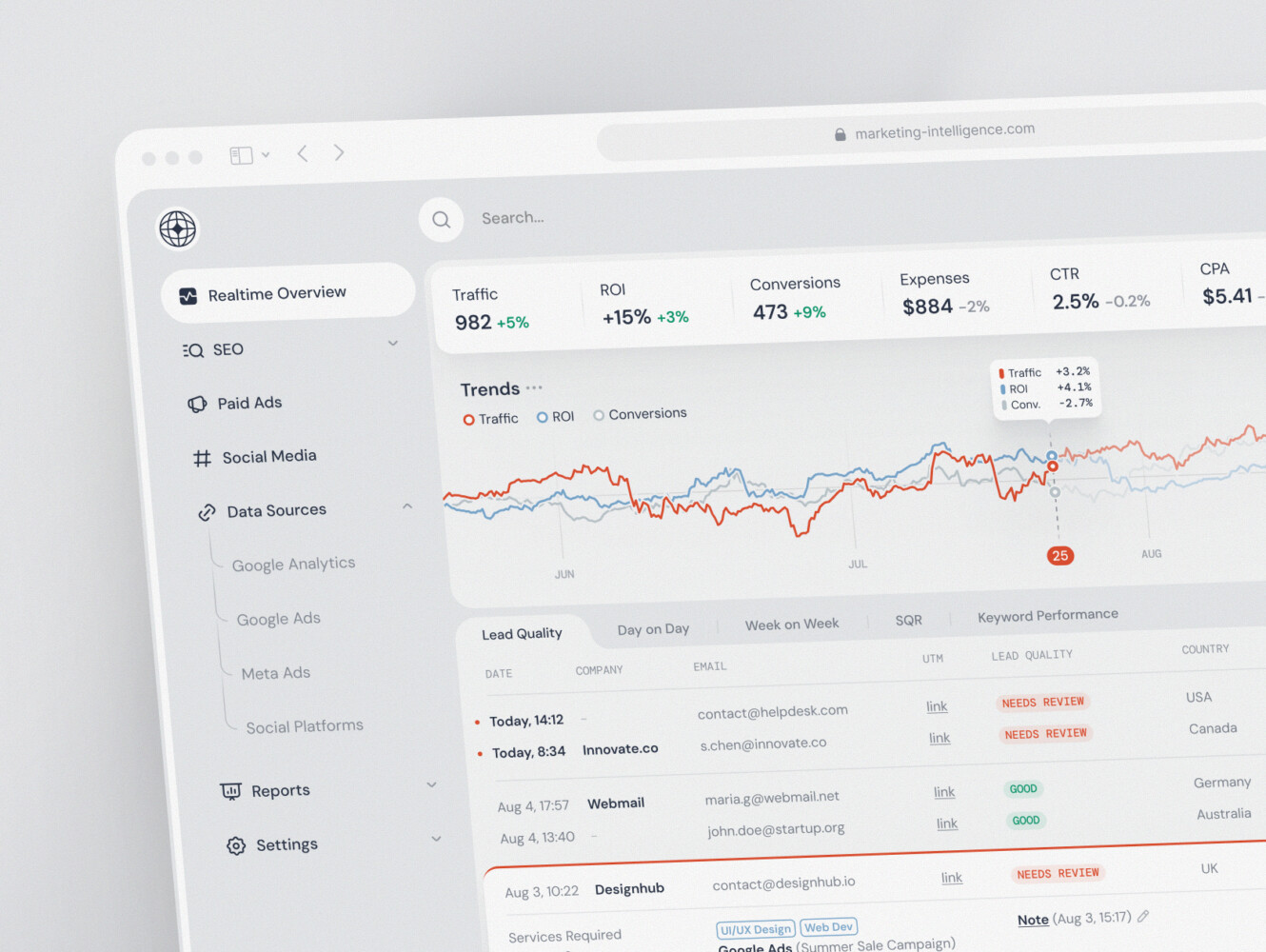
Customer data platform solutions should help teams see what is happening. Dashboards, data quality reports, segment previews, profile histories, and activation logs all reduce anxiety. Nobody likes wondering whether a campaign sent because the segment changed or because a sync failed quietly.
Permissions and audit logs are equally important. Who changed a segment? Who exported customer records? Which consent status was used at the time of activation? These details may feel bureaucratic until something breaks. Then they become the first thing everyone asks for.
CRM dashboard design by Conceptzilla
Real-Time Customer Data Platform Architecture
The platform usually has several moving parts. The exact stack depends on the product, traffic, budget, and compliance needs, but the shape is fairly recognizable.
At a high level, the architecture may include:
- Event streams from web, mobile, backend, CRM, billing, and support systems.
- ETL or ELT pipelines for batch and near-real-time processing.
- A data warehouse or lakehouse for analytics and historical storage.
- A profile store for fast access to customer attributes and segments.
- APIs for internal tools, dashboards, and activation workflows.
- Message queues for reliable event handling.
- An analytics layer for reporting and experimentation.
- Admin dashboards for segment management, data quality, and workflow control.
- Security, observability, monitoring, and incident alerts.
- Activation connectors for email, CRM, product experiences, support, ads, and custom systems.
The biggest architecture question is usually not “Can we make this real time?” Of course you can, given enough budget and patience. The better question is, “Where does real time change the business outcome?”
Real time matters when the user experience or workflow depends on immediate context: fraud alerts, high-intent sales signals, live support, dynamic onboarding, usage limits, critical account health, or in-app personalization.
Batch processing is often enough for monthly reports, weekly lifecycle summaries, historical analysis, finance reconciliation, and slow-moving account attributes. There is no shame in batch. Honestly, the batch is calm. Real time is exciting, but it brings more failure modes, more monitoring needs, and more late-night debugging if the team is not ready.
For many companies, the best architecture is hybrid: real-time streams for time-sensitive events, batch pipelines for heavy transformations, and a warehouse-centered model for analytics. A custom dashboard layer can sit on top so non-technical teams do not need to know where every field came from.
Enterprise Customer Data Platform Requirements
At enterprise scale, a CDP has to do more than collect and activate data. It has to behave well under pressure.
Enterprise requirements usually include:
- Scalability for large data volumes, high traffic, and many teams.
- Role-based access control with clear admin workflows.
- Data lineage so teams can trace where fields came from and how they changed.
- Regional compliance rules for data storage, processing, deletion, and consent.
- High availability and SLA expectations.
- Observability across ingestion, processing, storage, APIs, and activation.
- Custom integrations with legacy systems and internal tools.
- Multi-brand, multi-region, or multi-product data structures.
- Security review, penetration testing, audit logs, and vendor risk checks.
- Support for both technical users and business users.
Enterprise CDPs also need careful UX. That part gets less attention, which is a pity. A powerful platform with an awkward admin interface becomes an internal ticket generator. People will avoid it, misuse it, or create side processes because the “proper” workflow takes too long.
This is why UI/UX design is not just a pretty layer. For data-heavy platforms, design decides whether people can understand segments, trust dashboards, spot errors, and complete routine tasks without asking engineering for help every Tuesday.
Marketing analytics dashboard by Shakuro
Build vs Buy: Custom CDP Solutions or Off-the-Shelf Tools?
The build-versus-buy debate around customer data platform solutions can get weirdly emotional. Some teams want to buy everything because they are tired of custom maintenance. Others want to build everything because SaaS tools never fit their model cleanly. Both instincts can be right in different situations.
When Buying Makes Sense
Buying an off-the-shelf CDP can be the best option when:
- Your use cases are standard: segmentation, lifecycle marketing, basic personalization, CRM sync, email activation.
- Your data sources are common and well-supported.
- Your team needs speed more than customization.
- You do not want to maintain infrastructure.
- Business users need a ready interface quickly.
SaaS CDPs are especially helpful when marketing teams need autonomy and the company can adapt its workflows to the tool’s model.
When Building Makes Sense
Custom development makes more sense when:
- Your product has unusual data structures or complex account hierarchies.
- You need deep integration with internal systems.
- Compliance and access rules are too specific for standard tools.
- Real-time workflows are central to the product.
- You want the real time customer data platform to power customer-facing features, not only internal campaigns.
- You need full control over data models, costs, and long-term architecture.
Custom does not mean building every pipe and dashboard from scratch because it sounds heroic. It can mean using managed cloud services, open-source tools, a warehouse, custom APIs, and tailored admin interfaces together. A practical team picks the parts worth owning.
When a Composable CDP Is the Middle Ground
A composable CDP uses the data warehouse or lakehouse as the center. Instead of copying everything into a packaged CDP, the company keeps its source of truth in the warehouse and adds tools for identity resolution, segmentation, reverse ETL, analytics, and activation.
This works well when the data team is strong and the business needs flexibility. It can also be confusing if nobody owns the model. The warehouse becomes powerful, yes, but it can also become a very expensive junk drawer if standards are missing.
For many SaaS, e-commerce, fintech, and healthcare companies, the realistic answer is hybrid: buy what is mature, build what creates product value, and integrate the two carefully.
Financial Market Trading Analytics Tool Dashboard Design by Shakuro

How to Choose a CDP
Here is the part people sometimes rush: choosing a CDP without getting distracted by shiny demos.
Start with the work your team needs to do. Not the vendor checklist. Not the buzzwords. The work.
Map Your Data Sources and Activation Channels
List every system that creates or stores customer data:
- Website and mobile analytics.
- Product backend and event tracking.
- CRM and sales tools.
- Payment and subscription systems.
- Email, SMS, push, and marketing automation.
- Support and success tools.
- Data warehouse, BI dashboards, and offline data.
Then list where data needs to go. This is where activation channels matter: CRM updates, email triggers, product experiences, support context, dashboards, ads, internal alerts, and custom APIs.
If a tool cannot connect the sources and destinations that matter, everything else is decoration.
Define Users and Workflows Before Choosing Tools
Who will use the platform day to day? Marketing? Product? Customer success? Data analysts? Support managers? Sales operations? Executives?
Each group needs different workflows. Marketing may need segment building and journey logic. Product may need event analysis and feature adoption reports. Support may need profile context inside the ticket view. Leadership may need revenue and retention dashboards.
Write down actual workflows before vendor calls. It sounds basic, but it saves time. “Build segment of trial users who used feature X twice but did not invite teammates” is more useful than “advanced segmentation.”
Check Integration Depth, Not Only Connector Count
Ask vendors or development partners detailed questions:
- How often does data sync?
- Which fields are supported?
- What happens when an API fails?
- Can business users see sync errors?
- How are duplicate records handled?
- Can custom objects be supported?
- Can we push data back into the warehouse?
- What does a rollback look like?
The small print is where implementation pain hides.
Evaluate Privacy, Consent, and Governance Needs
Privacy should not be bolted on at the end. The customer data platform solutions may process names, emails, transactions, behavior, support messages, health data, financial data, or other sensitive information.
Check consent logic, regional rules, deletion requests, retention policies, user roles, audit logs, encryption, vendor access, and data minimization. Even if your first use case is marketing, the platform can quickly become part of your compliance story.
Estimate Implementation Cost and Maintenance Effort
License cost is only one part of the bill. You also need implementation, event tracking, data cleanup, connector setup, identity rules, QA, training, governance, dashboard work, and ongoing support.
In custom builds, maintenance matters even more. Someone has to monitor pipelines, update integrations, handle API changes, tune performance, and fix data quality issues. That is normal. Just budget for it instead of pretending the platform will run itself.
Start With a Pilot Use Case Before Scaling
A pilot keeps the first version grounded. Choose one valuable use case with clear data sources, clear activation, and measurable results.
For example:
- Reduce trial drop-off by personalizing onboarding.
- Alert sales when high-fit accounts show buying intent.
- Give support agents better customer context.
- Identify churn risk from product usage and ticket history.
- Sync qualified product leads into CRM.
Once the pilot works, expand the model. This is less glamorous than launching a giant CDP program, but it usually works better.
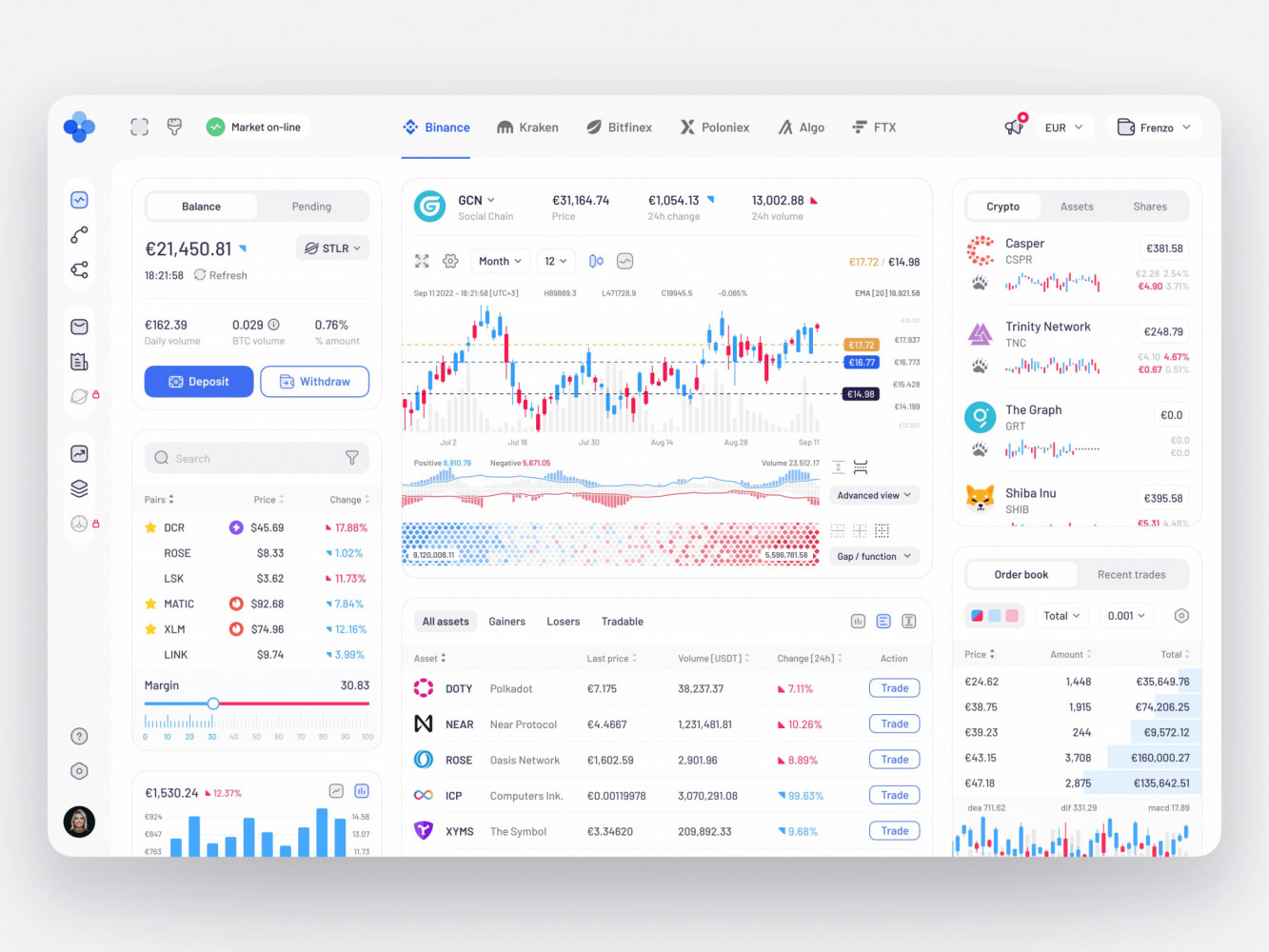
Crypto Trading Dashboard Design by Conceptzilla
Customer Data Platform Development Process
When a company decides to build or heavily customize a CDP, the process should be structured but not stiff. You need enough planning to avoid expensive rework and enough flexibility to learn from the data once you touch it.
1. Discovery and Data Audit
The first step is understanding what data exists, where it lives, who owns it, and how reliable it is. This includes systems, schemas, APIs, spreadsheets, warehouses, event names, consent records, and current pain points.
This stage can feel messy. That is fine. Messy truth is better than a clean diagram that ignores reality.
2. Customer Journey and Use Case Mapping
Map the customer journey and decide which use cases matter first. Awareness, trial, onboarding, activation, purchase, renewal, expansion, support, churn, win-back. Each stage has different data needs.
The goal is to connect data to decisions. What action should happen when a signal appears? Who needs to know? Which system should update?
3. Architecture Planning
Architecture planning defines data flows, storage, event streams, APIs, identity logic, security, monitoring, and integration patterns. This is also where teams decide what should be real-time and what can be batch.
For complex products, a web MVP approach can help. Build the core workflow first, prove the value, then expand.
4. UX/UI Design for Dashboards and Admin Workflows
Dashboards, profile views, segment builders, permission screens, audit pages, and integration monitors need design attention. Not fancy design. Useful design.
A good admin workflow makes it clear what data means, which segment is active, what will be triggered, and how to spot a problem before customers feel it.
5. Data Ingestion and Integrations
This stage connects source systems through APIs, SDKs, webhooks, file imports, streams, or database replication. It also includes validation rules and error handling.
Integration quality is one of the main reasons CDP projects succeed or become a slow irritation. A connector that works only on perfect days is not enough.
6. Identity Resolution and Profile Logic
The team defines how profiles merge, split, update, and store history. For B2B products, account and user relationships need special care. For consumer products, anonymous-to-known identity transitions are often important.
Test this logic with real examples. Synthetic data helps, but real customer records reveal oddities no one writes in the requirements.
7. Segmentation, Analytics, and Activation
This is where the real time customer data platform becomes useful for the business. Teams create segments, dashboards, workflows, and activation rules. Data can flow to email tools, CRM, support platforms, product interfaces, ads, internal alerts, and analytics systems.
8. Security, QA, and Compliance Validation
QA should include data quality, permission checks, event accuracy, integration failures, load tests, privacy workflows, and dashboard validation. Security reviews should cover encryption, access, logging, secrets, vendor permissions, and incident response.
Nobody enjoys finding privacy issues after launch. Better to be slightly boring here.
9. Deployment, Monitoring, and Support
After launch, the platform needs monitoring and support. Pipelines fail. APIs change. Teams add fields. New products launch. Someone wants a segment that nobody planned for.
That is normal life for a CDP. A support and maintenance plan keeps the system useful after the first release, which is when the real work often begins.
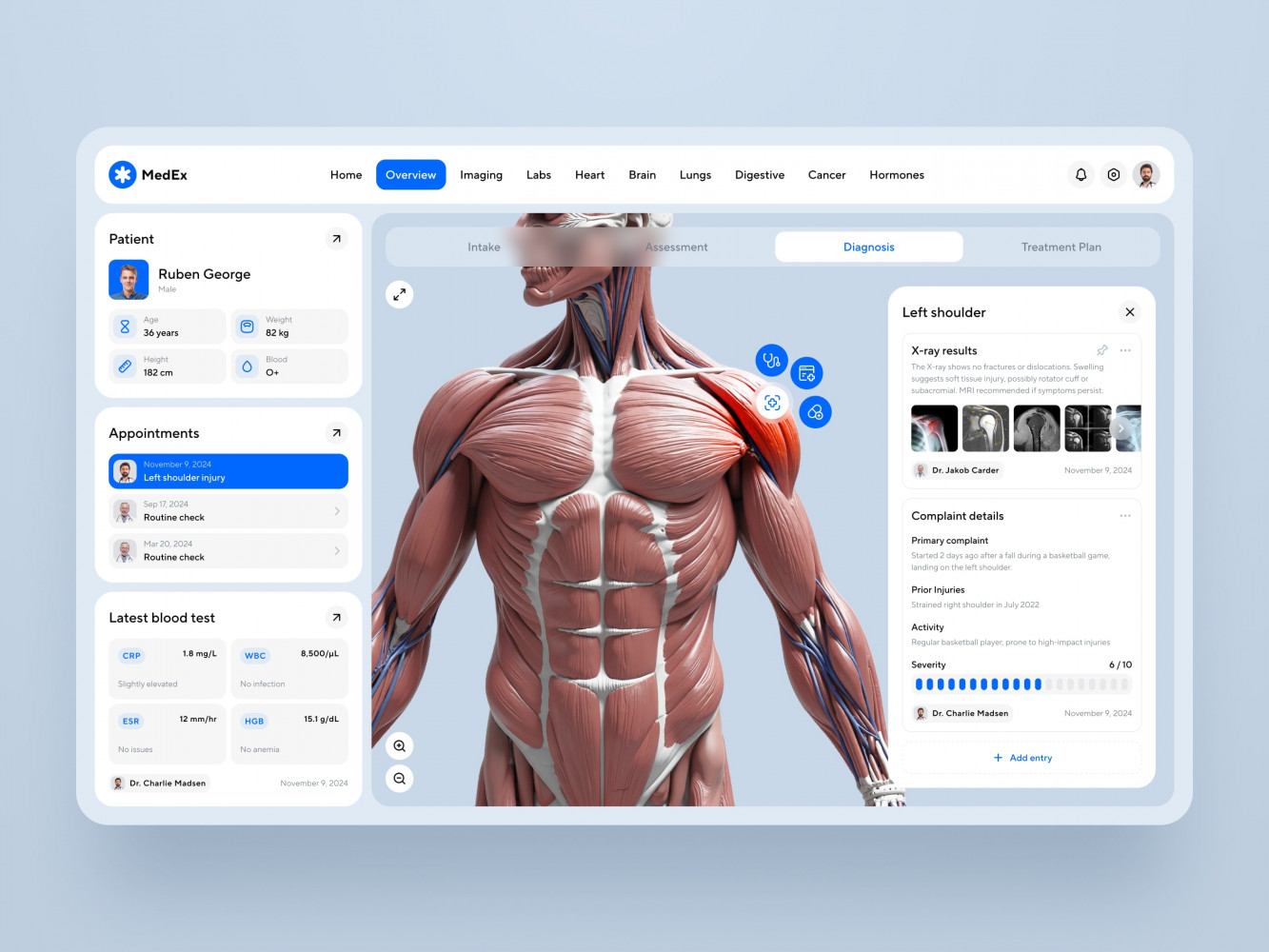
Medical Practice Management Software Dashboard Design by Shakuro
Common CDP Implementation Challenges
CDP projects can go sideways for ordinary reasons. Not dramatic reasons. Ordinary ones.
Messy legacy data is a big one. Duplicate customers, missing IDs, inconsistent field names, old imports, and unclear ownership slow everything down. If the CRM has three versions of the same company and the billing system has a fourth, the CDP cannot magically know which one is right.
Inconsistent events are another common issue. One platform sends signup_completed, another sends registration_done, and an old mobile app still sends created_user. Technically, those might mean the same thing. Or not. Someone has to decide.
Unreliable integrations create hidden costs. APIs change, tokens expire, rate limits appear, and sync jobs fail at the worst time. Good logging and retries help, but ownership matters too.
Privacy constraints can also slow implementation. Consent rules, regional storage, deletion requests, and access controls should be part of the design from the beginning.
Unclear ownership is maybe the most human problem. Is the CDP owned by marketing, data, product, IT, operations, or customer success? In reality, several teams depend on it. But someone needs decision rights, or every field definition becomes a meeting.
Slow dashboards can kill adoption. If a segment preview takes forever, people stop using it. If profile pages are cluttered, support agents ignore them. If activation logs are hard to read, teams lose trust.
And finally, overbuilding. This one is tempting. Once the team starts imagining a universal customer brain, the scope grows fast. Start smaller. Get one or two valuable workflows right. Then expand.
Our Real-Life Case Studies
CDP work is often a blend of data architecture, integrations, UX, and long-term support. We’ve been working on polishing this blend for more than 19 years. Elearning, healthcare, fintech, ecommerce—we’ve worked in various industries.
First of all, we build a robust backend that supports the whole CDP structure. Still, we also pay attention to UX, so that people have an easier time using the solution. Next, our team leverages AI tools and custom approaches to shorten time-to-market. They also help us reduce potential costs and align the app with the users’ needs.
To prove these words, here are a couple of Shakuro projects.
CGMA: Data Migration, CRM, Marketing Automation, and Analytics
In the CGMA project, we rebuilt a large e-learning platform and handled years of content and user data during the migration. The work included Salesforce CRM integration, ActiveCampaign marketing automation, Freshdesk support, payments, notifications, business analytics, and multiple third-party integrations.
That mix is very close to the real pressure around CDPs: legacy data, customer lifecycle automation, CRM boundaries, support context, analytics, and operational workflows. The technical part matters, of course. But the bigger lesson is that customer data only becomes useful when the surrounding product and admin workflows can actually use it.
Symbolik Social: Real-Time Data, Watchlists, and Scalable Financial Collaboration
Symbolik Social is a good example of real-time architecture and data-heavy interfaces. Our team implemented real-time interactions with WebSockets and RabbitMQ, plus Auth0, monitoring, background jobs, and secure storage.
That kind of architecture is relevant when a customer data platform needs live signals, watchlists, notifications, secure access, and responsive dashboards. Financial collaboration is not the same domain as customer data management, obviously, but the engineering concerns rhyme: reliability, permissions, speed, and clarity under load.
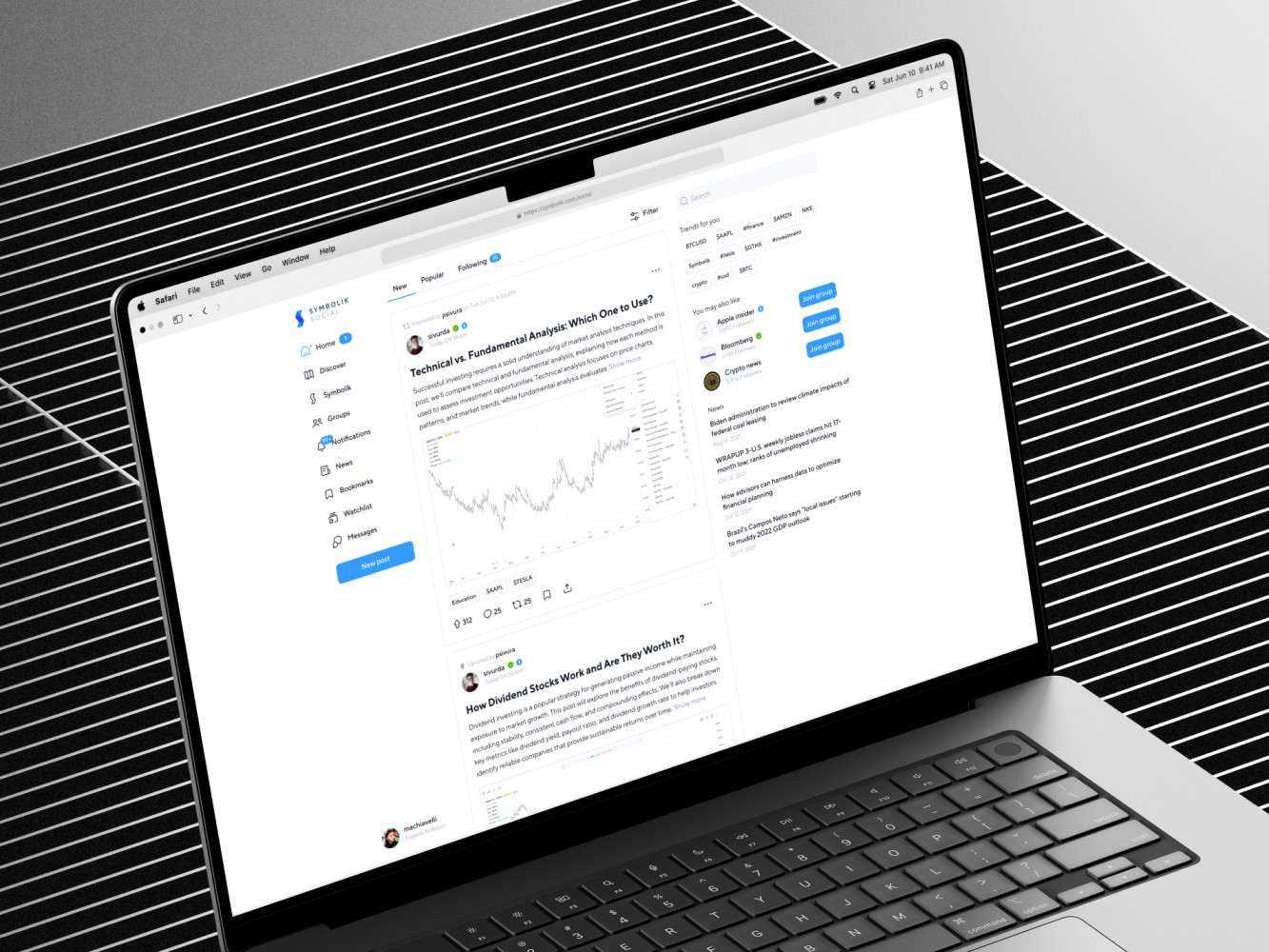
Symbolik case by Shakuro
Why Work With a Development Partner on CDP Solutions?
A CDP is not only data infrastructure. That is the trap.
Yes, you need ingestion, storage, identity logic, APIs, pipelines, and activation. But you also need usable dashboards, admin workflows, permission models, monitoring, QA, and interfaces people trust. If the system is technically strong but hard to use, teams create workarounds. And once workarounds spread, the official platform loses authority.
A development partner can help when the work crosses several disciplines:
- Product strategy and use case prioritization.
- Data architecture and integration planning.
- Custom backend and API development.
- Dashboard and admin UX.
- Security, performance, and compliance.
- Long-term support after launch.
Our work around complex web platforms, data-heavy UX, integrations, scalable architecture, and product design fits this kind of challenge. The point is not to build a giant custom CDP just because custom sounds impressive. The point is to build or modernize the parts that make customer data useful for your specific business.
Sometimes that means extending an existing SaaS CDP. Sometimes it means creating a warehouse-first platform with custom activation logic. Sometimes it means building internal dashboards and integration layers around tools your team already uses. The best option is the one your team can operate without dread.
Final Thoughts
Customer data platform solutions are useful only when they connect data to decisions and actions.
That sounds obvious, but it is easy to forget during implementation. Teams can spend months collecting data and still struggle to answer simple questions: who is ready to buy, who is likely to churn, who needs help, which feature drives retention, and which campaign actually brings valuable customers.
If you are planning a CDP, start with three ideas.
First, choose use cases before tools. Real workflows will tell you what the platform needs to do.
Second, design the data model carefully. Identity, events, consent, account structure, and definitions are the foundation. If that foundation is shaky, every dashboard and campaign inherits the wobble.
Third, treat integration quality as a product feature. A CDP lives between systems. If the connections are unreliable, the whole thing feels unreliable.
Are you building or modernizing customer data platform solutions? It helps to have people who can think across product, engineering, data, and UX. That combination is not always easy to find. Let’s build the platform that becomes something teams actually use.
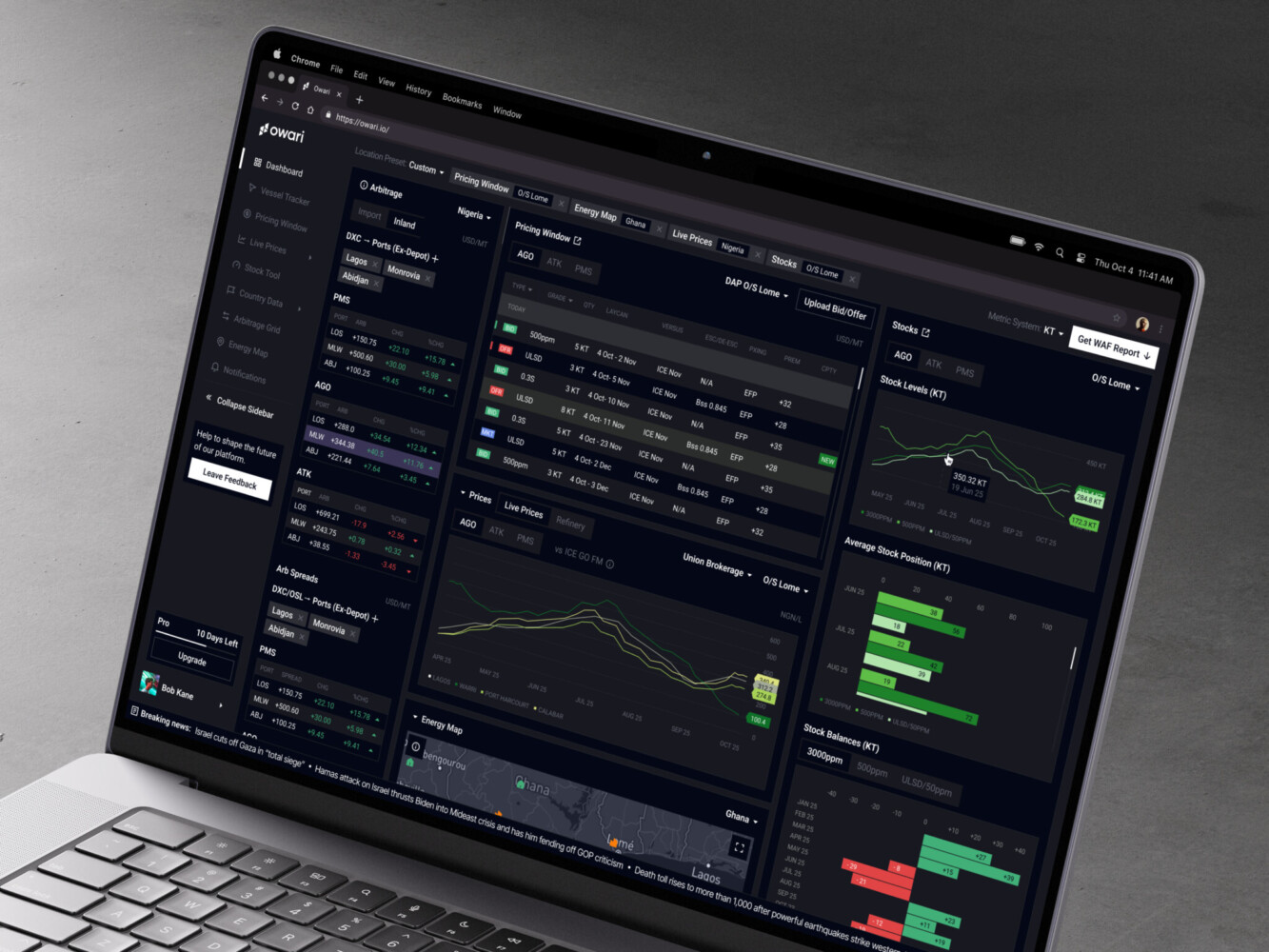
Owari dashboard by Shakuro

FAQ
What is a customer data platform?
A customer data platform is software that collects, unifies, cleans, stores and activates customer data from multiple systems. It resolves identities across records, builds unified profiles with traits, events, history and consent status, groups customers into segments, and sends that data to email tools, CRM systems, support platforms, dashboards and internal apps for marketing, sales, product analytics, support, personalization and reporting.
Is a customer data platform the same as a CRM?
No, a customer data platform and a CRM do different jobs. A CRM focuses on relationships, contacts, accounts, deals and sales workflows, often with manual or scheduled updates. A CDP unifies broader first-party data from websites, apps, payments, support tools, marketing platforms and the CRM itself, often automatically and sometimes in real time. They usually work together, with the CDP feeding the CRM better context.
What is the difference between a customer data platform and a DMP?
A DMP is usually built around anonymous or pseudonymous audience data for advertising, lookalike audiences and media segments. A customer data platform focuses on first-party data, unified profiles, activation in owned channels, lifecycle workflows and customer analytics. As third-party cookies became less reliable and consent rules stricter, CDPs gained importance, while a DMP may still have a role if ad audience management is the main goal.
What are the most common customer data platform use cases?
The most common customer data platform use cases are real-time personalization across web and mobile, lifecycle marketing and behavioral segmentation, churn prevention, and product analytics with feature adoption tracking. Teams also use a CDP to give support agents customer context, to connect campaigns with revenue for omnichannel attribution, and to handle consent management and data governance in enterprise, fintech and healthcare products.
Do enterprises need a custom customer data platform?
Some enterprises need a custom customer data platform, and others do well with off-the-shelf tools plus custom layers around them. Custom work fits when you need deep integration with internal and legacy systems, complex permissions, regional compliance, multi-brand data models, high availability or real-time workflows that power customer-facing features. Many companies land on a hybrid or composable setup: buy what is mature and build what creates product value.
How do I choose a customer data platform?
Start by mapping your data sources, activation channels, users, workflows, privacy needs and budget, then compare tools or custom options against those real requirements. Check integration depth rather than connector count: sync frequency, supported fields, error handling, duplicate records and rollbacks. A pilot use case, such as reducing trial drop-off or giving support agents better context, is usually the safest way to test whether a CDP actually helps.
How long does customer data platform implementation take?
A focused customer data platform pilot can take a few weeks to a few months. A full enterprise rollout often takes several months, especially when legacy data needs cleanup, compliance rules are strict or custom integrations are involved. Messy legacy records, inconsistent event names, unreliable integrations and unclear ownership are the usual reasons projects slow down, so getting a small number of valuable workflows right first keeps the timeline realistic.
What should you budget for beyond the license when adopting a customer data platform?
License cost is only one part of the customer data platform bill. You also pay for implementation, event tracking, data cleanup, connector setup, identity rules, QA, training, governance, dashboard work and ongoing support. Custom builds add maintenance: someone has to monitor pipelines, update integrations, handle API changes, tune performance and fix data quality issues after launch, so plan that effort from the start.
Related reading