Data pipeline development means building the systems that collect, move, clean, transform, and deliver data from its sources to dashboards, warehouses, AI models, and business tools. A basic pipeline with a few sources, scheduled syncs, and one destination takes 3–8 weeks and costs $15,000–40,000. Complex, real-time, or compliance-heavy systems take 2–4+ months, and an enterprise pipeline with high volume and advanced observability costs $120,000–300,000+.
Without a pipeline, the dashboard shows one number, the CRM another, and the finance export a third. For a SaaS product, a pipeline feeds product analytics and customer health scores. For fintech, it carries market data, transactions, and compliance logs. In pharmaceutical projects, it moves clinical trial and drug safety data that regulators expect to be traceable. For AI products, it prepares clean training data.
The sections below cover data pipeline architecture, batch versus real-time processing, ETL versus ELT, custom pipeline design, automation, cloud setups, security and governance, common challenges, and cost.
For those who prefer to listen rather than read, this article is also available as a podcast on Spotify.
Quick Facts
| Question | Answer |
| Best for | SaaS, fintech, healthcare, e-commerce, AI products, analytics platforms, and any business that needs reliable data from multiple sources. |
| Typical timeline | 3-8 weeks for a basic pipeline; 2-4+ months for complex, real-time, or compliance-heavy systems. |
| Core components | Data sources, ingestion layer, transformation logic, storage, orchestration, monitoring, and data quality checks. |
| Common tools | Airflow, dbt, Kafka, Spark, AWS Glue, Google Dataflow, Azure Data Factory, Snowflake, BigQuery, and Databricks. |
| Main risk | Building a pipeline that moves data but does not validate quality, monitor failures, or match real business definitions. |
What Is Data Pipeline Development?
A data pipeline is a sequence of steps to move data from one place to another. Those steps can be collection, validation, cleaning, transformation, enrichment, storage, monitoring, and delivery.
Put simply, a pipeline might grab subscription events from Stripe, product usage from an app database, support conversations from Zendesk, and marketing data from HubSpot. Then it can normalize customer IDs, de-duplicate, compute key metrics, and deliver the output to a warehouse, a dashboard, an AI model, or some other business tool.
Data pipeline development services usually cover the full lifecycle of this work: discovery, architecture, connector development, transformation logic, orchestration, monitoring, testing, cloud setup, documentation, and support. In some projects, the pipeline is built from managed services. In others, it needs custom code because the product logic or data sources are too specific for off-the-shelf connectors.
There are a few common pipeline types:
- Batch pipelines process data on a schedule, e.g., hourly, nightly, or weekly.
- Streaming pipelines allow you to process data streams in real-time or near real-time.
- ETL pipelines pull, transform, and push data into a target system.
- ELT pipelines load and then extract and transform data in a warehouse or lakehouse.
- Reverse ETL pipelines are pipelines that send curated data from a warehouse back into tools like CRM, sales, marketing, or support platforms.
- Operational pipelines move data between systems that run the business, not only systems that analyze it.
Microsoft describes ETL as a process for bringing data from multiple sources into a unified data store, usually with cleaning and transformation before or during the load. That definition is still useful, even though modern products often mix ETL, ELT, streaming, and API-based syncs in one architecture.
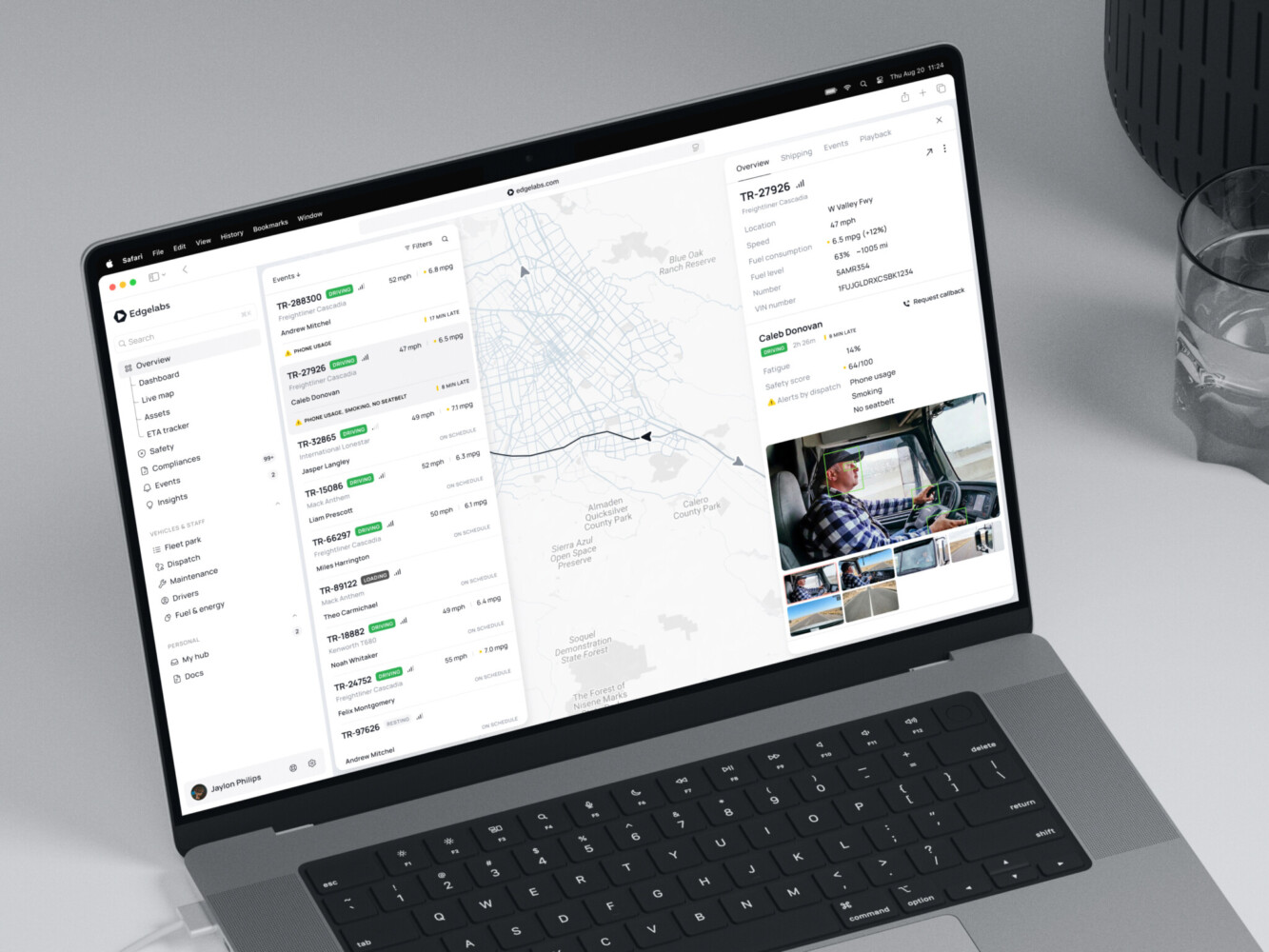
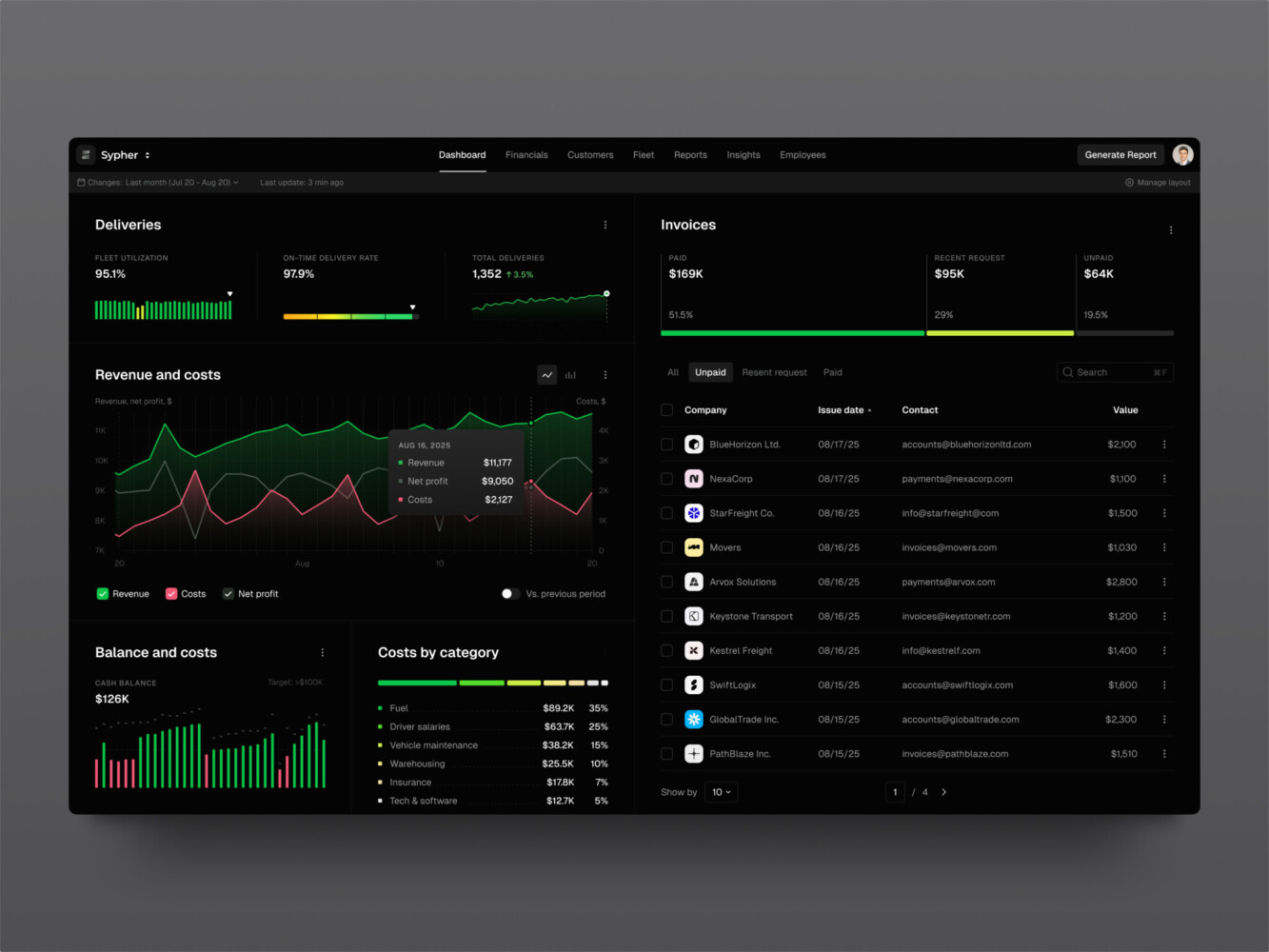
Telematics dashboard by Shakuro
Core Data Pipeline Architecture Components
A good architecture is not only a diagram with arrows. It is a set of decisions about ownership, failure, growth, and trust.
Most pipelines include these layers.
Data sources
Sources can be application databases, APIs, logs, event streams, CRM systems, payment processors, IoT devices, spreadsheets, ERP platforms, healthcare systems, or third-party data vendors. Payment data is a good example: when a company uses orchestration across several payment providers, the pipeline has to merge their different event formats.
The hard part is that sources rarely behave politely. APIs rate-limit requests. Schemas change. Old systems store dates in strange formats. Product teams rename fields. A source that looked simple during planning can become the place where half the engineering time goes.
Before building a cloud data pipeline, document what each source provides, how often it changes, who owns it, and what happens if it goes down.
Ingestion layer
The ingestion layer gets data out of source systems and into the pipeline. This may happen through API calls, change data capture, file uploads, database replication, webhooks, message queues, or streaming brokers.
For smaller products, scheduled API pulls may be enough. For larger systems, especially those with real-time events or high data volume, a queue or stream-processing setup can keep the pipeline from falling apart when traffic spikes.
Processing layer
This is where raw data becomes usable data. Processing can include validation, normalization, deduplication, joining records, enriching events, masking sensitive values, aggregating metrics, and applying business rules.
The processing layer in a real-time data pipeline is also where many hidden disagreements show up. What counts as an active user? Which timestamp should revenue reporting use? Should canceled subscriptions count toward churn immediately or at the end of the paid period? These are product and business questions as much as engineering ones.
Storage layer
The destination depends on the job. A product may use a data warehouse for analytics, a data lake for raw files, a lakehouse for mixed workloads, a search index for fast retrieval, or an operational database for app features.
A cloud data pipeline often uses managed storage and processing tools from AWS, Azure, or Google Cloud. That can reduce maintenance, but it does not remove the need for careful design. Managed services still need access rules, naming conventions, monitoring, cost controls, and a plan for schema changes.
Orchestration and monitoring
Orchestration controls when tasks run and what depends on what. Monitoring tells the team whether the pipeline is healthy.
This layer should track job status, latency, volume, data quality checks, retries, alerts, and lineage. Without it, teams usually learn about a broken pipeline from a confused customer, a wrong dashboard, or a founder asking why the numbers look weird.
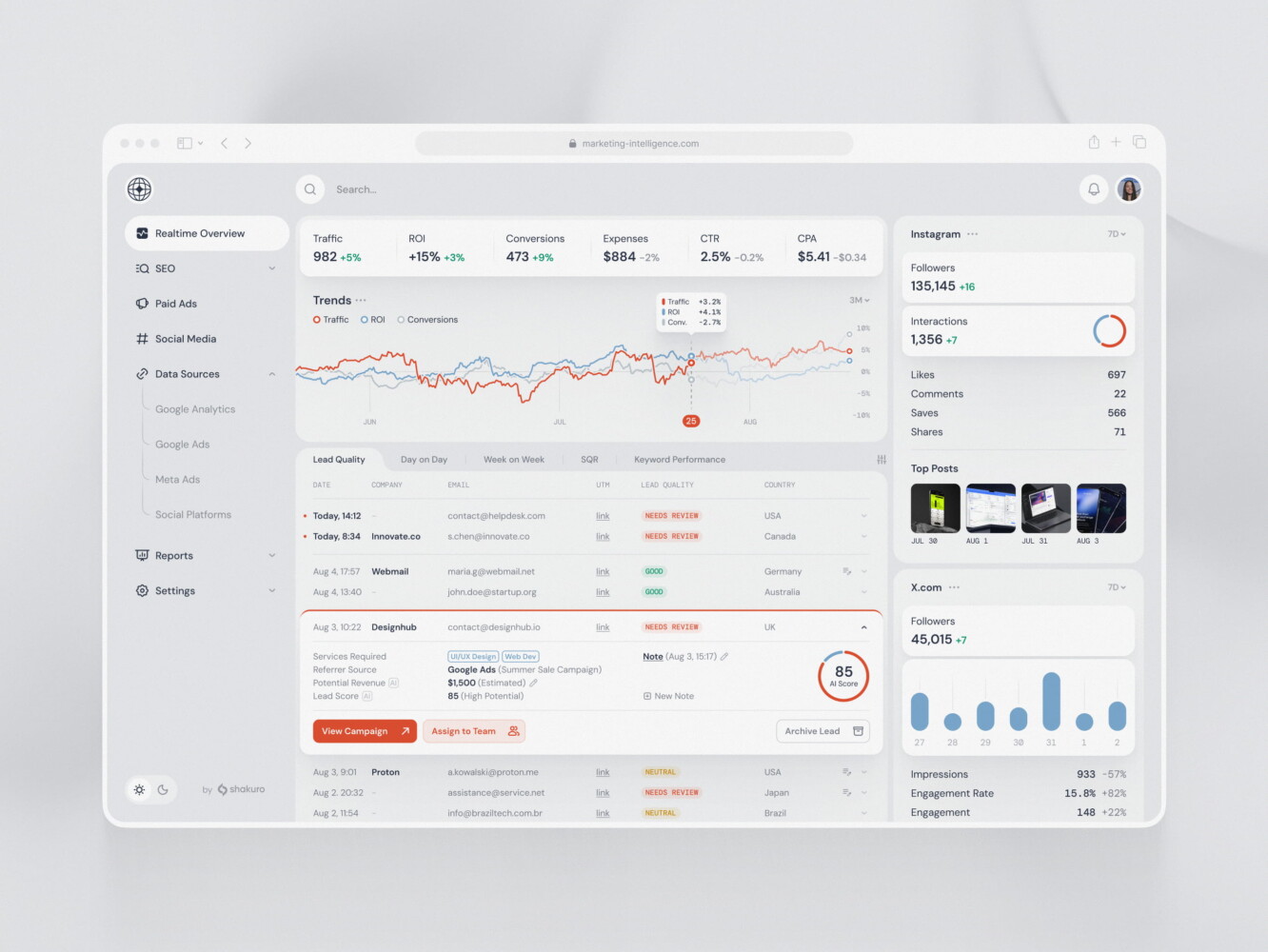
SaaS marketing dashboard by Conceptzilla
Batch vs Real-Time Pipelines
Not every pipeline needs to be real time. That is worth saying plainly because real-time systems are more expensive to build, test, and support.
Batch processing is a good fit when the business can wait. Daily revenue reports, monthly finance exports, weekly retention cohorts, and internal BI dashboards usually do not need second-by-second updates. Batch jobs are easier to reason about, cheaper to run, and simpler to debug.
A real-time data pipeline makes sense when delay changes the value of the data. Fraud alerts, live trading tools, delivery tracking, user notifications, infrastructure monitoring, and energy market dashboards are all different from a report that someone checks every Monday morning.
Google Cloud Dataflow, for example, supports both batch and streaming pipelines at scale. AWS also documents streaming patterns using services such as Kinesis and Glue. These platforms are helpful, but the tool choice should come after the product requirement.
A practical way to decide:
| Requirement | Batch | Real-time |
| User expectation | Reports, summaries, trends | Alerts, live status, instant actions |
| Business impact of delay | Low to moderate | High |
| Debugging tolerance | Easier to replay | Harder, needs strong observability |
| Infrastructure cost | Lower | Higher |
| Engineering complexity | Lower | Higher |
The best data pipeline design is often hybrid. Handle critical events in real-time and then run batch jobs for reconciliation, reporting, and model training at a later time.
ETL Pipelines vs ELT: Which Approach Fits Your Product?
The traditional ETL pipeline development process is a well-worn path: extract data, transform data, then load data into the destination. This works well when data needs to be cleaned or shaped before it goes into storage, particularly in regulated industries or systems with strict downstream needs.
ELT changes the order. Data is extracted and loaded first, then transformed inside the warehouse or lakehouse. That can be faster to implement when storage is cheap and the warehouse has strong transformation tools.
Neither approach is automatically better.
| Approach | Best for | Watch out for |
| ETL | Sensitive data, controlled schemas, strict validation before storage | Slower changes if transformation logic is buried in custom jobs |
| ELT | Analytics teams, modern warehouses, exploratory work, faster ingestion | Raw data governance, storage costs, messy transformation ownership |
| Hybrid | SaaS, fintech, AI, complex products with multiple consumers | More architecture planning upfront |
One common mistake is treating ETL or ELT as a tool decision. It is really a data lifecycle decision. Some data should be cleaned before storage. Some should be stored raw for audit or reprocessing. Some should never enter a general analytics environment at all.
How to Design a Custom Data Pipeline
Custom data pipeline development is worth considering when the business logic is specific, the data sources are unusual, or the pipeline becomes part of the product experience.
Start with the questions the data needs to answer. Not the tools. Not the cloud provider. The questions.
For example:
- Which customer events predict churn?
- Which transactions need manual review?
- Which field in the source system is the real source of truth?
- Which metrics must match finance reports exactly?
- Which data is needed for AI training, and can we trace where it came from?
Once the questions are clear, map the sources. Identify owners, update frequency, expected volume, authentication, limits, known data quality issues, and privacy constraints.
Then choose the flow. Some data can be pulled once a day. Some should be event-driven. Some needs a dead-letter queue so bad records do not block everything else. Others should be stored raw before transformation so teams can replay them later.
Schema evolution deserves special attention. Products change. Fields are added, renamed, deprecated, or split. A pipeline that assumes the source schema will stay frozen is going to break. Data contracts, versioning, and automated checks can save a lot of late-night debugging.
Finally, design around failure. Pipelines fail. The goal is to make failure visible, contained, and recoverable.
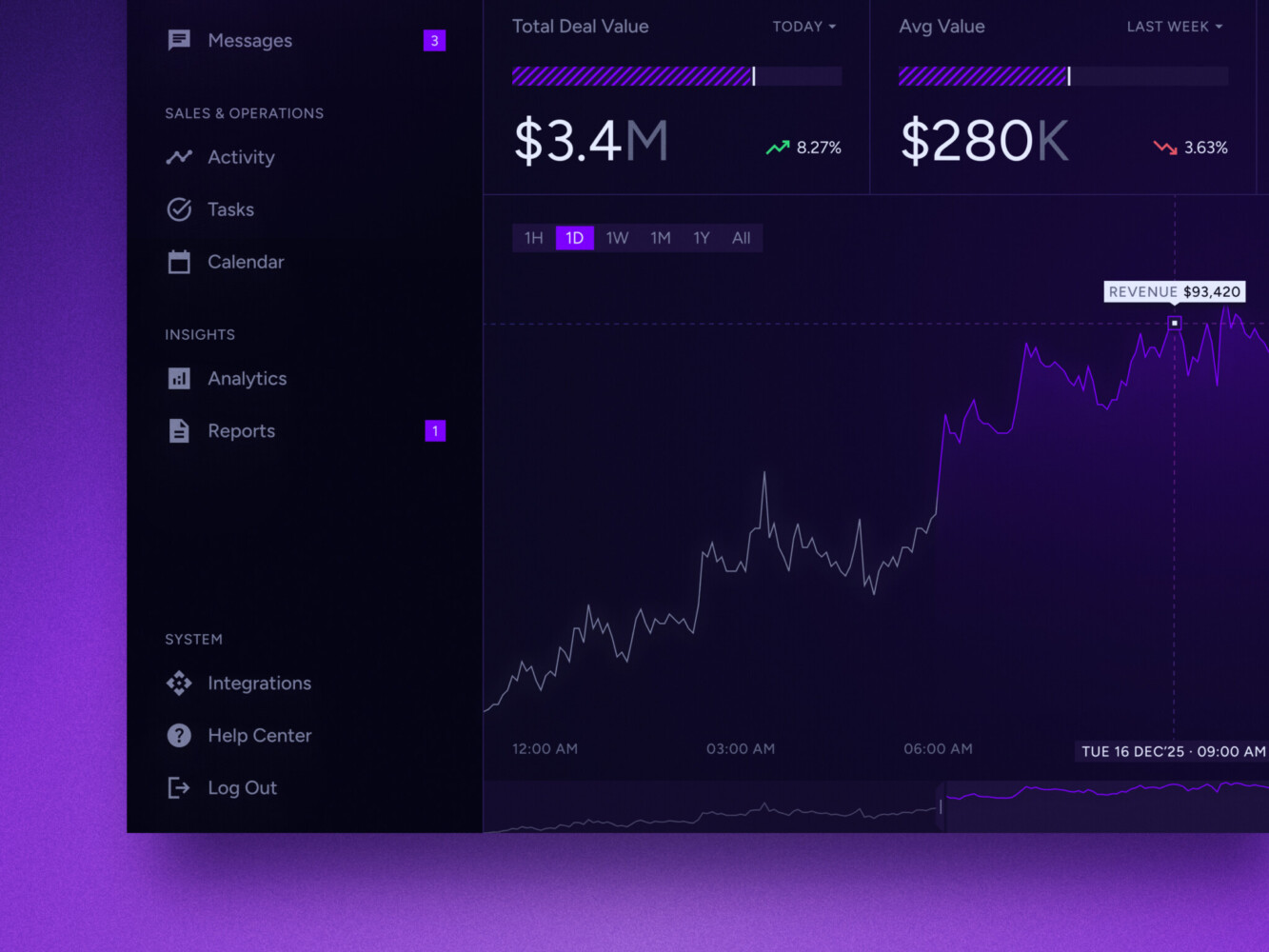
Real-time data dashboard by Shakuro
Data Pipeline Automation: From Manual Exports to Reliable Workflows
Manual data work has a habit of hiding inside companies for too long. A person exports a CSV every Friday. Someone edits a spreadsheet before uploading it to another tool. A developer runs a script when the sales team asks for fresh numbers.
It works until it does not.
Data pipeline automation replaces those handoffs with scheduled or event-driven workflows. A good automated pipeline can:
- run jobs on a predictable schedule;
- trigger tasks when a new file, event, or API update appears;
- validate records before they move forward;
- retry temporary failures;
- send alerts when jobs fail or data looks wrong;
- track data lineage;
- deploy pipeline changes through CI/CD;
- keep infrastructure defined in code.
Automation should not hide problems. It should make them easier to spot. A pipeline that silently drops records is worse than a manual process that annoys everyone but at least makes the friction visible.
The useful question is not “Can we automate this?” It is “What should happen when automation meets bad data, missing data, or late data?”
SaaS analytics platform by Shakuro
Cloud Data Pipeline Development: AWS, Azure, Google Cloud, and Hybrid Setups
Cloud platforms give teams a large menu of pipeline building blocks. AWS has streaming, storage, cataloging, processing and analytics services. Azure has Data Factory and Fabric related options for integration and transformation. Google Cloud Dataflow is built on Apache Beam and supports both batch and streaming processing.
It depends on the current stack, team experience, compliance needs, latency requirements, budget. A company already deep in Azure may not need to move data processing elsewhere just because another platform has one attractive service. A startup with a small team may prefer managed tools over maintaining its own cluster.
Cloud decisions should include:
- how data enters the cloud;
- where raw and processed data live;
- how sensitive fields are protected;
- how environments are separated;
- who can access which datasets;
- how jobs are monitored;
- how costs are tracked;
- how the system can change later.
Vendor lock-in is not always bad. Sometimes a managed service saves enough engineering time to be worth it. The risk appears when the team does not understand what it has tied itself to. If portability matters, design clear interfaces between ingestion, transformation, storage, and consumption layers.
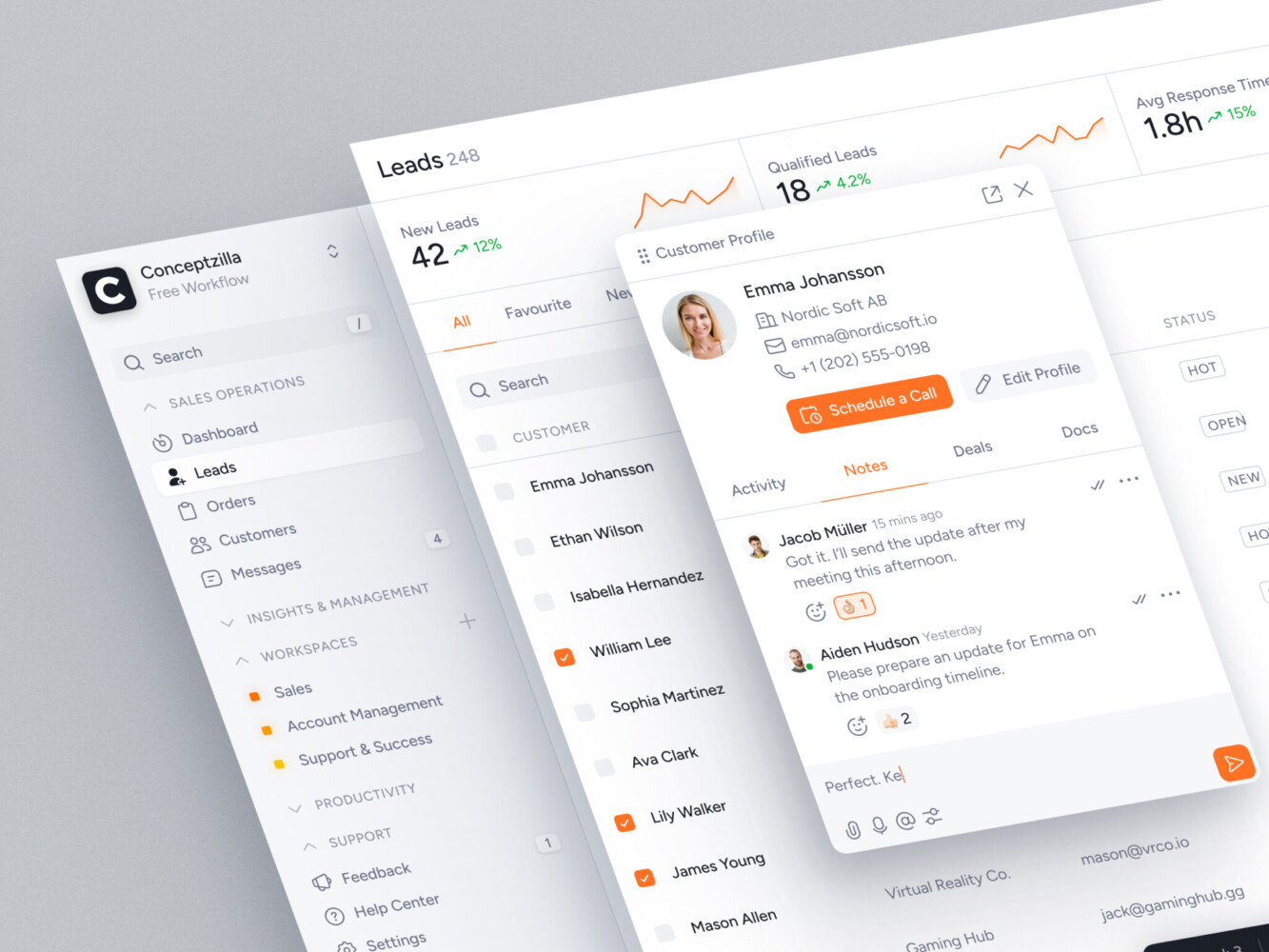
CRM dashboard design by Conceptzilla
Security, Compliance, and Data Governance in Pipeline Development
Security in a pipeline is not a final checklist item. It affects the architecture from the first source connection.
For fintech, healthcare, SaaS, e-commerce, and AI products, pipeline design should cover access control, encryption, audit logs, retention policies, data masking, and environment separation. Personally identifiable information should not casually flow into every dashboard, test database, or developer machine.
In data pipeline development services, good governance also makes data easier to use. Teams need to know where a metric came from, how it was calculated, when it was last updated, and whether it can be trusted. Without lineage and documentation, even accurate data can become politically fragile. People argue about numbers because they cannot see the path behind them.
Practical governance steps include:
- naming datasets and jobs clearly;
- documenting metric definitions;
- tagging sensitive fields;
- limiting access by role;
- keeping raw, staging, and production layers separate;
- logging changes to transformation logic;
- adding quality checks for volume, freshness, duplicates, and null values.
This may sound less exciting than building a new dashboard. It is also what keeps the dashboard from becoming decoration.

Doctor’s Dashboard Design Concept by Shakuro
Common Data Pipeline Development Challenges
Pipeline problems are rarely glamorous. They are usually small, stubborn, and expensive when ignored.
Unstable source APIs
Third-party APIs change behavior, slow down, return incomplete data, or enforce stricter limits. Defensive ingestion logic, retries, backoff rules, and good logging help keep these issues from spreading.
Schema drift
A field changes type. A new enum value appears. A nested object moves. If the pipeline has no schema checks, downstream reports may break or, worse, keep running with wrong assumptions.
Duplicate or missing events
Event systems can send the same record twice or lose records during outages. Idempotent processing, deduplication keys, and reconciliation jobs matter.
Slow transformations
Transformation logic often starts simple and grows into a bottleneck. Teams should track runtime, query cost, and data volume early, not after the monthly cloud bill turns into a meeting topic.
Poor monitoring
Monitoring needs to cover more than “the job ran.” A job can finish successfully and still produce bad data. Freshness, volume, distribution, and quality checks are part of pipeline health.
Unclear metric definitions
If product, finance, sales, and operations define the same metric differently, no pipeline can fix the disagreement by magic. The pipeline can enforce definitions, but people need to agree on them first.
Rising cloud costs
Streaming jobs, warehouse queries, storage duplication, and overbuilt infrastructure can quietly raise costs. Cost monitoring should sit close to technical monitoring.
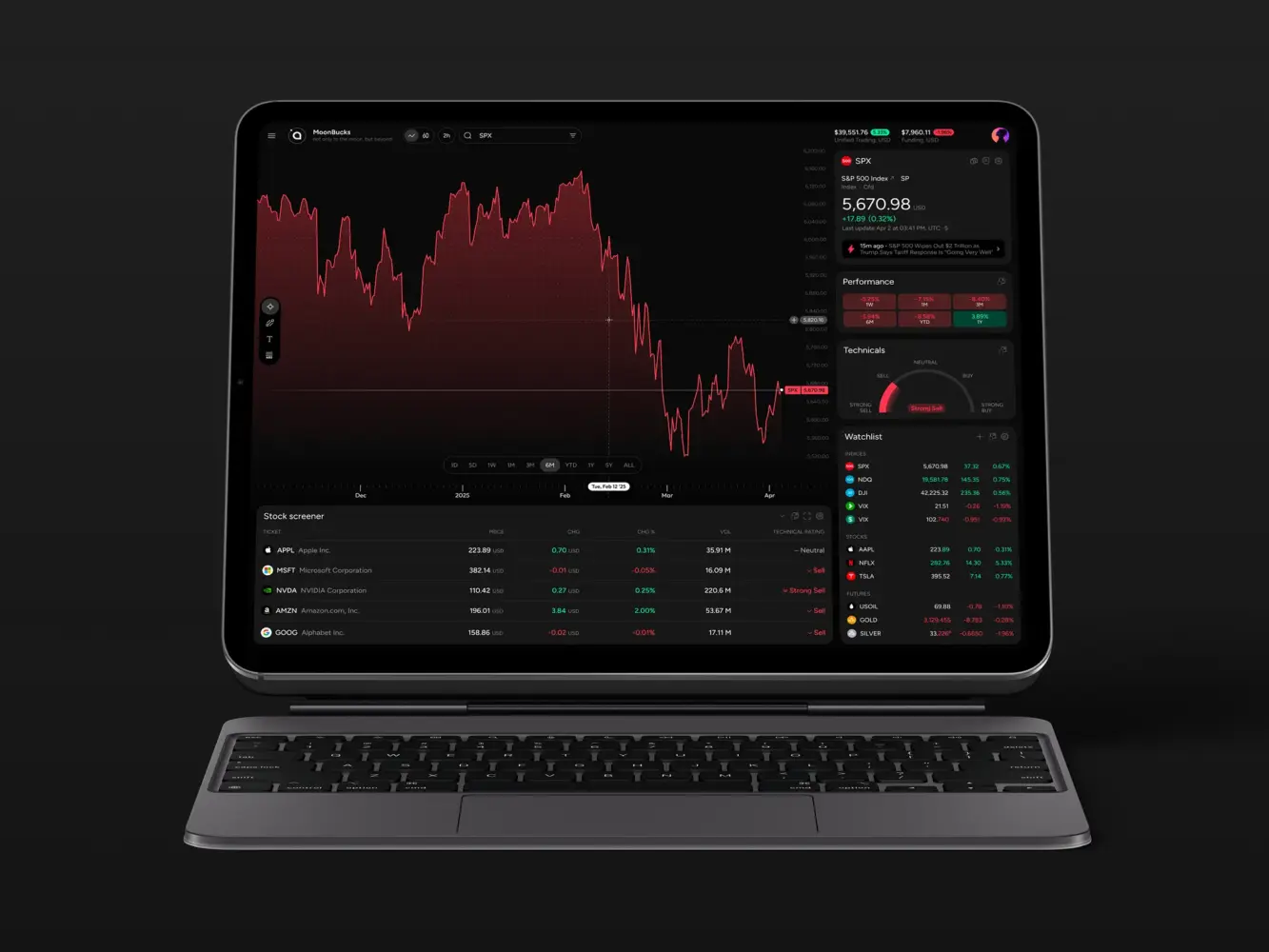
Financial Market Trading Analytics Tool Dashboard Design by Shakuro
How Much Does Data Pipeline Development Cost?
The cost depends on scope, not just data volume. Two companies may both have “three data sources,” but one source may be a clean API and another may be a legacy system with incomplete records and no reliable timestamps.
Main cost drivers include:
- number and complexity of data sources;
- batch vs real-time requirements;
- transformation rules;
- compliance and security needs;
- expected data volume;
- cloud provider and managed services;
- dashboards, analytics, or AI outputs;
- monitoring and alerting depth;
- documentation and support.
Approximate ranges can help with planning, but they should not be treated as fixed quotes.
| Pipeline scope | Typical use case | Approximate budget |
| Basic pipeline | A few sources, scheduled syncs, simple transformations, one warehouse or dashboard destination | $15,000-$40,000 |
| Mid-level pipeline | Multiple sources, custom business logic, validation, orchestration, monitoring, cloud setup | $40,000-$120,000 |
| Enterprise pipeline | High volume, real-time processing, compliance, multiple environments, advanced observability, long-term support | $120,000-$300,000+ |
The cheaper path is not always the one with the lowest build cost. A quick pipeline with weak monitoring can become expensive when teams start making decisions from bad data. On the other hand, overengineering a real-time system for a weekly report is also wasteful.
The right budget comes from the risk profile. Ask what happens if the data is late, wrong, incomplete, or unavailable.

Our Experience With Data-Heavy Products
For more than 19 years, we have been doing data pipeline consulting. There are dozens of data-heavy projects we’ve worked on. The industries vary: fintech, healthcare, SaaS, elearning, and more.
I’ll highlight three of them.
In Owari, we worked on a digital SaaS platform for West African oil and gas markets. The product involves connected data, real-time algorithms, complex tables, dashboards, maps, vessel tracking, and data visualization. This kind of system depends on more than a good-looking interface. The data must be readable, current, and structured around how traders, brokers, and analysts actually make decisions.
Symbolik Social is another example of dealing with heavy data, this time—financial. The platform serves financial analysts and market professionals with real-time interactions, watchlists, discussions, and financial analytics. The stack included WebSockets and RabbitMQ for instant updates, background jobs, API-driven data fetching, monitoring, and secure storage. It is a reminder that real-time product features need architecture behind them, not only UI states.
TraderTale shows the UX side of data-heavy products. The platform turns trading performance into profile progress, reputation, stats, and visual feedback. When financial data becomes part of identity and behavior, clarity matters. Users should not need to decode the product before they can trust it.
These examples are different, but they share one lesson: pipeline output has to fit the product. Clean data buried in a warehouse is useful for analysts. Product teams often need something more direct: fast screens, readable charts, reliable alerts, exports, permissions, and workflows that feel natural.
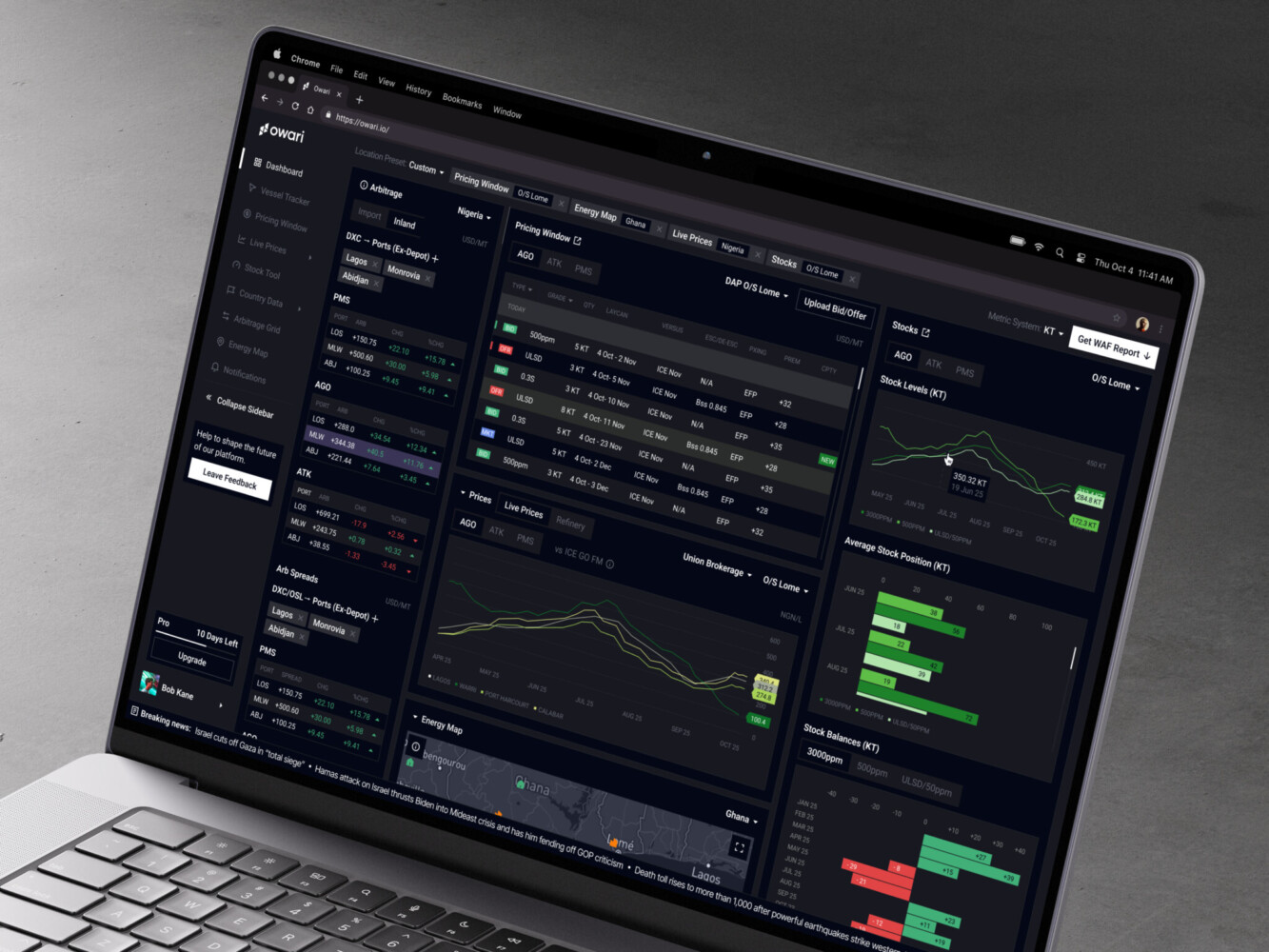
Owari dashboard by Shakuro
Why Work With a Data Pipeline Development Company
Some teams can build pipelines in-house. That is usually the right move when the company already has experienced data engineers, clear architecture ownership, and enough time to support the system after launch.
Outside help makes sense when the pipeline is blocking product growth or business decisions and the internal team is already stretched.
Data pipeline consulting can help when:
- reports do not match across tools;
- data lives in too many disconnected systems;
- the product needs real-time or near-real-time features;
- AI work is blocked by messy source data;
- compliance requirements are becoming stricter;
- a migration to cloud is underway;
- engineers are spending too much time on manual exports and fixes;
- leadership needs better visibility before scaling.
A good partner should not push tools first. They should ask about decisions, users, risks, and maintenance. They should care about boring things: naming, alerts, ownership, access, retries, documentation, and what happens when something breaks at 2 a.m.
For founders and CTOs, the value is not only in shipping the first version. It is in avoiding a pipeline that becomes a hidden liability six months later.
Final Thoughts: A Pipeline Is Only Good If People Can Trust the Data
Data pipeline development services sit quietly behind the product. When they work, people barely notice. Reports load, alerts arrive, dashboards make sense, and teams stop arguing about which spreadsheet is correct.
When they fail, everything downstream starts to wobble.
The practical goal is simple: collect the right data, move it safely, transform it clearly, monitor it honestly, and deliver it where it helps people act. Sometimes that means a small scheduled pipeline. Sometimes it means a streaming architecture with strict governance and real-time product features.
Start with the business decision, then create data pipeline design around it. That one habit prevents a lot of expensive architectural theater.
Are you planning a custom data pipeline, modernizing analytics infrastructure, or preparing product data for AI? Shakuro can help shape the architecture and build the product layer around it.
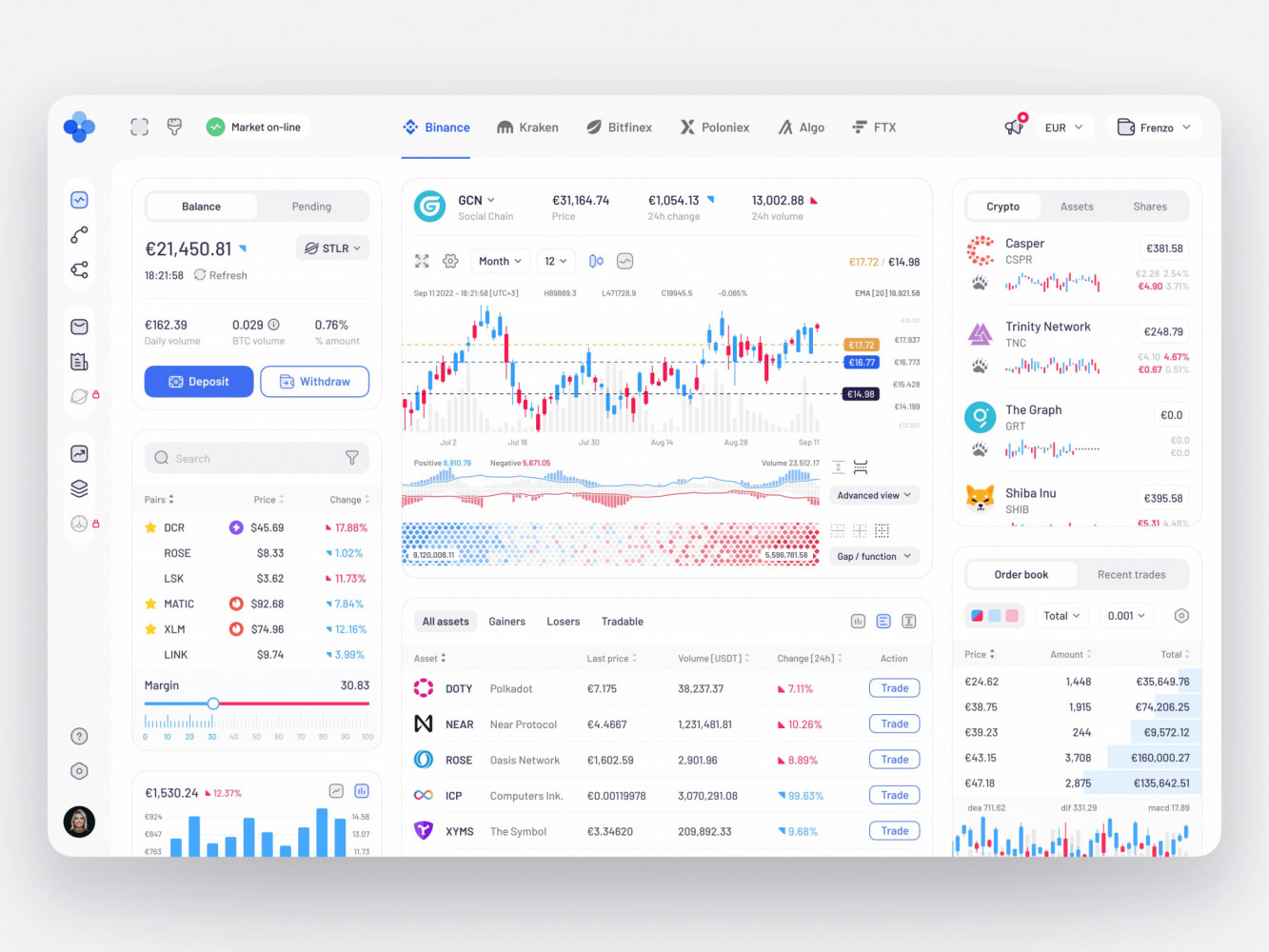
Crypto Trading Dashboard Design by Conceptzilla
FAQ
What is data pipeline development?
Data pipeline development is the process of designing and building systems that move data from source systems to useful destinations. A pipeline can collect, cleanse, transform, check, store and deliver data to dashboards, AI models, business tools or product features. A typical project covers discovery, architecture, connectors, transformation logic, orchestration, monitoring, testing, cloud setup, documentation and support after launch.
How long does custom data pipeline development take?
A basic data pipeline typically takes 3-8 weeks, while complex, real-time or compliance-heavy systems take 2-4+ months. A basic build means a few sources, scheduled syncs and simple transformations. Timelines grow with multiple sources, custom business logic, monitoring, cloud setup and enterprise integrations, and with unstable source APIs or legacy systems that have incomplete records and no reliable timestamps.
How much does data pipeline development cost?
A basic data pipeline costs around $15,000-$40,000, a mid-level pipeline with multiple sources, custom logic, orchestration and monitoring $40,000-$120,000, and an enterprise pipeline with high volume, real-time processing, compliance and long-term support $120,000-$300,000+. The final cost depends on source complexity, latency, transformation rules, security and support requirements, so treat these as planning ranges rather than fixed quotes.
When does a business need a real-time data pipeline?
A business needs a real-time data pipeline when delay reduces the value of the data. Fraud detection, trading tools, live logistics, infrastructure monitoring and user alerts often need fresh events. If the data only supports periodic reporting, batch processing may be enough, and it is cheaper to run and simpler to debug. Many products go hybrid: real-time for critical events, batch for reconciliation and reporting.
When is custom data pipeline development worth it instead of managed services?
Custom data pipeline development is worth it when the business logic is specific, the data sources are unusual, or the pipeline becomes part of the product experience. Otherwise, managed services from AWS, Azure or Google Cloud can save enough engineering time to justify some lock-in, and a small team may prefer them to running its own cluster. If portability matters, keep clear interfaces between layers.
How do I choose a data pipeline development partner?
A good data pipeline partner asks about decisions, users, risks and maintenance before suggesting tools. Look for attention to naming, alerts, ownership, access, retries, documentation and what happens when something breaks at 2 a.m. Outside help makes most sense when mismatched reports, messy data blocking AI work, stricter compliance or a cloud migration slow the business while the internal team is already stretched.
Related reading