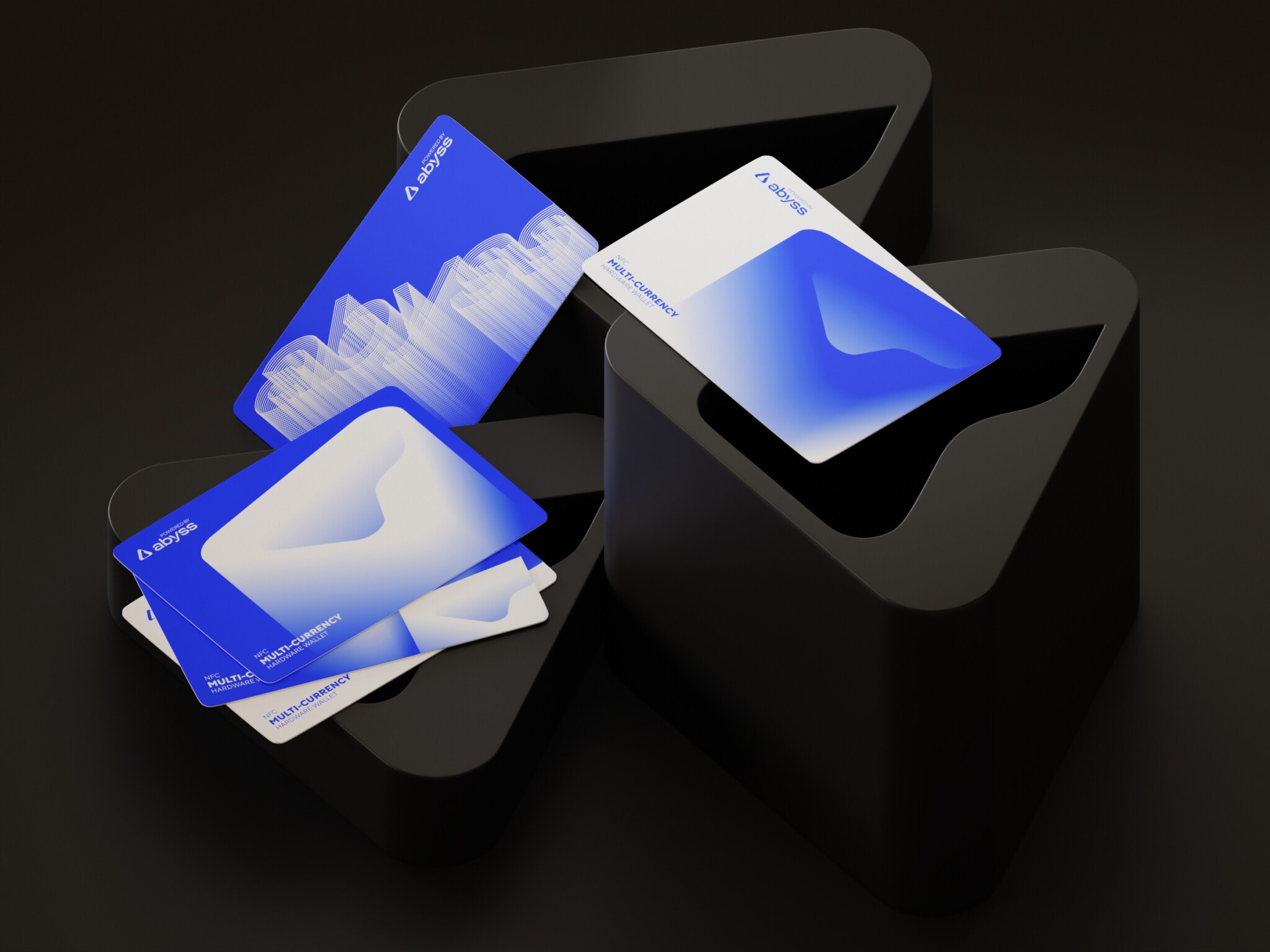
The name sounded good yesterday. Today, your cofounder says it reminds them of a banking app, the domain belongs to someone else, and you’re back in a shared document called “Name ideas FINAL v4.”
Meanwhile, there’s an actual product to launch.
Naming an app can feel strangely personal. You want something people remember, something that fits the idea you’ve spent months working on. But should it explain what the app does? Could people spell it after hearing it once? And will it still make sense if your product grows beyond that first feature? Suddenly, a decision you thought would take an afternoon is holding up the landing page.
If you’re figuring out how to name an app, this guide gives you a way through the back-and-forth. We’ll cover generating ideas, checking availability, meeting store requirements, and testing a shortlist so you have solid reasons to choose one and get on with building.
Key Takeaways:
- Start with a brief. Don’t guess. Define your audience, vibe, and constraints first to keep your naming process focused.
- Prioritize clarity over cleverness. If users can’t say it, spell it, or remember it after a distraction, it’s not working.
- Test in the real world. Check how the name looks under an app icon, in notifications, and on store listings before you commit.
- Do the legal legwork. Store availability is just the start. Always check trademarks and domains to avoid costly rebrands later.
- Keep it flexible. Choose a name that can grow with your product, not one that boxes you into a single feature or market.
What Makes a Good App Name?
A name can look great in a pitch deck and become awkward the first time someone tries to recommend it. “It’s called… hang on, let me find the link.” That’s worth paying attention to.
When you’re judging candidates, I’d start with how they work in everyday situations. Can someone say the name, type it into search, and recognize the right result? Does it feel like it belongs to your product?
When I’m evaluating names, I usually run them through five quick checks. You could call these your basic app naming guidelines, if you want to sound official.
It’s easy to say and spell.
Try saying a candidate aloud without showing anyone the written version. Then ask them to type it. An unusual spelling might be worth keeping, but you should know how much explaining it needs. Having to say “with two i’s and no e” gets old.
It’s distinctive enough to recognize.
Put your shortlist next to the names of competing apps. If yours disappears into a row of similar words and endings, keep exploring. You want people to remember which product they meant to try.
It fits your audience and your promise.
A playful name might suit a social app but feel odd for software people use to manage sensitive business records. There’s room for personality here. Just check whether the associations support what you want users to feel and expect.
It works in your target markets.
Ask people who speak the relevant languages how they read it and what it brings to mind. A translation tool can help with an initial check, but slang, pronunciation, and awkward associations deserve a human look.
It leaves room for the product to grow.
A name built around one feature can become restrictive. If your receipt scanner might eventually handle invoices and expenses, consider whether the name still fits that direction. You don’t need to plan for every possible pivot, though.
Finally, let’s clear up a common mix-up. There are actually three different “names” at play here, and they do different jobs. First, there’s the brand name. That’s the catchy bit, like “Slack” or “Uber.” Then you’ve got the store listing title, which is often longer and stuffed with keywords so the algorithm doesn’t ignore you. And finally, the technical identifier or bundle ID, which is that ugly string of characters users never see but developers sweat over. Don’t confuse them. Your brand name needs to be human. The others can be functional.
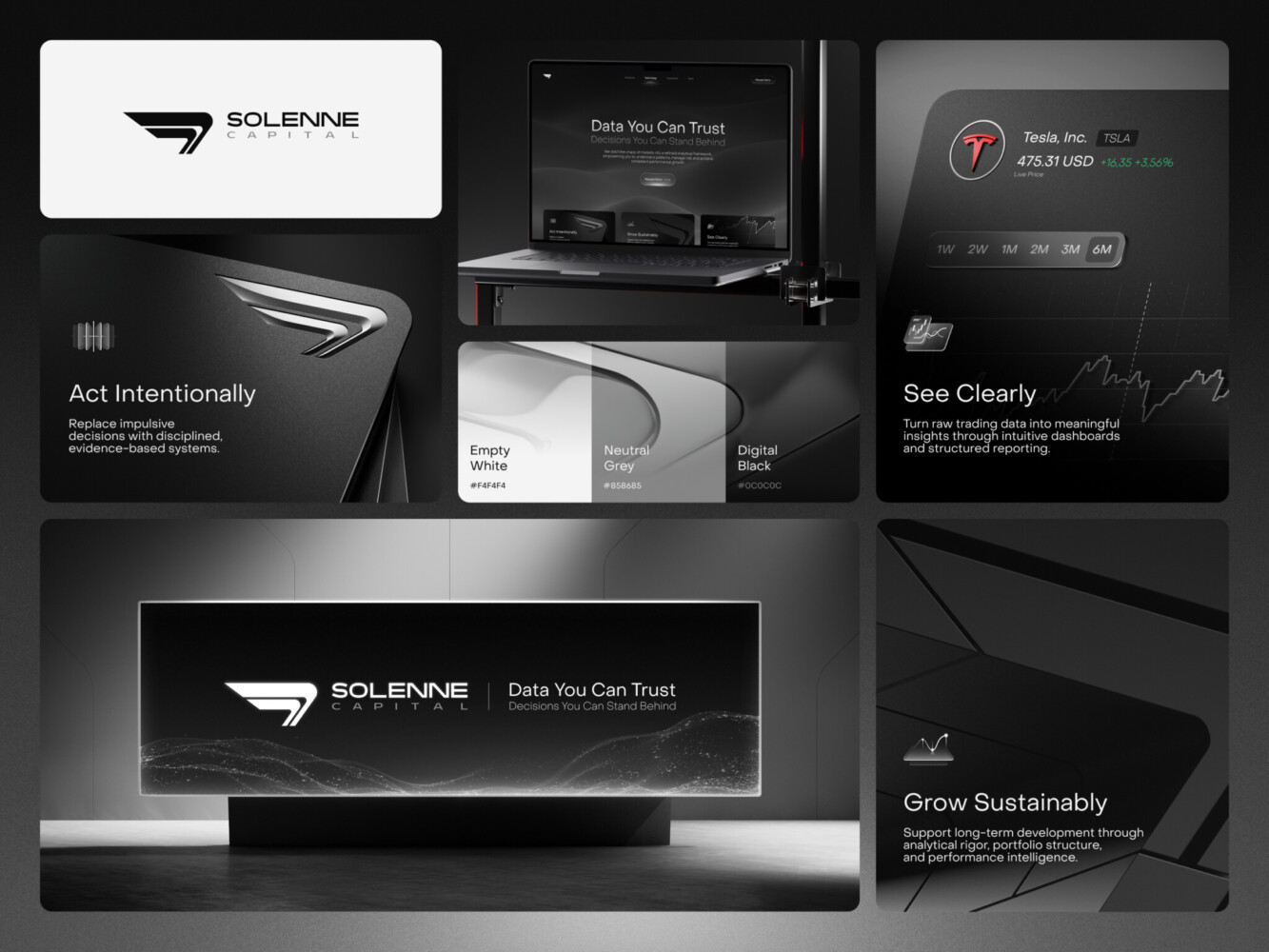
Brand concept by Shakuro
How to Come Up With an App Name
Write a Short Naming Brief
A naming brief isn’t a twenty-page document nobody reads. It’s a one-pager that keeps you honest. It defines who you’re talking to, what problem you’re solving, and what vibe you’re going for. Are you serious and secure? Or playful and fast? Who are your competitors, and what do their names sound like?
Also, be real about constraints. Do you need a .com? Are you launching in Japan next year? Write it down.
Here’s a simple template I use. It’s not fancy, but it works:
- Target Audience: Who are they? (e.g., busy moms, enterprise CTOs)
- Main Benefit: What’s the one thing you do best?
- Brand Personality: Pick three words. (e.g., Bold, Simple, Trustworthy)
- Competitors: List 3-5 main rivals.
- Target Markets: Where will you launch first? Any language no-gos?
- Constraints: Domain needs? Trademark issues? Length limits?
Fill this out. Stick it on your wall. Refer to it when you’re stuck. It saves you from chasing shiny objects that don’t fit your actual business.
Explore Different Naming Directions
So, how to name an app and generate ideas? Well, there are a few classic paths. Each has its own trade-offs between being clear and being memorable.
Descriptive names tell you exactly what it is. “The Weather Channel.” “General Motors.” Zero confusion, but zero mystery. They’re safe but often hard to trademark because, well, they’re just words.
Suggestive names hint at the benefit. “Netflix” suggests the internet and flicks. “Slack” suggests less tension. These are great because they give you a clue without spelling it out. They strike a nice balance.
Metaphorical names borrow from elsewhere. “Amazon” implies vastness. “Oracle” implies wisdom. These can be powerful because they create an emotional connection, but they require more marketing spend to explain the link.
Invented names are made-up words. “Kodak.” “Spotify.” These are distinct and easy to trademark, but they start with zero meaning. You have to build the brand from scratch. It’s high risk, high reward.
Most successful apps land somewhere in the middle. Suggestive or metaphorical usually feels right for modern SaaS. You want enough clarity to get the idea, but enough distinctiveness to stand out.
Build a Longlist Before Choosing Favorites
Don’t try to pick the winner yet. First, you need volume. Aim for fifty or even a hundred ideas. Most of them will be terrible. That’s fine. The goal is to get the bad ideas out so the good ones have space to breathe.
Brainstorm around user outcomes. How does someone feel after using your app? Relieved? Powerful? Organized? Jot down words associated with those feelings. Look at category language—what words do people in your industry use? Then twist them. Combine them. Break them.
Use generators if you want. Tools like Namelix or Lean Domain Search can spark ideas you wouldn’t think of. But treat them like a brainstorming partner, not a oracle. Every suggestion needs to pass your human filter. Does it sound like a person? Does it feel right?
This is the messy part. Embrace the mess. Write everything down. Even the silly stuff. Sometimes a weird combination triggers the perfect idea.
Reduce the List Using Your Brief
Now comes the cut. Take your longlist and slam it against that naming brief you wrote earlier.
Does it fit the audience? If you’re targeting banks and the name sounds like a cartoon character, cross it out. Does it match the personality? If you’re supposed to be “serious” and the name is “Giggly,” nope.
Then do the basic sanity checks. Say it out loud. Spell it. Google it. If you can’t pronounce it without thinking, it’s gone. If it’s already a popular shoe brand in Germany, it’s gone.
This app naming guide approach isn’t about finding the “perfect” name immediately. It’s about narrowing down to a handful of strong contenders that actually fit your business. Once you’ve got five or six left, you can start testing them. But first, you have to survive the cut.
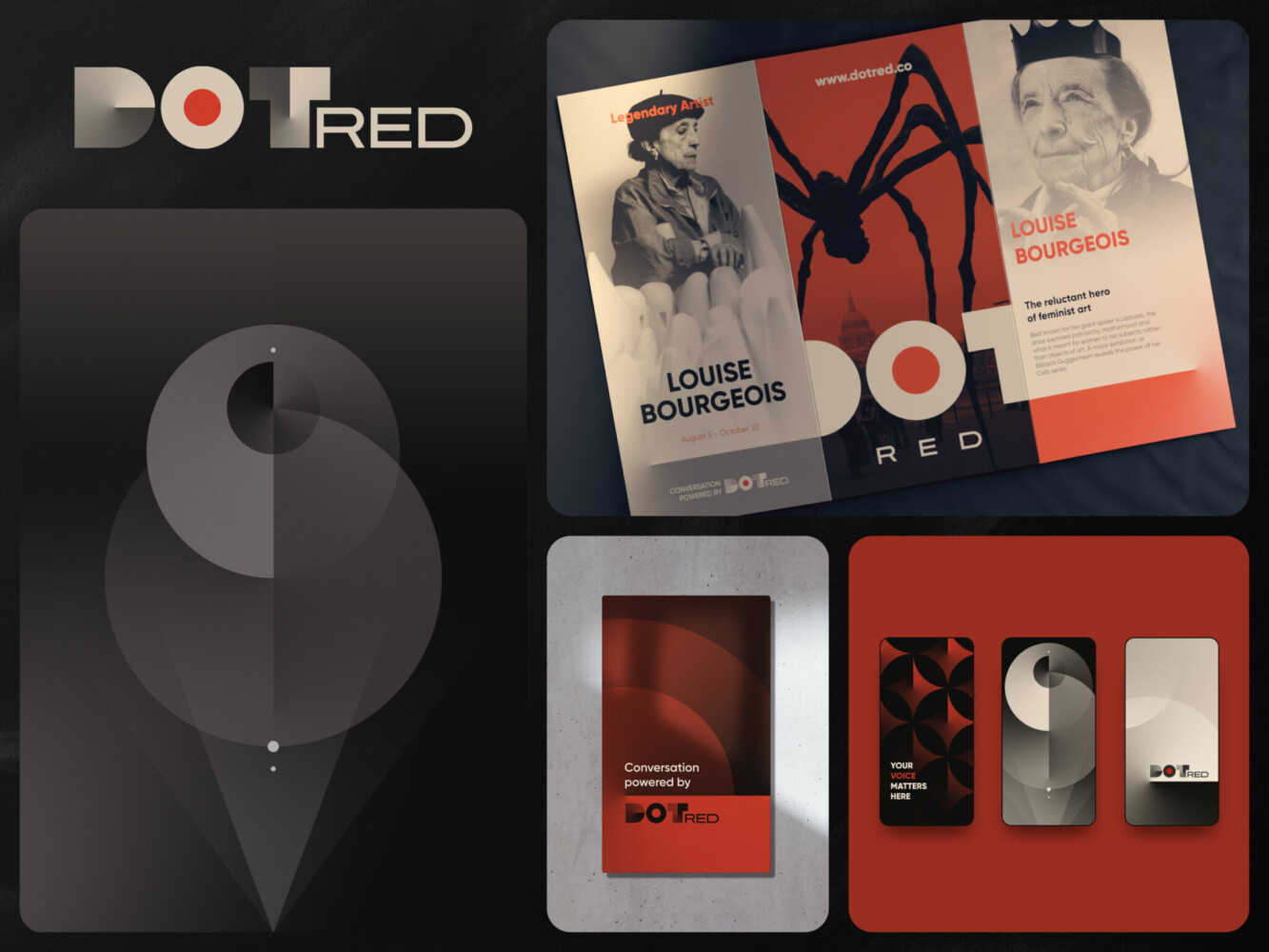
Dot Red branding by Shakuro
App Naming Best Practices for Mobile Products
App naming best practices are simple, but they catch most of the obvious mistakes.
To show how this works, let’s follow a fictional app. Let’s say we’re building a tool that helps freelancers track their time and send invoices automatically. We’ll call it “Project Freelance” for now. Boring, right? Let’s see how we can improve it using these checks.
The “Bar Test” (Say it Aloud)
Imagine you’re recommending the app to a friend. You say, “You should try ___.”
Does it flow? If you stumble, your users will too.
- Candidate 1: “Try FreelanceFlow.” (A bit of a tongue twister with the double F/L sound.)
- Candidate 2: “Try Billable.” (Clean. One word. Easy to say.)
Tip: If you have to pause to articulate it, it’s probably too complex. Keep it snappy.
The Spelling Check
Ask someone to spell the name after hearing it once. No hints.
If they ask, “Is that with a ‘ph’ or an ‘f’?” you’ve got a problem. In our example, “Billable” is straightforward. But what if we went with “KwickInvoice”? People would constantly misspell it as “Quick.” That’s friction you don’t need. These app naming tips are all about reducing cognitive load.
The Icon Preview
Look at the name below a tiny app icon. Then look at it in the App Store listing.
Short names often look better under icons because they don’t get truncated with ellipses (…). “FreelanceTimeTrackerPro” is going to look messy. “Billable” sits nicely. It feels balanced. Visual weight matters more than you’d think.
The Notification Test
Check how it looks in a push notification or during onboarding.
“Your invoice from [App Name] is ready.” Does it sound professional? Does it sound like spam? If your app name is “MoneyGrabber,” people might delete the notification before reading it. Context changes how a name feels. “Billable” sounds neutral and helpful here.
The Global Sanity Check
This is huge. Review meanings and pronunciation with speakers in your target markets. Run your top choices by a few friends who speak other languages. It’s a quick check that saves major embarrassment.
The “Future-Proof” Check
Ask yourself: Does this name still fit if we add features?
If we called our app “InvoiceOnly,” we’d be stuck if we later added expense tracking or contract management. “Billable” is broader. It covers anything related to getting paid. It gives you room to pivot or expand without rebranding. That’s one of the most crucial app naming best practices for long-term growth.
By running your candidates through these filters, you move from “guessing” to “knowing.” You might not find the perfect name immediately, but you’ll definitely weed out the ones that will cause you headaches later.
App Store and Google Play Naming Requirements
When thinking about how to name an app, you have to deal with the gatekeepers: Apple and Google. They have their own rules, and they’re not always the same.
Apple App Store Requirements
Apple is strict about structure. They split your identity into two main fields: the App Name and the Subtitle.
The App Name is your brand. It’s what shows up under the icon on the home screen. Apple currently permits app names of 2–30 characters. That’s it. If you go over, you’ll get rejected during review. It’s tight, but it forces you to be concise.
Then there’s the Subtitle. This is a separate field (up to 30 characters) that appears right below the name in search results and on the product page. It’s your chance to add a tiny bit of context. Think of it as a tagline. For our fictional freelancer app, the Name might be “Billable” and the Subtitle could be “Invoicing for Freelancers.”
Keep them distinct. Don’t repeat the same words in both. Apple’s algorithms—and human reviewers—don’t like redundancy. Check Apple’s app information reference if you’re unsure, but generally, keep it clean and branded.
Google Play Requirements
Google plays by slightly different rules. On the Play Store, you have a Title field with a 30-character limit. Unlike Apple, Google doesn’t have a separate “subtitle” field in the same way; instead, you use the “Short Description” (80 characters) and “Full Description” for more detail.
But Google is heavily focused on policy compliance regarding metadata. They have strict restrictions on misleading promotional claims. You can’t put “Best App Ever” or “#1 Finance Tool” in your title unless you have third-party proof to back it up (and even then, it’s risky).
They also frown upon using emojis, all-caps shouting, or special characters just to grab attention. It looks spammy, and Google’s algorithms tend to penalize it. Keep your title professional. Stick to the brand name and maybe one key descriptor if you have space. Check the Google Play metadata policy before you submit, because getting flagged for “misleading metadata” can delay your launch by weeks.
Balance Brand Recognition With Discoverability
This is where the art meets the science. You want a name that’s unique (for branding) but also hints at what you do (for discoverability).
A relevant descriptor can clarify your purpose without killing your vibe. Remember our example? “Billable” is great for branding, but on its own, it might be too abstract for search. Adding “Invoicing” in your subtitle or short description helps.
However, don’t fall into the trap of keyword stuffing. For example, “Best Fast Easy Invoice Tracker Bill Pay.” It’s ugly, it’s hard to remember, and frankly, it doesn’t work like it used to. Stores are getting smarter. They prioritize user engagement and retention over clever title hacks.
Follow these app naming guidelines to stay safe: keep your brand name front and center, use your descriptor fields for clarity, and avoid trying to “game” the system.
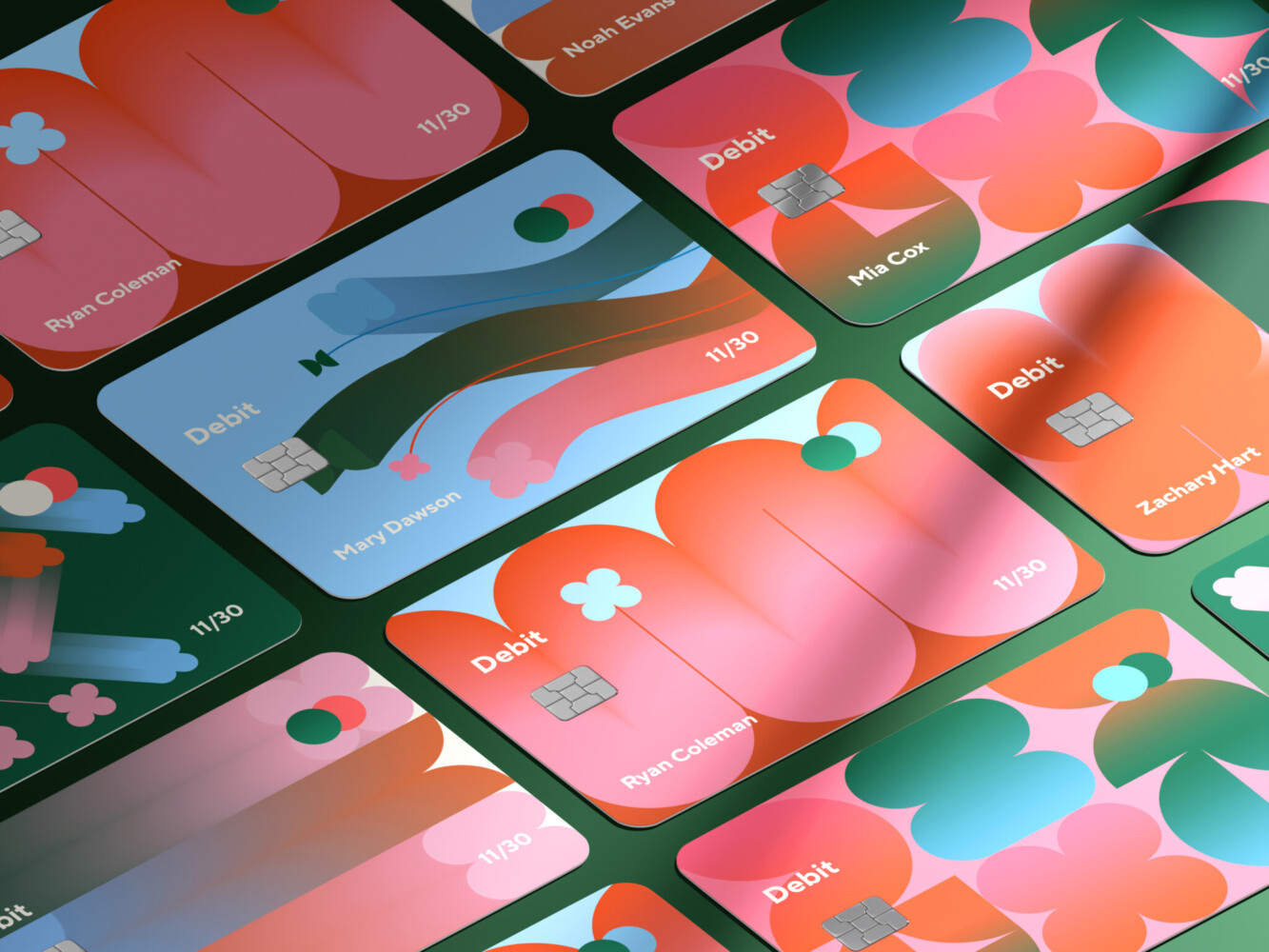
Credit Card Covers for a Financial Company Branding
How to Check If an App Name Is Available
So you’ve found the name. It’s perfect. It’s short, it’s catchy, and your co-founder actually smiled when you said it.
Don’t celebrate yet. The hardest part isn’t coming up with the name; it’s making sure you’re allowed to use it.
Here is the sequence I use to vet a name. It’s not glamorous, but it saves you from legal headaches later. Knowing how to check if an app name is available is basically due diligence 101.
1. Search Both Stores
Start where your users will be. Go to the Apple App Store and Google Play. Search for your exact name. Then, search for variations.
If there’s already an app called “Billable” that does invoicing, you’re likely going to have a bad time. But even if it’s a different category, look for “confusingly similar” names. If your app is “KwickPay” and there’s a “QuickPay” with a million downloads, users will mix them up. And support tickets will flood in. You don’t want that.
2. Search the Web
Just because it’s not in the app stores doesn’t mean it’s free. Search Google for existing products, blogs, or small businesses using the name.
You might find a tiny consultancy in Vermont using the name. Is that a problem? Maybe not. But if they’re in your same industry, it could be. Look for active websites. Look for recent social posts. If the name is dead online, that’s a good sign. If it’s alive and kicking, proceed with caution.
3. Check Domains and Social Handles
This is the practical stuff. Can you get the .com? Or at least a clean .io or .co?
I know, everyone says “.com doesn’t matter anymore.” But try telling that to a non-tech investor. They still expect it. If the .com is taken by a parked page asking for $50,000, you might need to rethink.
Also, check Twitter/X, LinkedIn, and Instagram. You don’t need every single handle, but you want the main ones. Consistency helps people find you. If “Billable” is taken on Twitter by a bot farm, that’s a red flag.
4. Search Trademark Databases
In the US, start with the USPTO trademark search (TESS). It’s free and pretty comprehensive. Search for your name in the relevant class of goods (usually Class 9 for software or Class 42 for SaaS).
If you’re targeting other markets, check their equivalent databases. For Europe, there’s the EUIPO. For the UK, the IPO. It takes a bit of digging, but finding a live trademark now is way cheaper than getting a cease-and-desist letter after launch.
5. Professional Clearance
Finally, if you’re serious about naming an app, hire a lawyer.
It costs money. But a professional trademark attorney can do a “clearance search” that goes deeper than you can. They’ll look for common law trademarks (businesses that aren’t registered but still have rights) and give you a real opinion on risk.
Think of it as insurance. Spending a few hundred dollars now is better than spending ten thousand on a rebrand later.
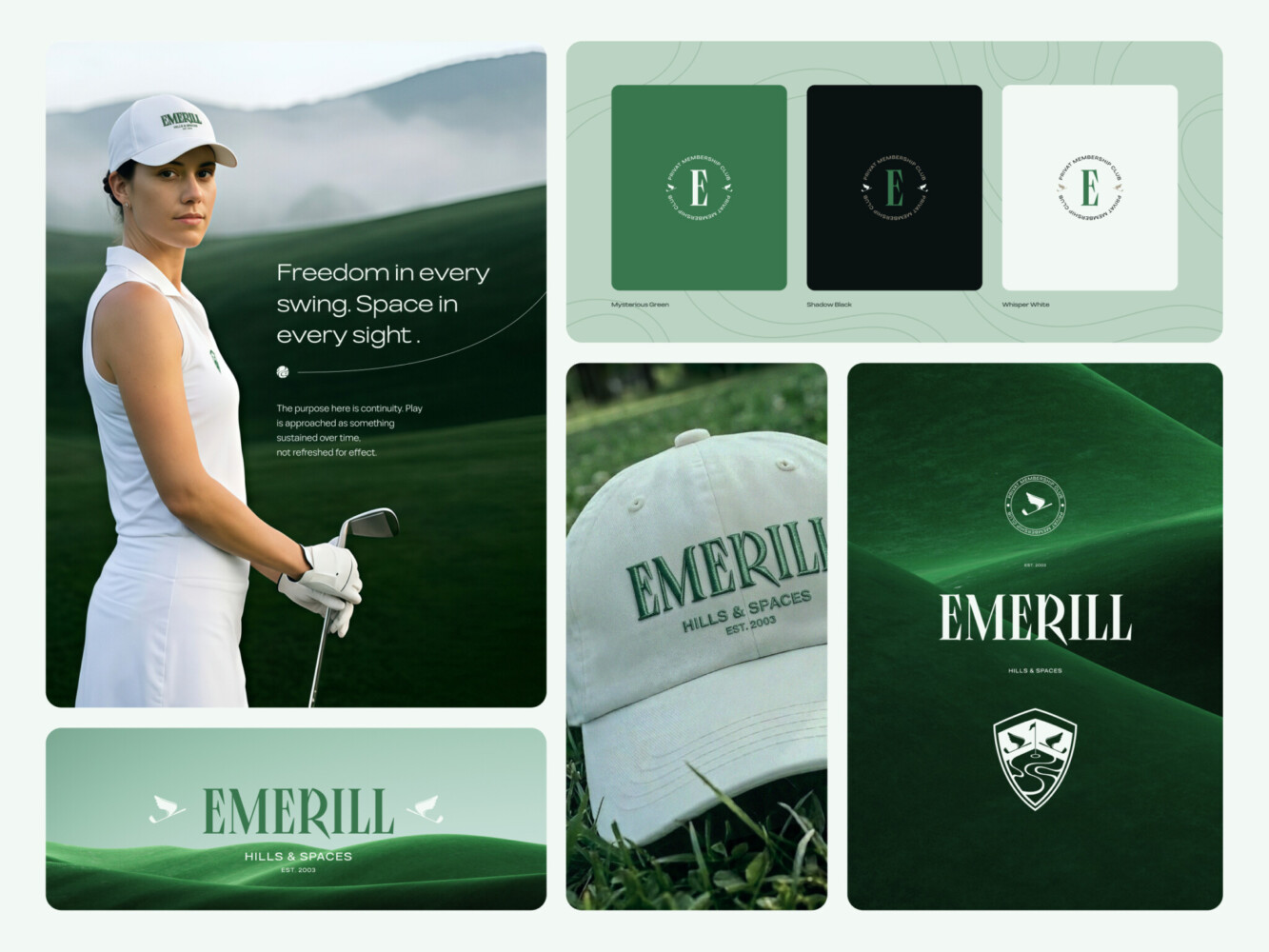
Branding for Emerill by Shakuro
Test Your Shortlist Before You Commit
You’ve got a shortlist. Maybe three, maybe five names. They all look good on paper. But paper doesn’t talk to users. Paper doesn’t try to spell your name after hearing it in a noisy coffee shop.
Before you buy the domain and print the business cards, you need to test these names in the wild.
Test Understanding, Pronunciation, and Recall
Find people who actually fit your target audience. If you’re building for fintech CTOs, ask a fintech CTO. If it’s for moms, ask a mom.
Show them the name. Don’t explain it. Just write it down or say it once. Then ask three simple questions:
- What do you think this app does? If they say “It sounds like a dating app” and you’re building accounting software, you’ve got a mismatch.
- How would you pronounce this? Watch their face. Do they hesitate? Do they get it right the first time? If they say “Is it ‘Zync’ with a Z?” you might have a spelling issue.
- The Distraction Test. Chat with them about something else for two minutes. Then ask, “What was that app name again?” If they can’t remember it, it’s not sticky enough.
Compare Candidates With a Simple Scorecard
Emotions are tricky. You might love a name because it reminds you of your college dorm. Your users don’t care. A scorecard helps you stay objective.
How to come up with an app name in this case? Create a simple table. Rate each name on a scale of 1–5 for these criteria:
- Clarity: Does it hint at the purpose?
- Memorability: Is it easy to recall after a short time?
- Spelling: Is it intuitive to type?
- Distinctiveness: Does it stand out from competitors?
- Market Fit: Does it feel right for your specific audience?
Here’s the key: treat availability and trademark clearance as requirements, not points. If a name fails the legal check, it’s out. No amount of “catchiness” can outweigh a lawsuit. Don’t let a high score in “memorability” blind you to a fatal flaw in “legal safety.”
| Name | Clarity | Memorability | Spelling | Distinctiveness | Market Fit | Status |
| Example 1 | 4 | 5 | 5 | 3 | 5 | Pass |
| Example 2 | 5 | 3 | 4 | 2 | 4 | Fail (Trademark) |
| Example 3 | 3 | 2 | 5 | 1 | 3 | Fail (Too generic) |
Seeing it side-by-side usually makes the decision clearer. One name often pulls ahead when you stop looking at them in isolation.
Record the Decision
Once you pick a winner, write it down. Not just the name, but the details.
Document the final spelling. Note the approved pronunciation. List the descriptors you’ll use in the store listings. If you’re planning to launch in other countries, note any localization choices or warnings.
Most importantly, when naming an app, write down why you chose it. “We picked ‘Billable’ because it tested highest for memorability among freelancers and had no conflicting trademarks in Class 9.”
Six months from now, when someone asks why you didn’t call it “MoneyMaker,” you’ll have an answer. And more than that, you’ll have a record of a thoughtful process. That matters when you’re talking to investors or new team members. It shows you didn’t just guess. You checked.
App Naming in Practice: Shakuro’s Vekè Case
Let’s take a look at the case from our portfolio. Take Vekè. It’s a solid case study because it shows how naming isn’t just about picking a word; it’s about building a whole identity around a concept.
Our scope for this project was broad: naming, brand identity, UX, and UI. The app itself is a community platform for creators and fans. It’s niche, passionate, and visual.
The Community Concept
The naming direction didn’t come from a thesaurus. It came from the users. We dug into the “community concept.” The name needed to feel like a club, not just a tool.
Interestingly, the first idea wasn’t Vekè. In many branding projects, the initial favorite hits a wall. Maybe the domain is taken. Maybe it sounds too much like a competitor. In this case, the unavailability of the initial idea forced us to dig deeper.
Meaning and Pronunciation
Vekè is short. Four letters. Two syllables. It’s easy to say, which passes our “bar test” with flying colors. But it’s also invented. It doesn’t mean anything in English, which gives it a blank canvas.
However, it feels like something. It sounds sleek. It sounds fast. But it’s also soft enough to feel welcoming to a community.
Pronunciation is straightforward, but the accent mark on the ‘e’ adds a touch of sophistication. It signals that this isn’t just another generic social network. It’s curated. It’s special.
Consistency with Visual Identity
The name Vekè isn’t standing alone. We designed the visual identity to match the name’s vibe. The logo, the typography, the color palette—it all speaks the same language.
If the name was “ClassicChat,” the visual identity might have felt clunky or dated. But because the name is abstract and stylish, the UI could be modern and minimalist. The name sets the tone, and the design delivers on it.
What We Can Learn
The Vekè case teaches us a few app naming tips:
- Start with the community. The best names often come from understanding who the users are.
- Embrace the pivot. When your first choice is unavailable, don’t panic. Use it as a chance to explore further.
- Think holistically. A name doesn’t exist in a vacuum. It needs to fit the visuals, the UX, and the overall brand promise.
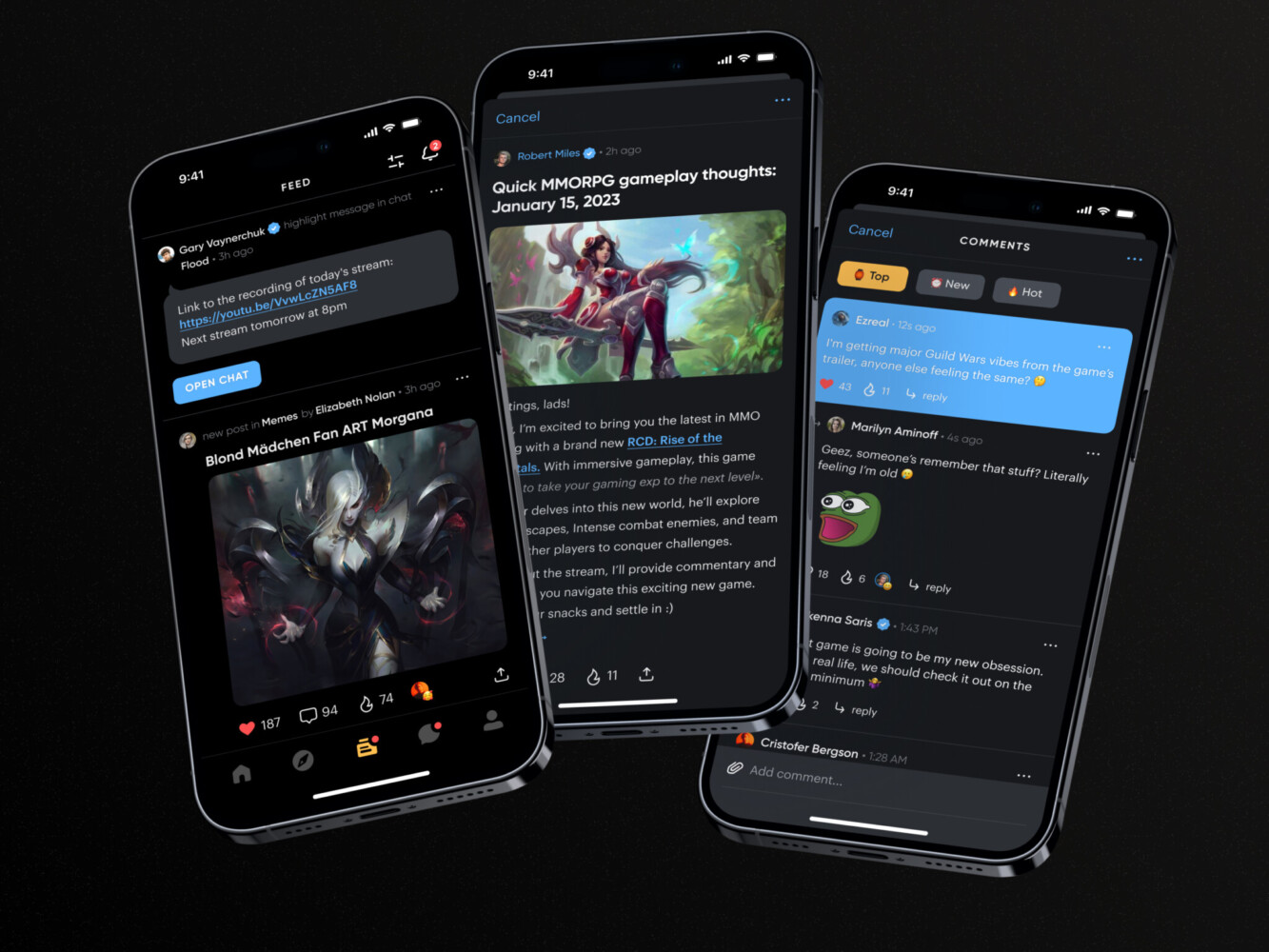
Veke app by Shakuro

Final App Naming Checklist
Now you know how to name an app. But before you hit that final “Submit” button, take a step back. It’s easy to get tunnel vision after weeks of brainstorming. Use this compact checklist to make sure you haven’t missed anything obvious. It’s the last line of defense against a messy launch.
Final App Naming Checklist
- Audience Fit: Does it resonate with your specific users? (Ask them if you have to.)
- Pronunciation: Can people say it correctly after hearing it once? No stumbling.
- Spelling: Is it intuitive to type? If you have to explain the spelling, it’s too hard.
- Mobile Previews: How does it look under an app icon? In a notification? Keep it short and clean.
- Language Checks: Have you checked meanings in your target markets? Avoid accidental insults.
- Store Requirements: Does it fit Apple’s 30-character limit? Does it follow Google’s metadata policies?
- Availability: Is the domain free? Are social handles open? Is the name clear in the app stores?
- User Testing: Did you run the “distraction test”? Do people remember it?
- Final Clearance: Have you checked trademarks (USPTO/EUIPO)? Ideally, get a professional legal opinion.
If you can check all these boxes, you’re in a good spot. You’ve moved from guessing to knowing.
But a name is just the start. It needs a home. It needs colors, a voice, and a user experience that feels like it belongs. If the name is the handshake, the branding is the conversation that follows.
Need help connecting your app’s name, identity, and user experience? Tell us about your project.
Frequently Asked Questions
How long should an app name be?
Keep it short. Ideally 1–2 words. You’ve got about 30 characters before the App Store starts cutting you off, and even less space under a home screen icon. If people can’t say it in one breath, it’s too long.
Should an app name describe what the app does?
Not necessarily. In fact, being too literal can box you in later. A suggestive name (like “Slack” or “Uber”) often works better because it hints at the benefit without limiting your features. Save the heavy description for your subtitle or store listing.
Should my app and company have the same name?
It helps with brand recognition, but it’s not a rule. Many successful startups have different company and product names (think Meta and Instagram). If you plan to launch multiple apps, keeping the company name separate gives you more flexibility.
What should I do if my preferred app name is taken?
Don’t panic. It happens to everyone. Try adding a prefix or suffix, tweaking the spelling (carefully), or looking at synonyms. Sometimes, hitting a dead end forces you to find a name that’s actually more distinctive. Just make sure you check trademarks before falling in love with the backup.
Can I use an AI-generated app name?
Absolutely. AI is great for breaking writer’s block and generating volume. But don’t just pick the first thing it spits out. Treat AI suggestions as a starting point for your own brainstorming. You still need to run them through human checks—pronunciation, cultural meaning, and legal availability. AI doesn’t know if a word sounds weird in Portuguese. You do.