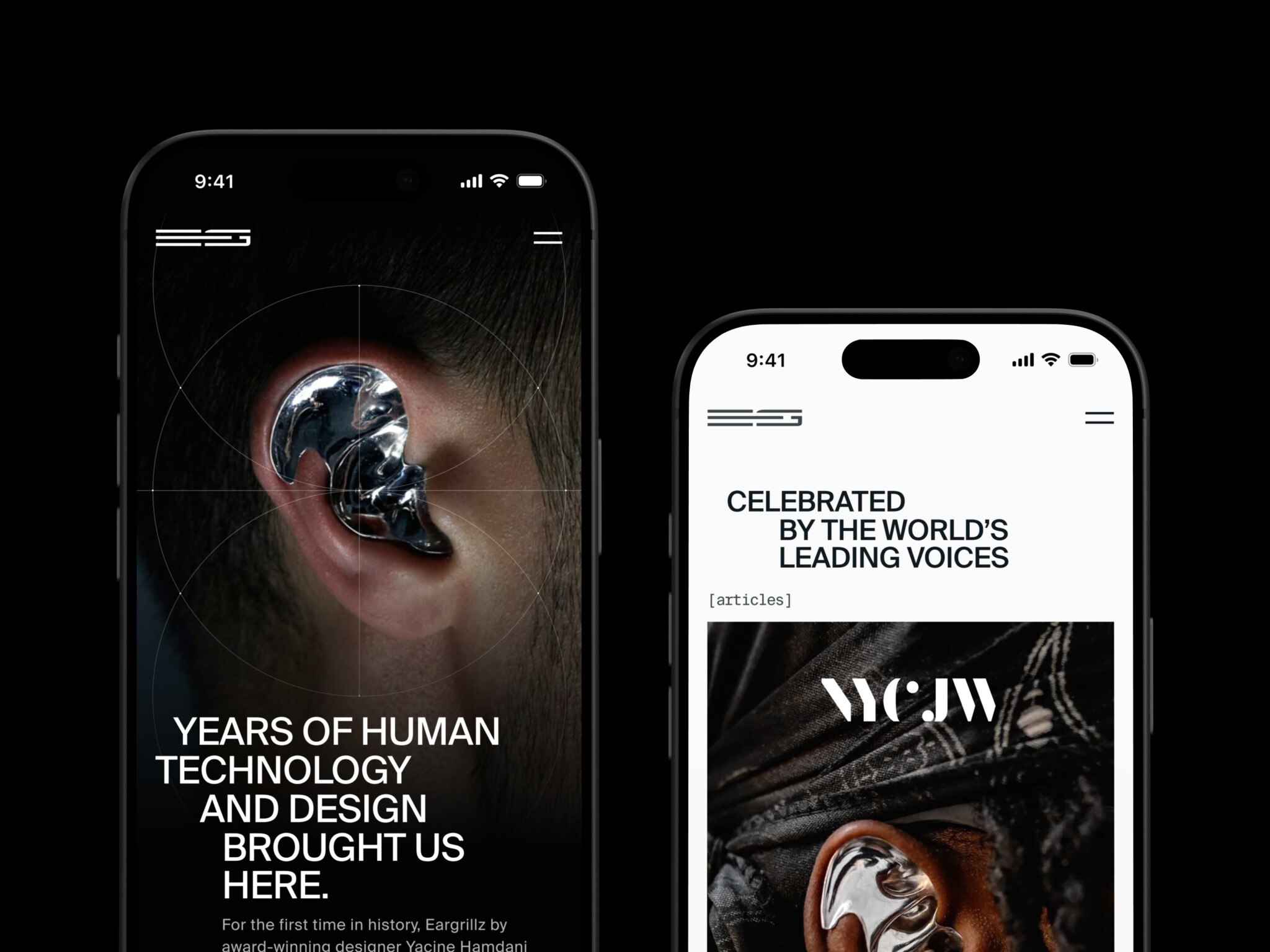
Progressive web app development is building a website that installs on a phone or desktop, opens from the home screen, works offline, and sends push notifications without an app store. Technically, it is a web app with a manifest and a service worker. A simple PWA MVP starts at around $25,000–60,000. A complex platform with offline workflows, roles, payments, and notifications reaches $120,000–250,000+.
The gap between a good PWA and a frustrating one sits in the details: what happens when the connection drops, what is cached, whether the login session survives, and whether the app feels natural on iOS, Android, and desktop. A PWA does not replace a native app in every case, but when it fits, it is one of the most practical forms of custom web app development.
Here we look at what a PWA is, how it compares with native apps, how to build one step by step, cost, common challenges, and when to bring in an outside team.
Key takeaways
- A PWA is a web app that can feel more like a native app through installability, service workers, caching, offline support, and responsive design.
- PWAs are best for web-first products like SaaS tools, dashboards, marketplaces, e-learning platforms, e-commerce, and internal systems.
- Native apps are still better when you need deep device access, advanced background behavior, premium platform-specific UX, or strong app store presence.
- PWA development cost depends mostly on scope: offline logic, backend complexity, integrations, roles, payments, QA, and performance goals.
- The biggest PWA risks are weak caching strategy, stale data, poor offline states, iOS quirks, and treating a PWA like “just a website with an icon.”
What Is a Progressive Web App?
So, in plain words, it is a web application that uses modern browser features to behave more like an app. It can be responsive, installable, fast, available from a normal URL, and in some cases usable offline or on a bad connection.
The usual technical pieces are:
- A web app manifest, which tells the browser the app name, icon, start URL, display mode, and other installation details.
- A service worker, which can intercept network requests and support caching, offline pages, background tasks, and push behavior.
- HTTPS, because service workers and many sensitive browser APIs require a secure context.
- A responsive UI that works across screens, not just a desktop layout squeezed onto a phone.
- A performance-first frontend, because nobody installs a slow web app twice.
In general, progressive web app for iOS or Android are applications that combine website qualities with platform-specific app qualities. That is a good definition, but I would add one practical caveat: a PWA only feels like an app if the whole product is designed that way. A manifest alone will not save clumsy navigation, weak loading states, or a checkout that breaks when the connection wobbles.
The web app manifest is especially important for installation. web.dev notes that browsers use the manifest and its properties to understand the installed experience. In simple terms, it is where your PWA says, “Here is my name, here is my icon, here is how I should open.” Sounds small. But if the icon is wrong or the start URL is off, users notice immediately. It feels amateur, even when the underlying product is strong.
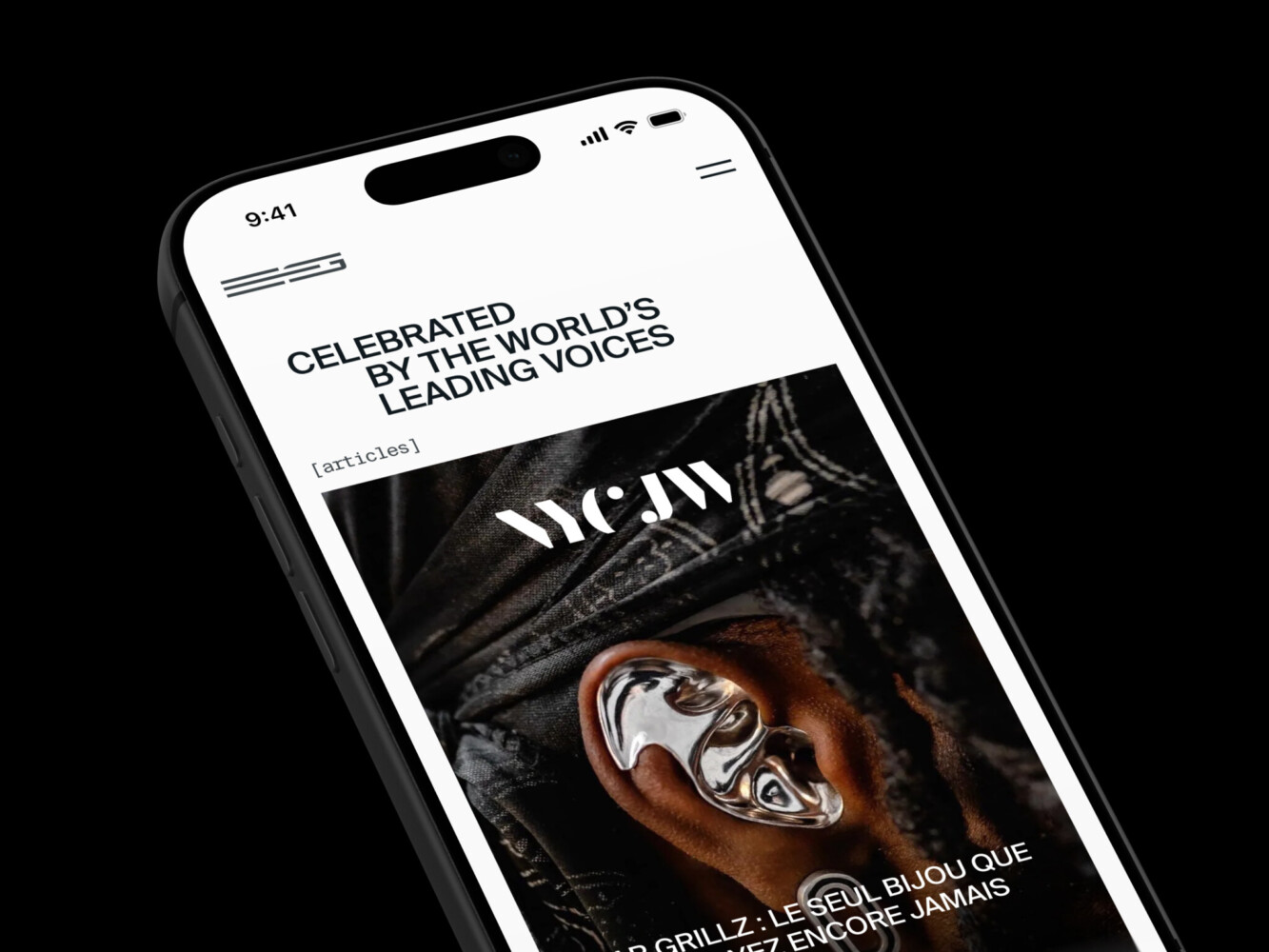
Design for an Avant-Garde Jewelry Product by Shakuro
Progressive Web Apps vs Native Apps: Which One Makes More Sense?
This comparison usually starts with cost. That is fair, because budgets are real and nobody enjoys pretending otherwise. But cost is only one part of the decision.
A native app is built for a specific platform, usually iOS or Android, using platform-specific languages and tooling. It can access deeper OS features, deliver highly polished platform behavior, and meet user expectations in categories where native is the norm. Think fitness trackers, camera-heavy apps, banking apps, complex games, or products that rely on advanced hardware access.
A PWA is delivered through the web. Users can open it in a browser, and in supported environments they can install it to their home screen or desktop. It can be great for SaaS products, dashboards, marketplaces, e-learning platforms, media products, productivity tools, internal systems, and e-commerce experiences.
Here is the honest tradeoff.
PWAs usually win on reach. You publish once, and the app is available through a URL. This really helps when your audience is spread across devices and you do not want the app store to become a gatekeeper for every update. It also makes marketing and SEO easier, because the product can be discovered like a normal website.
Native apps usually win on deep platform integration. If you need full access to device APIs, highly tuned animations, background processing, Apple Watch support, or the kind of platform-specific details that users quietly expect, native may be the better option.
When we compare progressive web apps vs native apps in terms of time to market, a PWA can often ship faster because the team works from one web codebase. Native development may require separate iOS and Android work, or at least careful cross-platform planning. That does not mean PWA development is automatically easy. It just means you are not building and maintaining two separate mobile products from day one.
There is also the user psychology part, which people do not talk about enough. Some users love the idea of opening a link and getting started. Others trust app stores. Some will never install anything unless they absolutely have to. In my experience, this depends a lot on the product category. A B2B dashboard? PWA can be perfect. A premium consumer app where App Store presence adds credibility? Native might still carry more weight.
| Comparison point | Progressive web app | Native app |
| Distribution | Opens from a URL and can be installed in supported browsers. No app store is required for basic access. | Distributed through the App Store, Google Play, or enterprise channels. Store review and release rules apply. |
| Development approach | Usually built from one web codebase for desktop and mobile browsers. | Built separately for iOS and Android, unless the team uses a cross-platform framework. |
| Time to market | Usually faster for web-first products, as a single team can ship the core experience across devices. | Typically takes longer when both iOS and Android need to be polished for platform specific versions. |
| Cost and maintenance | Updates are done on the web, so it can be more cost-effective. One codebase can be used for more surfaces. | They tend to be more expensive to build and maintain, especially if you have separate native teams and app store release cycles. |
| Performance | When built carefully, it works well for most SaaS, marketplace, e-learning, media, and dashboard use cases. | More powerful for graphics-intensive apps, complex animations, games, and deeply platform-specific behaviour. |
| Device access | Access to many browser APIs, but depends on browser and OS. | Improved access to device hardware, background tasks, sensors, and platform-specific capabilities. |
| Offline support | Possible using service workers and caching, but needs careful design and testing. | Rich offline behavior with more control over storage and background processes. |
| SEO and discoverability | Public PWA pages are indexable and shareable like regular web pages. | App store pages can rank, but in-app content is not naturally discoverable through web search. |
| Best fit | Web-first products, SaaS tools, dashboards, e-commerce, e-learning, internal systems, and MVPs that need reach. | Products that need deep OS integration, premium mobile UX, advanced hardware access, or strong app store presence. |
How to Build Progressive Web App Products Without Regretting It Later
People often look for a PWA build checklist and expect a technical recipe. The checklist matters, sure. But the better starting point is product strategy. What should the PWA actually do better than a normal responsive website?
If the answer is only “we want an app icon,” that is not much of a strategy.
Start With Discovery
In progressive web app development, discovery sounds formal, but it is really just the stage where you ask the uncomfortable questions early. Who uses the app? On what devices? What happens on a weak connection? Do users need offline access or just faster repeat visits? Will they install it, or mostly open it from links? What data can be cached safely? What should never be cached?
This is where teams save money later. I know, discovery can feel slow when everyone wants to start designing screens. But skipping it often means paying for the same decisions twice.
Design the App-Like Experience
Good PWA design is not only responsive design. It is also about state. Loading state, empty state, offline state, sync state, failed payment state, expired session state. These little moments shape the experience.
For example, if a student opens an e-learning PWA on a train and the video list loads but the video does not, what should they see? A vague spinner? A helpful offline message? A saved lesson list? The answer changes the whole design.
This is why UI/UX work matters so much. A PWA should feel clear when things are working and even clearer when they are not.
Plan the Architecture
A typical architecture in progressive web app development may include a React, Next.js, Angular, or Vue frontend; a backend built with Node.js, Python, Ruby on Rails, .NET, or another stack; APIs; authentication; a database; CDN; monitoring; analytics; and CI/CD.
The service worker strategy deserves special attention. You need to decide what gets cached, when it gets refreshed, what happens when data is stale, and how users get updates. Cache too little and the PWA does not feel useful. Cache too much and you may show old data at exactly the wrong moment. Nobody wants yesterday’s account balance pretending to be today’s.
Build, Test, Then Test Again on Real Devices
The build stage includes frontend development, backend work, API integration, service worker setup, manifest configuration, push notifications if needed, analytics, and security checks.
Testing should cover Lighthouse, accessibility, Core Web Vitals, offline behavior, installability, browser compatibility, responsive layouts, authentication, permissions, and error recovery. It sounds like a lot because it is a lot. But this is the point where PWA quality is made or lost.
I would also add a very human test: give the app to someone who is not on the project and ask them to install it. Say nothing. Watch what they do. You will learn more in ten minutes than in a long meeting.
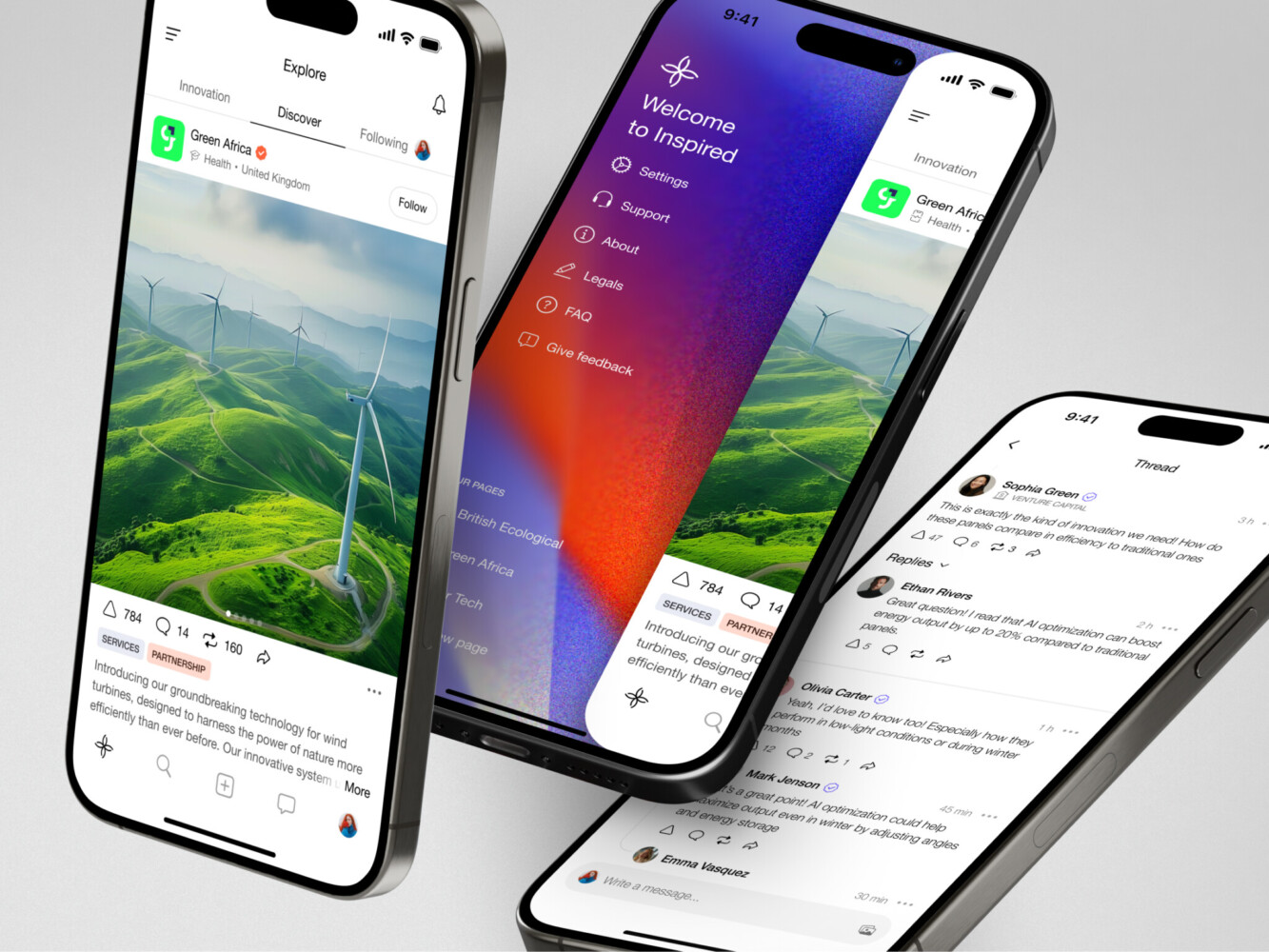
Mobile app for Inspired by Shakuro
Progressive Web App Development Cost
The budget depends on scope. A simple installable web app is one thing. A complex SaaS product with offline sync, payments, permissions, analytics, integrations, and careful iOS support is a very different animal.
As a rough planning guide:
- A simple PWA MVP may start around $25,000 to $60,000.
- A mid-complexity product may land around $60,000 to $120,000+.
- A complex web platform with advanced backend logic, offline workflows, roles, payments, notifications, and ongoing support can move into the $120,000 to $250,000+ range.
These are not universal numbers. They are planning ranges. The real estimate depends on features, design depth, team setup, integrations, security requirements, content management, performance goals, and how polished the product needs to feel.
Vague scope makes everyone nervous in progressive web app development. A founder might say, “It is just like a lightweight marketplace,” and then the feature list quietly includes subscriptions, disputes, reviews, admin moderation, analytics, coupons, and four user roles. At that point, it is not lightweight anymore. It is a product with real moving parts.
For PWAs, the main cost drivers are usually:
- UX/UI design across mobile, tablet, desktop, and installed states.
- Backend complexity and API integrations.
- Offline behavior and sync logic.
- Authentication, roles, and permissions.
- Push notifications and platform differences.
- QA across browsers and devices.
- Performance optimization.
- Post-launch support.
If your budget is tight, the best option is often to define a sharp MVP. Not a weak MVP, just a focused one. Build the core user journey well, then expand.
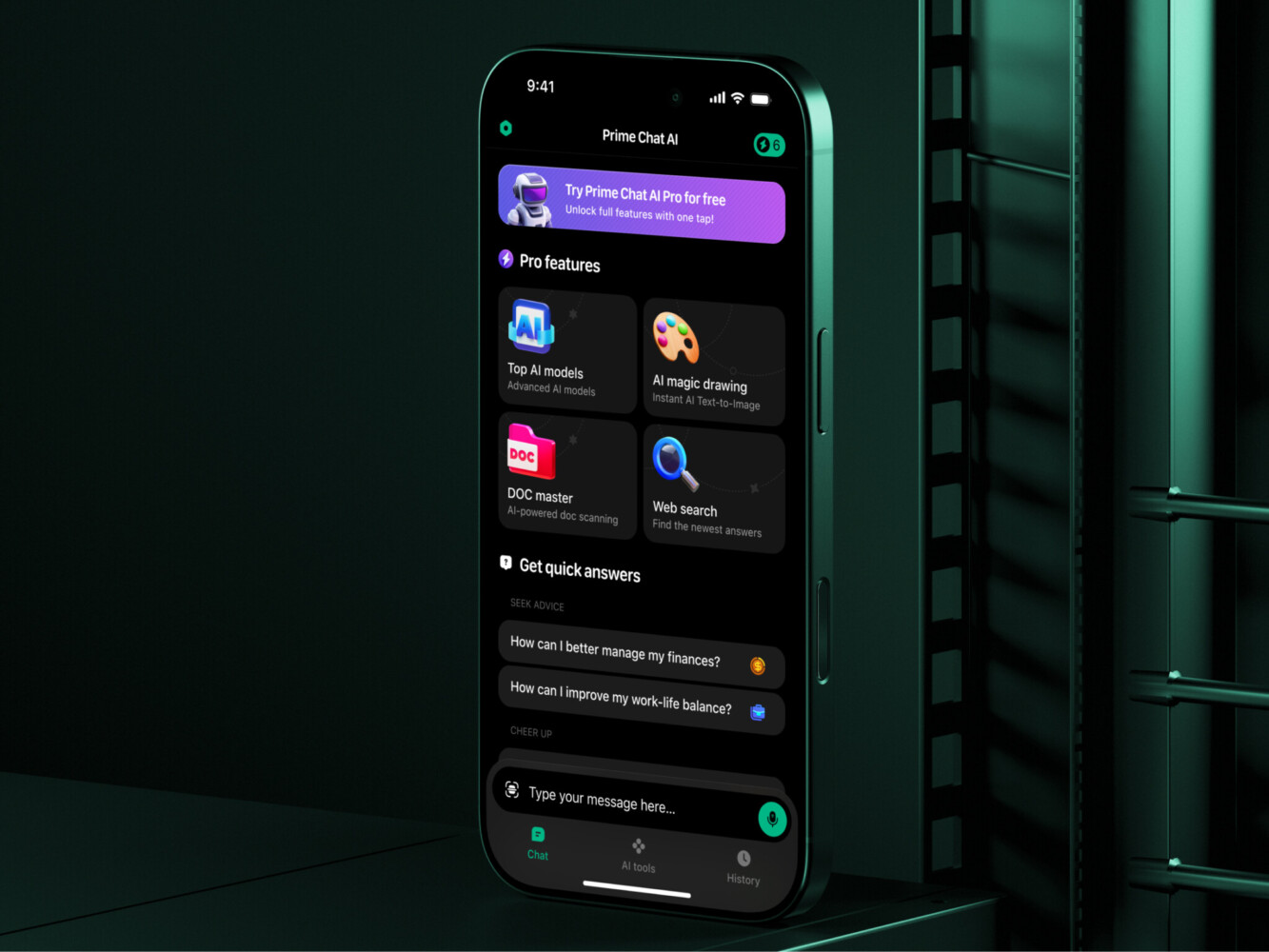
Prime Chat AI Mobile Assistant by Shakuro

Common PWA Development Challenges
The most common PWA problems are rarely exotic. They are ordinary, stubborn issues that appear when the app meets real users.
Service workers can cache the wrong files. Users may keep seeing an old version after deployment. Offline screens may be technically present but emotionally useless. A push notification may work on Android and then need extra care on iOS. Login sessions can behave strangely if cache rules are too aggressive.
Performance is another trap. A team starts with a fast app, then adds analytics scripts, chat widgets, personalization, big images, third-party embeds, and suddenly the whole thing feels heavy. A PWA should feel fast because speed is part of the promise. If it does not, users will not care that the architecture is clever.
SEO can also be tricky if the app is heavily client-rendered. For public pages, server-side rendering or static generation may be needed. For private dashboards, SEO matters less, but performance and usability matter more.
And then there is accessibility. It is easy to forget when the team is focused on installation and caching, but keyboard navigation, screen reader behavior, contrast, focus states, and readable layouts are not optional details. They are part of whether the app is usable.

Why Work With a Progressive Web App Development Company?
A specialist team is useful when the project is more than a small technical experiment. You may need help if the product has unclear architecture, complex user flows, multiple roles, integrations, strict performance goals, or a mixed audience across iOS, Android, and desktop.
The value is not just writing code. Honestly, code is only one part of the work. A good team asks slightly annoying questions at the beginning:
- What happens if the user has no connection?
- Which data can be cached?
- What should load first?
- Who can see this report?
- What happens when the payment fails?
- How will the app behave after a release?
These questions slow the room down a little. But they prevent expensive surprises.
At Shakuro, this kind of work usually connects web development, frontend development, backend engineering, UI/UX design, testing, launch, and maintenance. That matters because PWAs are not purely frontend projects. They sit across product, design, infrastructure, and support.
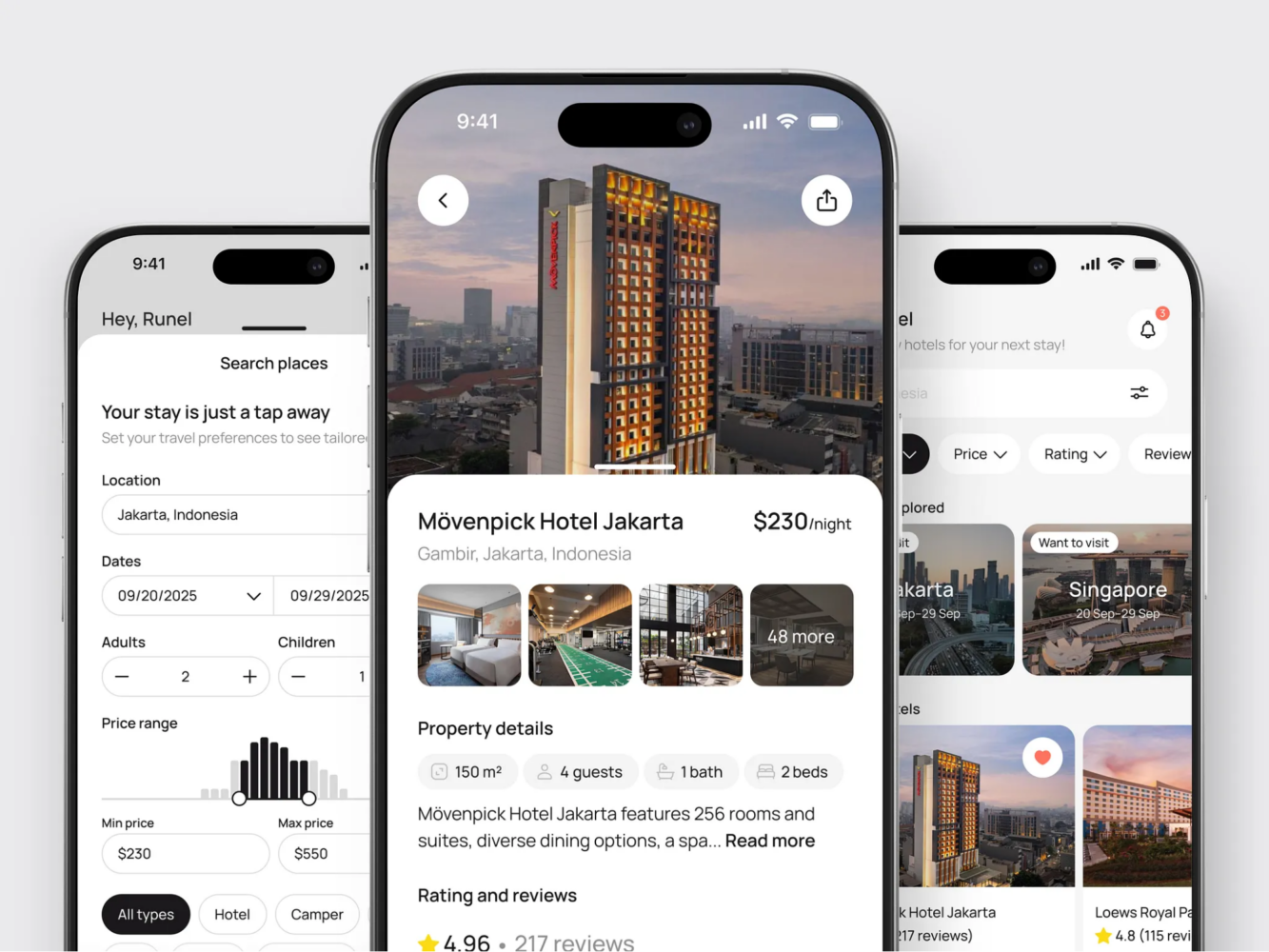
Hotel Booking Mobile App Concept by Shakuro
Our Experience in Progressive Web App Development
Shakuro’s WYSPR case is a useful reference for PWA-like thinking. WYSPR needed a project management portal for a friendvertising and social data collection product. The platform used React on the frontend and Ruby on Rails on the backend, with analytics, payments, contracts, project workflows, and integration with the mobile app.
That kind of web platform is where PWA decisions often come up. Managers need clear dashboards. Users need reliable flows. Data has to be fresh. Performance cannot be an afterthought.
Proko is another good example. It grew from an educational website into a full e-learning platform with courses, social features, payments, search, personalization, gamification, and responsive design. With products like that, the hard part is not only building pages. It is making the whole system feel understandable as it grows. E-learning platforms often deal with video, weak connections, notifications, payments, and content access.
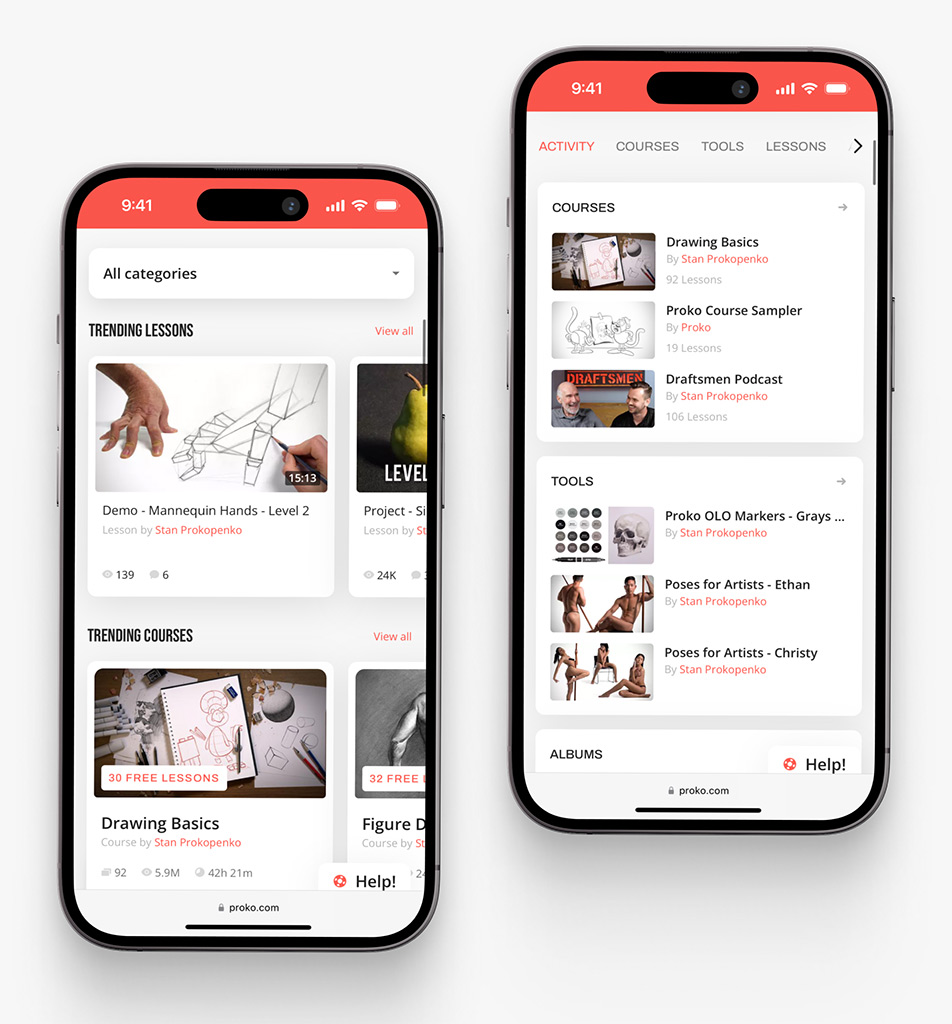
Proko app on mobile by Shakuro
Final Thoughts: Is PWA Development Right for Your Product?
Progressive web app development is a strong choice when you want web reach, fast updates, lower maintenance, installable UX, and a product that works across devices without forcing users into an app store first.
It is not always the right answer. If your product depends on deep native APIs, advanced hardware access, or a very platform-specific experience, native app development may be a better fit. And sometimes the best path is mixed: a web platform for managers, a native app for mobile-first users, and shared backend logic underneath.
The real question is not “Are PWAs better than native apps?” That is too broad. The better question is: what experience do your users need, and what is the simplest serious way to deliver it?
If a PWA fits that answer, it can be a very sensible build. Not glamorous in a loud way. Just useful, flexible, and often easier to keep alive over time.
Ready to create a PWA? Reach out to us and let’s build a reliable solution for your product.
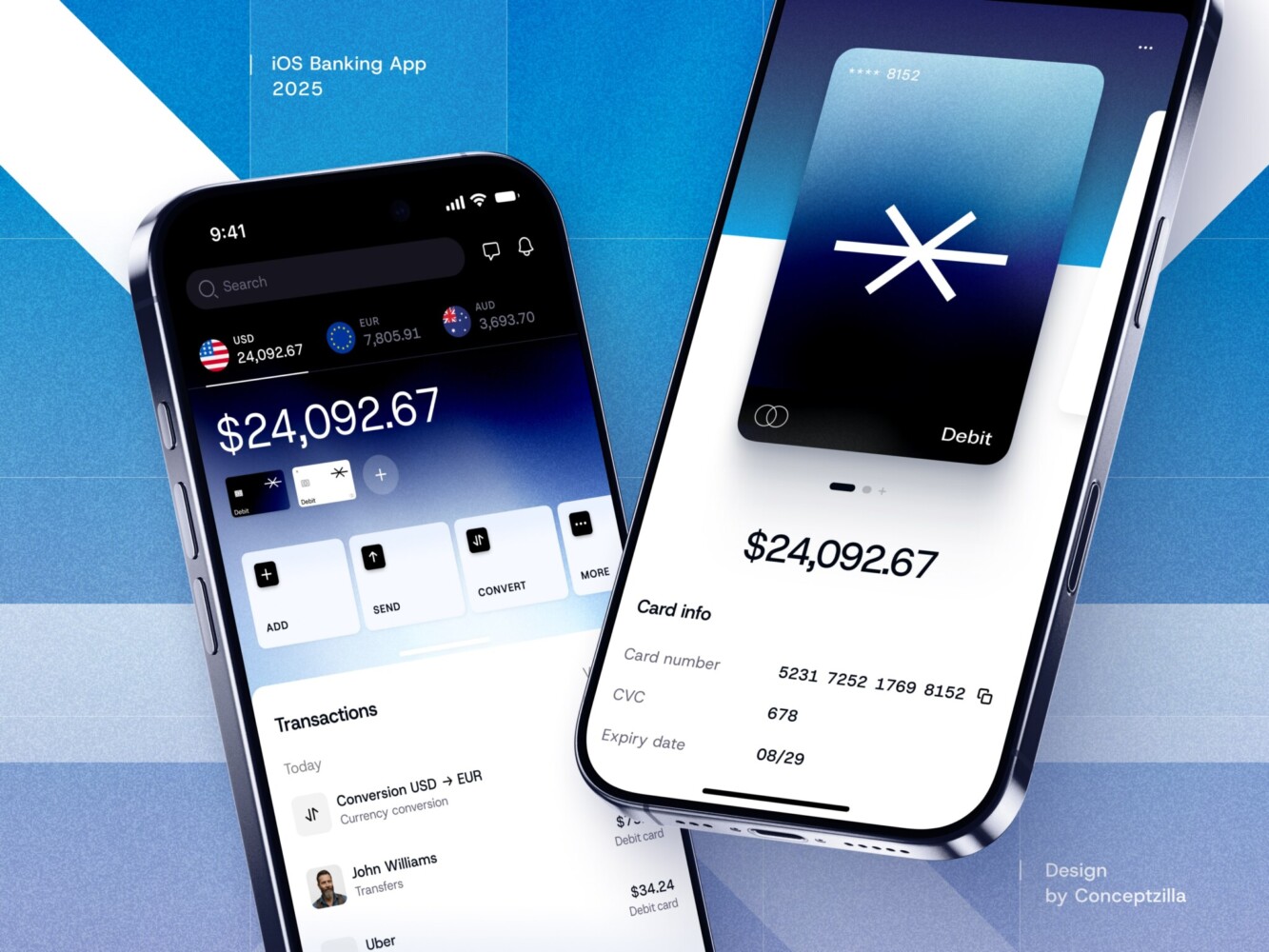
Fintech Mobile Banking App by Conceptzilla
FAQ
What is a progressive web app?
A progressive web app is a web application enhanced with modern browser features so it feels more like a mobile or desktop app. It typically has a web app manifest, a service worker for caching and offline pages, responsive design, HTTPS, installability, and a performance-first frontend. Users open it from a normal URL and can install it to their home screen in supported browsers.
How much does progressive web app development cost?
A simple PWA MVP may start around $25,000 to $60,000, and a mid-complexity product may land around $60,000 to $120,000+. A complex web platform with advanced backend logic, offline workflows, roles, payments, notifications, and ongoing support can move into the $120,000 to $250,000+ range. Offline sync, integrations, cross-browser QA, and iOS support are the usual cost drivers.
How long does progressive web app development take?
Progressive web app development time depends on the product scope rather than on the PWA label itself. A focused MVP that builds the core user journey well ships much faster than a platform with custom design, backend logic, offline sync, payments, notifications, and cross-device QA. A PWA often reaches market sooner than native apps because one web codebase serves desktop and mobile browsers.
Do progressive web apps work well on iOS?
Progressive web apps can work on iOS, but they need careful, iOS-specific testing. Push notifications that work on Android may need extra care on iOS, and installation, storage, caching, and login session behavior can differ between platforms. Test the installed experience, offline states, and error recovery on real iOS devices before launch.
What is the difference between progressive web apps and native apps?
Progressive web apps run on the web from one codebase and can be installed in supported browsers, while native apps are built separately for iOS or Android. PWAs usually win on reach, update speed, SEO, and maintenance cost. Native apps win on deep OS integration, hardware access, background processing, complex animations, and platform-specific polish.
Can a progressive web app replace a native mobile app?
A progressive web app can replace a mobile app when the product does not need deep native features and web-based distribution makes sense, as with SaaS tools, dashboards, marketplaces, e-learning, and internal systems. For products with advanced hardware access, heavy background behavior, or strong app store expectations, native is still the better option. A mixed setup with a shared backend is also common.
What should I ask a team before starting progressive web app development?
Ask how the team plans the service worker caching strategy: what gets cached, when it refreshes, and how users receive updates after a release. Ask what users see offline or after a failed payment, and which data must never be cached. Check that the team tests installability, accessibility, Core Web Vitals, and browser compatibility on real devices.
Related reading