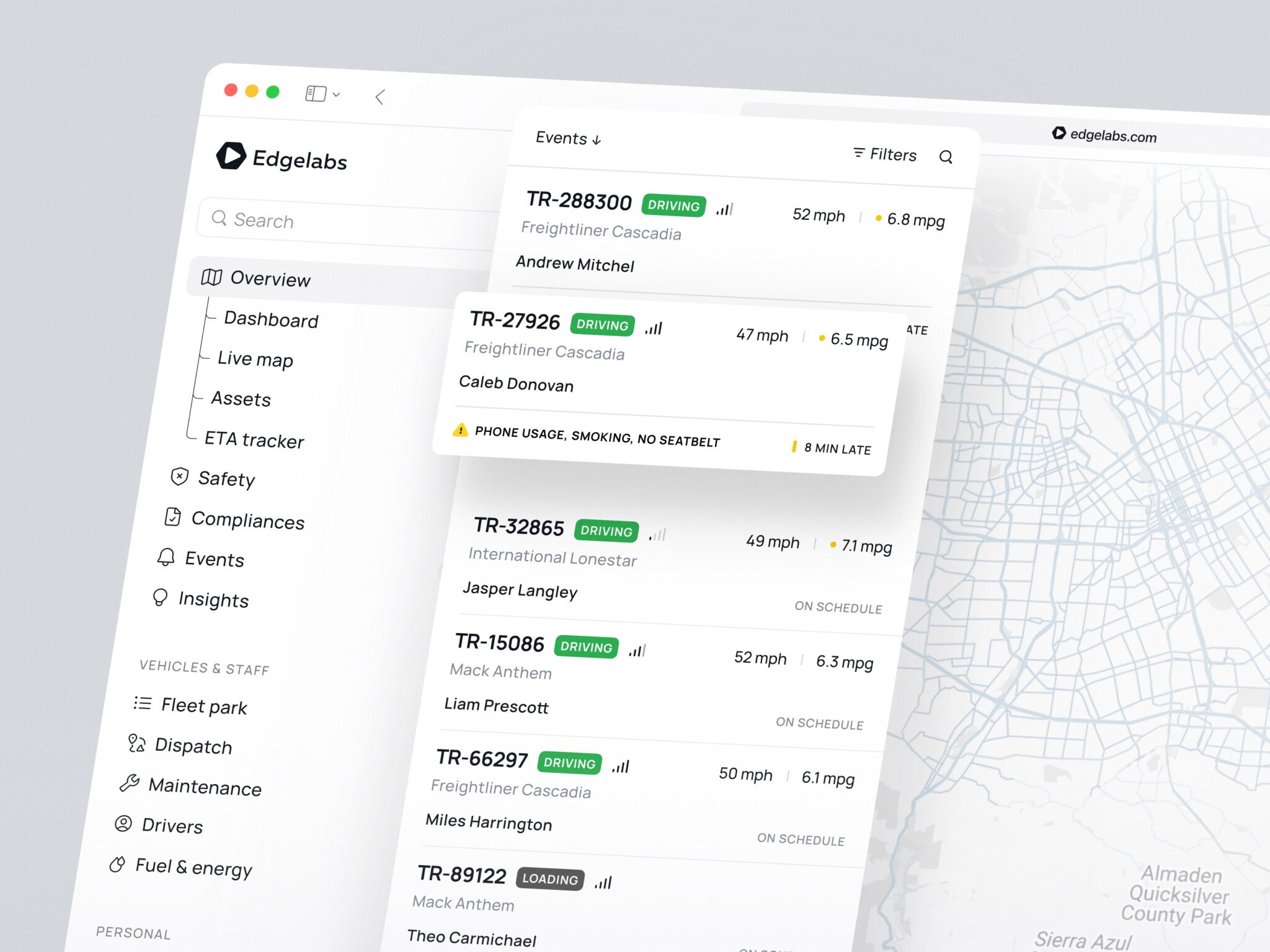
React web app development is one of those topics that sounds simple until you actually start planning the product. At first, it is just “we need a frontend.” Then you realize the app needs roles, dashboards, fast search, billing, charts, mobile-friendly screens, admin tools, maybe a design system, maybe server-side rendering, and probably a dozen integrations that nobody mentioned in the first meeting.
That is where React usually earns its place. It is not magic, and honestly, I get a little suspicious when any tool is presented like magic. But React is good at something very practical: helping teams build user interfaces from reusable pieces, then keep improving those pieces without turning the whole product into a tangled mess.
If you are comparing React web development options for a SaaS product, internal platform, marketplace, or content-heavy web app, this guide will walk through what React is, why teams use it, how the process works, what can go wrong, and how to think about choosing a development partner.
Key takeaways
- React is a strong choice for building scalable, interactive web apps with reusable UI components.
- It works especially well for SaaS platforms, dashboards, marketplaces, admin panels, and complex product interfaces.
- A good React web app needs thoughtful architecture, not just nice screens.
- The development process usually includes discovery, UX/UI design, architecture planning, development, integrations, testing, deployment, and support.
- Costs vary by scope: MVPs are cheaper, while enterprise apps require more budget because of security, scalability, integrations, and long-term maintenance.
- Hiring React specialists makes sense when the product is complex, business-critical, or needs to scale without becoming messy.
What Is React Web Development?
React is a JavaScript library for building user interfaces. The official React docs describe it as a way to build UIs out of individual pieces called components, which is a neat way of saying: you break the screen into small parts, give each part a job, and let those parts work together.
So, what is React in web development in a real project? Imagine a dashboard. You might have a sidebar, a top navigation bar, a notification dropdown, a chart, a table, a filter panel, and a settings modal. In React, each of those can become a component. Some components are tiny, like a button. Some are large, like a reporting module. The point is that you can reuse them, test them, and update them with less drama.
This component approach is one reason React has stayed popular for so long. It fits the way modern product teams work. Designers create reusable UI patterns. Developers turn those patterns into reusable code. Product managers ask for changes every Tuesday morning. Well, maybe not every Tuesday, but you get the idea.
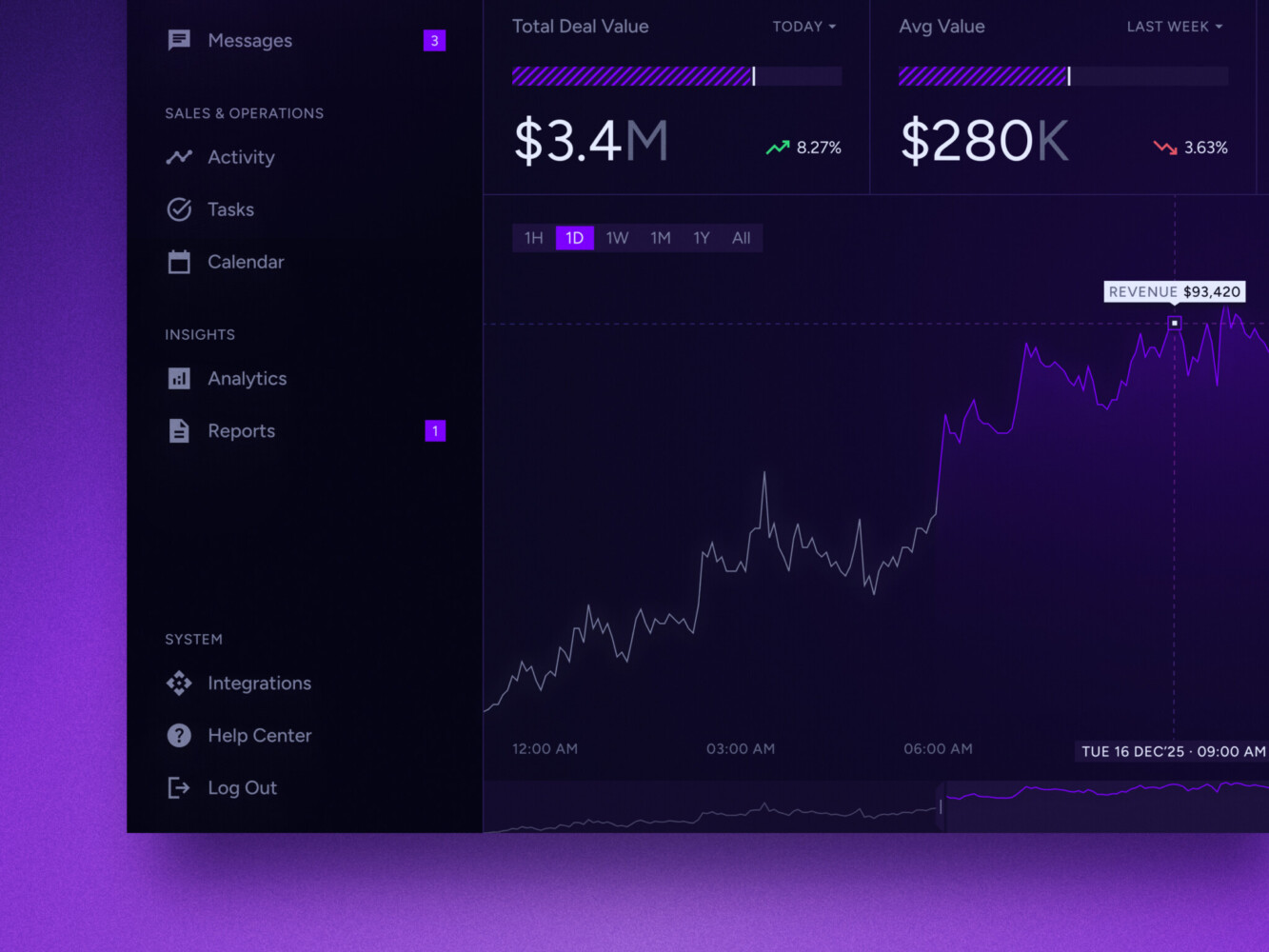
Real-time data dashboard by Shakuro
Why Use React for Web Development?
It makes sense when the interface is more than a few static pages. If your product has dashboards, forms, feeds, complex navigation, changing data, or lots of user interaction, React gives the team a useful structure for handling that complexity.
One of the biggest benefits is reusability. Build a good input component once, then use it in onboarding, checkout, profile settings, and the admin panel. Build a reliable table component, then adapt it for customers, invoices, reports, and activity logs. It sounds boring, but this is the kind of boring that saves money later.
React also has a large ecosystem. You can pair it with Next.js for server-side rendering and better SEO, use TypeScript for safer code, add libraries for forms and data fetching, and connect it to almost any backend. I have seen teams move faster simply because there was already a well-tested library for the thing they needed. Not always, of course. Sometimes a library brings its own headaches. But in general, the ecosystem really helps.
Another point: React for web development is familiar to many developers. Hiring is easier than with a niche framework. Code reviews are easier. Maintenance is easier when the next engineer does not need three weeks just to understand the stack. That matters more than people admit.
Common Types of React Web Apps
React is flexible, so it shows up in many kinds of products. The most common use cases are SaaS platforms, admin panels, marketplaces, e-commerce apps, learning platforms, project management tools, and interactive content platforms.
For SaaS products, React works well because SaaS interfaces often have repeated patterns: dashboards, billing pages, team settings, permissions, analytics, integrations, and onboarding flows. Once the core components are in place, the team can build new areas without starting from zero.
For internal tools, React can bring order to workflows that used to live in spreadsheets, email chains, or very old admin panels that everyone is afraid to touch. A cleaner interface can remove hours of daily annoyance for an operations team. You agree, that sounds good, doesn’t it?
For marketplaces and e-commerce, React helps with dynamic catalogs, filters, product pages, carts, saved items, and account areas. If SEO is important, teams often choose Next.js on top of React so pages can load fast and search engines can read them more easily.
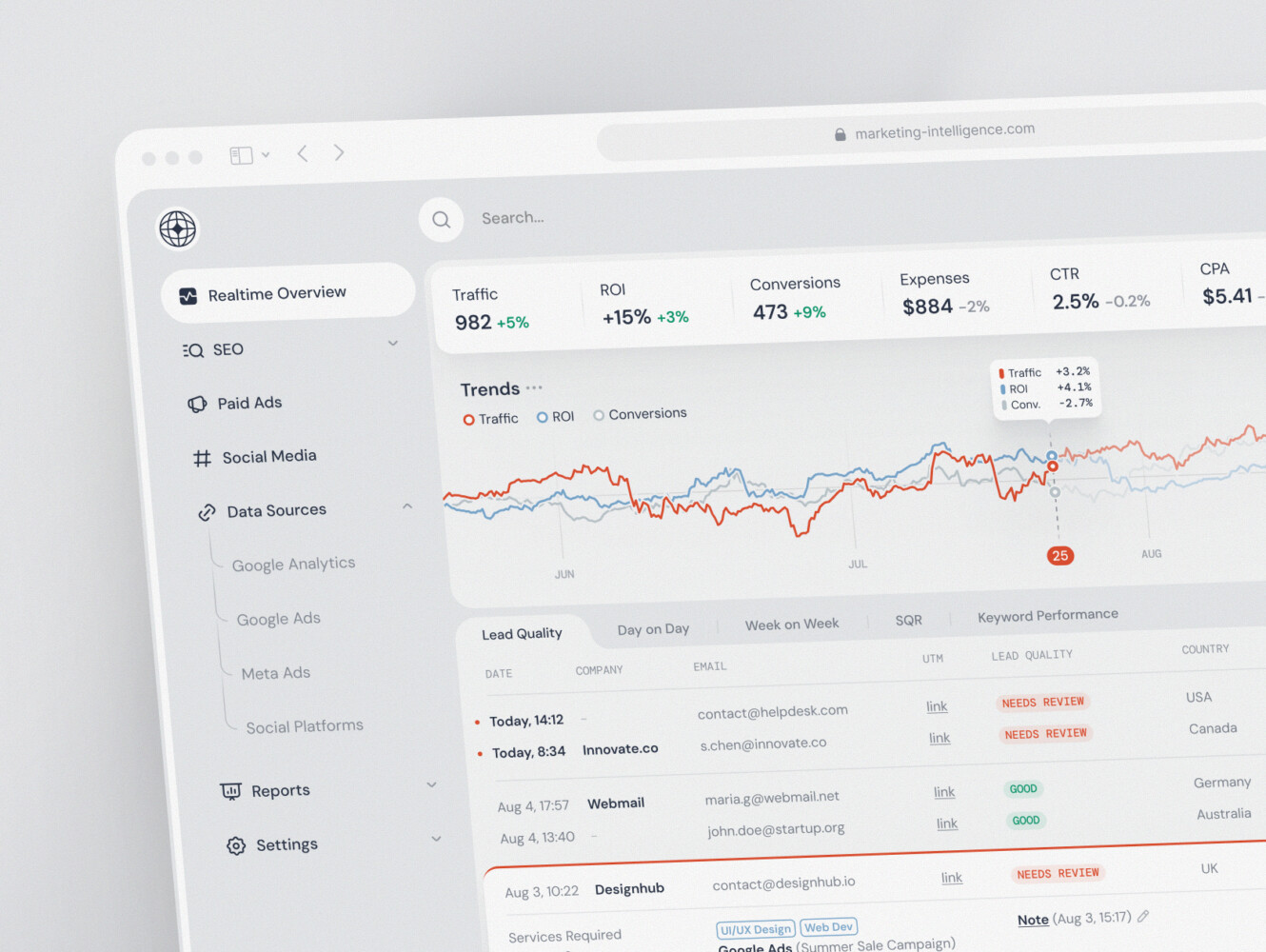
SaaS marketing dashboard by Conceptzilla
React Web App Architecture: What Goes Into a Scalable Product
A good React app is not only a set of screens. Under the surface, there is a whole product architecture.
The frontend usually includes components, routing, state management, form handling, data fetching, error states, loading states, and accessibility patterns. The backend handles business logic, databases, authentication, payments, notifications, and integrations. Between them, the API layer keeps data moving.
Then there are the parts in React web app development that people forget until late in the project: logging, monitoring, test coverage, deployment pipelines, design tokens, performance budgets, and security rules. They are not glamorous. Still, they are what keep a product from falling apart when real users arrive.
For example, a dashboard with charts might look simple in a prototype. In production, it needs clean data, permission checks, loading skeletons, export options, date filters, empty states, and maybe different views for managers and regular users. That is a lot of small decisions. React can handle it, but only if the architecture is planned with some care.
The React Web App Development Process
Step 1. Discovery
This is where the team figures out what the app should do, who will use it, what the business model is, and what must be built first. Skipping this part feels fast. Later it feels expensive.
Step 2. UX and UI design
For a serious app, design is not decoration. It is where user flows, edge cases, forms, empty states, permissions, and navigation start becoming clear. A good prototype can reveal awkward logic before developers spend weeks building the wrong thing.
After that, the team plans the architecture. Will the app use React alone or Next.js? What backend makes sense? How will authentication work? Are there third-party APIs? Does the product need real-time updates, advanced search, file uploads, analytics, or payment processing?
Step 3. Development
Engineers build the component structure, pages, API integrations, state management, and core features. Ideally, they do this in small releases rather than disappearing for three months and returning with a mysterious giant build. Small releases make feedback easier.
Step 4. Testing
Testing comes throughout the process, but it becomes especially important before launch. Functional testing, accessibility checks, performance testing, browser checks, and security reviews all matter. It is a little annoying, yes, but you get used to it over time. Better a slow test cycle than a public launch where the checkout button breaks on mobile.
Step 5. Deployment
Finally, the app is deployed and monitored. This is not the end. Most good web apps keep evolving after launch. Users ask for things. Analytics show weak spots. New integrations appear. The product gets sharper.
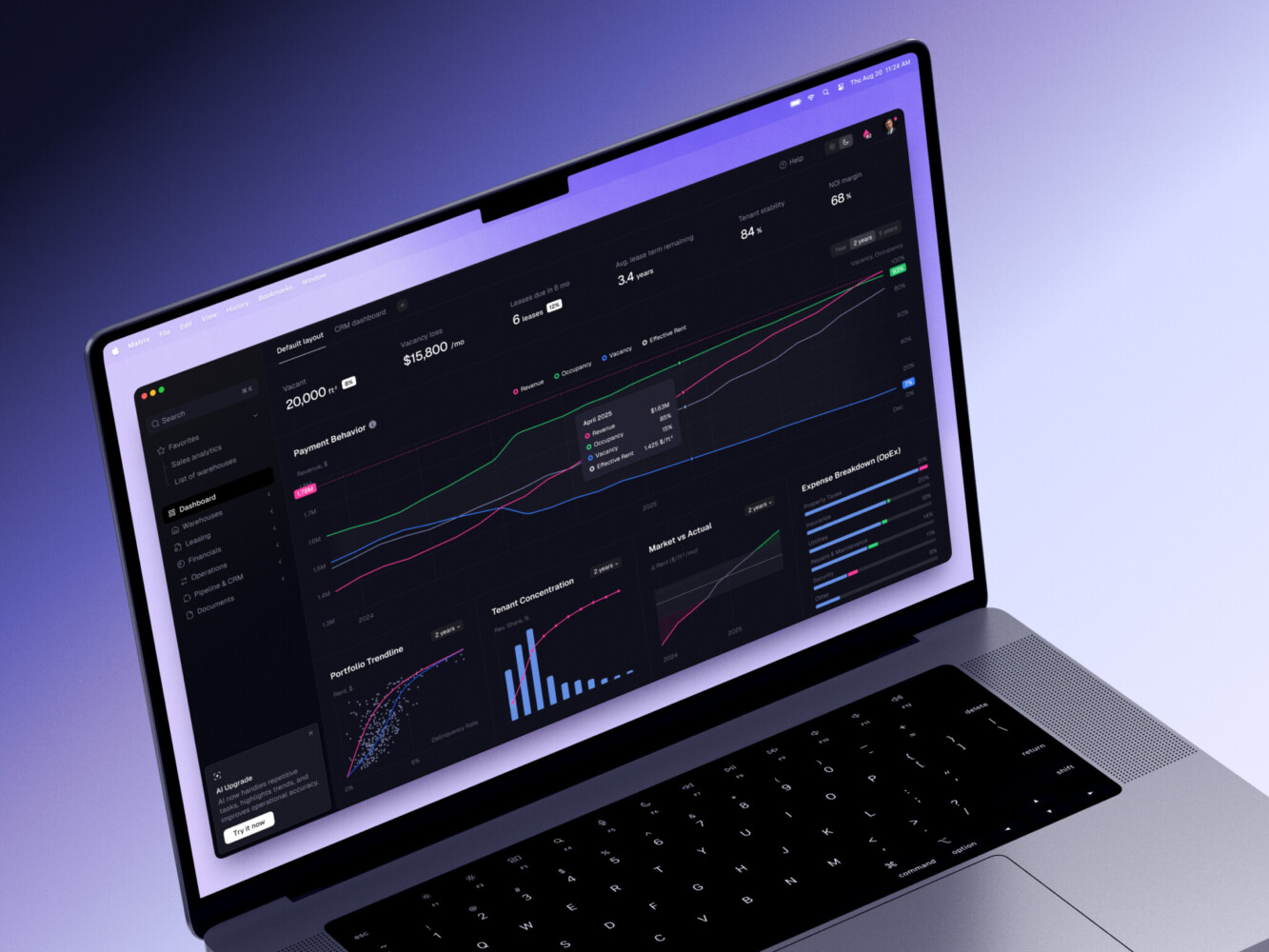
ERP dashboard by Shakuro
How Much Does React Web App Development Cost?
Cost depends on scope. A small MVP with a few user flows, basic authentication, and a clean interface might cost far less than a full SaaS platform with billing, roles, analytics, integrations, and custom admin tools.
As a rough way to think about it, MVPs are usually priced around the first usable version. The goal is to test the idea without building every possible feature. A mid-level product costs more because it needs stronger architecture, better design coverage, more integrations, and proper QA. Enterprise products cost more again because permissions, security, compliance, performance, and support become bigger concerns.
The main cost drivers are product complexity, number of roles, amount of custom UI, backend depth, third-party services, timeline, and how polished the experience needs to be. By the way, polishing is often underestimated. A screen can technically “work” and still feel clumsy. Fixing that takes time, and it is usually worth it.
| React web app type | Typical cost range | Usual timeline | What is usually included | Main cost drivers |
| MVP | $25,000-$60,000 | 2-4 months | Core user flows, basic UI, authentication, simple admin area, limited backend logic, and one or two integrations | Number of screens, custom design depth, backend complexity, and how quickly the first release needs to launch |
| Mid-level product | $60,000-$150,000 | 4-8 months | Custom UX/UI, reusable component system, dashboards, user roles, API integrations, payments or subscriptions, analytics, QA, and deployment setup | Feature count, third-party services, data handling, performance needs, and the amount of product polish expected |
| Enterprise web app | $150,000-$500,000+ | 8+ months | Advanced architecture, complex permissions, multiple user groups, high-load infrastructure, security reviews, compliance support, monitoring, CI/CD, and long-term maintenance | Security, scalability, compliance, legacy system integration, custom workflows, and support requirements |
Common Challenges in React Web Development
React gives teams a lot of freedom. That is useful, but it can also lead to messy decisions if nobody sets boundaries.
One common issue is overcomplicated state management. Not every value needs a global store. Sometimes local component state is enough. Another issue is weak component structure. If components become huge and unclear, the app gets hard to change.
Performance can also become a problem. Too many unnecessary re-renders, heavy client-side bundles, slow API calls, and unoptimized images can make a product feel sluggish. Users may not know why the app feels slow. They just leave.
SEO is another caveat. A pure single-page React app can be fine for internal tools, but public websites and content-heavy platforms often need server-side rendering or static generation. That is where Next.js is commonly used.
Accessibility deserves more attention too. Keyboard navigation, focus states, contrast, form labels, and screen-reader behavior should not be afterthoughts. In my experience, accessibility work often improves the interface for everyone, not only people who explicitly need it.
When to Hire React Web Development Services
Specialized React teams are useful when the product is important enough that “we will figure it out as we go” feels risky. That might mean building from scratch, modernizing an old frontend, improving performance, creating a design system, or scaling a prototype into a real product.
Outside specialists can also help when the in-house team is strong but busy. This happens a lot. A company has backend engineers, maybe one frontend developer, and a product that suddenly needs a more polished web experience. Bringing in a focused team can keep things moving without forcing the internal team to drop everything.
Good React web app development company teams should not just write code. They should ask awkward questions early: What happens if the user has no data? Who can see this report? What if the payment fails? What should load first on a weak connection? These questions can be irritating in the moment, but they save trouble later.

How to Choose a React Web App Development Company
A development partner should be judged by more than the logos on its website. Portfolio matters, sure, but look at the kind of problems behind the portfolio. Did they build dashboards? Marketplaces? Data-heavy tools? Products with complicated permissions? Apps that needed strong UI design?
You also want to understand how they work. Do they start with discovery? Can they design the interface as well as develop it? How do they handle QA? What happens after launch? Who owns the code? Will the architecture make sense to your future internal team?
The best option is usually a team that can balance product thinking, design, and engineering. Too much engineering without design can make the app technically correct but unpleasant to use. Too much design without engineering can create beautiful screens that are painful to build. You need both.
Our Experience in React Web Development
Shakuro’s WYSPR case is a good example of React used in a practical, data-heavy web platform. WYSPR needed a project management portal for a friendvertising and social data collection product. The web platform was built with Ruby on Rails on the backend and React on the frontend, and it included project creation, analytics, payments, contracts, and voucher-related functionality.
That kind of work is a useful reference point for React web app development because the frontend was not just a set of pretty screens. It had to support managers working with real data, project stages, users, payments, and internal operations. Those are the details that make a platform feel serious.
Proko is another relevant case, though in a slightly different way. It is the kind of product complexity that often leads teams toward component-based frontend architecture: courses, social features, search, payments, personalization, gamification, responsive design, and long-term scaling. The lesson is that complex web products need careful architecture and steady UX work.

Proko platform by Shakuro
Final Thoughts
React is a strong choice when a web app needs a rich interface, reusable UI, frequent updates, and room to grow. It will not fix unclear requirements or bad product decisions on its own. No framework can do that, unfortunately. But with a good process and a sensible architecture, React can make web app development faster, cleaner, and easier to maintain.
If you are planning a new product, the best first step is not choosing a library. It is understanding the users, the workflows, and the business logic. After that, React may very well be the right tool. And if the product needs to move quickly without becoming fragile, working with a team that knows React, UX, backend systems, and launch support can really help.
FAQ
What is React in Web Development?
React is a JavaScript library for building user interfaces from reusable components. In web development, teams use it to create interactive pages, dashboards, forms, admin tools, marketplaces, SaaS platforms, and other products where the UI changes based on user actions or live data.
Is React Good for Web App Development?
Yes, React is a good choice for many web apps, especially products with complex interfaces, reusable UI patterns, and frequent feature updates. It is often paired with tools like TypeScript and Next.js for stronger maintainability, better performance, and improved SEO.
What is the React Web App Development Process?
The process usually includes discovery, UX/UI design, architecture planning, component development, backend and API integrations, testing, deployment, and post-launch support. The exact path depends on the product scope, but those stages show up in most serious projects.
How Long Does it Take to Build a React Web App?
A small MVP might take a few months. A larger SaaS platform, marketplace, or enterprise web app can take much longer, especially if it includes roles, payments, analytics, integrations, custom design, and security requirements. The timeline depends less on React itself and more on product complexity.
Should I Choose React or Next.js for My Web App?
React is the UI library. Next.js is a framework built around React that adds features like routing, server-side rendering, static generation, and performance tooling. For internal tools, React alone may be enough. For public websites, marketplaces, and content-heavy apps, Next.js is often the better option.
Related reading