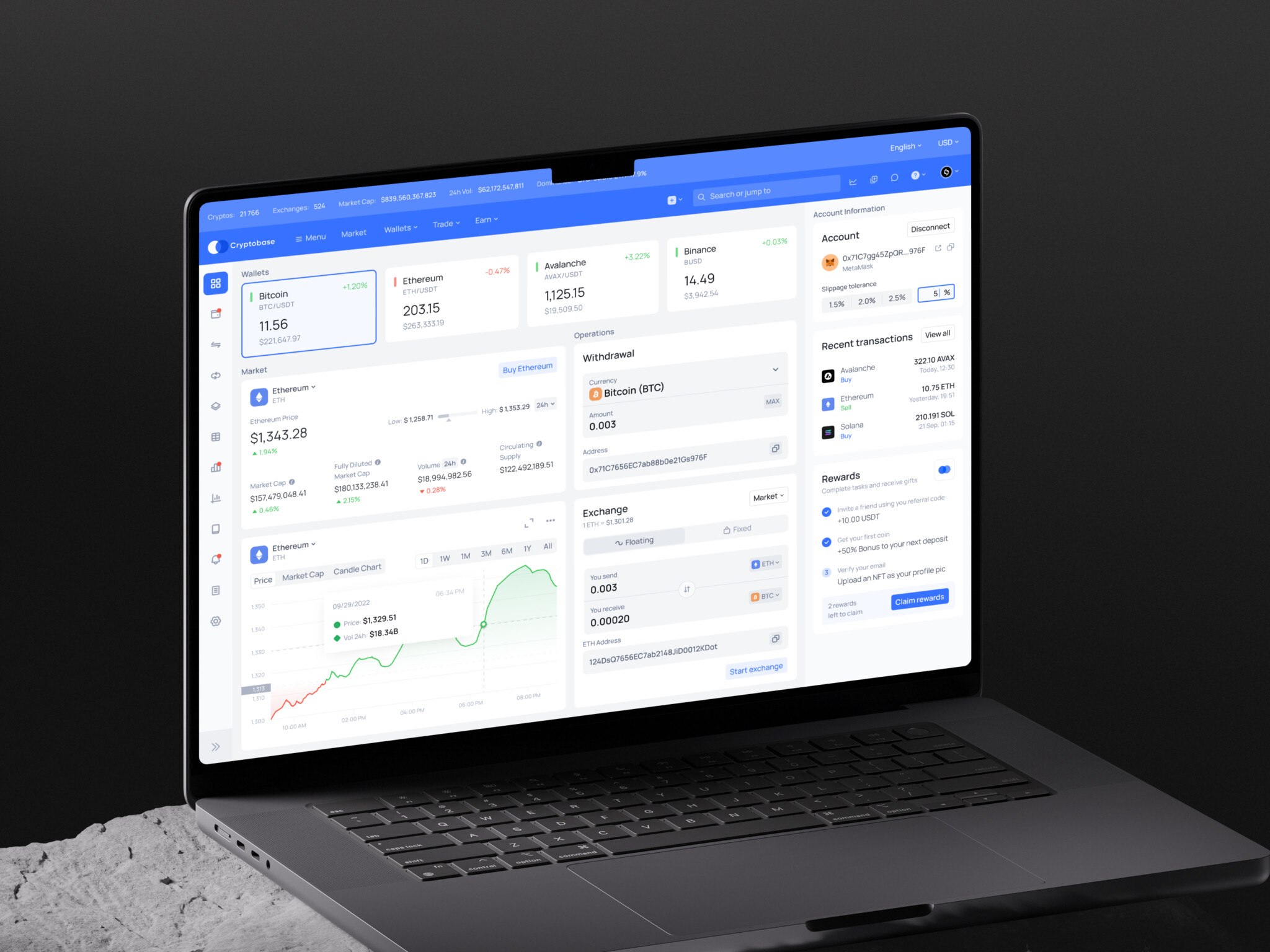
Introduction
From the outside, web platforms can look simple enough: a login screen, a dashboard, some menus, a few forms. Then you open the actual product, and suddenly there are five user roles, billing rules, permissions, notifications, onboarding steps, reports, file uploads, and one strange corner case nobody remembered until the week before launch.
That is where UX web design starts to matter.
Good UX is not only about making a web app look clean. Of course, visual design matters. Nobody wants to work inside a cluttered, gloomy interface for eight hours a day. But the bigger question is more practical: can people do what they came to do without getting stuck, confused, or mildly irritated?
Teams spend months discussing features, but much less time asking how those features will feel when someone uses them for the tenth time on a tired Thursday afternoon. And honestly, that is a very real test.
This article looks at web platform UX in a grounded way: what it is, how it differs from web design and development, what patterns usually matter, what mistakes to avoid, and how to think about cost and process.
Key takeaways
- A web platform is different from a marketing website because users return to do work: manage data, invite people, approve things, pay, learn, report, or configure settings.
- UX, web design, and development are connected. UX shapes the journey, design shapes the interface, and development makes it all work.
- The best process starts with research and real workflows, then moves into journey mapping, wireframes, prototypes, UI design, handoff, testing, and iteration.
- Many platform UX problems come from designing around features instead of user jobs.
- Web platform UX is the operating logic of the product. Clean visuals matter, but they should serve the work users came to do.
What Is Web Platform UX?
UX in web design is the full user experience of a browser-based product that helps people complete recurring tasks. It might be a SaaS dashboard, a learning platform, a fintech portal, a marketplace, an internal admin system, or a customer account area.
The important word here is “platform.” A marketing website usually helps someone learn, compare, and decide. A platform asks them to act: upload files, manage projects, track orders, invite teammates, approve requests, edit settings, read reports, pay invoices, or teach a class.
That means UX has to carry more weight.
When people talk about UX web design, they sometimes mean button placement or clean layouts. That is part of it, sure. But for a web platform, UX also includes information architecture, user roles, data states, permissions, onboarding, error recovery, search, filters, alerts, accessibility, and all the small bits of feedback that tell a user, “Yes, this worked.”
You know that tiny relief when you submit a form and get a clear confirmation instead of a spinning loader that just sits there? That is UX too.
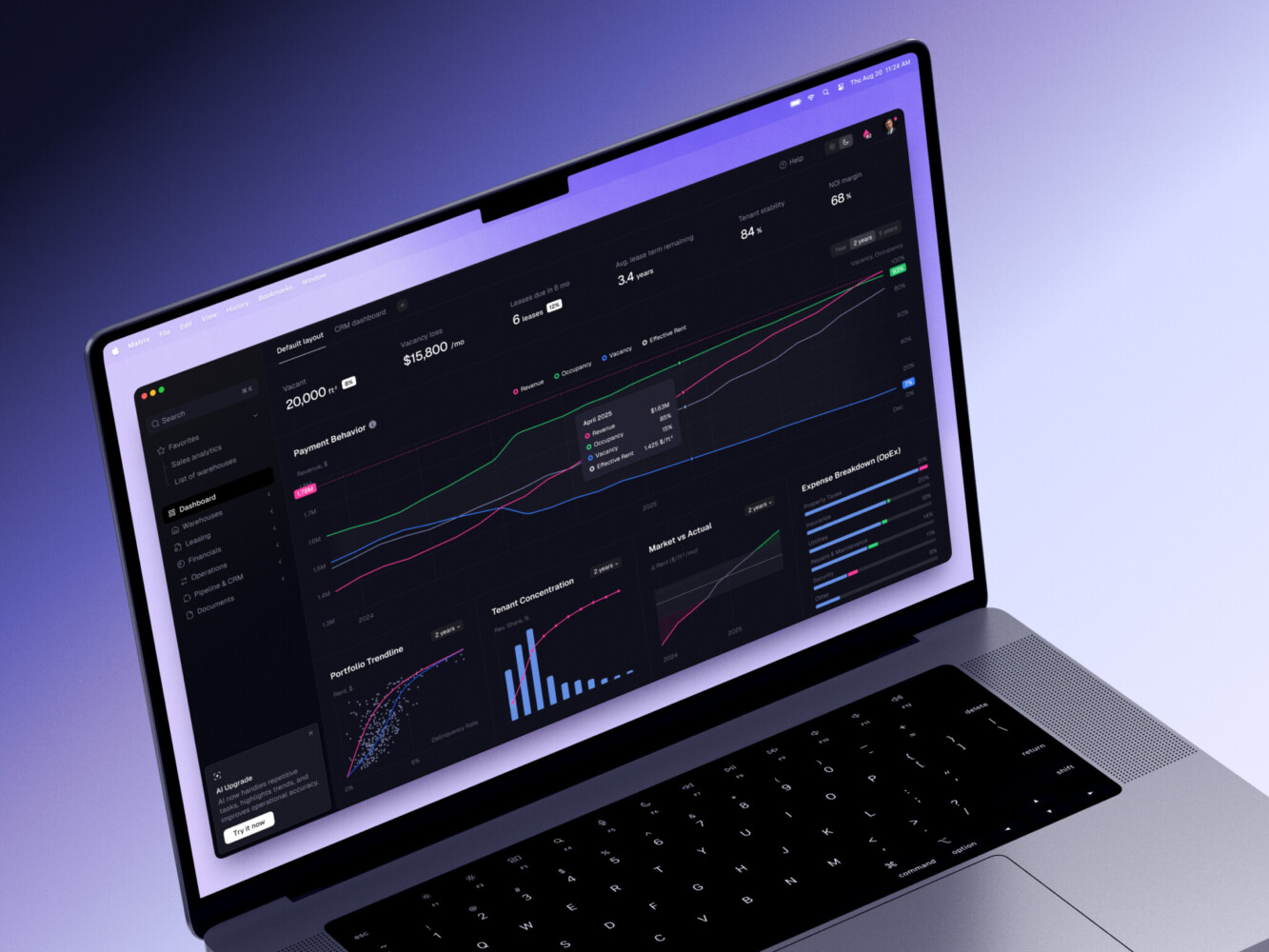
ERP dashboard by Shakuro
Web Platform UX vs Web Design vs Web Development
The line between UX, web design, and development can get blurry. That is normal. Real projects rarely fit into tidy boxes.
Still, it helps to separate the responsibilities.
Web Design Shapes the Visible Experience
Web design covers layout, typography, color, visual hierarchy, responsive behavior, brand expression, and the overall look of the interface. It is what makes the product feel professional, readable, and pleasant.
For a web platform, web design UX is not just decoration. A dashboard with weak contrast, unclear tables, and random spacing makes work harder. A clean visual system really helps users scan and decide faster.
UX Design Shapes the Journey
UX design focuses on how people move through the product. What do they need first? What can wait? What should happen when they make a mistake? Which steps can be removed? Which decisions need more context?
This is where research, user flows, wireframes, prototypes, and usability testing come in. The phrases “UX” and “web design” often appear as if the two are basically the same thing, but in platform work, UX goes deeper into product behavior.
Example:
A web app might have a beautiful settings page. But if users cannot understand which permissions affect billing, publishing, or team access, the design has failed in a very ordinary, very expensive way.
Web Development Turns the Idea into a Working System
Development connects the UX to APIs, databases, authentication, performance, security, integrations, and deployment. It is also where some design ideas meet reality. Sometimes a lovely interaction is too slow, too fragile, or too expensive to build for the first release. That is not a tragedy. It is just product work.
The question of UX design vs web development is not really “which one matters more?” They need each other. UX without development stays a prototype. Development without UX can become a pile of features that technically work but feel like a maze.
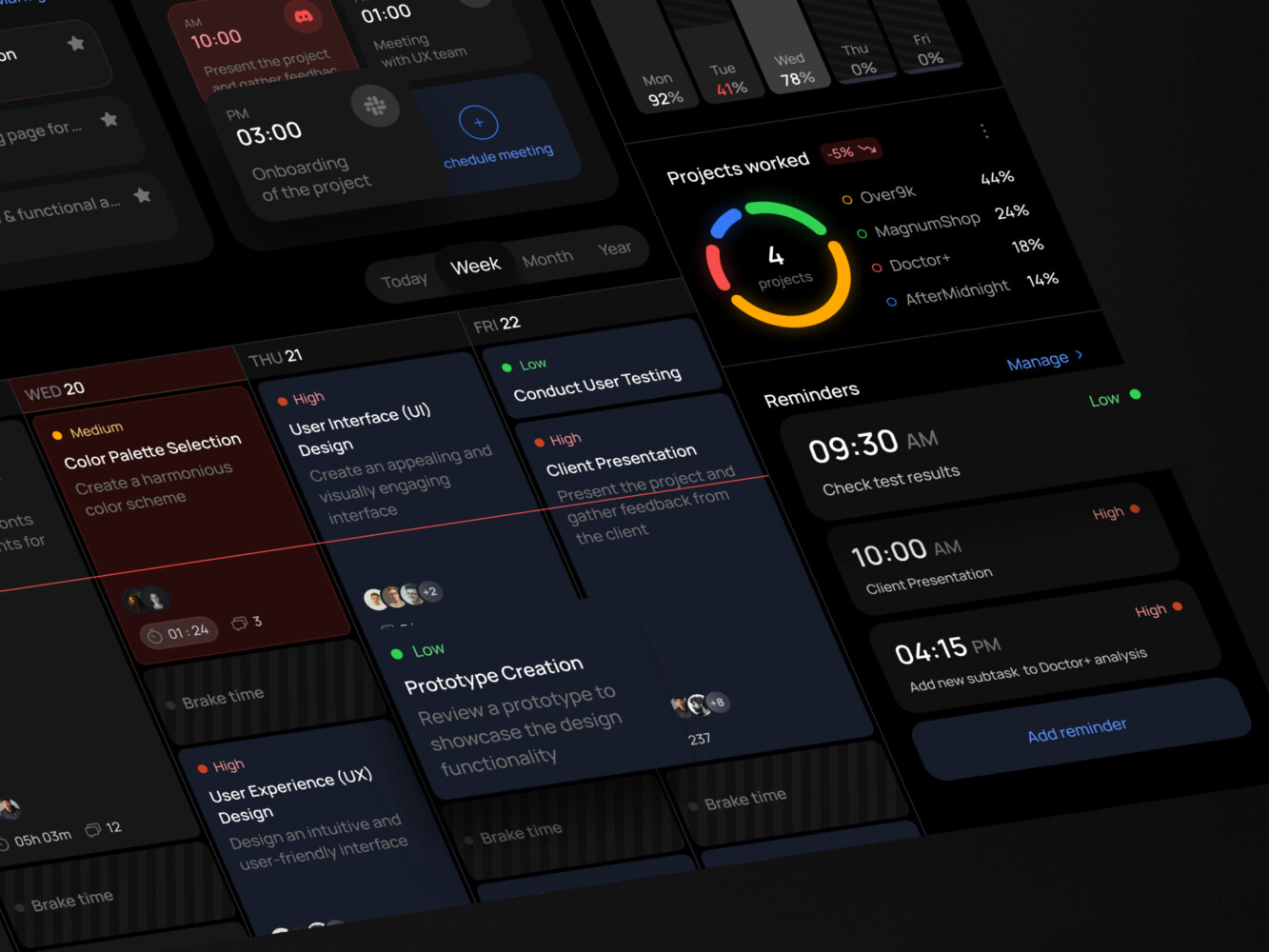
Task management dashboard by Shakuro
Core Principles of Strong Web Platform UX
There is no single recipe for every platform. A healthcare portal and a creator marketplace should not feel identical. But a few principles show up again and again.
Clear Information Architecture
People should know where they are, what they can do, and where to go next. Sounds obvious, right? Yet many platforms bury key actions under vague menu labels like “Management” or “Tools.”
Good information architecture uses the user’s mental model, not just the company’s internal departments. If customers think in terms of “orders,” do not force them to hunt through “operations.”
Role-Based Experiences
Platforms often serve several types of users. Admins need control. Managers need visibility. Regular users need speed. Support teams need context. A single generic interface can quickly become noisy for everyone.
Role-based UX does not always mean building separate products. Often it means showing the right actions, data, and navigation for each user type.
Fast Paths for Repeated Tasks
The first-time user needs guidance. The returning user needs speed.
In UX design and web design, that difference matters. A helpful onboarding tooltip can become annoying after the fifth login. A confirmation modal can prevent mistakes, but if it appears for every tiny action, people start clicking through without reading. Well, you know how that goes.
Data Clarity
Many web platforms are basically machines for showing, changing, and interpreting data. So tables, charts, filters, empty states, validation messages, and loading states deserve real design attention.
Data-heavy screens are not automatically bad. They become bad when users cannot tell what changed, what is important, or what needs action.
Accessibility and Responsive Behavior
Accessibility is a part of quality in UI/UX web design. Forms need labels. Buttons need clear states. Keyboard navigation should not break. Text should be readable. Errors should not rely only on color.
Responsive design matters too, even for B2B platforms. Someone will check a report from a tablet. Someone will approve a request from a phone. Someone will open the app on a laptop with a weird browser zoom level. It happens.
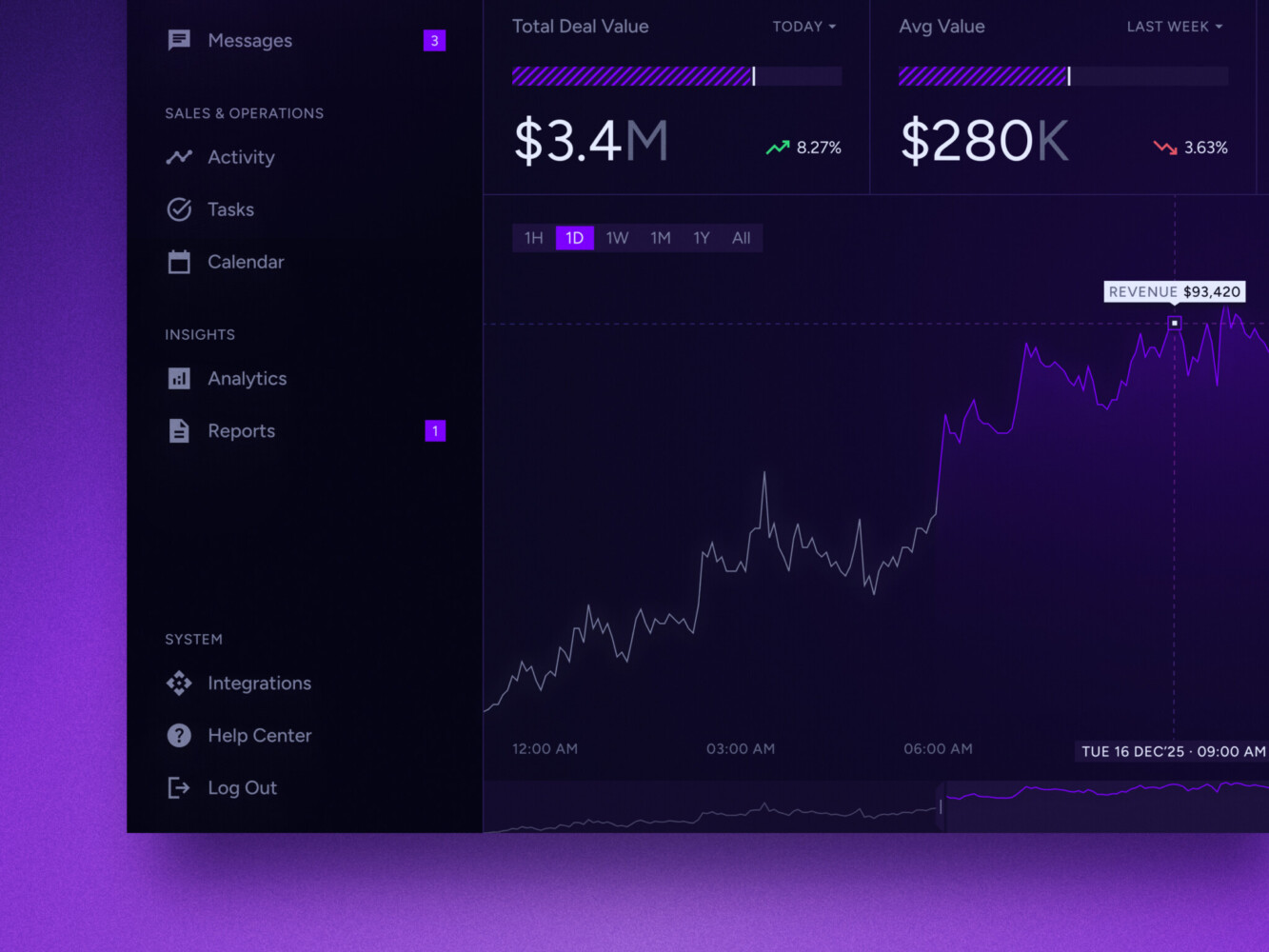
Real-time data dashboard by Shakuro
Essential UX Patterns for Web Platforms
Strong UX design usually comes down to patterns that users can understand quickly and reuse without thinking too hard.
Onboarding is one of the first big ones. A platform should help users get to a meaningful first action, not just show a product tour nobody remembers. For a project management app, that might mean creating a first project. For an e-learning platform, it might mean joining a course or uploading a lesson.
Dashboards are another common trap. Teams love dashboards. Users like useful dashboards. There is a difference. A good dashboard answers a question: what changed, what needs attention, what should I do next?
Search and filters need care as well. If a platform has hundreds of items, weak filtering becomes a daily frustration. And honestly, users do not care how smart the backend is if they cannot find the one invoice or lesson or customer profile they need.
Permissions, notifications, billing, settings, help flows, and reporting all deserve the same thought. They are not side screens. They are part of the product’s trust.
This is one reason companies often look for UI/UX web design services when a platform grows past its first version. At some point, the old patchwork starts to show. Screens feel inconsistent. New features do not fit. Users need more guidance than the interface gives them.

The Web Platform UX Design Process
A good process is not fancy. It is mostly about asking the right questions early enough that the answers can still change the product.
1. Discovery and UX Research
Start with users, business goals, technical limits, and the tasks people actually need to complete. Not the idealized tasks from a pitch deck. The messy real ones.
Who logs in? What do they need first? Where do they get confused today? What do support tickets complain about? Which flows affect revenue, retention, or compliance?
You can learn a lot from interviews, analytics, session recordings, support notes, and quick prototype tests. Sometimes one customer call reveals more than a long internal meeting. Not always, but often enough.
2. Journey Mapping and Information Architecture
When creating UX web design, map the main paths through the platform. Then map the unhappy paths too.
What happens when payment fails? What if an invite expires? What if a user has access to two organizations? What if there is no data yet? These edge cases are not glamorous, but they make the product feel mature.
3. Wireframes and Prototypes
Wireframes help the team focus on structure before everyone starts arguing about colors. Clickable prototypes are useful because they reveal awkward flows early. You can feel when a process has one step too many.
This is also a good place to test web UX design assumptions before development begins. A small usability test can save a surprisingly large amount of rework.
4. UI Design and Design System
Once the flow is solid, the interface needs a clear visual system: buttons, forms, tables, cards, navigation, modals, alerts, empty states, typography, spacing, and responsive rules.
For a platform, a design system is not only about consistency. It helps teams ship faster without making every new feature look like it came from a different neighborhood.
5. Frontend Handoff and Development Alignment
Design handoff should include states, constraints, component behavior, accessibility notes, and responsive expectations. A static mockup is rarely enough.
And one more point: designers and developers should talk before handoff, not only after. It is much easier to adjust a flow during design than to rebuild it after frontend work starts.
6. Testing and Iteration
Testing should include usability, functional behavior, performance, accessibility, and security. Then the product should keep improving after launch.
No platform is perfect on day one. That is not me being pessimistic. It is just how real products behave once real people start using them.
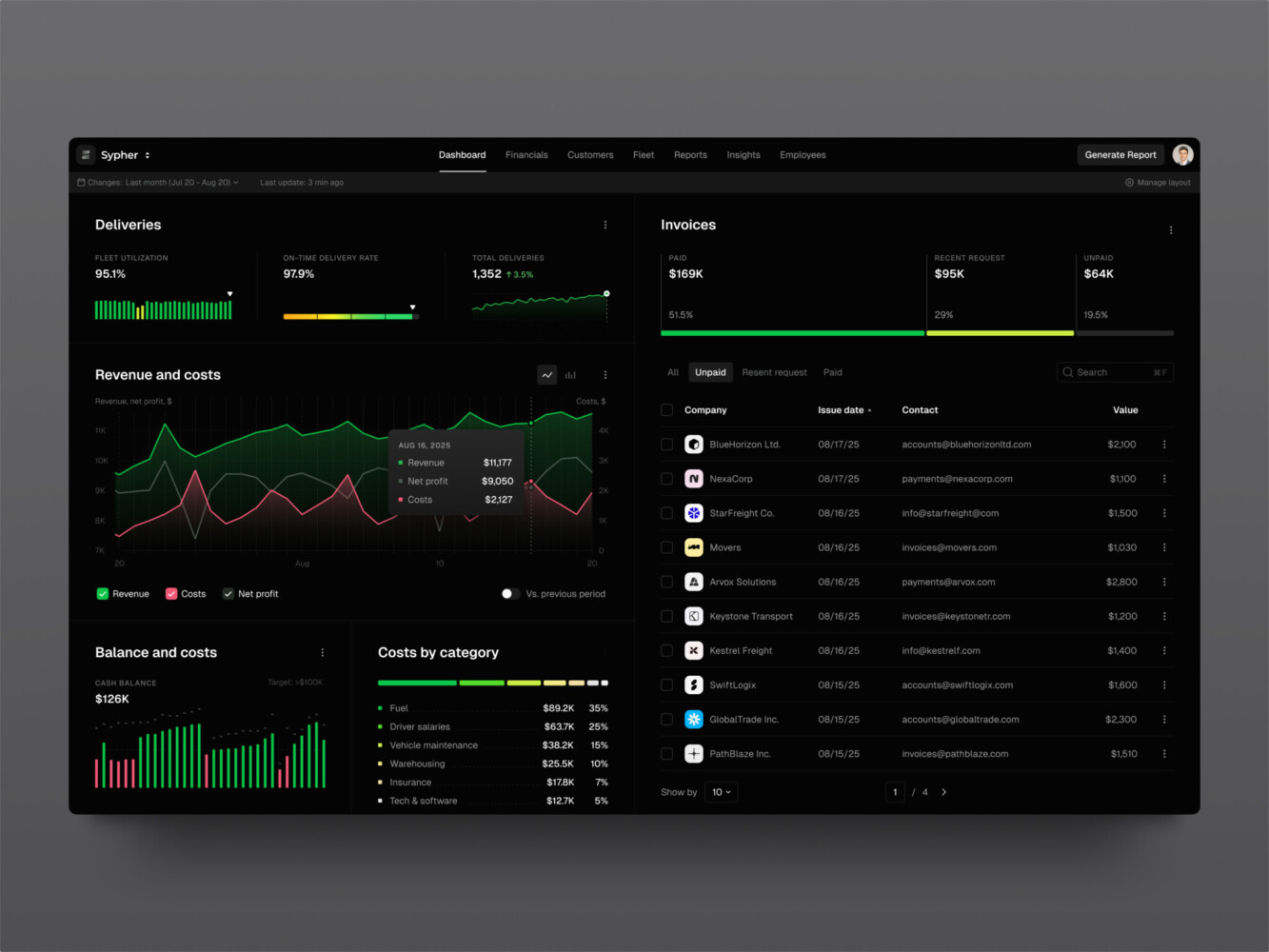
SaaS analytics platform by Shakuro
How Much Does Web Platform UX Cost?
Cost depends on scope, complexity, team structure, and how much uncertainty exists at the start.
A small MVP UX/UI project might include discovery, core user flows, a limited set of screens, a clickable prototype, and a light design system. A mid-sized platform may need several user roles, dashboards, settings, notifications, responsive layouts, and usability testing. An enterprise product can add complex permissions, compliance requirements, integrations, analytics, and a full design system.
As for the pricing, a design concept can start around $3,000. UI/UX web design for a landing page or UI update can start around $5,000 and reach $10,000. A full mobile or web app UI/UX design project may range from $20,000 to $50,000, while enterprise products can go above $100,000.
That sounds like a lot, and sometimes it is. But redesigning a platform after development because the flows were not thought through can cost more. It is a little annoying to hear, but planning really does pay for itself when the product is complex. That is why UX work belongs in the web app development timeline from the start, not after it.
| Type | Scope | Price |
| MVP | Discovery, core user flows, a limited set of screens, a clickable prototype, and a light design system. | $5,000-$10,000 |
| Mid-sized platform | Several user roles, dashboards, settings, notifications, responsive layouts, and usability testing. | $20,000-$50,000 |
| Enterprise product | Complex permissions, compliance requirements, integrations, analytics, and a full design system. | $50,000-$100,000+ |
Common Web Platform UX Mistakes
The most common mistake is designing around features instead of user jobs. A team says, “We need reports, settings, notifications, and admin tools.” Fine. But what is the user trying to do? What decision are they making? What happens next?
Another mistake is weak onboarding. A platform can have great features, but if new users do not reach value quickly, they may never care. This is especially true for SaaS tools, learning products, and marketplaces where trust builds slowly.
Overloaded dashboards are a classic one, too. People add charts because charts look useful. Then the dashboard becomes a wall of numbers. A better approach is to decide what the user needs to notice, compare, or act on.
Then there are the quiet problems: inconsistent components, vague errors, hidden loading states, unclear permissions, inaccessible forms, and mobile layouts nobody checked. None of these sound dramatic. Together, they make the platform feel unfinished.
Our Experience in UX Web Design
Two Shakuro cases are perfect examples because both deal with real platform complexity, not just nice-looking screens.
CGMA: Build a Virtual Classroom Platform
CGMA is a virtual classroom platform for art education. The interesting part, from a UX point of view, is that it serves different roles: students, instructors, and administrators. Each group needs different tools, different visibility, and different priorities.
The work included redesigned navigation, role-based portals, a design system, data migration, integrations with Discord, Zoom, PayPal, and video management, plus automation and long-term support.
That kind of project is a good reminder that platform UX is not a single screen problem. It is a system problem. Communication, learning materials, payments, access, video, admin work, and student progress all touch each other. If you are sizing a product in this space, recent e-learning market statistics are a useful starting point.
Proko: Create an E-Learning and Communication Platform
Proko is another useful example. It grew from a simple tutorial site into a broader e-learning and communication platform with social features, payments, search, AI, gamification, and community tools.
That evolution is common. A product starts with a simple use case, then users ask for more. Suddenly the old structure is too small. The UX has to support growth without making the product feel heavy. New features should be easy to navigate without breaking old user flows.
This is exactly where experienced UI/UX web design services can help. Not because an outside team magically knows everything, but because they can look at the system, spot friction, and connect design choices to technical reality.
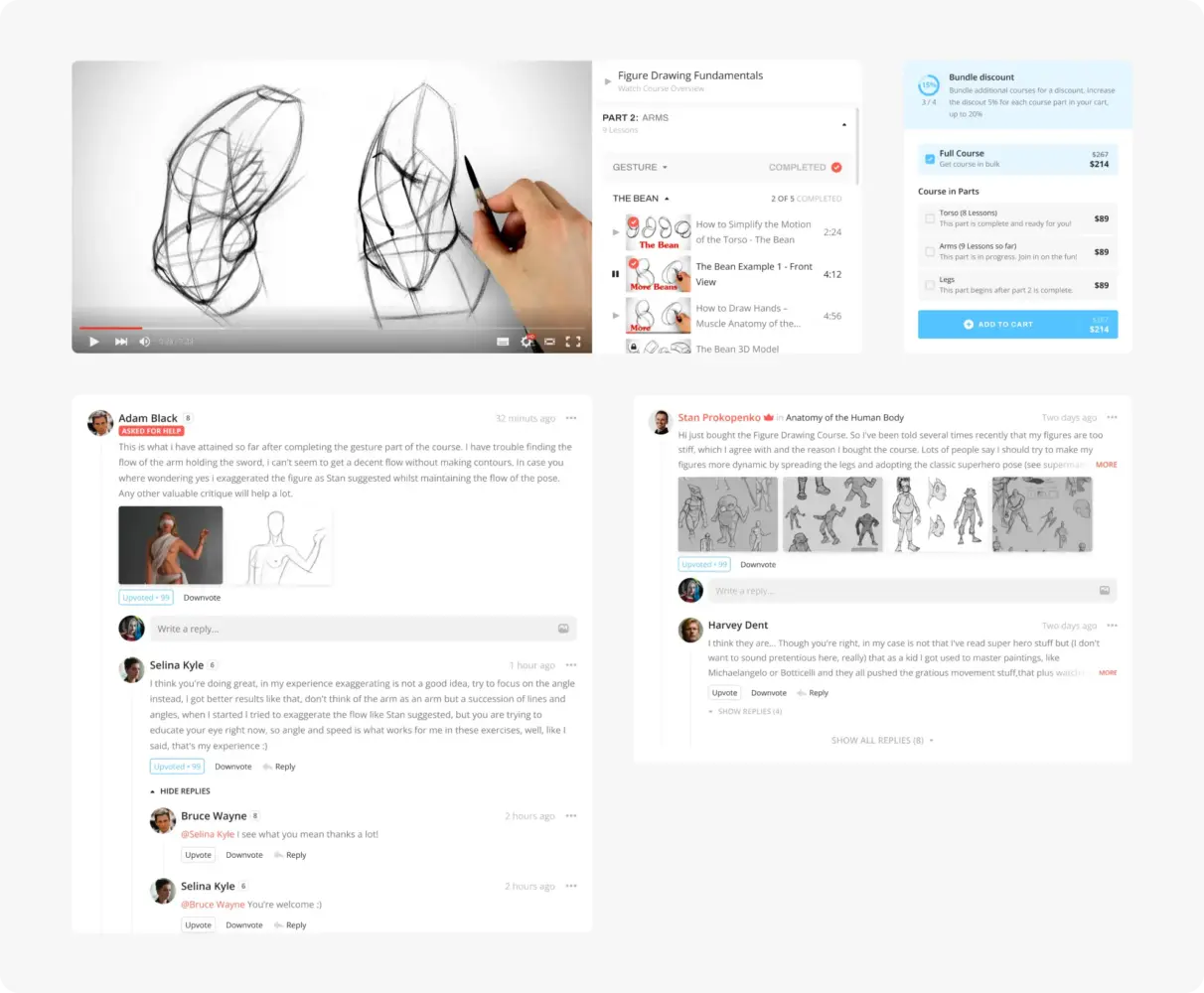
Website Design Concept for Proko by Shakuro
Why Work With a UI/UX and Web Development Company?
You can build a web platform with separate freelancers, an internal team, or a full product agency. There is no universal best option.
But for complex platforms, having UX, UI, frontend, backend, QA, and support close together really helps. The design team can check whether an idea is buildable. Developers can point out performance or data issues early. QA can catch the states designers forgot. Everyone sees the same product instead of passing pieces over a fence.
That matters because UX design, web design, and development decisions are connected. A permission model affects interface labels. A slow API affects loading states. A billing rule affects onboarding. A design system affects frontend speed.
When those conversations happen early, the product usually feels more coherent.
Final Thoughts
Web platform UX is not surface polish. It is the operating logic of a digital product.
A strong platform helps people understand where they are, complete tasks, recover from mistakes, and come back without dread. That last part is underrated. Nobody wakes up excited to use an admin panel, but a good one can at least stay out of the way.
If you are planning a new platform or redesigning an old one, start with the real workflows. Look at the boring screens. Study the errors, empty states, permissions, and repeated tasks. That is where the product either earns trust or quietly loses it.
Need UI/UX web design services? Drop us a message and let’s build a responsive, easy-to-use product together.
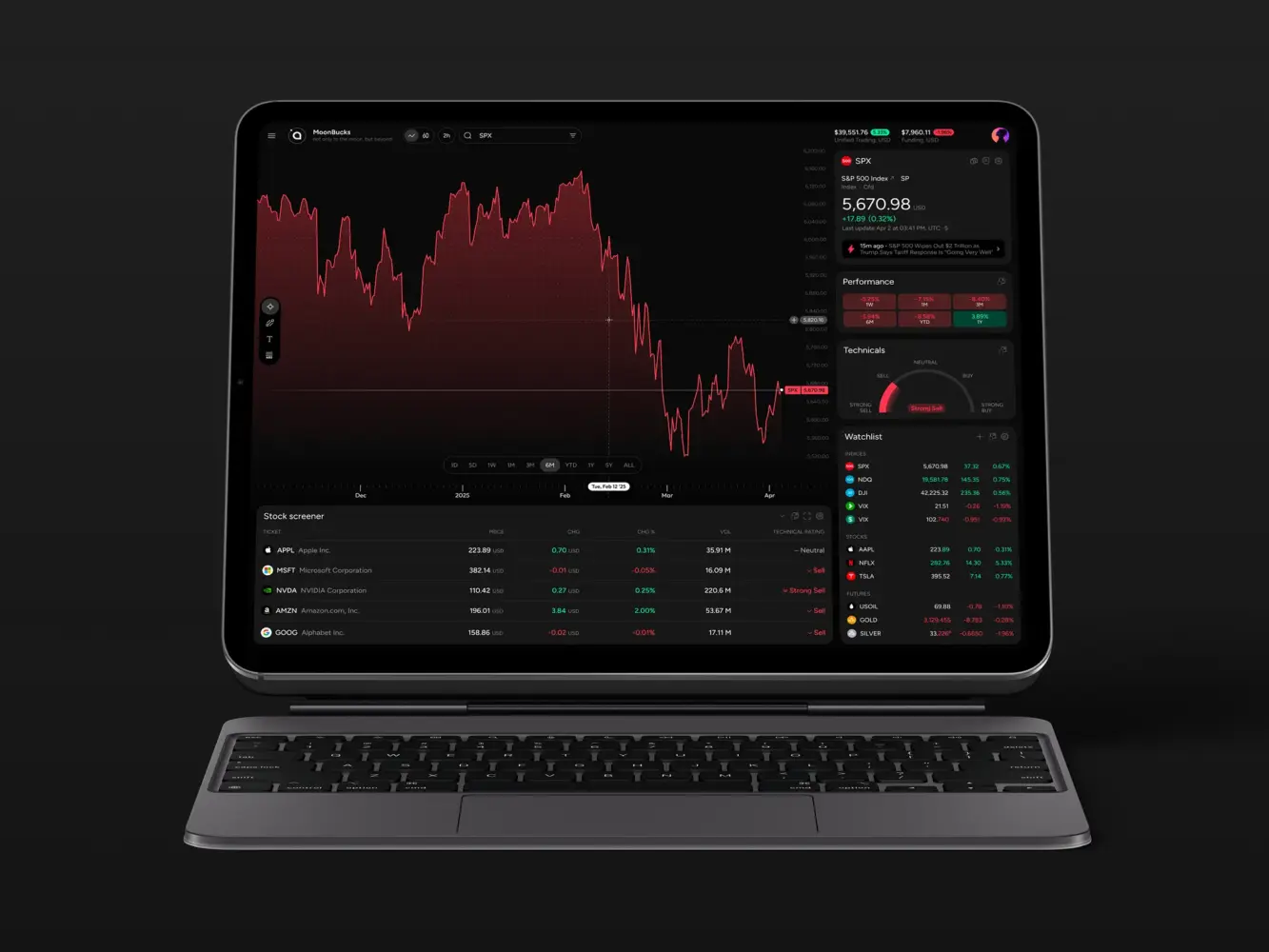
Financial Market Trading Analytics Tool Dashboard Design by Shakuro
FAQ
What Does UX Mean for Web Products?
UX in web design is the way a website or web app feels and works for users. It includes navigation, structure, readability, forms, feedback, accessibility, and the steps people take to complete a goal. For web platforms, UX also includes roles, permissions, dashboards, data states, onboarding, and repeated workflows.
What is the Difference Between UX Design and Web Development?
UX design defines how the product should work for people. Web development builds the working product with frontend, backend, APIs, databases, security, and deployment. The two overlap because design decisions affect technical choices, and technical limits affect the user experience.
What Should a Web Platform UX Design Include?
It should include user research, user flows, information architecture, wireframes, prototypes, responsive UI design, design system components, accessibility notes, empty and error states, role-based logic, and handoff details for development.
How Long Does Web Platform UX Design Take?
A small MVP can take a few weeks. A mid-sized platform may take a couple of months. A large enterprise product can take longer because of user roles, integrations, compliance, analytics, and testing. The honest answer is: it depends on how many workflows need to be designed and validated.
When Should a Company Redesign a Web Platform?
A redesign makes sense when users struggle with core tasks, support tickets keep repeating, onboarding is weak, conversion drops, the product has outgrown its old structure, or the interface slows down development. Sometimes a full redesign is needed. Sometimes a focused UX audit and a few smart changes are the better option.
Related reading