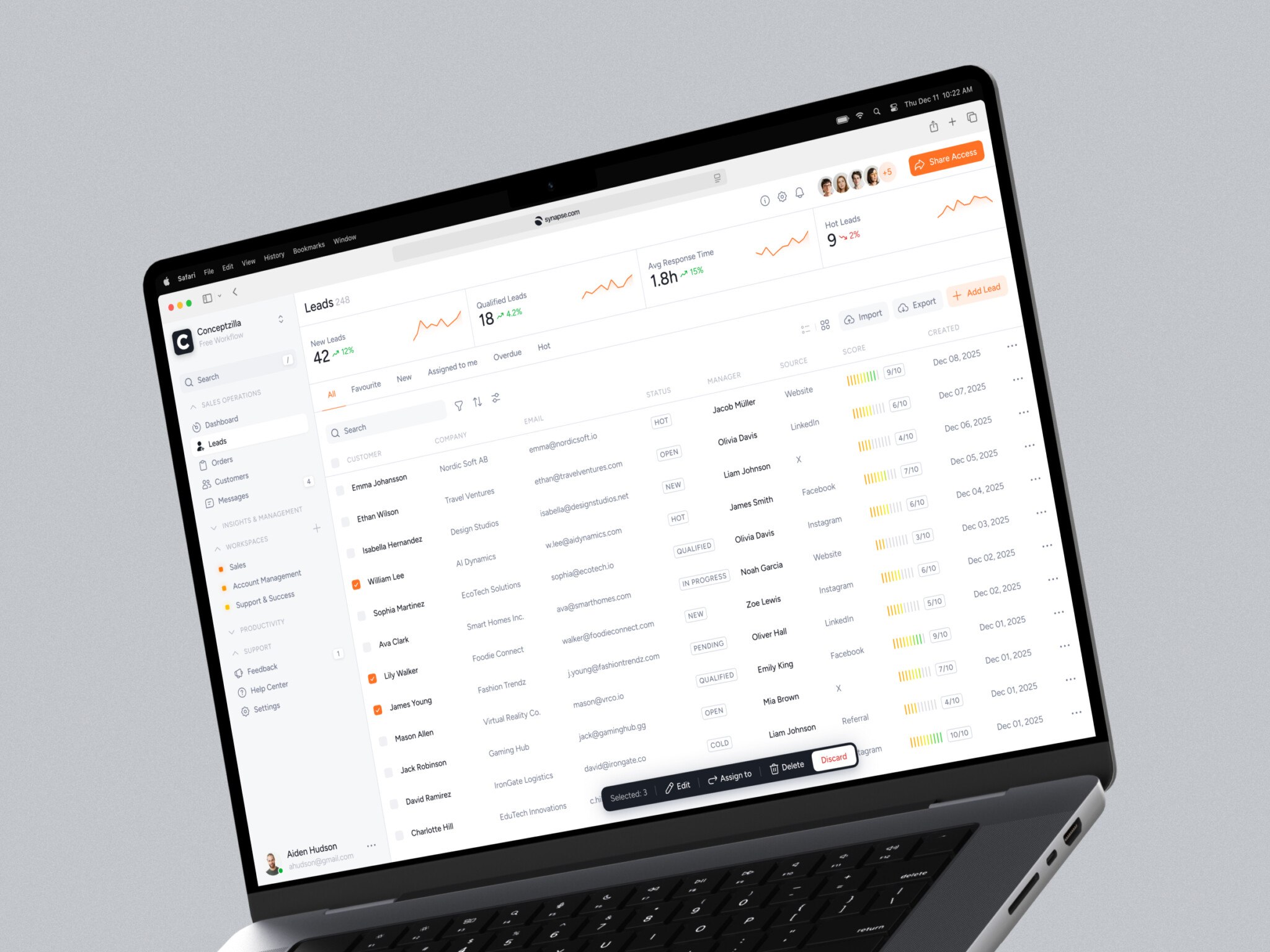
Usually, it starts with something ordinary. The marketing team cannot publish content without asking developers for help. The ecommerce team wants a new checkout flow, but the platform fights every idea. The frontend feels old, but replacing the whole backend sounds painful and expensive.
That is where headless architecture often enters the conversation.
In simple terms, it separates what users see from the systems that store content, handle commerce, process data, or run business logic. The frontend becomes its own layer. The backend becomes a set of services accessed through APIs. Sounds neat, right? It can be. But, as with most useful technical ideas, the nice diagram is only half the story.
In my experience, the real value of a headless setup is not that it sounds modern. It is that it gives product teams room to move. You can redesign the website without dragging the CMS through every design decision. You can launch a mobile app that uses the same content as your web platform. You can test a new ecommerce frontend while the order system keeps doing its job in the background.
Still, it is not magic. It adds responsibility. More moving parts, more API thinking, more testing. Let us walk through it in a practical way.
Key takeaways
- Headless architecture separates the frontend from the backend, giving teams more freedom to design, update, and scale digital products.
- It works well for CMS, ecommerce, and modern websites where content, commerce, or user experiences need to appear across multiple channels.
- It is not the same as microservices: headless focuses on separating the user-facing layer, while microservices split backend logic into smaller services.
- The main benefits are flexibility, faster frontend changes, better omnichannel delivery, and longer backend lifespan.
- The tradeoff is complexity: teams need to plan APIs, integrations, SEO, previews, security, and maintenance carefully.
What Is Headless Architecture?
If you are wondering how this whole headless idea works, the easiest way to picture it is this: the “head” is the presentation layer. It is the website, mobile app, customer portal, digital kiosk, or any other interface people actually touch.
The body is everything behind it. Content management. Product catalog. Checkout. Authentication. Search. Customer data. Inventory. Payments. Whatever the business needs.
In a traditional platform, these parts are often tied together. A CMS may control both content storage and how the page is rendered. An ecommerce platform may manage the storefront and checkout as one package. That can be comfortable, especially for smaller teams. You get one system, one admin panel, one way of doing things.
With headless CMS architecture, the backend exposes data and functions through APIs. The frontend consumes those APIs and decides how to present the experience. So instead of saying, “Our CMS decides what the page looks like,” you can say, “Our CMS provides content, and our frontend decides how to use it.”
That difference sounds small at first. Then you start planning a redesign, a mobile app, a localized site, or a custom product configurator, and suddenly it matters quite a lot.
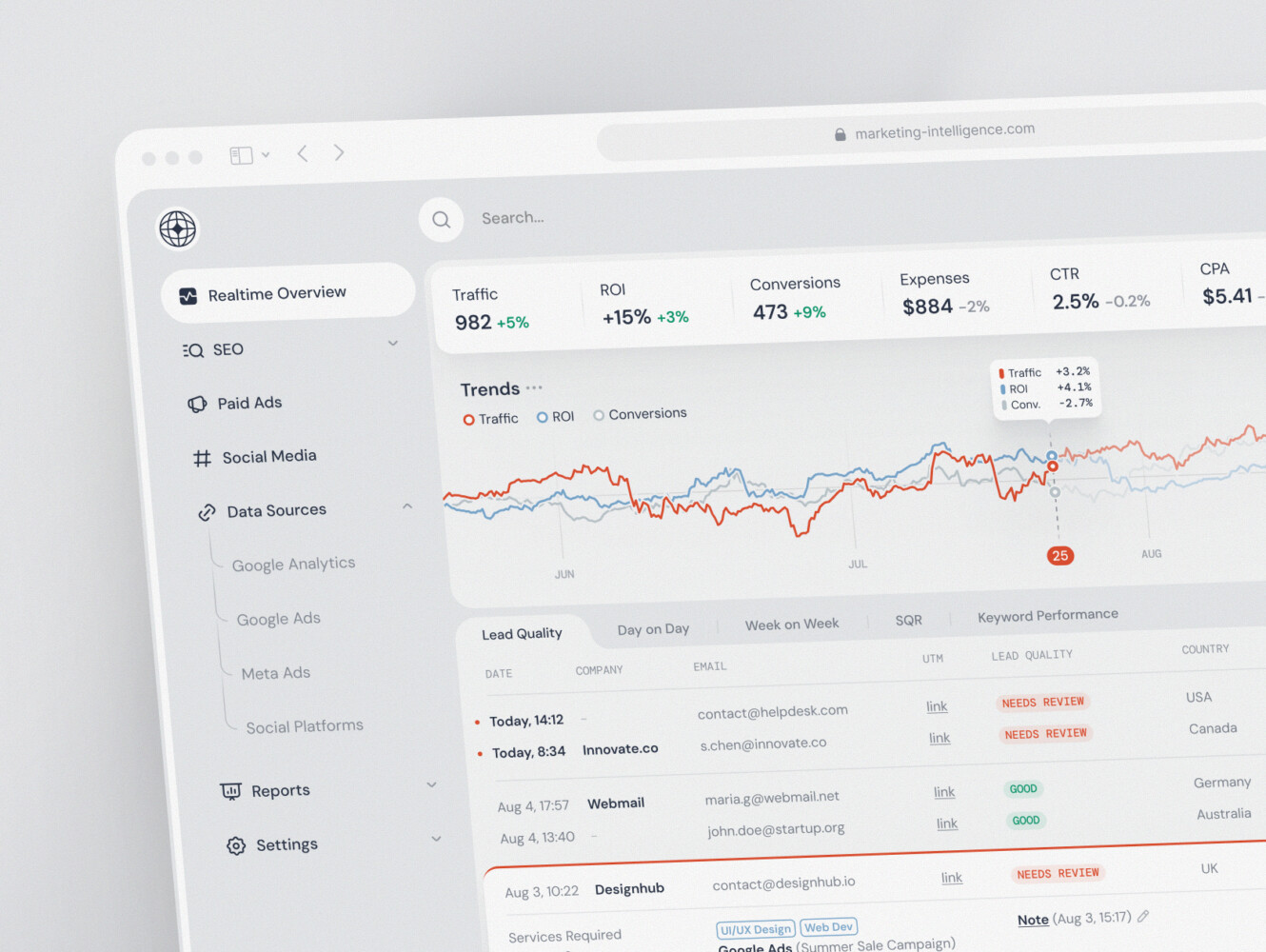
SaaS marketing dashboard by Conceptzilla
How Headless Architecture Works
A typical setup has four broad layers.
First, there are backend systems. This might include a CMS, ecommerce platform, CRM, ERP, search engine, analytics tools, payment provider, and maybe a product information management system. In larger companies, this list can get long quickly.
Second, there are APIs. These are the contracts between systems. They let the frontend ask for content, products, prices, user data, search results, or order status. REST and GraphQL are common, though the exact choice depends on the team and the product.
Third, there is often a middleware layer. People sometimes skip over this part in blog posts, but it is important. Middleware can normalize data, handle authentication, cache responses, combine several backend calls into one frontend-friendly response, or protect the frontend from backend complexity. Some teams call this a backend-for-frontend layer, or BFF. Funny name, useful thing.
Finally, there is the frontend itself. This could be a website built with Next.js, a React app, a Vue application, a native mobile app, or something else. The key point is that the interface is no longer trapped inside the backend platform.
Headless CMS Architecture: Content Without Frontend Limits
This CMS setup is one of the most common examples of the pattern. Instead of using a CMS that controls both content and templates, the CMS becomes a content hub. Editors create and manage content there, while developers build one or more frontends that pull that content through APIs.
This really helps when content needs to appear in several places. A product story might be used on the website, inside an app, in a help center, and maybe on a campaign landing page. With a traditional CMS, teams often duplicate things or create awkward workarounds. A headless CMS can make content reusable, structured, and easier to distribute.
There are tradeoffs, though. Editors need good previews. Content models need careful planning. If developers create rigid content types, marketing teams will feel boxed in. If they create content types that are too loose, the website becomes messy. There is a balance, and honestly, it takes a few workshops to get it right.
Projects with a good headless architecture usually start with questions like:
- What content types do we actually need?
- Which channels will use this content?
- Who edits it, reviews it, translates it, and publishes it?
- How much design flexibility should editors have?
- What needs to be reusable, and what is one-off?
That may sound boring compared with choosing a shiny frontend framework, but it saves headaches later.
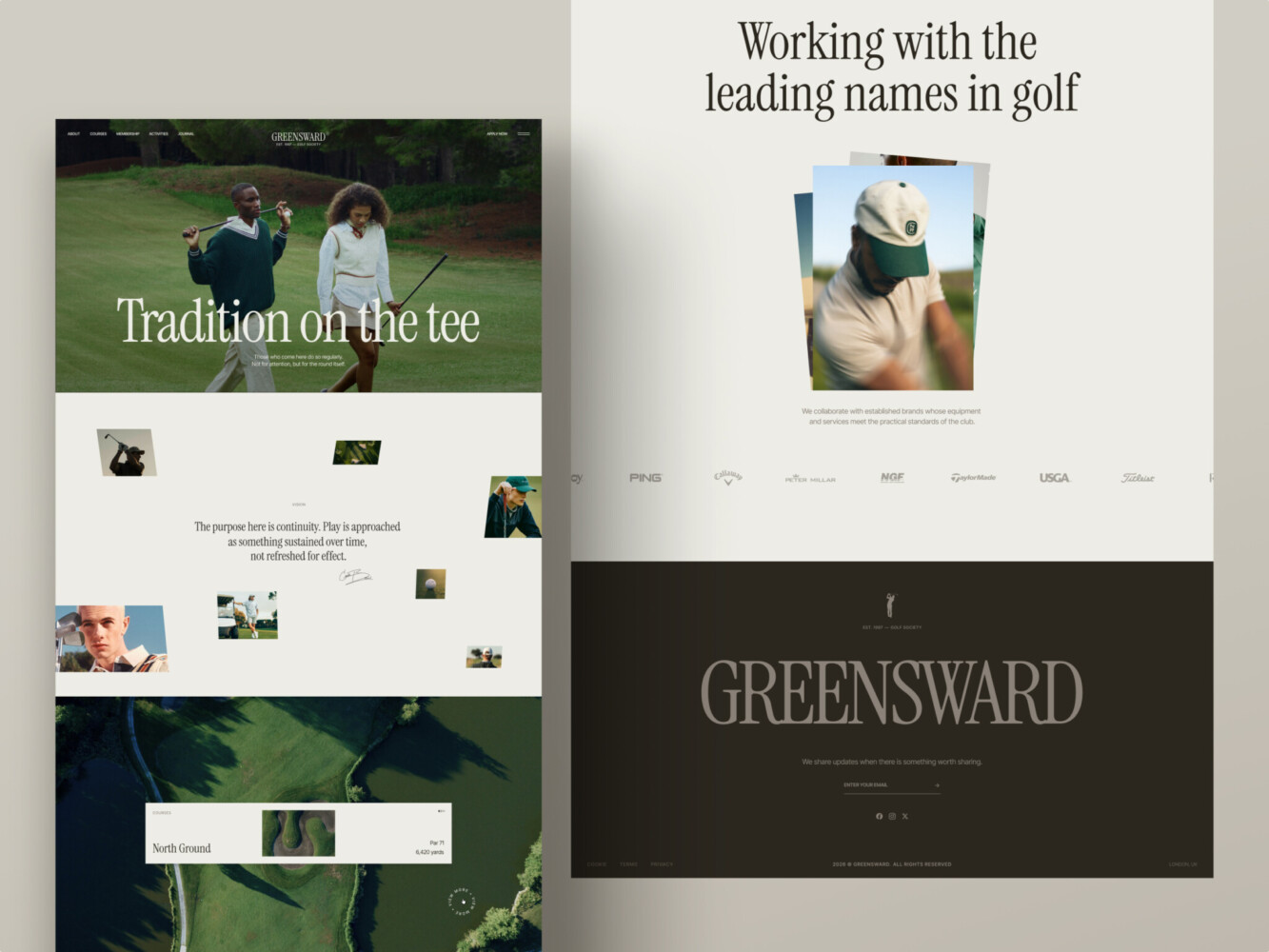
A website for a golf club by Shakuro
Headless Ecommerce Architecture: Flexible Commerce Experiences
In ecommerce, the same idea applies, but the stakes can feel higher because money is involved. The commerce backend handles products, cart, checkout, pricing, inventory, promotions, taxes, payments, and orders. The frontend handles the shopping experience.
For a standard online store, a traditional ecommerce platform might be enough. There is nothing wrong with that. But if a business needs a custom buyer journey, unusual product configuration, multi-region catalog logic, B2B ordering workflows, or a very specific brand experience, headless can become attractive.
Imagine a furniture company that wants shoppers to configure a sofa, see fabric options, check delivery zones, save a design, and later continue from a mobile app. Or a B2B supplier where buyers need contract pricing, approval flows, bulk ordering, and ERP inventory. For these cases, the default storefront can start feeling tight, like wearing a jacket one size too small.
A headless setup gives more freedom. The team can build the interface around the customer journey, not around the platform’s default template. And one more point: it can also help teams experiment faster. New landing page, new product page layout, different checkout steps, personalized recommendations. You still need discipline, of course. But the frontend is less tangled with the backend.
The annoying part? Integrations. Payment providers, inventory systems, order management, search, analytics, tax rules, promotions. They all need to work cleanly. When they do, the result feels smooth. When they do not, everyone notices.
Headless Website Architecture for Modern Web Platforms
This approach is not only for ecommerce. It is also useful for marketing sites, SaaS websites, media platforms, documentation hubs, and enterprise web ecosystems.
The big draw is flexibility. A company can use a CMS for content, a design system for consistent UI, a frontend framework for performance, and separate services for search, forms, personalization, analytics, or localization. Each piece has a job.
This can be especially helpful when a website has outgrown its original platform. Maybe the content team needs better workflows. Maybe developers want a faster frontend. Maybe SEO work is blocked by old templates. Maybe every page update feels like moving furniture through a narrow hallway. Not impossible, just irritating.
With a headless website, teams can build pages with reusable components, optimize performance with modern rendering approaches, and keep content structured. They can also support multiple websites or brands from one content source. That sounds good, doesn’t it?
But again, there are practical details. Preview mode matters. Redirects matter. Metadata matters. Structured data, canonical tags, sitemap generation, image handling, accessibility, and page speed all still need careful work. Headless does not remove SEO responsibilities. It just changes where they live.
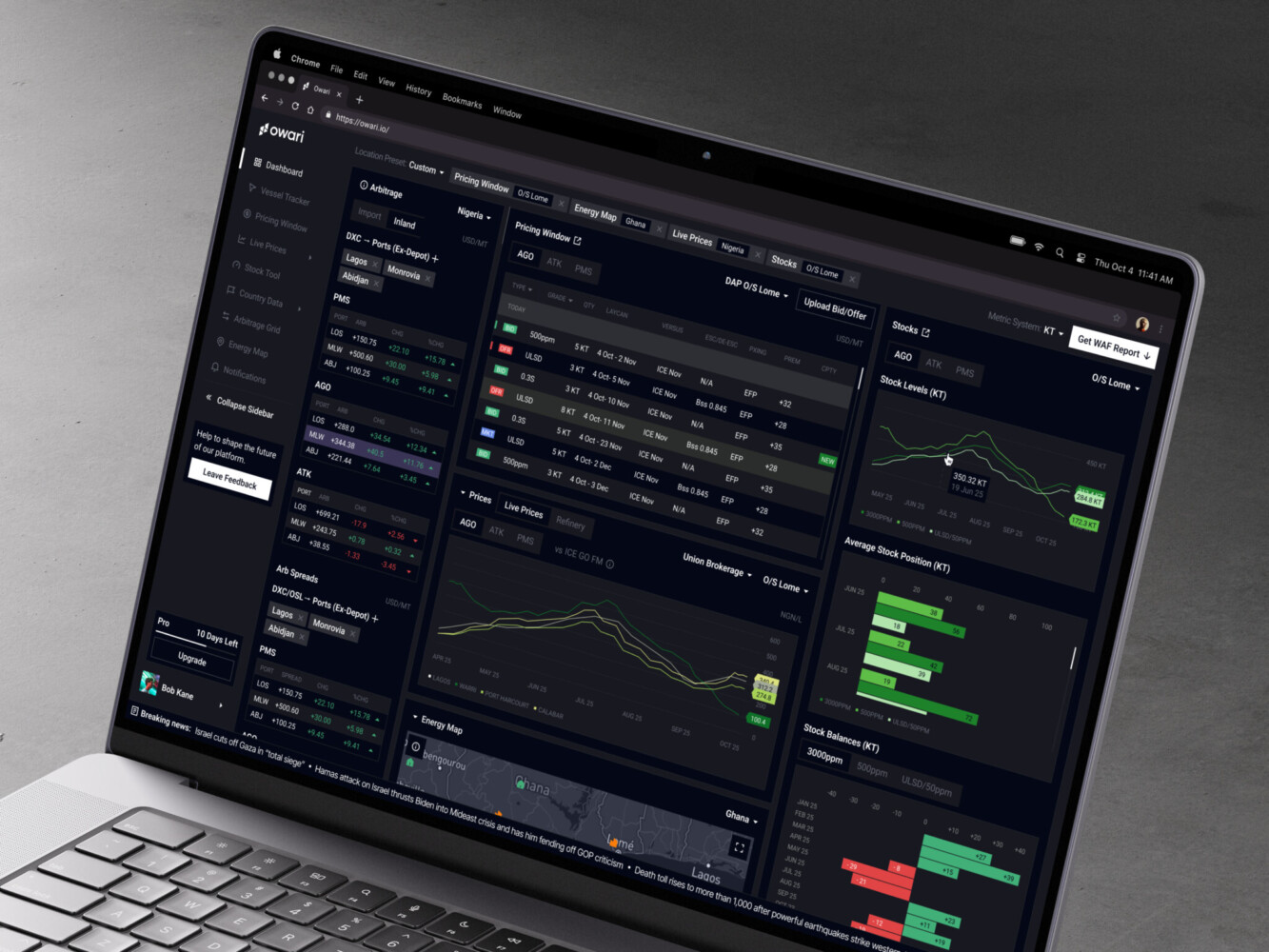
Owari dashboard by Shakuro
Headless Architecture vs Microservices
The comparison with microservices comes up a lot, and I get why. Both ideas involve separating things. Both often use APIs. Both show up in diagrams with boxes and arrows.
But they are not the same.
The headless model is mainly about separating the frontend from the backend. The goal is to let the presentation layer evolve independently from content, commerce, or business systems.
Microservices are about splitting backend functionality into smaller independent services. One service may handle users. Another handles payments. Another handles inventory. Each service can be built, deployed, and scaled separately.
Can they work together? Yes, absolutely. A headless ecommerce site might use a microservices-based backend. A headless CMS might sit beside several internal services. But you can also have a headless setup with a fairly simple backend. And you can have microservices behind a traditional frontend.
Headless changes how the experience layer talks to the backend. Microservices change how the backend is organized inside.
That distinction matters because microservices add a lot of operational complexity. Distributed systems, monitoring, service boundaries, deployments, observability, data consistency. It can be worth it, but not always. Sometimes a simpler frontend-backend split is enough for the business goal.

Benefits of Headless Architecture
The first benefit is faster frontend change. When the frontend is separate, teams can redesign pages, test new flows, or update the interface without rebuilding the whole backend. That alone can be a relief.
The second is omnichannel delivery. One backend can serve a website, app, tablet interface, customer portal, or even in-store screen. You avoid copying content between systems, which is one of those boring problems that quietly wastes a lot of time.
Another benefit is technology choice. Frontend teams can use tools that suit the experience they are building. They are not limited to whatever templating system comes with the CMS or commerce platform.
Scalability is also easier to manage in some cases. The frontend and backend can scale separately. If a campaign sends lots of traffic to the website, the frontend layer and CDN can handle much of the pressure without every request hitting the backend.
And, by the way, headless can extend the life of backend systems. A company might not be ready to replace its commerce engine or CMS completely. Instead, it can build a better frontend around it, then modernize the rest step by step.
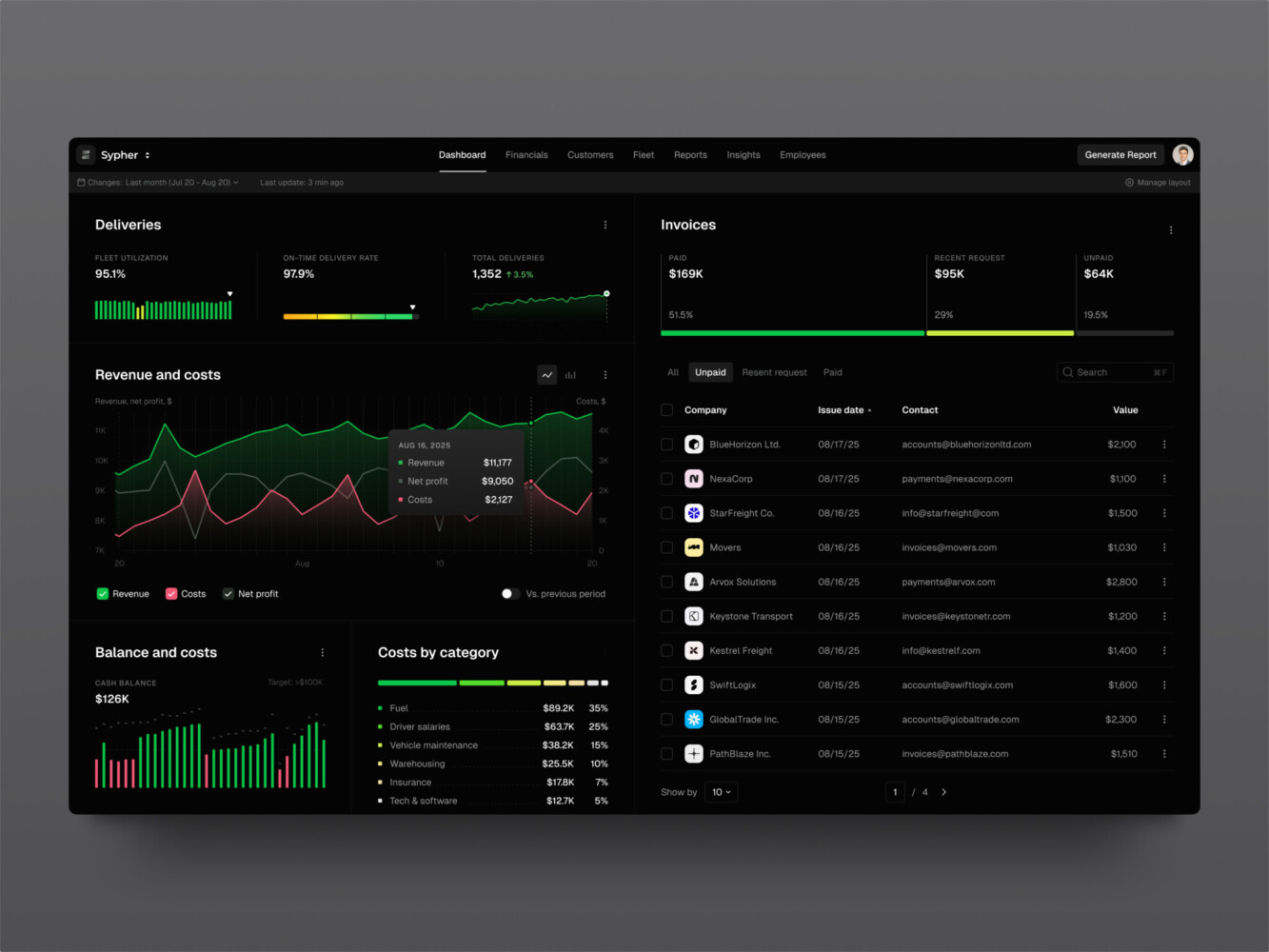
SaaS analytics platform by Shakuro
Common Use Cases for Headless Architecture
Enterprise websites are a natural fit when multiple teams, regions, or brands need to publish content from shared systems. A headless CMS can keep content structured while allowing different frontends for different markets.
Ecommerce storefronts are another common use case. Brands want faster product pages, custom checkout experiences, better personalization, or more control over the buyer journey.
SaaS companies often use headless setups for marketing sites, documentation, knowledge bases, and customer portals. The marketing team gets flexible publishing, while developers keep control over frontend quality.
Marketplaces can benefit too, especially when they need search, vendor data, user accounts, payments, reviews, and custom workflows to come together in one interface.
Mobile apps are also worth mentioning. If the backend already provides content or commerce through APIs, mobile commerce apps can reuse the same source of truth rather than creating yet another separate system.
Here are a couple of examples from our portfolio.
Proko is an e-learning platform where people study digital and traditional art using video courses. Its setup is typical for a video-based learning platform: streaming, progress tracking, and a community around each lesson. Since it’s a marketplace and an ecommerce platform, a headless architecture is a wise choice. What’s more, this approach allows Proko to scale seamlessly. We also integrated third-party services like secure payments.
TraderTale is a trading platform with a high level of personalization and gamification. It allows users to trade assets and build identity through their portfolio. We created a clean, organized system with unique features like leaderboards and detailed alerts. As a SaaS platform, TraderTale also benefits from headless architecture.
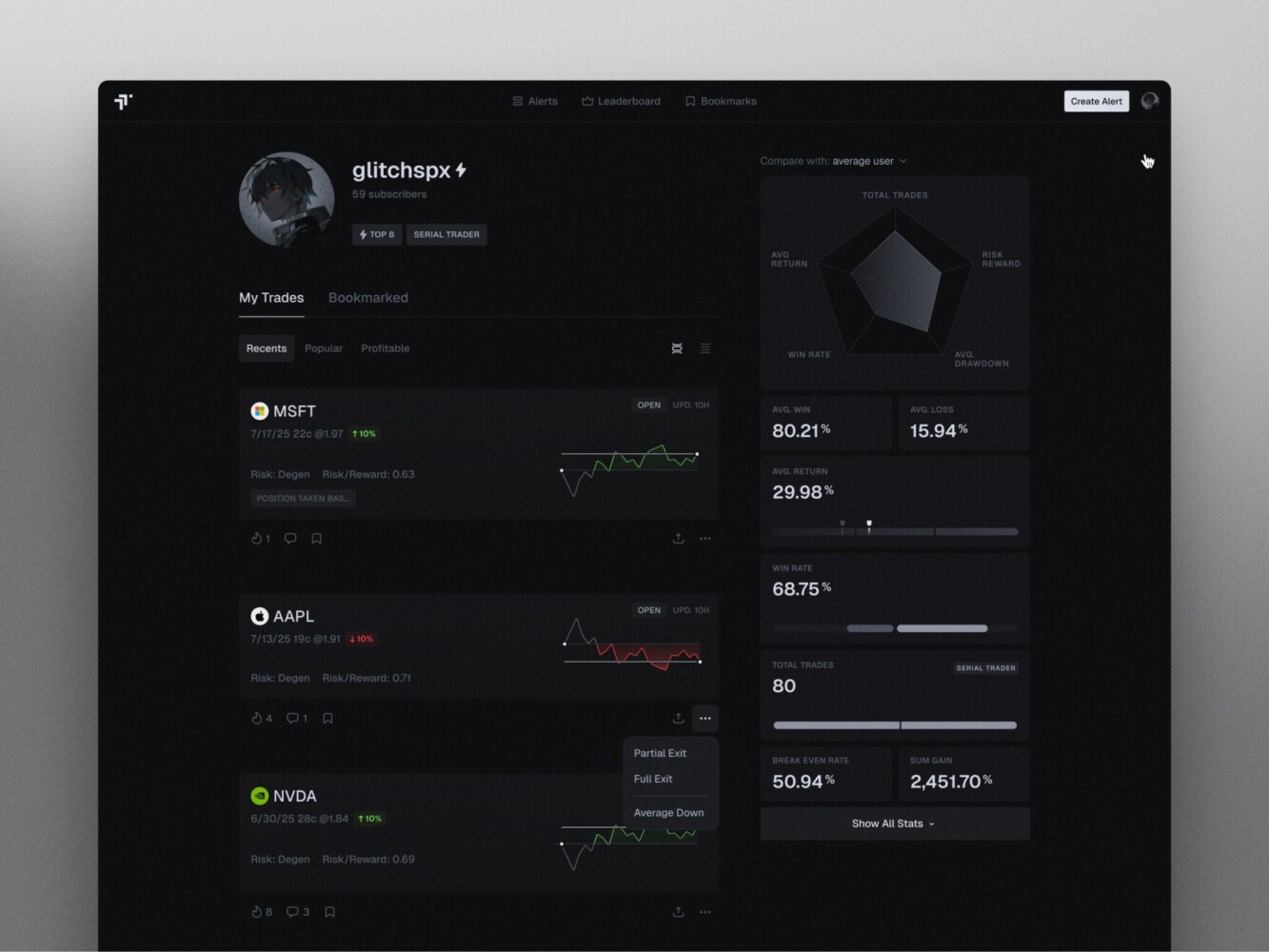
TraderTale: Social Platform for Traders by Shakuro
Challenges and Risks to Plan For
Headless architecture can be powerful, but it is not the best option for every project. This is where I would rather be honest than enthusiastic.
The biggest challenge is integration complexity. Every API needs to behave reliably. Every system needs clear ownership. If something breaks, the team must know where to look.
Editorial experience can also suffer if it is not planned well. Marketers and content editors care about previews, scheduling, page composition, localization, and approval flows. Developers sometimes underestimate this. Then editors get annoyed, and fairly so.
SEO requires attention too. Server-side rendering or static generation may be needed. Metadata, schema, redirects, canonical URLs, image optimization, and internal linking should be built into the workflow from the beginning.
Security is another area where you cannot improvise. Authentication, API access, rate limiting, data privacy, and user permissions need proper architecture. It is a little tedious, but you get used to it because the alternative is worse.
And finally, cost. A headless system can save time later, but it often costs more upfront. More planning, more development, more testing, more infrastructure. If the business only needs a simple brochure website, headless may be too much.
How to Build a Headless Architecture Project
Start with discovery and strategy. Not glamorous, but important. Define the business goals, user journeys, channels, backend systems, content types, and technical constraints. If the team cannot explain why headless is needed, pause there.
Next comes UX and UI design. This is one of the nicer parts of a headless project because designers are less trapped by platform templates. They can focus on what users need to do and how the product should feel.
Then architecture planning. Map the APIs, data flows, middleware, authentication, caching, hosting, and deployment process. Decide what stays in existing systems and what needs to be rebuilt.
Core development comes after that: frontend components, API integrations, CMS or commerce connections, authentication, forms, search, checkout, user accounts, and whatever else the product needs.
Integrations deserve their own phase. CRM, ERP, PIM, analytics, payment systems, marketing automation, customer support tools. This is where small assumptions can become expensive, so test early.
Then testing. Performance, SEO, accessibility, content preview, security, checkout, localization, and edge cases. Not just “does the page load?” but “does the actual workflow hold up on a bad Monday?”
After launch, monitor the system. Watch API response times, frontend errors, content publishing issues, and conversion data. A headless project is not finished at deployment. It settles over time.
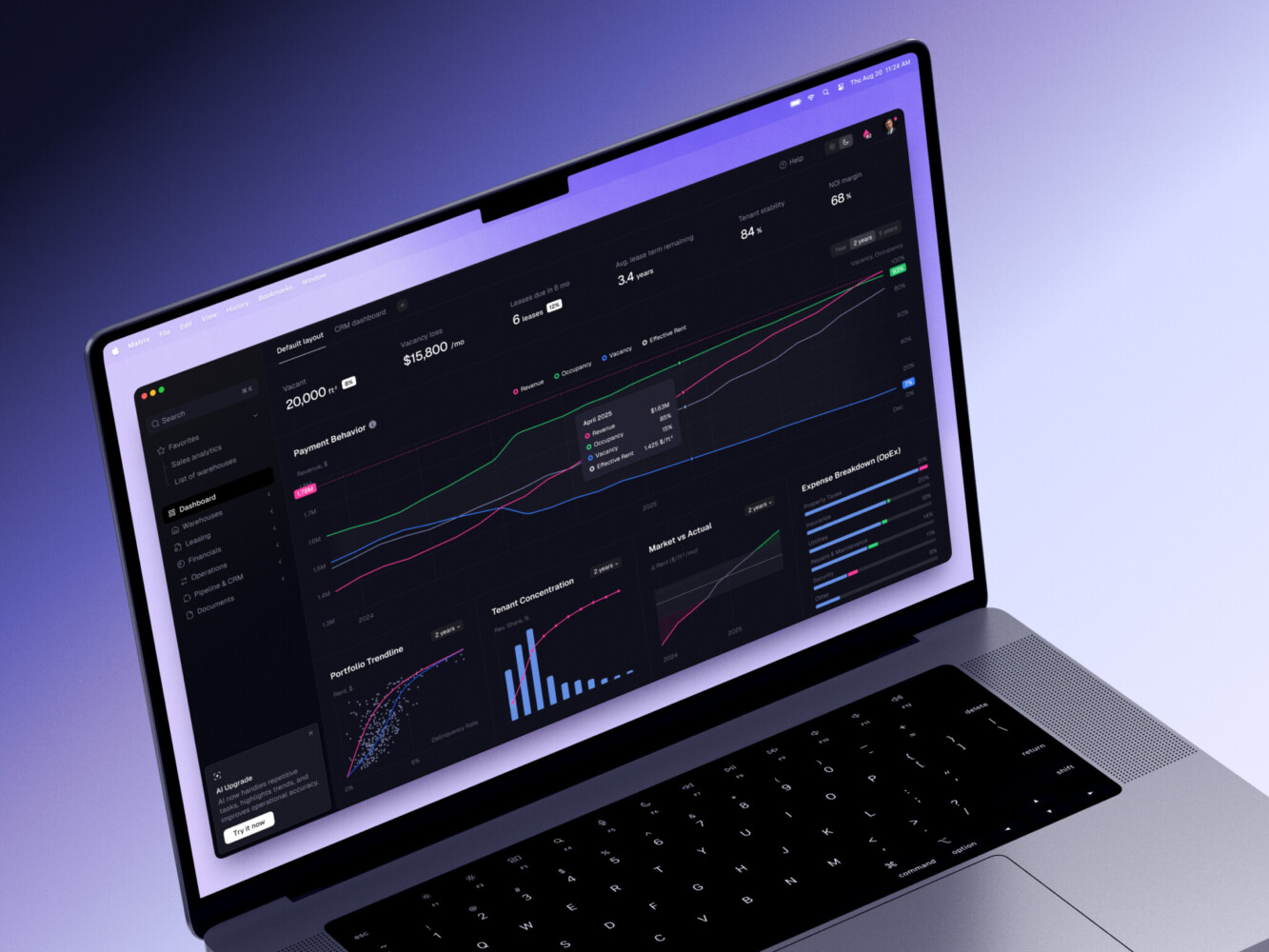
ERP dashboard by Shakuro
How Much Does Headless Architecture Cost?
There is no universal price, and anyone who gives one too quickly is probably skipping details.
A small headless marketing site or content hub may be relatively contained if the CMS is simple, integrations are light, and the design system is already in decent shape.
A mid-sized ecommerce or SaaS website costs more because there are more moving parts. Product data, checkout, user accounts, personalization, analytics, content workflows, and third-party tools all add work.
An enterprise platform is a different animal. Multi-brand requirements, multi-region content, permissions, complex integrations, compliance, security, localization, and migration can push the scope up fast.
For a basic site, you can get started using free tiers or $15–$50/month for hosting and APIs. However, for a fully custom-built headless commerce or enterprise platform, expect $100,000 to $350,000+ in upfront build costs and $2,000 to $15,000/month in ongoing development and operational fees.
The main cost drivers are frontend complexity, number of integrations, API quality, content modeling, migration work, SEO requirements, design system maturity, testing depth, and long-term maintenance. In other words, the architecture itself is only part of the bill. The business context shapes the rest.
When Headless Architecture Is the Right Choice
Headless is a good fit when the company needs flexibility across channels, wants a custom frontend, plans frequent redesigns, or has content and commerce workflows that outgrew a traditional platform.
It also makes sense when performance matters a lot, when several teams need to reuse the same content, or when the company wants to modernize gradually instead of replacing everything at once.
But if the team has a simple website, limited technical resources, and no real need for custom experiences, a traditional CMS might be the best option. There is no shame in that. The best architecture is the one that serves the business without making everyone miserable.
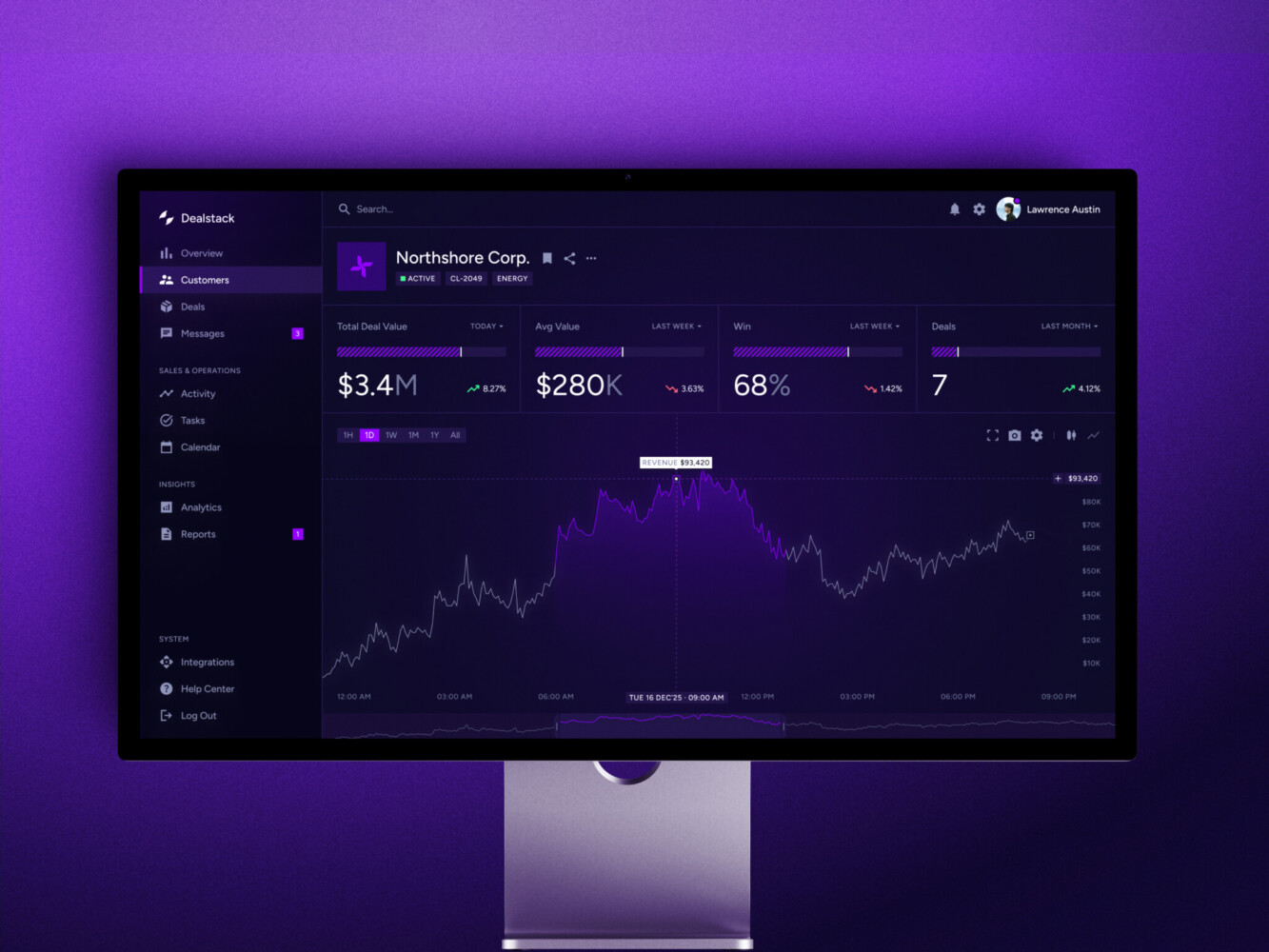
Sales Analytics Dashboard by Shakuro
Why Work With an Experienced Development Team
A headless project touches many areas at once: frontend performance, API design, UX/UI, content workflows, ecommerce logic, infrastructure, security, and testing. It is not just a frontend job, and it is not just a backend job either.
An experienced team can help decide what should be headless, what should stay simple, and where the risks are hiding. They can also design the system so content editors, marketers, developers, and customers all get something that feels usable.
If you are planning this kind of project, it helps to work with people who can connect product thinking with engineering details. Web development, frontend development, backend development, ecommerce development, software architecture, and UI/UX design all come into play here. When those pieces speak to each other, the project has a much better chance.
Final Thoughts
Headless architecture is not a silver bullet. It will not automatically fix a messy product strategy or poor content workflow. But when the need is real, it can make a digital platform much easier to evolve.
The main idea is simple: separate the experience from the systems behind it. That gives teams more freedom to design, test, publish, and scale. It also asks them to be more thoughtful about APIs, integrations, security, and long-term maintenance.
If I had to boil it down, I would say this:
- Define the business reason before choosing the architecture.
- Plan integrations and content workflows early.
- Use headless when flexibility is worth the added responsibility.
That last part is important. Headless is about giving the product room to grow without making every change feel like surgery.
Need to build a headless architecture for your CMS or other platforms? Reach out to us and let’s create a responsive solution together.
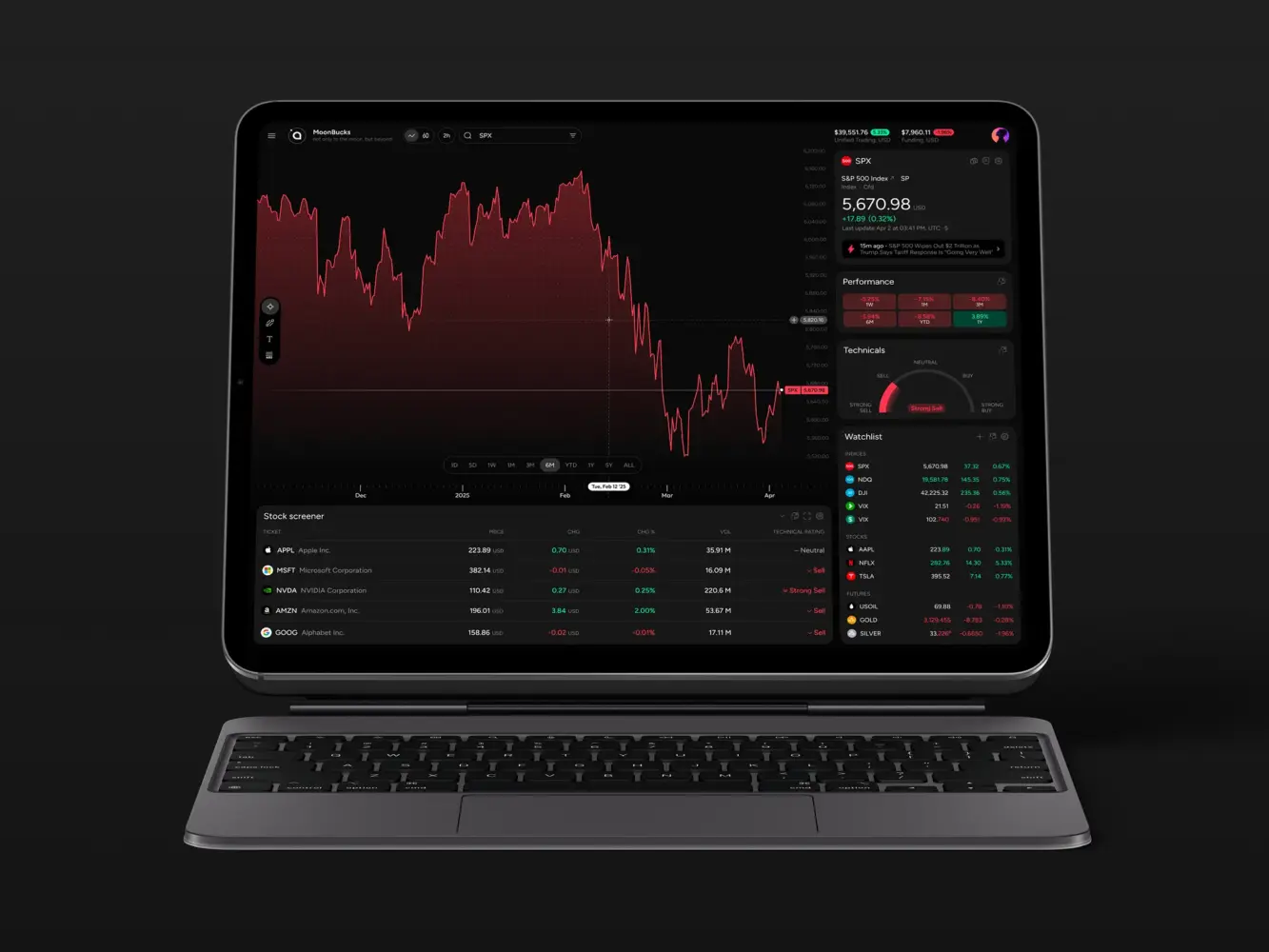
Financial Market Trading Analytics Tool Dashboard Design by Shakuro
FAQ
What Does a Headless Setup Mean in Simple Terms?
It is an approach where the frontend is separated from backend systems. The backend manages content, commerce, data, or logic, and the frontend gets what it needs through APIs.
Is Headless Architecture Good for SEO?
It can be, if it is built properly. The team needs to plan rendering, metadata, redirects, schema, internal links, image optimization, and page performance. Headless provides flexibility, but SEO still requires deliberate work.
What is the Difference Between Headless CMS and Traditional CMS?
In a traditional CMS, content management and page presentation are generally combined. With a headless CMS, the focus is on storing and delivering content via APIs, with presentation of that content being controlled by a separate frontend.
Is Headless Architecture the Same as Microservices?
No. The headless model decouples the front end from the back end. Microservices decouple back end functionality into smaller independent services. They can work together, but they solve different problems.
When Should a Business Use Headless Ecommerce Architecture?
It’s perfect for businesses that need a distinctive storefront, complex buyer journey, multi-channel commerce, better performance, or integrations with systems like ERP, CRM, PIM, search, and personalization tools.
Related reading