A few years ago, a founder with an idea often had to choose between raising money, hiring a developer, learning to code, or building a clickable Figma prototype and hoping people could imagine the rest. Now, you can describe a workflow to an AI app builder, nudge the UI a little, and connect a database, and suddenly there is an app. Not perfect. Not always pretty under the hood. But real enough to show someone.
That changes the early product game.
Still, there is a slightly uncomfortable moment that comes after the excitement. The MVP works. A few users like it. Someone asks if they can pay. An investor wants to see the roadmap. A customer asks about security. Your friend who “knows React” opens the code and goes quiet for a minute.
So the question becomes, is this app ready for production?
Let’s walk through the checklist.
Key Takeaways:
- AI app builders are great for validation. Lovable, Bolt, Replit, and similar tools can help founders prove demand, test workflows, and get user feedback fast.
- A working MVP is not automatically production-ready. Before real users, payments, and customer data enter the picture, the app needs a serious review.
- Code ownership matters. Founders should check whether they can export the code, hand it off to developers, run it locally, and maintain it outside the original builder.
- Production needs boring but critical infrastructure: hosting, staging, environment variables, CI/CD, monitoring, logs, backups, and rollback options.
- Data, auth, payments, and integrations are the risky parts. These areas need careful review because small prototype shortcuts can become expensive or unsafe in production.
- Don’t rebuild everything by default. The smart move is to decide what to keep, what to refactor, and what truly needs rebuilding.
- Bring in design and development support when the MVP becomes a real business asset. That usually happens when users want to pay, investors ask technical questions, or the product needs to become reliable enough for customers.
What the Builder Helped You Validate
That app you built? It wasn’t a waste of time. Not even close.
These tools—Lovable, Bolt, Replit, whatever flavor you’re into—are absolutely killer for one specific thing: cutting through the noise. Before AI app builder platforms, if you wanted to test an idea, you had two choices. Spend three months learning to code (or hiring someone who could), or build a static Figma mockup and pray people understood it. Neither was great.
Now you can have a living, breathing prototype in a weekend.
When you show a potential customer a clickable, working workflow instead of a slide deck, their reaction changes. They stop imagining how it might work and start telling you why it doesn’t. Maybe they get stuck on the signup screen. Maybe they love the dashboard but hate the reporting feature. You can’t get that kind of raw, honest feedback from a wireframe. You need the thing to feel real.
For investors? Well, you know how it is. Everyone has a pitch deck. But showing them a functional MVP that proves your core loop actually works? That’s different. It shows you’ve moved past the “idea” phase and into the “execution” phase. It reduces their risk perception because they can see the mechanics. It clarifies the UX because you’ve already stumbled through the awkward parts yourself.
So, look at your app created with a Lovable AI app builder for what it is: a highly effective research tool. It helped you de-risk the business model. It clarified your value proposition. It proved there’s demand.
But it wasn’t designed to be the foundation of your production house. It’s more like the scaffolding you used to inspect the building site. Useful? Absolutely. Essential for getting started? Yes. But you wouldn’t want to live in the scaffolding, right?
It created useful evidence. Now you just need to make sure the actual structure can hold up.
Signals Worth Keeping
So, if the code itself is mostly disposable, what’s actually worth keeping? What do you take with you into the “real” build?
It’s not the syntax. It’s the signals.
Think about the flows that actually worked. You know, those specific user journeys where people didn’t get stuck? Maybe it was the way they onboarded or how they exported a report. If users consistently completed a certain task in your prototype without asking for help, that’s gold. That’s a validated workflow. Don’t change it just because you’re rewriting the backend. Keep that logic intact.
The same goes for feedback. Not the polite “looks nice” comments, but the specific complaints. “I wish I could filter by date.” “Why can’t I share this with my team?” They’re feature requests from people who are already engaged. Many founders ignore these because they are too focused on fixing server errors. Big mistake. That feedback is your roadmap.
Did you track any analytics when using a no-code AI app builder? Even basic stuff? If you saw a 40% drop-off at the payment screen, that’s a signal. If you had a waitlist and 200 people signed up in two days, that’s a signal. These numbers tell you where the friction is and where the interest lies. They’re real data points, not guesses. Also, look at how people actually used it versus how you thought they would.
If you managed to get any integrations working—even if they were hacky or held together with digital duct tape—note which ones mattered. Did users care that it connected to Slack? Or was it all about the Google Sheets export? Validated integrations are huge because building them properly takes time. Knowing which ones are essential saves you months of dev work later.
Basically, keep the what and the why, but be ready to completely redo the how. The value isn’t in the parts made with an AI app builder; it’s in the proof that those components solved a real problem for real people. That’s the stuff you carry forward. Everything else? It’s just scaffolding.
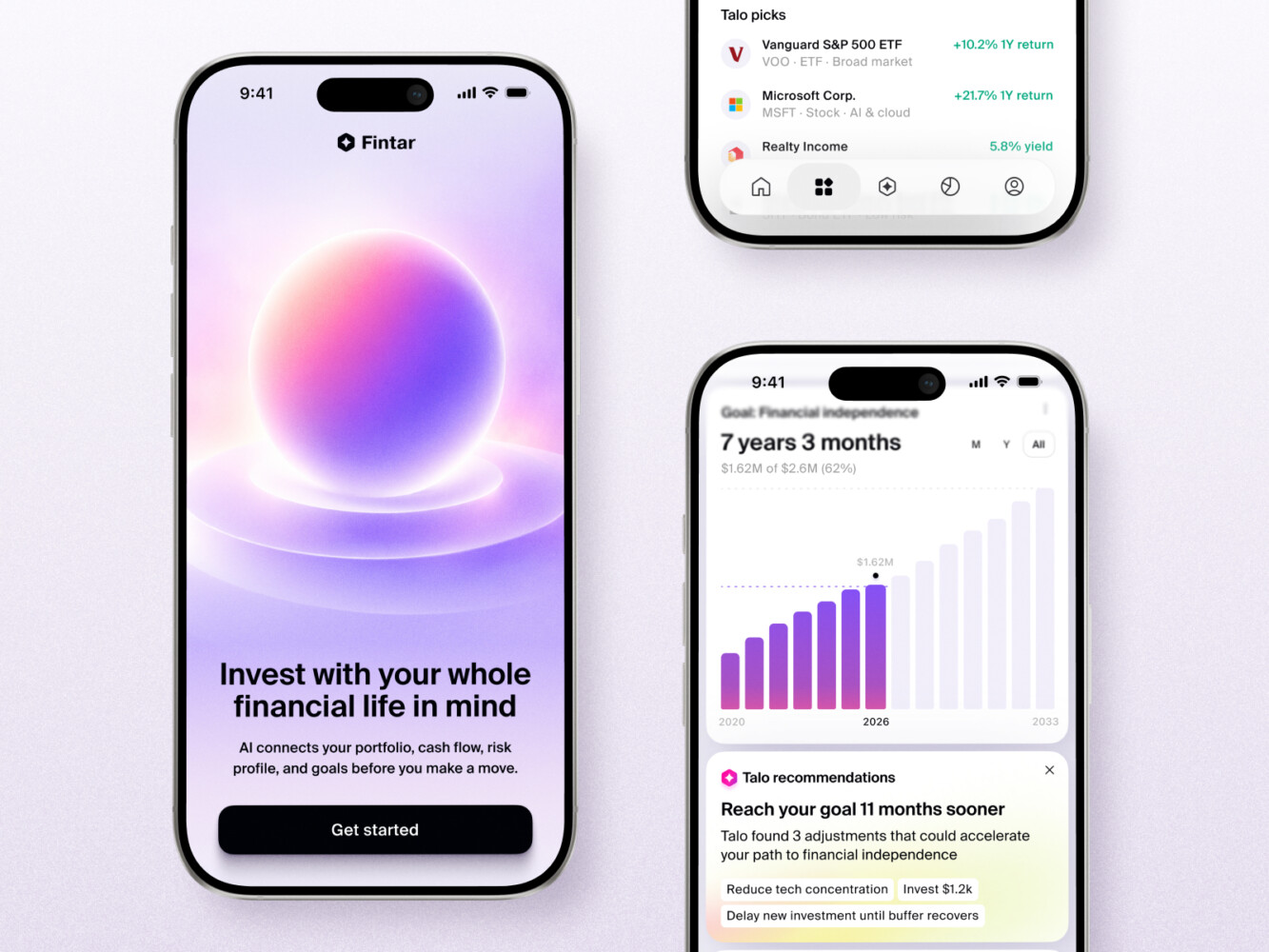
AI Wealth Copilot Mobile App Design by Shakuro
The Production-Readiness Checklist
Alright, let’s get into the nitty-gritty. This is the part where you stop celebrating and start inspecting. It’s about being smart. You wouldn’t buy a house without checking the foundation, right? Same idea here.
Code Quality and Maintainability
First off, look at the code. I know, you used an AI tool because you didn’t want to dig into the weeds. But now you have to. Open up the repo. Does it look like a mess of spaghetti, or is there some structure? Lovable app builder and others are great at getting things working, but they often duplicate logic or use weird shortcuts that make sense to a machine but confuse human engineers.
Check for duplicated functions. Are there three different ways to validate an email? Pick one and delete the rest. Look at the framework choices. Did it spin up something obscure just because it was easy to generate? If your future hires can’t understand the stack, you’re in trouble. And dependencies—make sure they’re up to date. Nothing kills momentum like spending a week fixing security vulnerabilities in outdated libraries.
Also, be honest about test coverage. Is there any? If not, that’s your first job. Can a new developer read the code and confidently add a feature without breaking everything else? If the answer is “maybe,” you’ve got work to do. Watch out for those hidden AI shortcuts too, like hard-coded API keys or bypassed security checks. They’re convenient until they’re not.
Code Ownership, Export, and Handoff
Do you actually own this code? It sounds simple, but some AI app builder platforms lock you into their ecosystem. Can you export the entire project? Not just a zip file of the frontend, but the backend, the database schema, the whole enchilada.
Ask yourself: Is this app tied to a proprietary runtime? If the platform goes down or changes its pricing, are you stuck? Try to run the app locally on your own machine. If you can’t, that’s a red flag. You need to be able to hand this off to another developer—or even just take a break—and come back to it without needing special access to a black-box system.
As for the secrets, are your API keys and passwords exposed in the code? If they are, rotate them immediately. Is the database schema portable? Can you move it to a different provider if needed? Documentation might feel like a chore, but even a simple README explaining how to set up the environment is worth its weight in gold when you’re trying to onboard help.
Hosting, Deployment, and Environments
Where is this thing living? Right now, it’s probably on some default URL provided by the builder. That’s fine for a demo, but not for production. You need proper hosting. Think about staging environments too. You don’t want to test new features directly on your live site. One wrong click and boom—your users see a broken page.
Do you have a CI/CD pipeline set up? Basically, does code automatically get tested and deployed when you push changes? If you’re still manually uploading files, stop. It’s error-prone and stressful. And what happens when things go wrong? Do you have a rollback strategy? Can you revert to the previous version in minutes, not hours?
Logging and monitoring are crucial. When an error occurs, do you know about it? Or do you only find out when a customer emails you angry? Set up alerts. Get a custom domain. It sounds small, but it builds trust.
Data, Auth, Payments, and Integrations
This is where the real business logic lives. How is your database designed? Is it normalized? Can it handle growth? Migrations—how do you update the database structure without losing data? It’s trickier than it sounds.
User roles and authentication are crucial when building apps with the Lovable or Replit AI app builder. Who can see what? Is the login flow secure? Are you using social logins? Make sure the token handling is robust. Payments are huge. If you’re taking money, you need a proper payment provider setup. Webhooks must be verified. Third-party APIs have rate limits—what happens when you hit them? Do you have error states handled gracefully, or does the app just crash?
And data ownership. Who owns the user data? You need to be clear on this, both technically and legally. Ensure your integrations are resilient. If Slack goes down, does your app stop working? It shouldn’t.
Security, Privacy, and Compliance Basics
I’ll keep this brief because it’s a rabbit hole, but you can’t ignore it. Access control is key. Can users see other users’ data? They shouldn’t. API protection—make sure your endpoints aren’t open to the world. Secure storage for sensitive info. No plain-text passwords. Ever.
Audit logs. Who did what and when? It’s essential for troubleshooting and security. Privacy policy implications. If you’re collecting emails, you need a policy. GDPR, HIPAA, PCI—if any of these apply to you, you need to be aware of them now, not after you get fined. Payment data handling is strictly regulated. Don’t store credit card numbers yourself. Let the provider handle it.
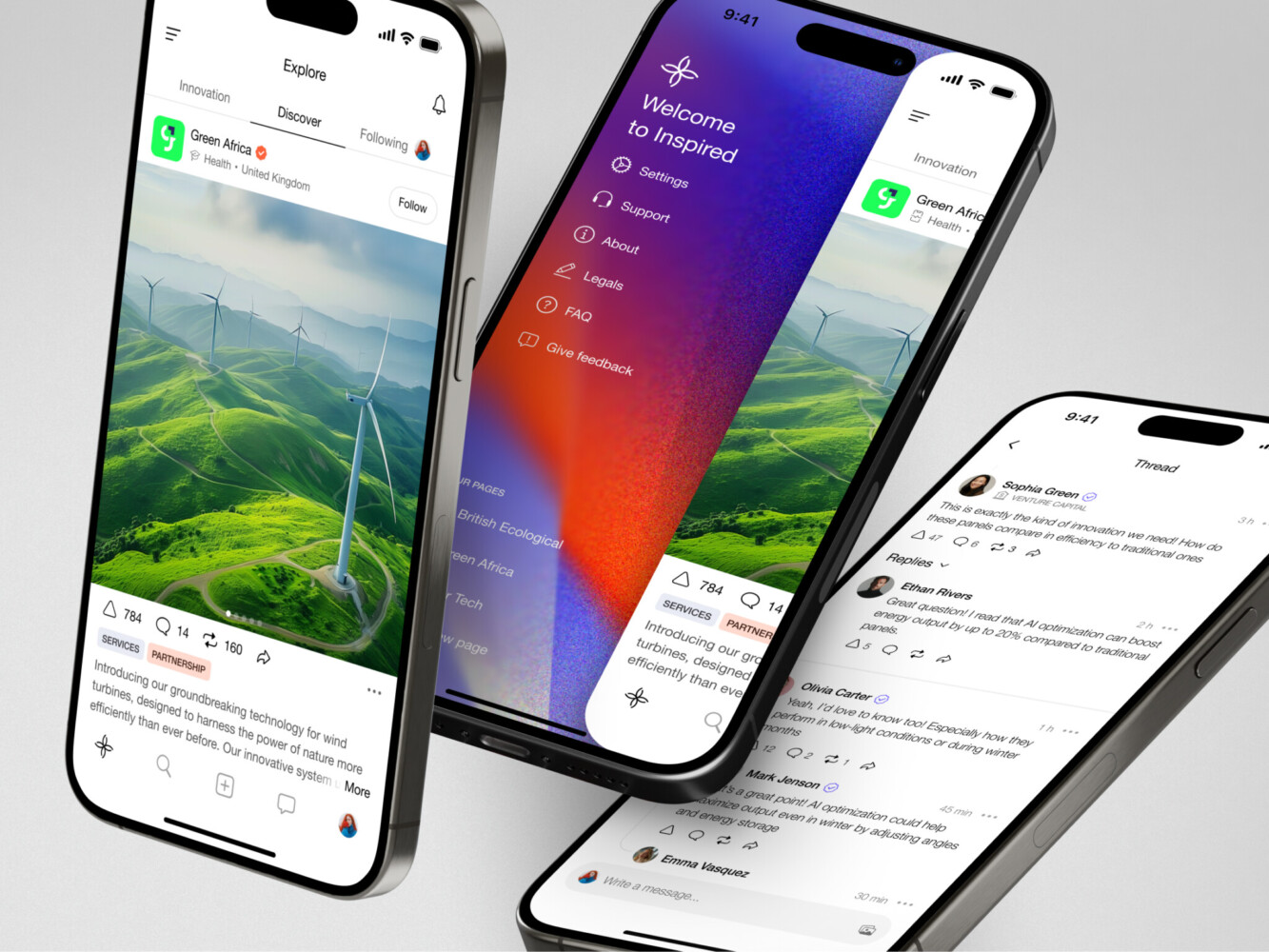
Mobile app for Inspired by Shakuro
Decide What to Keep, Refactor, or Rebuild Before Production
So, where does that leave you? You’ve got this working thing, and you’ve got a list of scary technical requirements. Do you trash it all and start from zero?
Honestly? Probably not. That would be wasteful.
The smart move is to separate the product from the implementation. Your AI app builder did a great job helping you figure out what the product should be. But it likely cut corners on how it was built. Your job now is to sort through the mess and decide what stays, what gets fixed, and what needs to go in the bin.
Keep
Start with the wins. If a user flow tested well—say, the way customers sign up and immediately see value—keep that logic. Don’t change it just because you’re rewriting the code. The copy that resonated? Keep it. The design direction that made people say, “Oh, I get it”? Keep that too.
Also, look at the API choices. If you picked a specific third-party service for emails or payments and it worked smoothly during testing, stick with it. There’s no need to reinvent the wheel. And if there are bits of code that are actually clean, well-structured, and easy to read? Keep those. Engineers love maintaining clean code, even if it came from an AI. It saves time. Basically, keep anything that represents a validated business decision or a solid technical foundation.
Refactor
This is the bulk of the work. Think of refactoring as cleaning up the house before you invite guests over. The structure is there, but it’s messy.
Components might be too big or tangled. Break them down. State management is often a mess in AI-generated apps; variables are everywhere, and it’s hard to track what changes what. Fix that. The database schema probably works for ten users but will choke on ten thousand. Normalize it. Add proper indexes.
API boundaries need tightening. Make sure your frontend and backend talk to each other in a predictable, secure way. Auth logic? Definitely refactor. No-code AI app builders often slap together a basic login, but production needs robust session handling, password resets, and security headers. Payment flows need to be bulletproof. And deployment setup—move from manual clicks to automated pipelines. If you have no test coverage, start writing tests for the core features. It’s not glamorous, but it saves your sanity later.
Rebuild
Sometimes, though, you just have to let go. If the architecture is fundamentally fragile—like everything is coupled together so tightly that changing one thing breaks three others—it’s time to rebuild. Unscalable data models are another candidate. If you can’t easily add new fields or relationships without breaking the whole app, scrap it.
Insecure auth is a non-negotiable. If you can’t trust the login system, rebuild it properly. Hardcoded business logic is a trap. If prices or rules are buried deep in the code instead of being configurable, you’ll hate your life every time you need to make a change.
If your app can’t be exported, or if it relies on some proprietary runtime that you don’t control, you’re building on sand. Rebuild it on standard tech. If you can’t hand it off to another developer without them needing a special key to a black box, it’s not yours. It’s theirs. And that’s a risk you shouldn’t take.
When to Bring in Design and Development Support
So, when do you stop DIY-ing it and actually bring in pros? It’s a tricky call. You don’t want to burn cash too early, but waiting too long can kill momentum.
The trigger isn’t usually a calendar date. It’s a feeling. Or better yet, a concrete signal from the outside world.
Design support helps when:
- Users understand the idea but struggle with the flow
- The product looks “MVP-ish” in a way that hurts trust
- You need onboarding, dashboards, admin panels, or mobile layouts
- The brand needs to feel credible before sales calls
Development support helps when:
- The codebase is hard to maintain
- The app needs production hosting
- Payments, auth, or data are getting serious
- You need a technical roadmap
- You need to choose between refactor and rebuild
And yes, sometimes it is a full rebuild. But only after you’ve exhausted the lighter options.
The key is matching the level of support to the specific trigger. Don’t hire a team to fix a CSS issue. But don’t try to architect a scalable backend yourself if you’ve never done it before. Be honest about where your skills end and where the risk begins.
Bringing in help while working with an AI app builder isn’t admitting defeat. It’s recognizing that you’ve successfully validated something worth protecting. Protecting it properly is just smart business.
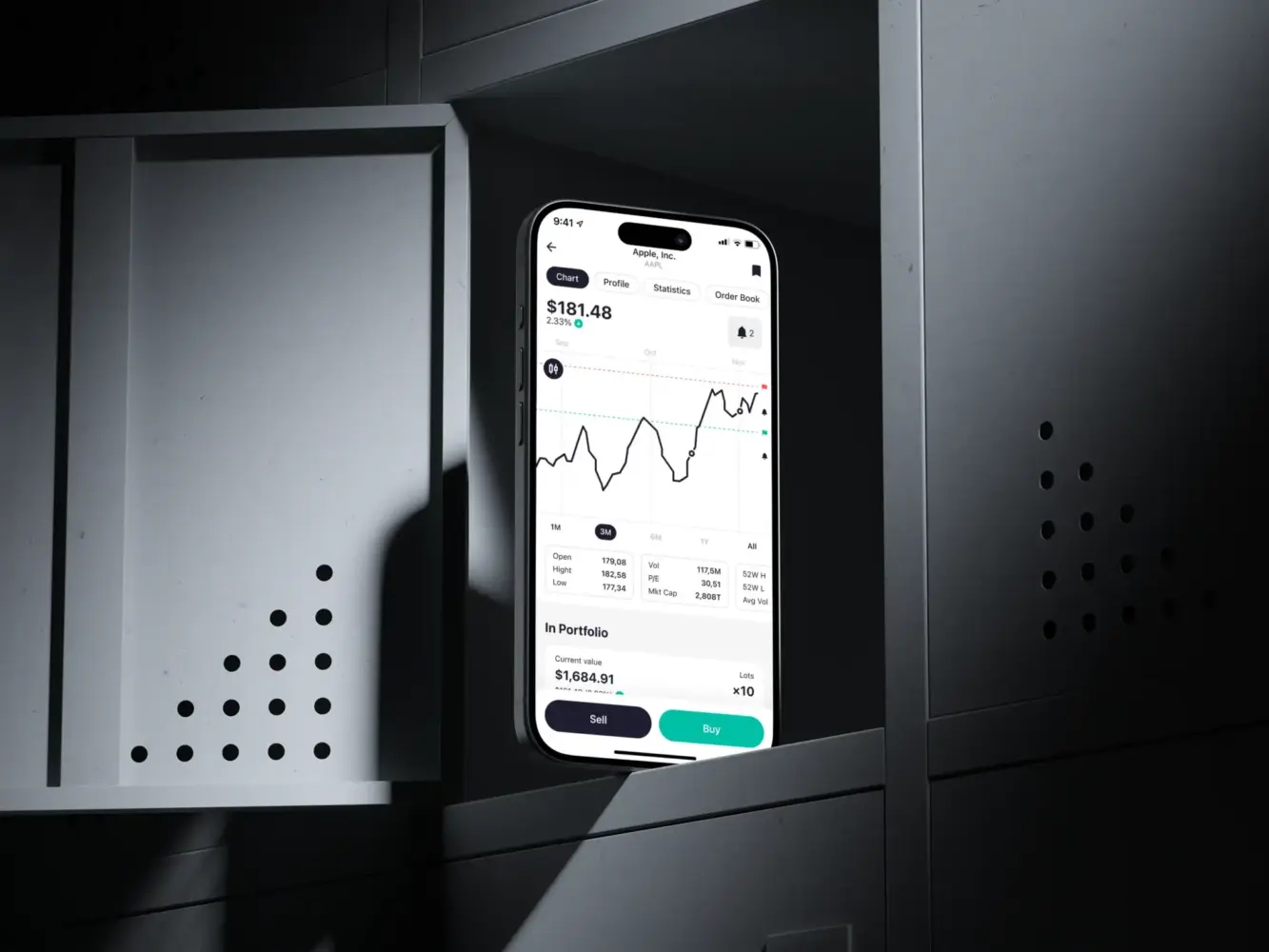
Mobile App UX/UI Design for Kuwaiti Investment Platform
Production Roadmap After the Checklist
A simple roadmap can make the next step less foggy. Here is one as an example:
- Product audit: Review what the MVP proved, what users actually did, and which features matter.
- UX review: Look at onboarding, core flows, navigation, mobile behavior, empty states, and trust signals.
- Technical audit: Check architecture, code quality, dependencies, database design, security, deployment, and handoff readiness.
- Keep/refactor/rebuild decision: Make a practical call. Not emotional. Not theoretical. Just what gets the product to production with the least future pain.
- Architecture plan: Define the frontend, backend, database, hosting, integrations, environments, and monitoring setup.
- Sprint roadmap: Break the work into production milestones. Founder-friendly, investor-friendly, and developer-friendly. Everyone wins a little.
- QA and staging: Test real flows with realistic data. Payments, auth, emails, errors, permissions—the whole thing.
- Launch and monitor: Deploy carefully, watch behavior, fix issues quickly, and plan the next product cycle.
This is not as flashy as building the first MVP. But it is the part that turns a promising demo into something customers can trust.
Our Experience in Working With AI-Built Products
We don’t just look at the syntax. We look at the whole picture. Is the architecture going to hold up when you have 10,000 users instead of 10? Are there security holes hiding in those AI-generated shortcuts? Can you actually own and export this thing, or are you locked into a platform? We dig into the code quality, the deployment setup, and the data models to give you a clear, honest assessment.
But it’s not just technical. We also look at the product side. Does the UX actually work for real humans, or is it just functional? Are the user flows validated? We help you separate the gold—the validated features and designs—from the gravel—the fragile implementation details.
Based on that audit, we give you a roadmap. Maybe you need a light refactor of the database. Maybe you need a full rebuild of the auth system. Or maybe you just need some design polish and a proper CI/CD pipeline. We tailor the support to what you actually need, not what sounds impressive.
If you’re sitting on an AI-built MVP and feeling that mix of excitement and anxiety, it might be worth getting a second pair of eyes on it. Because knowing exactly what needs to be done is half the battle.
Final Thoughts: Treat the AI-built MVP as Evidence, not Baggage
If Lovable, Bolt, Replit, or another AI tool helped you build a working MVP, that is a win. Really. You moved faster than founders could move even a short time ago.
But production asks different questions.
Can the code be maintained? Can the app be deployed safely? Is the data model ready? Are auth and payments reliable? Can someone else own the product without reverse-engineering every decision? Is the UX good enough for people who did not watch the product being born?
That last one matters more than founders like to admit.
Use the MVP as evidence. Keep what worked. Refactor what is close. Rebuild what will hurt later. And before putting serious budget behind it, get a platform-neutral review from people who can look at product, design, and engineering together.
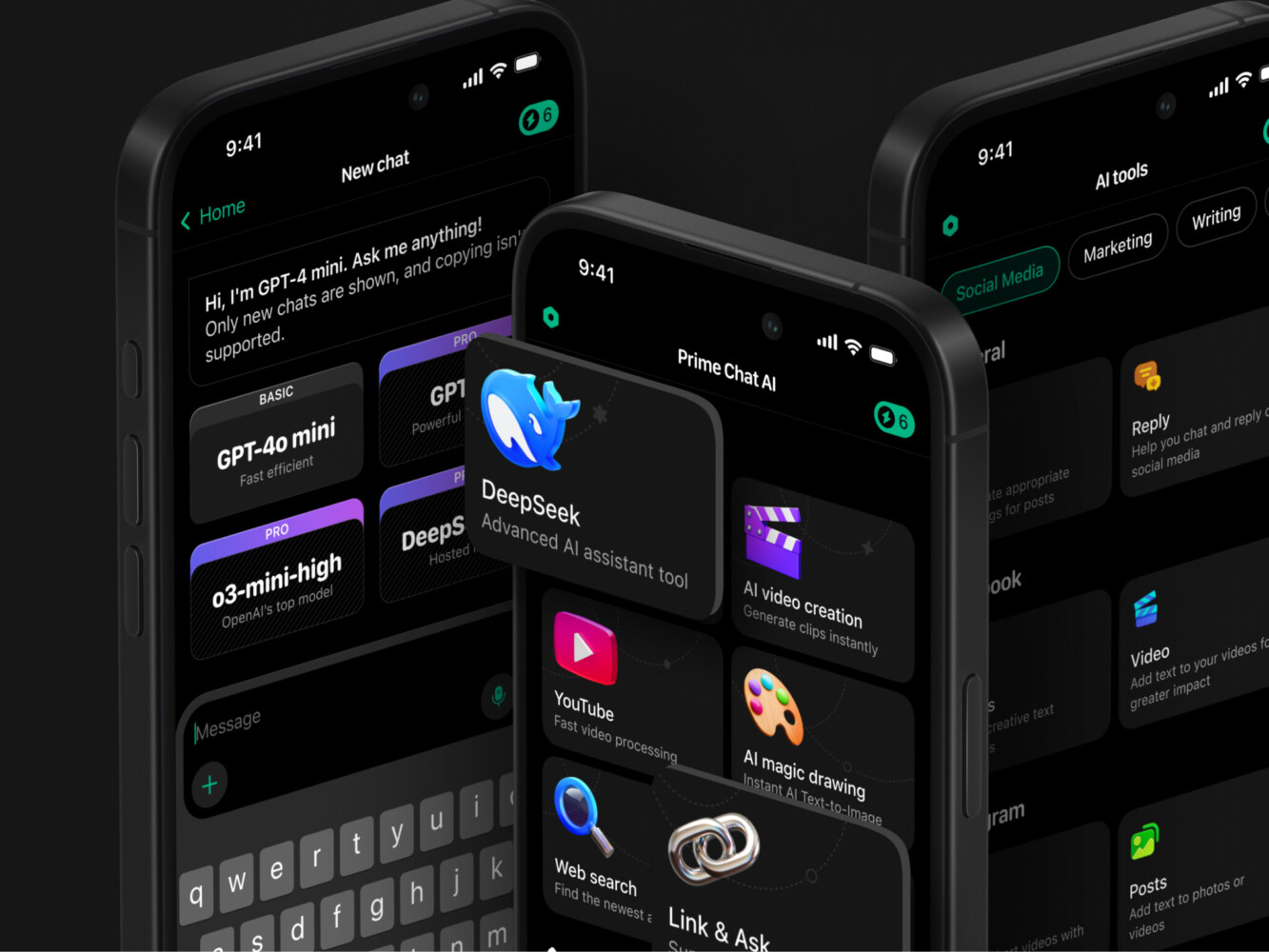
Prime Chat AI Mobile Assistant by Shakuro
FAQ
Can I launch a Lovable, Bolt, or Replit app directly to production?
Sometimes, yes, for a small internal tool or a low-risk product. But before launching to real customers, review code quality, hosting, data storage, authentication, payments, security, and handoff options. A working demo is not automatically production-ready.
Should I rebuild my AI-generated MVP from scratch?
Not always. In many cases, the best option is mixed: keep validated flows and product logic, refactor weak code, and rebuild only the risky parts. A technical audit can help you avoid both extremes.
What should a developer check before taking over an AI-built app?
They should check repo structure, dependencies, setup instructions, environment variables, database schema, API design, auth, secrets, deployment process, tests, and whether the code can be maintained outside the original builder.
How do I know if my MVP is scalable?
Look at the database model, hosting setup, API structure, background jobs, third-party integrations, monitoring, and how easily new features can be added. If every small change feels risky, scalability is probably not only a server problem.
What is the best AI app builder for founders?
The best choice depends on what you are testing. Some tools are better for quick web apps, some for coding workflows, and some for hosted prototypes. For production planning, the bigger question is not just the tool but whether the resulting product can be owned, maintained, secured, and extended.
Related reading
- Keep, Refactor, or Rebuild: What Happens After AI MVP Development
- Vibe Coding Best Practices: Where Prototypes Stop and Production Software Starts
- Technical Debt in AI-Generated Code: Risks Founders Should Check Before Scaling
- SaaS MVP Development: How to Build, Launch, and Scale a Product Users Actually Need