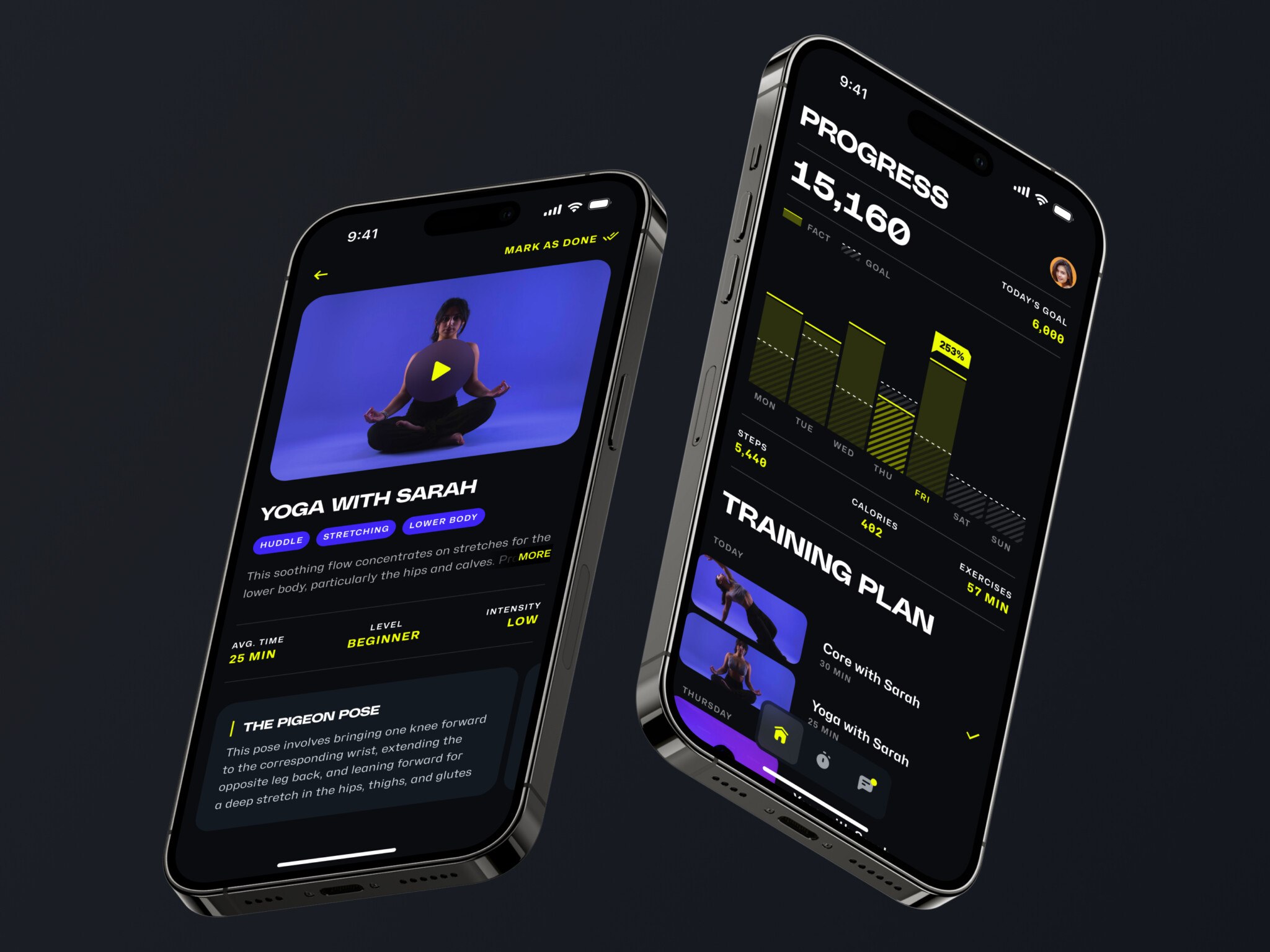
Introduction: The First Real Test of a Vibe-Coded App
You have an idea, you open an AI app builder or coding assistant, describe what you want, tweak the output, push a few screens around, and suddenly there it is: a working product. Not perfect, no, but working. That part still feels a bit magical.
Then the second phase begins. Users try your vibe coding app. A potential investor asks for a demo. A sales call goes well until someone clicks the settings page. The dashboard looks fine on your laptop, slightly strange on a tablet, and completely lost on a phone. The button styles do not match. And somewhere in the back of your mind there is that uncomfortable question:
Can we redesign this thing, or do we have to rebuild it from scratch?
It’s a tough spot. Rebuilding sounds scary. It’s expensive, it takes forever, and stakeholders get nervous. But keeping the old code? That’s its own kind of pain. Slow releases. Bugs that come back from the dead. Team morale is dipping because everyone is tired of fighting the same fires.
You might be wondering if it’s even possible. Well, yeah. It’s messy, sure. But it beats moving out.
This article will help you figure out where your app actually stands. Is it salvageable? How much effort is too much? And when is it time to just let go? Stick around. We’ll break it down. Just real talk about what it takes to turn a vibe-coded mess into something you’re actually proud to ship.
Key takeaways
- A vibe-coded app often can be redesigned without a full rebuild, but only if the core logic, data model, and security are stable enough.
- Redesign works best when the main problem is UX: confusing flows, weak visual consistency, poor onboarding, or messy navigation.
- If the app has fragile code, weak permissions, broken data handling, or missing QA, it needs refactoring before or alongside redesign.
- Start with an audit. Separate design problems from engineering problems before investing in new screens.
- Vibe coding tools are useful after launch, but they need clear constraints and human review.
What Is a Vibe-Coded App?
Before we get into the redesign part, let’s be clear about the phrase itself.
Vibe coding is a way of building software where a person describes what they want, often in natural language, and an AI tool helps generate the code, interface, or product logic. The “vibe” part comes from the fact that the creator is often steering by intent more than by traditional engineering detail. You ask for the feeling, the flow, the feature. The tool fills in a lot of the blanks.
So, what is vibe coding in practical terms? It is not exactly no-code. It is not exactly traditional coding either. It sits in that slightly weird middle area where a founder, designer, or product person can build something that used to require a developer, at least in the early stages.
That is why the vibe coding meaning has become so interesting for startups. It gives people a faster route from idea to prototype. Sometimes from idea to MVP. Sometimes, honestly, it goes from idea to “wait, people are actually paying for this?”
A definition I like is this: building software by directing AI around product intent, then shaping the result through prompts, edits, and trial and error.
Not fancy. But pretty accurate.
Vibe Coding vs Traditional Coding
It is not a moral battle. One is not “real” and the other is fake. That framing gets old fast.
Traditional coding starts with more explicit control. Developers define architecture, data models, components, tests, deployment, and security rules in a deliberate way. Ideally, anyway. Real projects are messier than textbooks, as everyone knows.
Vibe coding starts with speed and expression. You describe the outcome and iterate until the product behaves close enough to your idea. It is great when you are exploring. It is a bit less great when you need consistency, long-term maintenance, or five people working on the same codebase without stepping on each other.
Here is the difference I notice most often: traditional software usually has structure before surface polish. Vibe-coded products often get surface and structure at the same time, which can be fun but also chaotic.
That chaos is not always fatal. But it matters when you want to redesign.
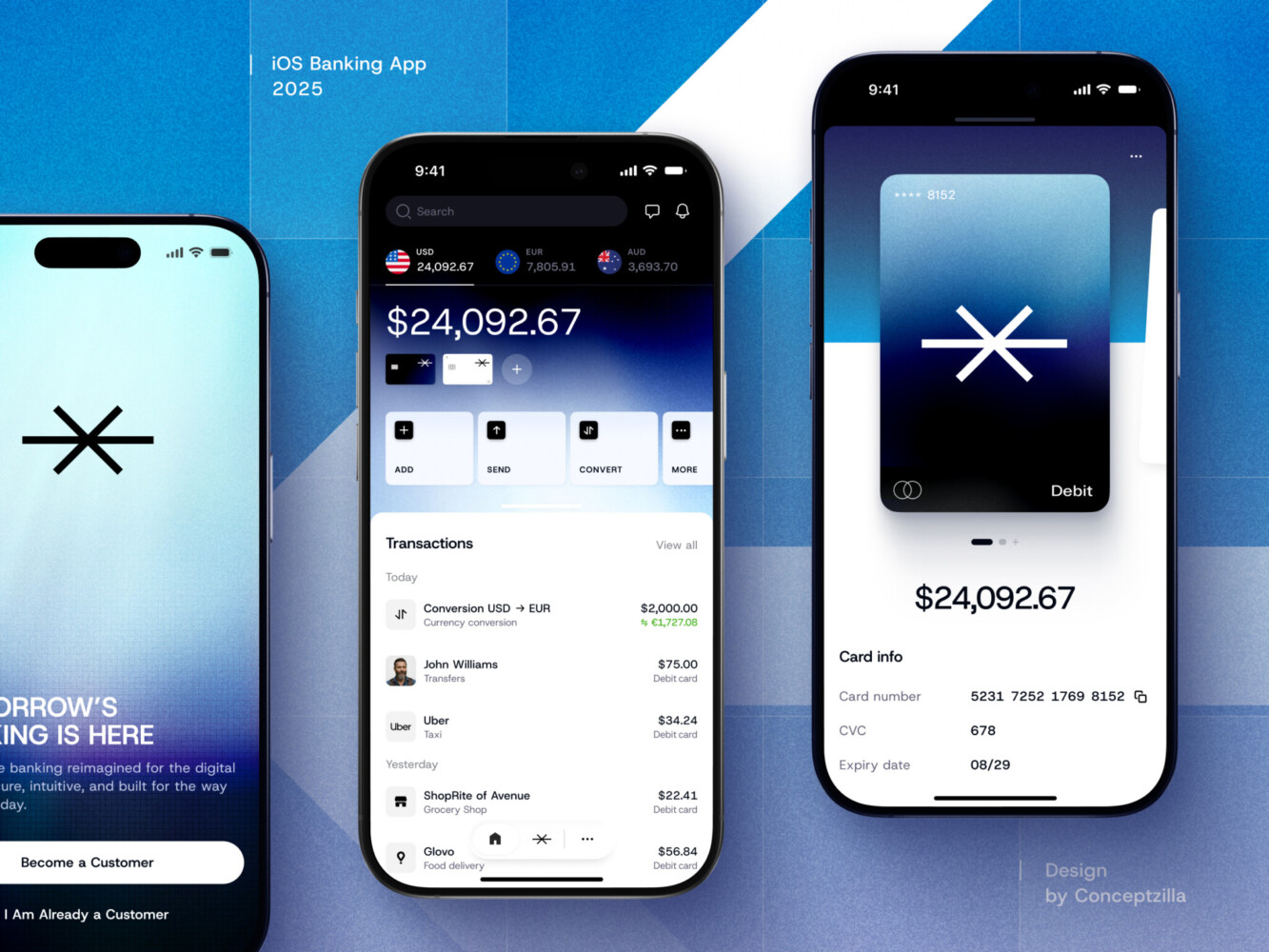
Mobile banking app by Conceptzilla
Short Answer: Yes, But Only If the Foundation Can Survive It
A redesign is not the same thing as repainting a wall.
In an app, the interface is connected to state, permissions, data, error handling, loading behavior, empty screens, user roles, and all the small decisions that make the product feel trustworthy. When you change the interface, you may touch more code than expected.
Still, many vibe-coded apps can be redesigned without a full rebuild. The trick is knowing which layer you are working on.
If the app’s core idea is valid, the main workflows are usable, and the backend does not fall over every time you change a button, redesign can be a smart next step. You can improve navigation, clean up layout, create a design system, fix responsive behavior, rewrite confusing copy, and make the product feel much more credible.
But if the app has broken authentication, duplicated logic, no clear component structure, random database fields, and hidden security issues, then the redesign may turn into a refactor. Or, in the worst case, a rebuild.
Not because designers love making things complicated. It is because the interface is often where deeper problems finally become visible.
What Can Usually Be Redesigned
Some parts of a vibe-coded app are fairly safe to redesign.
Navigation is one. A messy menu or confusing sidebar can often be reworked without changing the whole system. Same with information architecture, page hierarchy, onboarding screens, forms, dashboards, settings pages, and visual style.
A lot of app redesign work lives here:
- Making the first screen clearer
- Grouping features in a way users understand
- Reducing unnecessary steps
- Cleaning up typography and spacing
- Making buttons, inputs, cards, and modals consistent
- Fixing mobile and tablet layouts
- Improving empty states and error messages
- Rewriting awkward AI-generated text
This is where UX can really help. I know “UX” gets used as a vague magic word sometimes, but in this case it means something concrete: helping people move through the product with less guessing.
And you agree, that sounds good, doesn’t it?
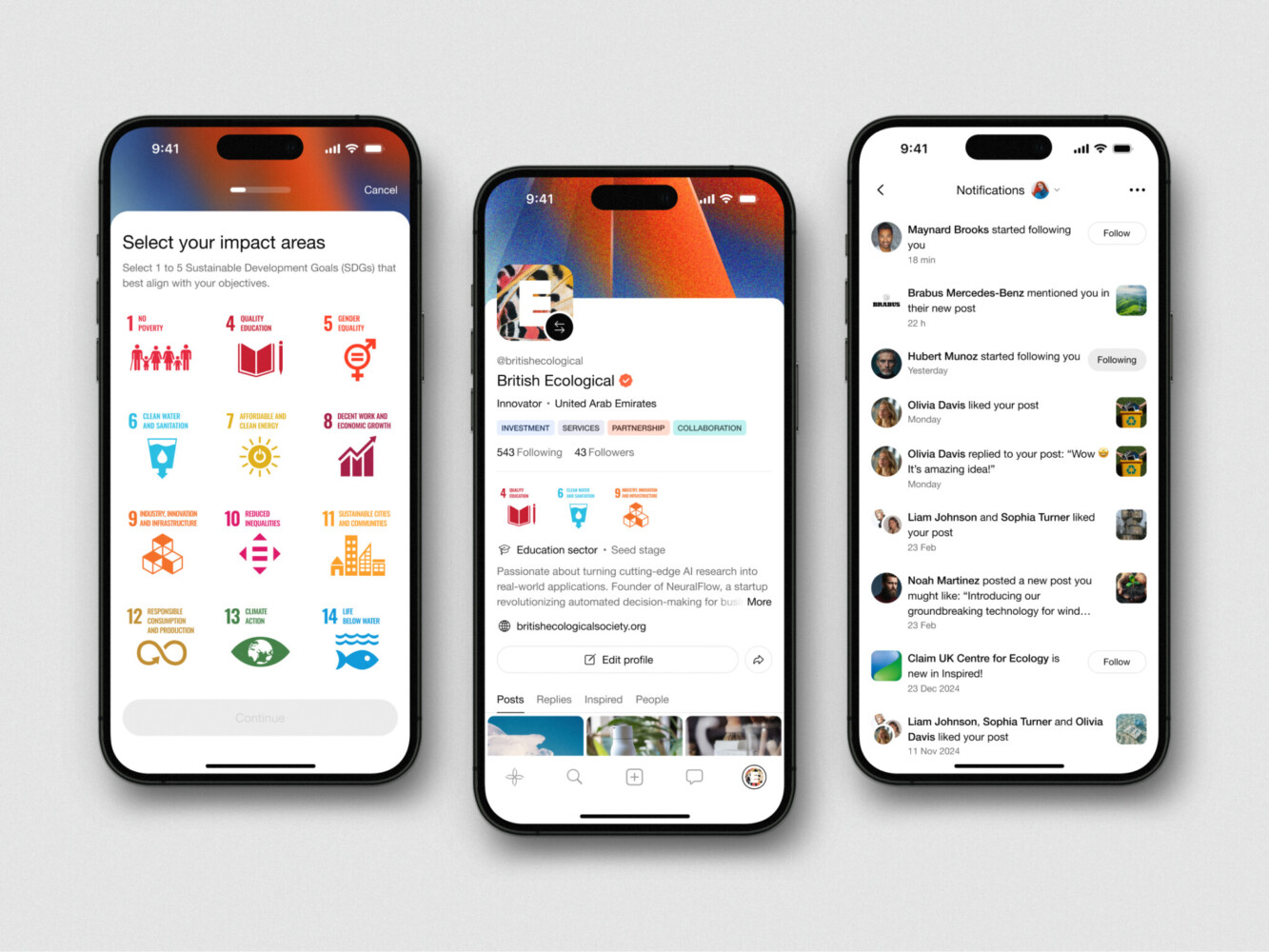
Mobile App Design for Inspired by Shakuro
What Usually Requires Engineering Work
Some things are harder to “just redesign.”
Authentication is one. Permissions too. If your admin and regular user screens are only separated by a hidden button, that is not a design issue. That is a security issue wearing a design hat.
Backend logic also needs care. A checkout flow, booking system, analytics dashboard, or AI-powered recommendation feature may look like a set of screens, but the real complexity sits underneath. Data has to be saved correctly. Errors need to be handled. API calls need to be reliable. Users should not lose work because a loading state was never implemented.
In my experience, this is where teams get surprised. They expect to just redesign a screen. Then they discover the screen is held together by one giant component, three duplicated API calls, and a variable named something like newFinalData2.
That is not the end of the world. But it is not a simple visual cleanup either.
Signs Your Vibe-Coded App Is Ready for Redesign
A vibe-coded app is probably ready for redesign if the product idea works, but the experience feels immature.
Maybe users understand the value but keep asking how to do the same basic task. Maybe the dashboard has the right data, but no hierarchy. Maybe the app looks fine in a demo, then starts to feel shaky after ten minutes of real use.
Some good signs:
- Users can complete the core workflow
- The main features are stable enough
- The product has a clear audience
- You know which screens matter most
- The current UI is hurting trust or conversion
- The code can support frontend changes without collapsing
That last one is not very poetic, but it matters.
For example, if a founder is preparing for fundraising, the app may not need a rebuild yet. It may need a sharper UX, stronger onboarding, better visual consistency, and a product story that feels more grown-up. That is a very different project from rebuilding every line of code.
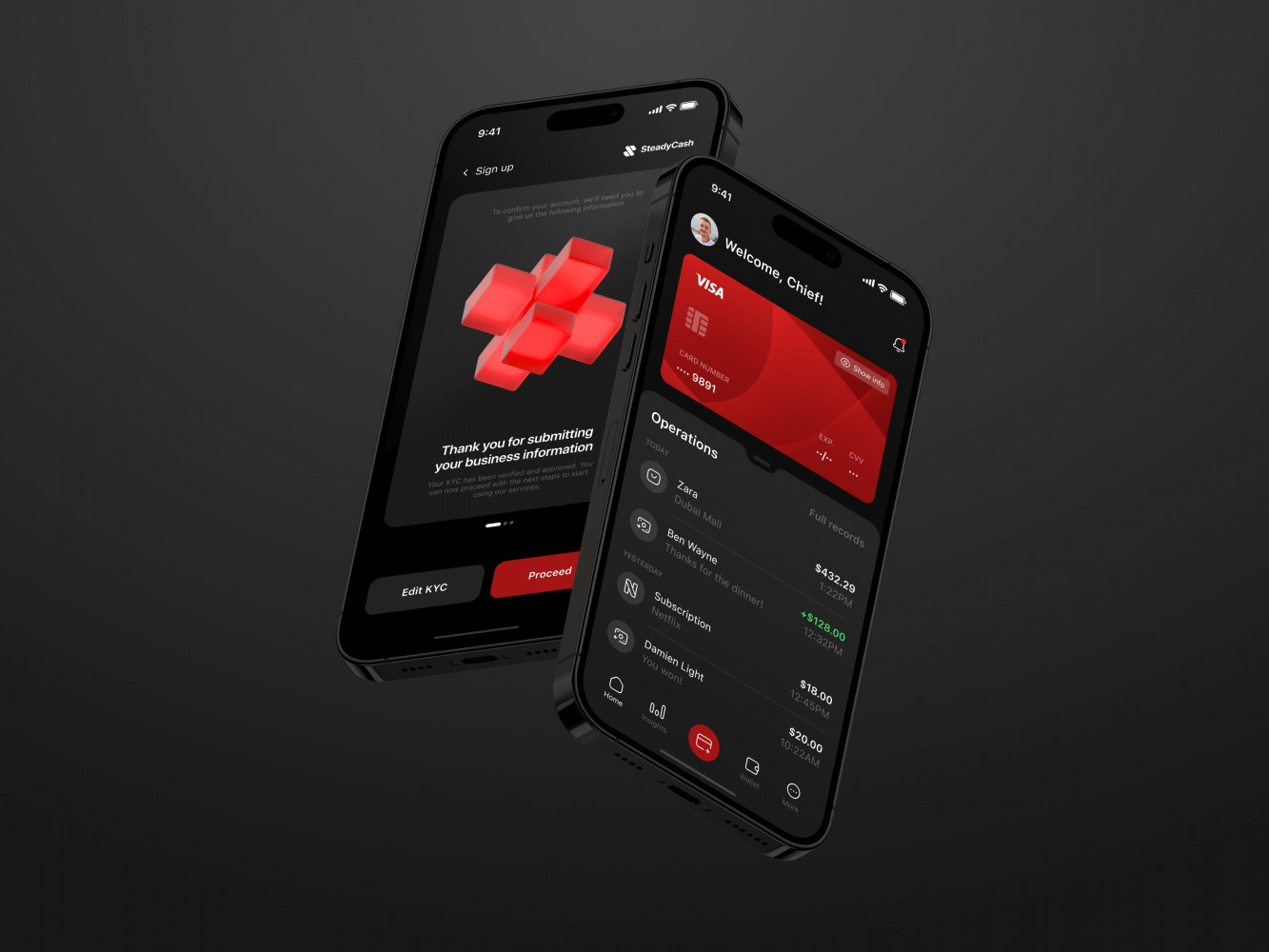
Mobile Banking App by Coneptzilla
When UX/UI Design Is Enough
Sometimes the best move is simply to make the product easier to use.
Not everything needs a grand technical intervention. If users are confused by labels, layout, flow, or hierarchy, a UX/UI redesign can do a lot. It can make the same product feel calmer, clearer, and more trustworthy.
This is especially true for apps built quickly with vibe coding tools. AI-generated interfaces can be surprisingly decent, but they often lack judgment. You get a screen that technically includes all the elements, but the rhythm is off. The primary action does not feel primary. The settings are mixed with analytics. A destructive button sits politely next to a harmless one, like nothing bad could happen.
Well, something bad can happen.
A proper UX pass helps separate what matters from what merely exists. It also creates rules. Spacing rules, component rules, naming rules, and behavior rules. Not glamorous, but oh, it really helps.

Signs You Need More Than a Redesign
Now for the less pleasant part.
Sometimes a redesign request is really a technical debt request in disguise. The app looks messy because the code is messy. Or because the product logic changed five times while the AI kept generating new pieces around old assumptions.
Watch for these signs when using vibe coding tools:
- The same feature is implemented differently on different pages
- There is no reusable component structure
- Styling is scattered everywhere
- User roles are unclear or easy to bypass
- The app breaks when a user has no data
- Error states are missing
- Loading states are random
- The database structure does not match the product anymore
- Nobody can explain how a key workflow works
If you see several of these, redesign can still happen, but it should be paired with refactoring. And one more point: do not ignore the boring stuff. Boring stuff is where production apps live.
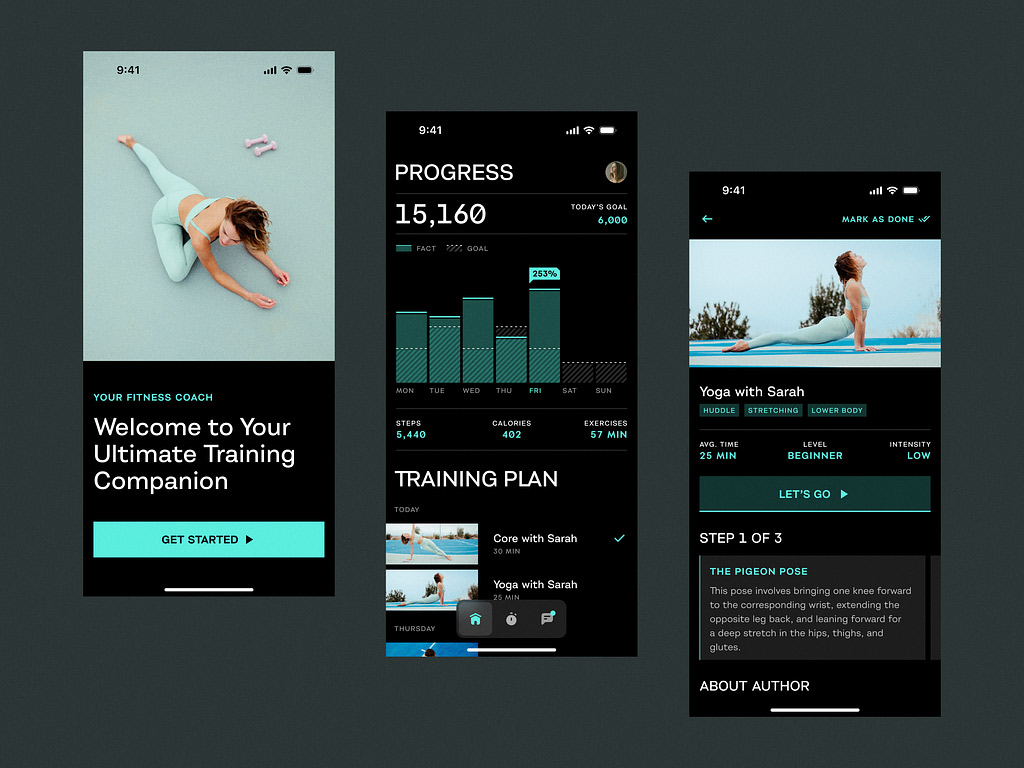
Sport App by Shakuro
Security Risks in Vibe-Coded Products
Vibe coding security risks deserve their own moment because they are easy to miss.
A fast-built app may include exposed API keys, weak authorization, unsafe data handling, missing validation, or dependencies nobody has checked properly. Sometimes the interface hides these problems beautifully. The login page looks clean. The dashboard has nice cards. Then someone realizes users can access data they should not see.
That is not a small cosmetic issue.
Security review should happen before a serious redesign or at least alongside it. Especially if the app handles payments, personal data, business records, health information, financial information, or anything users would be upset to see leaked. Which are most things, if we are honest.
A nice interface can build trust. A security mistake can burn it down in an afternoon.
How to Redesign a Vibe-Coded App Without Rebuilding It
So, how do you redesign an app UX without turning the whole project into a long rebuild?
You do it in layers.
Not in a heroic “let’s fix everything” sprint. That sounds good in a meeting and terrible three weeks later.
1. Audit the Product and Codebase
Start with an audit. Product, UX, frontend, backend, security, deployment. Nothing too theatrical, just a clear look at what exists.
You want to know:
- Which flows are most important?
- Which screens cause confusion?
- Which parts of the code are fragile?
- Where are user roles and permissions handled?
- What data is stored and where?
- Which features are real, and which are demo-only?
- What breaks on mobile?
- What would block redesign implementation?
This is the step people want to skip because it feels slow. But skipping it usually costs more time later. I have seen this pattern enough times: a team jumps straight into pretty mockups, then discovers halfway through that the product cannot support the new flow.
A little audit upfront saves a lot of sighing.
2. Separate the UX Problem From the Engineering Problem
A confusing checkout page might be a UX issue. Or it might be a payment logic issue. Or both.
A dashboard that feels cluttered might need better design. Or maybe the app is showing too much raw data because there is no product decision about what matters.
This separation is important. It keeps the redesign honest.
When working on a vibe coding app, make a simple map:
- Screen-level issues
- Component-level issues
- Flow-level issues
- Data-level issues
- Architecture-level issues
- Security issues
Once you see the layers, decisions get easier. You can redesign what is safe to redesign, refactor what needs cleanup, and postpone what does not matter yet.
3. Create a Lightweight Design System
A design system does not need to be huge. Please, no 90-page design bible for a two-month-old MVP.
But you do need some basic rules:
- Typography
- Color palette
- Spacing
- Buttons
- Inputs
- Cards
- Modals
- Tables
- Navigation
- Empty states
- Error states
- Loading states
- Responsive behavior
This is one of the vibe coding best practices after launch. AI tools can generate screens quickly, but without a shared system, every new screen may drift. A lightweight design system gives the app a center of gravity.
It also helps developers or AI coding tools implement changes more consistently. “Use the primary button component” is much better than “make this button look nicer.” We have all seen where that road goes.
4. Redesign the Highest-Impact Flows First
Do not redesign everything at once unless you have a very good reason.
Start where the product feels most important:
- Onboarding
- Activation
- Core workflow
- Dashboard
- Payment or subscription
- Settings
- Admin tools
- Reporting
- Collaboration flow
If the app has one flow that creates most of the value, begin there. Make it clear, stable, and pleasant enough that users do not have to think too hard.
This also gives the team a pattern. Once one important flow is redesigned and implemented, the rest of the product becomes easier to improve.
5. Refactor Only Where Redesign Touches Unstable Code
A redesign does not have to become a full engineering cleanup. But when you touch unstable areas, clean them enough.
That might mean turning repeated UI chunks into components, simplifying state handling, improving form validation, adding tests around risky logic, or removing dead code. Not glamorous work, again. But it makes the redesign stick.
Otherwise, you get a fresh UI sitting on top of fragile code. It looks better for a while. Then small updates start breaking things, and everyone gets that tired look.
You know the one.
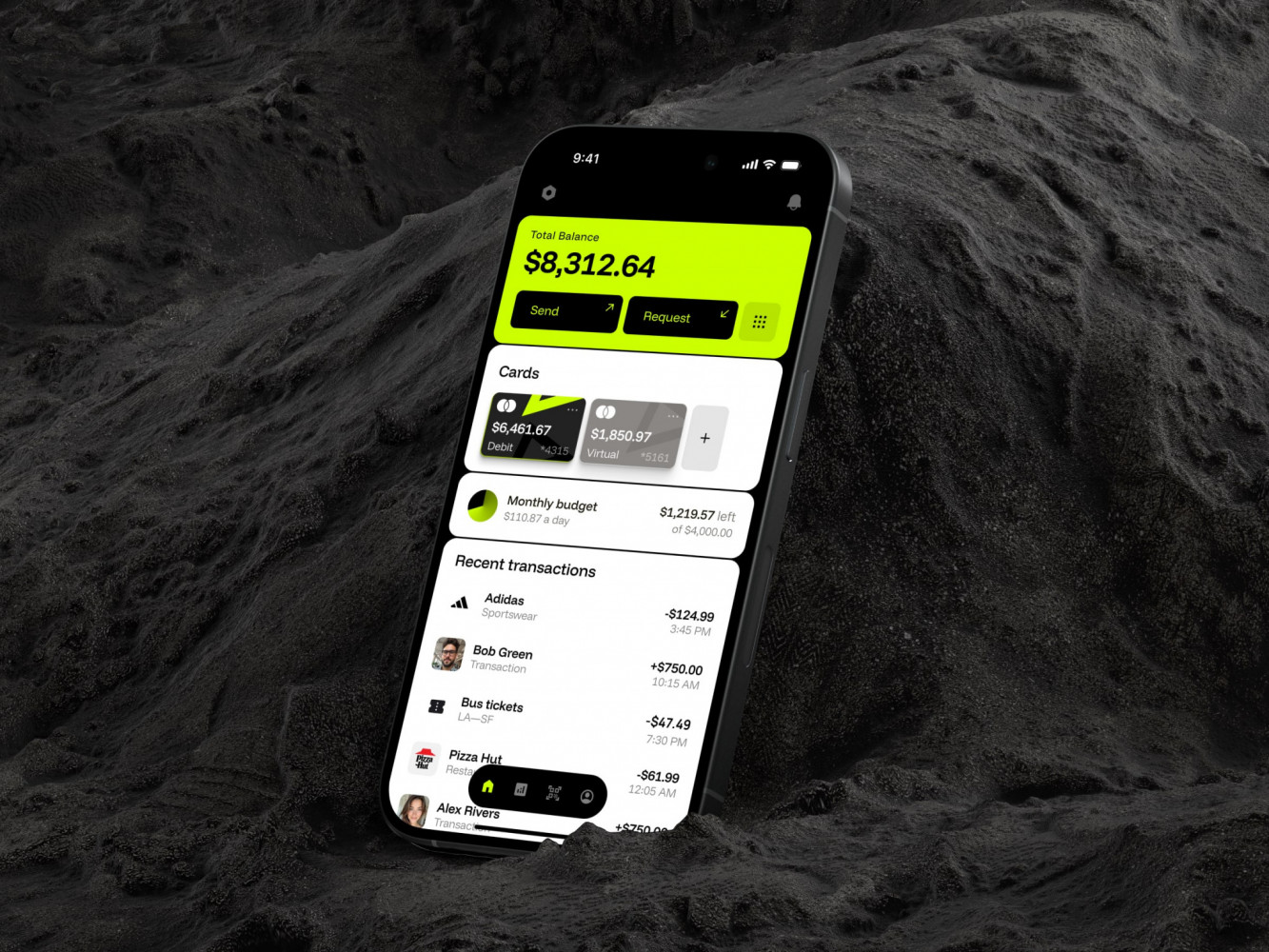
Mobile Banking App by Conceptzilla
What Role Do Vibe Coding Tools Play After Launch?
Vibe coding tools are still useful after the first prototype. Very useful, actually.
They can help generate interface variations, draft components, test layout ideas, create admin pages, or speed up smaller feature experiments. They are great for exploration.
But after launch, the job changes. You are no longer just asking, “Can this exist?” You are asking, “Can people trust this? Can we maintain it? Can it scale a little? Can another person understand it next month?”
That is a different game.
The best use of vibe coding tools after launch is guided work. Give the tool stronger constraints. Feed it design system rules. Ask for smaller changes. Review the output. Test it. Do not let it freely invent a new pattern every time it creates a screen.
Basically, use AI like a fast assistant, not like the final authority. That sounds obvious, but it is easy to forget when the tool keeps producing things that look almost done.
Redesign vs Refactor vs Rebuild: How to Decide
Here is a simple way to think about it.
Choose redesign when the product works, users understand the core value, and the main issue is experience quality. The app feels rough, inconsistent, or hard to navigate, but the core logic is stable enough.
Choose refactor when the idea works and the UX direction is clear, but the implementation is too messy to support ongoing changes. This is common with fast AI-generated products. You do not need to throw the app away. You need to clean the parts that slow everything down.
Choose rebuild when the architecture, data model, security, or core workflows are fundamentally wrong. A rebuild is not failure. Sometimes it is the grown-up version of the prototype. Still, it should be a decision, not a panic reaction.
The best option often sits between redesign and refactor. Improve the product experience, clean what the redesign touches, and leave the rest alone until it matters.
That is not as dramatic as “burn it down and start over.” But it is usually smarter.
Our Experience in Redesigning Vibe Coded Apps
We have experience working with products made with Lovable, Bolt, Cursor, v0, Replit, and Claude Code. At the same time, we audit and redesign custom AI-assisted builds. When it comes to models and AI layers, our team leverages OpenAI, Claude, Gemini, RAG / retrieval flows, agent logic, and prompt-to-action product logic.
Our stack consists of battle-tested technologies like React, Next.js, Python, FastAPI, C# .NET, Ruby on Rails, etc.
We audit product logic, user flows, UX, conversion, analytics, frontend, and backend. We find out what parts can be improved and what can be done next, with no judgement. You get a practical decision-making package with an executive audit summary and 30/60/90-day roadmap.
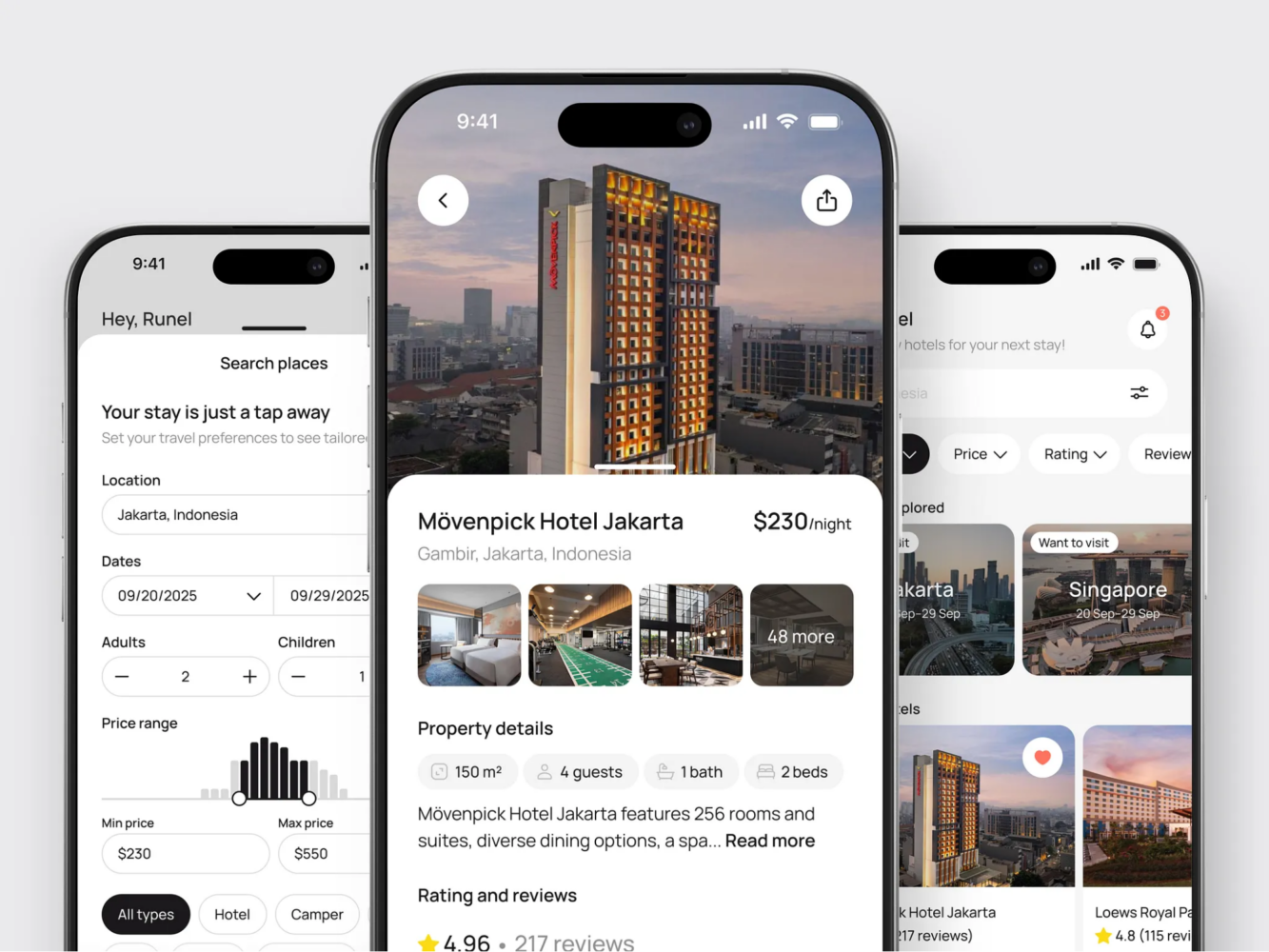
Hotel Booking Mobile App Concept by Shakuro
Common Mistake: Making It Prettier Too Early
There is a small trap here.
Sometimes teams want to redesign because they are tired of looking at the rough prototype. Fair enough. I get it. A messy interface can be embarrassing, especially when you have to demo it for the tenth time.
But visual polish too early can hide the wrong questions.
Are users using the product correctly? Is the core workflow right? Does the data model support the next version? Are there security issues? Are the main screens even the right screens?
If those questions are still wide open, a redesign might make the app look better without making it more useful.
So before the redesign, ask: are we improving a validated product, or are we decorating uncertainty?
Also, vibe coding limitations. You can quickly hit the wall when you decide to make a more complex product.
Final Thoughts
A vibe-coded app does not automatically need to be rebuilt.
That is the main thing. Fast AI-built products can be messy, sure. They can also be valuable. If the product idea is working, users care about it, and the core workflows are stable, a redesign may be exactly the right next move.
But do not judge only by the surface. Look under the UI. Check the code. Review security. Understand which problems are design problems and which ones are engineering problems pretending to be design problems.
The best path is usually practical: audit first, redesign the high-impact flows, build a small design system, refactor the fragile pieces you touch, and avoid rebuilding unless the foundation really demands it.
Can’t decide whether you need to redesign your vibe-coded app or just rebuild it from ground up? Drop us a message and we will audit the product for you.
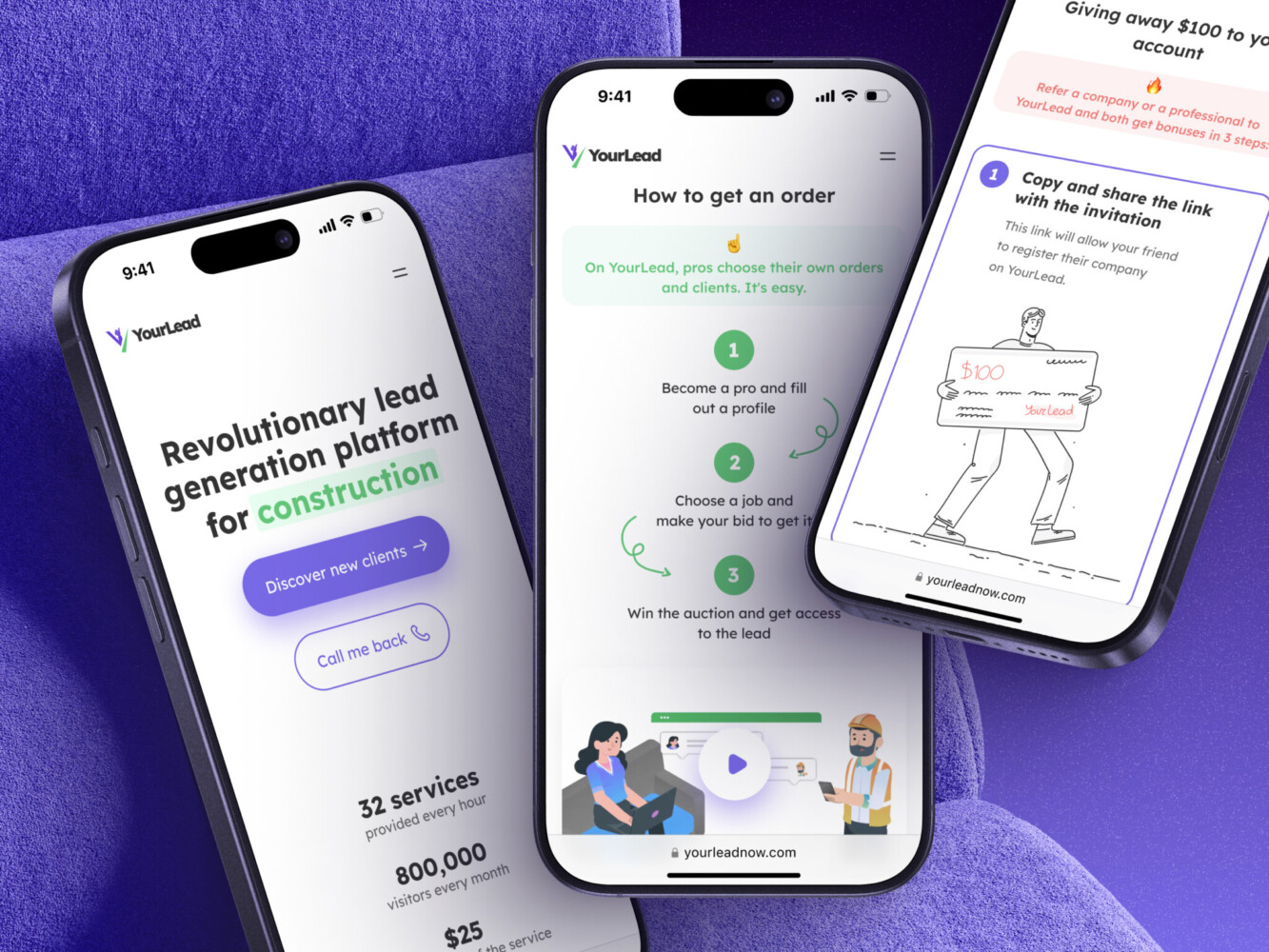
Mobile App for Construction Lead Generation Platform by Shakuro
FAQ
Can You Redesign an AI-Generated App Without Touching Code?
Sometimes, but only for surface-level changes. If you are changing colors, typography, layout, or copy in a simple interface, you might not need much code work.
For a serious product redesign, though, expect at least some frontend cleanup. Real UX changes usually touch components, state, forms, routing, and responsive behavior.
Is a Vibe-Coded App Production-Ready?
It can be, but not automatically.
A vibe-coded app should go through code review, security checks, QA, performance testing, and maintainability review before you treat it like production software. The fact that it works in a demo does not mean it is ready for customers.
What is the Biggest Risk of Redesigning a Vibe-Coded App?
The biggest risk is treating visual polish as a substitute for product and technical stability.
A clean interface can make an app feel ready before it really is. That is dangerous if the app has weak permissions, fragile data handling, or workflows that break under normal use.
When Should You Rebuild Instead of Redesign?
Rebuild when the core foundation is wrong. That usually means the data structure cannot support the product, the architecture is too fragile, security is questionable, or every small change breaks something important.
If the foundation is mostly okay, redesign plus targeted refactoring is often the better path.
Related reading