
To redesign a website without losing SEO, audit the current site before changing anything, keep URLs that already rank, map one-to-one 301 redirects for the ones that must change, preserve on-page content and metadata, test the staging site, and monitor indexing and rankings for several weeks after launch. SEO for website redesign has to be part of the planning stage, not something added after the design is approved.
Most traffic drops after a redesign happen for ordinary reasons: URLs change, some sections get merged or removed, internal links shift, and certain pieces of content end up deeper in the layout. The aim of an SEO website redesign is to refresh the structure, content, and UX while keeping the signals that helped the site rank.
This guide explains why website redesigns affect SEO, walks through the SEO checklist for a redesign step by step, and covers what not to change unless needed, best practices, potential risks, common mistakes, and how to measure SEO success after launch.
Website redesign SEO checklist: short version
- Before launch, audit your current URLs, rankings, backlinks, metadata, internal links, and top-performing pages.
- During redesign, keep valuable URLs stable where possible, map 301 redirects, preserve key content, check Core Web Vitals, and test the staging site.
- After launch, monitor indexing, rankings, crawl errors, traffic, conversions, and redirects in Google Search Console and analytics.
For those who prefer to listen rather than read, this article is also available as a podcast on Spotify.
Why Website Redesigns Affect SEO
When people ask does website redesign affect SEO, the honest answer is yes. Not because redesigns are risky by definition, but because they usually change the structure of a site in ways search engines have to relearn.
Most drops happen for very ordinary reasons. A page that used to sit at a clean, short URL suddenly gets a different path. Some sections get merged or removed. Titles and descriptions don’t make it into the new CMS the way they should. Internal links shift, and a few redirects get missed in the rush to launch. None of this feels dramatic when you look at the new site, but search engines notice every change in structure, wording, and hierarchy.
This is why SEO has to be part of the planning stage, not something added after the design is approved. If the team understands which pages carry weight, which URLs can’t change, and which bits of content need to remain visible, the redesign becomes much easier to navigate. It’s far simpler to protect these things early than to repair the damage once the new version is already live.
The goal is straightforward: make the site look and work better, without erasing the signals that helped it rank in the first place. With a bit of preparation, it’s possible to refresh the whole experience while keeping the search foundation steady.
A good example from our portfolio is SELECT. We created a complete app and website redesign. It impacted not only SEO, but old users too. After the redesign, the app’s ratings in the app stores went up to 4.8.

Select app by Shakuro
SEO Checklist for Website Redesign
| Stage | What to check | Why it matters | Owner |
| Before redesign | Audit current URLs, rankings, traffic, backlinks, top landing pages, and lead-generating pages | Shows which pages already bring SEO and business value, so you know what to protect | SEO specialist / Product owner |
| Before redesign | Review metadata, headings, internal links, content, canonicals, and structured data on key pages | Helps keep the signals that already work for search engines and users | SEO specialist / Content manager |
| Before redesign | Decide which URLs stay the same and create a redirect map for changed or removed pages | Prevents traffic loss, broken pages, and wasted backlink value | SEO specialist / Developer |
| During redesign | Build SEO requirements into new templates: headings, indexability, mobile layout, Core Web Vitals, schema, and internal links | SEO should be part of design and development, not a last-minute fix | Designer / Developer / SEO specialist |
| During redesign | Preserve or carefully update high-performing content and conversion blocks | A redesign can hurt rankings or leads if useful copy, proof, CTAs, or forms disappear | Content manager / Product owner |
| Before launch | Crawl and test the staging site, including redirects, metadata, canonicals, forms, CTAs, navigation, and important page templates | Finds technical and conversion issues before users and search engines see them | SEO specialist / QA / Developer |
| Launch | Apply 301 redirects, check robots.txt, noindex tags, sitemap, canonicals, and submit the new sitemap in Google Search Console | Helps search engines process the redesigned site correctly | Developer / SEO specialist |
| After launch | Monitor indexing, crawl errors, rankings, clicks, impressions, CTR, Core Web Vitals, and organic conversions for 4-8 weeks | Shows whether the redesign protected traffic and business results after launch | SEO specialist / Product owner |
Step 1—Audit Your Current Website
Before changing anything, look at the site you already have. Run a crawl, save the list of URLs, titles, meta descriptions—all the basic pieces. It doesn’t take long, and later this file becomes your map when something suddenly doesn’t match.
Then look at real performance: which pages bring traffic, which ones have backlinks, which ones people actually use. These pages usually carry most of your search weight. In any website redesign SEO checklist, this step is what keeps you from accidentally breaking something valuable. Without it, seo for website redesign turns into guesswork.
Step 2—Keep URL Structure Consistent
If a URL works, don’t touch it. Teams often change URLs because the new design “feels different,” but search engines don’t care about that. They only care that the page they knew is still the page they expect. Change URLs only when you have a clear reason.
Step 3—Implement 301 Redirects
For the URLs that must change, set up simple one-to-one 301 redirects. Test them. Test them again. A few missing redirects can quietly cause a drop in visibility. If the goal is to redesign a website without losing SEO, this is one of the steps that saves the most trouble.
Step 4—Preserve On-Page SEO
During a redesign, titles and descriptions often get overwritten, H1s disappear, and images lose their alt text. It’s not intentional—things just fall through the cracks. Before launch, compare the new site with your earlier export and make sure the essentials made it over. Internal links deserve a quick check too.
Step 5—Review Technical SEO
A redesign is a good moment to make sure the basics still work: robots.txt rules, XML sitemap, SSL, mobile layout. New pages and new design elements can also affect speed, so run a few tests and check Core Web Vitals. Sometimes a single heavy script or oversized image slows down key pages more than anyone expects.
Step 6—Test Before Launch
Do all of this on a staging site, not on the live one. Keep it noindexed so search engines don’t pick it up. Use this environment to check redirects, scan for broken links, make sure analytics is tracking, and confirm that key pages load normally. Fixing problems here is always easier.
Step 7—Monitor After Launch
When the new version goes live, check how search engines react. Open Google Search Console, see whether pages are indexing correctly, and watch for crawl errors. Track your main keywords and traffic for the first couple of weeks. Early monitoring is part of the normal website redesign SEO considerations—it helps you catch issues before they grow.
If your redesign includes new templates, frontend logic, or a CMS migration, SEO should be part of the development plan from the start. Our web development team can help redesign the site without losing the structure search engines already understand.
What Not to Change Unless Needed
- URLs with rankings/backlinks
- page titles that already work
- high-performing copy blocks
- internal links to money pages
- structured data
- indexable category/service pages
- content hierarchy
Website Redesign for SEO—Best Practices
A website redesign for SEO works best when the design changes don’t happen in isolation. The project goes smoother when everyone understands what the site is supposed to look like and how it needs to behave for search engines. If those two things move in different directions, you end up fixing problems later instead of building the right solution from the start.
The simplest way to avoid this is to align goals early. Before mockups or templates are final, agree on what absolutely can’t be lost—key pages, important URLs, content blocks that play a role in rankings, and the overall site hierarchy. Designers need to know which elements must remain visible. Developers need to understand which structures can’t be casually rewritten. SEO specialists need insights into what’s changing and why.
Good collaboration is what keeps SEO and website redesign from turning into last-minute patchwork. A quick check-in during each phase—design, development, content migration—prevents most of the usual issues: missing redirects, lost metadata, broken navigation paths.
Hierarchy and navigation matter more than people expect. Search engines still rely heavily on clear structure: main sections, subpages, and internal links that help them understand how everything fits together. If the redesign keeps the site logical for users, it usually stays logical for search engines too.
In the end, the best practice is simple: treat design, development, and SEO as parts of one conversation, not separate tasks. When they move together, the site can change as much as it needs to without losing what already works.
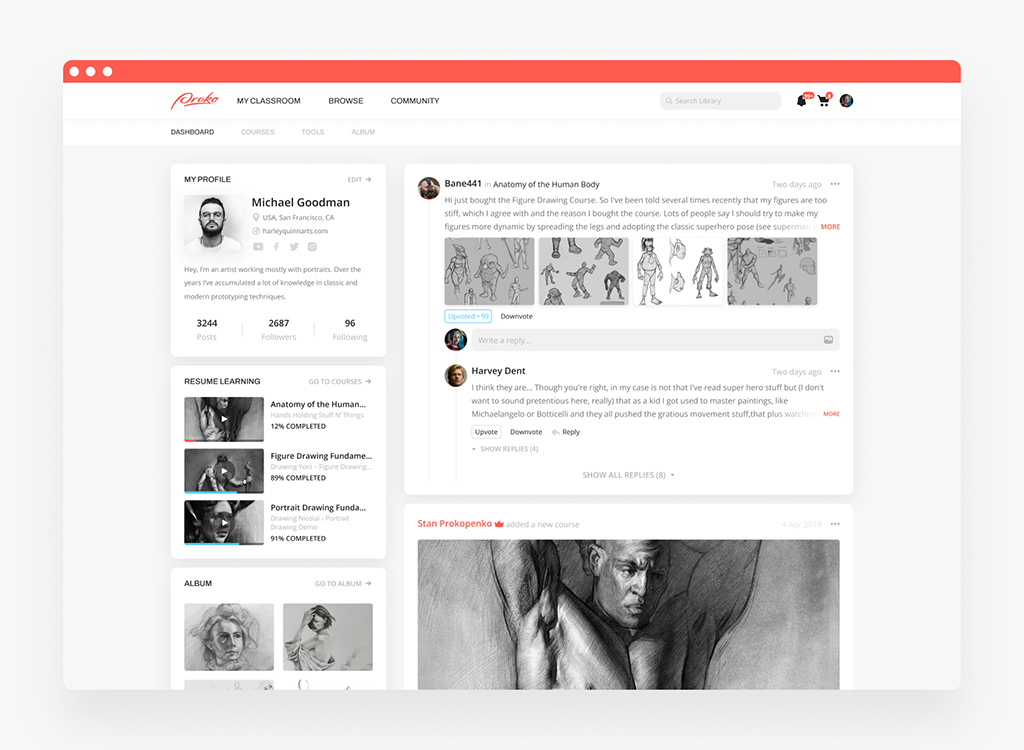
Proko platform by Shakuro
Potential Risks
Migrating to a new design is like performing open-heart surgery while running a marathon. So many things can go sideways, and some risks don’t show up until weeks later when traffic drops or customers start complaining.
First off, SEO tanking. This one hurts the most because it’s often preventable. I’ve seen teams forget 301 redirects for old URLs, or worse, redirect everything to the homepage. Google hates that. Rankings plummet overnight. Even if you map redirects perfectly, content structure changes can confuse crawlers. Meta tags get lost, internal links break, schema markup disappears.
Then there’s user confusion. People develop muscle memory with interfaces. Move the search bar two inches left, change button colors, reorganize navigation menus and suddenly loyal users feel lost. Conversion rates dip even if the new design is objectively better. A/B testing helps, but only if you test before full rollout. Too many companies skip this step because “the stakeholders love it.” Love doesn’t pay bills when cart abandonment spikes.
Performance regression sneaks in quietly too. New designs often mean heavier assets: fancy animations, larger images, more JavaScript. Page load times creep up. Mobile users especially suffer.
Data loss during migration keeps me awake at night. Forms stop submitting, user accounts fail to transfer, order histories vanish. Database schema mismatches are common culprits. Or maybe the CMS export/import tool silently truncated fields. Always run parallel systems during transition. Test data integrity manually, not just via automated scripts. Scripts miss context. Humans catch weird edge cases.
Third-party integrations breaking is another classic. Payment gateways, email services, analytics trackers, chat widgets rely on specific DOM elements or API endpoints. Redesign changes those, and suddenly checkout fails or emails stop sending. Vendors rarely warn you about compatibility. Assume nothing works until proven otherwise in staging.
Team burnout is an invisible risk. Migrations are marathons disguised as sprints. Scope creep happens constantly (“while we’re rebuilding, let’s also add…”). Deadlines slip. Morale dips. Rushed code introduces bugs. I’ve watched talented devs quit mid-project because leadership treated migration like a checkbox instead of a complex operation. Pace matters. Buffer time isn’t luxury; it’s survival.
And finally, stakeholder misalignment post-launch. Everyone agrees on goals beforehand, but interpretation varies. Marketing expects higher conversions, support wants fewer tickets, execs demand ROI metrics. When results lag (and they usually do), blame games start. Document success criteria upfront with measurable KPIs. Revisit them weekly. Adjust expectations based on reality, not hope.
Common SEO Mistakes During Redesign
Most SEO issues that show up after a redesign come from small things that were simply missed. Nothing dramatic—just details that slip through when everyone is trying to ship on time.
A few examples show up again and again:
- Redirects left out. One or two old URLs don’t get a 301, and suddenly those pages drop out of search because there’s nowhere clear for engines to go.
- Canonical tags overwritten. New templates replace them, or they end up pointing to odd places. It’s rarely intentional—just easy to miss.
- Metadata not transferred. Titles, descriptions, and alt text sometimes vanish during migration, especially if the move to the new CMS is rushed.
- Analytics or sitemap updates forgotten. The site launches, traffic looks strange, and it turns out the tracking wasn’t connected or the sitemap wasn’t refreshed.
- Mobile and speed issues. New layouts often look cleaner but load slower, especially on mobile. Heavy visuals and extra scripts can quietly impact visibility.
None of this is unusual. These small misses pile up and create the ranking drops people tend to blame on “the redesign.” In reality, it’s usually just a handful of details that needed a moment of extra attention.
Want to redesign your website and looking for experts? Our web design team will help you with changing the website looks and migration.
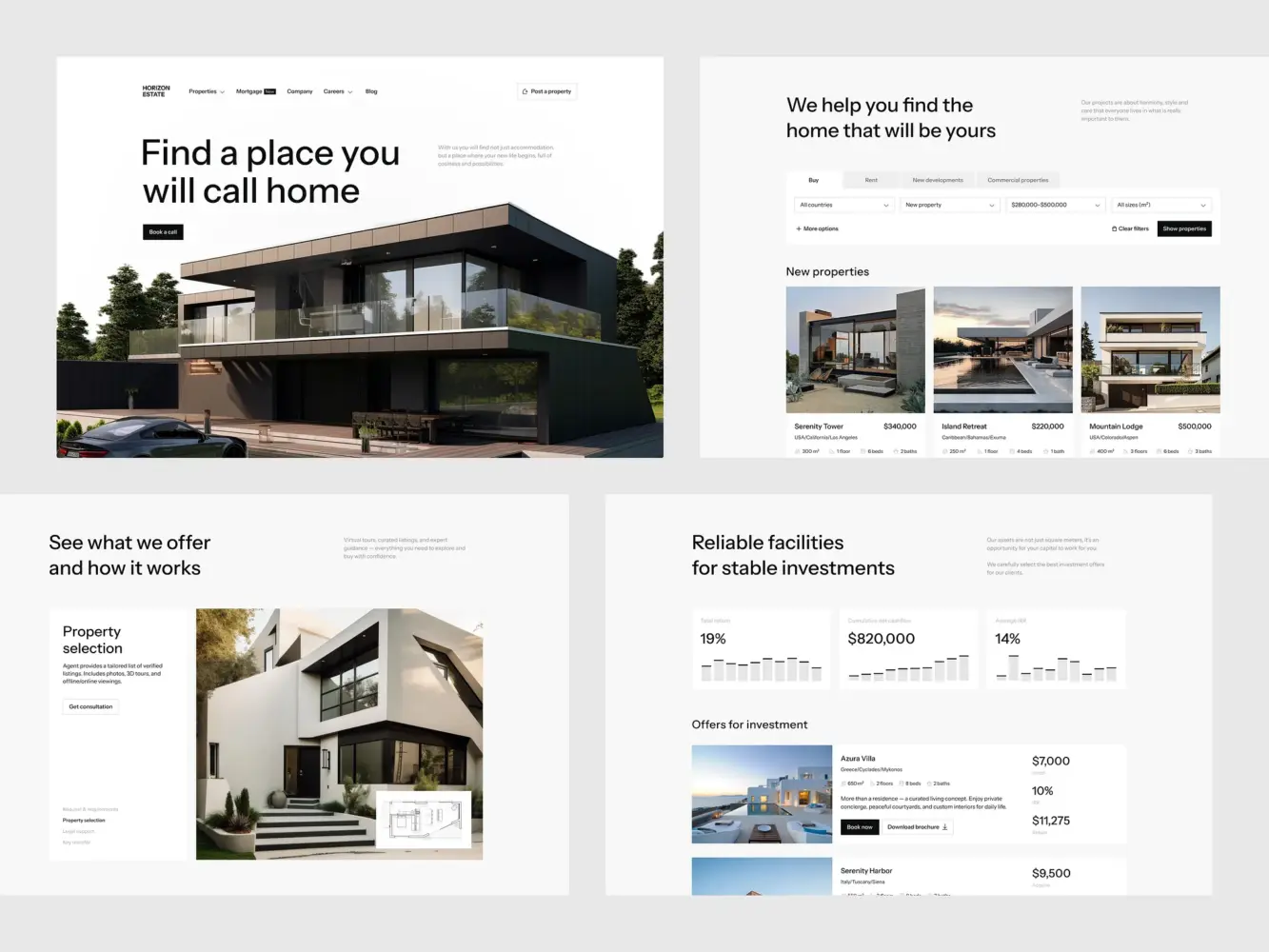
Real Estate Website Design by Shakuro
How to Measure SEO Success After Redesign
After the new site goes live, you mostly want to understand whether everything is working the way it should. There’s no single perfect metric—you just check a few things and see whether the new version behaves normally. That’s essentially how to measure SEO performance after redesign without overthinking it.
Here’s what people usually look at:
- Traffic.
Compare a couple of weeks before and after the launch. Some movement is normal, so don’t get stuck on daily numbers. You just want to see whether traffic is generally holding steady.
- Keyword rankings.
Look at the pages that matter most. If one of them suddenly drops a lot, something may have changed on that page—a redirect, a title, or even where the main content sits.
- User behavior.
Bounce rate, conversions, how long people stay on a page—these things show whether the new layout helps users or makes them leave faster. A redesign sometimes shifts this without anyone realizing it.
- Internal links and where important content sits.
After a redesign, some things end up lower on the page or moved into sections people don’t notice. A few small tweaks can fix that.
- Search console.
It’s not glamorous, but it’s where you catch indexing errors, missing pages, or other issues that don’t show up in analytics right away.
You’re not looking for perfect numbers right after launch. You just want to make sure nothing essential broke during the transition and that the site is settling in. Once that’s clear, you can focus on improvements again.

CGMA platform by Shakuro
Summary
A redesign goes much smoother when the basics aren’t rushed. Take time to understand your current site, plan the redirects, test the new version properly, and watch how things behave once it’s live. These steps sound simple, but they’re the ones that usually prevent the big headaches.
It also helps to bring SEO into the process early, not at the end. When the people designing, building, and reviewing the site work together from the start, the new version is far less likely to lose the visibility the old one earned.
And if you feel you could use a hand with any part of this—from the first audit to post-launch checks—Shakuro can help. Sometimes having someone experienced look over the plan saves a lot of stress later.
FAQ
Does a website redesign affect SEO?
Yes. A redesign affects SEO when it changes URLs, content, internal links, metadata, page speed, mobile layout, or indexability, because search engines have to relearn the structure of the site. Most drops come from ordinary slips, such as a missed redirect or titles that didn’t make it into the new CMS. With proper planning, you can reduce the risk and protect organic traffic.
How do I redesign a website without losing SEO?
Start with an SEO audit: save the list of URLs, titles, and meta descriptions, and note which pages bring traffic, backlinks, and leads. Keep valuable URLs when possible, map 301 redirects for changed pages, preserve important content and metadata, and crawl the staging site before launch. After release, submit the new sitemap and monitor Google Search Console.
How long does SEO take to recover after a redesign?
It depends on the size of the site and how much changed. Small redesigns may stabilize in a few weeks, while larger migrations can take several months for search engines to fully process. Plan to monitor indexing, rankings, clicks, impressions, CTR, Core Web Vitals, and organic conversions for 4-8 weeks after launch, and don’t get stuck on daily fluctuations.
Should I change URLs during a website redesign?
Only if there is a clear reason. If a URL already ranks, gets traffic, or has backlinks, keeping it is usually safer, and search engines don’t reward a new path just because the design feels different. When URLs must change, set up one-to-one 301 redirects to the most relevant new pages and test them before and after launch.
What should I check after launching a redesigned website?
Check indexing and crawl errors in Google Search Console, redirects, 404 pages, canonicals, robots.txt, noindex tags, and sitemap status. Then track rankings, clicks, impressions, and Core Web Vitals, and test forms, CTAs, and organic conversions. If an important page suddenly drops, look at what changed on it: a redirect, a title, or where the main content sits.
Can a redesign improve SEO?
Yes. A redesign can improve SEO if it makes the site faster, easier to crawl, better structured, more useful for users, and stronger on mobile. It can also improve conversions when key pages become clearer and easier to use. The condition is that the redesign keeps the URLs, content, and internal links that already carry search weight.
Related reading