If your MVP was built with AI tools, no-code parts, generated snippets, copied patterns, late-night fixes, and a lot of “okay, this works for now,” that does not make it unserious. Quite the opposite, sometimes. It means you moved fast enough to test an idea before spending six months polishing something nobody wanted.
But there is a moment when the mood changes. Real users arrive. Someone pays. A team member asks if the app can support 10x more accounts. A customer wants a role-based permission system. Your investor, or maybe just your own gut, starts asking: “Is this thing actually ready?”
You don’t need to be a cybersecurity expert to fix this. You just need an application security checklist. A simple, practical list of things to look at before you pour money into scaling. Things like input validation, dependency risks, and whether your AI-generated code actually understands the context of your data privacy requirements.
So, if you’re sitting there looking at your sleek, AI-built MVP and wondering, “Is this actually safe enough to go big with?”—you’re in the right place. Let’s walk through what matters.
Key takeaways
- A vibe-coded MVP is a valid way to test an idea fast, but it needs a reality check before real scaling.
- Security should cover permissions, data handling, integrations, secrets, authentication, and server-side access control.
- The app also needs review beyond security: product flows, UX, conversion points, analytics, code quality, and maintainability.
- AI-generated or quickly assembled code can work well, but hidden risks often appear between features, edge cases, and integrations.
- Founders should decide what to keep, refactor, rebuild, or scale gradually instead of blindly rewriting everything.
- The main idea: validate fast, but audit before investing in growth, paid acquisition, or bigger customer commitments.
What Makes a Vibe-Coded App Different From a Normal MVP?
A traditional MVP is usually scoped, estimated, designed, built, tested, and then released. At least in theory. In real life, it still gets messy, because software loves becoming messy at the worst possible time.
A vibe-coded MVP often grows in a different way. You ask an AI tool for a feature. Then another. You connect Supabase, Firebase, Stripe, OpenAI, maybe a few Zapier automations. You tweak the UI until it feels good enough. You fix errors as they appear. You keep moving because momentum is the whole point.
That speed is useful. It helps founders test demand, collect feedback, and see whether the product has a pulse.
But fast-building tools do not automatically understand your long-term business context. They do not know your future permissions model. They do not always separate business logic from UI logic. They may generate code that works for the happy path and quietly falls apart around edge cases.
And, well, edge cases have a funny habit of becoming normal cases once real users show up.
So before scaling, run the code review checklist and ask questions. But not the question “Was this built the correct way?” That question is too vague and a little unfair. A better question is: “What parts of this product can safely support more users, data, money, and complexity?”
Banking application by Shakuro
Start With Product Logic and User Flows
Security does not start with encryption or scanners. It starts with product logic.
Can users do what they are supposed to do? Can they complete the main flow without weird dead ends? What happens if they refresh the page halfway through onboarding? What if payment succeeds but the app does not update the account status?
These are not glamorous questions. But they matter.
For a vibe-coded app, check the core journeys first:
- Signup and login
- Onboarding
- Main user action
- Payment or upgrade
- Account settings
- Data creation and editing
- Team invitations
- Admin actions
- Cancellation or downgrade
- Support and recovery flows
You are looking for broken assumptions. Maybe the app assumes every user belongs to one workspace. Maybe it assumes every account has one owner. Maybe it stores important user state in the frontend because that was faster during prototyping.
It sounds harmless until someone changes a plan, loses data, or sees information from another workspace. Then it is suddenly not harmless at all.
One small thing to check when going through AI code review checklist: empty states. They reveal more than people expect. If an app behaves strangely when there is no data, it often has deeper logic issues underneath.
Check UX and Conversion Readiness
A product can be technically “working” and still leak users everywhere.
This is especially common with AI-built MVPs because the interface often grows feature by feature. One screen gets added because a user asked for it. Another appears because the founder needed an admin shortcut. A third one was generated quickly and never revisited. After a while, the product technically has all the pieces, but the experience feels like a hallway with too many unlabeled doors.
Before scaling, review the main conversion path according to the application security checklist:
- Does the user understand the value in the first minute?
- Is onboarding short enough?
- Does the interface guide people toward the first useful action?
- Are errors written like a human can understand them?
- Are pricing, plan limits, and upgrade prompts clear?
- Can users trust the product with their data?
A little friction is okay. Enterprise tools, for example, often need more setup. But confusing friction is different. If users feel lost, they leave. Or worse, they stay but use the product incorrectly, which creates support work later.
And one more point: conversion readiness is not just a design issue. It is also a measurement issue. If you do not track activation, drop-offs, upgrades, failed payments, and feature adoption, you are guessing. Guessing is fine in week one. It gets expensive later.
Mobile App Design for Inspired by Shakuro
Run a Code Review Checklist Before More Features Pile Up
At some point, you need to open the hood.
A code review checklist for a vibe-coded app should not be about shaming the code. That is not useful. The goal is to understand whether the product can be changed safely.
Can a new developer set it up without messaging five people? Are environment variables documented? Are API routes named clearly? Is there duplicated logic across screens? Are important checks happening on the server, or only in the browser?
Here is what I would inspect:
- Project structure and naming
- Authentication flow
- Business logic placement
- API boundaries
- Database queries
- Error handling
- Dependency quality
- Generated code patterns
- Test coverage, even if basic
- Deployment setup
- Secrets and environment variables
- Logging and monitoring
AI-generated code can be surprisingly decent in small chunks. The trouble often appears between the chunks. One file assumes one data shape, another assumes something slightly different, and a third silently fixes the mismatch in the UI. It works until it doesn’t.
An AI code review checklist should also look for overconfident code. By that I mean code that does not handle failure because the generated example assumed everything would go well. Real products need boring safeguards: validation, fallback states, permission checks, retries, and readable errors.
Boring, yes. Important, very much.
Security, Data, Integrations, and Permissions
Now we get to the part most founders know they should care about but often delay because it feels heavy.
Security does not have to start with a 90-page report. You can begin with an application security assessment checklist that covers the highest-risk areas.
Authentication and Authorization
First, check who can get in and what they can do after that.
Login may work fine, but authorization is where many young products stumble. Can one user access another user’s data by changing an ID in the URL? Can a normal user call an admin endpoint? Are workspace roles enforced on the server? Are private routes really private?
Frontend checks are useful for UX. They are not enough for security.
According to the secure code review checklist, review:
- Session handling
- Password reset
- OAuth setup
- Role-based access
- Workspace or organization permissions
- Admin-only actions
- Object-level authorization
- Route protection
- Invite flows
The sneaky one is object-level access. It is easy to test whether a user can open the dashboard. It is harder to notice that they can request someone else’s invoice if they know the ID.
Data Handling and Privacy
Next, look at what data you collect and where it goes.
AI-built apps often pass user input through third-party APIs, model providers, analytics tools, logs, and support platforms. That is not automatically wrong. But you need to know it is happening.
Ask:
- What sensitive data is stored?
- Is anything sensitive written into logs?
- Are prompts or AI responses saved?
- Who can access customer records?
- Is data encrypted where it should be?
- Can users delete their data?
- Are backups configured?
- Are retention rules defined?
This is a bit annoying to map the first time, but you get used to it. And honestly, once it is mapped, the whole product feels less mysterious.
Integrations and Third-Party Services
Integrations are convenient. They are also where prototypes become messy.
When doing an application security assessment checklist, go through API keys, webhook security, payment callbacks, email tools, storage buckets, CRM syncs, AI model calls, and automation platforms. If the app uses Stripe, make sure payment status is verified server-side. If it uses webhooks, make sure signatures are checked. If files are uploaded, make sure access rules are not too broad.
One mistake I have seen in early products is treating integrations like magic pipes. Data goes in, something comes out, and everyone moves on. But when the product scales, every pipe needs ownership. Who monitors failures? What happens when an API rate limit hits? Can a failed sync corrupt user state?
Not exciting. Very real.
Secure Code Review Basics
A secure code review checklist should cover the obvious stuff and the not-so-obvious stuff.
Look for:
- Exposed API keys
- Unsafe database queries
- Missing input validation
- Insecure direct object references
- Weak file upload rules
- Overbroad CORS settings
- Missing rate limits
- Dependency vulnerabilities
- Debug endpoints left open
- Secrets in repositories
- Poor error messages that reveal internals
This is where a “works on my machine” prototype can become risky. The app may function perfectly for 50 friendly users, then fail badly when strangers arrive with different intentions.
Not everyone on the internet is your ideal customer. A depressing sentence, but useful.
Prime Chat AI Mobile Assistant by Shakuro
Analytics and Growth-Readiness Gaps
Scaling without analytics is like driving at night with the dashboard covered.
You can do it for a little while. But why would you?
Before investing in paid acquisition, sales, partnerships, or a bigger launch, check whether the app can answer basic growth questions:
- Where do users come from?
- Where do they drop off?
- Which features do they use first?
- Which actions predict retention?
- Which errors happen most often?
- Which accounts are most valuable?
- Which users never activate?
- What happens before someone upgrades?
Vibe-coded products often have “some analytics.” Maybe Google Analytics is installed. Maybe events are fired here and there. Maybe PostHog or Mixpanel was added during a late sprint. That is a start, but it may not be enough.
The real question is whether the data is trustworthy and useful. Event names should be consistent. Funnels should match actual user journeys. Admin dashboards should show what the team needs to act quickly.
By the way, support visibility matters too. If users report problems and the team cannot see account state, recent errors, plan limits, or integration status, every support request becomes detective work. Nobody enjoys that for long.
Technical Due Diligence Checklist Before Scaling
A technical due diligence checklist sounds like something investors use in a formal process. And yes, they do. But founders can use the same idea much earlier.
The point is simple: inspect the product before big decisions depend on it.
For a scaling MVP, technical due diligence should cover:
- Architecture
- Database structure
- Hosting and deployment
- Security posture
- Performance
- Monitoring
- Maintainability
- Integrations
- Testing
- Data model
- Documentation
- Team workflow
You do not need enterprise-level maturity on day one. That would be overkill. But you do need to know which parts are stable and which parts are duct tape.
For example, maybe the frontend is fine, but the backend needs refactoring. Maybe the database schema was okay for the prototype but cannot support teams, permissions, and billing. Maybe the product logic is strong, but the UX needs cleanup before conversion campaigns. Maybe the app is secure enough for beta users but not for healthcare, fintech, or enterprise customers.
That nuance matters. “Rebuild everything” is often wasteful, especially for products that came out of AI-powered MVP development. “Ignore everything” is worse.
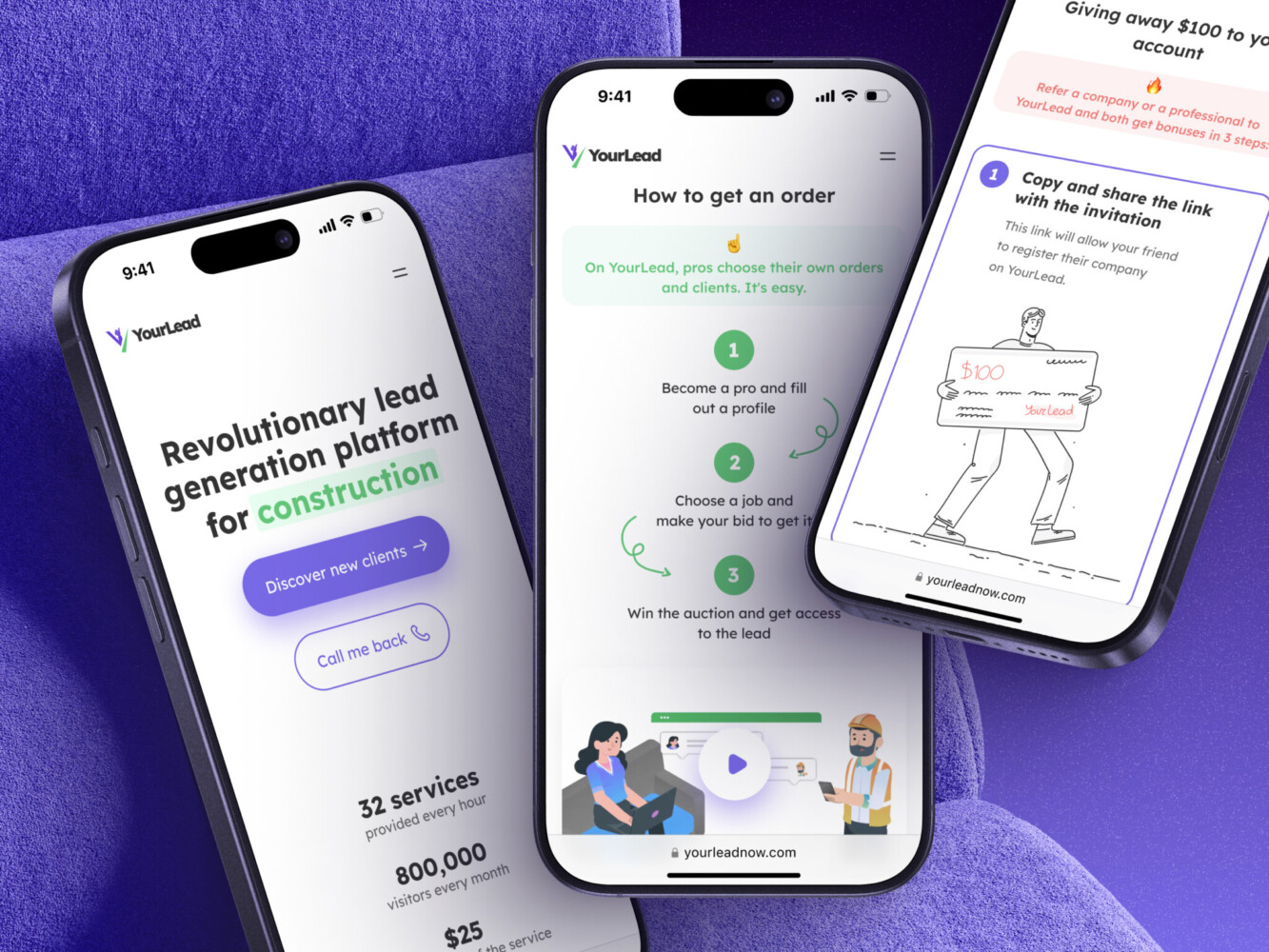
Mobile App for Construction Lead Generation Platform by Shakuro
Keep, Refactor, Rebuild, or Scale in Phases?
After the audit, you need a decision framework. Otherwise you just end up with a long list of issues and a tired team staring at it on Friday afternoon.
I like to sort findings into four buckets.
Keep
Keep what is working, low-risk, and clearly valuable. If users love a feature and the code is stable enough, do not rebuild it just because it is not elegant. Perfect architecture does not pay invoices. Useful product behavior does.
Refactor
Refactor areas that have real value but poor internal structure. This might include messy state management, duplicated business logic, unclear APIs, or fragile components. Refactoring makes sense when the foundation is basically right but needs cleaning before more weight goes on top.
Rebuild
Rebuild parts that are unsafe, unmaintainable, or built on the wrong assumption. Permissions, billing logic, data models, and critical workflows often fall into this category. It can feel painful, but rebuilding a dangerous core part early is usually cheaper than carrying it into growth.
Scale in Phases
Some products do not need a big dramatic rebuild. They need staged improvement according to the application security checklist. First secure the data and permissions. Then clean up onboarding. Then stabilize integrations. Then improve analytics. Then prepare infrastructure for heavier usage.
This is also where an outside review can help. If your team needs a structured look at what to keep, refactor, rebuild, or scale gradually, an AI-built product audit is designed for exactly that kind of moment: the prototype has proven something, but the next step needs clearer technical and product judgment.
Because honestly, it is hard to make these calls when you are too close to the product. Founders know every shortcut and every reason it happened. That context is valuable, but it can also make risky parts feel normal.

✅ A Practical Pre-Scale Checklist
Here is a condensed version of the application security checklist you can use before your next planning session.
Product logic:
- Main flows work outside the happy path
- User roles and account states are clear
- Failed payments, failed integrations, and partial actions are handled
- Admin actions cannot break user data accidentally
UX and conversion:
- Onboarding leads users to value quickly
- Error messages are understandable
- Upgrade moments are clear
- Key conversion events are tracked
- Users are not forced to guess what to do next
Code and maintainability:
- A developer can set up the project without heroic effort
- Business logic is not scattered everywhere
- Dependencies are known and justified
- Generated code has been reviewed
- Tests cover critical flows
- Deployment steps are documented
Security and data:
- Permissions are enforced server-side
- Sensitive data is not exposed in logs
- API keys and secrets are protected
- Webhooks are verified
- File uploads are restricted
- Rate limits exist where needed
- Dependencies are checked for vulnerabilities
Analytics and operations:
- Activation, retention, and conversion events are defined
- Error monitoring is in place
- Support can inspect account state
- Dashboards answer real business questions
- Backups and recovery plans exist
Scaling readiness:
- The database model can support expected growth
- Infrastructure has monitoring and alerts
- The team knows which parts are fragile
- The roadmap separates fixes from new features
- There is a phased plan, not just a wish list
Simple? Mostly. Easy? Not always.
But it is much better to learn these things before a launch than during one.
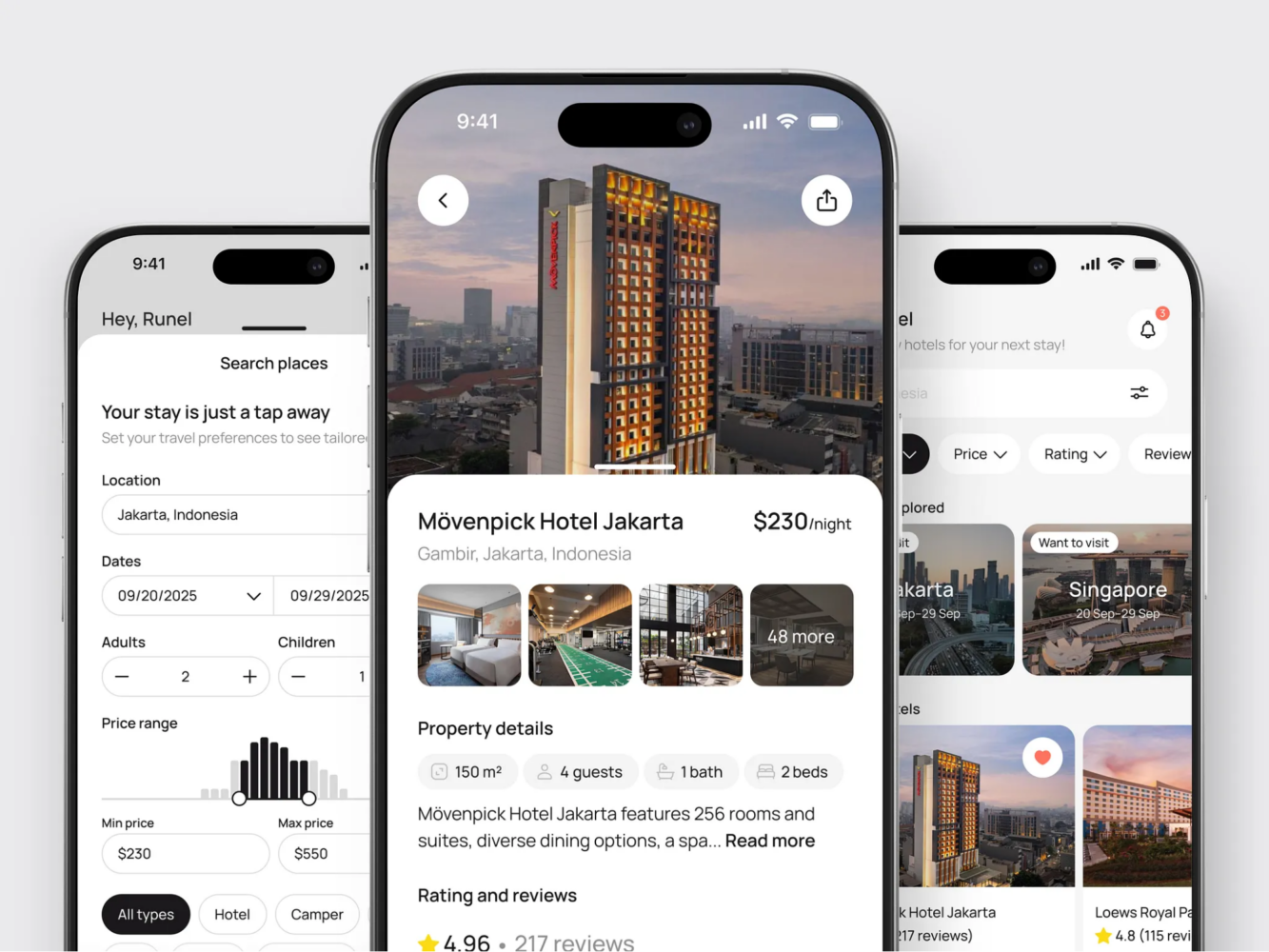
Hotel Booking Mobile App Concept by Shakuro
Final Thoughts
A vibe-coded app can be a very smart way to start. It helps you move while the idea is still warm, and that matters. Plenty of products die not because they were badly engineered but because they took too long to meet reality.
Still, once real users arrive, the product has to grow up a little.
That does not mean losing the scrappy energy that got you here. It means checking the foundation before adding more floors. Run the security review. Look at the code. Test the flows. Review the analytics. Decide what stays and what needs work.
A prototype proves that something might be worth building. A careful audit helps you build it without stepping on the same loose board every week.
Need an audit for your vibe-coded app? Drop us a message and we will provide a comprehensive report.
FAQ
What is a Vibe-Coded App?
A vibe-coded app is a product built quickly with AI coding tools, generated code, templates, no-code platforms, or rapid prototyping workflows. The term is informal, but the situation is real: the app may work well enough to validate demand while still needing a deeper review before scaling.
Why Do AI-Built MVPs Need an Application Security Checklist?
They often grow quickly, and fast growth can hide security gaps. An application security checklist helps review permissions, data handling, authentication, integrations, secrets, and other areas that can become risky once the app has real users.
Is a Code Review Enough Before Scaling?
Usually, no. A code review is important, but it is only one layer. You also need to review product logic, UX, analytics, infrastructure, security, data flows, and business risks. A clean-looking codebase can still have weak permissions or poor conversion tracking.
When Should a Founder Rebuild Instead of Refactor?
Rebuild when a part of the app is unsafe, based on the wrong data model, impossible to maintain, or blocking future growth. Refactor when the feature is valuable and the core idea is right, but the implementation needs cleanup.
Can a Vibe-Coded MVP Become a Real Product?
Yes. Many can. The key is knowing which parts are good enough, which parts need professional hardening, and which parts should not be carried forward. The earlier you separate those, the less painful scaling becomes.
Related reading
- Vibe Coding Best Practices: Where Prototypes Stop and Production Software Starts
- Technical Debt in AI-Generated Code: Risks Founders Should Check Before Scaling
- Web Application Security: Best Practices, Testing, Tools, and Common Vulnerabilities
- Software Development Security Best Practices for Developers