
For those who prefer to listen rather than read, this article is also available as a podcast on Spotify.
Enterprise web design is not an aesthetic exercise. It is an operational discipline that sits at the intersection of product strategy, system architecture, security, compliance, and user enablement. When an enterprise platform fails, the cost is not limited to lost leads or lower conversion rates. It affects adoption, internal efficiency, regulatory exposure, and, in many cases, revenue-critical workflows.
This is why enterprise web design for enterprise products requires a fundamentally different approach than the one used for startups, marketing sites, or early-stage SaaS products. The scale, constraints, and risk profile change the nature of UX decisions—and expose the limits of small, execution-only agencies.
Why Enterprise Web Design Is a Different Game
Enterprise is often described as “just a bigger product.” In practice, it is a different category of problem.
An enterprise platform rarely serves a single user type. It serves ecosystems: operators, analysts, managers, administrators, partners, clients, and auditors—each with different goals, permissions, and risk tolerance. Interfaces must support not only usability, but accountability. Not only speed, but correctness. Not only conversion, but long-term adoption.
At this level, UX is no longer about making pages intuitive. It is about designing systems people can safely operate for years.
Enterprise products are deeply embedded in business processes. They touch financial data, personal data, infrastructure controls, internal documentation, and regulated workflows. A design decision can influence whether users make fewer errors, whether support teams drown in tickets, whether compliance reviews pass smoothly, or whether onboarding takes two days instead of two months.
This is where many teams discover that the agency model that worked for them before no longer holds up.
Small agencies are often optimized for visual execution and short delivery cycles. They are effective when the scope is bounded, stakeholders are few, and risk is limited. Enterprise environments invert those assumptions. Stakeholders multiply. Requirements conflict. Constraints expand. Decisions compound.
Navigation stops being a menu problem and becomes a permissions problem. Layout stops being a composition problem and becomes a data-density problem. Consistency stops being a branding issue and becomes a system-governance issue.
Perhaps most importantly, enterprise web design must be approached as an evolving product system, not a one-off project. This is why teams that plan for scale early—by choosing partners who understand how products grow, fragment, and accumulate complexity—avoid entire classes of future rework. The difference between short-term delivery and long-term resilience is often rooted in decisions made before the first design file is approved, when organizations evaluate how to choose a long-term web design partner, not just the one for launch.
Enterprise ≠ “big startup” because the success criteria are different. Startups optimize for speed of validation. Enterprises optimize for continuity of operation. One tolerates friction in exchange for velocity. The other pays for eliminating friction because friction scales into cost, risk, and organizational drag.
This is the environment web design for enterprise products must serve—and the baseline from which any serious UX strategy should begin.
What Makes Enterprise UX So Complex
Enterprise UX becomes complex long before design teams touch colors or layouts.
The complexity comes from the environment itself. Enterprise products live inside organizations with history. With internal rules. With infrastructure that has been evolving for years. With legal, security, and operational constraints that cannot be ignored or redesigned away.
These products sit on top of existing systems. They support processes that were not originally built to be elegant. They serve users whose responsibilities overlap, conflict, and change over time. In this context, UX is not about “simplifying everything.” It is about creating structure where full simplicity is impossible.
This is where many small agencies start to struggle. Visual cleanup helps, but it does not resolve systemic problems. Enterprise UX has to line up with how data moves, how access is granted, how mistakes are prevented, and how teams actually work.
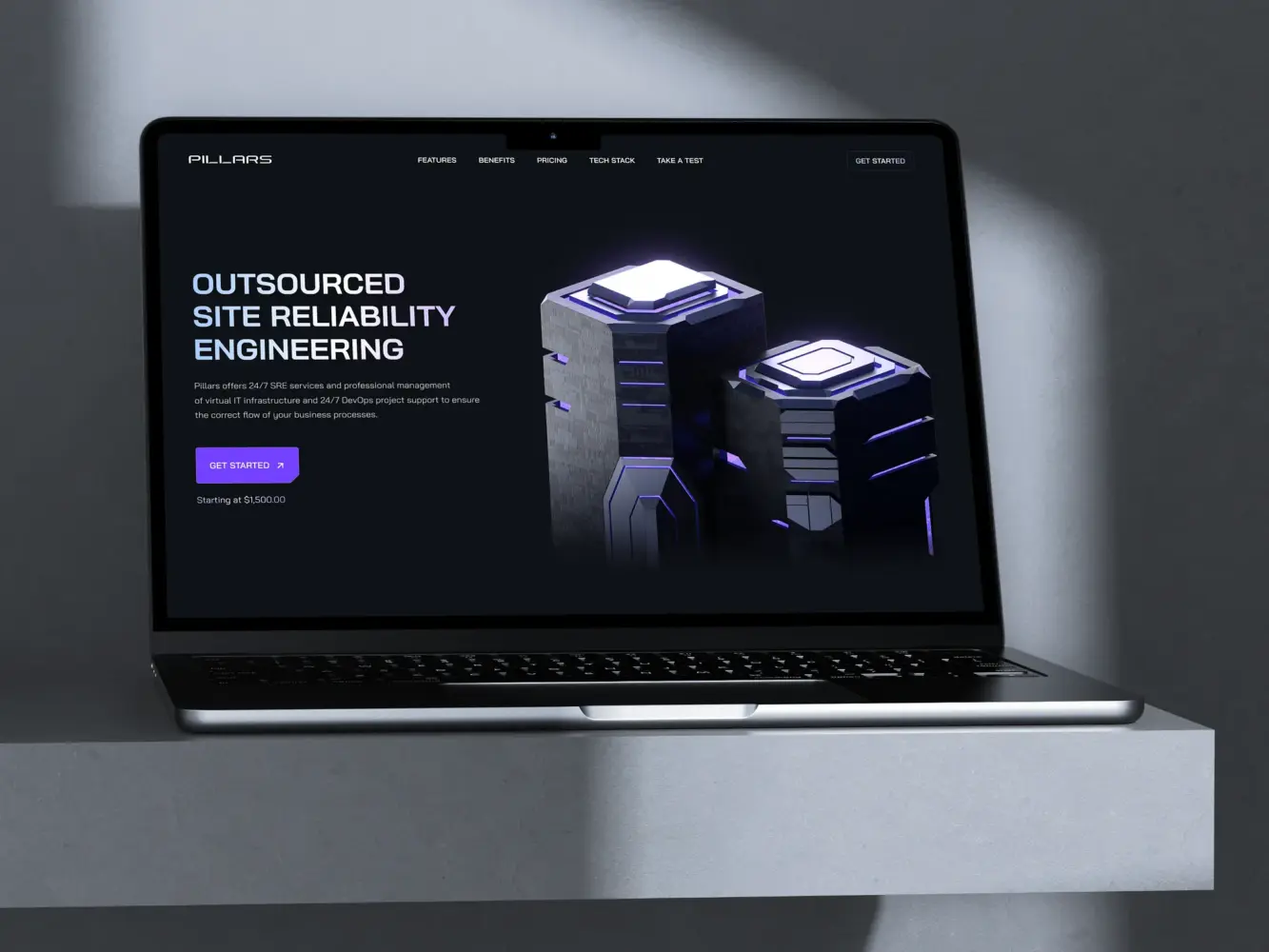
Website Design for Outsourcing SRE Platform by Shakuro
Multiple User Roles and Permissions
Enterprise products are rarely built for a single type of user.
They are built for organizations.
An administrator configures environments and controls access. An operations specialist works inside rigid daily workflows. An analyst lives in tables, filters, and history. An executive wants fast visibility without detail. External partners may only see narrow fragments of the system.
Each role touches the same platform from a different position of responsibility. And that difference matters.
A confusing screen is not just “bad UX” in this context. For one role it can slow work down. For another it can expose sensitive data. For a third it can create errors that ripple into reports, billing, or compliance reviews.
This is why role structure becomes a design problem, not just a technical one.
Navigation has to follow permission logic. Screens have to change meaningfully depending on who is inside them. Actions that are safe for one role may be dangerous for another. These distinctions cannot be patched in at the end by hiding buttons or duplicating pages.
Teams without experience in enterprise systems often underestimate this layer. They design a primary interface, then try to “adapt” it for other users. Over time, this produces tangled products: parallel screens, inconsistent behavior, fragile access logic, and growing maintenance cost.
Enterprise UX treats roles as a foundation. Not as variations.
Legacy Systems and Technical Constraints
Almost no enterprise project starts from zero.
There are internal tools already in use. Databases with their own structures. Authentication systems that cannot be replaced. Third-party platforms the business depends on. Reporting logic that cannot change without legal or financial consequences.
All of this shapes what UX can and cannot do.
Some workflows exist because downstream systems require them. Some data appears messy because it mirrors how the business actually operates. Some delays cannot be designed away because they come from infrastructure outside the product itself.
In enterprise work, design does not happen in an ideal space. It happens inside a negotiated one.
Good enterprise UX acknowledges those boundaries early. It works with engineering teams to understand what is flexible, what is risky, and what is fixed. It focuses effort where design can genuinely reduce error, friction, and cognitive load—rather than proposing experiences the system cannot realistically support.
This is another point where small agencies often miscalculate. They approach enterprise products as if they were early-stage platforms: assuming structures can be reshaped later, inconsistencies refactored post-launch, constraints addressed in “future phases.”
In enterprise environments, “later” is rarely simple. Legacy systems are not temporary. They are the product’s spine.
Enterprise web design succeeds when it accepts that reality—and still manages to bring order, clarity, and usability into systems that were never built with coherence as their primary goal.
UX Challenges Small Agencies Usually Can’t Handle
The gap between “good design” and “enterprise-ready design” rarely shows up in the first screens.
It appears six months later, when new modules are added. When a second product team joins. When compliance reviews start. When performance degrades under real load. When five departments try to use the same system in five different ways.
Small agencies often deliver strong initial interfaces. Where they struggle is in designing products that remain coherent, compliant, and operable as complexity accumulates.
Enterprise UX is less about the first version and more about whether the product can survive its fifth.

Website Design for Innovative Development Agency by Shakuro
Designing for Scale and Long-Term Consistency
In enterprise environments, design does not stop at layouts. It becomes infrastructure.
Products grow. New teams touch them. Features multiply. Regional versions appear. White-label deployments are introduced. Without a strong design system and clear governance, this growth quickly turns into visual noise and behavioral inconsistency.
Buttons begin to mean different things. Forms behave differently across modules. Similar actions are placed in different locations. Users relearn the product every time a new section is released.
This is not a branding problem. It is an operational one.
Enterprise UX requires design systems that are more than UI kits. They need rules. Ownership. Versioning. Documentation. Processes for introducing new patterns without breaking old ones. Alignment between design and engineering so components evolve as a shared language, not as isolated artifacts.
Small agencies are rarely built for this. Their work is often project-scoped: deliver the screens, hand over the files, move on. Enterprise products do not work that way. They need ongoing system thinking—people who can design not only interfaces, but how interfaces are created, reviewed, extended, and controlled over time.
Without that layer, products slowly lose structural integrity. And once that happens, every new feature becomes slower, more expensive, and riskier than the last.
Enterprise Accessibility and Compliance Requirements
In enterprise products, accessibility is not a “nice to have.”
It is a legal, contractual, and reputational issue.
Large organizations operate under regulatory frameworks that explicitly reference accessibility standards such as WCAG. Public-sector platforms, financial systems, healthcare products, and internal enterprise tools increasingly face audits, procurement requirements, and legal exposure tied to how accessible their software is.
This changes the role of UX.
Color contrast is no longer aesthetic. It is compliance. Keyboard navigation is not polish. It is operability. Semantic structure is not “best practice.” It is the difference between passing and failing an audit.
Design teams must understand how accessibility affects component architecture, content structure, interaction patterns, and testing processes. They must work closely with developers to ensure accessible behavior is built into systems—not patched in after complaints appear.
Small agencies often treat accessibility as a checklist applied at the end of a project. In enterprise contexts, that approach breaks down quickly. Retrofitting accessibility into large, data-dense systems is expensive, slow, and politically painful inside organizations.
Enterprise-ready UX treats accessibility as a baseline condition. It is embedded into design systems, workflows, reviews, and acceptance criteria from the beginning—because the cost of ignoring it compounds with every release.
Performance Under Heavy Load
Enterprise UX is shaped as much by performance as by layout.
Dashboards load thousands of records. Filters trigger complex queries. Multiple teams work in the same system at once. Peaks are not marketing spikes—they are daily operational reality.
Latency changes behavior. Slow tables create workarounds. Delayed feedback produces repeated actions. Inconsistent response times break trust in the system itself.
This is where UX, engineering, and architecture intersect directly.
Designing enterprise interfaces means understanding how data volume, concurrency, and system limits affect interaction models. When to paginate. When to cache. When to defer. When to summarize instead of display. When to guide users away from patterns that overload the system.
Small agencies frequently design idealized dashboards that perform well in prototypes and demos—and fall apart under production conditions. Enterprise UX requires early collaboration with engineers, realistic data modeling, and design decisions informed by how systems behave at scale.

Dashboard for Satellite Monitoring and Management by Shakuro
It also requires acknowledging that performance is part of user experience. Load time is feedback. Stability is usability. Predictability is trust. This is why enterprise teams increasingly treat UX and performance as inseparable—and why organizations pay close attention to how web design choices affect page speed, system responsiveness, and business outcomes.
Because in enterprise products, performance problems do not stay technical. They surface as user frustration, operational drag, and eventually, business risk.
Enterprise UX Is About Reducing Operational Friction
In enterprise products, UX is not about impressing users.
It is about whether work gets done.
How long routine tasks take. How often people get stuck. How many mistakes reach production. How many internal chats start with “does anyone know where…”.
When enterprise UX breaks down, the effects are rarely dramatic. They are gradual. More manual steps. More documentation. More local fixes. More support requests. More parallel tools built outside the system because “it’s faster this way.”
That is what operational friction looks like.
Good enterprise UX is measured less by how a product looks and more by how quietly it fits into daily work. When it does its job, people stop thinking about the interface and start trusting it.
Minimizing Cognitive Load Across Complex Workflows
Most enterprise users spend hours a day inside the same systems.
They process cases, reconcile data, configure settings, monitor activity, prepare reports, resolve incidents. Often in environments where accuracy matters and interruptions are constant.
In that context, mental load becomes a real cost.
If screens change behavior from one section to another, if labels mean different things, if similar actions appear in different places, people start compensating. They double-check everything. They write their own notes. They rely on memory instead of recognition. Over time, that drains attention and slows work down.
Enterprise UX work is often about removing these small, constant drains.
Stable layouts. Repeated patterns. Interfaces that surface only what is needed at a given moment. Workflows that follow how tasks are actually performed, not how databases happen to be structured.
The goal is not to make systems “simple.” It is to make them mentally lighter to operate.
Well-designed enterprise products rarely feel clever. They feel predictable. And that predictability is what allows people to work faster without thinking about the tool itself.
Preventing Costly User Errors
In enterprise systems, errors tend to travel.
A wrong setting can affect hundreds of users. A misread status can trigger automated processes. A careless bulk action can undo weeks of work. Many of the most expensive problems do not start as technical failures, but as ordinary human mistakes made in poorly designed interfaces.
This is why UX in enterprise products is inseparable from risk.
Design influences what people notice, what they overlook, and what they assume is safe. It determines whether destructive actions are easy or deliberate. Whether consequences are visible or hidden. Whether the system helps users catch problems early or lets them propagate.
This is also where the difference between consumer UX and enterprise UX becomes obvious.
It is not enough for actions to be understandable. They need to be hard to misuse.
Clear system states. Warnings that actually explain impact. Interfaces that slow people down when stakes are high. Permission structures that reflect responsibility. Histories that allow teams to trace what happened and why.
Good enterprise UX does not remove control from users. It supports them in making fewer irreversible decisions.
Because in environments where software moves money, data, or operations, preventing a small number of serious mistakes often matters more than making a flow slightly shorter.
And that is one of the clearest indicators that UX has become part of the organization’s operational safety net, not just its interface.
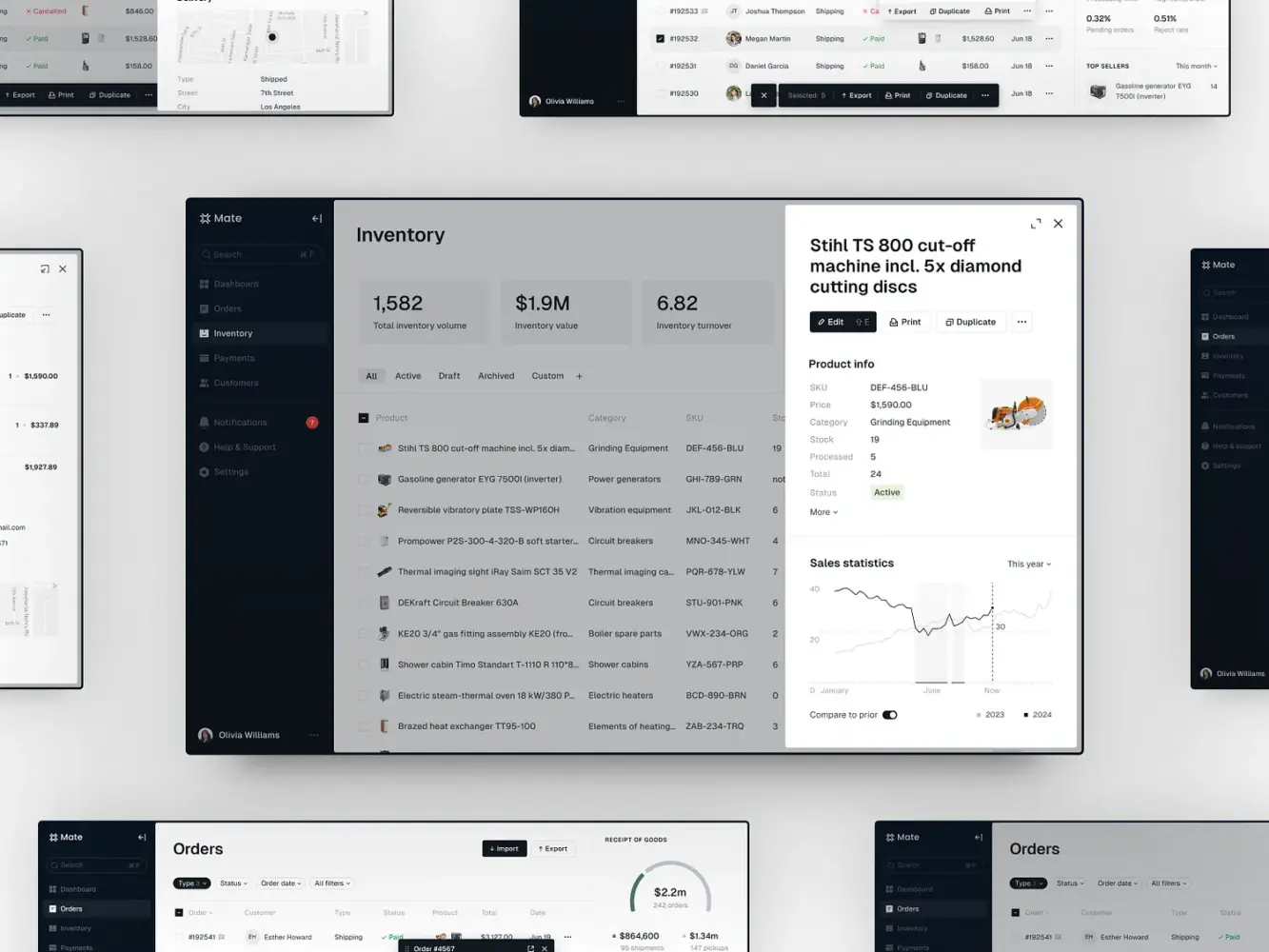
E-Commerce Marketplace Admin Management Dashboard by Shakuro
Trust, Security, and Credibility in Enterprise Design
Enterprise products are not adopted the way consumer tools are.
They are examined.
Before any rollout happens, a product usually passes through internal reviews, security checks, procurement processes, legal discussions, and technical validation. Many of the people involved in this stage will never work in the interface every day. But they will decide whether the product is allowed into the organization at all.
In this context, UX becomes part of the product’s credibility.
The interface is often the first tangible signal of how a company thinks about structure, responsibility, and risk. Long before workflows are tested in depth, enterprise stakeholders are already forming opinions about whether the product feels dependable.
And that impression carries weight.
UX Signals That Build Enterprise Trust
Enterprise teams rarely look for originality in interfaces. They look for stability.
A product that behaves consistently across sections feels easier to govern. A product that uses the same language everywhere feels easier to support. A product that presents information in a clear, restrained way feels easier to control.
These reactions are practical, not aesthetic.
When a system feels fragmented, organizations assume the underlying processes may be fragmented as well. When patterns shift without reason, teams expect higher support costs and longer onboarding. When structure is weak, long-term maintainability becomes a concern.
Consistency, clarity, and visual discipline quietly communicate maturity.
This is why enterprise UX work invests heavily in structure: shared components, layout logic, naming conventions, and documented behavior. Not for design purity, but to present a product that feels governed rather than improvised.
Trust often starts forming before the first task is completed. In many cases, it starts the moment the interface loads.
Security-Aware Design Decisions
Security in enterprise products is experienced through the interface.
People learn what is safe, what is restricted, and what is risky based on what they see and how the system responds. Permissions, data visibility, system feedback, and the presentation of sensitive actions all shape that understanding.
When boundaries are unclear, users become cautious in the wrong places and careless in others. When access rules are invisible, people test them. When consequences are hidden, mistakes travel further than they should.
Enterprise UX has to make security understandable.
Users need to see what scope they are working in. They need to understand whether an action affects their own workspace or the wider system. They need cues that separate everyday operations from actions that carry organizational impact.
These are design responsibilities.
Treating security as something that exists only in backend logic produces interfaces that feel unpredictable. And unpredictability is one of the fastest ways to erode trust inside large organizations.
This becomes especially visible in regulated industries, where interface design is examined not only for usability but for how it supports safe behavior, auditability, and regulatory alignment. That is why enterprise teams in finance and data-sensitive sectors pay close attention to how fintech web design supports trust, compliance, and secure user experience.
Because in enterprise environments, the interface is not just how people use the product.
It is how they judge it.
How Enterprise Web Design Impacts Adoption and Retention
Enterprise products are not adopted in a moment.
They are introduced, negotiated, trained, adjusted, resisted, and slowly either integrated into daily work—or quietly worked around.
This is why UX has such a strong influence on business outcomes in enterprise software. Not because it convinces someone to try the product, but because it determines whether the product actually takes root.
Adoption in enterprise environments is a process. Retention is a pattern of daily use. Both are shaped by how easy it is for large groups of people to start working—and to keep working—inside the system.
Faster Onboarding for Large Teams
Onboarding looks very different when you are not dealing with individual users.
It becomes an organizational problem.
New hires need to learn the system. Existing teams need to adapt their routines. Internal experts become trainers. Documentation grows. Every unclear screen multiplies into dozens of questions.
When interfaces are inconsistent or workflows are hard to read, onboarding turns into a long, manual effort. Training sessions get longer. Internal guides become more detailed. Knowledge concentrates in a few people who become permanent points of failure.
Enterprise UX can change that dynamic.
When structure is clear, patterns repeat, and behavior is predictable, people build an understanding of the product instead of memorizing steps. They start recognizing how things work, not just what to click. That is what allows onboarding to scale.
In those products, training conversations shift. They stop being about where things are and start being about how the organization wants to use them. That is usually the moment when a system moves from “new software” to “our software.”
And that shift is one of the strongest predictors of real adoption.
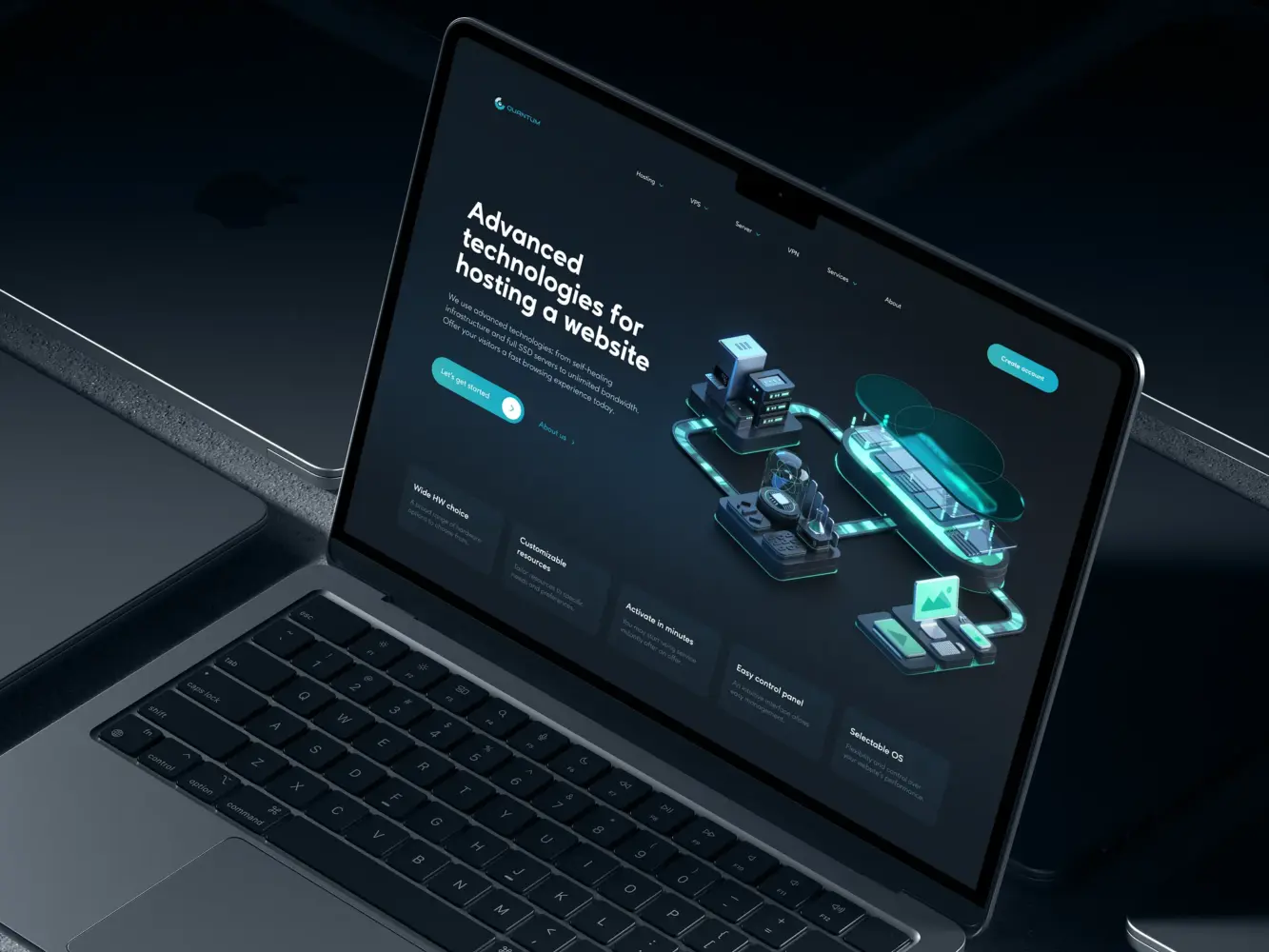
Website Design for a Technology-Driven Hosting Service by Shakuro
Reduced Support and Training Costs
Support pressure exposes design problems faster than almost any usability test.
If the same questions keep coming up, if teams constantly double-check actions, if internal chats are full of screenshots asking “is this correct?”, UX is already costing the organization money.
Not in theory. In hours.
Enterprise support is expensive. So is internal training. So is the productivity loss when people hesitate, redo work, or avoid parts of the system because they feel risky.
Well-designed enterprise products tend to change the nature of support requests.
Instead of “how do I use this?” and “what happens if I click this?”, questions move toward edge cases and domain-specific issues. That shift usually comes with a visible drop in ticket volume, shorter onboarding programs, and less reliance on internal champions to unblock everyone else.
Over time, this also affects retention.
Enterprise software is rarely abandoned outright. More often, it is slowly sidelined. Teams build parallel tools. Critical work moves elsewhere. The product stays officially in place, but its role shrinks.
UX quality plays a quiet role in that outcome.
Systems that feel heavy, inconsistent, or error-prone gradually lose trust. Systems that are predictable, legible, and supportive tend to stay embedded — even when better tools exist on paper.
This is why enterprise teams increasingly connect UX decisions to adoption metrics, support budgets, and long-term account health—and why they look closely at how conversion-focused web design influences long-term usage and product retention, not only initial engagement.
Because in enterprise products, growth does not come from clicks––it comes from becoming part of how work actually gets done.
How to Evaluate an Agency for Enterprise Web Design
At the enterprise level, choosing an agency is a risk decision.
You are not only buying design output. You are introducing an external team into product strategy, system evolution, and long-term delivery. The wrong choice rarely fails fast. It fails slowly—through design debt, broken consistency, stalled rollouts, and growing internal friction.
A useful way to evaluate agencies is to stop reviewing portfolios and start checking operational signals.
Below is a practical checklist enterprise teams can use when assessing whether an agency is actually built for enterprise web design.
-
Experience With Enterprise-Scale Products
Look for evidence of scale, not just polish.
Check whether they can demonstrate:
- Work on products with multiple user roles, permissions, or organizational layers
- Projects that lived past first release (redesigns, system evolution, migrations)
- Experience inside regulated, data-heavy, or operationally critical environments
- Collaboration with internal product and engineering teams, not just founders or marketing
Ask directly:
- What happened to the product a year after launch?
- What design decisions had to be revisited when it scaled?
- What broke, and why?
Enterprise-experienced teams talk easily about constraints, failures, rebuilds, and governance. If everything in their story ends at “delivery,” that is a warning sign.
-
Mature Processes and Documentation
Enterprise UX does not survive on files alone.
Check whether they provide:
- A clear discovery and alignment phase before design starts
- Defined design systems with usage rules, not just UI kits
- Documentation that supports engineers and future designers
- Versioning, ownership, and handoff practices
- A way to manage design decisions over time
Ask to see:
- An example of a real design system they maintained
- How they document components, patterns, and behavior
- How they support teams after initial delivery
If an agency cannot show how their work is maintained, extended, and governed, they are not set up for enterprise environments.
-
Ability to Collaborate With Internal Teams
Enterprise agencies do not “take over design.”
They integrate into existing structures.
Check whether they are comfortable with:
- Working alongside in-house designers and engineers
- Participating in product and technical discussions
- Adapting to internal standards, tooling, and constraints
- Defending decisions with reasoning, not aesthetics
- Raising risks instead of just delivering screens
Ask how they handle:
- Conflicting stakeholder requirements
- Technical pushback
- Security and compliance input
- Long feedback cycles
Strong enterprise partners know how to operate inside organizations. Weak ones try to work around them.
-
Enterprise Thinking in Their Questions
Often the fastest signal is not what agencies show — but what they ask.
Enterprise-ready teams tend to ask about:
- Roles, permissions, and governance
- Legacy systems and constraints
- Compliance and audit requirements
- Internal ownership and rollout plans
- Long-term product vision, not just scope
Execution-focused teams tend to ask about pages, features, and deadlines. That difference usually predicts how the relationship will unfold.
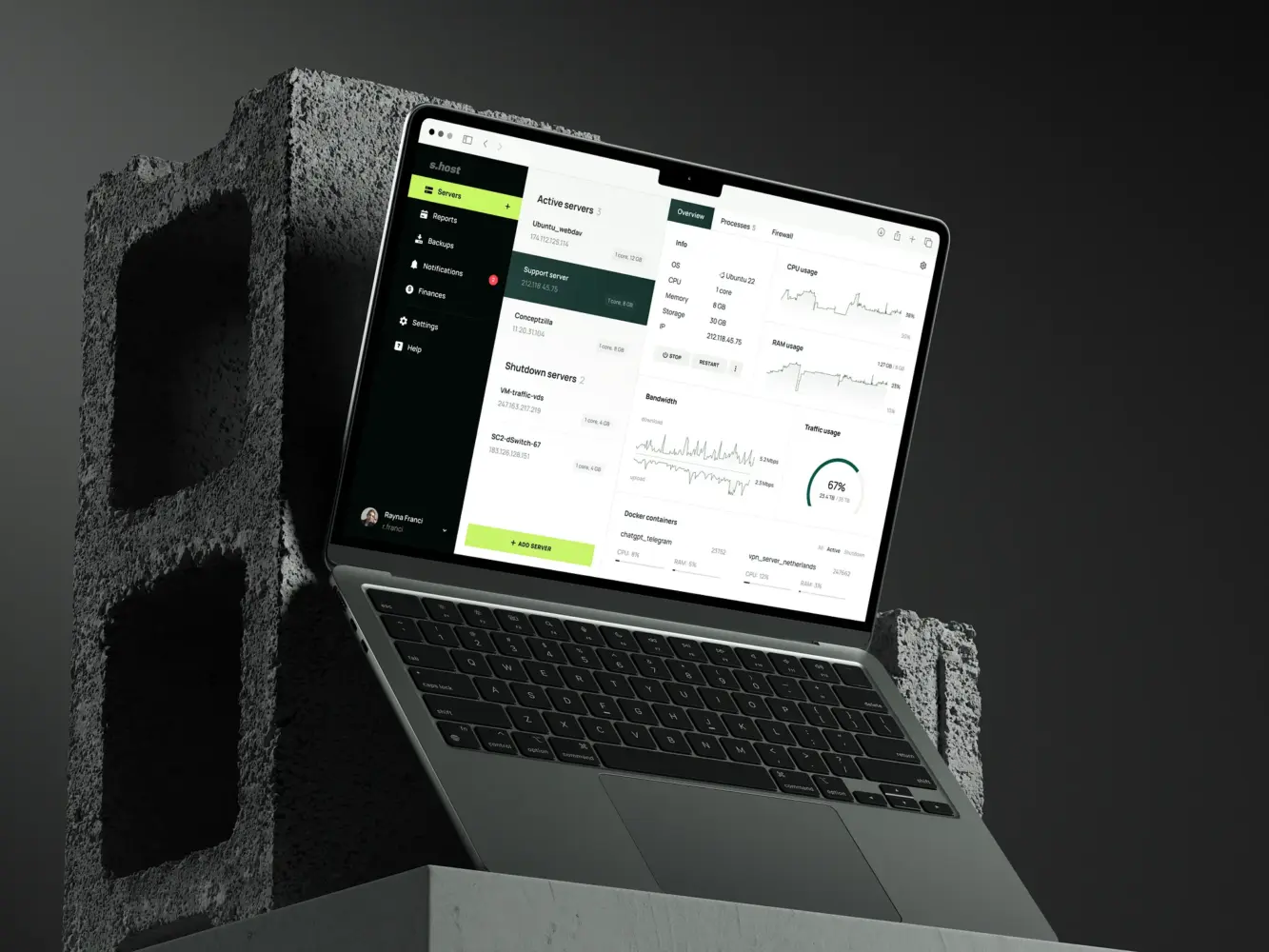
Website Design for Server Hosting Platform by Shakuro
Common Enterprise Web Design Mistakes
Most enterprise product design challenges do not come from lack of talent.
They come from misjudging the problem.
Teams apply approaches that work well for marketing sites, startups, or early-stage SaaS products to environments that operate under completely different pressures. The result is rarely an immediate breakdown. It is a slow accumulation of friction, risk, and rework.
These are some of the mistakes that appear most often when organizations underestimate what web design for enterprise products actually involves.
Treating Enterprise Like a Marketing Site
One of the most common early missteps is framing an enterprise product as a branding or presentation problem.
The focus shifts toward visual differentiation, layout originality, and surface-level clarity. Screens are evaluated for how they look, not how they operate. Success is measured in aesthetics rather than in task stability, error prevention, or long-term usability.
This mindset usually comes from teams and agencies whose main experience lies in marketing websites.
Marketing design optimizes for attention, emotion, and short interactions. Enterprise UX design has to support repetition, precision, and long sessions of focused work. What looks engaging on a landing page can become exhausting or risky inside a system people use eight hours a day.
When enterprise products are treated like marketing assets, the interface often becomes expressive but fragile. Patterns change too often. Controls move. Visual metaphors override functional clarity. Over time, this erodes trust and increases support burden.
Enterprise users rarely want to be impressed. They want to be confident.
Overdesigning Without Operational Context
Another frequent mistake is designing in isolation.
Teams build elegant systems of screens without deeply understanding how the product is actually used inside organizations. Workflows are inferred from assumptions. Edge cases are postponed. Technical and regulatory constraints are treated as details to “handle later.”
The result is often a product that demos well and struggles in production.
Overdesigned interfaces tend to collapse under real conditions: incomplete data, interrupted workflows, handoffs between departments, partial permissions, slow systems, messy processes. What seemed logical in a design file becomes ambiguous or unsafe when people rely on it to do real work.
Enterprise UX cannot be shaped only by user interviews and feature lists. It has to be shaped by operational reality: who touches what, in which order, under which constraints, and with what consequences.
When design is detached from that context, complexity does not disappear. It simply resurfaces later—in patches, custom fixes, and growing internal dissatisfaction.
Ignoring Long-Term Maintenance
Many enterprise products are designed as if they will be finished.
They never are.
New modules appear. Regulations change. Teams reorganize. Markets expand. Internal tools are replaced. What begins as a contained system slowly turns into an ecosystem.
When long-term maintenance is not part of the original design thinking, products start to drift.
Patterns multiply. Components diverge. Similar problems get solved in different ways. No one is quite sure which decisions are still valid. Design becomes reactive instead of structural.
This is often the moment when organizations feel “stuck” with their own product.
Not because it cannot be redesigned, but because redesigning it would disrupt too many teams at once.
Enterprise web design that ignores maintainability creates future cost. It pushes difficult decisions downstream. It replaces deliberate system building with ongoing compensation.
The most expensive enterprise UX design mistakes rarely show up in the first release.
They show up three years later, when every change feels risky.
When Enterprise Products Need a Redesign
Enterprise redesigns rarely start with dissatisfaction about visuals.
They usually start with tension.
Teams struggle to ship. Support load grows. Training expands. New modules feel harder to integrate than the last. Workarounds become normal. People hesitate before touching parts of the system.
At this stage, leaders often sense that something is wrong, but not whether the answer is a redesign, a refactor, or a series of targeted improvements.
Enterprise UX work becomes less about change for its own sake and more about timing and scope.
Signals UX Is Blocking Scale
There are recurring signs that design is no longer supporting the product’s growth.
One of the earliest is fragmentation. Different sections behave differently. Similar tasks require different flows. New features look and work unlike existing ones. Teams start asking whether something already exists before building it.
Another is dependency. A small group of experts becomes essential for routine work. New employees ramp slowly. Departments rely on internal guides and shadow tools to operate.
Support metrics often reflect the same shift. More tickets are about confusion rather than bugs. More questions repeat. More time is spent explaining the system instead of improving it.
From a product perspective, releases slow down. Seemingly minor changes require long alignment cycles. Engineers avoid touching certain areas. Design work becomes patchwork instead of structural.
None of these issues are purely technical.
They point to UX and system design no longer matching the reality of the product.
Redesign vs Incremental Improvement
Not every enterprise product that struggles needs a full redesign.
In fact, changing large-scale web design is among the riskiest initiatives organizations undertake. It disrupts workflows, retrains teams, and introduces/ new failure points. In mature systems, even well-executed redesigns can cause temporary drops in productivity.
The key decision is rarely “redesign or not.” It is where intervention should happen.
Some problems respond well to incremental work: stabilizing patterns, consolidating components, reworking a few core flows, introducing governance, or building a proper design system around existing structures.
Other situations call for deeper change. When the underlying information architecture no longer reflects how the business operates. When legacy decisions actively block new products or regions. When security, compliance, or role models are fundamentally misaligned with the system.
In those cases, incremental improvements often turn into permanent mitigation.
Enterprise redesign becomes necessary when the cost of maintaining the current structure overtakes the cost of carefully rebuilding it.
This is also where many organizations underestimate the UX risk involved. Redesigning enterprise platforms is not comparable to refreshing a marketing site. It affects daily operations, reporting accuracy, access models, and institutional knowledge.
That is why enterprise teams increasingly approach redesigns as product transformations rather than visual updates, borrowing from lessons learned in complex initiatives like rebrands and platform shifts—including how redesign efforts during organizational change introduce UX risk and what best practices help control it.
Because in enterprise environments, the question is not whether a redesign will be disruptive.
It is whether staying as you are has become more disruptive than changing.
Final Takeaway: Enterprise UX Is About Risk Reduction at Scale
Enterprise UX is often discussed in the language of usability and experience.
In reality, it operates much closer to risk management.
At enterprise scale, products rarely fail because something looks outdated. They fail because systems become hard to evolve, hard to govern, and hard to trust. They fail because small UX decisions quietly turn into operational friction, compliance exposure, training overhead, and structural rigidity.
Enterprise web design is not about making software look better.
It is about making growth safer.
It is the work of shaping structures that can absorb new users, new teams, new regulations, new features, and new business models without breaking down.
Small UX Mistakes Become Big Business Problems
In enterprise environments, nothing stays local.
A confusing permission model does not affect one user. It affects departments.
An unclear workflow does not waste minutes. It undermines processes.
An inconsistent interface does not just annoy. It trains people to avoid the system.
A fragile design system does not slow design. It slows the company.
Over time, these issues stop being “UX problems.” They become business constraints.
They shape how fast products can ship.
How safely operations run.
How confidently organizations can scale.
How much internal energy goes into progress instead of compensation.
This is why enterprise UX cannot be treated as a surface layer added after engineering or branding. It is part of the product’s structural integrity.
Companies that take enterprise UX seriously invest in systems, not screens. In governance, not visuals. In collaboration, not handoffs. They work with partners who understand what enterprise products are made of: legacy environments, multi-role platforms, compliance pressure, operational risk, and long-term evolution.
Because at enterprise scale, UX is no longer about making software easier to use. It is about making software safer to depend on.
If your product already operates in that environment—or is moving toward it—enterprise web design is not a cosmetic upgrade. It is infrastructure. And it requires teams who are equipped to design with that level of responsibility.
If you are planning an enterprise redesign, scaling a complex platform, or preparing a corporate or AI-driven product for growth, talk to us about enterprise web design and how Shakuro can help you build UX foundations that support adoption, operations, and long-term scale.
Related reading