For those who prefer to listen rather than read, this article is also available as a podcast on Spotify.
There’s always another app ready to take your spot if you stumble. For CTOs and product managers, the pressure is on to scale without everything falling apart. You want growth, but you also need the thing to actually work when ten thousand new users show up overnight. Balancing those features with raw speed is tricky.
Speed is a technical metric we chase to make the engineering team feel good. However, it is also the heartbeat of your product. When an app stutters or takes forever to load a feed, users think your app is broken or, worse, that you don’t care about their time.
If you’ve ever felt like you’re constantly putting out fires related to latency or weird crashes during peak hours, let’s dig in. You will learn about mobile app performance optimization: how to make your app open instantly, every single time, without rewriting your entire codebase from scratch. Practical steps, tips, tricks, and working strategies.
Why Mobile App Performance Matters More Than You Think
Speed is a Competitive Advantage
We often treat speed like a nice-to-have feature, something to polish up once the “real” work is done. But in today’s market, it’s basically your main selling point. When was the last time you waited more than a few seconds for an app to load and just stayed patient? Probably never. You likely switched tabs or closed it entirely without a second thought. Your users are doing the exact same thing to your app right now.
Founders pour months of effort into perfecting a unique feature, only to watch adoption flatline because the screen transition took two seconds too long. It’s frustrating: you built something great, but the delivery was sluggish.
A faster app literally keeps users from leaving. When your interface responds instantly, it feels reliable. It feels professional. Split-second responsiveness builds a kind of trust that fancy graphics just can’t buy.
Retention compounds. If you shave off even half a second from your load times, you might see a noticeable bump in how many people come back the next day. Over a year, that difference is massive. Competitors might have similar features or pricing, but if your app feels snappier, you win.
You could have the best logic in the world, but if the user experience feels heavy, you’re handing market share to the guy with the slightly inferior product that just loads faster.
So, when you look at your roadmap, try not to silo improving mobile app performance as just an engineering task. It’s a business strategy. Every millisecond you save is a small defense against churn and a step toward capturing more of the market.
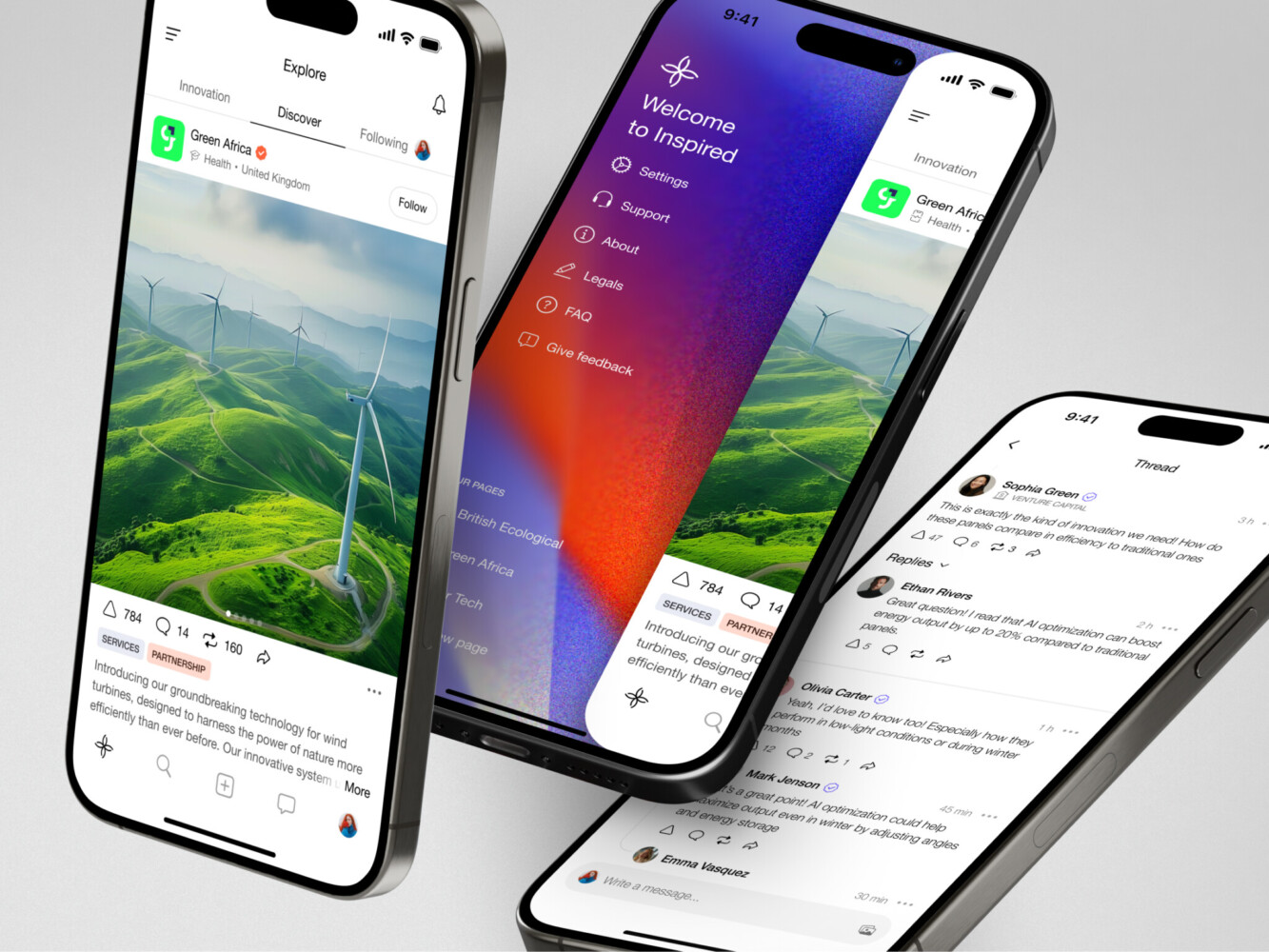
Mobile app for Inspired by Shakuro
How Poor Performance Hurts Your App’s Success
The Impact on User Engagement and Retention
You know that feeling when you tap an icon and the screen just freezes for a heartbeat? It’s annoying. And it’s even more annoying when it happens every single time you try to do something important. The same goes for slow load times and laggy interfaces. It actively pushes people away.
Users don’t wait around to see if your app will eventually catch up. They just assume it’s broken and bounce to a competitor before you even have a chance to show them what you’ve got. Even if they stick around initially, a clunky experience wears them down over time. They start opening the app less frequently.
Before you know it, your retention curves are dipping, and you’re scratching your head wondering why nobody seems to care about your latest update. Fixing those little hiccups in the flow often brings users back faster than any push notification campaign ever could.
Performance’s Role in Conversion Rates
There’s a direct line between mobile app speed optimization and how many people actually pull out their credit cards or sign up for that demo. It sounds almost too simple, but every fraction of a second you save removes a tiny bit of friction from the user’s journey.
When an app is sluggish right at the critical moment, like when hitting “Subscribe” or “Buy Now,” doubt creeps in. Users abandon the cart not because they changed their mind about the product, but because the process felt unreliable.
It really makes you wonder how much revenue is slipping through the cracks while teams focus on adding more bells and whistles. If your app stutters when it matters most, you’re basically asking users to reconsider. And most of them will. A fast, smooth experience signals competence and security, which is exactly what you need when you’re asking someone to commit. So yeah, optimizing mobile app speed is directly filling your pipeline and helping you grow revenue.
Key Mobile App Performance Metrics You Should Track
Load Time (First Contentful Paint, LCP)
First up is load time, specifically something called First Contentful Paint, or FCP, and its bigger sibling, Largest Contentful Paint (LCP). I know, the acronyms sound a bit dry, but stick with me because they tell a huge story about what your user is feeling. They come from the world of web app performance metrics, but they map neatly onto mobile screens too.
FCP is basically the moment the user sees something appear on the screen—maybe a logo or a bit of text. It’s that first sign of life that tells them, “Hey, the app is waking up.” If this takes too long, people start thinking the app is dead on arrival. Then you have LCP, which marks when the main content, such as the hero image, the headline, that big product shot, is fully visible. This is the moment users decide if the page is worth waiting for.
If your LCP drags past 2.5 seconds, you’re already losing people. They don’t care that you’re loading a high-res image in the background; they just see a blank space and get antsy.
It’s all about perception. If the screen stays white for even a second too long, trust evaporates. You want those numbers as low as possible because that first visual confirmation is what keeps them from hitting the back button.
Time to Interactive (TTI)
Now, just because the screen looks loaded doesn’t mean it’s ready to work. That’s where Time to Interactive, or TTI, comes in. Have you ever been in a situation where the page looks perfect, you tap a button, and nothing happens for a second? Then maybe it scrolls weirdly or finally registers your click? That’s a bad TTI score.
In app performance monitoring, TTI measures how long it takes until the app is actually responsive to your input. Until that moment, the main thread is probably busy doing something else, like parsing JavaScript, loading ads, or whatever. To the user, it feels like the app is ignoring them. And when an app ignores you, you stop trusting it.
Fixing this really helps engagement. When a user taps “Add to Cart” or “Sign Up” and the reaction is instant, the flow feels natural. It’s like a conversation where the other person replies immediately versus one where they stare at you silently for three seconds before answering.
When you focus on TTI, you ensure that once the user sees your content, they can actually do something with it right away.
Frame Rate and Responsiveness
That smooth, buttery feel we all love comes down to frame rate. You know when you’re scrolling through a feed and it feels choppy, like the images are stuttering or lagging behind your finger? That’s a frame rate drop. Ideally, you want to hit 60 frames per second (fps) consistently. Anything less, and the human eye notices. It just feels cheap.
This relates to the overall responsiveness of the interface. If the frame rate dips when a user is trying to swipe or type, it breaks their concentration. It makes the app feel heavy and sluggish, even if the load times are decent. I’ve seen apps with great TTI scores fail because the scrolling felt like wading through mud.
Mobile app performance optimization for a steady frame rate means digging into how you render lists, handle images, and manage complex layouts. It’s a bit tedious, sure, but the payoff is huge. When an app responds instantly to every touch and scroll without a single hitch, it feels premium. Users might not say, “Wow, great frame rate,” but they’ll definitely notice if it’s missing. They’ll just describe it as “feeling good” to use. And isn’t that what we’re all aiming for?
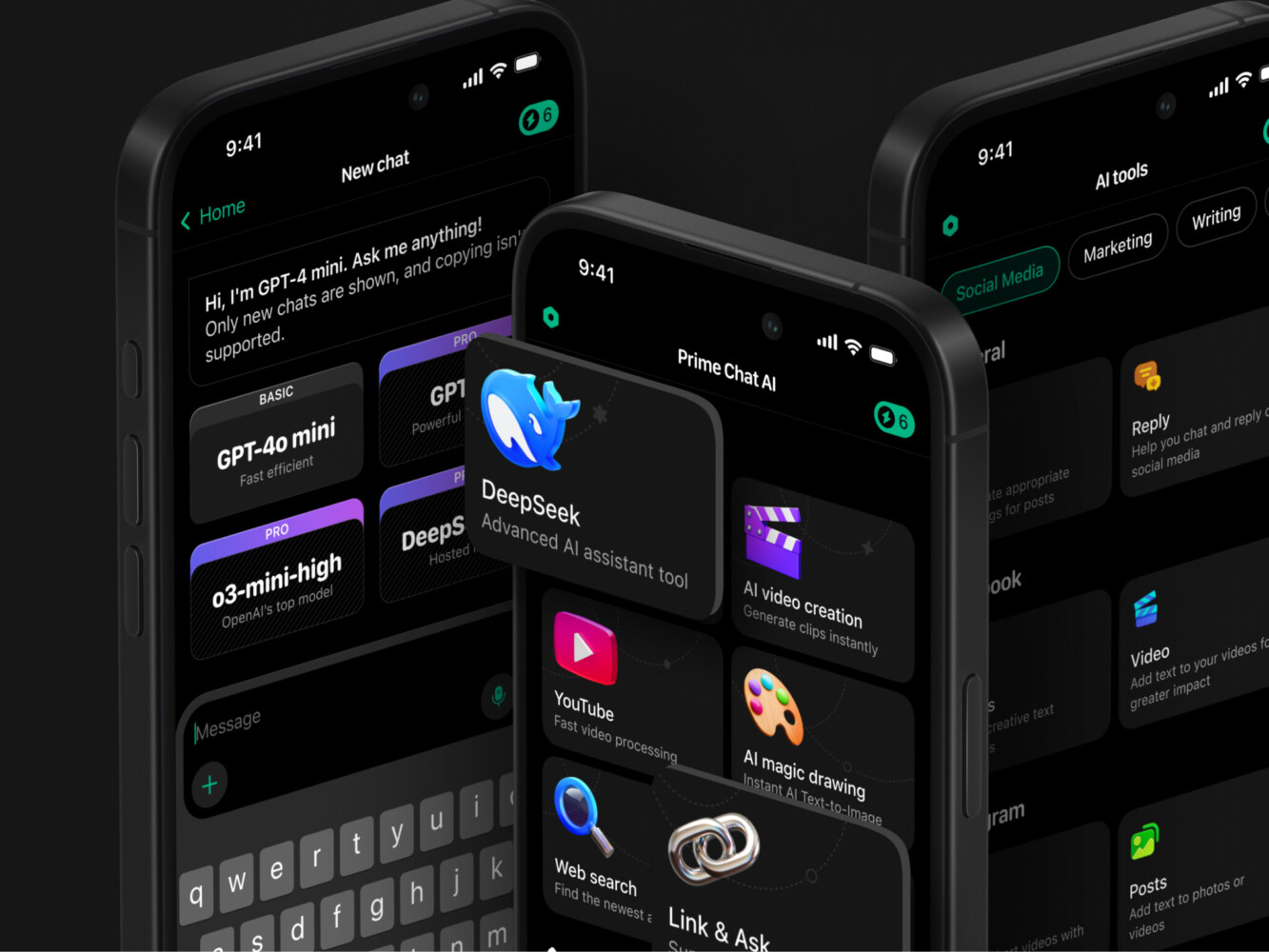
Prime Chat AI Mobile Assistant by Shakuro
5 Key Strategies to Optimize Mobile App Performance
Optimize Assets (Images, Fonts, and Videos)
Honestly, this is where most apps are bleeding performance without anyone noticing. I’m talking about your images, fonts, and videos. I can’t tell you how many times I’ve seen a designer hand over a crisp, beautiful 4MB PNG for a profile picture that’s only displayed at 50×50 pixels. It looks great on their retina screen, sure, but on a user’s phone over a spotty connection? It’s a disaster.
Compressing these files means serving the right format. Switching to WebP or AVIF can slash file sizes by half without losing visible quality. You can also implement lazy loading as a part of app performance best practices. Why load the images at the bottom of the feed if the user hasn’t even scrolled down yet? The app loads instantly because it’s only pulling what’s needed right now. It’s a little extra work upfront to set up, but the speed boost is immediate. Users get content faster, and your data bills drop.
Reduce HTTP Requests and Unnecessary Dependencies
Every single thing your app has to fetch from the server adds time. Every image, every script, every font file creates an HTTP request. If you have fifty tiny requests happening at once, your app is going to choke, especially on mobile networks. It’s like trying to walk through a crowded hallway; one person moves fine, but fifty people bumping into each other are slowing each other down.
Take a hard look at your third-party integrations. Do you really need that analytics tool, the heat mapper, the chat widget, and the ad network all firing up the moment the app opens? Probably not. Founders add these tools one by one, thinking “it’s just a small script,” until suddenly their app takes ten seconds to become usable.
Audit your dependencies during mobile app performance optimization. If you aren’t actively using the data from a tool, cut it. Or at least delay loading it until after the main content is ready. Trimming this fat makes your app feel so much lighter. You’d be surprised how much faster things get when you stop asking the network to do everything at once.
Minify and Bundle JavaScript and CSS
Your code, like JavaScript and CSS, is often full of spaces, comments, and variable names that make sense to humans but are useless to machines. All that extra text adds up to kilobytes, and on mobile, kilobytes equal seconds. Minifying your code strips all that out, leaving just the raw instructions the browser needs.
Bundling is the other side of this coin. Instead of having twenty separate JS files that the phone has to request one by one, you combine them into one or two big files. This reduces the overhead of setting up those connections.
Implement Caching and Offline Functionality
You know what’s faster than downloading data? Not downloading it at all thanks to the power of caching. If a user has already seen their profile picture or read a news article, why make the server send it again?
App performance best practices take it a step further: think about offline-first design. Life happens. People go into elevators, subways, or rural areas with zero signal. If your app just spins a loading wheel and gives up, you’ve lost them. But if you cache the core content and let users interact with what they have, they stay engaged.
I love seeing apps that let you scroll through your feed or even draft a message while offline, then sync quietly when the connection returns. It builds huge trust. Users think, “This app works no matter what.” Plus, it drastically reduces the load on your servers because you aren’t serving the same static data over and over. It’s a smart move for both speed and reliability.
Optimize Network Requests and API Calls
Often, the bottleneck isn’t the phone or the network; it’s the way we ask for data. Are you fetching a massive JSON object with fifty fields when the screen only needs three? That’s wasted bandwidth and processing time. Be greedy in a good way: ask only for exactly what you need. GraphQL helps, but even with REST, you can tweak your endpoints to be leaner.
Also, when optimizing mobile app speed, watch out for the “waterfall” effect. This happens when your app makes one request, waits for it to finish, then makes another based on that result, and so on. It stacks up delays. Try to parallelize requests where possible, or better yet, batch them.
Don’t forget compression on the server side, like Gzip or Brotli. It’s a small config change that shrinks your data payload significantly. Every byte saved is a millisecond gained, and those milliseconds add up to a happier user.
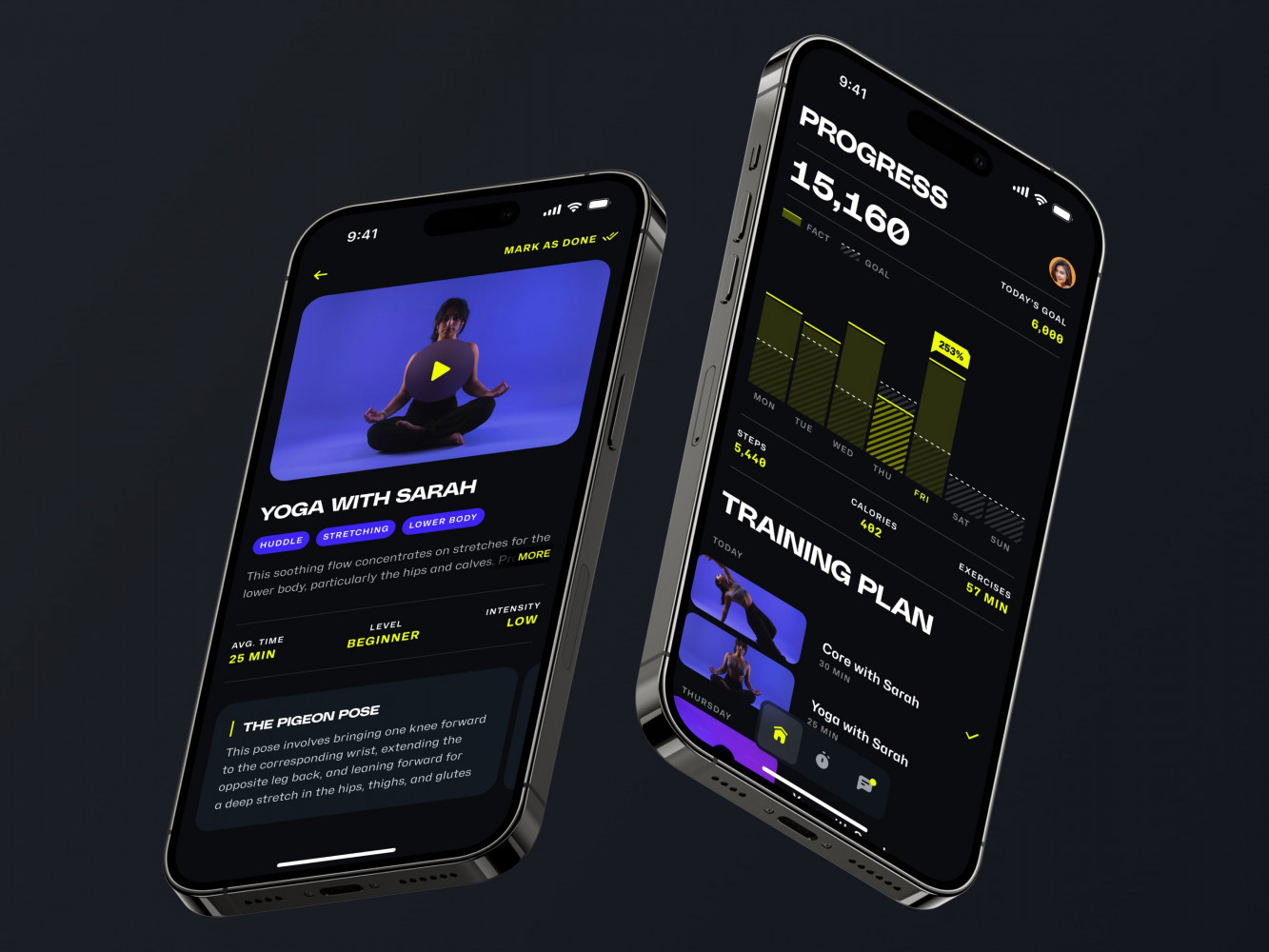
Mobile App for an Adaptive Fitness Guide by Shakuro
Performance Optimization for Different Platforms: iOS vs Android
Performance on iOS: Best Practices
Apple’s hardware is incredibly powerful, sure, but that doesn’t mean you can get lazy. Plenty of apps run sluggishly on the latest iPhone simply because the developers ignored how iOS handles memory and rendering. Good iOS app development starts with respecting those limits.
Mastering Instruments really helps you perform mobile app performance optimization. It’s Apple’s built-in profiling tool, and honestly, it’s a lifesaver. If you aren’t using it to hunt down memory leaks or check for off-main-thread operations, you’re flying blind.
iOS is strict about keeping the main thread free for UI updates. If you block it with heavy calculations or synchronous network calls, the app stutters immediately. Users notice that “jank” instantly, even if they can’t name it. That’s why moving heavy lifting to background queues is the single most effective tweak you can make here.
Pay attention to the image pipeline. iOS devices have high-resolution screens, but loading massive images directly into memory is a quick way to crash your app or trigger aggressive memory warnings. Using tools like UIImage’s built-in caching or third-party libraries optimized for iOS makes a huge difference. They handle resizing and caching automatically so you aren’t re-decoding the same JPEG ten times.
One more point: Swift is the default among languages used for iOS apps, but be careful with its abstractions. They make code clean, but overusing things like heavy protocol-oriented programming or excessive dynamic dispatch can actually slow things down at runtime. Sometimes, a little bit of plain, boring code is the fastest option for improving mobile app performance.
When developing a mobile app for Bless You, we’ve leveraged most of the industry practices to optimize performance. Since the solution was related to healthcare, it has very strict requirements in every aspect. There was no place for lagging during a telemedicine call, for instance.
Performance on Android: Optimizing for Speed
Android, on the other hand, feels a bit like the Wild West. You’re dealing with thousands of different devices, screen sizes, and chipsets. What runs smoothly on a flagship Samsung might crawl on a budget Motorola from two years ago. That fragmentation is your biggest headache, but also where you can really shine if you optimize right. It’s also why experienced Android app developers test on budget devices, not just flagships.
The first thing is to watch out for the main thread looper. Just like iOS, blocking the UI thread is fatal for perceived performance. But Android has its own quirks, like how it handles garbage collection. If you’re creating tons of temporary objects inside a scroll loop or an animation frame, the GC will kick in frequently, causing those annoying micro-stutters. It’s subtle, but it makes the app feel “heavy.” Reusing objects and being mindful of allocations can smooth that out significantly.
Android users are often on metered data plans or slower networks compared to the average iOS user, depending on your market. So, as for the build size, keeping your APK or App Bundle small matters. Use R8 shrinking and resource optimization to strip out unused code and languages you don’t support.
Startup time is an important aspect to consider in mobile app speed optimization. Android apps can have a slow startup time if too much code runs in the Application class or in the main Activity’s onCreate. It is possible to make your app launch in an instant by leaving non-essential code to run after the app is visible to the user.
Android Vitals in the Google Play Console can be used to determine where you are slow compared to your competitors. It will require a lot of testing across various devices, but providing a snappy experience on Android devices earns you loyalty because mid-range device users rarely encounter apps with such a fast startup time.
Tools for Monitoring and Improving Mobile App Performance
Using Google Lighthouse for Mobile Performance Audits
If you haven’t played around with Google Lighthouse yet, you’re missing out on one of the easiest wins in your toolkit. It’s free, and it’s built right into Chrome. You just run an audit, and within seconds, it spits out a score along with a very clear list of what’s wrong.
Lighthouse gives you a roadmap. It simulates a slow 4G network and a mid-tier mobile device, which is great because it forces you to see your app through the eyes of a real user.
The suggestions are usually pretty actionable, too. Instead of vague advice, it’ll say, “Remove unused JavaScript” or “Preload key requests.” It’s a fantastic starting point before you dive into deeper, more complex profiling.
Just don’t treat the score as the ultimate truth, though, it’s a guide after all. Sometimes you can have a perfect 100 and still feel sluggish if the interaction logic is off, but generally, if Lighthouse is happy about mobile app performance optimization, your users will be too.
Mobile App Analytics: Tracking Performance in Real Time
Once your app is out in the wild, static audits aren’t enough. You need to know what’s happening on actual devices, in real time, across different networks and locations. That’s where tools like Firebase Performance Monitoring and Mixpanel come in handy.
They let you track how your app behaves for thousands of users simultaneously. It’s a bit eye-opening, actually. You might think your app is fast because it works great on your test phone, but then you look at the data and see that users in a specific region are experiencing three-second load times because of a slow CDN node.
Firebase is particularly good for this because it integrates deeply with the Android and iOS ecosystems. You can trace specific user journeys, like “signup flow” or “checkout process,” and see exactly which step is causing the delay. Is it the network request? The database query? The image rendering?
Mixpanel offers similar insights but often with a stronger focus on how performance ties into user behavior. For instance, you can correlate slow load times with drop-off rates. If you see that 40% of users abandon the cart when the payment screen takes more than two seconds to load, that’s a hard number you can take to the boardroom.
App performance monitoring gives you clarity that really helps prioritize fixes. Plus, setting up alerts for when performance dips means you can catch issues before they spiral into a PR nightmare.
Performance Monitoring Tools for iOS and Android
When you need to go deep into the nitty-gritty of why an app is stuttering or crashing, you need platform-specific heavy hitters.
For iOS, Xcode is basically non-negotiable. It’s powerful, sometimes a little overwhelming, but it shows you everything: memory usage, CPU spikes, energy impact, and network activity frame by frame.
On the Android side, Android Studio Profiler is your best friend. It gives you a live view of CPU, memory, network, and energy usage while you interact with the app. The Layout Inspector is also super useful for spotting overdraw issues: where you’re painting pixels multiple times unnecessarily—which can kill battery life and frame rates.
But beyond the IDEs, there are third-party tools like New Relic, Datadog, or Sentry that bridge the gap between development and production. They capture detailed traces of slow transactions and crashes, often pinpointing the exact line of code causing the issue.
These tools take the guesswork out of mobile app speed optimization. Instead of wondering, “why is it slow?” you get a report saying “it’s slow because of this specific database lock on these devices.”
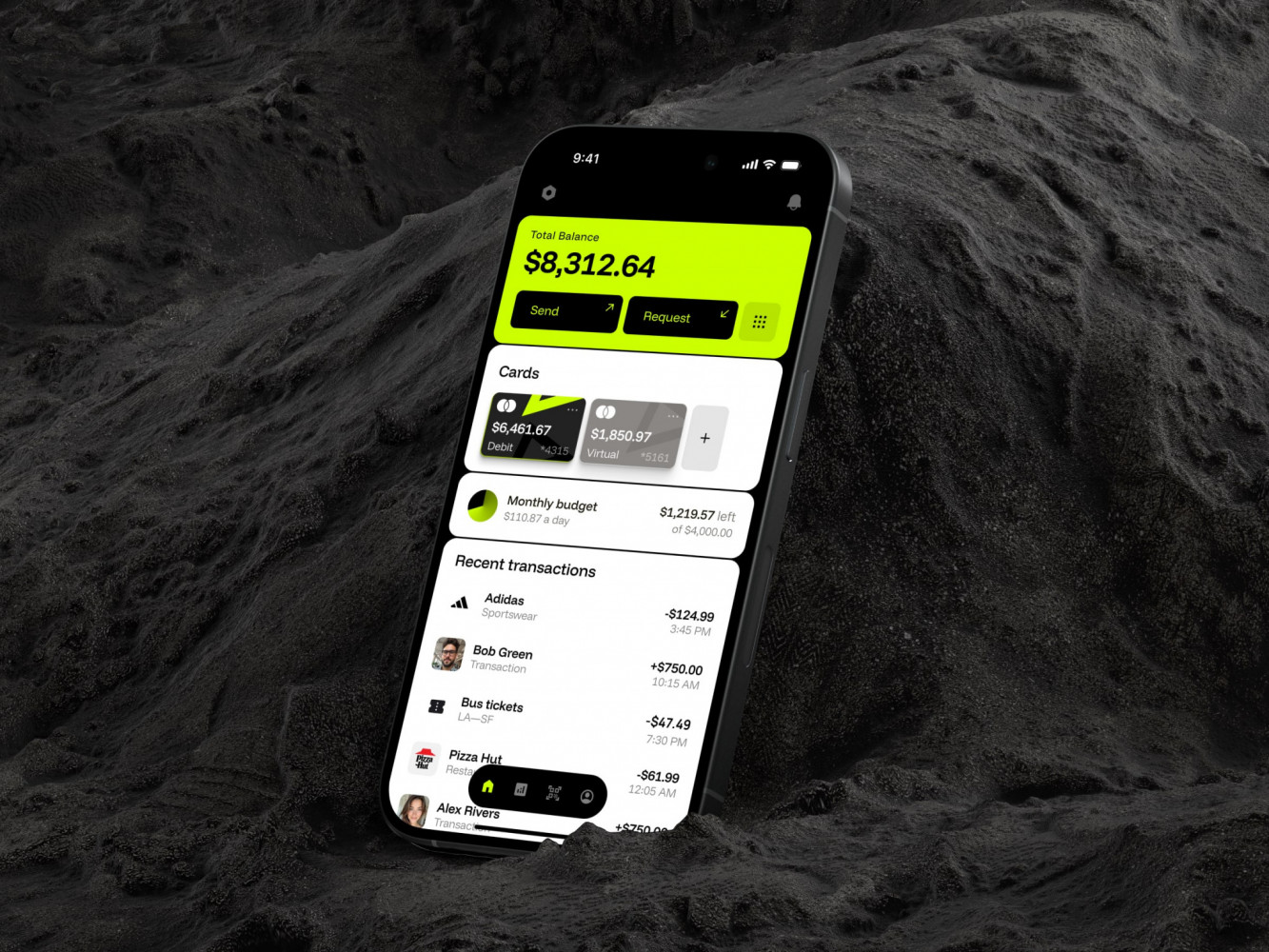
Mobile Banking App by Conceptzilla
The ROI of Mobile App Performance Optimization
Faster Apps Lead to Better User Retention
Keeping a user is way cheaper than finding a new one. We all know the stats, but it’s easy to forget them when we’re deep in feature development. However, every time your app lags, stutters, or takes too long to load, you’re quietly training your users to leave. They just stop opening the app. That’s churn, and it’s silent until you look at the retention curves and see a cliff.
For example, a team spends months building a killer loyalty program, but because the rewards screen takes four seconds to populate, nobody uses it. The feature isn’t the problem; the delivery is.
While improving mobile app performance, you’re essentially removing friction from the relationship. A fast app feels responsive, alive, and respectful of the user’s time. In my experience, shaving even a second off load times can bump day-30 retention by a noticeable margin. It’s those small, consistent positive experiences that build habit. Users come back because the app works without making them wait.
The Impact of Speed on Revenue and Conversions
That’s usually what gets the CEO’s attention: mobile app performance impact on conversions. There is a direct, almost mathematical link between how fast your app is and how much money it makes.
It sounds simple, but it’s shocking how often speed gets deprioritized for “flashier” features that don’t move the needle. If you’re trying to buy something and the checkout spinner goes on for more than a few seconds, do you feel confident? Or do you start worrying the transaction failed? That split-second of doubt is where conversions die.
When an app is fast, it signals trust. It tells the user, “We are professional, we are secure, and we value your time.” That psychological boost is crucial when you’re asking someone to pull out their credit card. Every millisecond you save reduces the chance of distraction or second-guessing.
If you’re running a SaaS product, the same logic applies to demo requests or signup forms. A sluggish form feels like a barrier; a snappy one feels like an invitation. So, when you’re looking at your optimization roadmap, don’t just see it as a technical cleanup. See it as a revenue generator.
Final Takeaway: Speed Isn’t Optional, It’s a Necessity
Prioritize App Performance for Better Business Outcomes
We’ve covered a lot of ground here, from the nitty-gritty of code bundling to the big picture of revenue growth. But if you take only one thing away from all this, let it be this: mobile app speed optimization is a core business strategy.
When you prioritize performance, you’re directly investing in retention, conversion, and brand loyalty. A fast app tells your users you respect them. It builds trust before they even read a single word of your copy. Trust is everything. Think about it: would you rather have ten new features that nobody uses because the app is too slow to open, or a streamlined experience that keeps people coming back every day? The choice seems pretty clear when you put it that way.
So, where do you go from here? Start small if you have to. Pick one bottleneck and fix it. Measure the impact. You’ll likely see a bump in engagement almost immediately, and that momentum is addictive. Once you see how a tiny tweak can move the needle on your bottom line, you’ll wonder why you didn’t make performance a priority sooner.
If you are still unsure and need help from a mobile development agency with 19 years of experience, contact us. We will help you optimize your mobile solution, building a responsive app.
Related reading