E-commerce website design for an urban electric bike brand
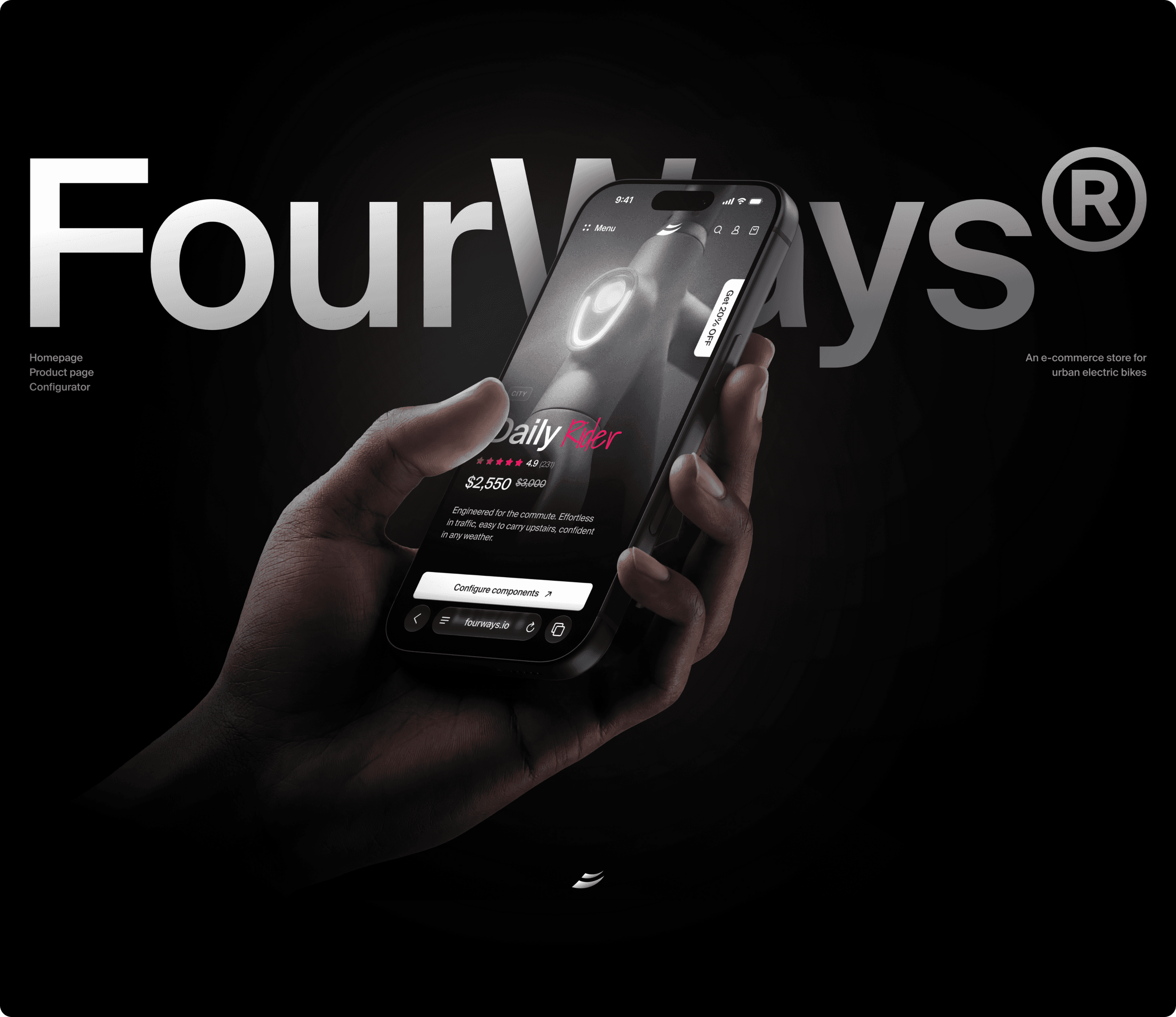
FourWays is a direct-to-consumer store for city e-bikes. It helps riders compare models by real-life use, configure them, and pick the bike without browsing a wall of specs.
About the project
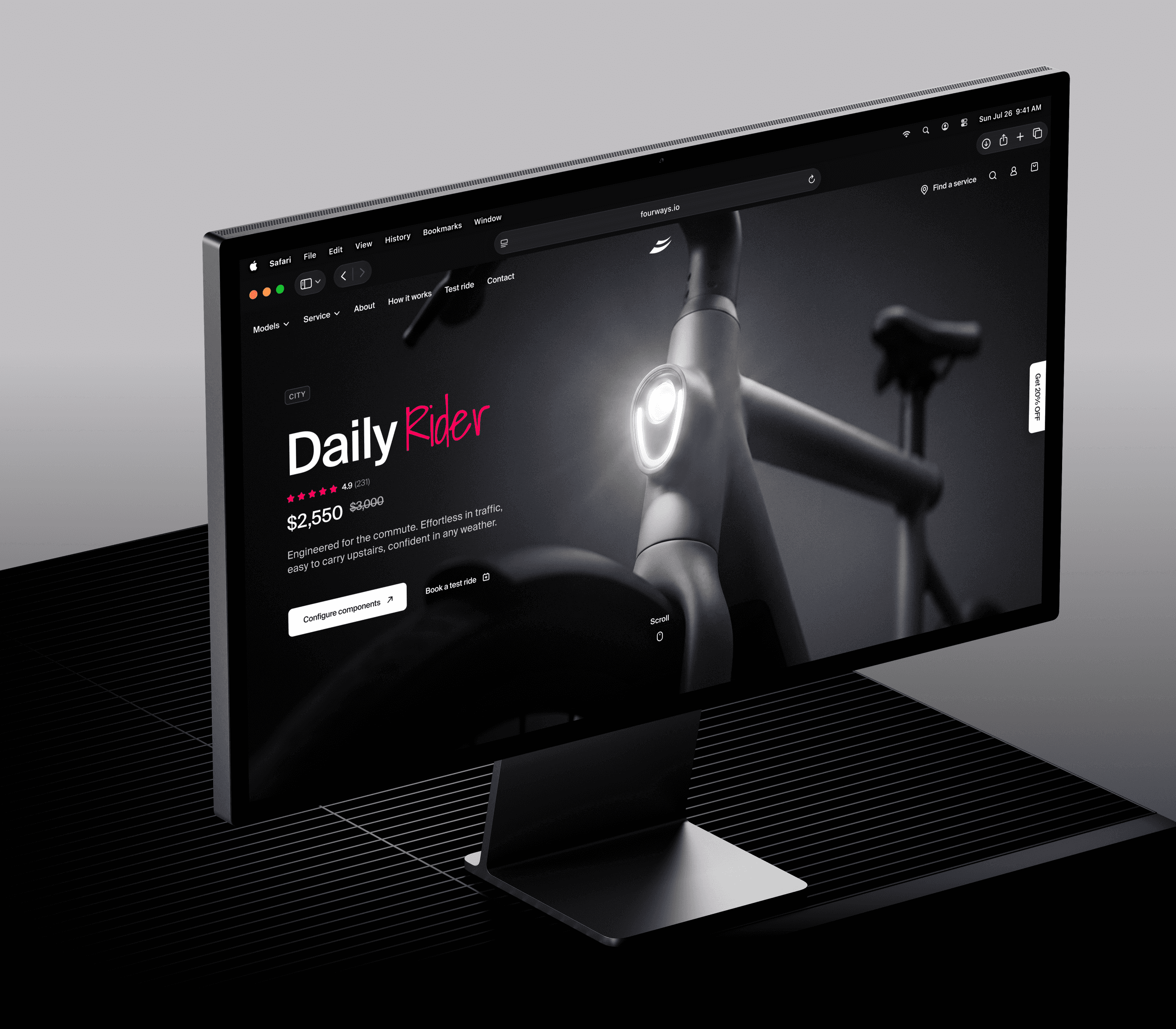
FourWays sells electric bikes for daily city life: commuting, apartment storage, rainy rides, school runs, errands, and carrying extra weight. The website needed to do more than show good product photos. It needed to help people understand which bike fits the way they actually live.
We worked on the homepage, the city product page, the configurator, and the service experience that supports the bike after purchase. The same bike appears across product shots, interface screens, and the app, so it always feels like one consistent object.
The mission
Make the choice easier before the spec table takes over. The store starts with real riding situations: how far the bike goes with a load, whether it fits apartment life, what happens in bad weather, and how service works after delivery. Test rides, warranty, and financing stay close to the buying flow instead of being pushed into the footer.
The challenge
For a product at this price, a clean design and a range number are not enough. A buyer needs to trust the bike’s weight, battery setup, service options, and long-term ownership cost. These questions often end up in review s, chats, or support pages. We brought them into the buying flow without turning the website into a manual.
Design approach
We split the path into three clear steps. The homepage helps riders compare different ways to ride. The product page explains one model in context. The configurator lets people choose color, wheels, performance, and accessories while the price updates in front of them. Each screen has one main job. When the rider moves forward, it feels like the next natural step, not a new decision.
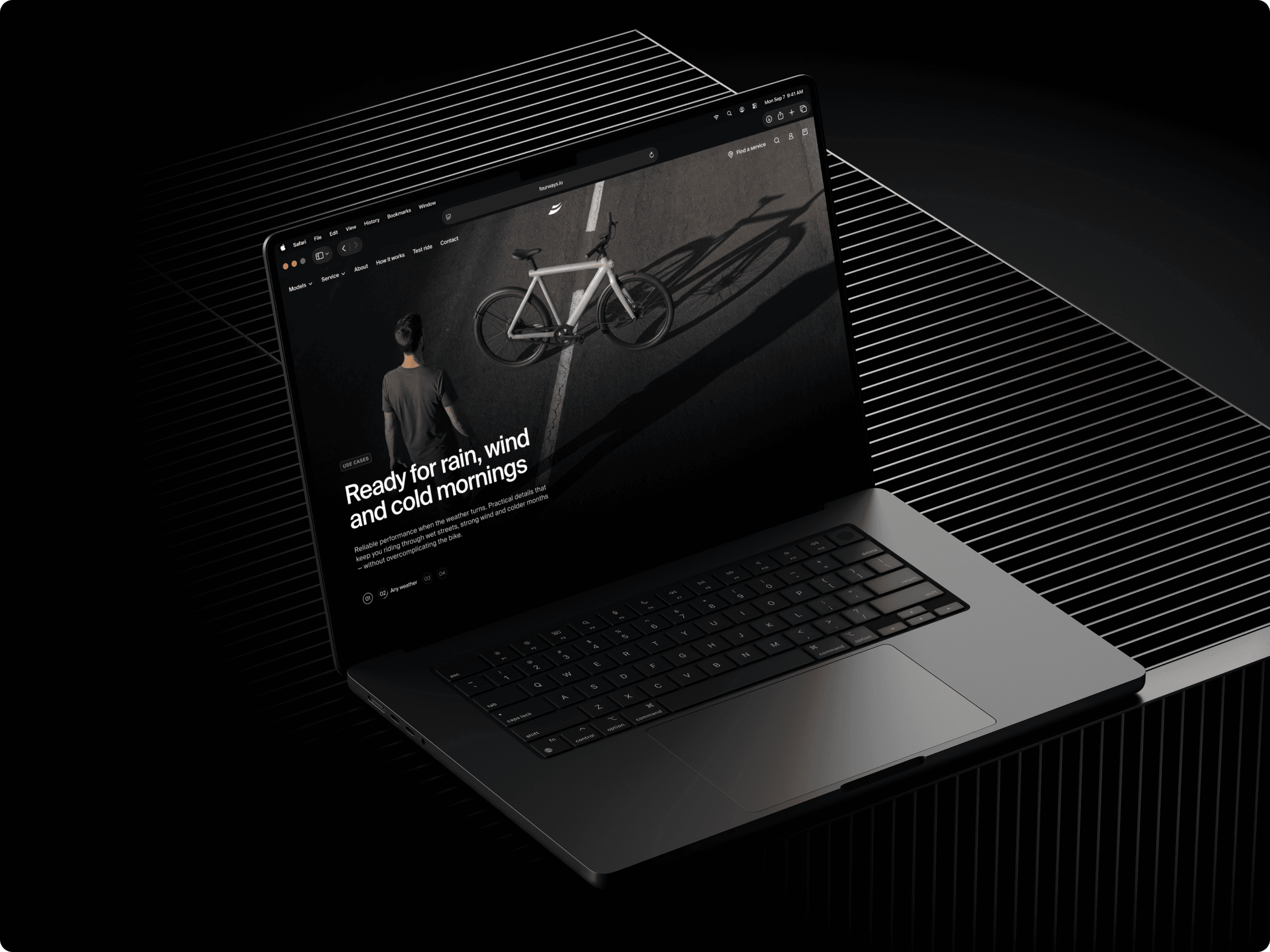
Website design
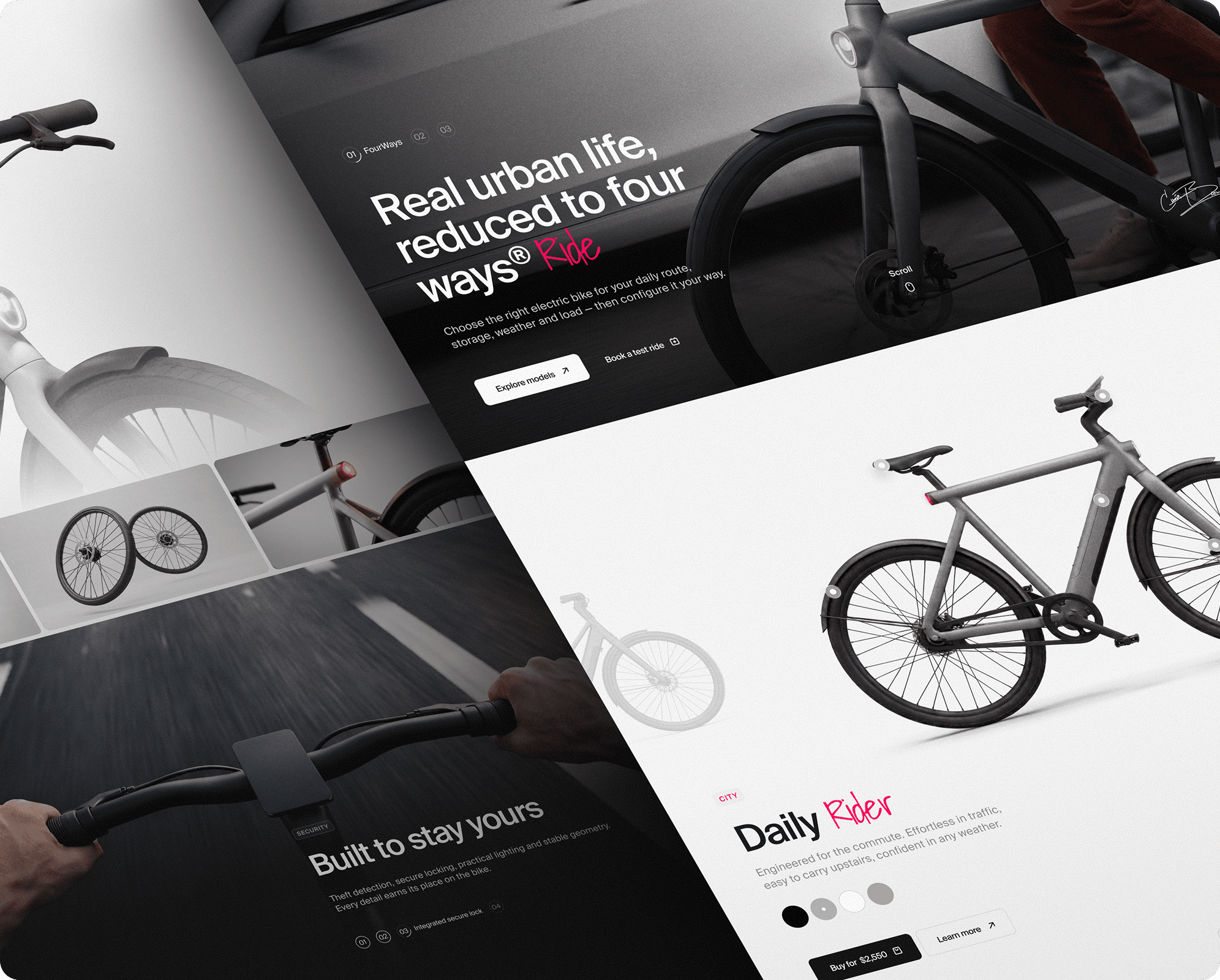
Typography & colors
Suisse Int’l handles navigation, prices, specs, and body text. It stays quiet beside the bike, works well at small sizes, and keeps the product story clear. A script font appears only as a small accent in selected titles. It does not turn into a second interface font and never appears in buttons, specs, or prices.
The store uses a mostly white background. Graphite carries text and controls, so contrast comes from the content rather than heavy dark blocks. Pink marks key actions, selected states, discounts, and single highlighted words. It guides attention without taking over the screen. The bike remains the main visual object.
.png&w=2560&q=75)
.png&w=2560&q=75)
Homepage
The first scroll works like a short catalog. A rider sees the bike, the four models, and the situations each one is made for: daily commutes, small apartments, family errands, and all-weather riding. Service and test ride options appear in the same flow, so the next step is visible before the rider opens a product page.
The goal is to make the type of bike obvious. City, Compact, All-road, and Cargo are not treated as four-color options. They are four different jobs. Comparison starts here. The product page goes deeper.
.png&w=2560&q=75)
.png&w=2560&q=75)
.png&w=2560&q=75)
.png&w=2560&q=75)
.png&w=2560&q=75)
Product page
Range is explained through real use cases: a loaded ride, mixed city streets, and a regular commute. The page also covers weight, what comes in the box, battery handling, and the built-in front light. The bike stays the largest object on the screen. The interface supports the decision, but it does not compete with the product.
Configuration comes next. A rider can first judge whether the bike fits their life, stairs, weather, storage, and delivery expectations. Then they can move into setup. FAQ and service information sit near the end, close to the questions that usually slow down a purchase.
.png&w=2560&q=75)
.png&w=2560&q=75)
.png&w=2560&q=75)
-1.png&w=2560&q=75)
-1.png&w=2560&q=75)
Configurator
The configurator keeps design, performance, and accessories next to the bike. Color and wheel choices update the setup and the price on the same screen. Range, weight, and battery details stay visible, so visual choices do not hide the practical numbers that matter.
The screen ends with a clear summary instead of a cart drawer. “Book a test ride” stays close to the next step for riders who want to try the exact setup before paying. The result is simple: a built bike, a clear price, and no loose list of parts to decode.
-1.png&w=2560&q=75)
-1.png&w=2560&q=75)
Outcome
The store works as one path: compare by use, understand one model, configure it, and keep charging, service, and ownership details within reach. The bike stays at the center. The interface only needs to make the next decision clear.
For FourWays, this creates a product experience that sells a considered purchase without relying on a spec wall or a campaign page. The rider can see the object, understand the choice, and picture ownership before they check out.
-1.png&w=2560&q=75)