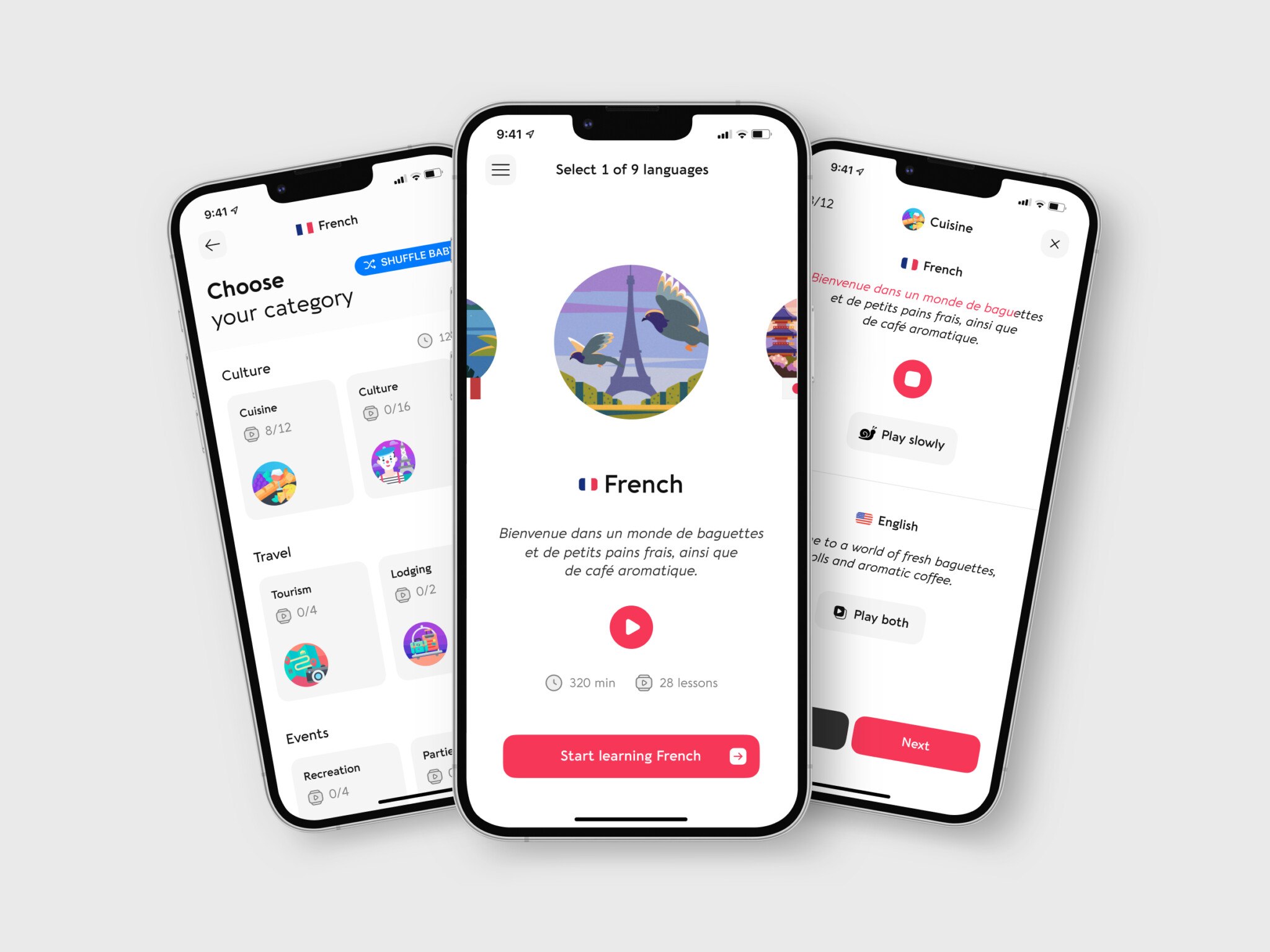
Creating a language learning app for kids costs around $30,000 with an outsourced team if you start with a simple concept: 5-10 frames, no animation, about 240+ hours, approximately $10,800 for development and $19,200 for design. An advanced app with 2D animated illustrations, well-thought-out UI/UX, registration, chats, and profiles takes about 700+ hours, and the total can hit $84,000 and even higher.
Below, we cover everything you need to know about language learning app development: the business model, must-have and optional features, the tech stack, how to create an educational app, development costs, six popular language apps for kids, the educational app market, and e-learning trends.
What business model should a language learning app have?
Before starting the development, it’s crucial to create a detailed business plan. For starters, research the target audience, possible rivals, demanded features, popular educational methods, and so on. Once you have this information, you can start selecting the options for the future mobile application.
Target audience. It can be babies, toddlers, or teens. Generally, psychologists recommend teaching languages to kids from the age of three and up to the age of eleven. This time is the period when the brain actively grows. So discover possible attractions and pains of these users. For instance, babies’ apps to learn languages will be straightforward, with short videos and flash cards. A teen’s version can be more advanced and include speaking practice, various tests, and longer videos on particular situations.
Also, the target audience can be divided by skill level. Do you want to make an application for amateurs or those who already have language learning experience? This fact will influence the educational method you choose and task complexity.
Monetization. To pay off the mobile app development, you must pick a way to earn enough income. Language learning apps and websites usually offer:
- Freemium: people can utilize the app for free or purchase a subscription to access the pro features;
- Paid subscription: there can be a free trial, but one must buy a specific plan to continue working with the application;
- In-app purchase: you can sell various bonuses to improve the user experience. For example, character skins, ‘gems’ for keeping up the streak, bonus lessons, etc.
- Ads: earn money by showing personalized advertisements. Be careful, though — too many ads can push people away.
- Course fees: if you offer online courses, workshops, or other periodic educational content, you can charge a fee for access. This can be a straightforward way to generate revenue.
- Affiliate marketing: partner with businesses that provide products or services related to your content and earn a commission for each sale made through your app.
- Sponsorship: you can also seek sponsorship from businesses or organizations that align with your target audience. This can include brand placement, sponsorships, or partnerships with relevant companies.
Best languages learning apps like Duolingo combine freemium with in-app purchases. This option helps user retention since people can still study without paying money.
Languages. There are more than 7 000 spoken languages in the world. Which ones to include in the mobile application apart from English? It’s better to opt for the most widespread ones; ten or twelve languages will be enough for starters. So, be sure to offer Mandarin Chinese, Hindi, Spanish, Arabic, French, and others. Some applications boast 40 languages and more. However, it’s pretty expensive to support correct localization for all materials. Also, it’s hard to keep everything updated with that vast selection.
Experts and methodology. You need to hire experts to develop the lesson plan for each presented language. It’s better if they are native speakers with a teacher’s degree, at least for the popular languages. Also, the experts should suggest a suitable methodology, like concentrating on speaking or vocabulary extension. In this case, you can guarantee that the mobile app will be helpful and become successful on the market.
Apart from these options, the business plan for apps to learn a language should also include the available budget, possible expenses, etc. If the product is a startup project, it’s wise to choose the MVP or Minimal Viable Product strategy. In this case, the application will have only must-have features necessary for entering the market. The non-essential options will be added with later updates. This way, a small developer team can concentrate on crucial tasks, saving lots of time and money. As a result, they release a high-quality product that competes with medium-sized companies or even enterprises.
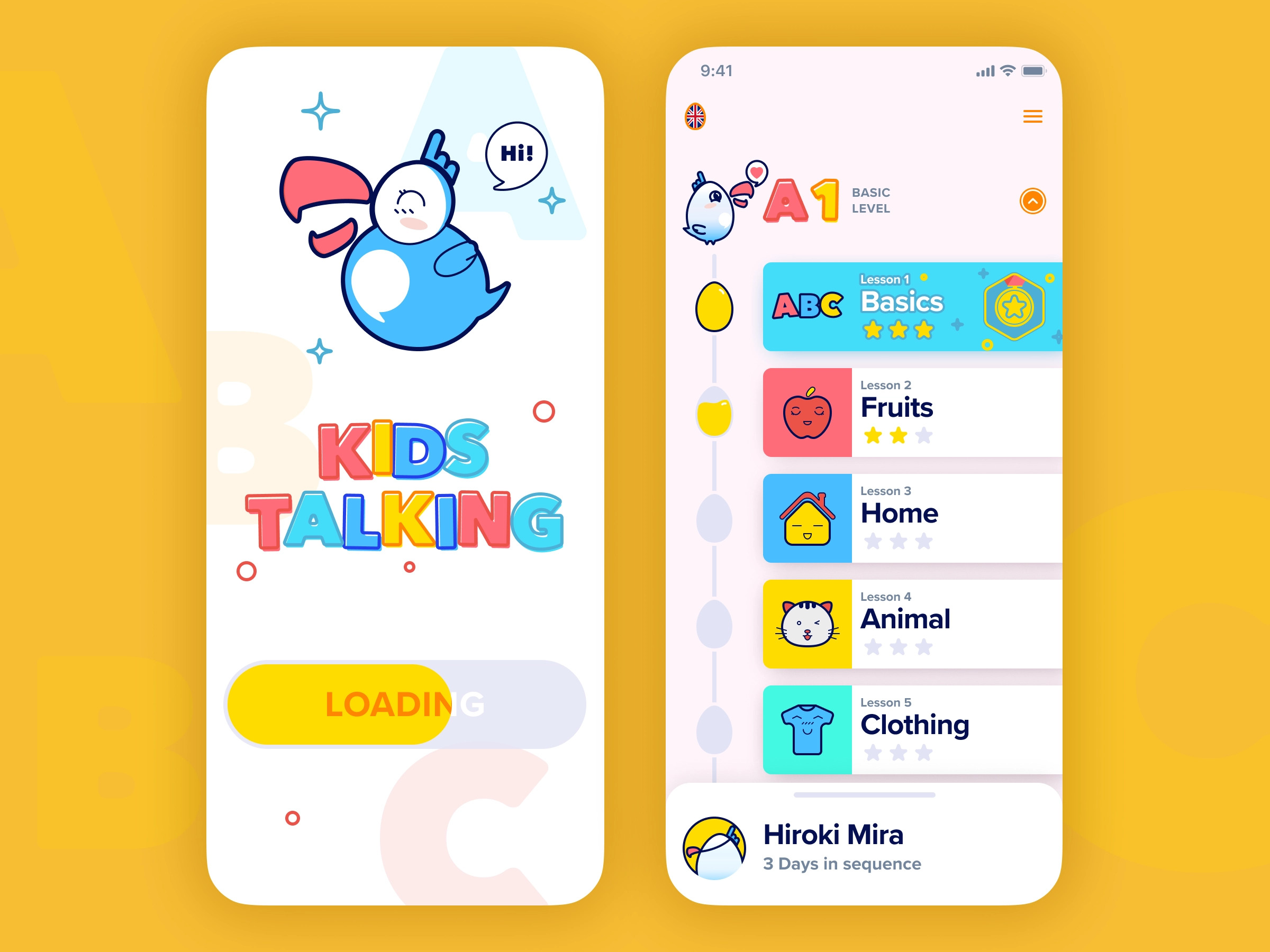
Concept by Anton Khmilovskyy
What features should language learning apps for kids have?
The application should offer specific features that are essential for becoming popular and helpful for kids.
Necessary options:
- Gamification: kids learn through play. So they need materials delivered as a game, preferably with various activities. Also, try adding different achievements to motivate the young users to study harder;
- Simple workflow: kids don’t have a rich user experience with mobile apps, so it’s better to implement an easy-to-grasp UI/UX without complex routes;
- Cute graphics: children like cartoons and cartoon characters, so add such illustrations to lessons. The great idea is to create a friendly-looking mascot to accompany kids through their language journey. This way, you establish a closer connection between the children and the application. It will also help branding since your app will be associated with this character. For example, Duolingo uses a cute little owl as a mascot.
- Personalization: for an e-learning application, this means providing unique content based on the user’s mistakes. Does a kid have difficulties with understanding grammar? Then they get more tasks aimed at polishing these skills. Is their favorite topic connected with cats? Let’s use cats’ stuff or characters during the language studies.
- Fonts with high readability: small kids may have problems with reading texts. As a solution, use easy-to-distinct fonts of a reasonable size. Alternatively, you can also add a voiceover for some parts to increase comprehension;
- User profile: people should be able to set up a profile for their kid and adjust necessary notifications and reminders.
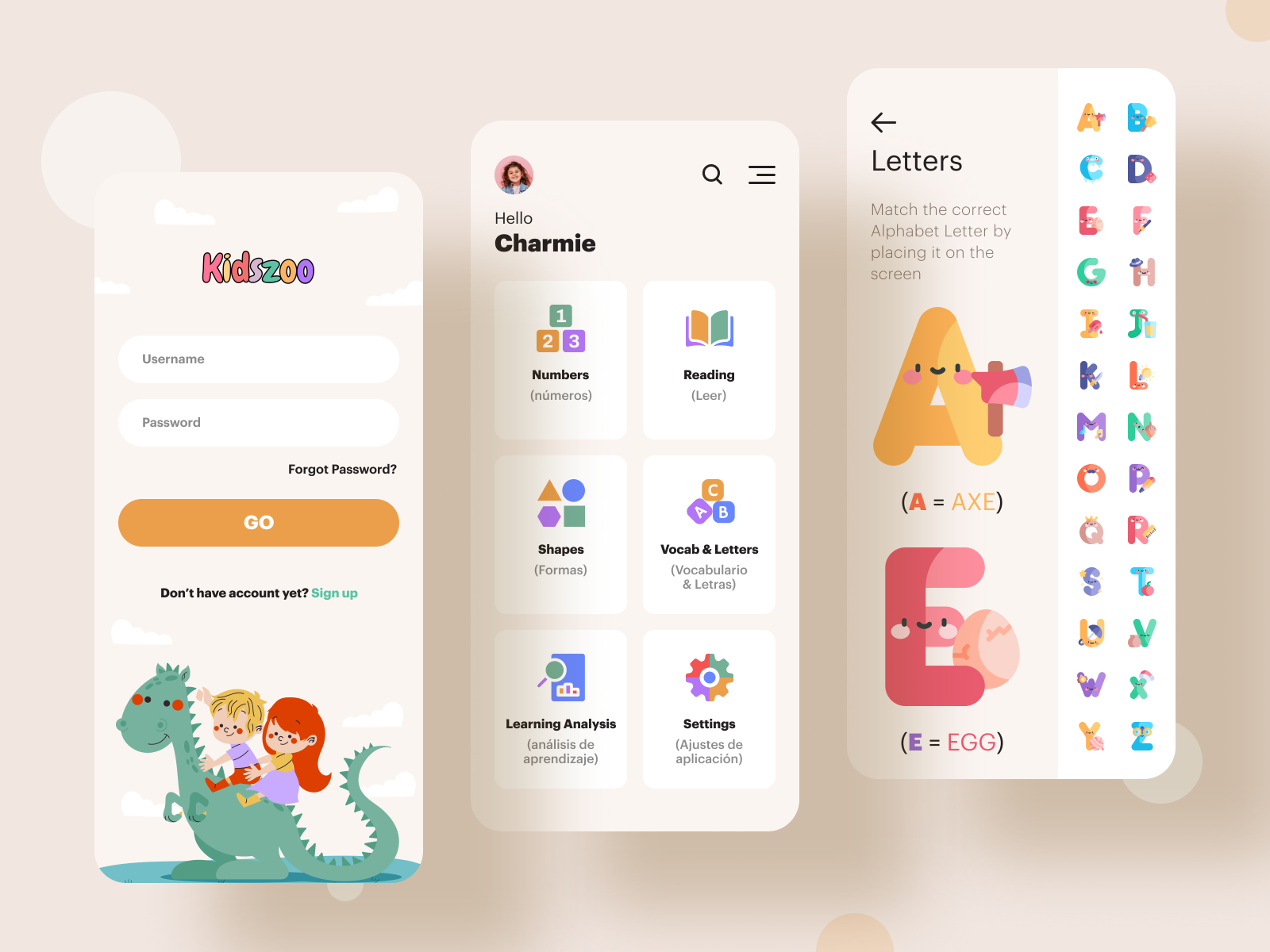
Kidszoo by MindInventory UI/UX
There are other non-essential options you can add to grant the app for language learning more utility in the eyes of parents and children. The product can be released without these. However, they increase the overall value.
- Task reminder: parents are humans, and they can forget about the language lesson in the neverending daily routine. This feature will help them remember and stimulate their child to study daily. It can be realized as pop-ups or push messages appearing at a specific time above other applications;
- Progress monitoring: it looks like a calendar where the mobile application marks attended and missed lessons. Parents can also check this option to see if the child keeps studying without strict overseeing. It’s a great idea to praise kids with small in-app gifts or achievements for long streaks;
- Voice recognition: to provide speaking practice, you will need to implement a technology to recognize the kid’s voice. It requires a voice recognition API, for instance, Google Speech, Bing Speech, iSpeech, or others. Remember that children don’t always speak distinctly, they can distort some words, so API should be versatile enough to understand the sentences;
- Pronunciation check: this feature goes together with speech recognition since you need to see if the user has made any mistakes. The technology compares the recording with the voice lines spoken by the natives and pinpoints any deviations;
- Emotional feedback: for better motivation, place praising messages during and after lessons, as well as in statistics. This way, a kid will feel their progression;
- Offline access: if a device doesn’t have an Internet connection, the user should still be able to study. Allow people to download the lessons to their smartphones and continue practicing languages;
- Socials: teens can connect their social media accounts with an application. This way, they can boast about their achievements and find language partners.
Once you select the essential and non-essential features, time to find what tools your team needs for their implementation. Let’s take a look at different parts of app development.
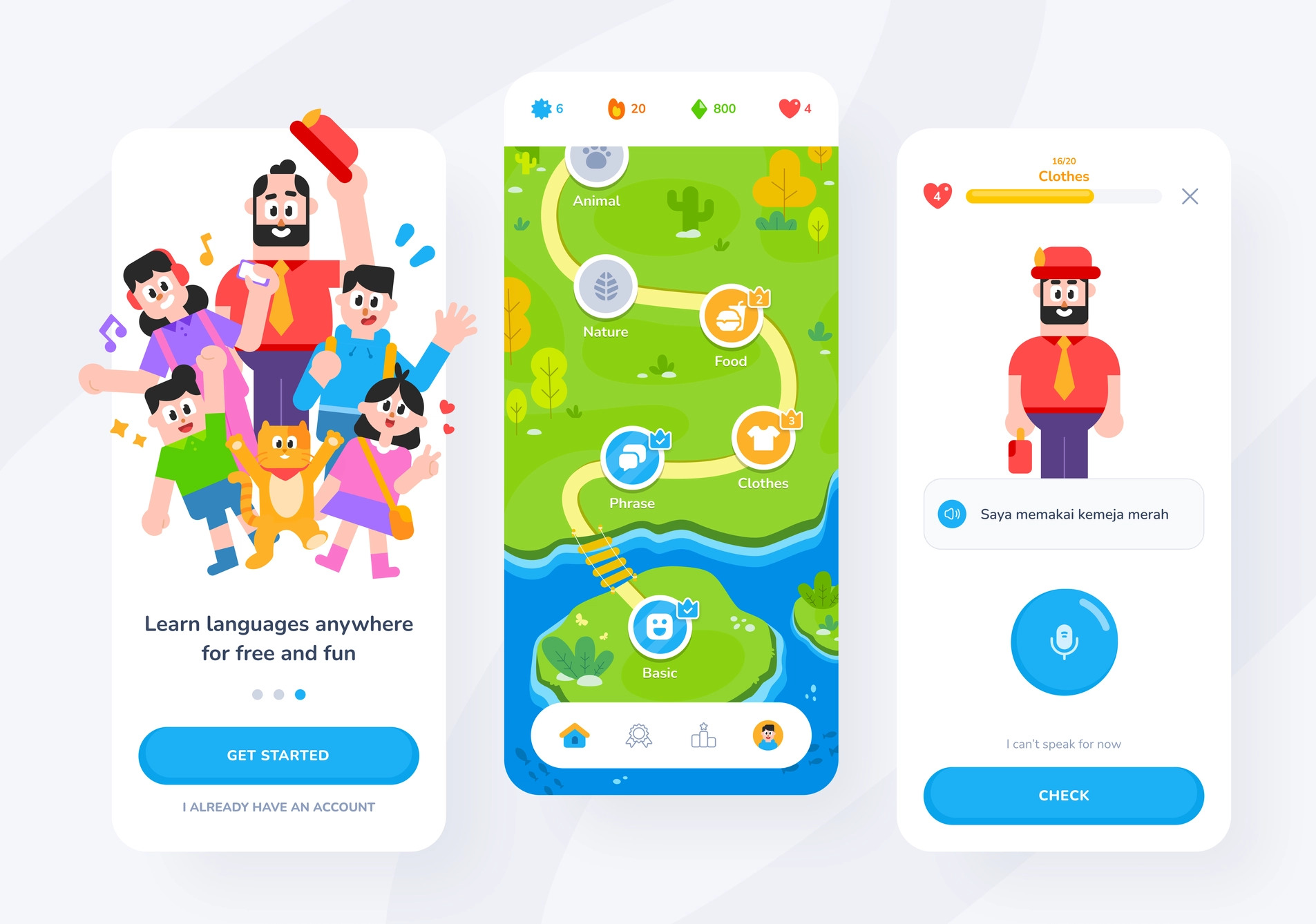
Ketto app by Wahyu Pratama
What technologies do you need to develop a language learning app?
The first step is to pick the release platform: iOS, Android, or both. Each system has suitable tech stacks you can use in your mobile application. In the case of a startup project, it’s wise to opt for one platform. Otherwise, your team will stretch out too much, and the quality of the end product will be poor.
Frontend
It’s connected with everything on the client’s side and UI/UX. The team needs to build layouts and components and create attractive visuals and animations. The mobile development stack can contain Java, JS, or Objective-C programming languages. For web elements, one can use CSS3 and Bootstrap.
Backend
This type of development is related to the server side, which regular users don’t see. Here you can use Node.js, the JavaScript runtime environment. It’s a perfect choice for startups and MVP products since this tech provides scalability and faster build testing, deployment, and delivery. If the release platform is Android, implement Java or Kotlin programming languages. Swift is a reliable option for iOS systems.
Database
When selecting a database for apps to learn languages, it’s crucial to prioritize personal data protection and robustness to heavy load. MySQL or Cassandra is a popular choice in that field. Alternatively, consider using a relational database like PostgreSQL. It doesn’t offer fast processing but grants high-security standards. In terms of non-relational databases, check out MongoDB since it has both speed and flexibility.
Cloud storage
It provides data backup, collection, and analytics. There are several technologies, like Google Cloud and Amazon Web Services. They are friendly to startups and often provide loyalty programs with free trials.
Push notifications
To deliver various info messages and task reminders, you can go for native solutions: Google Cloud Messaging or Apple Push Notification. However, it’s also possible to implement a third-party service like Twilio, Nexto, or others.
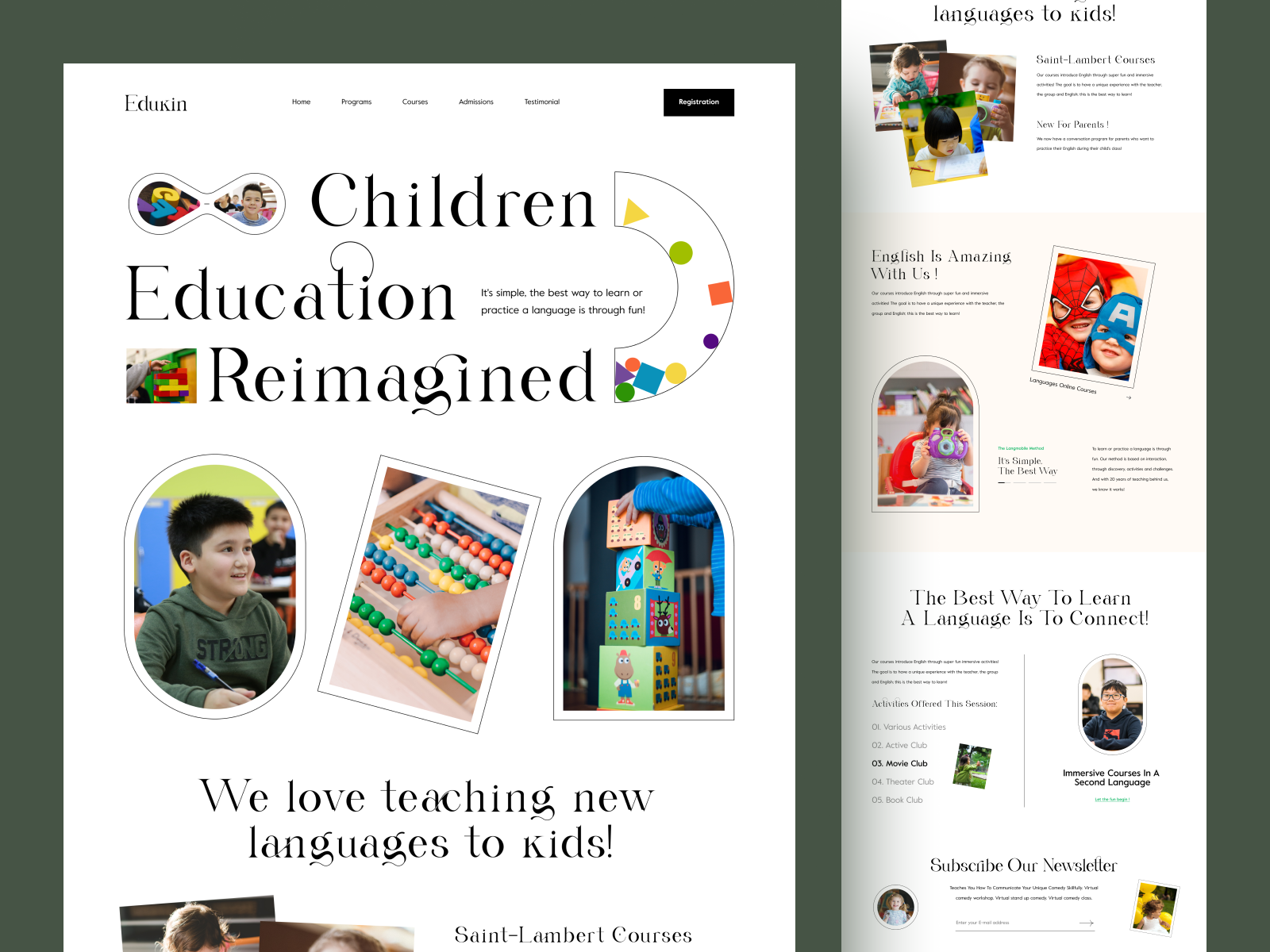
Child education website by Sajon
How to create an educational app
To develop a successful project, it is important to outline a plan of action first, including finding a unique idea, conducting proper market research, testing with target audiences, and building an MVP with basic features. For instance, while no-code app constructors may offer a cheaper and easier solution for creating an e-learning application, it is important to be aware of the drawbacks, such as the inability to create custom solutions, maintainability issues, and possible problems with getting the product to stores.
Design
The design also requires careful consideration of its intended users and their goals. For example, the UI/UX of a learning app meant for children may feature colorful themes, animations, and illustrations, while an application intended for adults may have a more sober and minimalist design. However, every educational software should prioritize the UX by capturing users’ attention, engaging them with learning activities, offering meaningful experiences, and enabling social interaction.
The type also influences the design. The management platforms are better suited for strict minimalistic looks that resemble public education, with no distracting details. In contrast, games benefit from cute animations, illustrations, and cartoon styles that entertain people while they study.
Applications concentrated on a specific subject, such as a programming language, tend to have similar minimalistic designs with small colorful elements and little branding. To ensure a smooth, continuous flow, a sense of achievement, ease of use, and a clear structure, developers use various tricks and trends.
Development
Developing an educational app for iOS or Android requires a team of specialists, including:
- Project manager
- UI/UX designer
- Mobile developers
- Back-end developers
- QA engineer.
You can either hire an in-house team or outsource the work to a company. While in-house teams offer better communication, they can be more expensive. Outsourcing to developers from different parts of the world can provide the same level of expertise at a more affordable cost.
As for the target devices, native development, specifically for iOS or Android platforms, tends to be more costly but offers a more customized and quality-oriented approach. Cross-platform development is less expensive but comes with limitations, such as animations and 3D objects. Consulting with professionals before making a decision is essential.
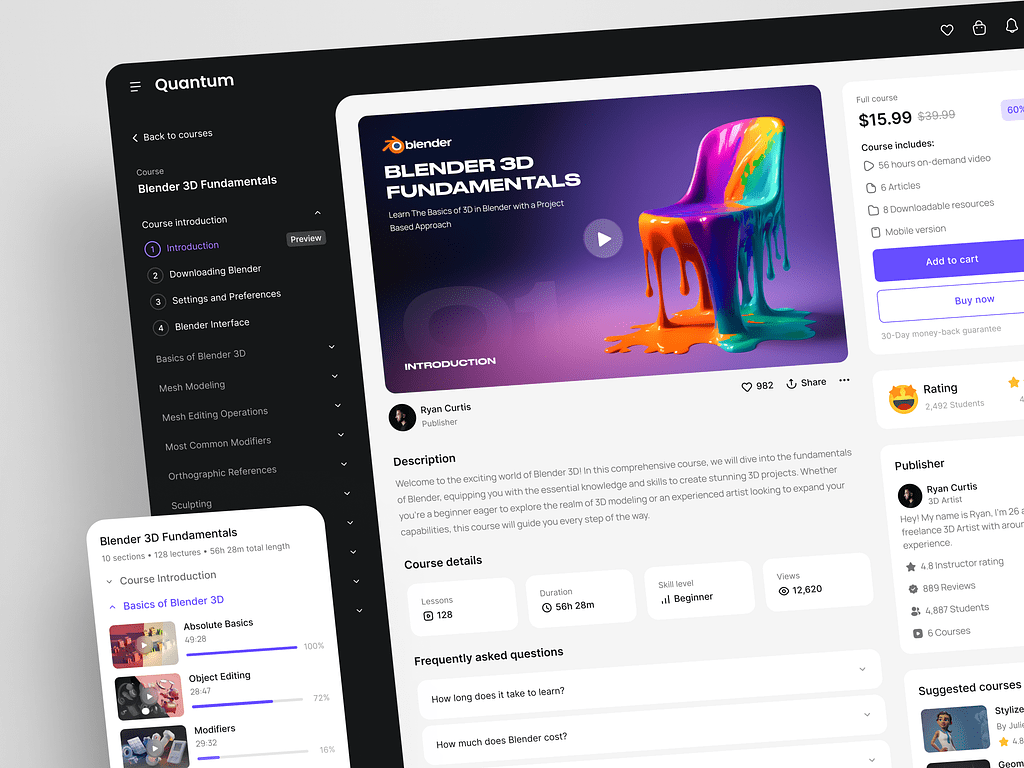
Online Education Web Platform by Conceptzilla

How much does it cost to build a language learning app for kids?
The budget depends on both the software and the learning content. A small vocabulary app with reusable activities is a different project from a multilingual platform with animated stories, speech assessment, and live lessons.
For the MVP described below, an illustrative development and content budget is $90,000–$140,000, or $108,000–$168,000 with a 20% contingency reserve. This is a worked planning estimate, not a fixed quote or an industry average.
What this MVP includes
The estimate assumes a focused consumer product with:
- One age group: children aged 4–7.
- One language pair: one home/interface language and one language being taught.
- One launch market, with privacy and distribution requirements reviewed during discovery.
- A shared iOS and Android codebase, with layouts tested on an agreed set of phones and tablets.
- 20 short lessons built from three reusable activity types, such as picture matching, listening and selecting, and vocabulary review.
- A limited set of original illustrations, recorded prompts, and simple animations, rather than custom animation for every lesson.
- Parent-managed accounts and child profiles, lesson progression, and basic progress reporting.
- A protected parent area, account deletion, and consent-related flows defined for the launch scope.
- One subscription tier, including store billing, purchase restoration, and access management.
- A basic content-management interface for updating lessons without rebuilding the app.
The learning experience uses prerecorded audio. It does not record children’s voices or include speech recognition, AI conversations, advertising, or communication between users.
Estimated MVP budget
The calculation uses an assumed blended rate of $50 per hour across the delivery team. Actual rates and effort depend on the team, content requirements, and technical scope. All amounts are in USD.
| Workstream | What Is Included | Estimated Hours | Estimated Cost |
| Discovery and technical planning | Requirements, MVP boundaries, architecture, data flows, and launch requirements | 120–180 | 6,000–9,000 |
| Curriculum and lesson writing | Learning objectives, sequencing, scripts, exercises, and educational review for 20 lessons | 180–300 | 9,000–15,000 |
| UX/UI design | Child and parent journeys, prototypes, interface design, and limited usability-testing rounds | 180–280 | 9,000–14,000 |
| Illustrations and audio production | An agreed reusable asset set, recorded prompts, audio editing, and simple animation assets | 160–260 | 8,000–13,000 |
| Cross-platform mobile development | Activity templates, lesson navigation, profiles, progress screens, and store billing | 420–640 | 21,000–32,000 |
| Backend and content management | Authentication, progress storage, subscription access, content delivery, and a basic editor | 240–380 | 12,000–19,000 |
| QA and security verification | Functional, device, accessibility, purchase, permissions, and baseline security testing | 240–360 | 12,000–18,000 |
| Infrastructure and release preparation | Environments, deployment, monitoring, backups, and initial store-submission support | 80–140 | 4,000–7,000 |
| Project management | Coordination, reviews, delivery tracking, and stakeholder communication | 180–260 | 9,000–13,000 |
| Base delivery estimate | Defined MVP scope | 1,800–2,800 | 90,000–140,000 |
| Contingency reserve: 20% | Uncertainty within the agreed scope | — | 18,000–28,000 |
| Total planning budget | Base estimate plus reserve | — | 108,000–168,000 |
Content production assumes a small cast, short recordings, and reusable visuals with agreed commercial usage rights. Celebrity voices, extensive music licensing, detailed character animation, or repeated recording sessions require a separate estimate.
What requires a separate budget?
The estimate excludes additional languages, a large lesson library, full offline downloading and synchronization, AI tutoring, pronunciation scoring, live classes, social features, school administration, and a browser-based learning app.
It also excludes ongoing hosting, developer-account fees, store commissions, taxes, marketing, customer support, maintenance, and new content after launch. Specialist legal advice, independent penetration testing, and participant recruitment or incentives for research are separate costs.
Required privacy or security work cannot simply wait until after release. Discovery should identify those obligations and bring any additional work into the approved launch budget. For example, Apple’s Kids Category requires purchasing opportunities and external links to sit behind a parental gate; that gate does not replace legally required parental consent.

Children’s language learning apps: examples and product lessons
Children’s learning apps solve different problems. Some introduce a second language through play, while others teach reading or support broader preschool development. The examples below show different approaches to language learning app development: content, interaction, and adult involvement. They are product references, not a ranking of educational effectiveness.
Studycat: language practice without reading instructions
Studycat offers language learning apps for English, Spanish, French, German, and Chinese. Designed for children aged 3–8, its activities combine games, stories, songs, and visual interactions without requiring children to read instructions. Parents can follow their child’s practice through learning reports.
Product lesson: Design the interaction around the child’s existing abilities. For an audience that cannot read yet, demonstrate tasks through audio, animation, and consistent visual cues. Test whether children understand what to do before an adult explains it.
Little Pim: A focused video-based experience
Little Pim introduces young children to languages through short videos built around familiar subjects, such as food, colors, and everyday objects. Its subscription includes a video library in 12 languages, along with printable activities and parent or teacher guides.
This is a different product model from an interactive exercise app. The experience centers on watching and listening, with supporting materials that help adults extend practice beyond the screen.
Product lesson: A learning product does not need dozens of interaction types. A consistent content format can give the first release a clear identity. Plan how caregivers can connect on-screen vocabulary with everyday activities.
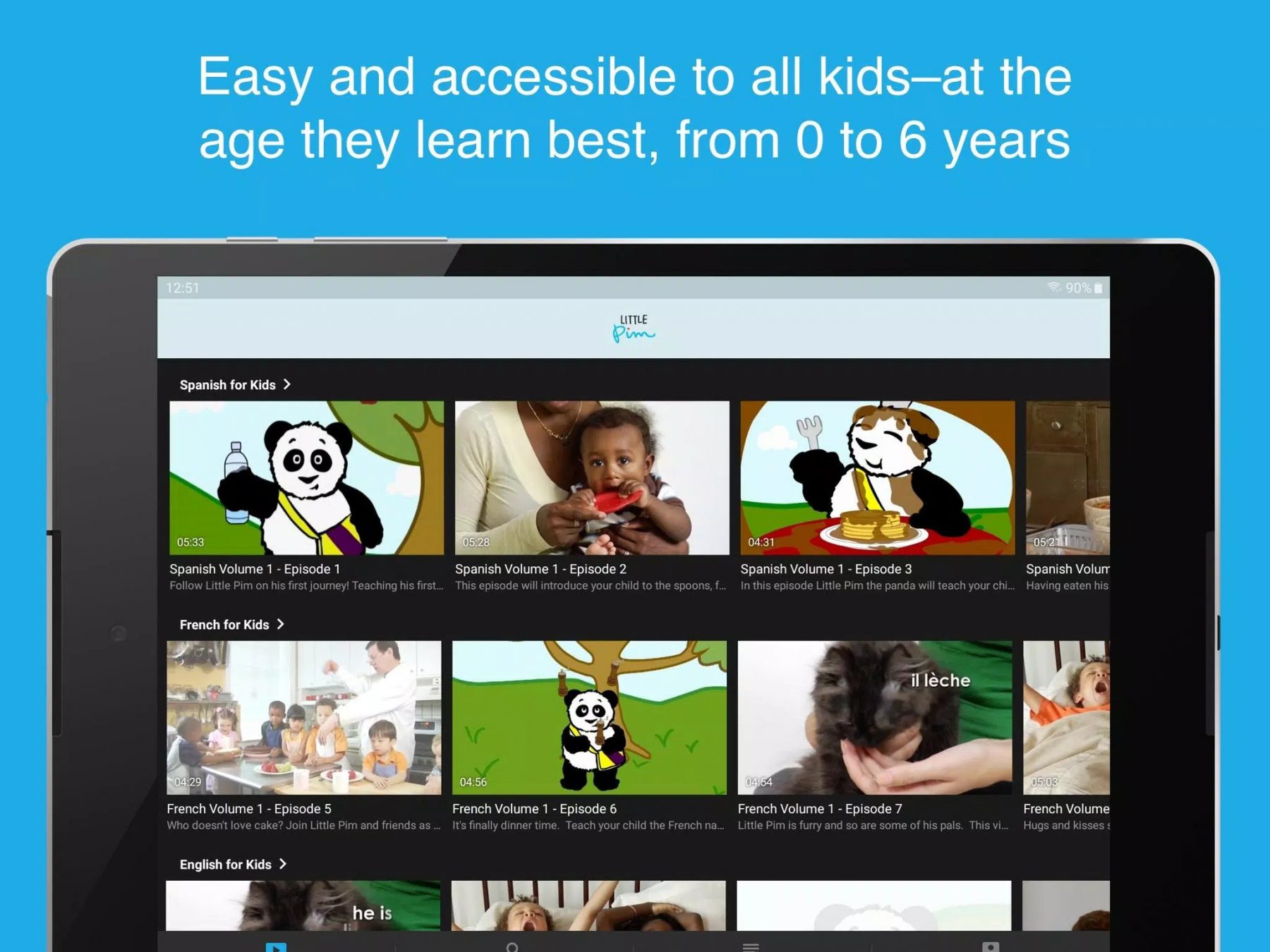
Little Pim offers many short videos
Rosetta stone for schools: structured learning and teacher visibility
Rosetta Stone for Schools provides a structured language curriculum in 25 languages. Its lessons cover skills including listening, speaking, reading, and writing, while reporting tools help teachers follow class progress and identify areas that need support.
It is a useful reference for school-oriented products, rather than a model for a toddler-first experience.
Product lesson: Selling to schools changes the product requirements. Teachers need visibility into learning progress, not just access to the same activities students see. Define the educator’s workflow alongside the learner’s experience.
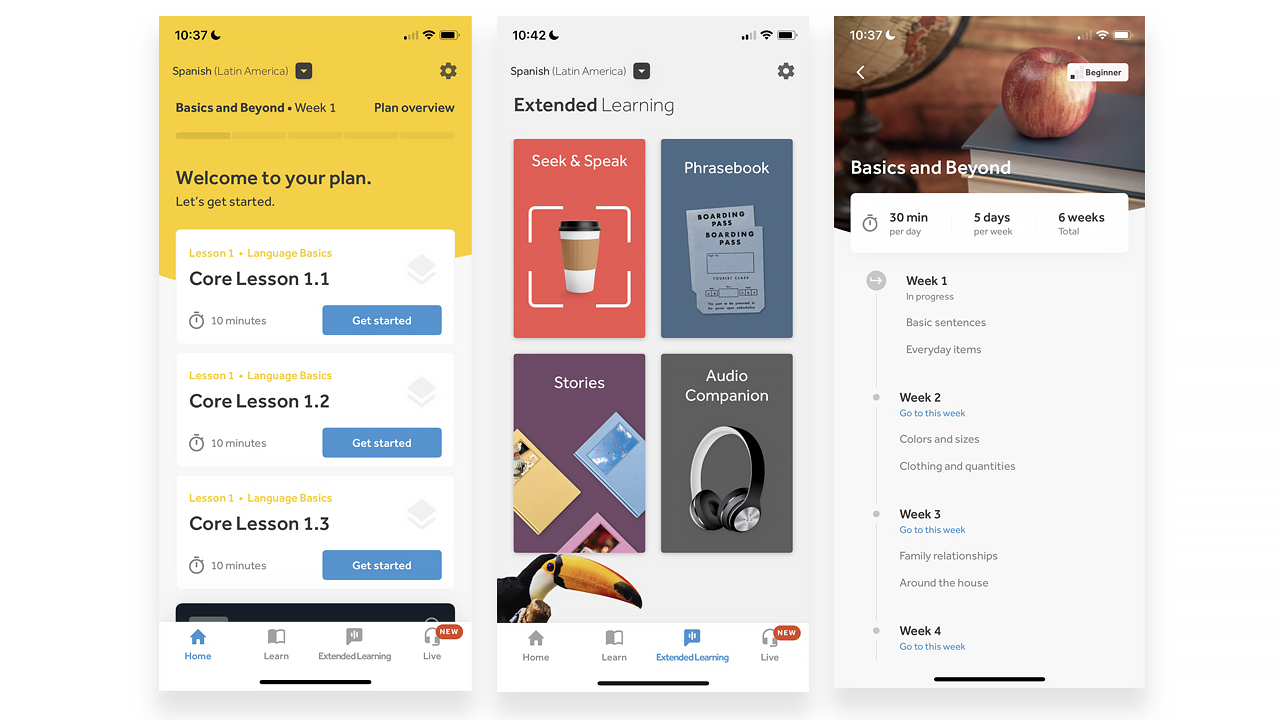
Rosetta Stone has detailed lesson plans
Duolingo ABC: A specific literacy goal
Duolingo ABC focuses on learning to read and write in English. Available on iOS and Android, it uses short activities and stories to practice phonics, handwriting, vocabulary, and reading comprehension. It is designed for children aged 3–8.
Product lesson: Define the learning outcome precisely. Recognizing letter sounds, understanding spoken phrases, and speaking another language require different exercises and measures of progress. A focused goal makes both curriculum planning and product evaluation clearer.
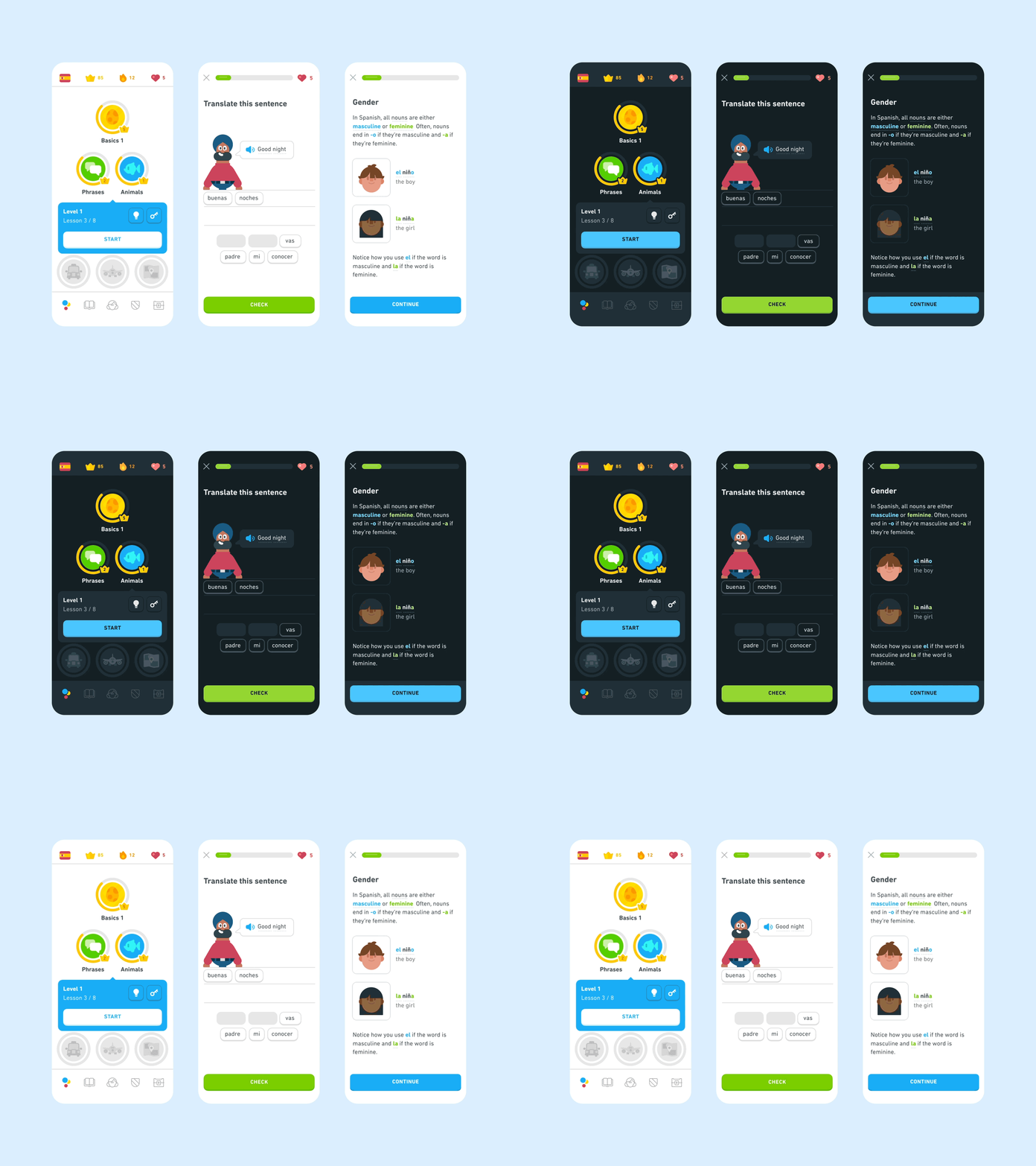
Duolingo UI shows progress and grammar explanations
Lingokids: A broader content model
Lingokids currently positions itself as a children’s entertainment platform, offering games, shows, songs, and podcasts. Its scope extends beyond a dedicated language course, making it a useful reference for content variety rather than a direct equivalent to Studycat or Little Pim.
Product lesson: Separate content variety from learning progression. Different formats can support the experience, but an expanding library should not make the next useful activity harder to find. Decide how children navigate independently and how adults understand the purpose of the content.
CatnClever: A learning app for kids
A great example of close work between startups and educational experts is CatnClever —an e-learning app for preschoolers and kids that we worked together on with the founders. It offers educational games in both English and German that were created in close collaboration with leading experts in audiovisual design and gamified learning. Apart from math and literacy skills, the app teaches kids about emotional intelligence, movement, social interactions, and music.
Product lesson: Plan for two connected experiences: activities children can understand and information adults can act on. A parent dashboard should help caregivers identify what their child practices and where additional support may be useful.

Cat’n’Clever app
There is also a convenient dashboard for parents or caretakers, where they can check their child’s learning progress. This way, parents can guide and support their kids’ learning journey.
Educational apps market
The major key players in the e-learning market include Khan Academy, Rosetta Stone, Genshuixue, BYJU’S, Age of Learning, BenchPrep, PowerSchool, Blackboard, Socrative Student, Duolingo, and others. Overall, the outlook for this sphere appears to be positive, with significant growth expected.
Online language learning provides a broader market context for children’s educational products. Grand View Research estimates that the global online language learning market was worth $22.12 billion in 2024 and projects it to reach $54.83 billion by 2030, with a compound annual growth rate of 16.6% from 2025 to 2030. These figures cover self-learning apps and tutoring across age groups, not children’s language learning apps alone.
For a new product, that forecast is background, not proof of demand. Your opportunity depends on a more specific audience: the child’s age, home language, target language, learning goal, and whether parents or schools make the purchase.
Before investing in a large content library, test a focused learning experience with children and their caregivers. Check whether children understand the activities, retain what they practice, and return without constant adult prompting. Ask parents what learning progress would make the product worth paying for.
Top trends in e-learning app development
Education technologies are constantly evolving, and staying up-to-date with the latest trends for language learning app development is crucial for startups and small businesses. Here are some of the newest tendencies you should consider:
- Gamification: it means using game design elements in non-game contexts to make learning more engaging and enjoyable. This mechanic can be applied in apps for grown-ups too.
- Artificial Intelligence (AI): neural networks have a wide range of implementations: from personalized learning paths to automated assessments and grading. Increased use of smart algorithms is expected to bring massive changes to the world of e-learning, both in corporate and academic settings.
- Mobile learning: with the increasing use of smartphones and tablets, mobile learning has become mainstream. It allows people to access the materials from anywhere, anytime, and on any device.
- Microlearning: it refers to the delivery of short, bite-sized pieces of content that students can quickly consume and apply. It caters to the short attention spans of modern learners and makes education more accessible and convenient.
- Personalized learning: you can use data and analytics to create customized paths that suit individual needs and preferences. This approach makes learning more engaging and effective by tailoring it to the learner’s specific goals.
- Social learning: social media and other collaborative tools can facilitate learning and knowledge sharing among students. With this option, you can make the process more interactive, allowing people to connect and collaborate.
Startups and small businesses should keep these trends in mind while developing their e-learning apps to stay ahead of the competition and provide an engaging and effective learning experience to their users.
FAQ
How much does it cost to create a language learning app for kids?
A simple language learning app for kids with 5-10 frames and no animation costs around $30,000 with an outsourced team: approximately $10,800 for development and $19,200 for design. An advanced app with 2D animated illustrations, well-thought-out UI/UX, registration, chats, and profiles costs about $28,000 for development and $56,000 for design, so the total can hit $84,000 and even higher.
How long does it take to build a language learning app for kids?
A simple language learning app for kids takes about 240+ hours, and an advanced one with animation and premium features about 700+ hours. Custom development with third-party integrations takes around 450+ hours for a simple app and up to 1,200+ hours for a professional-looking one. Starting with an MVP on a single platform shortens the first release.
Which features does a language learning app for kids need?
A language learning app for kids needs gamification with achievements, a simple workflow, cute graphics or a mascot, personalized content based on the child’s mistakes, highly readable fonts, and a user profile set up by parents. Task reminders, progress monitoring, voice recognition, pronunciation checks, emotional feedback, offline access, and social features can come after launch.
Which business model works for a language learning app for kids?
Freemium combined with in-app purchases works best for most language learning apps, as Duolingo shows: children can keep studying without paying, which helps retention. Other options are paid subscriptions with a free trial, ads, course fees, affiliate marketing, and sponsorship. Too many ads push people away, which matters even more in an app for kids.
Should you hire an outsourced team to build a language learning app for kids?
An outsourced team lowers the cost of a language learning app for kids: its rates may be $40-45 per hour for development and $70-80 for design. Such a team needs more time for onboarding and regular online meetings to check progress. You will also need language experts, ideally native speakers with a teacher’s degree, to build the lesson plans.
In conclusion
It comes as no surprise that language learning apps and websites are popular — they allow children and adults to improve. For example, sharpen skills, socialize, travel to unique places, earn first-hand experience, grow business and make foreign friends. Such products have high utility, so they have more chances to bring revenue and become evergreen on the mobile market.
If you are looking for a reliable team to bring a language learning app for kids to life, contact us. We will do our best to create a unique application that will be useful for your target audience.
***
The article was originally published in October 2022 and was updated in October 2026 to make it more relevant and comprehensive.
Related reading