For those who prefer to listen rather than read, this article is also available as a podcast on Spotify.
ChatGPT and other AIs have gained a foothold in many spheres of our lives. People look up information, work, and explore the world with the help of smart assistants. So, no wonder AI impacts app development too.
Still, it’s easy to feel overwhelmed if you decide to look for real-life cases, implementation stories, or guides. Sometimes it feels like you can’t open LinkedIn without seeing another “revolutionary” post. But will AI really improve your processes? What trend should you adopt? Or is all that just pure hype?
Let’s take a breath and look beyond that hype. I’ll tell you about AI mobile application development, key trends, and specific shifts in how we build, ship, and scale mobile products. Stick around, because the next few minutes might just change how you view your entire product strategy.
The Growing Role of AI in Mobile App Development
How AI Is Transforming the Mobile App Landscape
It’s funny how quickly things change. Just a couple of years ago, if you mentioned “AI” in a product meeting, half the room would think you meant some futuristic chatbot that barely understood “hello.” Now, it’s the backbone of some of the smoothest apps out there.
You can’t really ignore it anymore. If you’re a founder or a CTO, you’ve probably noticed that user expectations have jumped off a cliff. People want an app that knows them. Trying to deliver that level of personalization with old-school coding methods feels like trying to dig a tunnel with a spoon. Not really smart.
So, what’s actually happening under the hood? Well, for starters, efficiency is getting a massive boost. Teams cut down development cycles by weeks just by letting AI handle the boring stuff. You know, the repetitive code generation, the initial scaffolding, or even writing those endless unit tests nobody likes doing. It frees up your engineers to focus on the tricky logic, the stuff that actually makes your product unique.
Artificial Intelligence in mobile apps influences UX as well. Remember when recommendation engines were just a nice-to-have for streaming giants? Now, users expect every app to anticipate their next move. For example, a fitness app suggesting a workout based on the weather and your sleep data. It’s a little eerie sometimes, but in a good way. Users stick around longer when an app feels like it “gets” them. Retention rates go up, and churn goes down. Simple as that.
One of the main features is automation. AI is handling customer support queries, moderating content in real-time, and even optimizing battery usage on the fly. For example, a simple AI layer to triage tickets so your human agents are only dealing with the complex, high-value issues. These kinds of wins make AI crucial for business survival right now. If you aren’t leveraging these tools, you’re basically letting your competitors take the lead.
The bottom line is clear: AI is becoming the standard. The apps that win in the next few years will be the ones that use intelligence to make life easier for everyone involved, like developers, businesses, and users.
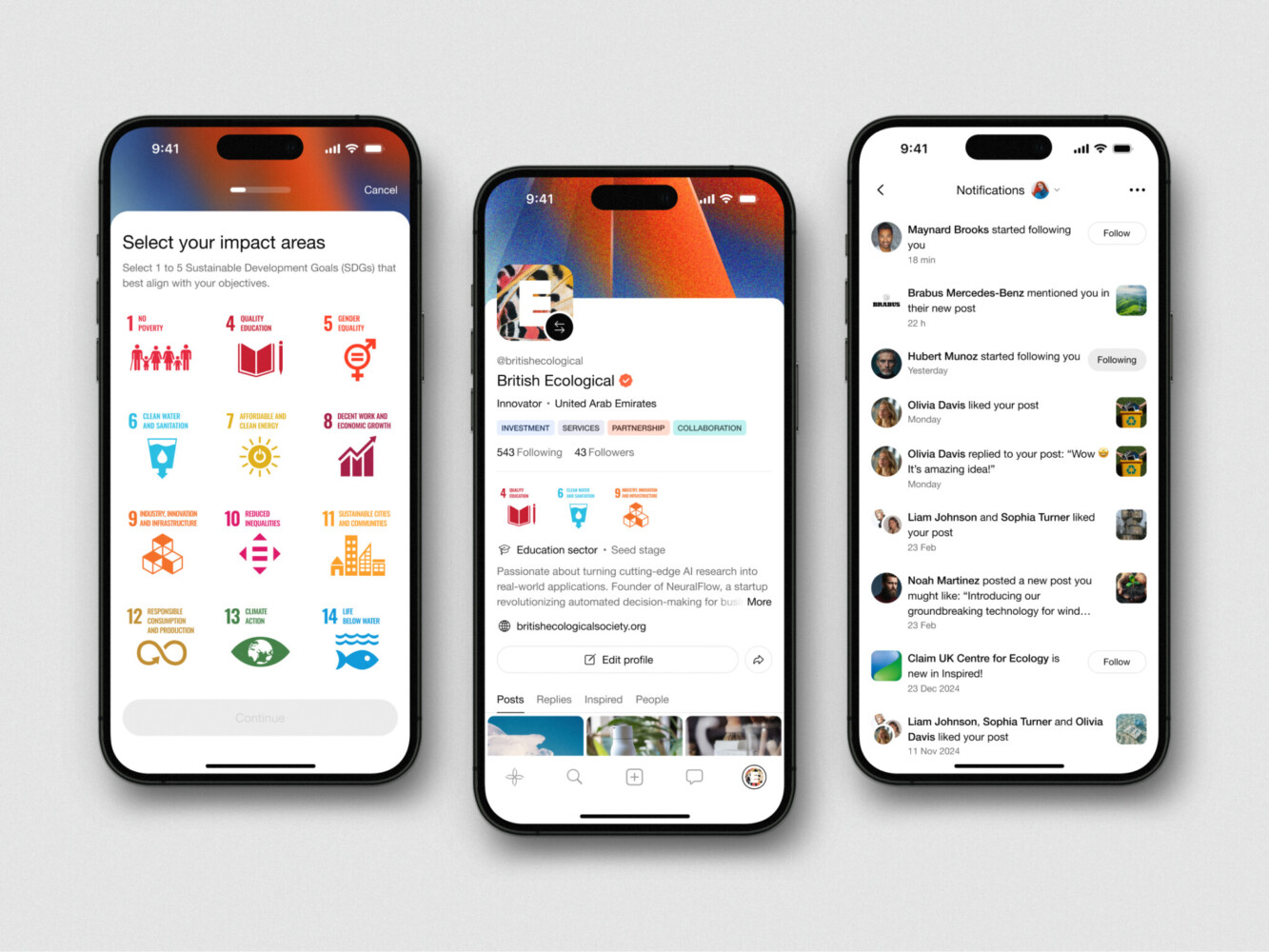
Mobile App Design for Inspired by Shakuro
Key AI Trends in Mobile App Development
AI-Powered Personalization
Nobody likes feeling like just another user ID in a database when an app suggests something so completely off-base that you wonder if a human ever looked at the data.
AI-powered personalization is changing the game by digging way deeper than just “you bought X, so here’s more X.” It understands the context: a user who opens your fitness app at 6 AM on a Tuesday has totally different needs than the same person opening it at 8 PM on a Sunday.
I’ve seen apps shift from static dashboards to dynamic interfaces that literally reshape themselves based on who’s looking. If a user tends to skip long tutorials, the app learns to show quick tips instead. Education apps take this further with AI tutoring that adjusts explanations to each student’s level. If they always buy coffee on Fridays, the app has that ready to go before they even scroll. It feels less like software and more like a helpful assistant. That’s what keeps people coming back.
When an app adapts to your rhythm instead of forcing you into its box, it stops feeling like a tool and starts feeling like a habit.
Voice Assistants and Natural Language Processing (NLP)
You know how frustrating it is to type out a long query on a tiny screen while walking down the street? Or trying to navigate a complex menu with one hand while holding a grocery bag? That’s why voice assistants and NLP are becoming AI trends in mobile app development. It’s about building voice right into your app’s core.
The technology has gotten scary good at understanding nuance, accents, and even slang. It lowers the barrier to entry for users who might find traditional interfaces clunky. Plus, it opens up accessibility in a way that feels natural, not forced.
Apart from listening to words, NLP is grasping intent. If a user says, “I need to fix my flight,” the app knows to look for rebooking options and not just display the flight status. It makes interactions feel conversational, almost human. We break down how this works in our NLP application development guide.
The more natural the interaction, the less friction there is. Less friction means happier users.
AI for Predictive Analytics and Smart Recommendations
In the past, we relied on historical data to tell us what happened last month. Now, mobile app AI features look at patterns in real-time to guess what’s going to happen next. E-commerce apps use this to predict when a user is about to churn and automatically offer a discount or a personalized message to win them back. It’s proactive instead of reactive.
Recommendations have evolved too. Forget “people who bought this also bought that.” Smart recommendation engines consider time of day, location, current trends, and even the user’s mood. For example, a music app that knows you’re winding down for sleep and subtly shifts the playlist to slower tempos without you asking. Or a productivity app that nudges you to take a break because it notices your typing speed dropping.
These small, timely interventions build trust. Users start thinking, “Wow, this app really gets me.” It turns a utility into a partner.
Machine Learning for Enhanced Image Recognition
Remember when image recognition was basically just identifying cats versus dogs? Now, machine learning for mobile apps can analyze a photo of your fridge and suggest recipes or scan a damaged car part and give you an instant repair estimate. It’s wild how far we’ve come. This unlocks features that used to require expensive hardware or desktop software. Now it’s all in your pocket.
Take AR, for instance. Retailers are using it to let users “try on” clothes or see how a sofa looks in their living room with terrifying accuracy. The ML models behind this are getting better at understanding lighting, depth, and texture in real time.
Or here is an example from our own portfolio, a virtual fitting concept for Axel Arigato. Users can pick and try on sneakers with a smartphone camera. No time wasted on going to the store, through the crowd, looking for a suitable pair. That level of detail changes everything for user engagement. It makes the digital and physical worlds blend seamlessly.
For businesses, AI-powered mobile app development reduces returns, boosts confidence in purchases, and creates experiences that people actually want to share on social media.
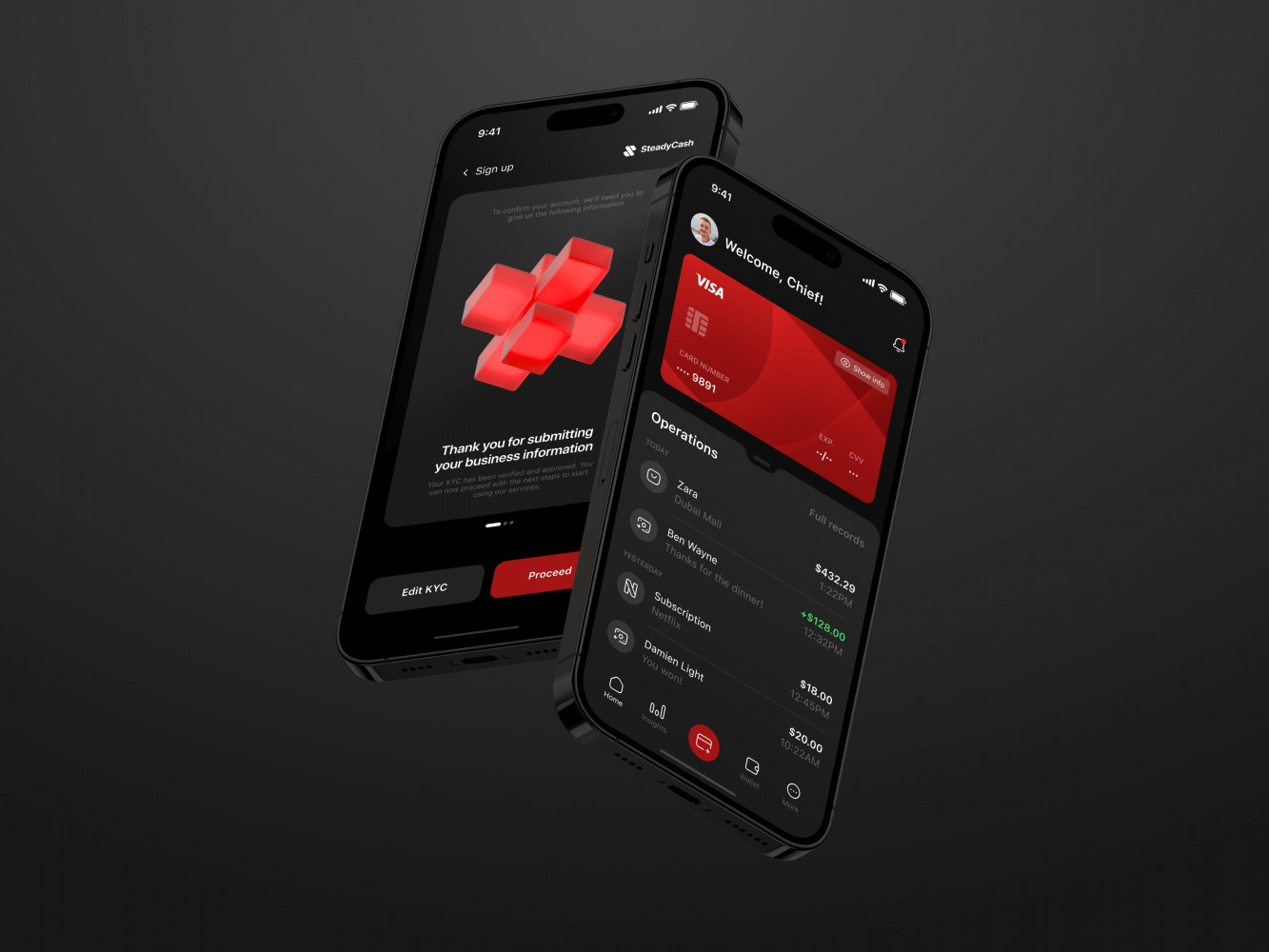
Mobile Banking App by Conceptzilla
Real-World Use Cases for AI in Mobile Apps
AI in E-Commerce Apps for Product Recommendations
Scrolling through endless product pages is a pain. You just want to find that one thing you need, but instead, you’re drowning in options. And AI steps in to save the day.
Amazon’s recommendation engine is analyzing your entire history: what you’ve bought, what you’ve hovered over, and even how long you paused on a specific image. It’s creepy how accurate it can be sometimes.
Then there’s Sephora. They use AI for mobile app development to suggest makeup shades based on your skin tone and past purchases. You upload a selfie, and the app recommends foundations that actually match, not just the popular ones. It saves you from buying the wrong shade and dealing with the hassle of returns.
It turns a browsing session into a curated experience. Users are discovering things they didn’t know they needed. When customers feel understood, they spend more.
AI in Healthcare Apps for Diagnosis and Treatment
Healthcare is a different beast. The margin for error is tiny, so AI here is about precision.
Look at Ada Health. This app acts like a super-smart triage nurse. You tell it your symptoms, and it uses a massive database of medical knowledge to ask follow-up questions, narrowing down possibilities before you even see a doctor. It doesn’t diagnose you, though, but it gives you a solid starting point. For example, it helps you decide whether to rush to the ER or wait until morning.
On the professional side, apps like Butterfly iQ turn smartphones into ultrasound machines paired with mobile app AI features that help doctors interpret the images in real time. It guides them on where to place the probe and flags potential issues instantly. This is huge for rural areas where specialists are scarce.
Of course, building these solutions comes with massive responsibilities. You’re dealing with life-or-death data, so security and compliance are the foundation. Get that part wrong, and nothing else matters. But get it right, and you’re genuinely improving lives.
AI in Fitness Apps for Personalized Workouts and Nutrition
Fitness used to be all about generic PDFs and rigid plans that nobody could stick to. Now, apps like Freeletics or Fitbod are changing the script.
These are adaptive coaches. If you tell Fitbod you’re sore in your legs or that you only have dumbbells today, it instantly rewrites your workout. It learns from every rep you log. If you crush a session, it pushes you harder next time. If you struggle, it scales back. It feels personal because it is personal.
Nutrition also gets benefits from AI for mobile app development. MyFitnessPal has integrated AI to make logging food less of a chore. You snap a photo of your meal, and it estimates the calories and macros. Is it perfect? Not always, for example, it once thought my salad was mostly dressing when there was barely any. But it gets better the more you use it. It spots patterns, like how you tend to snack late at night, and suggests healthier swaps.
The lesson here is clear: people want a partner. People want an app that adapts to their messy, real-life schedule, which they will actually keep on their home screen.
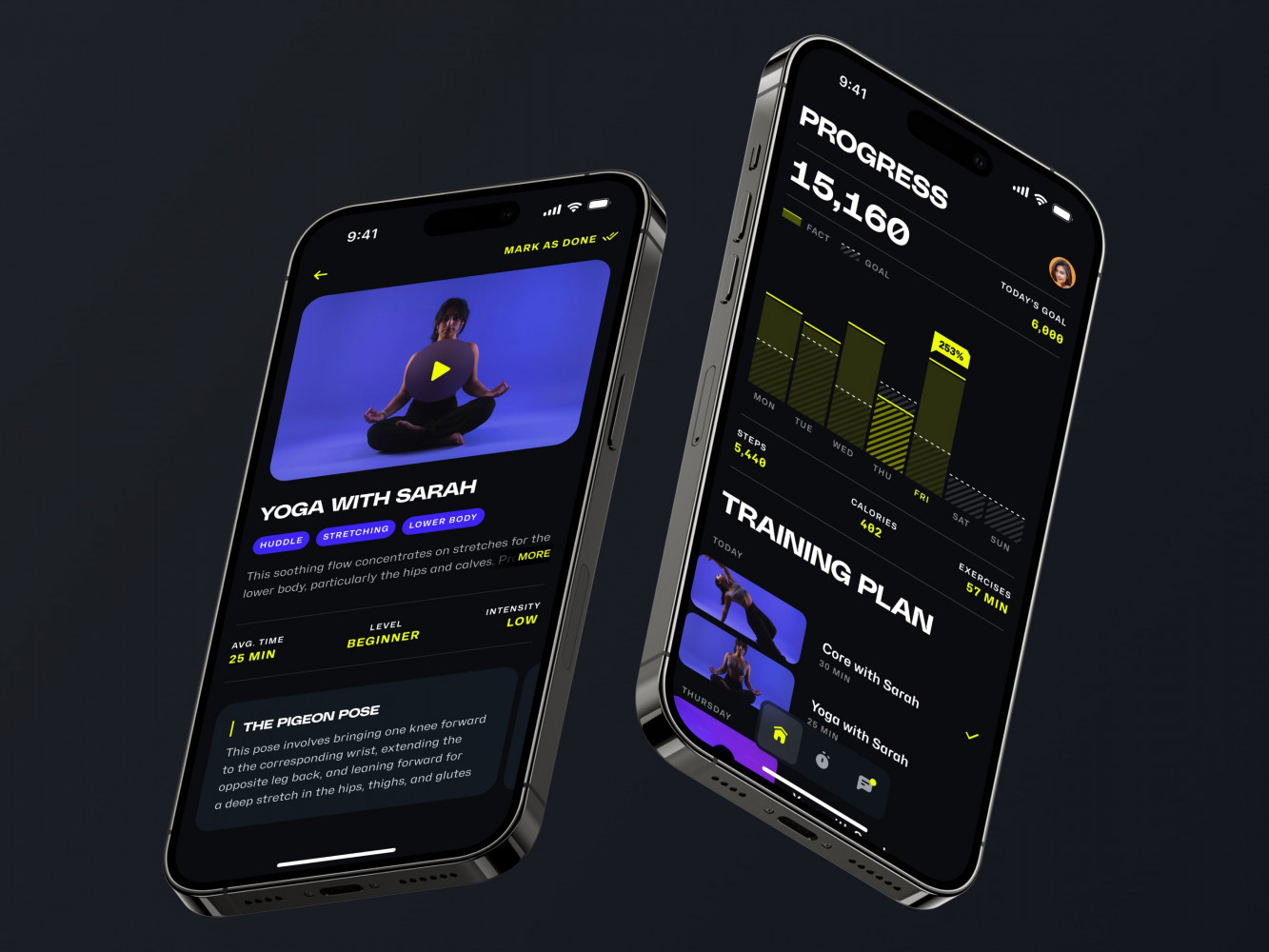
Mobile App for an Adaptive Fitness Guide by Shakuro
How to Integrate AI into Your Mobile App: Step-by-Step Guide
Choose the Right AI Tool or Framework (TensorFlow, CoreML, etc.)
Okay, so you’ve decided to implement Artificial Intelligence in mobile apps. Now comes the part where you stare at a list of acronyms and wonder if you need to go back to school. Don’t panic. It’s not as scary as it looks. The first step is picking the right engine for your car, so to speak.
Are you building for iOS only? Then Core ML is probably your best friend. It’s built right into Apple’s ecosystem, super fast, and keeps data on the device, which is great for privacy.
On the flip side, if you’re going cross-platform or need something that runs seamlessly on Android too, TensorFlow Lite or ML Kit are solid choices. They’re flexible and have huge communities backing them.
But don’t just pick the tool with the most GitHub stars. Ask yourself what you’re actually trying to do. Need real-time image processing? Look for frameworks optimized for vision. Building a chatbot? You’ll want strong NLP support.
Sometimes the best option isn’t coding a model from scratch at all. There are plenty of APIs out there, like Google Cloud Vision or Azure Cognitive Services, that let you plug in powerful AI without training a single line of weights.
Gather and Prepare Your Data
Your AI is only as good as the data you feed it. Garbage in, garbage out. Brilliant teams stall for months because they rushed this part. They thought, “We’ll just grab some public dataset and tweak it later.” Later never comes, and the model ends up biased or useless.
For AI-powered mobile app development, you need data that actually looks like what your users will throw at the app. If you’re building a fitness tracker for seniors, don’t train your model exclusively on data from twenty-something athletes. It won’t work.
Apart from quantity, data cleanliness also matters. You’ll spend a lot of time scrubbing duplicates, fixing missing values, and labeling things correctly. It’s tedious. But it’s also the most critical. Think of it like cooking. You can have the fanciest stove in the world, but if your ingredients are rotten, the meal is going to taste bad. So take your time here, organize your data, anonymize anything sensitive, and make sure it represents the real world. Your future self and your users will thank you when the model doesn’t start recommending snowboards to people living in the desert.
Train and Test the Model
Once your data is ready, it’s time to teach the model. This is where the magic happens, but also where things can get weird. You feed the data in, let the algorithm churn, and wait. But don’t just walk away and assume it’s learning the right things.
You need to watch it like a hawk. Is it overfitting? That’s when the model memorizes your training data so well that it fails miserably when it sees anything new. It’s like a student who memorizes the textbook answers but can’t solve a slightly different problem on the test.
Testing is just as important as training. You need a separate set of data the model has never seen before to see how it really performs. And don’t just look at accuracy. If you’re building a fraud detection system as a part of mobile app AI features, 99% accuracy sounds great until you realize it missed every single fraudulent transaction because fraud is rare. You need to check precision, recall, and all that stuff.
I’d suggest starting small. Build a prototype, test it with a tiny group of internal users, and see where it breaks. It will break, that’s normal. The goal is learning where the gaps are so you can fill them before real users ever see them.
Deploy AI Features and Monitor Performance
Alright, the model works in your lab. Time to ship it, right? Well, hold your horses. Deploying AI to a mobile device is a whole different ballgame. You’ve got limited battery, spotty internet connections, and a million different phone models to deal with.
Make sure your model isn’t draining everyone’s battery in an hour. Sometimes you have to compress the model or run parts of it on the cloud instead of the device. It’s a balancing act between speed, cost, and performance.
Once it’s live, you’re not done. In fact, you’re just starting the real work. Models can drift. What worked last month might not work today because user behavior changes. Maybe a new trend pops up, or the lighting in user photos changes with the seasons.
You need to set up monitoring to track how the AI is performing in the wild. Are users ignoring the recommendations? Is the image recognition failing on certain devices? Keep an eye on the metrics and be ready to retrain the model with fresh data.
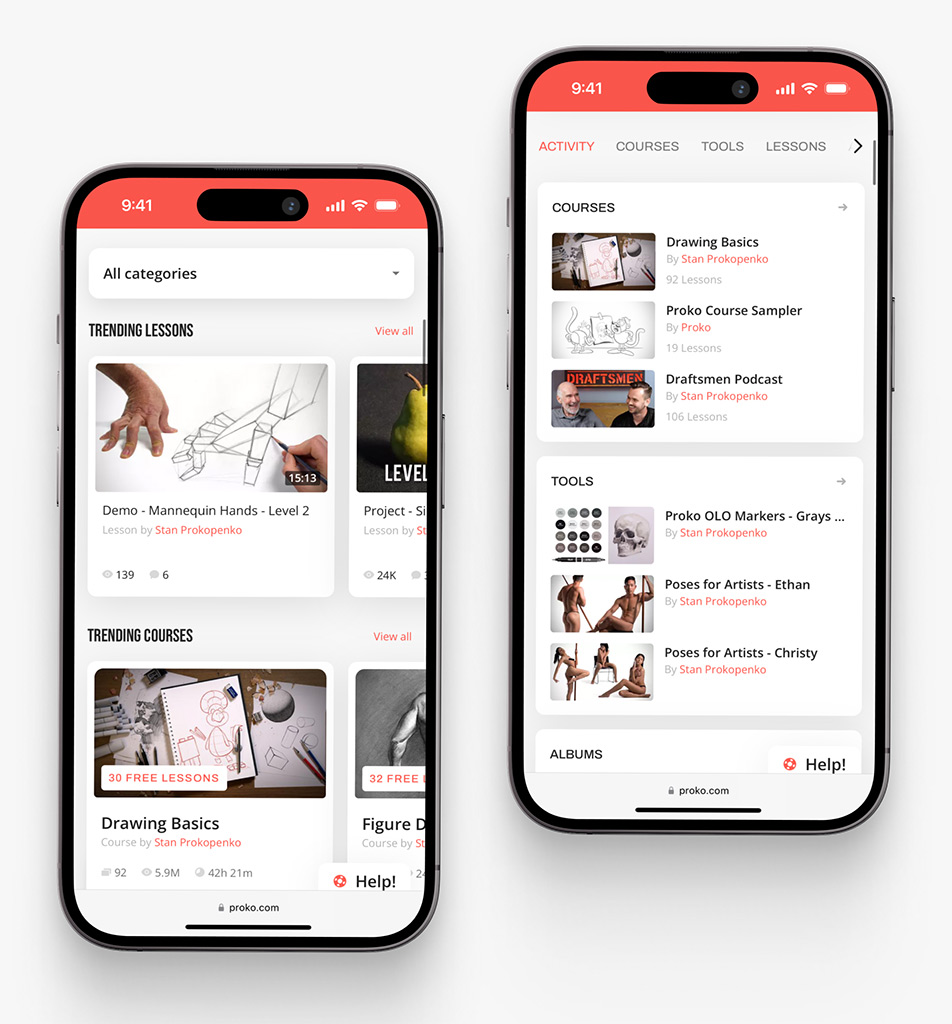
Proko app on mobile by Shakuro
The Future of AI in Mobile App Development
AI and Augmented Reality (AR) Integration
AR is rapidly maturing into a mainstream technology, moving far beyond its early reputation as a gaming-only gimmick. There are over 1.07 billion to 1.4 billion AR-ready devices in use. We’re moving past simple overlays into a world where AR actually understands the environment.
For instance, with an AR camera, you could point your phone at a broken engine part, and instead of just showing a generic diagram, the AI recognized the specific model and the wear and tear, highlighting exactly which bolt you need to turn. It understands context, depth, and physics in real time.
This means mobile app AI features based on AR stop being a gimmick and start solving actual problems. When the digital and physical worlds blend this seamlessly, users won’t even think about the technology. They’ll just see the solution.
Enhanced User Experience Through Continuous Learning
Right now, most personalization is static. You set your preferences, the app adjusts once, and then it stays that way until you manually change something.
But the next wave of machine learning for mobile apps is all about continuous learning. The app evolves with you. It notices that you’re less active on Mondays, so it changes its notification strategy. It sees that you’re typing faster than usual, maybe because you’re in a rush, and it simplifies the interface automatically.
That level of intuition builds a kind of loyalty that’s hard to break. Users tolerate the app and rely on it. Of course, this brings up privacy questions, and rightly so. Being transparent about what data is being learned and why is going to be crucial. But if you get that trust right, the engagement numbers will speak for themselves. It turns a utility into a partner that grows smarter every single day.
The Rise of AI-Driven Automation in App Development
If you think AI is changing the user experience, wait until you see what it’s doing to the development process itself. We’re already seeing tools that write boilerplate code, but that’s just the beginning.
The future of AI in mobile app development, where it handles the heavy lifting of the entire lifecycle, is becoming true. Artificial Intelligence can generate code and also run thousands of test scenarios overnight, find the bugs, fix them, and deploy the update before you’ve even had your morning coffee.
Teams are already using AI to predict where bottlenecks will happen in their sprints based on historical team data. It’s wild. Instead of reacting to crashes, the system warns you, “Hey, this new feature looks like it might cause memory issues on older Android devices,” before you even commit the code. It speeds up timelines drastically and cuts down on those late-night panic fixes.
The best part is, it frees up developers to do what they actually love—solving creative problems and building features that matter. Nobody became a developer to spend eight hours debugging a typo. By automating the grunt work, we’re getting our teams back to being innovators.
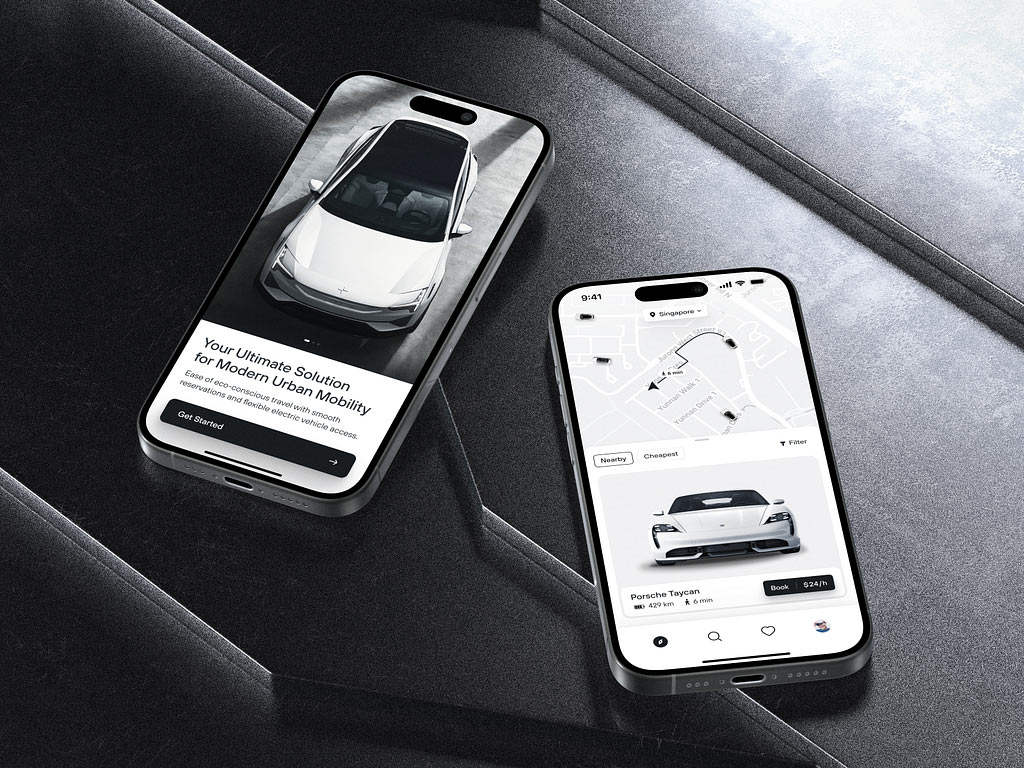
Rental App Design Concept by Shakuro
How Shakuro Integrates AI in Mobile App Development
Tailored AI Solutions for Your Business
When implementing AI into mobile apps, we pay attention to the industry specifics and official regulations, as well as the market situation. Our goal is to help users complete their tasks faster, easier, and more efficiently.
We leverage AI for mobile app development to deliver predictive analytics, personalized recommendations, image & voice recognition, smart assistants, etc. Thanks to a user-centered approach, these features are designed to attract and retain users. And with agent-connected platforms (ACP), AI can work autonomously in apps like Discord or Slack. At the same time, we make everything easy to scale to assist you with business growth.
Our primary tools are ChatGPT, Meta AI, and Whisper, but we’re constantly looking for even better tools and frameworks.
Proven Success in AI-Powered Mobile Apps
Here are some real-life examples from our portfolio to prove my words.
For Proko, we integrated voice and image recognition, as well as a smart support bot. Thanks to the ChatGPT and Whisper combination, the solution can recognize the tutors’ voices and search content accordingly. It also takes subtitles and adds them to the knowledge base. As for the bots, the support bot uses a vector base for searching answers and suggesting courses. The spam bot automatically sorts pictures into three categories, blocking the adult content.
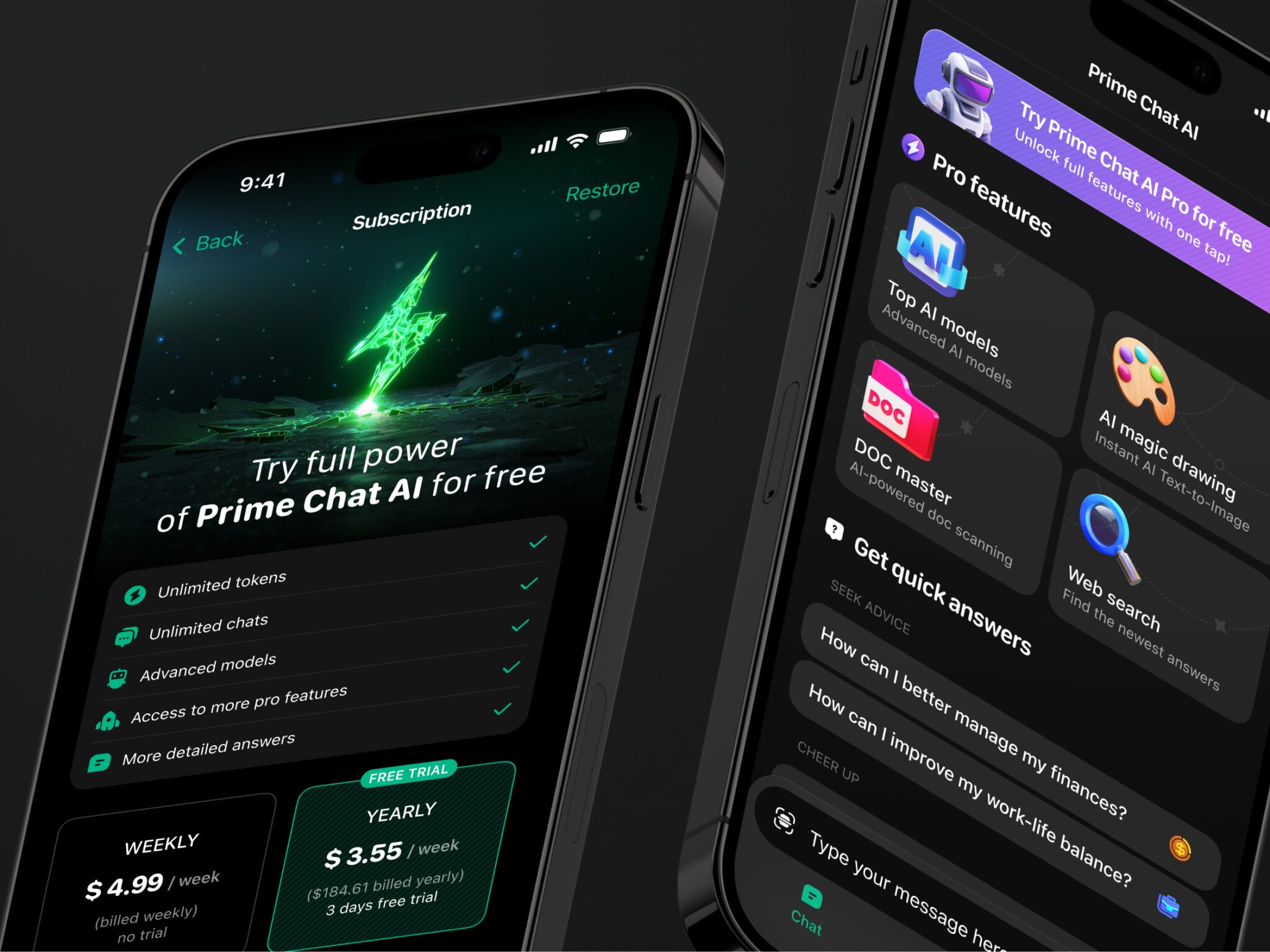
Prime Chat AI is a smart assistant that offers a diverse range of tools sorted by implementation: writing, education, social media, marketing, etc. The main focus during development was simplicity, performance, and speed. Since it was aimed at a wide, global audience like professionals, students, and creators, we kept everything easy to understand. As a result, users have quick access to different AI features regardless of their native language.
AI Chef uses smart features such as image recognition to transform the cooking experience. It scans pantry items to offer customized recipe suggestions, give points through AI-graded dishes, and provide advanced users with more complex recipes.
If you are looking for an experienced agency to leverage AI for mobile app development, contact us. Let’s create a smart solution that uses innovation to help users.
Related reading