Key Takeaways
- Human-centered design starts with people and context. Research users’ goals, capabilities, constraints, and existing behaviors before deciding what to build.
- HCD, UCD, UX design, and design thinking work together. They describe related approaches and practices that help teams understand problems, explore solutions, and evaluate experiences.
- Inclusion and accessibility require deliberate work. Involve people with different needs, identify barriers, and verify that the implemented product supports relevant tasks and assistive technologies.
- Every stage should inform a decision. Connect research findings to requirements, prototypes, evaluation results, and implementation priorities.
- Test complete journeys, including recovery. Check whether people can understand important conditions, complete tasks independently, and continue after errors.
- Measure outcomes throughout the product lifecycle. Establish a baseline and track task success, comprehension, errors, perceived ease, and support needs. Use findings to guide further improvements.
Human-centered design (HCD) is an approach to creating products, services, and experiences that starts with the people who face a problem: their thinking, emotions, and behavior. It involves end users from the start, puts them at the center of the design process, and runs as an endless cycle of three phases: listen, create, and deliver.
Modern design rests on the same principle: a product should give people satisfaction and a pleasant experience, so their needs and comfort come first.
At Shakuro, our UI/UX design services connect user needs, business goals, and implementation constraints. We use research, prototypes, and testing to turn those requirements into interfaces people can understand and use.
Below, we explain what human-centered design is, how it differs from user-oriented (UX) design and inclusive design, and how the HCD thinking and process work in our projects.
Our overview of what design is and why it matters explains how purpose, usability, and visual expression work together when shaping a product.
What is human-centered design
Human-centered design is an iterative approach to creating products, services, and systems around people’s needs, capabilities, and real conditions of use. Teams research those conditions, turn findings into requirements, develop possible solutions, and evaluate them with relevant users throughout the product lifecycle.

A product design example: iPod Shuffle, with its accessible control buttons, was one of the best HCD portable music players and therefore hyper-successful
Also known as HCD, human-centered design and engineering are based on a philosophy that empowers an individual or team to design products, services, systems, and experiences that address the core needs of those who experience a problem. HCD is an approach to creating projects in which the needs of people play a key role. This means that the company primarily studies the desires and needs of consumers.
The concept was invented by a Nobel Prize laureate Herbert Alexander Simon. Notably, he was one of the pioneers of several modern scientific fields such as artificial intelligence, information processing, decision making, problem solving, organizational theory, etc.
Human beings, viewed as behaving systems, are quite simple. The apparent complexity of our behavior over time is largely a reflection of the complexity of the environment in which we find ourselves.
— Herbert A. Simon
The main difference that makes human-centered design stand out among other problem-solving approaches is its primary determination to understand the point of view of the individual who encounters a certain issue. Digital products created with HCD in mind help build empathy with their users. Herbert A. Simon’s approach analyzes customers’ problems and pains, and whether the solution will genuinely help them. It always starts with studying the potential users and involves co-designing and collaboration.
The cultural factor plays a special role in human-centered design: the same product is adapted to people of different age, race, and gender. HCD seeks to optimize the product so that people do not change their daily behavior and habits. It helps users to solve their problems as efficiently as possible.
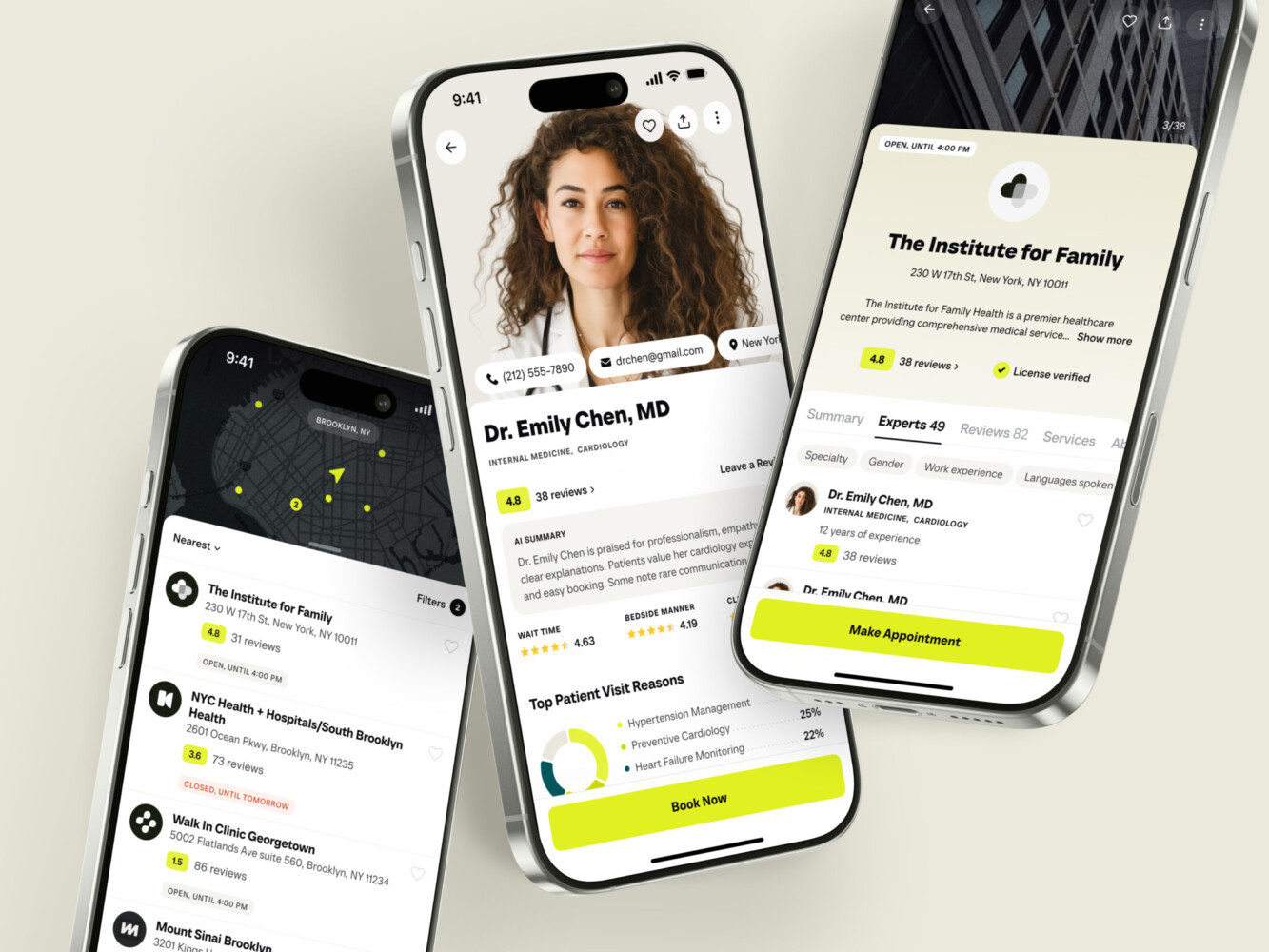
Healthcare app concept by Conceptzilla
Human-Centered Design vs. User-Centered Design, UX, and Design Thinking
Human-centered design, user-centered design, UX design, and design thinking are closely connected. They describe approaches, professional practices, and processes that teams can use together. Understanding their relationship helps you choose suitable methods without creating unnecessary boundaries between them.
| Term | What it describes | Main focus | Example in a digital product |
| Human-centered design (HCD) | An iterative approach to developing products, services, and systems | Understanding people, their tasks, context, and the consequences of design decisions | Researching how customers and employees experience a booking service, then evaluating improvements with both groups |
| User-centered design (UCD) | A closely related approach that prioritizes users throughout development | Users’ goals, capabilities, needs, and conditions of use | Observing how people make a booking and testing whether a revised flow helps them complete it |
| UX design | The professional practice of shaping people’s experience with a product or service | The connected experience across interactions and touchpoints | Improving discovery, booking, confirmation, cancellation, and support |
| Design thinking | A process for exploring problems and developing and testing possible solutions | Understanding needs, framing problems, generating alternatives, and learning through experimentation | Exploring several ways to help customers choose a suitable appointment, then prototyping and testing promising options |
Human-Centered Design and User-Centered Design
HCD and UCD share substantial common ground. Both involve understanding users and their context, involving them throughout development, and improving solutions through evaluation. In practice, the terms are often used interchangeably.
Some teams use “human-centered” to emphasize the wider effects of a service on people beyond its direct users. That can be a useful distinction, but it does not mean UCD ignores context or other stakeholders. Agree on whom the project needs to consider and how those people will participate.
For a mobile-specific application of these ideas, see our guide to user-centric mobile app design, covering research, everyday usage conditions, navigation, and iterative testing.
Human-Centered Design and UX Design
HCD can guide how a UX team works. UX design covers the experience the team is shaping, including information architecture, interactions, content, accessibility, and connections between touchpoints.
Its scope extends beyond individual screens. Nielsen Norman Group’s definition of UX includes people’s interactions with a company, its services, and its products. A clear booking interface, for example, is only part of the experience if the confirmation is confusing or cancellation requires an unexpected support call.
Human-Centered Design and Design Thinking
Design thinking gives teams a structure for understanding needs, exploring ideas, prototyping, and evaluating solutions. It can support a human-centered approach when research and feedback influence what the team builds. Different frameworks organize these activities differently, and teams can revisit them as they learn.
For a booking product, the same team might follow HCD principles, use design-thinking activities to explore alternatives, and apply UX design skills to develop and evaluate the experience. The practical question is how these activities help the team understand the problem, make decisions, and check the result.
Human-Centered Design vs. Inclusive Design and Accessibility
Human-centered design and inclusive design are complementary approaches. HCD helps teams understand people’s needs and evaluate solutions in context. Inclusive design brings particular attention to who might be excluded from an experience, why that exclusion happens, and whose perspective is missing from the design process.
A project can involve users throughout development and still overlook important needs if it recruits only people with similar abilities, devices, language skills, or working conditions. Inclusive design encourages teams to identify those gaps and learn directly from people who experience barriers. Microsoft’s inclusive design principles emphasize recognizing exclusion, learning from diversity, and extending solutions developed for specific needs to benefit more people.
Accessibility concerns whether people with disabilities can perceive, understand, navigate, and operate a product or service. It provides concrete requirements that teams can implement and evaluate. For web interfaces, the Web Content Accessibility Guidelines (WCAG) provide testable criteria covering areas such as text alternatives, keyboard access, contrast, and understandable interactions.
The Bless You case study illustrates why language, reading direction, and local expectations need attention when shaping a healthcare interface for a specific audience.
These concepts work together, but one does not automatically guarantee another. An inclusive research process needs to lead to accessible implementation. Meeting accessibility criteria also needs to be supported by evaluation with people performing relevant tasks in realistic conditions.
Consider an appointment-booking service. Human-centered research might reveal that customers struggle to compare available times. Inclusive research could uncover additional barriers for people using screen readers, people with limited dexterity, or people unfamiliar with the service’s terminology. The resulting design might include clearly labeled controls, keyboard-operable date selection, visible focus indicators, and error messages that explain how to recover.
The team should then check the implementation and test the booking journey with relevant participants. The aim is to identify and reduce barriers systematically, with clear decisions about whom the service supports and what still needs improvement.
To connect these activities with product priorities, explore our guide to UX design strategy. It explains how research, user needs, and business goals inform a shared direction for the team.
AI Agent Design for WLS by Shakuro
The Human-Centered Design Process: Steps, Actions, and Deliverables
Human-centered design connects research with decisions, implementation, and evaluation. Teams build an understanding of people’s needs, explore possible solutions, and use evidence to improve them throughout the product lifecycle.
The workflow below is one practical way to organize that work. The stages overlap, and findings can send the team back to an earlier question.
| Stage | What the team does | Outputs and decisions | Stage |
| 1. Understand people and context | Researchers and designers identify relevant users and stakeholders, observe tasks, conduct interviews, and review support requests and analytics. They investigate goals, abilities, environments, and existing workarounds. | A description of the context of use, evidence of recurring problems, and a list of questions that still need investigation. The team agrees which problem deserves attention. | 1. Understand people and context |
| 2. Define requirements and success criteria | Designers, product owners, developers, and domain specialists translate findings into requirements. They identify business and technical constraints, prioritize needs, and decide how to evaluate improvement. | A focused problem statement, prioritized requirements, testable hypotheses, and agreed evaluation criteria. Assumptions are recorded separately from research findings. | 2. Define requirements and success criteria |
| 3. Explore possible solutions | The team develops alternative flows, sketches, content approaches, or service changes. Developers help assess feasibility, while product owners consider scope and operating constraints. | Several possible solutions, an explanation of their trade-offs, and a decision about which assumptions to test first. | 3. Explore possible solutions |
| 4. Prototype and evaluate | Designers create prototypes at the level of detail needed for the research question. Relevant participants attempt realistic tasks while researchers observe difficulties, errors, and misunderstandings. | Evaluation findings, problems ranked by impact, and a revised design. The team decides whether to iterate, investigate further, or proceed toward implementation. | 4. Prototype and evaluate |
During implementation, reusable components and documented behavior help teams carry design decisions into the working product. See how to implement a design system in an existing product, including component audits, interaction states, accessibility, and coordination with code.
Choose Methods Around the Decision
Each activity should answer a question that affects the product. Interviews can reveal how people describe their needs, observation can expose workarounds, and usability testing can show whether participants can complete a proposed flow.
Choose the prototype accordingly. A rough sketch may be enough to explore information structure, while keyboard interaction or payment recovery requires something more functional. Testing should examine what people can understand and accomplish, alongside their opinions about the experience.
The right evaluation method depends on what you need to learn. Our guide to usability testing methods explains how to choose an approach for tasks such as onboarding, checkout, and interpreting a dashboard.
Keep Evidence Connected to Decisions
Record how findings influence the work. A useful chain is:
Observed problem → requirement → design hypothesis → evaluation → decision.
For example, if customers misunderstand a cancellation policy, the team can test whether revised wording and placement help them explain the conditions correctly before confirming a booking. After implementation, support requests and further testing can help determine whether the problem persists.
Human-centered design continues as the product changes. New features, audiences, and operating conditions create new questions, so research and evaluation remain part of ongoing product work.
Human-Centered Design Example: Improving Appointment Booking
Consider a fictional fitness studio that lets new customers book an introductory session with a personal trainer. People visit the booking page and select dates, but many leave before confirming. The team wants to understand what prevents them from completing the task.
This illustrative example shows how human-centered design connects research findings with product decisions.
Understand the Problem Before Changing the Interface
The team reviews the booking funnel and support questions, then observes prospective customers trying to arrange a first session. It also speaks with reception staff, who regularly answer questions about appointments.
In this scenario, the investigation reveals three problems: customers cannot easily identify sessions suitable for beginners, the total price appears late in the process, and the cancellation policy is difficult to find. Reception staff also need to know whether someone is booking their first visit.
These findings suggest that changing the confirmation button alone would leave important questions unanswered.
Turn Findings into a Testable Hypothesis
The team defines a hypothesis:
Showing session suitability, total price, and cancellation conditions before customers select an appointment will help them choose confidently and complete the booking independently.
The proposed flow introduces a clearly labeled introductory session, displays the full price before time selection, and places cancellation conditions beside the booking summary. A short first-visit question supplies reception staff with relevant information.
Designers and developers also plan what happens when an appointment becomes unavailable, a payment fails, or someone needs to return to an earlier step.
Our prototyping guide explains how to turn ideas and user scenarios into something the team can explore, question, and revise before implementation.
Test the Complete Booking Task
The team builds an interactive prototype and recruits participants who resemble the studio’s intended new customers. One task might be:
“You want your first personal training session next Tuesday after 6 p.m. Find a suitable appointment and continue until you are ready to confirm.”
Before testing, the team agrees to assess:
- Whether participants choose an appropriate introductory session.
- Whether they reach confirmation without assistance.
- Whether they can correctly explain the total price and cancellation conditions.
- Whether they can recover when their preferred time is unavailable.
Task completion, assistance required, critical errors, and participants’ explanations provide evidence for the next design decision. Where a comparable existing flow is available, the team can establish a baseline before evaluating the revision.
These recovery paths are part of the experience customers rely on. Our guide to web platform UX explores how navigation, permissions, loading states, and error recovery fit into complete user journeys.
Use the Findings to Decide What Happens Next
If participants complete the booking but misunderstand cancellation conditions, the team revises that information and tests it again. If selecting a suitable session remains difficult, it revisits the service categories or adds clearer guidance.
Once the flow meets the agreed criteria, developers implement it and the team verifies the working experience. After launch, it monitors completed bookings, availability errors, and related support requests, alongside further user research.
The result is a booking journey shaped by evidence from customers and staff, with clear reasons for each change and a plan for continued improvement.
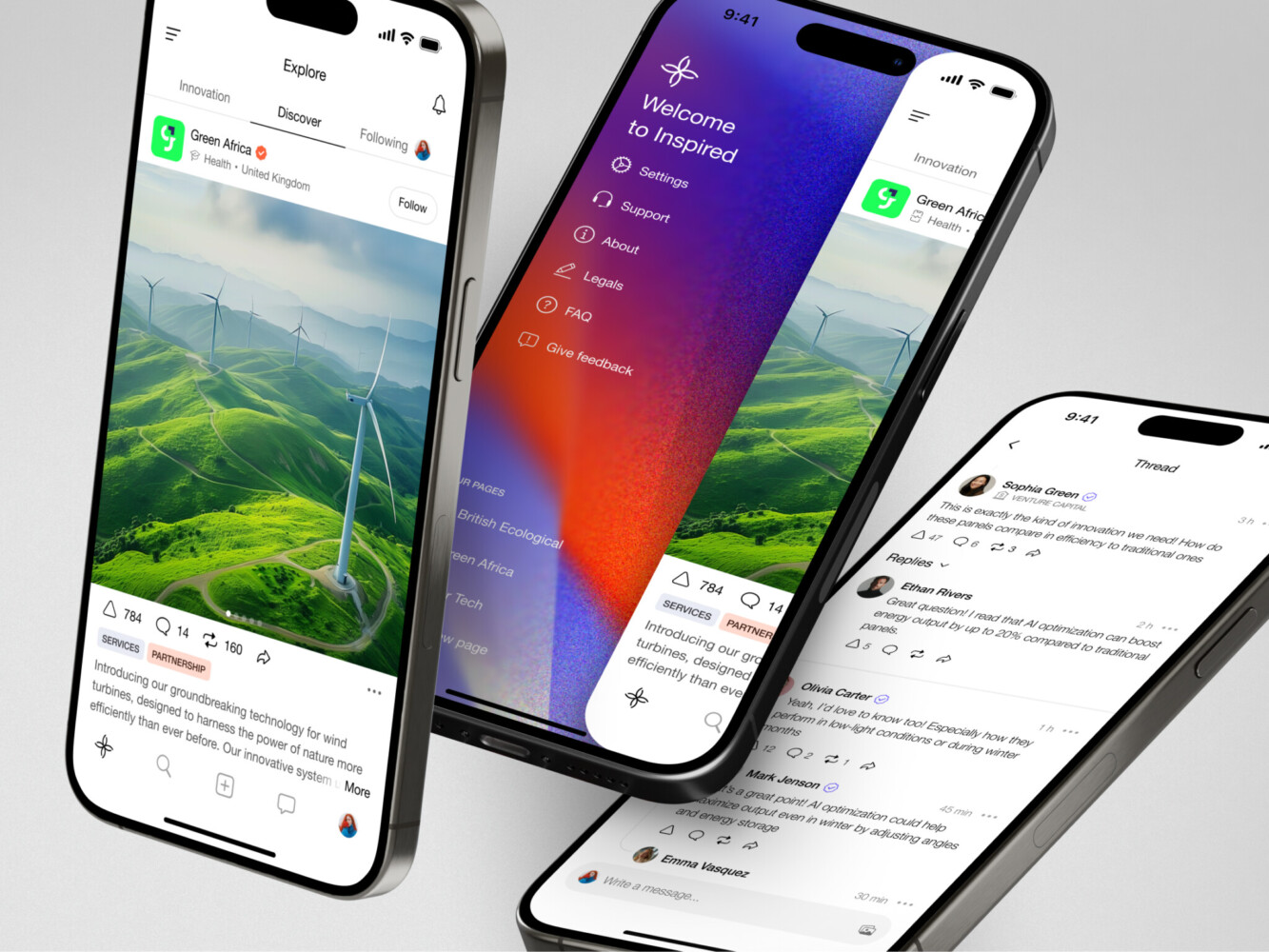
Mobile app for Inspired by Shakuro
Our SELECT case study describes redesigning an existing membership experience across mobile and web, including discovery, reservations, and concierge access. The project also involved testing updates with real members, illustrating how evaluation can continue as a service evolves.
How to Measure Human-Centered Design Outcomes
Measure whether people can achieve their goals, understand their choices, and recover when something goes wrong. Choose metrics around the problem being addressed, then establish a baseline before evaluating changes.
Task success, completion time, errors, and perceived ease are established usability measures. Combine them with evidence relevant to the service, including comprehension and support needs.
Choose Metrics That Match the Task
For the appointment-booking example, the following measures provide a practical starting point:
| Metric | How to calculate or collect it | What it reveals |
| Independent task completion rate | Successful attempts completed without moderator assistance ÷ all attempts × 100 | Whether people can book a suitable session independently. Define successful completion before testing. |
| Assistance rate | Attempts requiring moderator assistance ÷ all attempts × 100 | Where the interface leaves people dependent on explanations. Record what help was needed. |
| Critical-error rate | Attempts containing at least one predefined critical error ÷ all attempts × 100 | Whether people make consequential mistakes, such as confirming the wrong date or session type. |
| Time to complete the task | Measure from the agreed starting point to successful completion. Report the median for successful, unassisted attempts; report failed and assisted attempts separately. | How much effort the flow requires. Interpret time alongside accuracy and understanding. |
| Comprehension rate | Participants correctly explaining all predefined essential conditions ÷ participants assessed × 100 | Whether customers understand the price, cancellation deadline, and any cancellation fee. Use a consistent scoring rubric. |
| Perceived task ease | Ask the Single Ease Question immediately after each task attempt, using its standard seven-point scale from very difficult to very easy. | How easy or difficult the experience feels. Report the score alongside observed performance. |
| Recovery success rate | Successful recoveries ÷ attempts in which the defined problem occurred × 100 | Whether people can continue after an unavailable appointment or failed payment. |
| Booking-related support contact rate | Support contacts about predefined booking issues ÷ confirmed bookings in the same period × 100 | Whether the released service generates recurring questions or requires manual intervention. |
The Single Ease Question measures perceived ease after a task attempt. It complements behavioral measures: a participant may feel confident while misunderstanding an important condition.
For example, 16 independent completions out of 20 attempts would produce an 80% completion rate. Report both the percentage and the underlying count. A small study can reveal problems, but its percentages provide limited precision.
In the Abyss app project, interactive prototypes helped explore key user journeys and test hypotheses before high-fidelity design and development.
Compare Results Under Consistent Conditions
Use comparable tasks, participant profiles, devices, and moderation rules when evaluating the original and revised experiences. Record changes that could affect the comparison, such as different prices, appointment availability, or payment methods.
Set improvement targets after reviewing the baseline and the consequences of failure. A booking completed faster is only an improvement if customers still choose correctly and understand what they are agreeing to.
Examine results across relevant user groups and access needs. An overall average can hide barriers affecting people using assistive technology or those unfamiliar with the service. Combine task testing with accessibility evaluation.
Connect Findings to Product Decisions
Agree in advance what each result would mean. Frequent assistance during time selection may justify clearer availability controls. Misunderstood cancellation conditions may require revised wording and placement. High support demand after launch may reveal a gap between the booking interface and the service customers receive.
Track business outcomes such as completed bookings and repeat visits as additional evidence. Prices, promotions, seasonality, and audience changes can also influence those figures, so an increase alone does not establish that the redesign caused it.
Conclusion
We hope you found this article useful! Developing a successful app or website is a rather difficult and challenging task because of the vast number of rivals, who also use process of design thinking as one of their approaches. Have a product journey that needs improvement? Our UI/UX design services can help you investigate the problem, explore possible solutions, and prepare a testable design. Tell us what your users are trying to accomplish and where they get stuck.
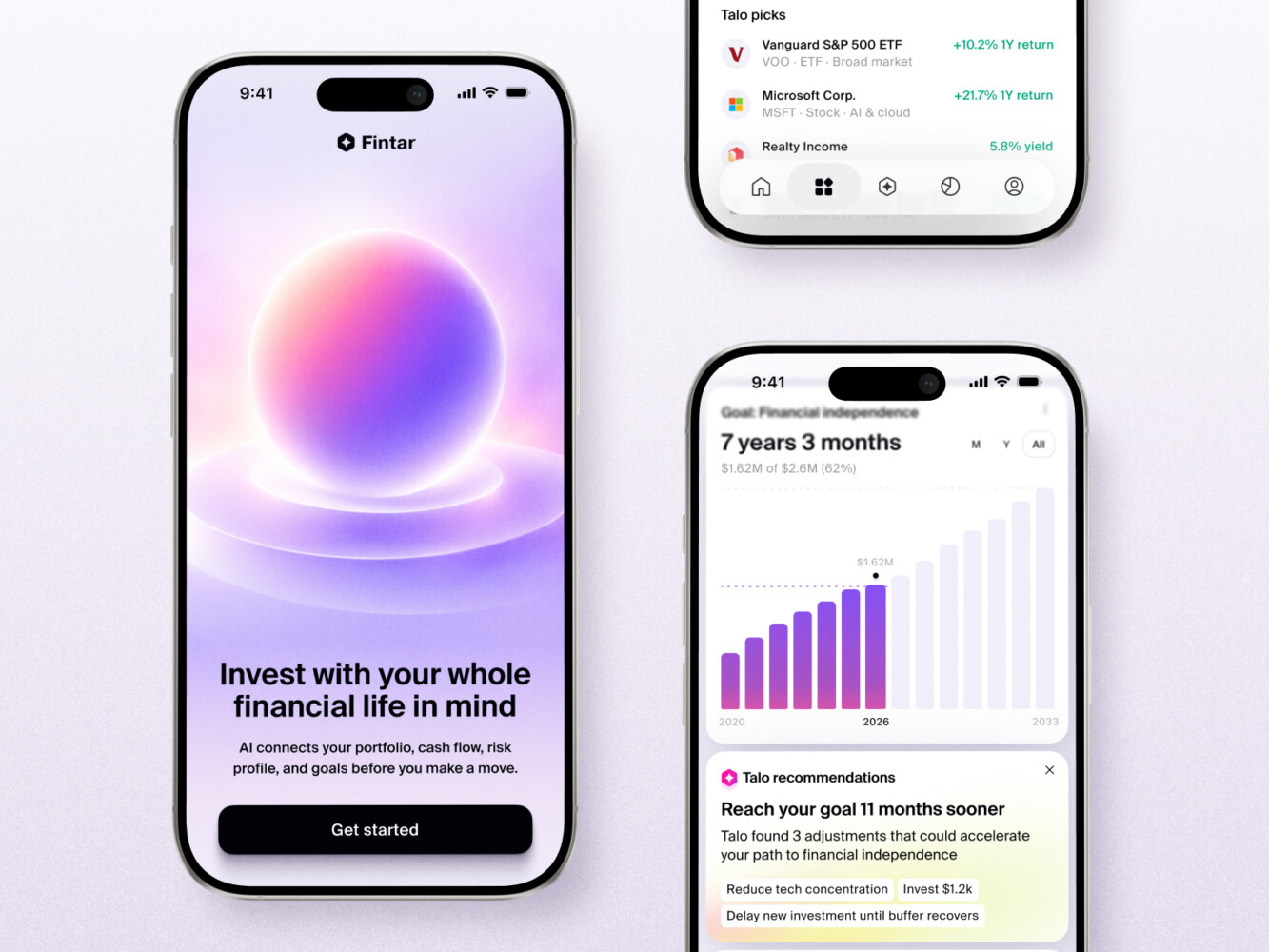
AI Wealth Copilot Mobile App Design by Shakuro
FAQ
What is human-centered design in simple terms?
Human-centered design is an iterative approach to creating products and services around people’s needs, capabilities, and real conditions of use. Teams research how people accomplish tasks, explore possible solutions, and evaluate them with relevant users. Findings guide decisions throughout development and after launch.
What is the difference between human-centered design and user-centered design?
The terms describe closely related approaches and are often used interchangeably. Both prioritize understanding users, involving them throughout development, and evaluating solutions. Some teams use “human-centered” to emphasize effects on additional stakeholders, such as employees or support teams. The practical priority is identifying whose needs and experiences the project must consider.
How does HCD relate to UX design and design thinking?
HCD provides principles for understanding people and involving them in product development. UX design is the practice of shaping their experience across interactions and touchpoints. Design thinking provides activities for exploring problems, generating ideas, prototyping, and testing. A team can use all three together on the same project.
How is human-centered design connected to inclusive design and accessibility?
Inclusive design helps teams identify who might be excluded and involve perspectives that research could otherwise overlook. Accessibility addresses whether people with disabilities can use the product or service. HCD supports both through research and evaluation, but teams still need accessible implementation, appropriate technical checks, and testing with relevant participants.
What are the stages of the human-centered design process?
A practical workflow includes understanding people and context, defining requirements and success criteria, exploring solutions, prototyping and evaluating, implementing and verifying, and measuring outcomes after launch. Each stage produces evidence or deliverables that inform the next decision. Teams revisit earlier stages when findings challenge their assumptions.
What does human-centered design look like in an appointment-booking service?
A team might observe customers trying to book a session and discover uncertainty about suitability, total price, or cancellation conditions. It can then prototype clearer information and test whether people choose correctly, understand the conditions, and complete the booking independently. The appointment-booking scenario in this article is illustrative, rather than a reported client project.
How do you measure human-centered design outcomes?
Choose metrics that match the problem. For booking, these might include independent task completion, assistance required, critical errors, completion time, comprehension, perceived ease, recovery success, and booking-related support contacts. Establish a baseline and compare results under consistent conditions. Report participant counts alongside percentages and investigate differences between relevant user groups.
Does a higher conversion rate prove that an HCD redesign worked?
Higher conversion can support the evaluation, but it does not establish the cause by itself. Pricing, promotions, availability, seasonality, and audience changes can also affect bookings. Review conversion alongside task performance, understanding, errors, and support needs. Where practical, use a controlled experiment to isolate the effect of a design change.
Can a small team use human-centered design?
Yes. Start with one important task and a focused research question. Review existing evidence, involve relevant users, create a suitable prototype, and use findings to guide a manageable change. The depth of research should reflect the decision and its risks. A small study can reveal problems, while precise quantitative comparisons usually require more participants.
Related reading