
For those who prefer to listen rather than read, this article is also available as a podcast on Spotify.
Most web projects don’t fail because the design is bad. They fail because the moment design ends, everyone assumes the hard part is over.
In practice, design-to-development handoff is where a project either becomes a solid, scalable product or starts quietly falling apart. The visuals are approved, the Figma files are shared, and the team moves on. What’s missing is a clear, technical understanding of how those designs are supposed to work once real code, real data, and real constraints come into play.
Design is often created as a set of static states. Development is about systems, logic, and edge cases. When these two worlds don’t meet properly, developers are left guessing. How does this block behave with longer content? What happens on smaller screens? Is this element reusable, or is it a one-off? These questions usually aren’t answered in the handoff, so decisions get made on the fly. Not because developers want to improvise, but because they have to.
Another issue is ownership. Once the design is “handed off,” designers typically step back, while developers are expected to execute. That separation creates gaps. Visual intent gets diluted, small compromises stack up, and by the time the site is live, it no longer matches the original idea—not dramatically wrong, just subtly inconsistent everywhere.
This isn’t a tooling problem, and it’s rarely about talent. It’s a process problem. Teams that treat the handoff as a one-time delivery of files usually run into trouble later, when the product needs to scale, change, or integrate with new functionality. Teams that treat it as a shared phase—where design and development overlap—tend to avoid most of these design implementation issues.
That’s also why early decisions matter so much, especially when choosing a web design agency that’s expected to support long-term product growth rather than just deliver screens. A clean handoff doesn’t happen by accident. It’s designed, just like the interface itself.
Once you start looking closely at handoffs, you’ll notice that many “development problems” are actually design-handoff problems in disguise.
What Happens During the Design-to-Development Handoff?
The design-to-development handoff is when designers stop working and developers start. The screens are done, files are shared, and the project moves into implementation. This sounds simple, but this step often causes more problems than any other part of the project.
Design files show how pages should look. Development is about how those pages are built and how they behave. Developers need to understand what can be reused, what must stay fixed, how layouts react to different content, and what happens when something doesn’t fit the design perfectly. If this information isn’t clear, developers have to make decisions on their own. That holds no matter which of the top web frameworks the site is built on.
Those decisions are rarely wrong, but they are rarely aligned. One developer solves a problem one way, another solves it differently. Over time, the site starts to feel inconsistent, even though every individual decision made sense in isolation.
This is usually where timelines start slipping. Not because the work is hard, but because too many details weren’t discussed before development began.
The Ideal Handoff Process
A good handoff happens through conversation, not just file sharing. Designers and developers go through the layouts together and talk about how things should work in real situations. They discuss what happens when content is longer than expected, which elements repeat across pages, and which details really matter.
When this is done properly, development moves faster. Developers don’t need to stop and ask questions every few hours. They don’t need to redo work because something was misunderstood. Most decisions are already made, so the focus stays on building.
This also reduces mistakes. Fewer assumptions means fewer surprises later, and fewer last-minute fixes before launch.
Common Communication Breakdowns
Most problems come from things that were never said out loud. Design files often look complete, but they don’t explain the intent behind the design. They don’t show edge cases. They don’t say where flexibility is allowed and where it isn’t.
Another common issue is silent assumptions on both sides. Designers may assume certain effects or layouts are easy to implement. Developers may assume that visual details are optional when they are not. These misunderstandings don’t cause immediate conflicts, but they slowly change the final result.
By the time the site is finished, it works, but it doesn’t quite feel right. Not because anyone failed, but because the handoff wasn’t treated as real work—just as a step to get past.
Why Poor Handoff Leads to Web Project Failures
When the handoff is weak, problems don’t show up as a single failure. They show up as constant friction. The team moves forward, but slower than planned. Everyone feels busy, yet progress is uneven.
Most of these problems start early, during the first weeks of development. By the time the site is close to launch, they are already baked in.
Missed Deadlines and Overruns
Poor handoff almost always delays development. Developers spend time figuring out things that should have been clear from the start. They build parts of the interface, then change them when someone notices a mismatch with the design.
This rework adds up. Tasks that were estimated as simple take longer. New tasks get blocked by unfinished fixes. The schedule starts slipping in small steps, not all at once.
Teams try to compensate. People work faster. Reviews get shorter. Some decisions are rushed just to keep moving. This doesn’t save time. It just moves problems closer to launch and increases fatigue across the team.
In many cases, the scope hasn’t grown. The work just wasn’t clearly defined when development began.
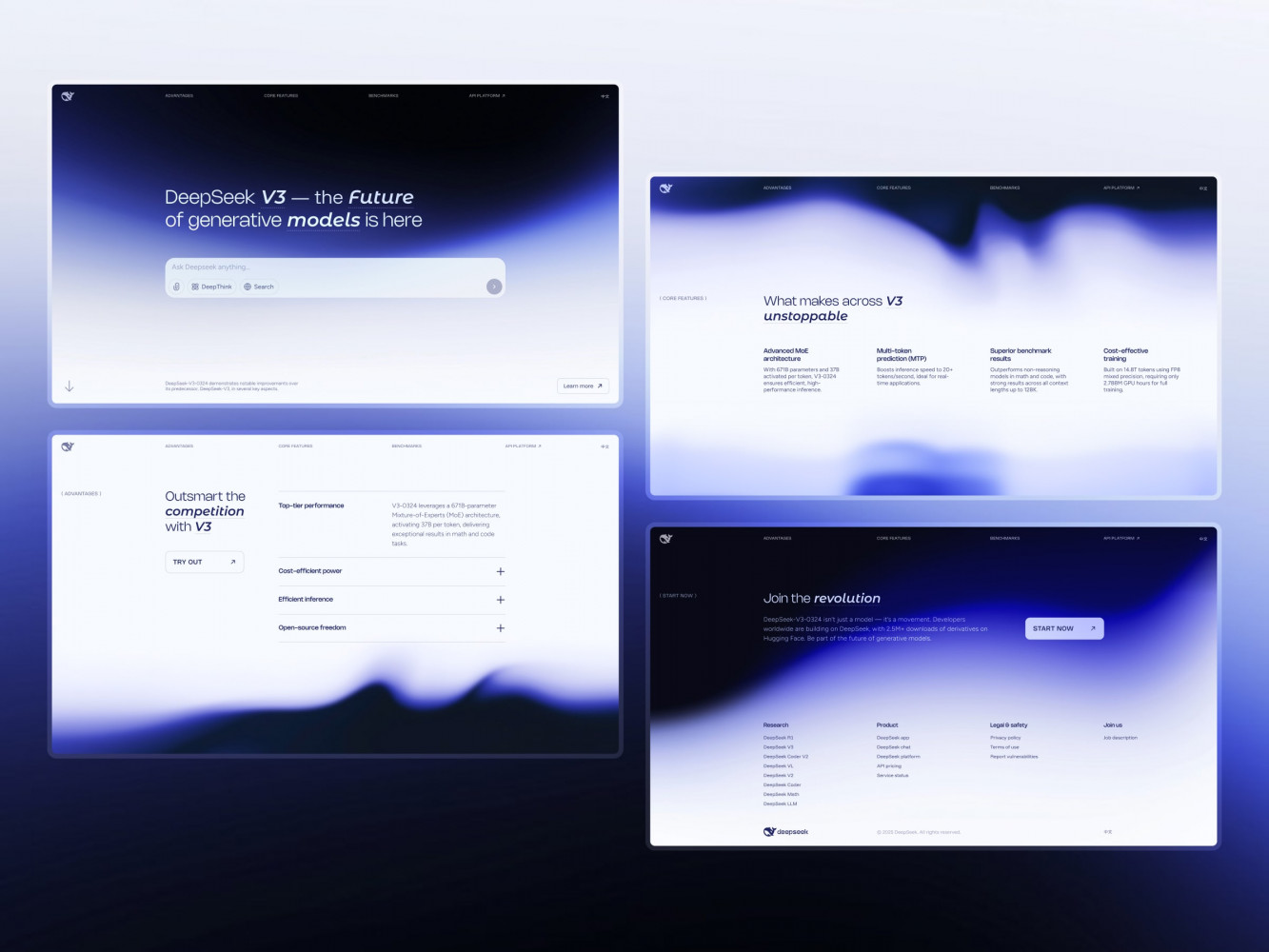
Landing Page Design for DeepSeek AI Company by Shakuro
Broken User Experiences
Users notice handoff problems even if they don’t know the reason. Pages don’t behave the same way. Buttons react differently. Layouts feel inconsistent from screen to screen.
These issues usually come from development decisions made without clear design guidance. When behavior isn’t specified, developers make reasonable choices on their own. The result is a product made of many small decisions instead of one clear system.
Performance problems often appear at this stage as well. Visual elements that weren’t discussed technically turn into heavy layouts and slow pages. That affects usability and business results, which is why how design affects performance should be considered long before the site goes live.
Once the project is finished, fixing these issues is harder. Design needs to be revisited. Code needs to be changed. Time and budget are spent correcting things that could have been avoided earlier.
All of this comes back to the same cause: the handoff was treated as a formality instead of real work.
The Design-to-Development Handoff Framework That Actually Works
A handoff works when developers don’t have to guess. That’s it. Every problem below exists because someone had to assume something instead of knowing it for sure.
1. Clear and Complete Design Documentation
Design files show screens. They don’t explain decisions.
Developers need to know what is strict and what is flexible. Which spacing must stay exact. Which text can grow. Which components repeat and which exist only once. If this isn’t written or shown clearly, developers decide on their own.
Styles should be consistent. One button style should not have five variations unless there is a reason. Assets should be named clearly and grouped logically. If exporting assets feels messy, web design development handoff will be messy too.
Short notes help. Not essays. Just enough to explain intent. One sentence in the right place often saves hours later.
2. Seamless Collaboration Tools
Most teams don’t suffer from a lack of tools. They suffer from information being spread everywhere.
A question is asked in chat. An answer is given on a call. A decision is made and never written down. A week later, no one remembers what was agreed on.
The handoff goes smoother when questions and answers live next to the design. Comments stay on the layout. Decisions are visible. Anyone can see context without asking again.
Speed matters less than clarity. A slow but visible answer is better than a fast one that disappears.
3. Involving Developers in the Design Phase
Many handoff problems start before the handoff exists.
When developers see designs only after they’re finished, problems surface too late. Things that look fine visually may be hard to build, hard to maintain, or fragile on different screens.
Developers don’t need to design. They need to understand what’s being designed. Early visibility lets them point out risks before those risks turn into delays.
When development starts, there are fewer surprises. The work feels familiar, not new.
4. Regular Handoff Reviews and Adjustments
The handoff is not a single moment. It’s a period where design and development overlap.
Screens should be checked while they’re being built, not at the end. A quick look at a working version can catch problems before they spread to other pages.
These check-ins don’t need structure or long meetings. They just need to happen. Waiting until everything is finished almost always means fixing more than planned.
When teams do this regularly, designs don’t slowly change during development. They stay consistent. Development stays calmer. Fewer things break at the last minute.
That’s what actually works in real projects. Less guessing. Fewer assumptions. More shared understanding.
A good example of this approach in practice is Owari, a digital trading platform for the West African oil and gas market. The product relies on complex, table-based data, real-time updates, and multiple visualization layers, which makes assumptions during development especially risky.
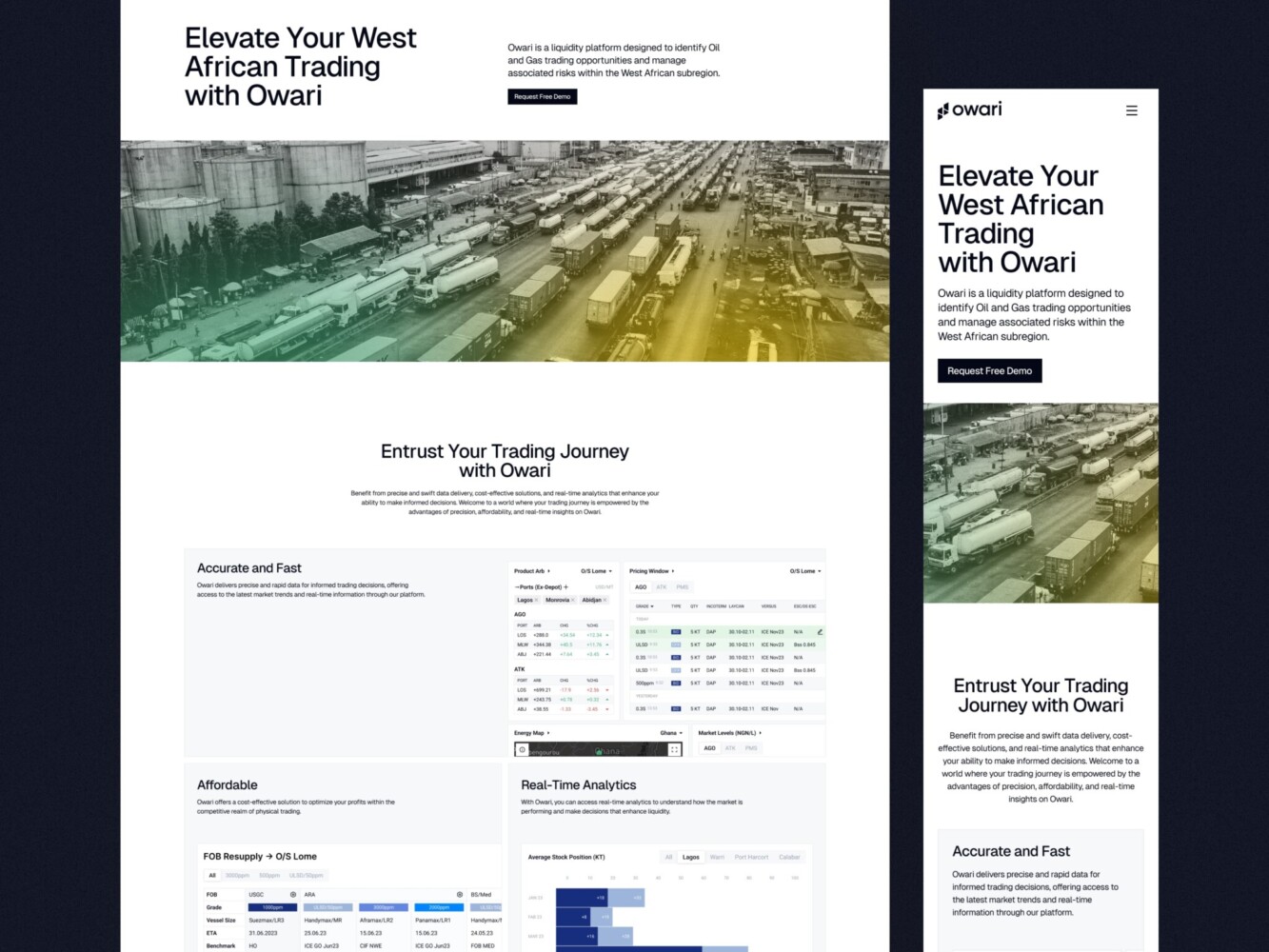
Web Design for Oil and Gas Trading Platform by Shakuro
To avoid handoff issues, the team focused early on reusable components, strict data visualization rules, and a scalable design system. Designers and developers worked from the same structure, which made it possible to turn a functional prototype into a consistent, extensible platform without rethinking decisions at every step.
The Role of Design Systems in the Handoff Process
Design systems don’t solve communication problems on their own. What they do is remove a lot of uncertainty from the handoff. When both designers and developers work from the same set of components, fewer things need explanation.
Instead of starting every handoff from scratch, teams start from something familiar.
Consistency Across Teams and Projects
Without a design system, the same elements get redesigned and rebuilt again and again. One button looks slightly different on one page. Spacing changes depending on who worked on the screen. Developers have to ask whether those differences are intentional or just visual noise.
A design system sets clear rules. Buttons, inputs, cards, and other common elements behave the same way everywhere. Designers don’t need to describe each component in detail, and developers don’t need to interpret layouts screen by screen.
This becomes especially important when teams grow or change. New developers don’t have to reverse-engineer designs. New designers don’t have to guess how things were done before. The product stays consistent even when different people work on it at different times.
Speed Without Sacrificing Quality
Design systems save time by cutting repetition, not by cutting corners.
When components already exist, developers reuse them instead of rebuilding the same thing again. When patterns are familiar, fewer questions come up during implementation. Handoffs become simpler because many decisions were already made and written into the system.
This makes iteration faster in a very practical way. Changes can be applied across multiple pages without breaking things. New features are built from known parts. Quality doesn’t drop, because the same standards apply everywhere.
In everyday work, a design system turns the handoff into a normal step instead of a risky one. Less explaining. Less guessing. Fewer mistakes.
The Impact of a Strong Handoff on User Experience
Users don’t know what a handoff is, but they feel the result of it. When web design development handoff goes well, the site feels solid. When it doesn’t, small issues start showing up everywhere.
A good handoff doesn’t make the site prettier. It makes it easier to use.
Faster Launches With Fewer Errors
When developers know exactly what they’re building, fewer things break at the end. Pages work as expected. Common edge cases are already covered. There’s less last-minute fixing before launch.
This makes launch dates more reliable. The site goes live when planned, not after extra rounds of patches. And after launch, the team isn’t stuck fixing obvious problems that should have been caught earlier.
There will always be fixes after release, but they tend to be minor instead of urgent.
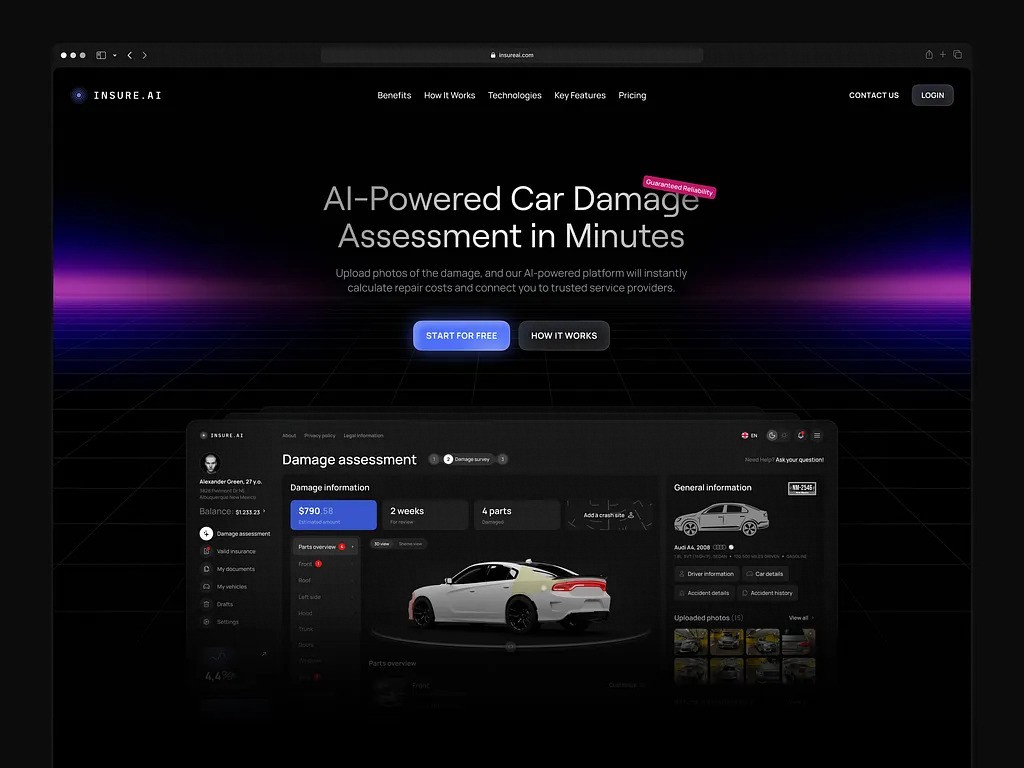
Automotive AI Insurance Website Design by Shakuro
Consistent User Flows
A solid handoff keeps the site behavior consistent with the design. What was planned is what users actually get.
Navigation works the same way across pages. Buttons respond in familiar ways. Forms and flows don’t change logic halfway through. Users don’t have to stop and think about how something works.
This kind of consistency doesn’t stand out, and that’s the point. The site feels predictable and calm. Most of that comes from fewer quick decisions made during development and fewer compromises made under time pressure.
When the handoff is done properly, the site feels complete instead of patched together.
Common Design-to-Development Handoff Mistakes to Avoid
The same mistakes show up on most projects. They don’t stop the work. They just make everything harder than it needs to be.
Treating Handoff as a One-Time Event
Many teams think the handoff is finished once the files are shared.
Design is approved. Developers get access. Designers move on.
But web design development handoffs don’t work like that. Questions come up as soon as real screens are built. If designers are no longer involved, developers have to decide on their own. Not because they want to, but because they have no choice.
Those decisions pile up. Each one is small. Together, they change the product.
Handoff is not a moment. It’s the period while the site is being built. When web development communication stops too early, quality drops quietly.
Ignoring Developer Feedback During Design
Another common mistake is locking the design before developers have looked at it properly.
From the design side, everything looks finished. From the development side, some parts are fragile, hard to reuse, or likely to break on smaller screens.
If that feedback is ignored, the same problems return later. Only now they’re inside the code and harder to fix.
Developer feedback doesn’t mean redesigning everything. It means adjusting things while changes are still cheap.
Overlooking Performance and Technical Constraints
Some designs look simple but are expensive to build or slow to run. This isn’t always obvious from mockups.
If performance isn’t discussed early, developers end up choosing between two bad options. Either simplify the design quietly or build it as-is and accept slow pages.
Both lead to problems after launch.
Performance issues usually don’t come from bad development. They come from decisions made earlier without technical input.
Most handoff mistakes come down to the same thing: decisions being made in isolation. When design and development stop talking at the wrong time, the product pays for it later.
How to Ensure Design and Development Teams Collaborate Efficiently
Designers and developers collaborate better when they stay in sync while decisions are still open. Most problems start when communication happens too late or stops too early.
Cross-Functional Team Meetings and Shared Goals
The most useful discussion usually happens before design is finished. Designers and developers go through the plan together and talk through how the site is supposed to work.
This doesn’t need slides or long explanations. It’s enough to clarify a few things early: what parts of the design must be followed exactly, what parts can change, and where trade-offs are acceptable.
When these points are clear, developers don’t have to guess later. Designers don’t have to correct things after they’re already built. Fewer decisions get pushed into development by default.
This clarity also helps startup founders. When roles and priorities are agreed on early, it’s easier to understand what to delegate and what to control without slowing the team down or stepping into day-to-day execution.
Use of Prototypes and Real-Time Collaboration Tools
Static layouts often leave open questions. Prototypes reduce that. They show how screens connect and how basic interactions are expected to work.
Developers can see the flow instead of reconstructing it from separate screens. That removes a lot of back-and-forth later.
Real-time collaboration tools are useful when they keep context close to the design. Comments attached to specific elements are easier to follow than long chat messages. Decisions stay visible instead of getting lost across tools.
The tools themselves are secondary. What matters is that questions are asked while changes are still easy, answers are documented where everyone can see them, and decisions don’t rely on memory.
When this is in place, collaboration becomes routine work, not a separate effort to manage.
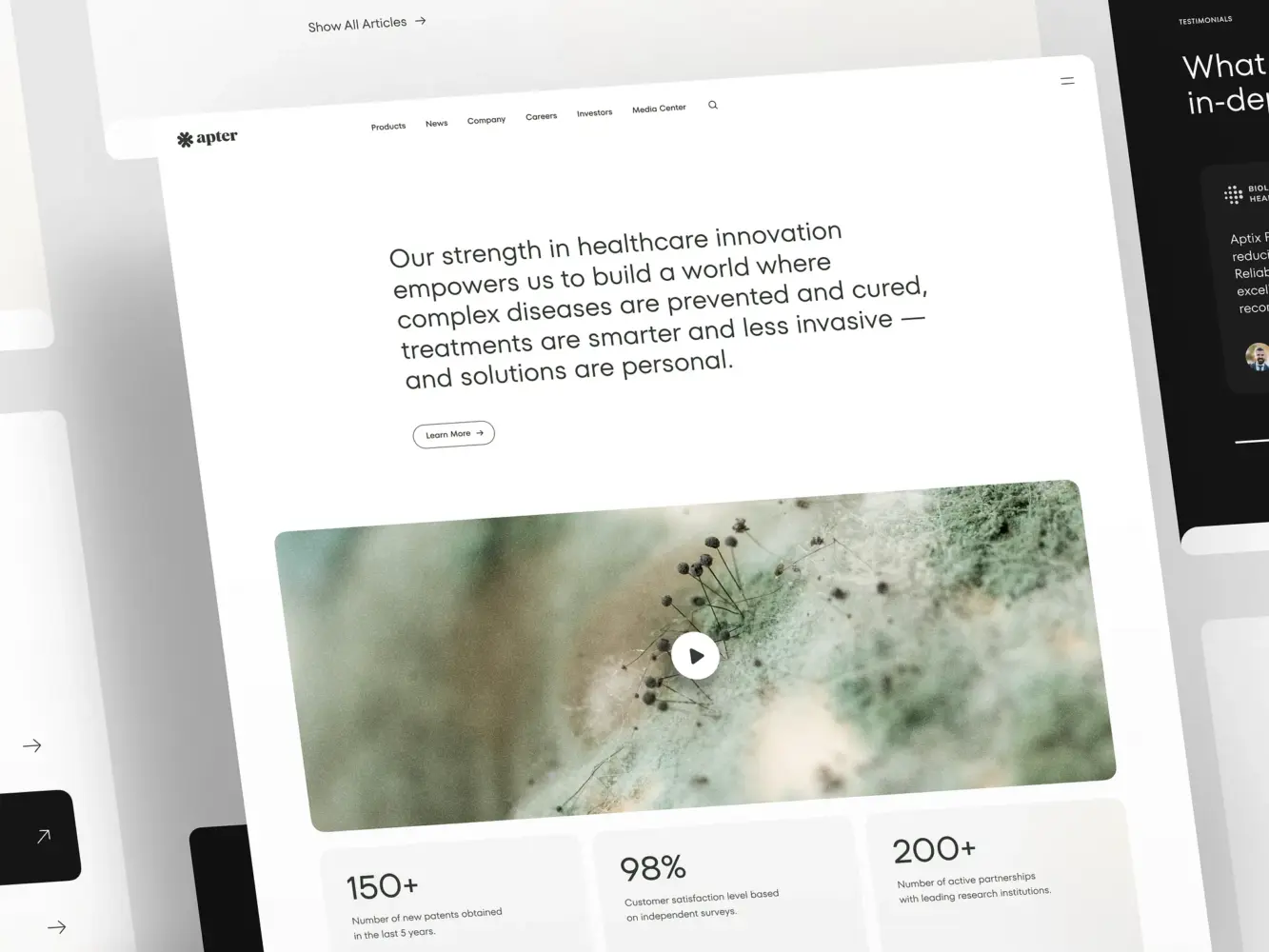
Landing Page Design for a Pharmacology and Medical Provider by Shakuro
Final Takeaway: A Strong Handoff = A Successful Project
Most web projects that struggle don’t do so because the team is weak. They struggle because design and development stop working as a single process at the wrong moment.
When the handoff is sloppy, intent gets lost. Developers make reasonable decisions with incomplete context. Designers see the result too late. By the time the site is live, fixing things costs more than it should.
A strong handoff keeps the work continuous. Design leads into development. Development leads into deployment. No sharp breaks. No guessing in the middle.
Stop the Disconnect: Make Your Design-to-Development Handoff Seamless
A good handoff doesn’t feel like a milestone. It feels like normal work moving forward.
Designers stay involved while screens are being built. Developers understand why things look and behave the way they do. Deployment isn’t a stressful checkpoint, it’s just the next step.
This doesn’t require complicated processes. It requires treating the handoff as real work, not a formality. Clear decisions. Ongoing communication. Fewer assumptions.
Teams that work this way ship more reliably and spend less time fixing avoidable problems after launch. That’s why companies often turn to partners like Shakuro, whose end-to-end development services handle design and development as one workflow, not separate responsibilities. If you’re planning a product or redesign, investing in web design that’s built to be developed makes the entire project easier to run.
A clean handoff doesn’t just protect the design. It protects the time, budget, and people working on the project.
Related reading
- How to Build Scalable Mobile Apps: Tips for Growth
- Risk Management in Software Engineering: Principles, Types, and Planning Activities
- Software Discovery Phase: Process, Deliverables, and Business Value for Custom Software Projects
- API-First Development: How to Build Scalable, Integration-Ready Software