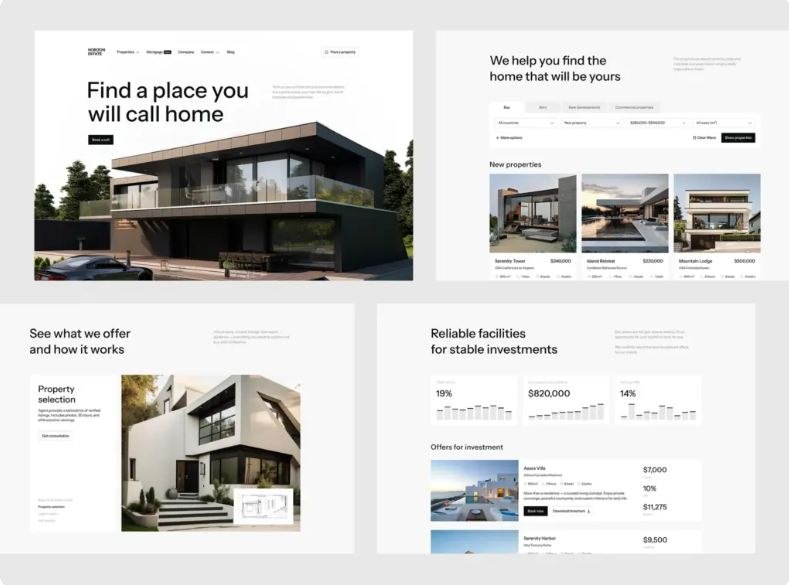
A useful 404 page helps people recover when the page they wanted is unavailable. It explains what happened, offers a way to find relevant content, and helps visitors continue their task. Branding and illustration can make the experience feel familiar, but the essential questions are practical: where am I, what went wrong, and what can I do next?
Below, we explain what a 404 error page is and why it is important, and go through 404 page design best practices with examples.
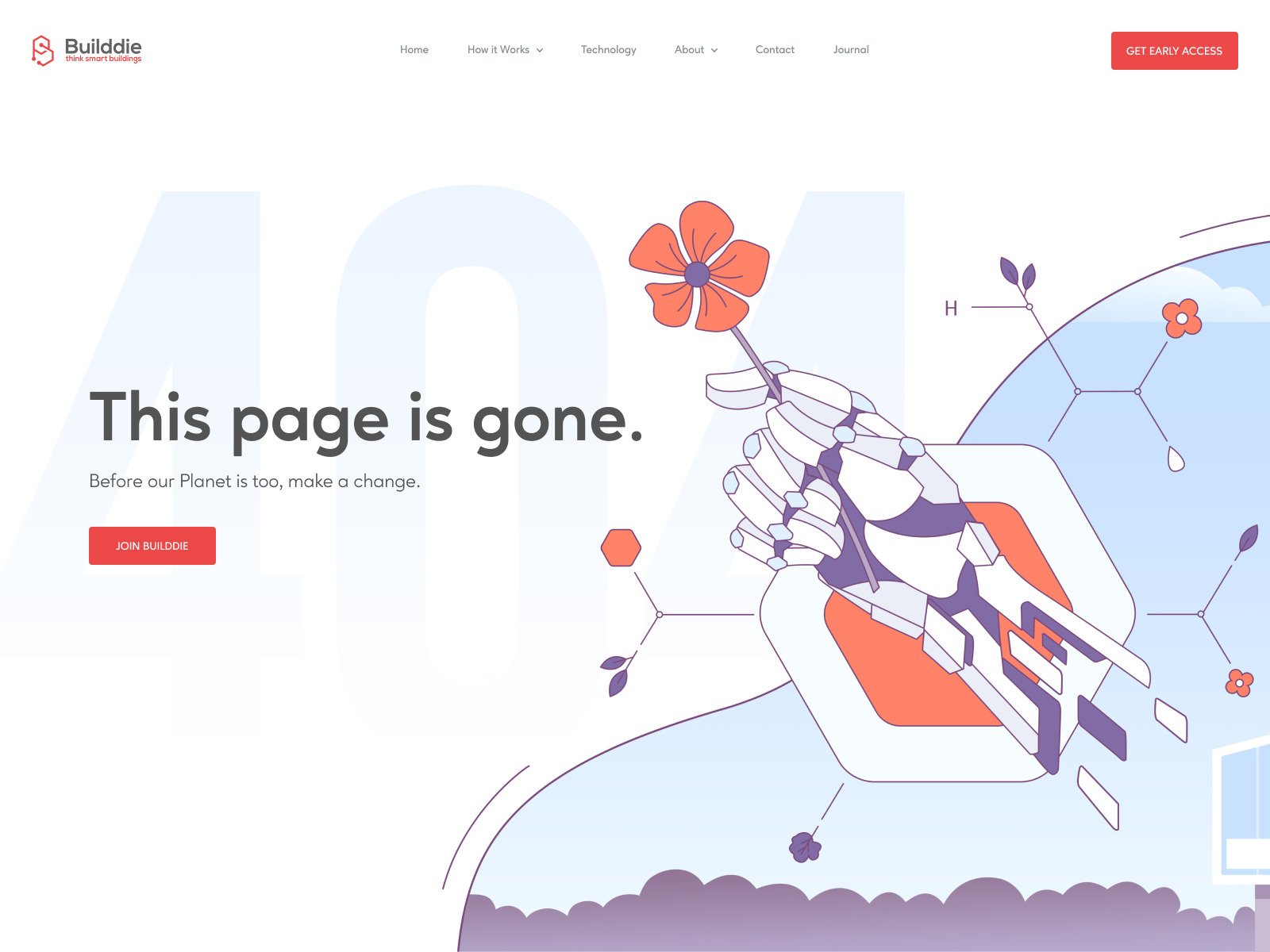
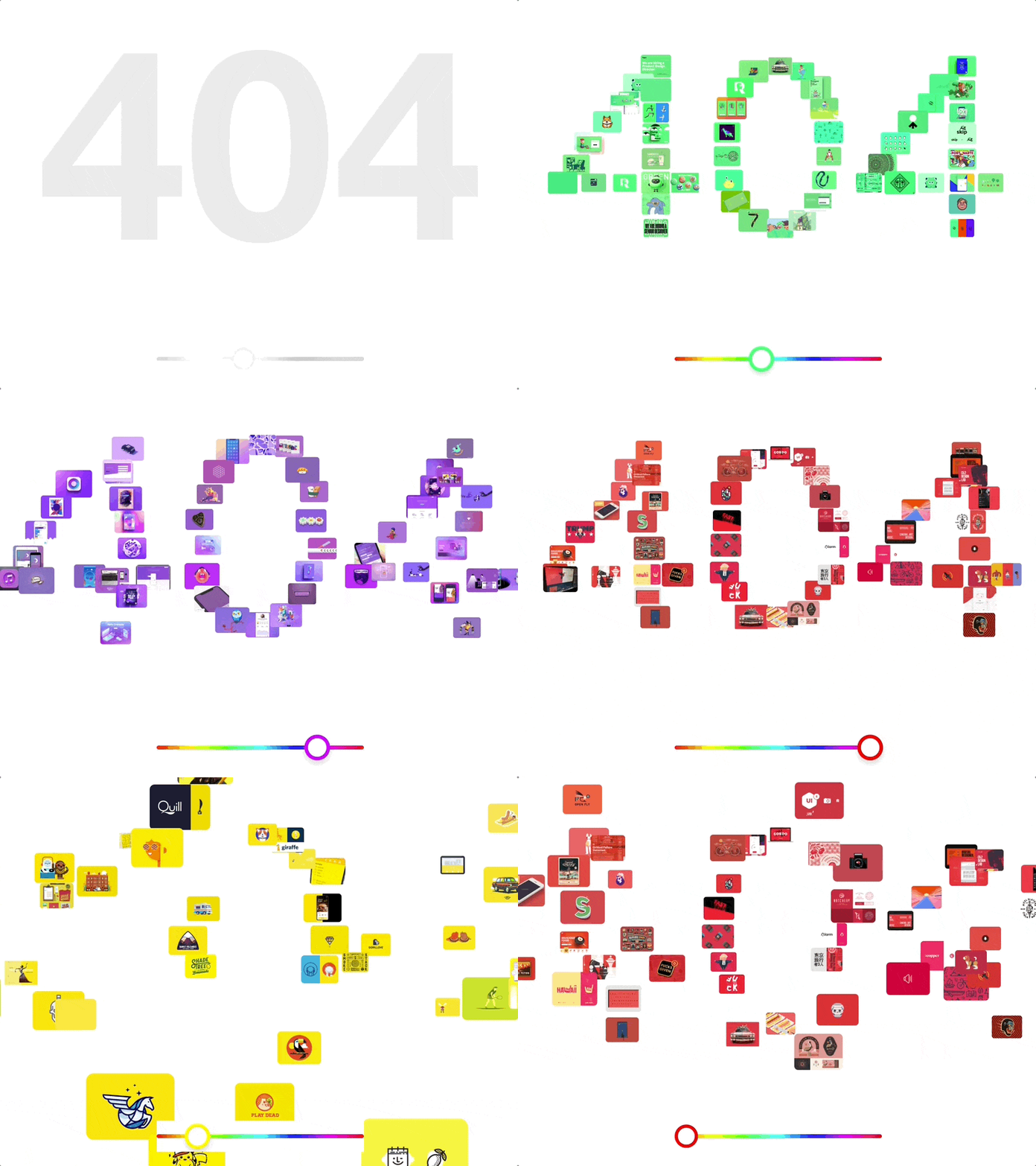
404 Page Design by Alex Kalinichenko for Shakuro
What is a 404 error page?
A 404 page is an online page where you find yourself after clicking on a link that is broken and therefore no longer available.
There are two main reasons why a visitor might end up on a 404 error page:
- a company has removed a certain content from their website or changed its URL
- a person mistyped the URL which is not uncommon in our mobile era.
So the 404 error means someone has messed up.
Why is a 404 page important?
Mistakes are a part of our lives, that’s for sure. Ideally, the users aren’t supposed to see the 404 page altogether, but in the real world websites regularly get updated, some links no longer apply. You’ll never entirely remove the need for a 404 page. But better be proactive. A solid 404 error page is able to transform poor customer experience into a pleasant one.
Don’t rely on the 404 provided by browsers.
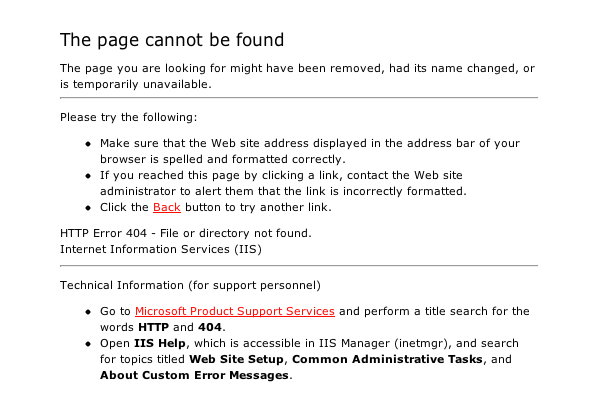
Ugh! It’s so stiff and difficult to comprehend. Too much text and technical jargon. It does nothing to help the visitors.
A custom 404 page is much better:
- Branding. It strengthens your brand image and increases the probability for visitors to continue with your site and not abandon it forever.
- Trust building. A serviceable 404 page acts as a reliable method of establishing a certain level of trust between a consumer and a company.
- SEO. It provides further links to the important parts of your site to ensure that the search engines can reach its complete structure.
- Fun. Funny 404 pages play on creativity and soften the blow of users’ failed expectations.
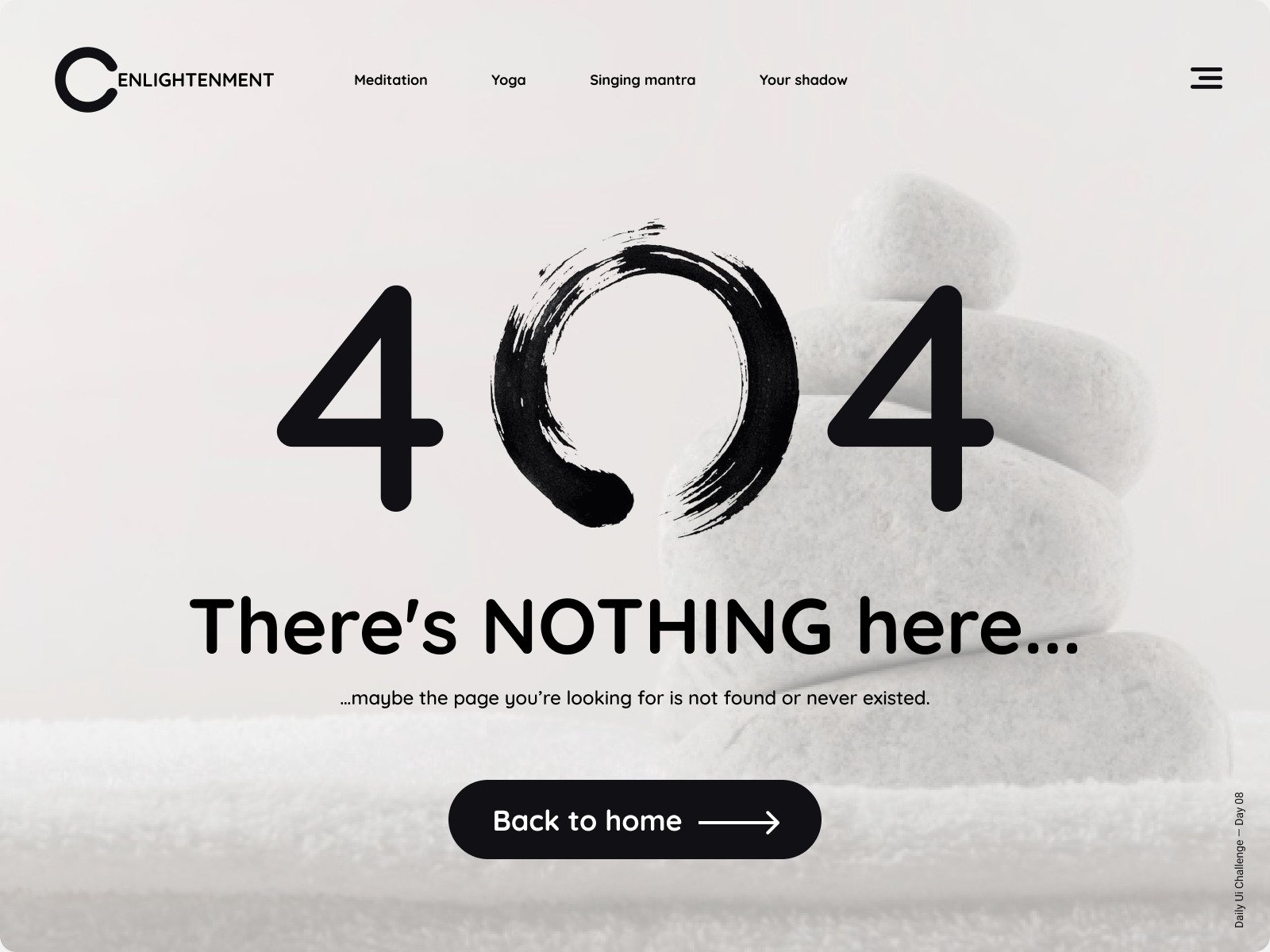
Daily UI Challenge Day 08 – 404 Page by Sergey Semenov
Error 404 page design best practices
404 page is a page that can take thousands of dollars to be produced while hoping no one will ever see it. Still, it is a line item worth including when you estimate the average cost to design a website.
A 404 page design is probably not the first thing in a designer’s or a website owner’s mind, but it is vital all the same. Error page design best practices will ensure that yours is top-notch and serves its purposes well.
Maintain design and branding consistency
When you create a custom 404 error page, it is still a page within your website, so it should retain the same branding and visual elements as every other page like fonts, colors, header, logo, and preserve the overall distinct style and brand identity.
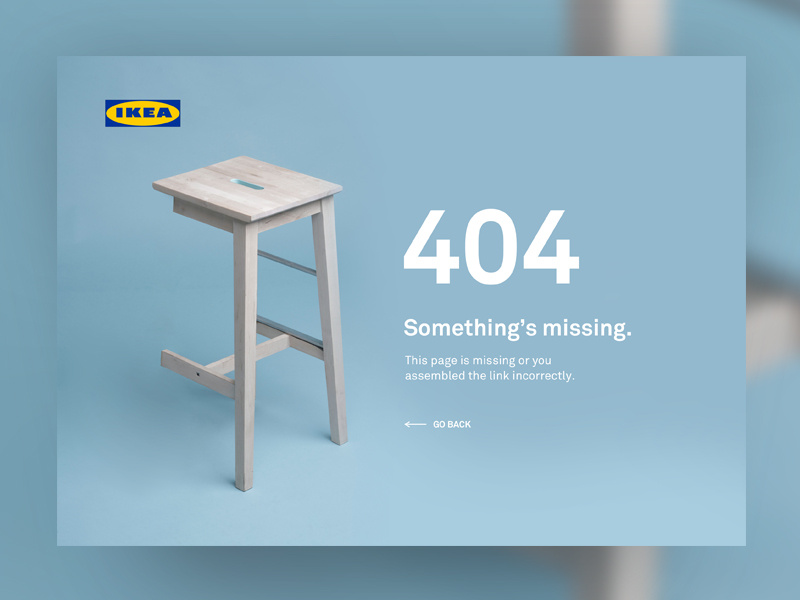
404 Page — UI Weekly Challenges-Season 02 / W [2/10] by Ana Rumenović
Make it functional
Make search a useful recovery tool
If your website has a reliable search function, make it available directly on the 404 error page. Use a descriptive label such as “Search articles” or “Search products,” with a clearly named search button. Keep the query editable and preserve it on the results page. If no results match, suggest a broader query or relevant categories. For a small website without useful search, a few well-chosen destination links may provide a better recovery path.
Help visitors return to their task
Choose recovery links around what the visitor was trying to do. A missing product page can offer access to the catalog, relevant categories, or the cart. A missing help article can lead to help-center search and support. When reliable context is available, let people return to their previous results or workflow without losing filters or saved progress. When creating a 404 page design, always provide an explicit destination as a fallback: a back button alone may lead outside the website or repeat the error.
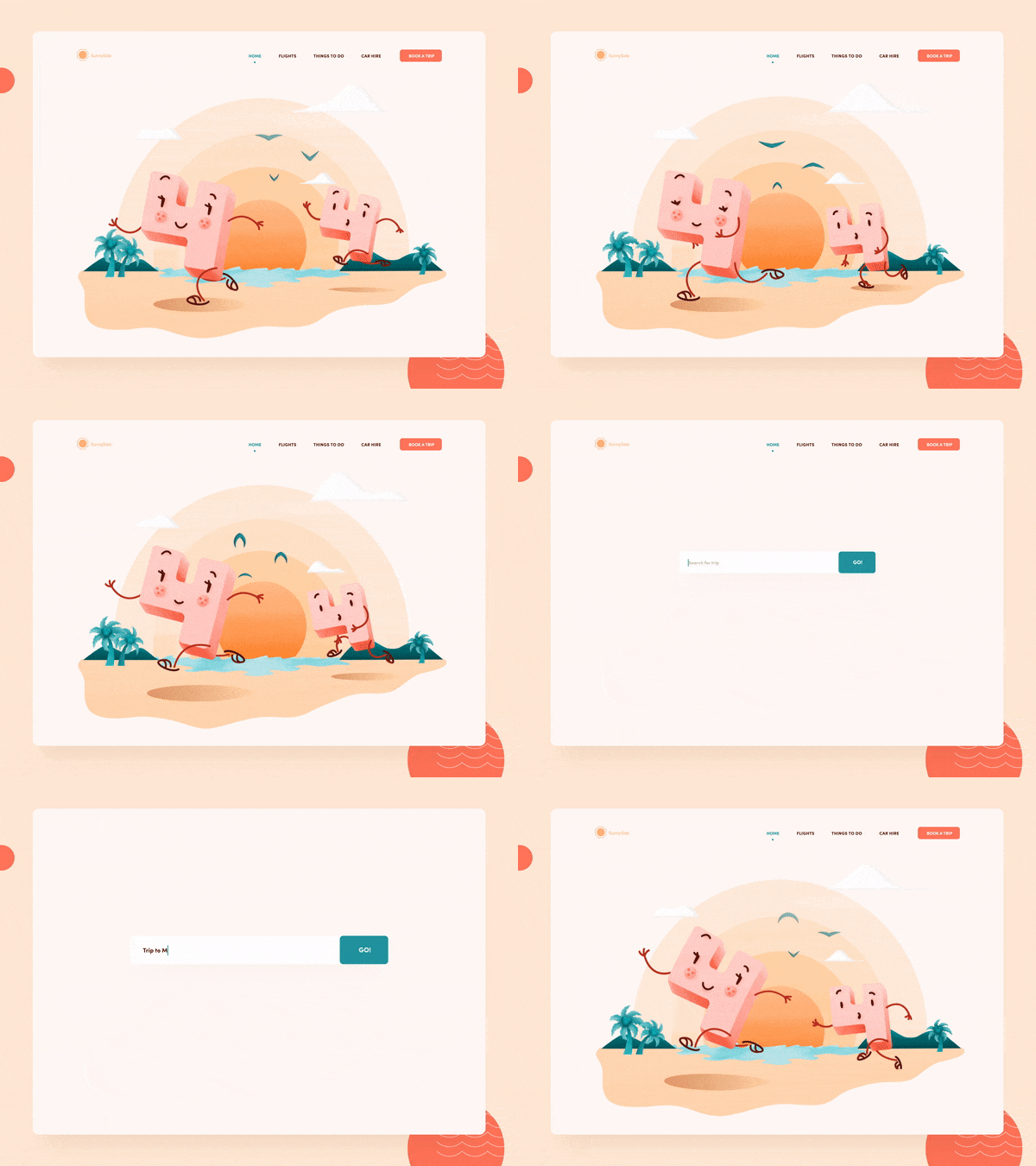
404 Not found error interaction illustration for web page by Taras Migulko. A search field is very conveniently offered after the engaging animation.
But keep it simple
Presenting the user with a 404 page filled to the brim with links to every single page of your website is a certain way to test the limits of patience of an already frustrated user. A minimalistic 404 error page design can end up serving its purposes in the most efficient manner. The best design is able to achieve its goals in the simplest means. It is the height of design sophistication.
The best design is the simplest one that works.
– Albert Einstein
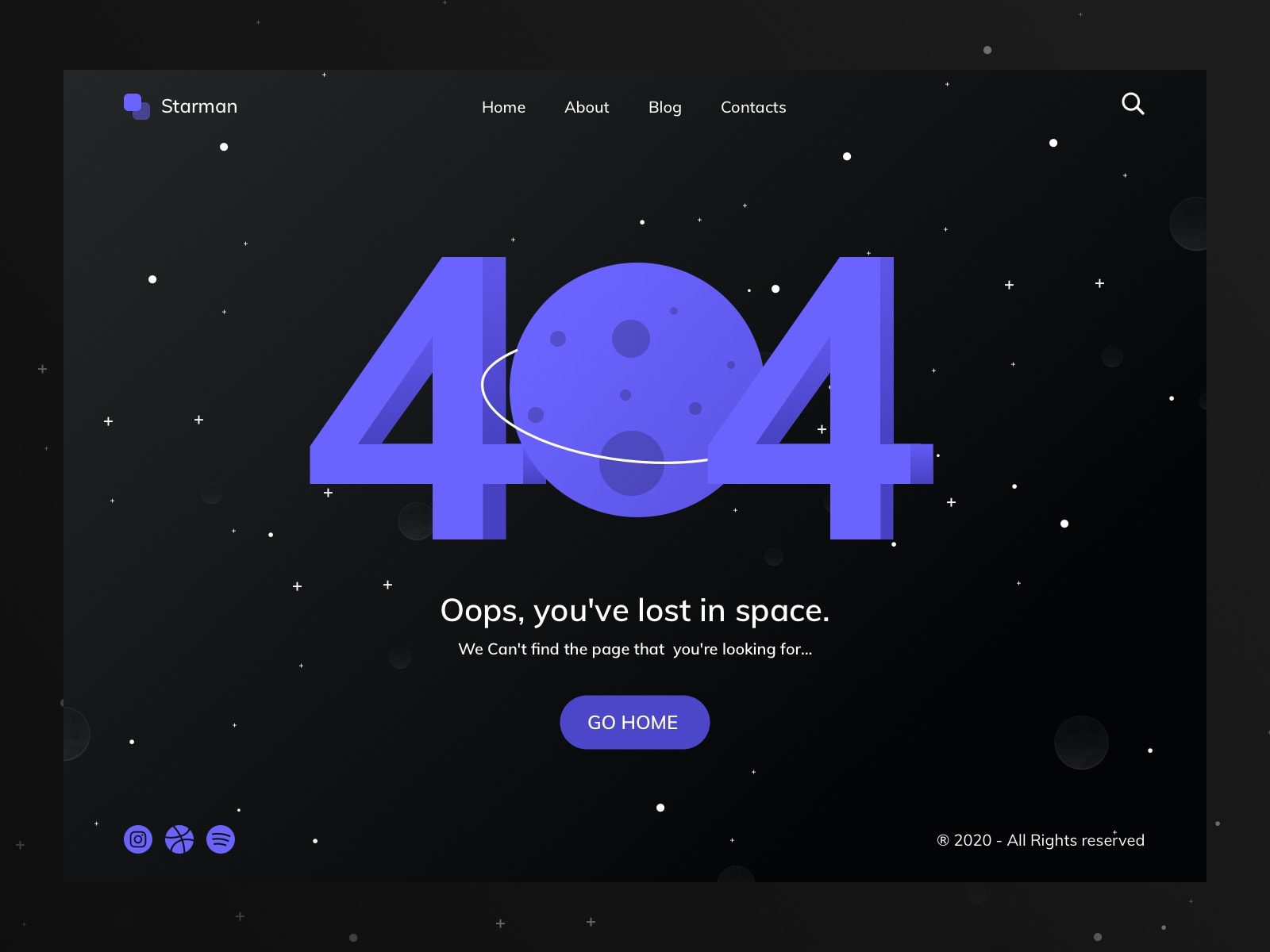
404 Page – DailyUI #008 by Hendrik S.
Explain the problem in plain language
Use a clear heading such as “We can’t find this page,” followed by a short explanation and a useful next step. If the cause is unknown, avoid stating that the page was deleted or that the visitor entered the wrong address. You can say that the link may be outdated or the address may be incorrect. According to 404 page design best practices, an apology is optional; a clear recovery action matters more. Keep the explanation understandable without requiring visitors to know what “404” means.
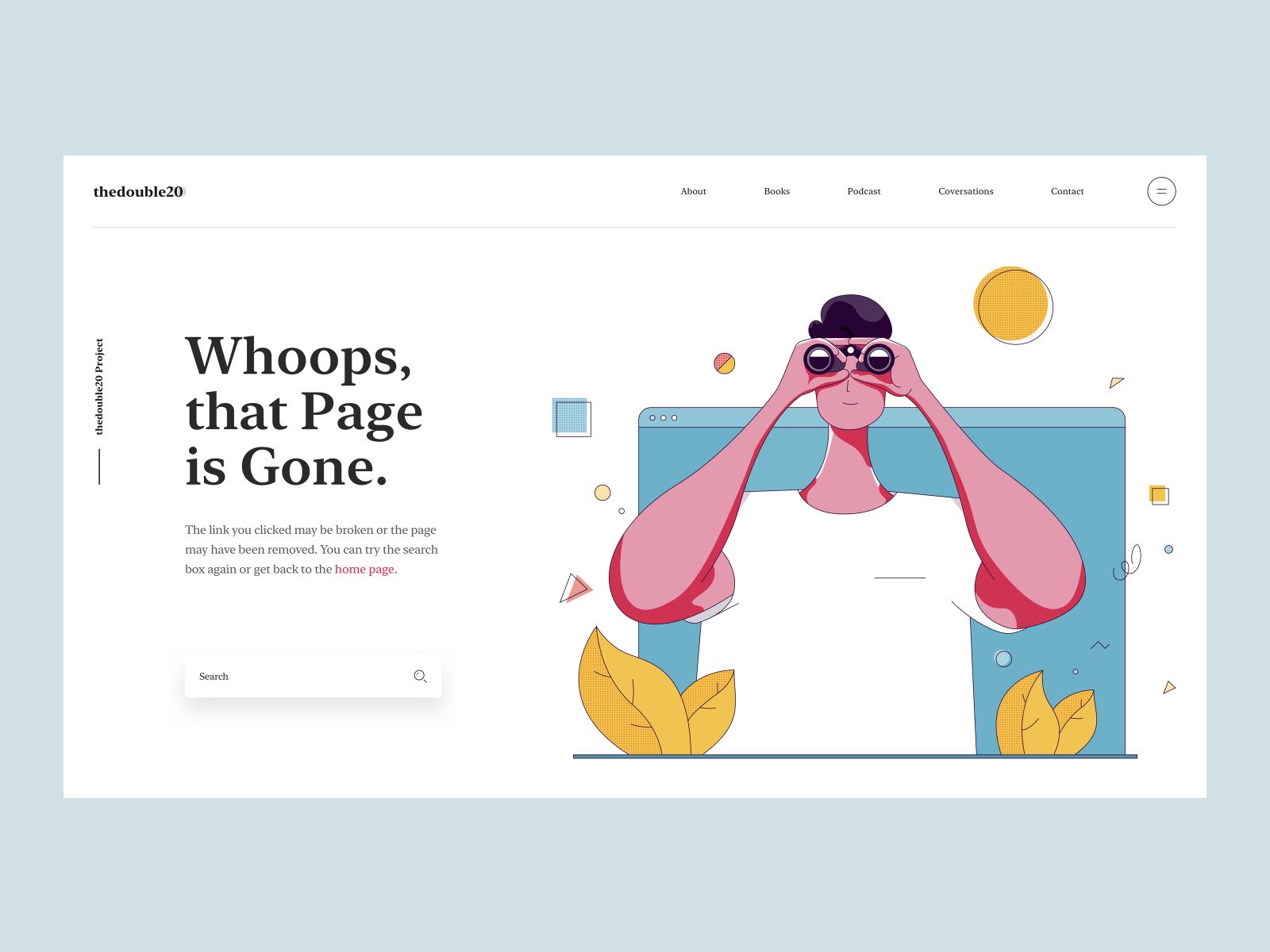
Page Not Found by Tran Mau Tri Tam
Match the interface to the HTTP response
A custom error page should return HTTP 404 when the requested page cannot be found. Returning a normal 200 response with an error message can create a soft 404. If content has permanently moved to a clear replacement, use an appropriate permanent redirect. Avoid redirecting every missing URL to the homepage: visitors still need to understand where their intended content went.
Keep personality without delaying recovery
Illustration and light humor on 404 error page can support your brand when they suit the situation. Keep the explanation, search, and recovery links immediately available, without making visitors wait for an animation. Avoid jokes in sensitive or urgent workflows. Promotional offers should remain secondary and appear only when relevant. The page should still help people continue if they ignore every decorative or promotional element.
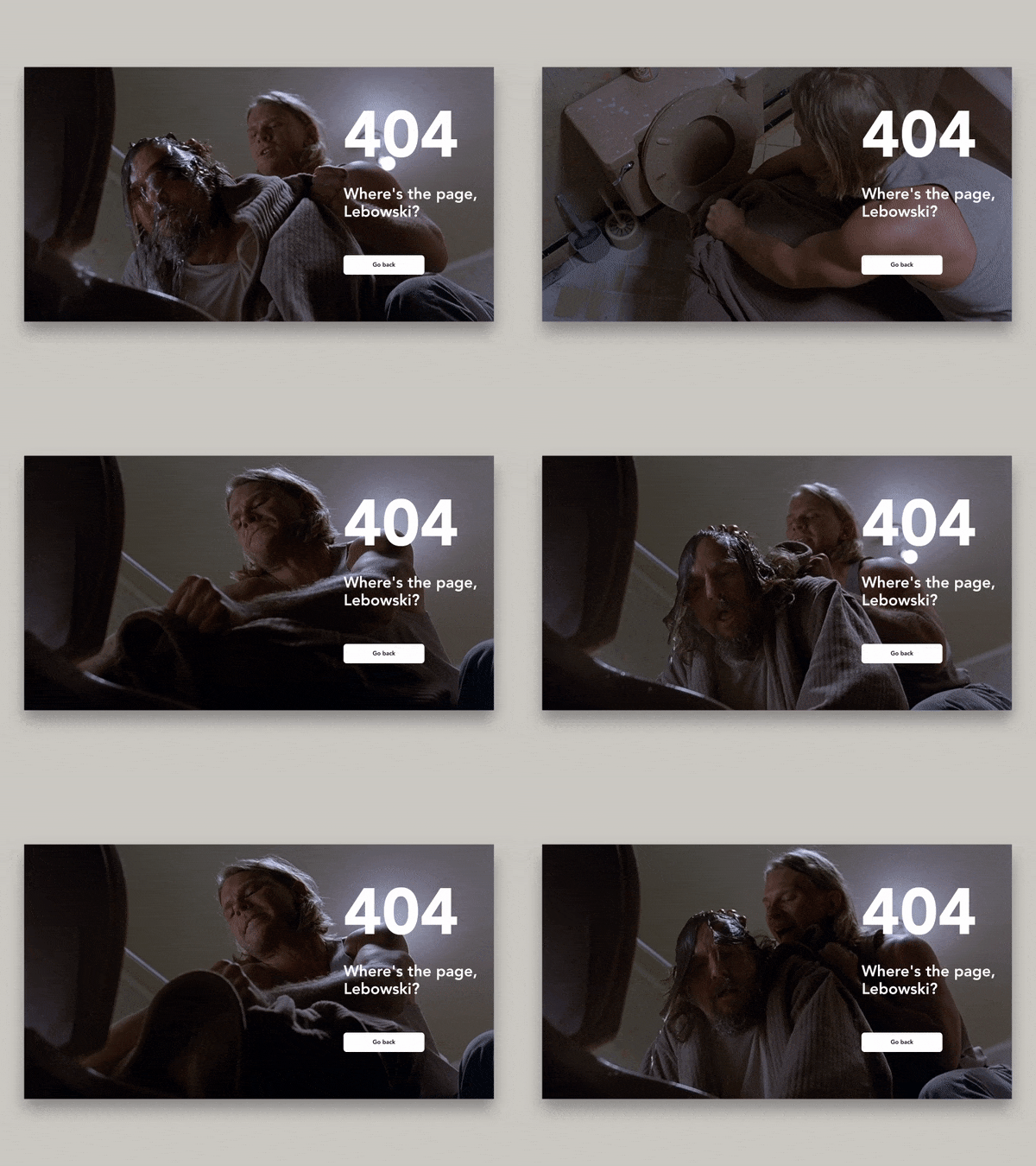
404. Where’s the page, Lebowski? by Dmitry Z.. Hilarious 404 design referencing the Coen Brothers’ “The Big Lebowski”
FAQ
What is a 404 error page?
A 404 error page is the page a visitor sees after following a link to a page that is no longer available. It usually appears for two reasons: the company has removed content from the website or changed its URL, or the person mistyped the address, which is common on mobile. Since websites are regularly updated, you can never entirely remove the need for a 404 page.
Why do you need a custom 404 page?
The default 404 page provided by browsers is stiff, full of technical jargon, and does nothing to help visitors. A custom 404 page strengthens your brand image, builds trust, and keeps people on the site instead of losing them forever. It also helps SEO by linking to the important parts of your site, and a funny design softens the blow of users’ failed expectations.
What should a 404 page include?
A functional 404 page includes a link to the homepage, a search field so users can keep looking for the page they had in mind, and a few links to the most popular pages. Keep the same header, logo, fonts, and colors as the rest of the website. Don’t overload it: a page filled with links to every section only tests the patience of an already frustrated visitor.
What should a 404 page say?
Explain the problem in a helpful, human way, since not everyone knows what a 404 error means. A classic “Sorry! We couldn’t find that page” works better than a machine-like “404 Error: Page Not Found”. Say sorry even if it’s not your fault: it shows the user that you care, and it sets the tone for the next step you suggest.
Can a 404 page help conversions?
Yes. A funny, memorable 404 page, like the ones on GitHub or Pixar, can make visitors stay on the website longer and even share it with friends. You can also offer a special deal, such as a 10% discount, with a message like “We are sorry for this inconvenience”, which reduces disappointment and gives people a powerful incentive to continue and make a purchase.
Related reading
- Website Header Design: Best Practices & Examples
- How to Redesign a Website Without Losing SEO
- How Conversion-Focused Web Design Impacts Revenue and User Retention
* * *
What’s your take on custom 404 page design? Go head over heels creative or stick to a simple design? If you need help with creating a design for your website, reach out to us.