App development challenges usually start before the first line of code: vague technical instructions, no plan for scalability, missing design documentation, and no shared code standards. Later come weak team management, overengineering, and legacy code that eats the time meant for new features. Each of them turns into delays, rework, crashes under load, and higher costs.
The tips in this article come from developers and team leaders who have worked at Shakuro for years. One of their cases shows the price of skipping refactoring: a system that was 10 years old, with every new feature built on top of legacy code, until integrating new technologies became harder with each release. For developers and startup founders alike, most of these problems cost less to prevent than to fix, which directly affects app development costs.
Below, we go through seven hurdles, with what to do about each: scarce technical instructions, lack of scalability, early-stage design and documentation, absence of code standards, team management, overengineering, and outdated projects with legacy code.
Key takeaways
- Define requirements clearly from the start; vague instructions lead to miscommunication and wasted work.
- Design for scalability early so the app can handle growth without crashes or downtime.
- Use wireframes, prototypes, and regular design reviews to prevent scope creep and UX problems.
- Keep code standards consistent so the project stays maintainable for the current team and future developers.
- Manage the team well, avoid overengineering, and refactor legacy code before technical debt becomes a blocker.
Scarce technical instructions
According to one of our team leaders, Sergey Efremov, this is the most common problem that his team faces. Usually, it happens, when the client doesn’t have a clear understanding of the product they want to get in the end. So they keep changing the initial decisions and requirements on the go. As you might have guessed, this does not end well.
Without proper instructions, developers may struggle to understand your desires, the functionality, and the design of the application. This can lead to delays, rework, and inefficient processes.
A lack of clarity in technical instructions can result in miscommunication between you and the development team. It may lead to misunderstandings, different interpretations of requirements, inadequate testing and ultimately an app that does not meet the intended objectives.
My colleague Alexey Gureev, who is a back-end developer, says that do-it-however-you-like or make-it-like-Facebook are the worst-case scenarios. A person can’t even imagine how long it has taken Facebook and Google to get to where they are now. You will be lucky if the team has an analyst experienced in the subject area and can think through every detail.
So, what can you do to prevent the problem of scarce technical instructions and eliminate its consequences?
- Invest time and effort in gathering and documenting clear and detailed requirements. Implement techniques such as user stories, wireframes, and prototypes to provide a visual representation of the functionality you want to get.
- Frequently communicate with project managers and developers, as well as encourage mutual communication between them. This way, you ensure that all your requirements are properly understood and documented.
- Adopt Agile methodologies, such as Scrum or Kanban, that emphasize collaboration, iterative development, and continuous feedback. It will help you address emerging requirements and updates.
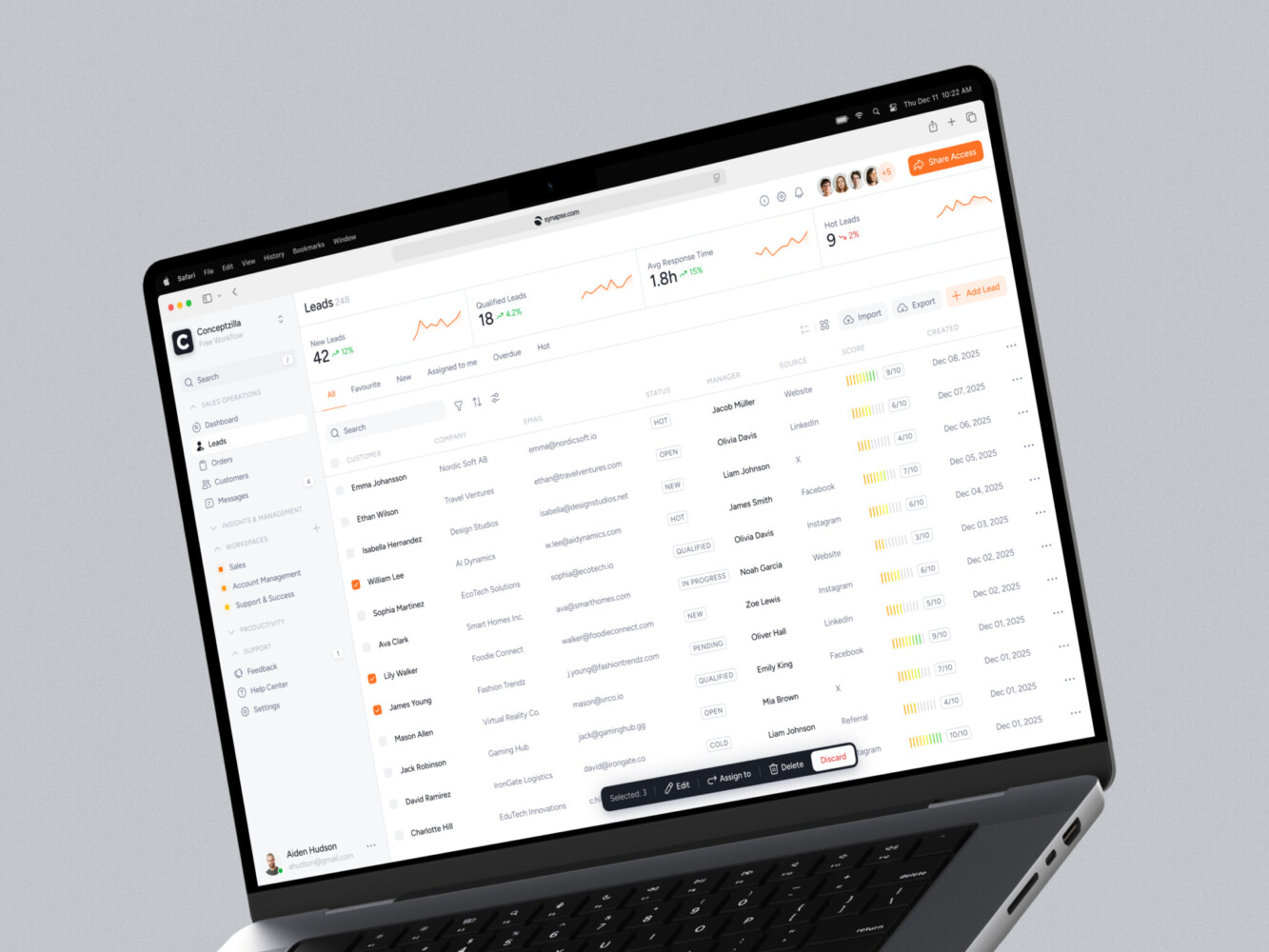
CRM dashboard design by Conceptzilla
Lack of scalability
Scalability is a crucial aspect of app development that refers to the ability of an application to handle increasing workloads and user demands without compromising its performance.
You have two ways of dealing with scalability. The first one is to consider it and build the process taking into account all the possible changes, tech additions, workload increases, etc. This approach is, of course, slower and more expensive in terms of development. From your point of view, as a client, it’s not really beneficial.
But if you decide to rush and create a project asap without adequately addressing the lack of scalability, you will most likely face several consequences and risks. For example, performance issues, crashes under heavy traffic, security vulnerabilities, network connectivity issues, service disruptions, or downtime. If you open such an app, you will trash it immediately, right? The situation also damages your company’s reputation: potential customers will avoid getting other products of yours.
Here’s what you can do:
- Plan for scalability right from the start. Yes, the situation depends on the project, but it’s better to consider it during the initial stages of app development. Together with the team, identify potential bottlenecks, such as the application architecture, database design, and third-party integrations. Design the project with potential extension in mind to ensure it can handle future growth.
- Regularly conduct scalability and performance testing. Even the greatest team can’t predict possible issues, so always check how your project performs in various situations to eliminate performance issues beforehand.
- Use cloud infrastructure like Amazon Web Services (AWS), Google Cloud Platform (GCP), or Microsoft Azure. Cloud providers offer scalable infrastructure resources, including virtual machines, storage, and databases, allowing you to extend your application easily based on demand.
- Implement caching to reduce the load on the backend. If you add caching frequently accessed data or computed results, you will significantly improve response times and reduce the strain on the infrastructure.
Early-stage design & detailed documentation
Planning and designing in the early stages is crucial. You need to have concepts featuring all the features that you want to include in your mobile application. Without a clear roadmap and well-defined requirements, developers may face challenges in understanding the project’s scope, leading to delays, rework, and increased development costs.
Don’t forget the worst nightmare of app development: scope creep, where additional features or changes are requested throughout the process. This can cause budget overruns and increase expenses as additional time and effort are required to accommodate these changes. Or you will have to rewrite the code from scratch.
As a result, all these issues will lead to bad user experience, performance, glitches, and – revenue losses.
Here is what our team suggests:
- Create wireframes and interactive prototypes to visualize the structure, user flows, and key features. This will help you better understand the functionality and identify any UI design challenges or usability issues early on.
- Regularly conduct design reviews with the development team and other stakeholders to evaluate the concept against the requirements and objectives. Discuss any concerns or discrepancies promptly, before they’ll become a real issue.
- Involve developers in the UI design and planning stages to ensure their input is considered. In this case, you can arrange technical feasibility assessments and align the design with the team’s capabilities and constraints.
- Document design decisions, including user flows, patterns, and interaction guidelines that you’ve decided to integrate. This serves as a reference for the development team and future iterations, ensuring consistency and reducing the risk of design inconsistencies. Also, if any key developer decides to quit, their successor will have an easier time understanding the code and design.

App development agency landing page by Shakuro
Absence of code standards
This issue is similar to the documentation, but it’s connected solely to the code. Without standardization accepted by you and the whole development team, it will be extremely difficult for a legacy app rewrite development agency to make heads or tails of the project. Your specialists will waste precious time and money to find and manage the code lines.
With meticulously written standards for coding, you eliminate any difficulties for the team, as well as make it easier for new developers to get on with your project. However, don’t be afraid, there are official standards that you can adopt without much of a bother. What’s more, you can find app store guidelines and restrictions to be prepared when the app is almost finished. Combine these tips with:
- Utilizing static code analysis tools to automate the enforcement of code standards. These toolkits will flag violations of coding conventions, potential bugs, and code smells.
- Encouraging discussion and collaboration within the team to continuously refine and improve the code standards.
- Asking senior developers to consistently follow the code standards. They will serve as an example for juniors, thus reinforcing the importance and encouraging others to do the same.
Team management
Hiring an experienced team is just half the battle. To win it, you need to strategically access, split and assign tasks, predict possible risks even like sick leaves, and avoid getting bugs into the production phase.
When team management is lacking, it can negatively impact productivity. Your team will likely face issues such as unclear roles and responsibilities, a lack of task prioritization, and inefficient resource allocation, that can hinder progress and lead to missed deadlines. Moreover, your developers’ morale and motivation will be at stake.
All of these issues might lead to talent loss, with team members becoming frustrated and seeking opportunities elsewhere. High turnover not only disrupts project continuity but also results in the loss of valuable knowledge and expertise, as well as money.
To prevent risks caused by bad team management, consider the following strategies:
- Providing your developers with all the necessary resources, tools, and authority to accomplish their tasks. Offer support, mentorship, and professional app development opportunities to help them grow and succeed in their roles.
- Giving regular feedback to team members on their performance, both individually and as a team. A goold idea is to evaluate the overall performance from time to time to identify strengths, address weaknesses, and recognize achievements.
- Again, adapting Agile methodology here will be a great decision as well since it provides great flexibility and adaptive force to changing requirements and market conditions.
Real-time data dashboard by Shakuro
Overengineering
When you see the competitors, there is a huge temptation to make your application better, and faster, and include as many versatile features as possible. However, the road to hell is paved with good intentions. This temptation is something called overengineering.
It is the practice of designing and developing a product that is more complex, robust, or feature-rich than it’s really necessary. For example, adding unnecessary functionalities, components, or architectural complexities that exceed the initial requirements and lead to inefficiency, limited device support, compatibility problems or increased costs.
So, unfortunately, you should know when to stop and emphasize simplicity in design. How can you stay focused?
- Clearly understand and document the actual requirements of the project. Deliver the core functionalities and features that provide value to the end-users.
- Less is more, right? Avoid unnecessary complexities, components, or features that are not aligned with the project’s goals and requirements.
- Regularly review design decisions and consider their impact on the system’s complexity, performance, and maintainability.

Outdated projects with legacy code
If your project has a long way before the release or continuous maintenance, you can face the legacy(outdated) code problem. In this case, the time assigned for developing new features will be spent on squeezing them into the old code. Which is obviously, ineffective.
Sergey Popov, my fellow-developer from Shakuro, had a real-life case with this problem. The project was going on for years, and the client didn’t give any time to refactor(or brush up) the code. So the system was 10 years old, and all the features implemented during the development were built upon the legacy code. As time passed, the team had more and more integration difficulties with new technologies, otherwise they’d have to rewrite the whole project code from scratch.
The timely refactoring of the code influences the application‘s performance, stability and UI looks.
To avoid that, you need to switch to new technologies in time, cut off outdated systems, and deprecate old libraries. Moreover, while working with a legacy app rewrite development agency, you can:
- Acknowledge that code will eventually become legacy and plan for its maintenance.
- Regularly assess technical debt and allocate time and resources to address critical issues.
- Seize opportunities to update dependencies, refactor outdated code, or adopt modern frameworks and practices when feasible.
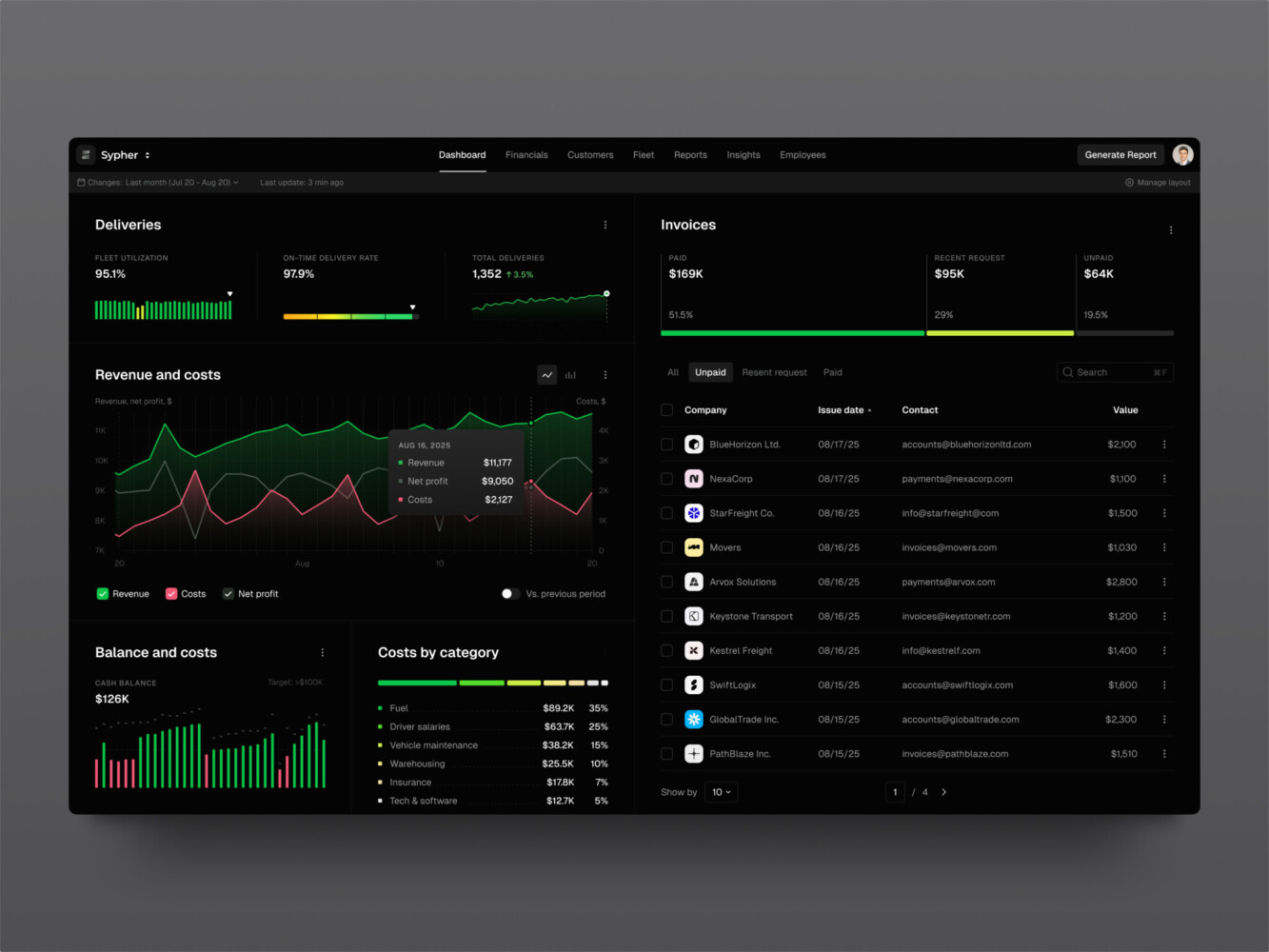
SaaS analytics platform by Shakuro

FAQ
What are the most common app development challenges?
The most common app development challenges are scarce technical instructions, lack of scalability, missing early-stage design and documentation, no code standards, weak team management, overengineering, and legacy code. According to our team leaders, unclear requirements that change on the go cause the most trouble, leading to miscommunication, rework, and an app that misses its objectives.
How do you prepare requirements before hiring an app development team?
Before hiring an app development team, document clear and detailed requirements with user stories, wireframes, and prototypes that show the functionality you expect. Avoid briefs like “do it however you like” or “make it like Facebook.” Keep communicating with project managers and developers, and use Agile methods such as Scrum or Kanban to handle changes.
How do you prevent scope creep in app development?
Prevent scope creep by creating wireframes and interactive prototypes before development, running regular design reviews with the team and stakeholders, and involving developers in design and planning to check technical feasibility. Document design decisions, user flows, and interaction guidelines. Late feature requests cause budget overruns and can force the team to rewrite code from scratch.
Should an app be built for scalability from the start?
An app should be planned for scalability from the start, even though that makes development slower and more expensive at first. Skipping it leads to performance issues, crashes under heavy traffic, security vulnerabilities, and downtime. Identify bottlenecks in architecture, database design, and integrations early, run performance tests regularly, and use cloud infrastructure and caching.
When should you refactor legacy code in an app?
Refactor legacy code regularly, before technical debt blocks new features. In one Shakuro project, a 10-year-old system had every feature built on legacy code because the client gave no time for refactoring, and integrating new technologies kept getting harder. Assess technical debt regularly, update dependencies, and deprecate old libraries when feasible.
Conclusion
As you can see, there will be many pitfalls awaiting the team on the road of app development. To overcome these hurdles and create exceptional applications, prepare to face the problem beforehand. Now that you’re equipped with tips from people who have enormous experience in the industry, you will be able to deal with any issue we described above.
Remember, that even large companies can fail. For example, Google tried creating Google Wave with e-mail, image sharing, and collaborating features. However, they didn’t provide enough quality for the product to be viable, and it was shut down 6 months later because of poor user experience (UX). So, the business size doesn’t really matter — what matters is your attention to detail and knowledge.
Do you want to create a versatile application and avoid pitfalls on the way as much as possible? Reach out to us and let’s build a product demanded by your potential customers.
Related reading
- The Hidden Side Of Mobile App Development Lifecycle
- How to Build Scalable Mobile Apps: Tips for Growth
- 5 Tips For Development Сost Optimization For Startups
* * *
This article about finance app development was originally published in August 2023 and was updated in June 2026 to make it more relevant and comprehensive.