
ChatGPT helps maximize business ROI by automating customer support, content creation, and lead generation, cutting labor costs, and providing data-based recommendations for decisions. Return on investment (ROI) measures the financial performance of an investment or business, and for startups and small or medium businesses, it directly affects growth and success.
As a language model, ChatGPT can assist with effective investments and cost management by analyzing data, identifying potential areas of improvement, and recommending strategies. The logic of ROI is simple, as an article on Forbes shows: if spending $50,000 on advertising generated $750,000 in sales, the business owner gets a high ROI and can reinvest the profits.
This article explains how to leverage ChatGPT to maximize ROI and walks through the steps: setting up and customizing a chatbot, integrating it into customer support systems, automating customer service with AI-driven features, and monitoring ROI with reports and analytics.
Leveraging ChatGPT to maximize ROI
Businesses are now starting to get empowered to reach out to customers and interact in real time. By using the AI, you can turn your website visitors into leads, build brand awareness, build trust, and, more importantly — maximize your business’ ROI.
But what is ChatGPT?
It is an Artificial Intelligence language model created by OpenAI, designed to generate human-like text. It uses natural language processing (NLP) to understand the context of a text and produce coherent and grammatically correct sentences.
What are the advantages of ChatGPT?
The platform offers several advantages for businesses, including:
- Automation: Various tasks can be automated, such as customer support, content creation, and lead generation. By automating these tasks, businesses can save time and focus on more important aspects of their operations.
- Cost-cutting: By automating tasks, businesses can reduce their labor costs, which can significantly impact their ROI.
- Personalization: Personalized responses to customers are provided, which can enhance their experience and increase customer loyalty.
- Efficiency: Multiple tasks can be completed simultaneously, which can improve the efficiency of a business’s operations.
How can using ChatGPT help improve efficiency and cut costs for businesses?
- Customer support: Customer support requests 24/7, reducing the need for human agents and improving response times. This can lead to higher customer satisfaction and retention rates.
- Content creation: High-quality content generation in a short period of time, reducing the need for writers and editors. This can significantly cut costs and improve the speed of content production.
- Lead generation: Lead generation for businesses by engaging with potential customers and qualifying them based on their needs and preferences. This can improve the efficiency of a business’s sales pipeline and increase revenue.
- Decision-making: ChatGPT can provide businesses with insights and recommendations based on data analysis, which can inform strategic decision-making and maximize ROI.
Leveraging ChatGPT can help with cost optimization for startups, and businesses maximizing their ROI by automating tasks and improving efficiency. Startups and small/medium businesses can benefit greatly from using the network to streamline their operations, enhance customer experience, and drive revenue growth.
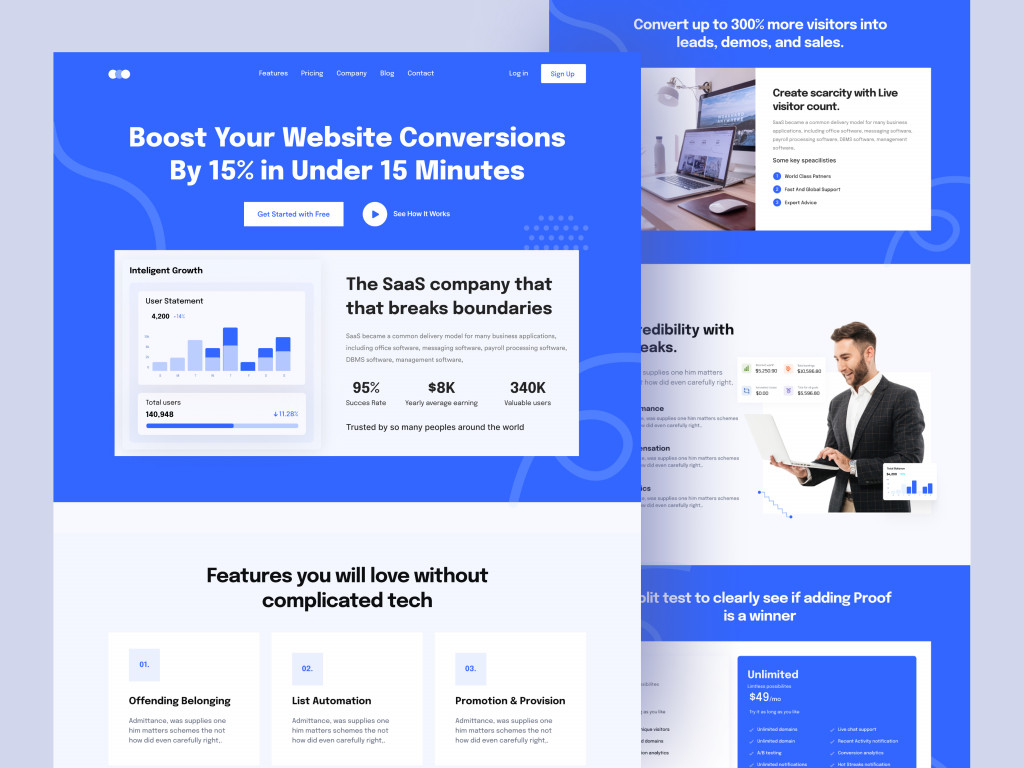
Saas landing page by Maruf Ahmed
Steps for maximizing ROI with ChatGPT
Chatbots have become an integral part of modern business strategies, enabling organizations to automate customer service and support systems, thereby reducing costs, increasing efficiency, and enhancing customer satisfaction. Among the various chatbot options available, ChatGPT stands out for its powerful AI-driven features that help businesses achieve their ROI goals.
Below we will discuss the steps for maximizing business ROI, covering topics such as setting up and customizing ChatGPT, integrating it into existing systems, utilizing its AI-driven features, and monitoring ROI with reports and analytics.
Setting up and customizing ChatGPT
Before you can begin utilizing ChatGPT for your business, you need to set it up and customize it to meet your specific needs. Follow these steps to get started:
- Sign up for ChatGPT: Start by creating an account on the website. You can sign up for a free trial to test out its features before committing to a paid plan.
- Create your chatbot: Once you have signed up, you can create your chatbot using the platform’s user-friendly interface. Customize your chatbot by selecting the design, language, and tone that best reflects your brand.
- Train your chatbot: The key to maximizing ROI with ChatGPT is to train it well. Spend time training your chatbot on common customer queries, using real-life examples to ensure that it understands the nuances of your business.
Integrating ChatGPT into existing customer support systems
Once you have set up and customized your chatbot, the next step is to integrate it into your existing customer service and support systems. This will enable your chatbot to seamlessly interact with customers, providing them with the support they need.
Follow these steps to integrate ChatGPT into your existing systems:
- Select a platform: ChatGPT can be integrated with a wide range of platforms, including social media, messaging apps, and email. Select the platform that best meets your business needs.
- Set up integration: Once you have selected your platform, follow the integration instructions provided by ChatGPT to set it up. This typically involves copying and pasting a code snippet into your existing system.
- Test integration: Once you have set up the integration, test it to ensure that it is working properly. This will involve sending text messages to your chatbot to ensure that it is responding correctly.
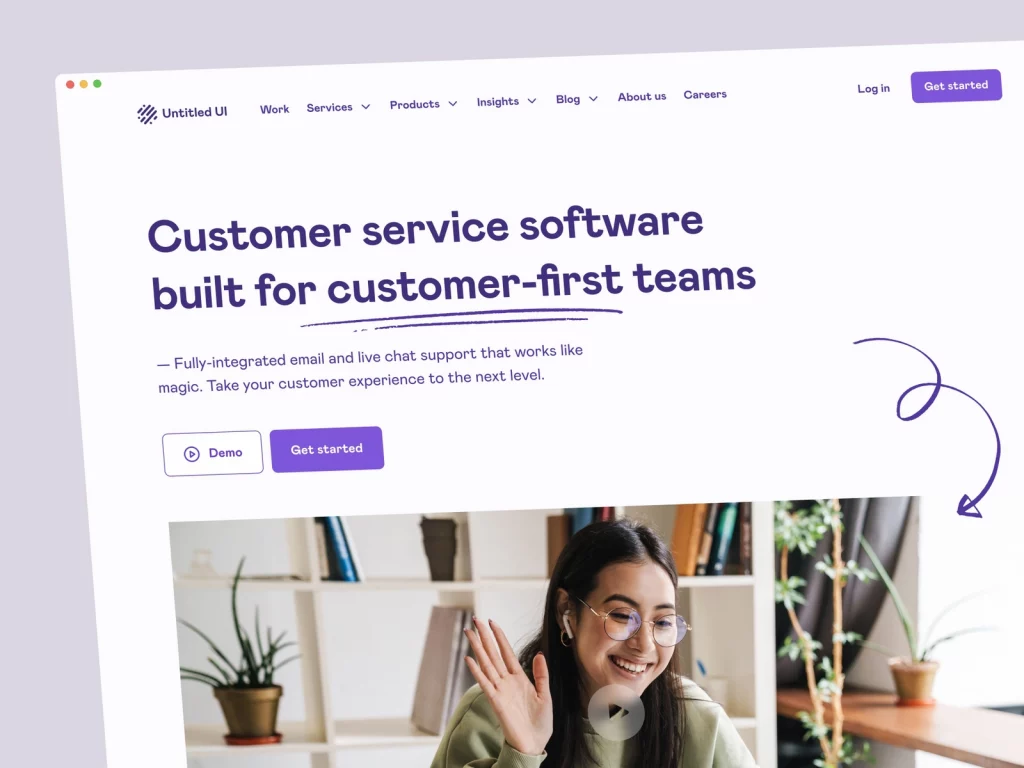
SaaS landing page by Jordan Hughes
Utilizing ChatGPT’s AI-driven features to automate customer service
AI integration in business processes is considered one of the startup trends of the moment, and one of the key benefits of using it is its powerful features that enable businesses to automate customer service. By automating customer service, businesses can reduce costs, increase efficiency, and provide faster response times to customers.
Here are some of the ways you can utilize ChatGPT’s AI-driven features to automate customer service:
- Use natural language processing (NLP): ChatGPT’s NLP capabilities enable it to understand and respond to customer queries in a natural, conversational tone. This makes it easier for customers to engage with your chatbot, increasing their satisfaction.
- Implement decision trees: Decision trees are a powerful tool that can be used to automate customer service. By setting up decision trees, you can automate the process of answering common customer queries, freeing up your customer service team to focus on more complex issues.
- Use machine learning: ChatGPT’s machine learning capabilities enable it to learn from customer interactions, improving its responses over time. This can help businesses provide more accurate and relevant responses to customers, further increasing their satisfaction.
Using reports and analytics to monitor ChatGPT ROI
Now that you have set up and integrated ChatGPT into your existing customer service and support systems, it’s time to start monitoring its ROI. Use your support platform’s reports and your own analytics to track the performance of your chatbot and make data-driven decisions that maximize ROI.
Follow these steps to use reports and analytics to monitor ChatGPT ROI:
- Access reports and analytics: Log in to your ChatGPT account and access the reports and analytics section. Here, you will find a range of data and metrics that you can use to track the performance of your chatbot.
- Analyze data and metrics: Once you have accessed the reports and analytics, analyze the data and metrics to identify trends and patterns in customer behavior. Look for areas where your chatbot is performing well and areas where it needs improvement.
- Make data-driven decisions: Based on the data and metrics you have analyzed, make data-driven decisions to optimize the performance of your chatbot. This could involve tweaking your chatbot’s responses to common customer queries, adding new features, or changing the way your chatbot interacts with customers.
- Continuously monitor performance: Monitoring the performance of your chatbot is an ongoing process. Continuously monitor its performance and adjust your strategy as needed to ensure that you are maximizing ROI.
Reports from your support platform and your own analytics provide valuable insights into the performance of your chatbot, helping you make informed decisions that drive business success. By regularly monitoring and optimizing the performance of your chatbot, you can maximize ROI and ensure that your customers are receiving the best possible support and service.
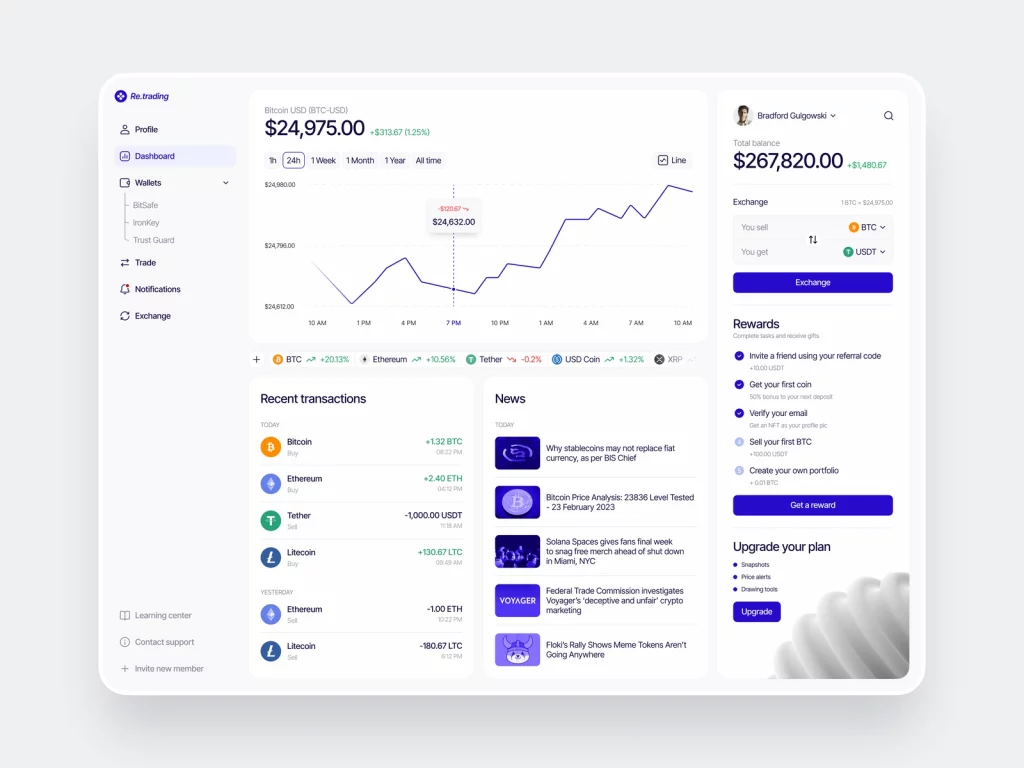
Wallet Web Dashboard by Conceptzilla


FAQ
How can ChatGPT increase business ROI?
ChatGPT increases ROI by lowering costs and raising efficiency. It automates customer support, content creation, and lead generation, which reduces labor costs, and it completes multiple tasks simultaneously. Personalized responses improve customer experience and loyalty, and insights from data analysis help business owners make better strategic decisions about where to invest.
What business tasks can ChatGPT automate?
ChatGPT can handle customer support requests 24/7, reducing the need for human agents and improving response times. It can generate content quickly, qualify leads by engaging potential customers and learning their needs and preferences, and provide recommendations based on data analysis. Decision trees help automate answers to common queries, so the support team can focus on complex issues.
What is ROI, and why does it matter for small businesses?
Return on investment (ROI) shows how much an investment brings back compared with what it cost. For example, if a business spends $50,000 on advertising and it generates $750,000 in sales, the ROI is high and the investment was successful. Small businesses with high ROI are more likely to stay in business and grow, because they generate more profit to reinvest.
How do you set up a ChatGPT chatbot for customer support?
Create the chatbot and customize its design, language, and tone to match your brand. Then train it on common customer queries, using real-life examples so it understands the nuances of your business. Integrate it with the channels your customers use, such as social media, messaging apps, or email, and test it by sending messages to make sure it responds correctly.
How do you track the ROI of a chatbot?
Use reports and analytics to follow the chatbot’s performance and customer behavior, find where it performs well and where it needs improvement, and make data-driven changes, such as tweaking responses to common queries or adding new features. Monitoring is an ongoing process: keep adjusting the chatbot as customer needs change to keep the return growing.
Conclusion
In conclusion, leveraging ChatGPT can provide businesses with several advantages, including automation, cost-cutting, personalization, and efficiency. With the neural network, businesses can improve customer support, content creation, lead generation, and decision-making, which can lead to higher customer satisfaction, retention rates, revenue growth, and ROI. To maximize ROI with ChatGPT, businesses can follow the steps for setting up and customizing it, integrating it into existing customer service and support systems, and utilizing its AI-driven features to automate customer service. By implementing ChatGPT strategies, businesses can achieve their ROI goals and stay competitive in the market.
Would you like to develop an application for your business? Contact us, and our team of experts will build an app that helps you stand out amongst your competitors.
Related reading