
For those who prefer to listen rather than read, this article is also available as a podcast on Spotify.
Cross-platform app development is a simple idea that grew out of a practical problem: most companies don’t want to build the same app twice. Instead of creating separate versions for iOS and Android, you write most of the code once and use a framework that can adapt it to different platforms. In practice, that’s exactly why cross platform app development frameworks became so popular. It doesn’t remove all differences between systems, but it does cut down the amount of duplicated work.
For a business owner, this usually translates into two things: the project costs less, and the app can reach the market faster. When budgets are limited or the product needs to be tested quickly, this approach can make a noticeable difference. It’s also easier to maintain one codebase over time, especially if updates are frequent or the team isn’t very large. This is part of the reason cross-platform mobile development for business keeps growing every year.
By 2026, a few frameworks have become the go-to choices for teams building cross-platform apps. The most common ones you’ll see in real projects are Flutter, React Native, .NET MAUI, Unity, and Kotlin Multiplatform Mobile (KMM). Each has its own strengths, and each fits a different type of product. In the next sections, we’ll go through them one by one so you can understand not just what they are, but when they actually make sense to use—especially if you’re evaluating cross-platform mobile app development frameworks 2026 for your own roadmap.
What Is a Cross-Platform App Development Framework?
Definition and Core Concept
If you strip away all the technical talk, a cross-platform framework is just a tool that helps developers avoid building the same app twice. Instead of writing one version for iOS and another for Android, you build most of the app once and reuse it. The framework handles the platform differences as much as it can, and whatever it can’t, developers fix manually.
That’s really it. Nothing mysterious. The whole idea exists because nobody wants to duplicate work if they don’t have to—which is exactly why we have so many cross-platform app development frameworks on the market today. If you want the short version first, we keep a separate roundup of top cross-platform app frameworks.
Why Businesses Choose Cross-Platform Development
From the business side, the logic is even simpler: maintaining two separate apps is a headache. Two teams, two timelines, twice the money, and updates that never seem to land at the same time.
Cross-platform cuts a lot of that noise. One team can move faster, especially early on when the product isn’t fully defined yet. If a company just wants to get an MVP out or test an idea, building everything natively from the start usually doesn’t make sense.
And honestly, consistency matters too. When everything comes from one codebase, the app tends to behave the same way on different devices—unless someone goes out of their way to break it.
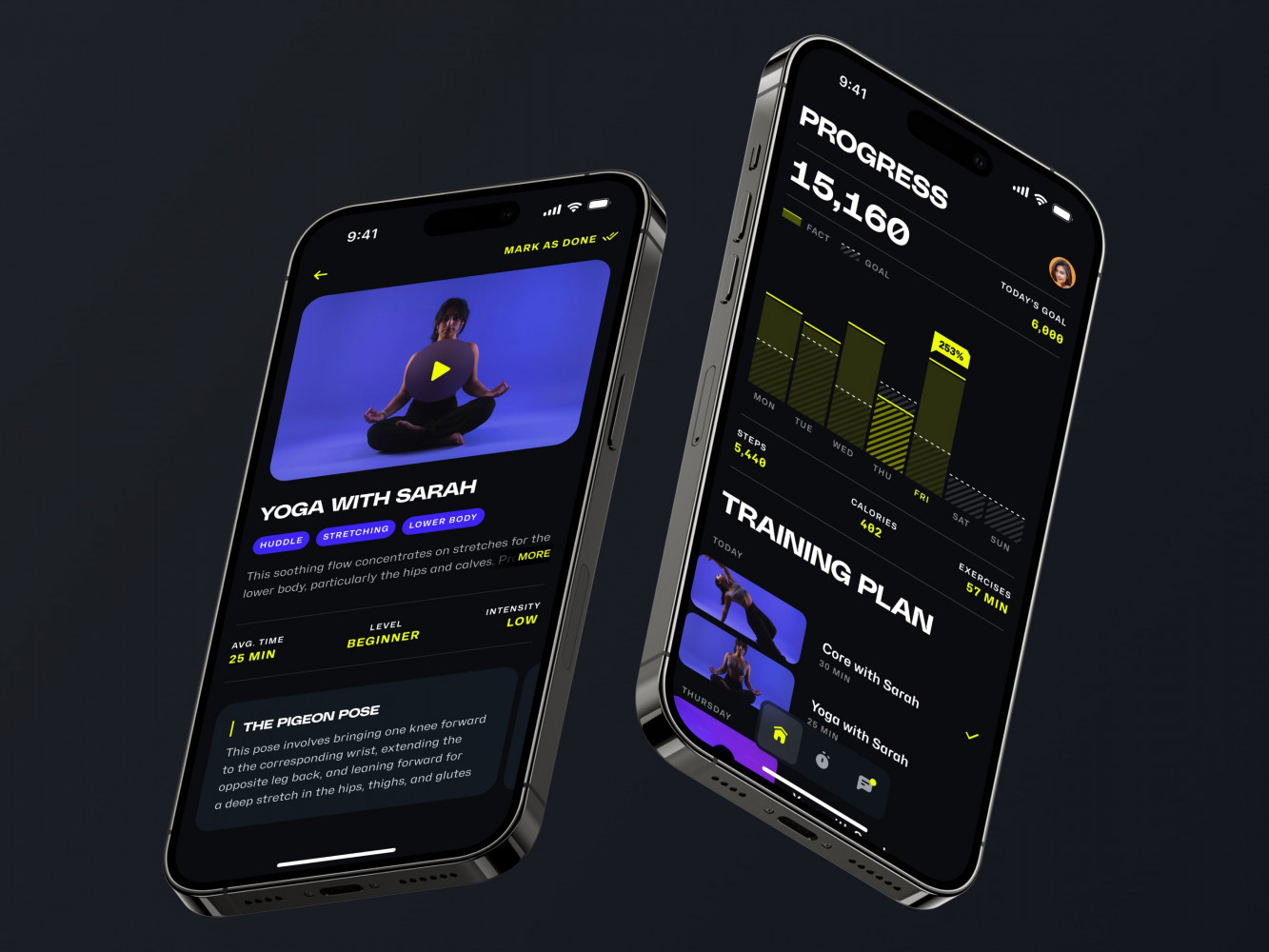
Mobile App for an Adaptive Fitness Guide by Shakuro
Benefits vs Limitations Compared to Native Apps
Cross-platform isn’t some magic switch that solves everything. It’s more like: “this gets us there faster, but let’s be realistic about what it can and can’t do.” Most cross platform mobile app development frameworks follow this exact tradeoff.
Where it helps:
You move faster, you spend less, and you don’t need two separate teams constantly mirroring each other’s work. Most everyday app features—screens, forms, lists, that kind of thing—are totally fine here.
Where it doesn’t:
If the app relies on heavy graphics, or deep system features, or anything that needs every last drop of performance, native still wins. And some big companies stick to native simply because their whole engineering setup is already built around it.
In real life, people mix both. It’s common to see a mostly cross-platform app with a few native chunks where performance truly matters. Not elegant, but practical—and very common in enterprise apps.
Top Cross-Platform App Development Frameworks
Flutter—strengths for UI-heavy apps, business adoption cases
Flutter is the one people often go for when the visual side of the app matters a lot. It gives developers a lot of control over how things look and move on the screen, which is why apps built with it tend to feel smooth even if they aren’t native. You see it a lot in consumer apps where the design team has strong opinions and wants things to look the same everywhere.
Companies also like that Flutter developers can prototype quickly and still end up with something that feels polished.
React Native—community support and enterprise adoption
React Native has been around long enough to feel familiar. There’s a ton of existing code, examples, libraries, and generally enough people who know how to work with it. If a company already uses React on the web, this is usually the easiest path because the mindset is similar. Large companies use it simply because it’s dependable and well understood. Not perfect, but predictable.
.NET MAUI—ideal for Microsoft ecosystems
MAUI makes sense mostly when everything else in the company is already .NET. If the backend is .NET, the team knows C#, and the infrastructure is built around Microsoft tools, there’s really no need to introduce something entirely different.
It’s not trying to compete with Flutter or React Native in trendiness—it’s more of a practical “fits our stack, let’s just use it” choice. For many companies, this ends up being the best cross-platform framework for enterprise apps, mainly because it fits naturally into what they already have.
Ionic—hybrid app approach for small teams
Ionic is still used quite a bit by smaller teams who mostly work with web technologies. If you know how to build web apps, you can usually pick up Ionic without too much trouble. It’s not meant for heavy graphics or super complex animations, but for simpler apps it’s fine. A lot of internal tools, dashboards, and content apps end up here because it’s familiar and doesn’t require a big engineering team.
Kotlin Multiplatform—code sharing benefits for mobile and backend
Kotlin Multiplatform is more about sharing logic than building everything in one place. You still write native UIs, but the shared code helps reduce duplication. Android teams like it because Kotlin is already their everyday language.
It’s also helpful when the backend is Kotlin-based—the shared models reduce a lot of back-and-forth mismatches.
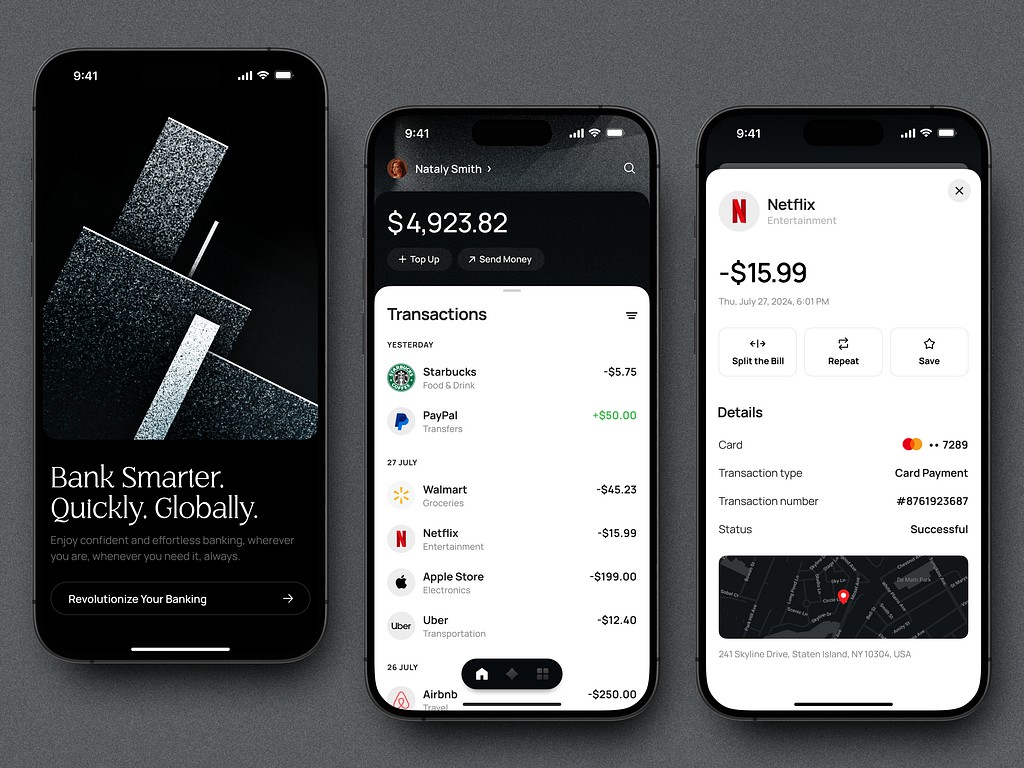
Fintech Mobile App UI Design by Shakuro
NativeScript—pros and cons for enterprise apps
NativeScript gives you JavaScript or TypeScript access to native APIs. That’s appealing if a team is deep in the JS ecosystem but wants something closer to native than a hybrid approach. The downside is that the ecosystem isn’t as big. So if you need a very specific plugin or integration, you might end up writing it yourself. Some enterprises are fine with that; others prefer frameworks with bigger communities.
Unity—best for gaming and AR/VR apps
Unity is basically the default choice for anything involving 3D, AR, VR, or any kind of simulation. Most regular mobile apps don’t need it, but when visuals carry the product, Unity tends to be the first thing people reach for. It’s also the standard engine behind a lot of game development services, from casual mobile titles to full 3D projects.
It’s also used outside gaming—training apps, configurators, educational tools—anything interactive.
Electron—desktop-first, cross-platform use cases
Electron is the fastest way to turn a web app into a desktop app. It’s heavy, yes, everyone knows that, but if a company needs a desktop app quickly, Electron usually gets them there without rewriting everything from scratch.
It works well for productivity tools, collaboration apps, and anything that doesn’t rely heavily on performance.
Tauri—lightweight desktop apps with a security focus
Tauri is like a lighter, more careful version of Electron. It doesn’t bundle a browser engine; it uses what the system already has. So the final app ends up smaller and generally feels a bit snappier.
Developers also like that Tauri takes security more seriously out of the box. It’s newer, so the ecosystem isn’t as wide yet.
Qt—mature, scalable solution for enterprise
Qt has been around for so long that it’s almost in its own category. A lot of industries rely on it—automotive, industrial systems, embedded devices—places where stability matters more than trendiness.
It’s not the typical choice for everyday business apps, but if a company needs something scalable across many platforms—including embedded—Qt is one of the few cross-platform mobile app development frameworks that can handle that level of variety.
Comparison Table
| Framework | Performance | UI Flexibility | Learning Curve | Community | Integration / Enterprise Notes |
| Flutter | usually very fast; good at animations | lots of freedom; custom UIs easy | Dart might slow newcomers | big + active | fine for most business apps; some large teams use it already |
| React Native | solid, esp. w/ native modules | flexible but closer to native look | easy for JS/React devs | huge | fits well where JS is already everywhere |
| .NET MAUI | strong in MS setups | good for standard app UIs | smooth for .NET folks | smaller | perfect when backend + infra = Microsoft |
| Ionic | okay-ish (web speed, not native) | good for simple layouts | trivial for web devs | long-standing | great for small teams / internal tools |
| Kotlin Multiplatform | high (native UI) | depends on native side | fine if you know Kotlin | growing, niche | great for teams sharing code across mobile + backend |
| NativeScript | good (real native access) | decent, but plugins vary | manageable for JS/TS | smaller | JS-heavy companies sometimes pick it |
| Unity | excellent for graphics… heavy for anything else | amazing for 2D/3D & AR | steeper unless you know it | huge (gaming) | best for visual/interactive apps, not regular ones |
| Electron | heavy on RAM but reliable | very flexible (web in a box) | easy for web teams | massive | desktop tools, not for perf-sensitive stuff |
| Tauri | lighter than Electron | flexible; uses system webview | same as above | growing (still young) | good choice for lightweight, security-conscious desktop apps |
| Qt | consistently high | flexible but old-school | steeper, esp. C++ | mature, niche | excellent for enterprise + embedded work (often used when evaluating the best cross-platform framework for enterprise apps) |
How to Choose the Right Framework for Your Project
Team Expertise and Technology Stack
Most decisions, honestly, start here. If your team already works in a certain ecosystem—.NET, Kotlin, React, whatever—forcing them into a completely different framework usually slows everything down. People are more productive with tools they already understand.
So the “right” framework is often simply the one your team can work with tomorrow, not the one that looked best in some benchmark chart.
Vendor Reliability and Community Support
A framework with an active community and a stable roadmap tends to age better. When something breaks (and it will), you want to know someone out there has hit the same problem and shared a workaround.
Vendor backing also matters. If the company behind the framework keeps updating and documenting it, that’s a good sign. If development has been quiet for a year—usually not great.
UI Customization and Performance Requirements
Some apps don’t care much about animation complexity or pixel-perfect layouts. Others absolutely do. If the product relies heavily on visuals or very specific motion, choose a framework that handles rendering well (Flutter, Unity for extreme cases).
Framework Maturity and Future Outlook
Newer frameworks can be exciting, but they come with gaps—missing libraries, fewer tutorials, features that still feel experimental. Mature tools aren’t as shiny but tend to cause fewer surprises.
It’s worth asking: will this framework still be actively maintained in three years?
Security and Compliance Considerations
In some industries, the technology choice isn’t just a technical debate—it has compliance implications. Finance, healthcare, government projects often have extra rules about data handling, encryption, or auditability.
Availability of Learning Resources
If documentation is thin or tutorials outdated, the team is going to lose time just trying to figure out basics. And this slows down any project—especially when working with cross-platform mobile app development frameworks that evolve quickly.
Best Practices for Cross-Platform App Development
Optimizing Performance Across Devices
Cross-platform apps run fine, but only if you keep an eye on the usual troublemakers. Stuff like oversized images, screens doing too much at once, or a bit of logic sitting in the wrong place can slow things down fast. You really notice it when you try the app on an older Android and everything suddenly feels heavier than it did on your main test phone.
Managing Code Reusability and Modular Architecture
If the codebase isn’t organized from the start, it becomes messy surprisingly quickly. It’s much easier to separate the shared pieces from the platform-specific ones instead of throwing everything into one pile. Later, when the app grows, you’ll be glad things aren’t tangled together.
Ensuring Consistent UX and Brand Experience
Cross-platform doesn’t mean cloning the same interface everywhere. iOS and Android have their own habits, and people notice when something feels “off” for their platform. The brand can stay consistent, but a few small adjustments per platform make the whole thing feel more natural.
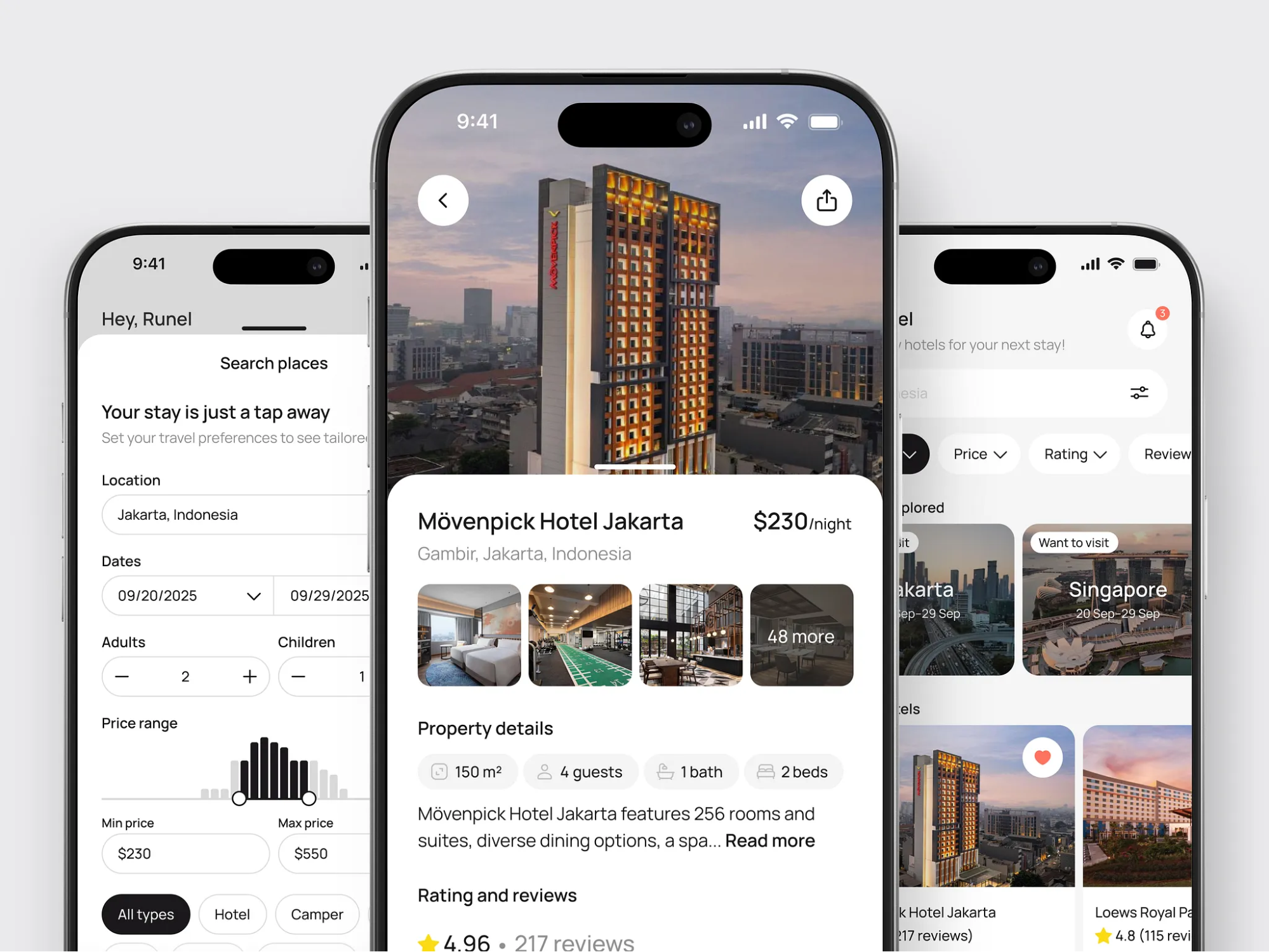
Hotel Booking Mobile App Concept by Shakuro
Emerging Trends in Cross-Platform Frameworks
AI-assisted development tools
AI-powered tooling is becoming part of everyday development work, especially in cross-platform mobile app development frameworks 2025, where teams are juggling multiple platforms.
Integration with cloud & edge computing
Frameworks are adapting to work more smoothly with distributed compute environments.
Progressive Web App (PWA) capabilities
More frameworks offer PWA output as an optional build target, which gives teams another distribution format without extra effort. If the web is your main target, a dedicated progressive web app development guide covers what that output actually involves.
Conclusion
When you strip everything down, picking a cross-platform framework comes back to a few practical questions: what your team is comfortable with, what kind of app you’re actually building, and how much complexity you’re willing to deal with over time.
A good framework choice makes your life easier later—especially when working with modern cross platform mobile app development frameworks that keep evolving every year.
And if you’re unsure—most teams are, honestly—talking to someone who’s built apps in different frameworks usually helps.
Related reading